SavvyCal Flow Example: Setting up account
This flow guides users through the initial steps required to set up their SavvyCal account and prepare it for sharing scheduling links.

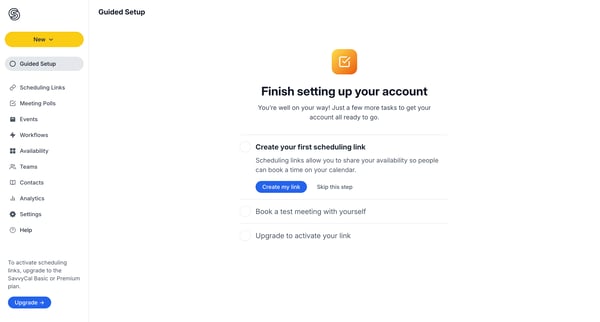
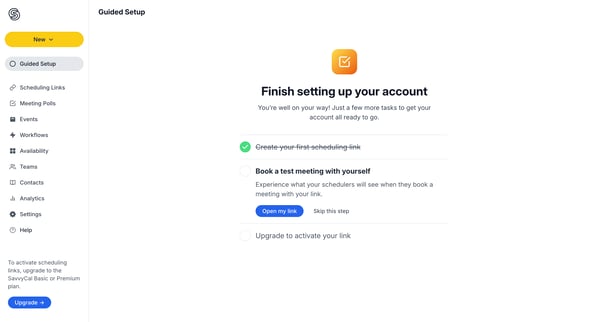
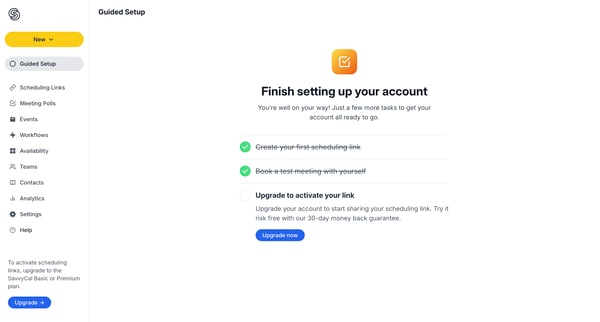
This flow guides users through the initial steps required to set up their SavvyCal account and prepare it for sharing scheduling links.
Related user flows

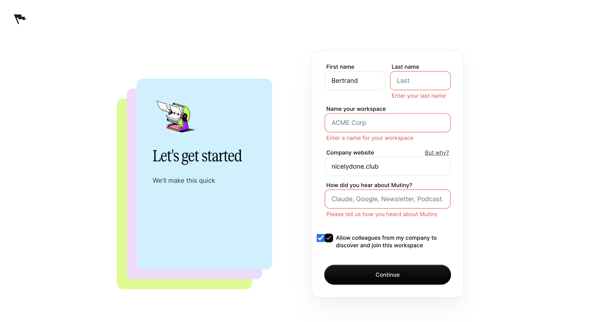
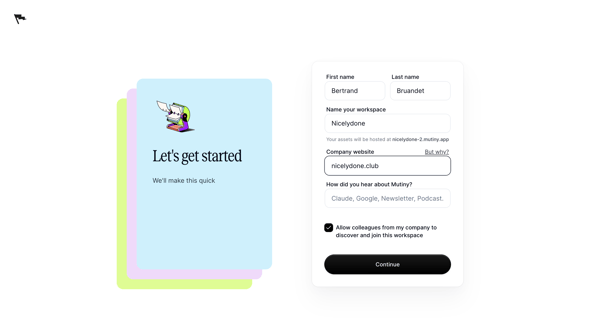
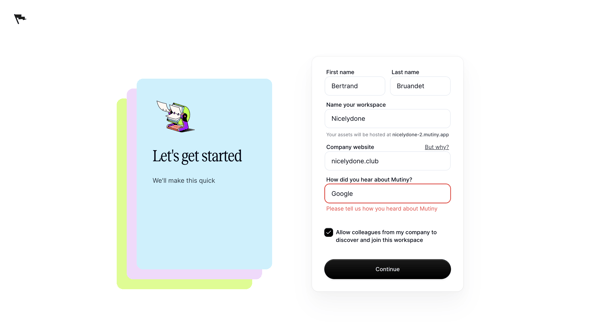


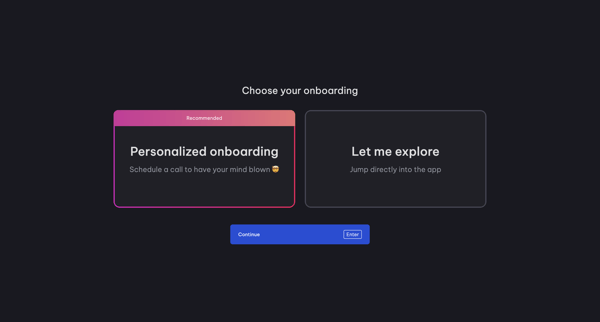
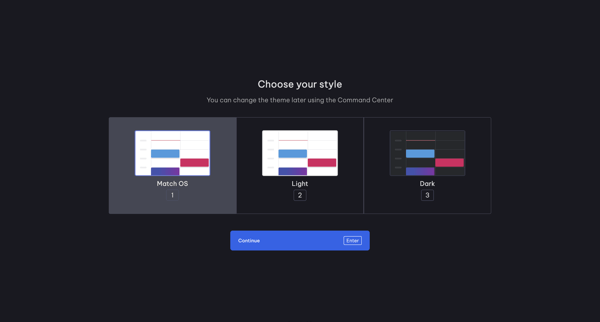
Onboarding journey in Vimcal where user selects role, onboarding path, theme, connects calendar accounts, follows product tours for Command Center, Slots and availability, then creates workspace and invites teammates

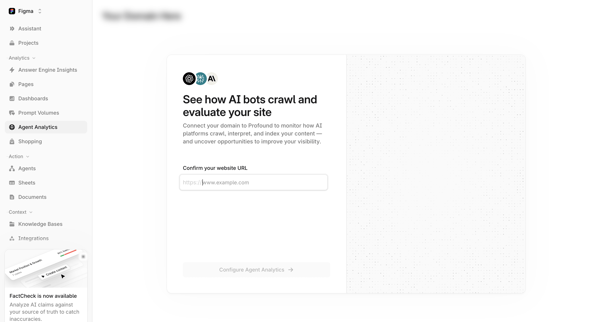
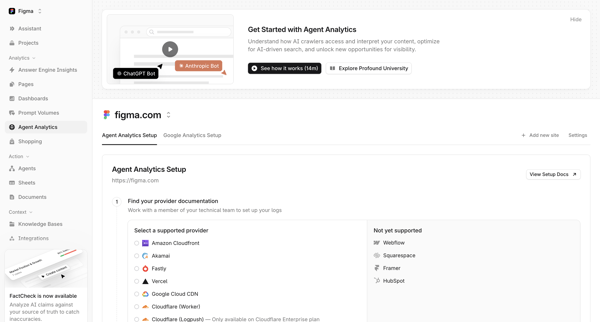
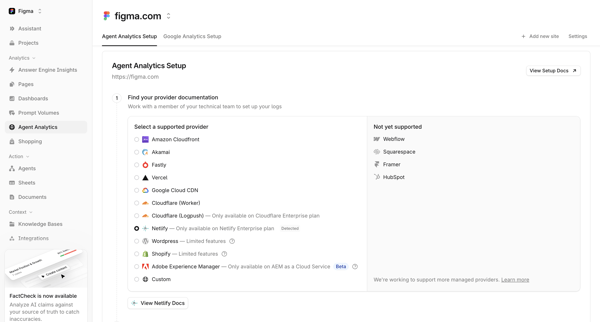

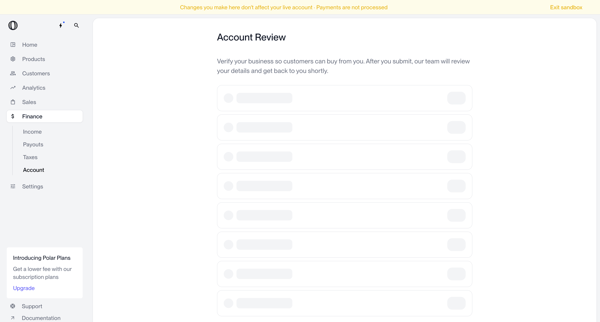
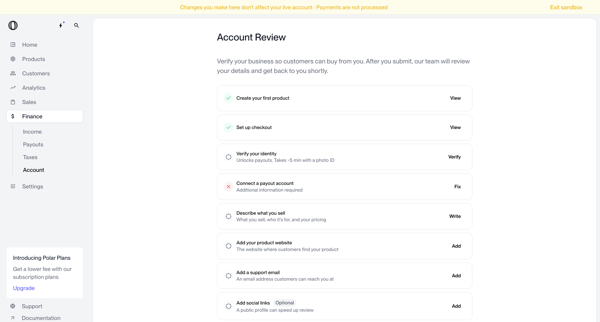
User navigates account review screens in Polar to verify business identity and complete onboarding checklist items before submitting for manual review
Explore the full SaaS flow library
Browse the full SaaS flow library.
Trusted by the best teams







