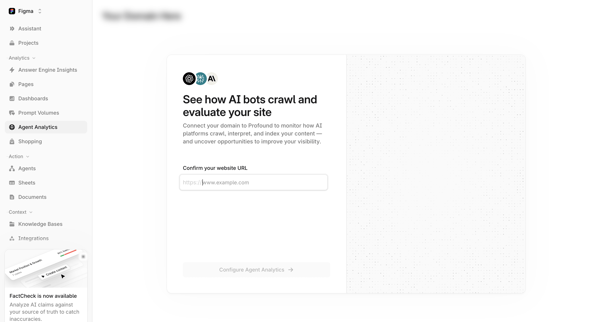
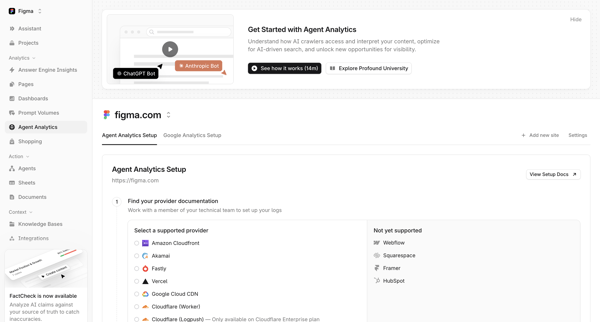
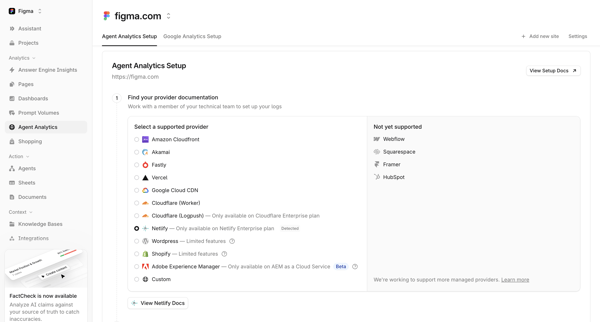
Tryprofound Flow Example: Setting up agent analytics
Preview this Tryprofound user flow: Setting up agent analytics. Explore the opening screens.
Preview these flows

Related user flows

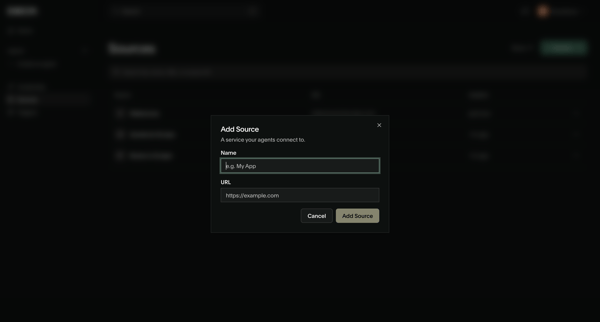
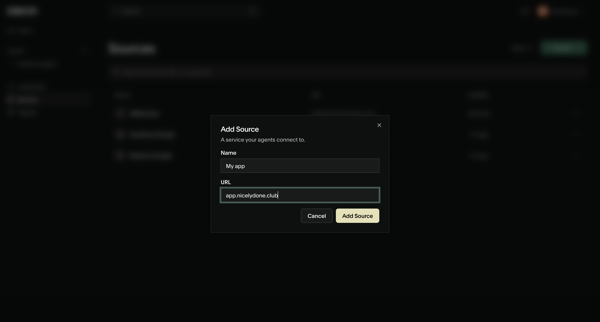
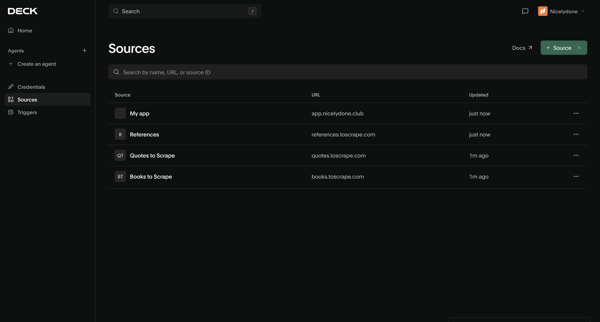
User opens Add Source modal from sources list, enters name and URL for a new service, submits, and sees updated sources list with creation toast

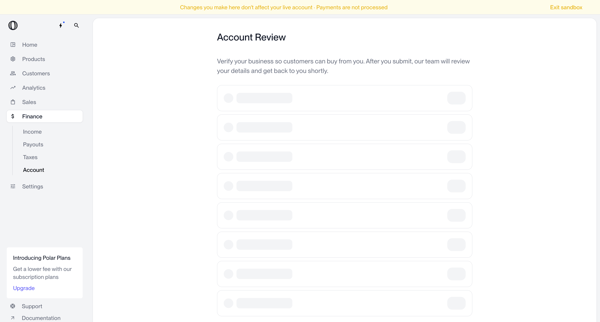
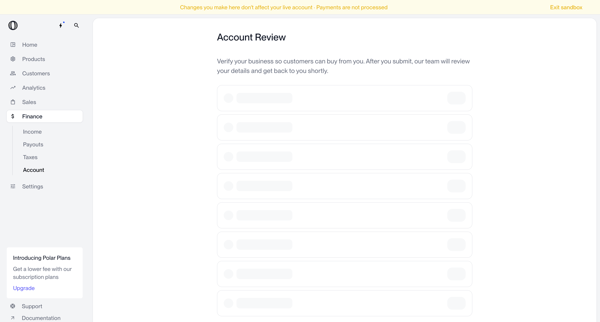
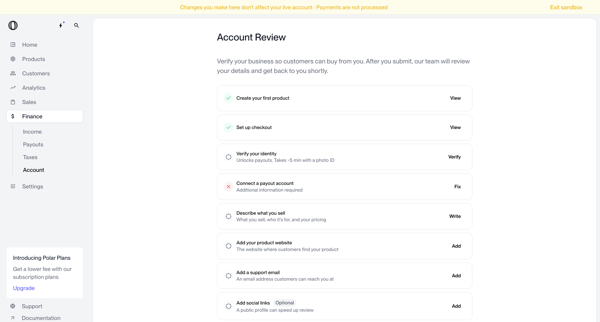
User navigates account review screens in Polar to verify business identity and complete onboarding checklist items before submitting for manual review



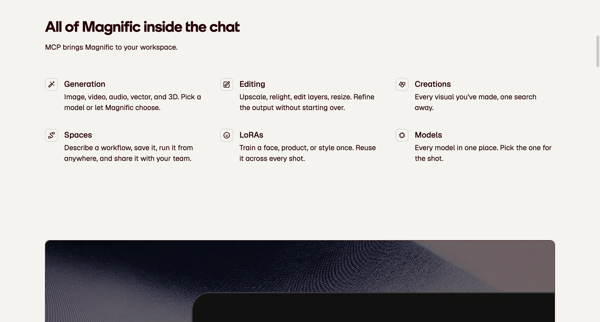
Marketing feature page sequence presenting MCP server URL, setup instructions, capabilities, and FAQ for connecting Magnific to AI clients like Claude and ChatGPT

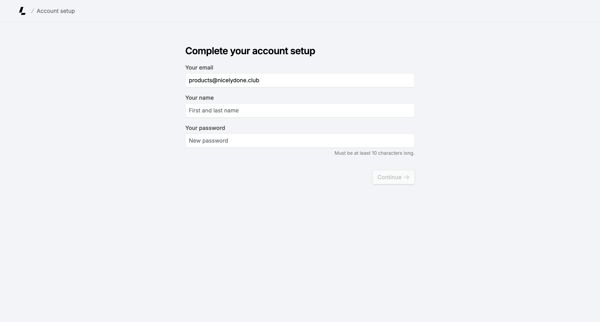
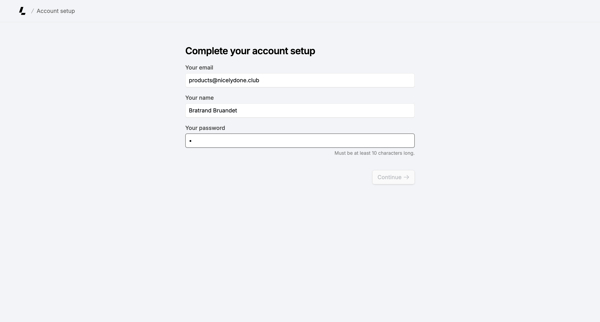
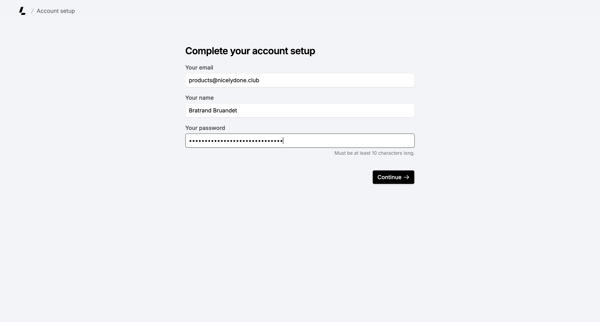
Onboarding form where user confirms email, enters name, and sets password to finish account creation

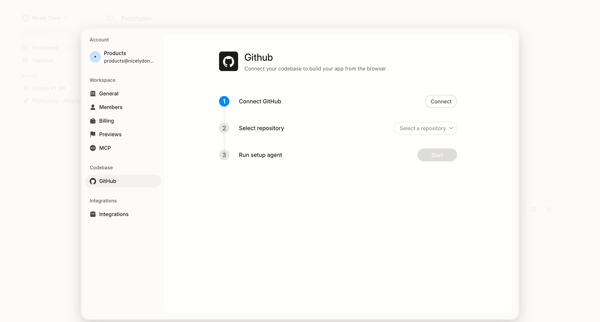
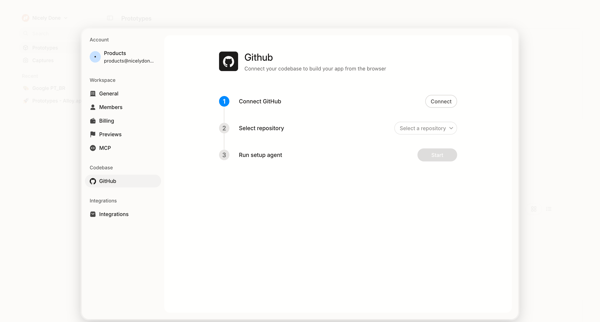
User initiates GitHub integration from settings to connect account, select repository, and run setup agent for browser-based app building



Initiating Airbnb host onboarding with welcome and three-step listing creation intro screens

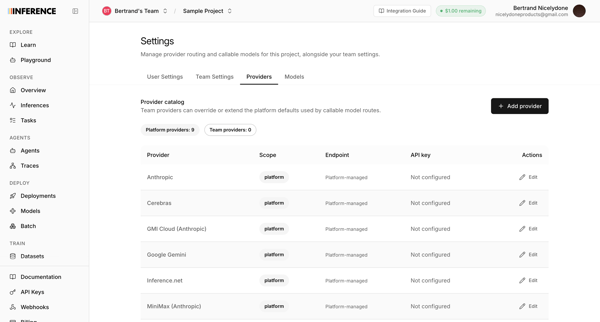
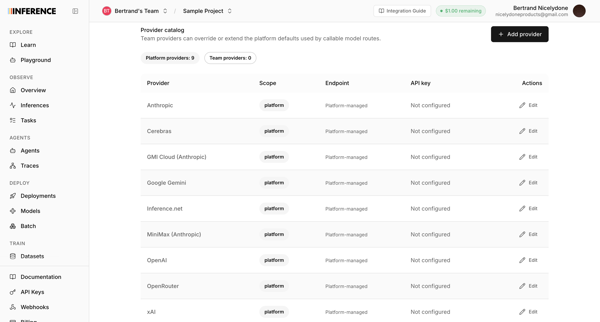
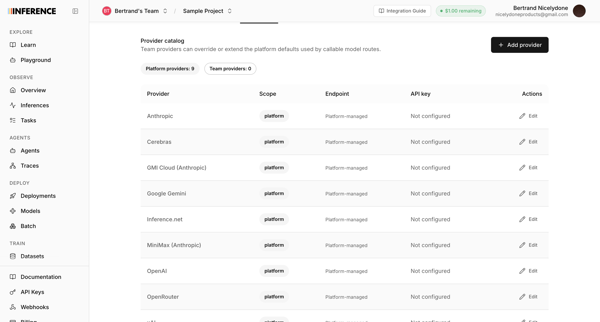
User configures AI provider routing, API keys, and model providers like Anthropic and OpenAI across three sequential settings screens.

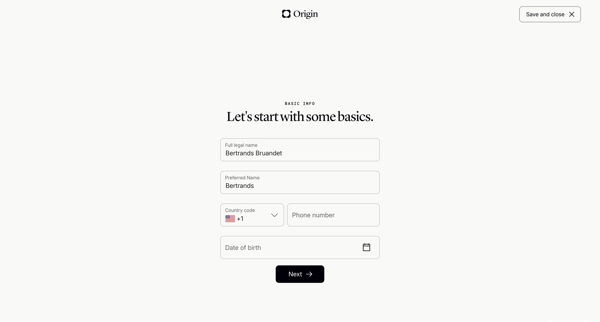
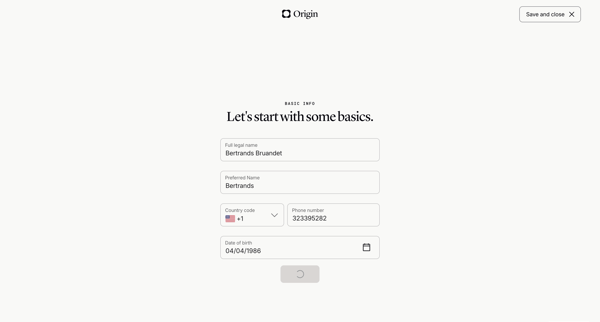

Onboarding wizard collecting personal details, relationship status, children info, state of residence, and executor names to generate a basic will

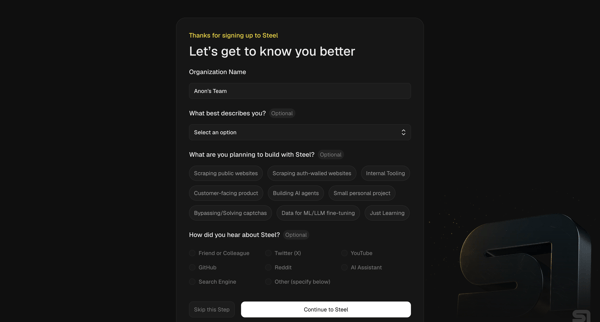
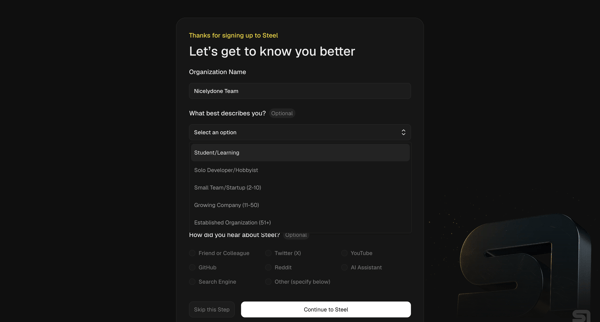
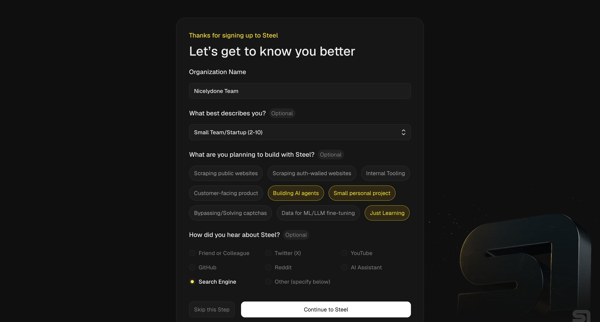
User completes organization questionnaire then developer quickstart to generate API key, install SDK, and pick starter templates for browser automation agents

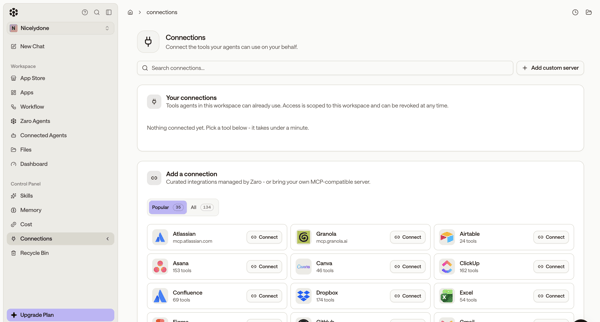
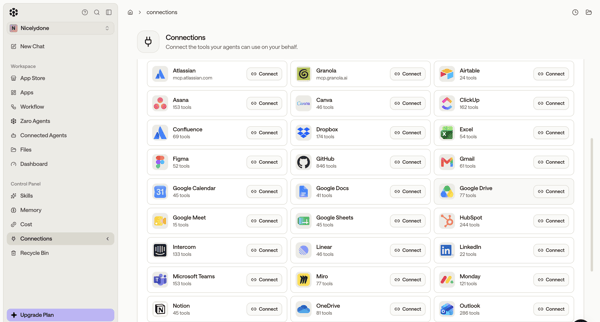
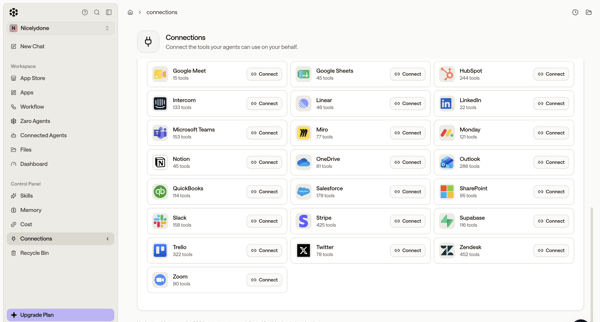
User browses integration directory in settings and connects third-party tools like Atlassian, GitHub, Figma, Asana, Slack for AI agents

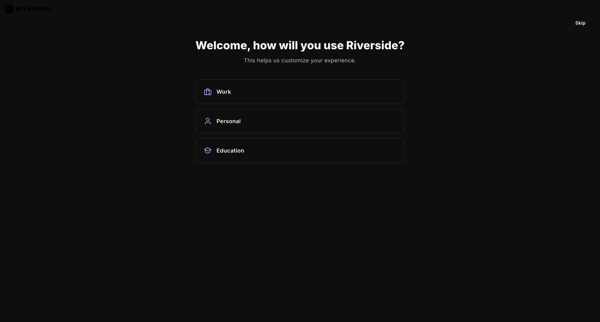
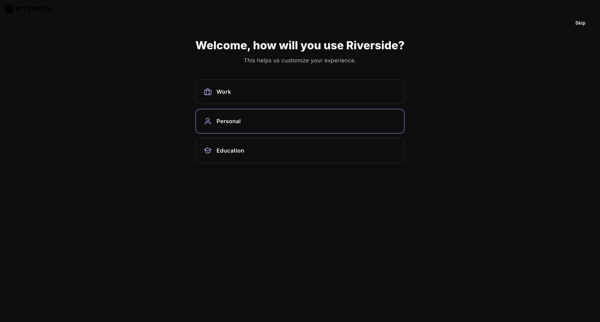

User selects primary use case, content goals, discovery source, and starting tools to personalize workspace in Riverside

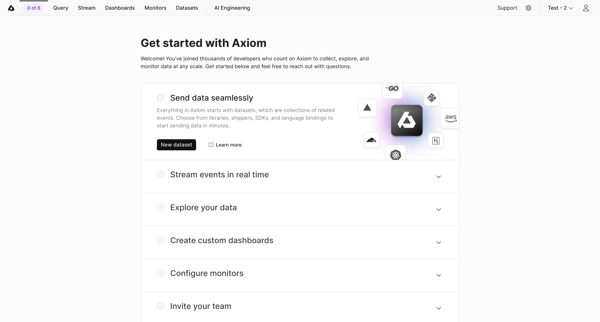
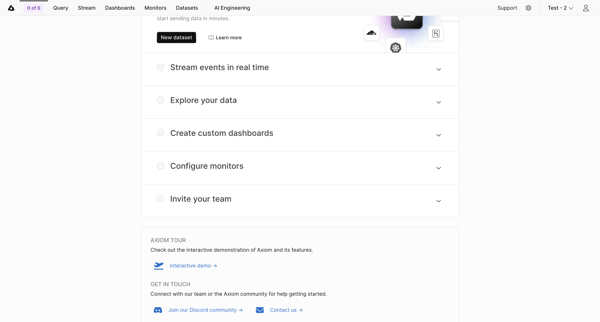
User views and interacts with Getting Started Checklist to begin workspace setup tasks in Axiom
Explore the full SaaS flow library
Browse the full SaaS flow library.
Trusted by the best teams







