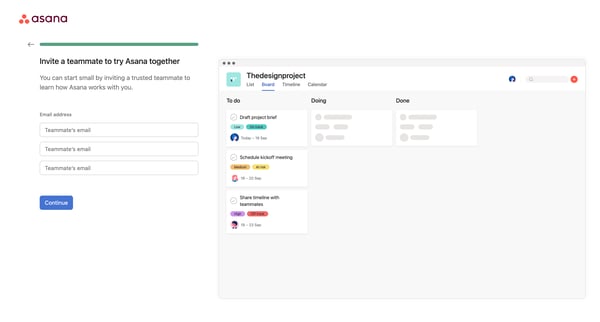
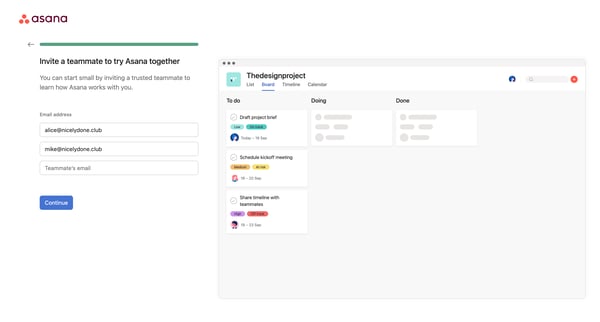
Asana Flow Example: Inviting teammate
Preview this Asana user flow: Inviting teammate. Explore the opening screens.
Preview these flows


Related user flows

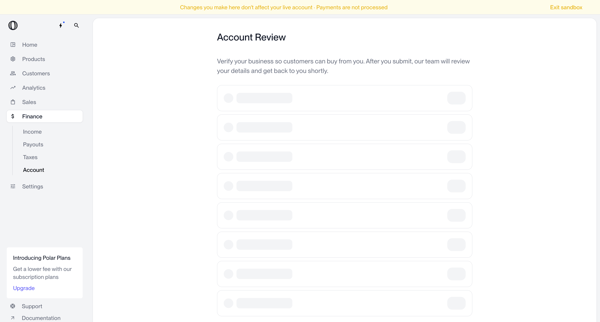
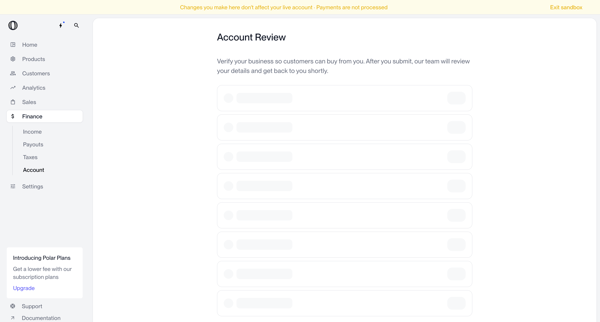
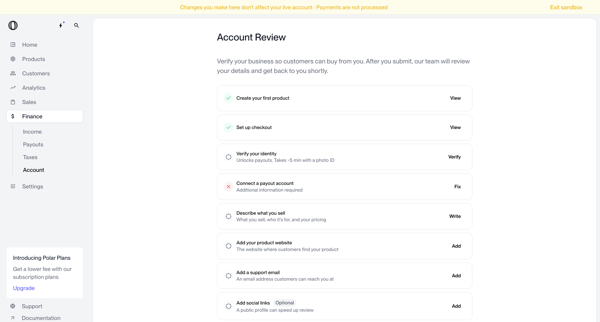
User navigates account review screens in Polar to verify business identity and complete onboarding checklist items before submitting for manual review

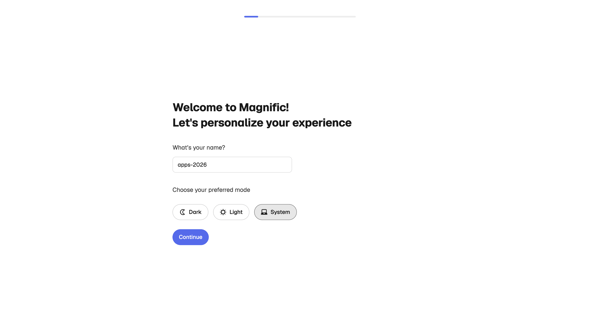
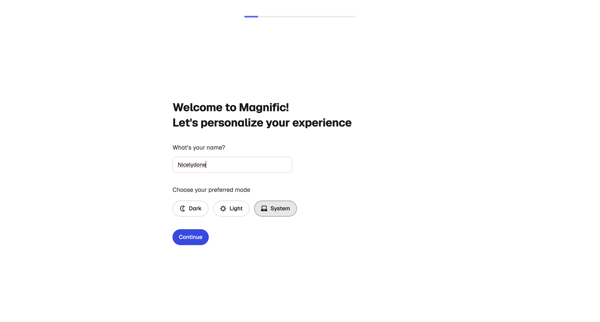
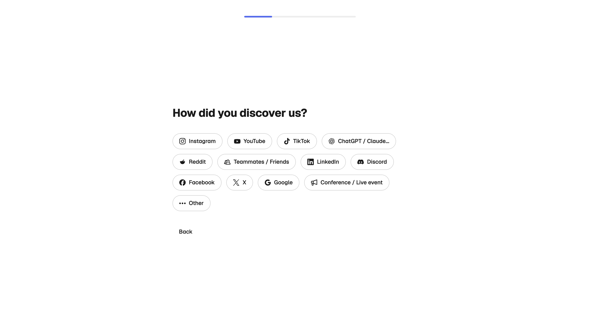
User completes multi-step onboarding in Magnific by personalizing profile, profiling creative needs and experience, selecting use cases, and initializing workspace

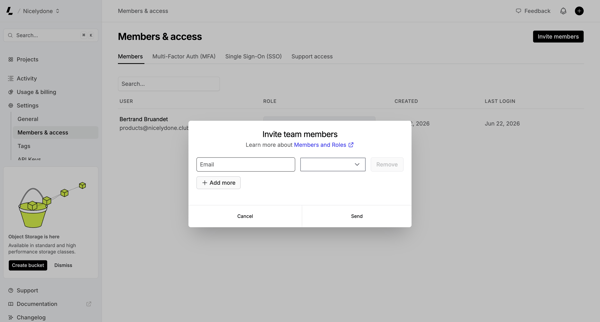
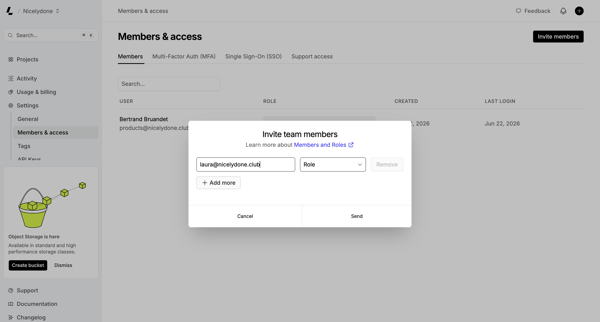
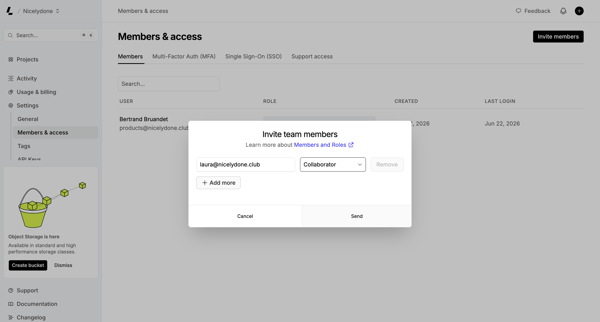
User opens invite modal from Members & permissions settings to enter emails, select roles, and send team invitations

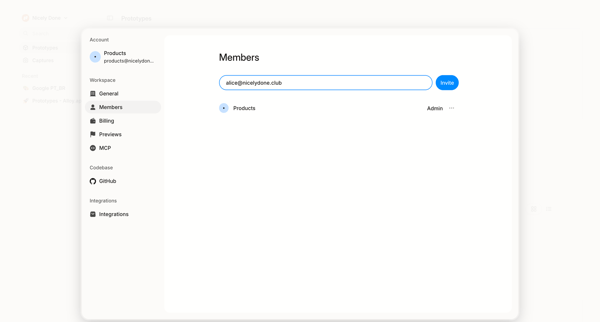
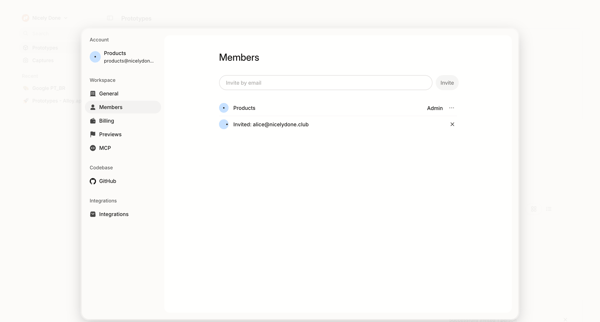
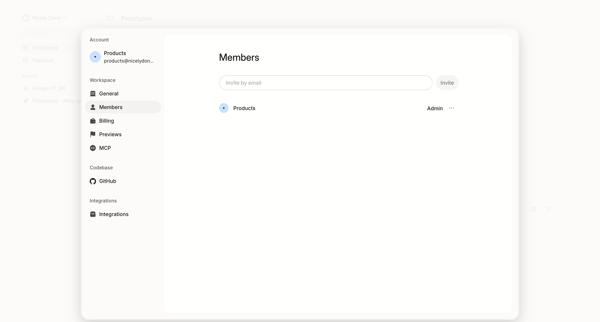
User opens workspace members settings modal to view existing members and roles then invites new teammates by email

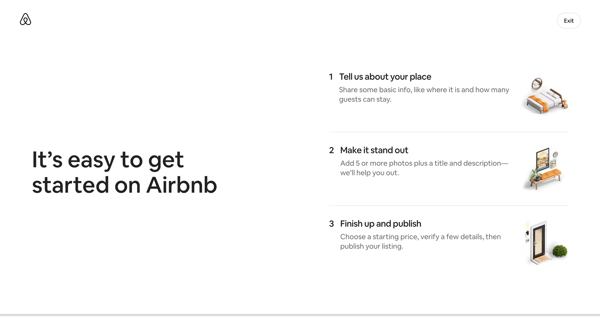
Initiating Airbnb host onboarding with welcome and three-step listing creation intro screens

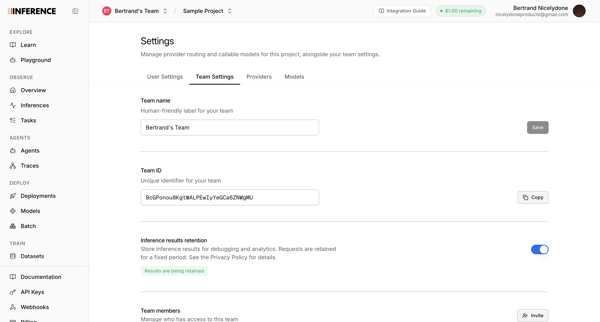
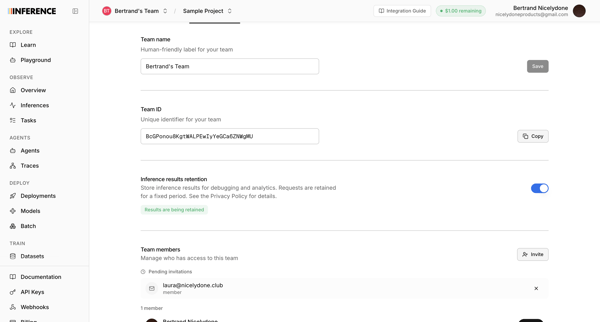
Configuring team name, ID, inference results retention, and managing members plus invitations from the team settings page

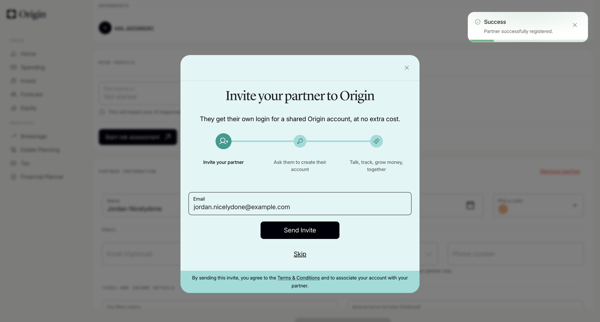
User opens partner invite modal from profile settings, enters email, sends invite, and sees success confirmation

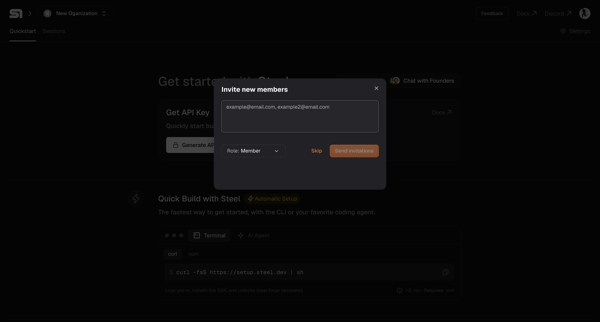
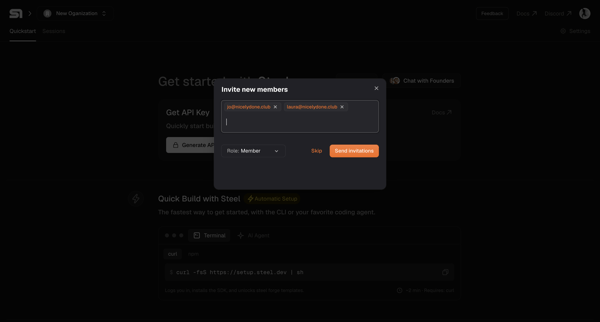
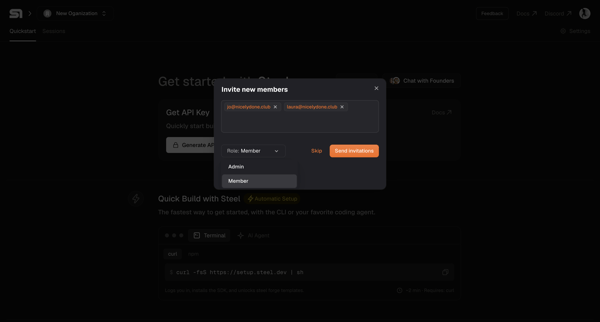
Onboarding flow for inviting new members to a new organization by entering emails, selecting roles, and sending invitations, ending in a success modal.

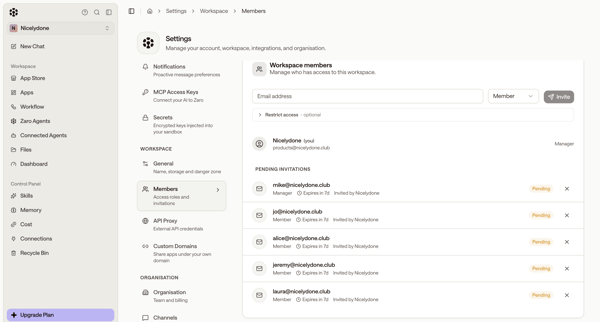
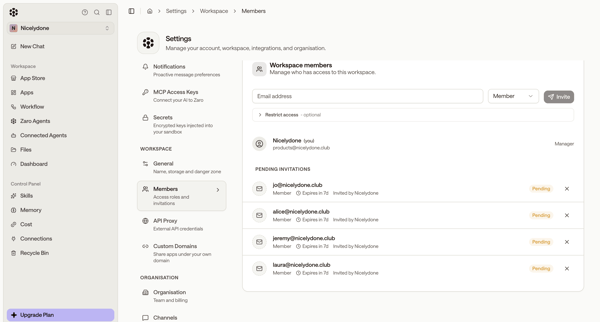
User accesses Workspace Members Settings to enter email addresses, select Member or Manager roles, and send invitations while viewing pending invitations

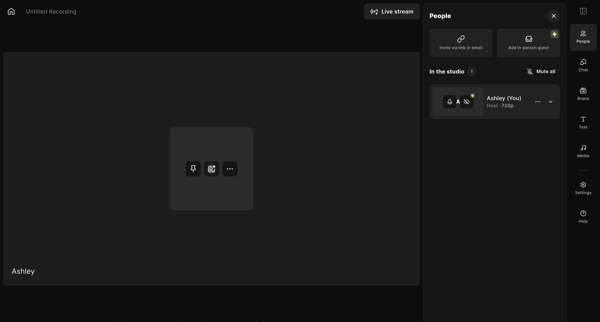
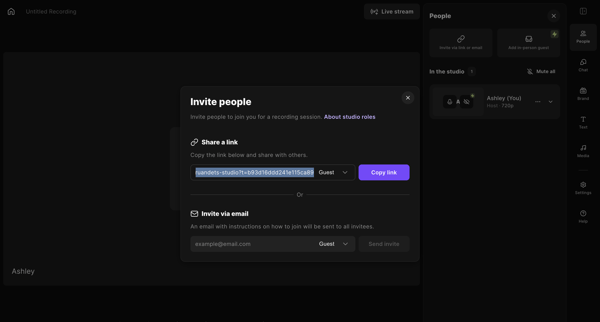
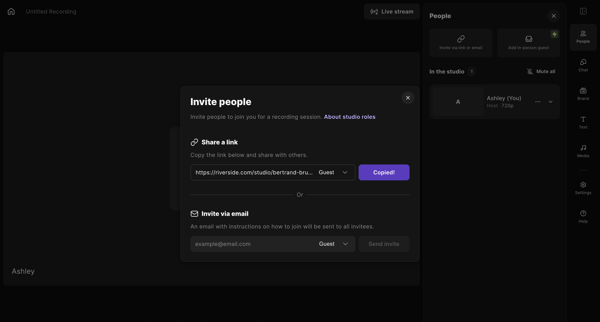
Host opens invite options from the video recording studio editor and sends session access via shareable link or email

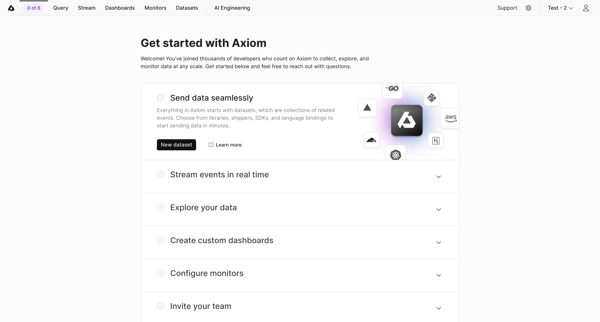
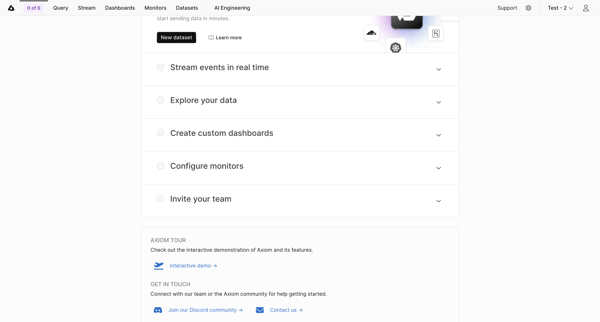
User views and interacts with Getting Started Checklist to begin workspace setup tasks in Axiom

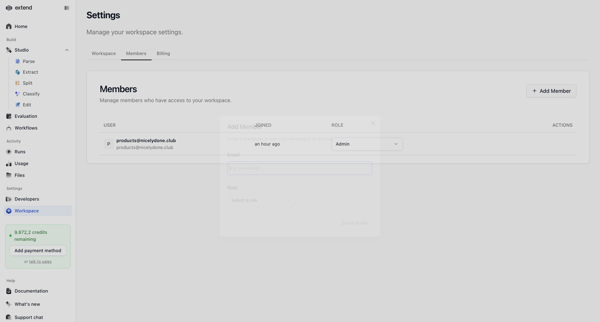
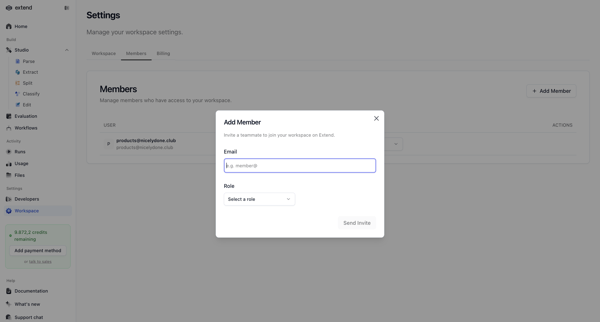
Inviting new teammates to the workspace via email with role assignment from the members and permissions settings page
Explore the full SaaS flow library
Browse the full SaaS flow library.
Trusted by the best teams







