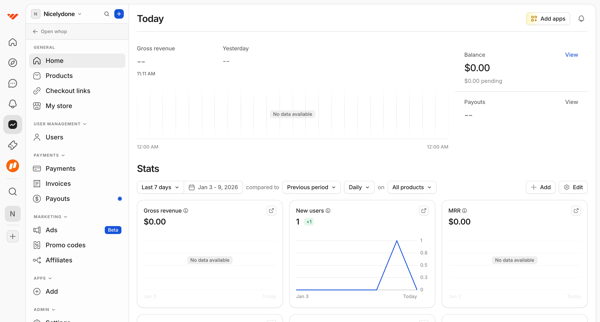
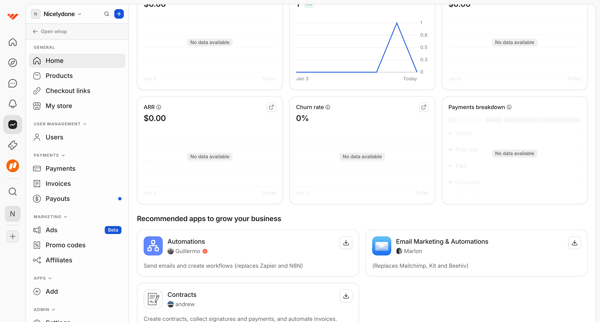
Whop Flow Example: Monitoring business metrics
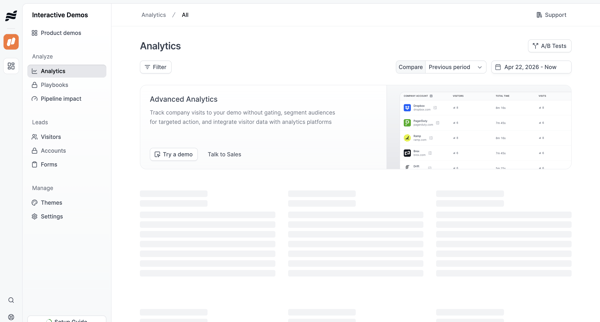
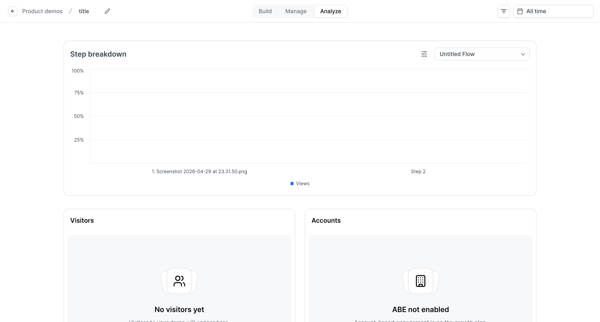
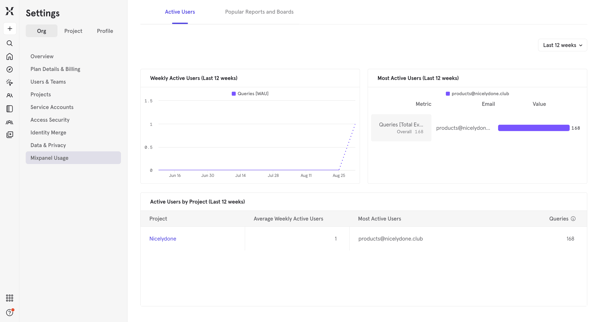
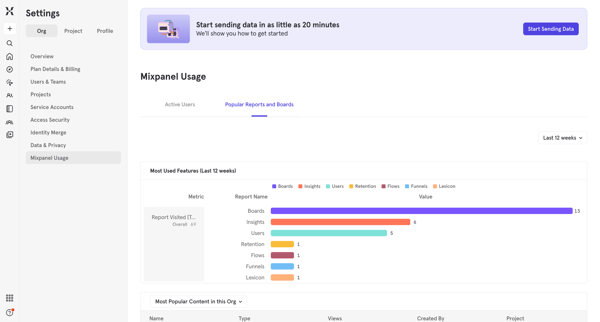
Preview this Whop user flow: Monitoring business metrics. Explore the opening screens.
Preview these flows

Related user flows

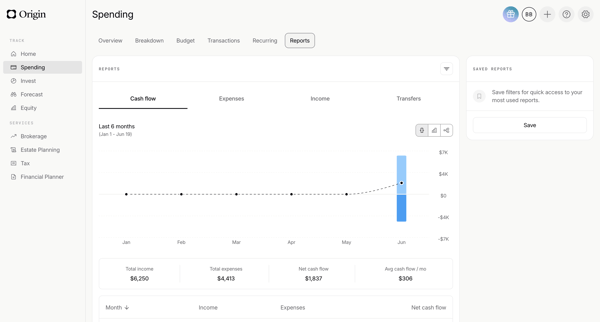
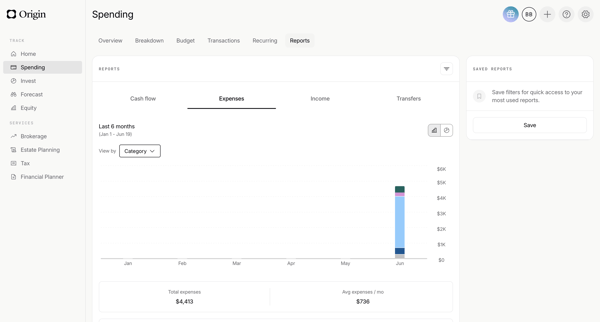
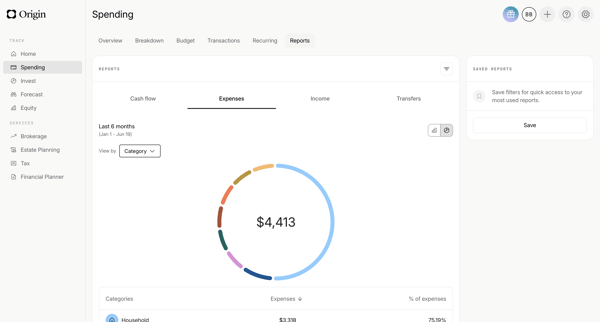
Reviewing cash flow, spending, expense, income, and transfer reports via sequential dashboards with charts, tables, and filters in Origin Financial

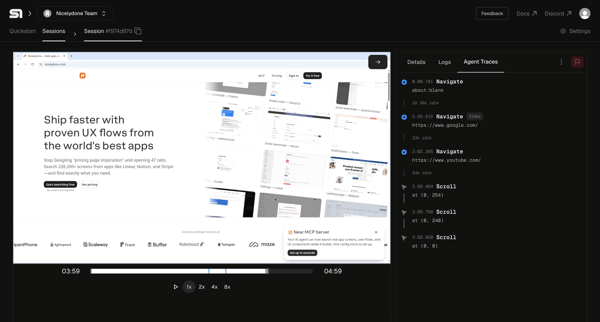
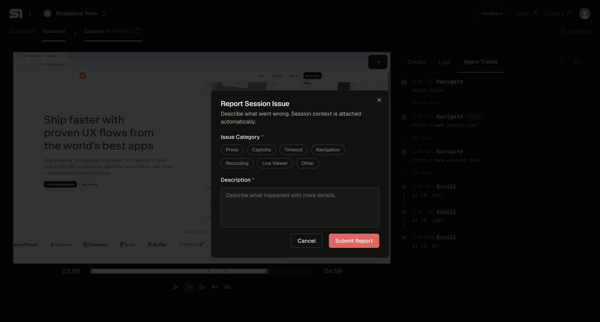
From an agent trace viewer showing a completed session recording and event timeline, the user opens a bug report modal to select an issue category and enter a description

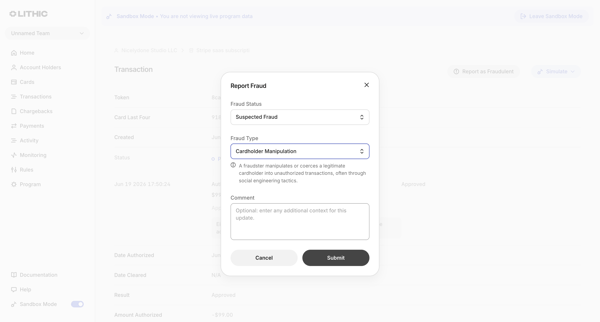
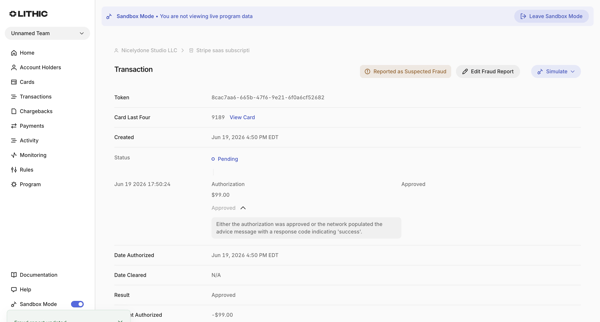
From a transaction detail page, open fraud report modal to select status and type then submit, returning to detail view showing updated fraud report status

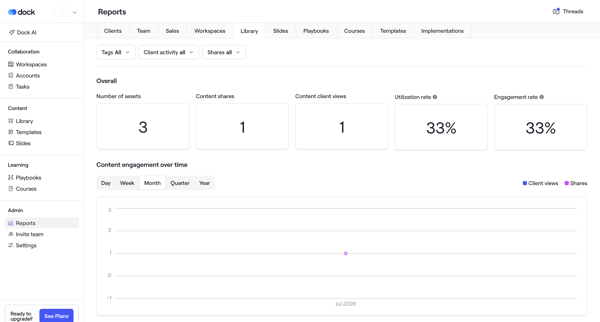
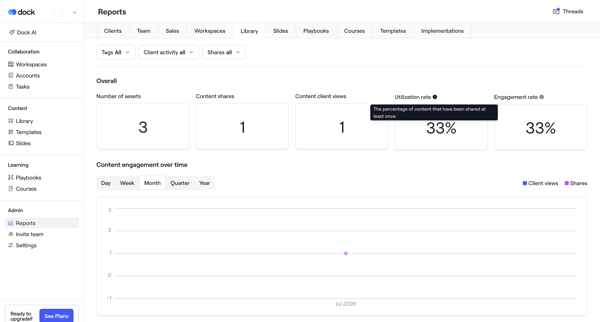
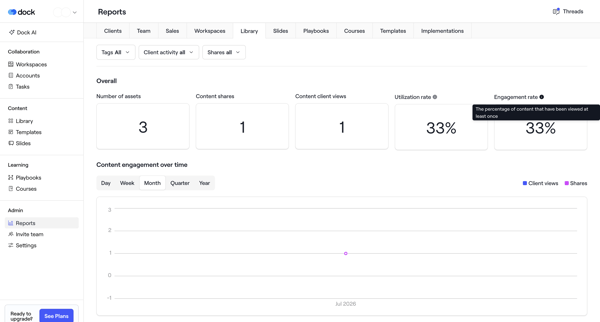
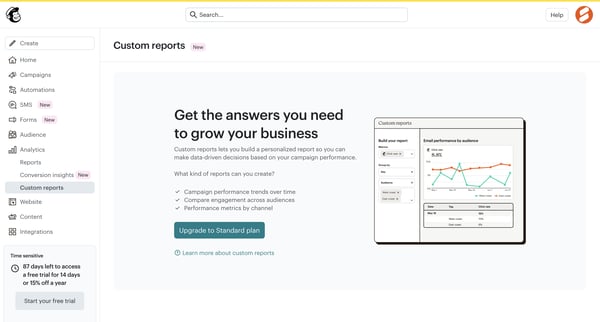
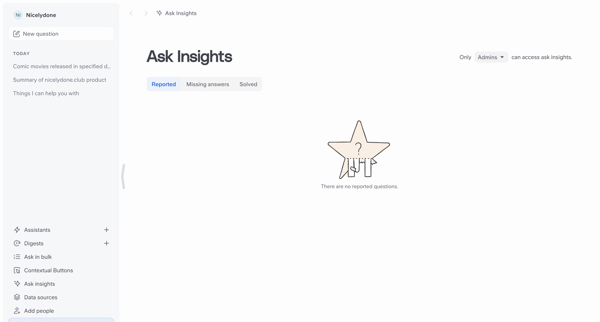
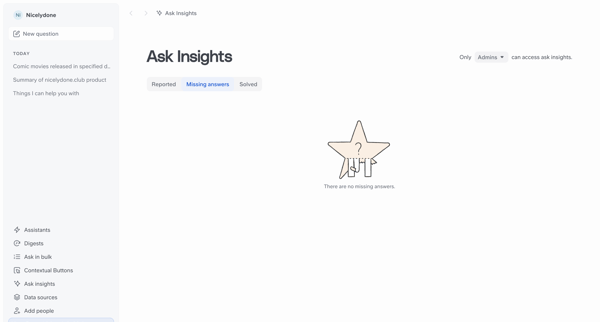
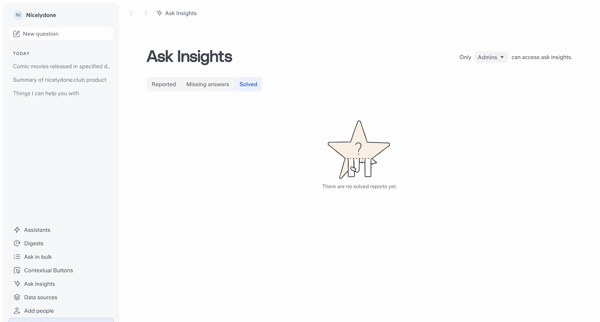
User accesses the Reports dashboard via admin navigation and views KPI metrics, filters, and time-series engagement charts across multiple content tabs with frequent empty states

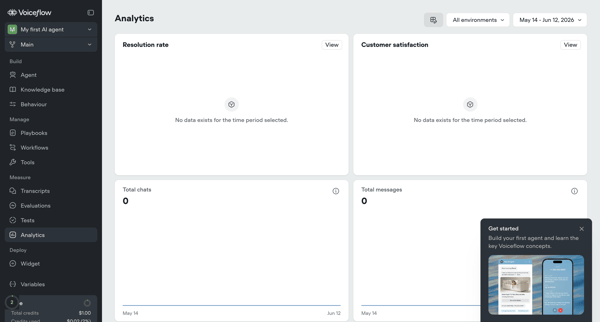
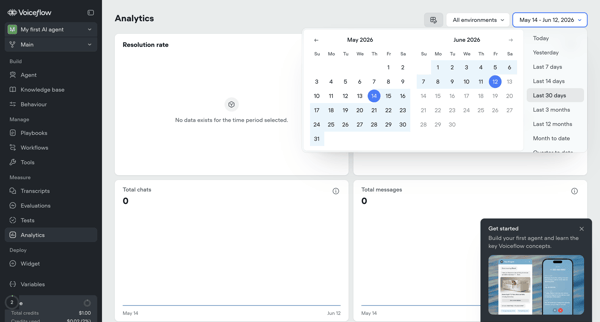
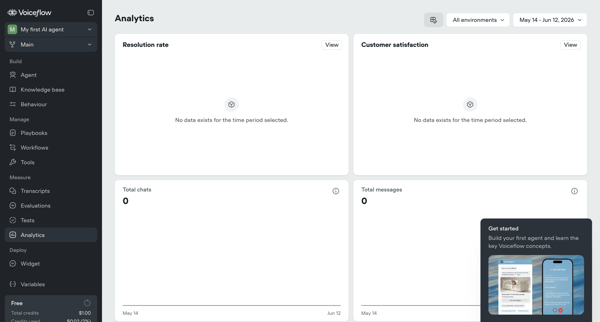
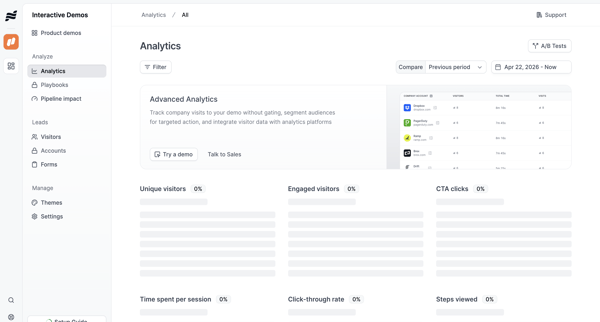
Viewing empty agent analytics dashboards showing resolution rate, satisfaction, chats, and messages with date filtering and onboarding prompts

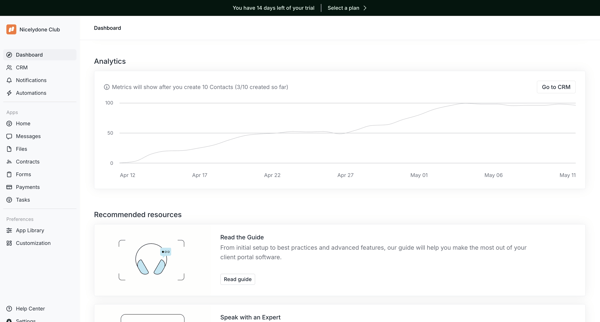






Explore the full SaaS flow library
Browse the full SaaS flow library.
Trusted by the best teams







