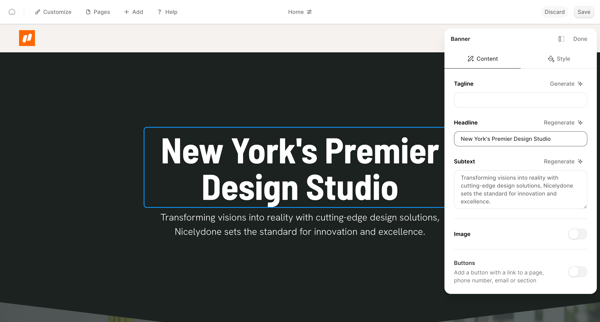
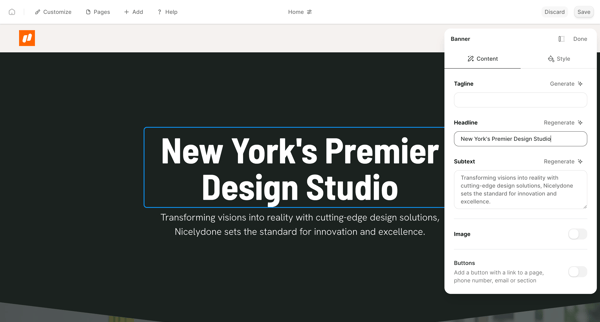
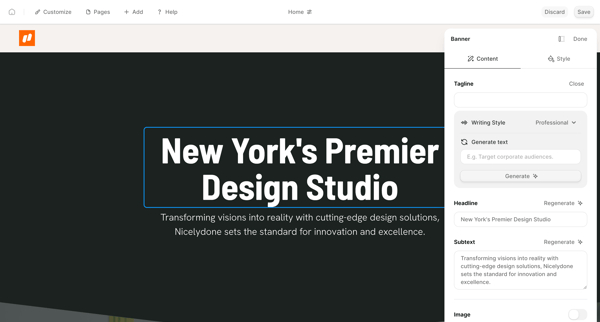
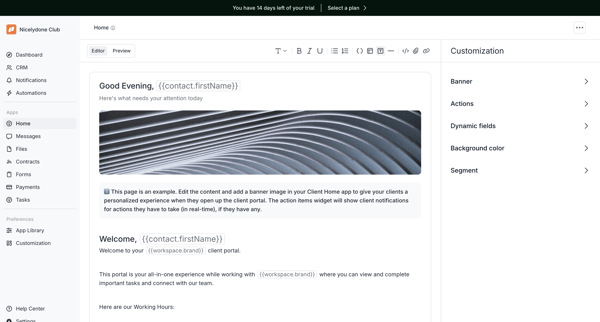
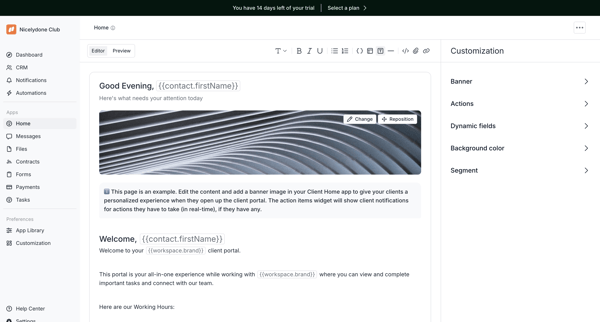
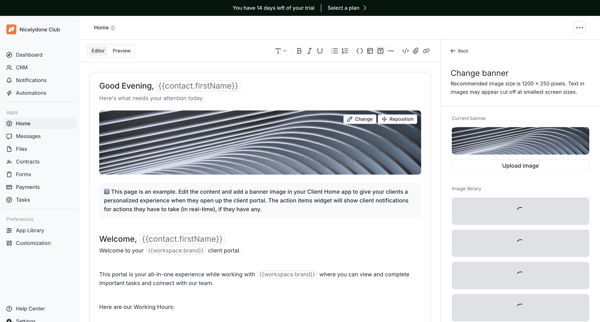
Customizing banner section
User flow from Durable.
Preview these flows

Related user flows

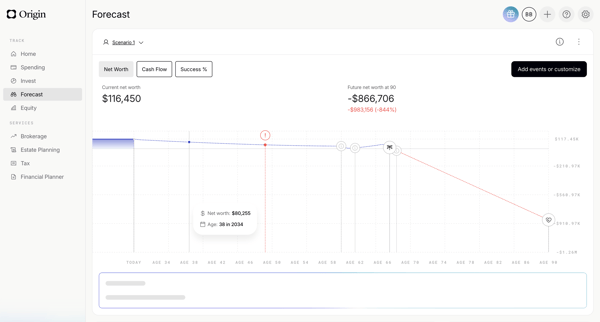
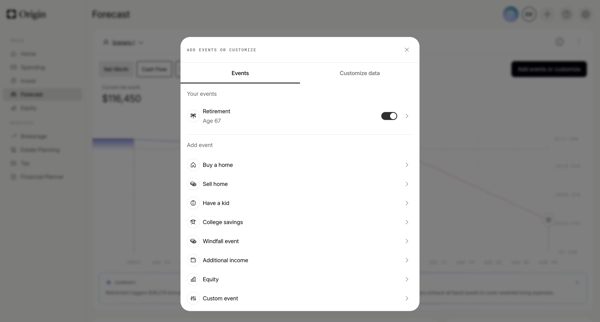
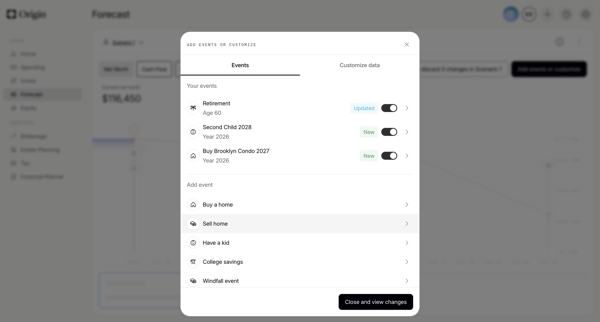
User starts on financial forecast dashboard, opens events modal to toggle or add life events, configures specific events like retirement via forms and sliders, then views updated scenario chart with AI summary

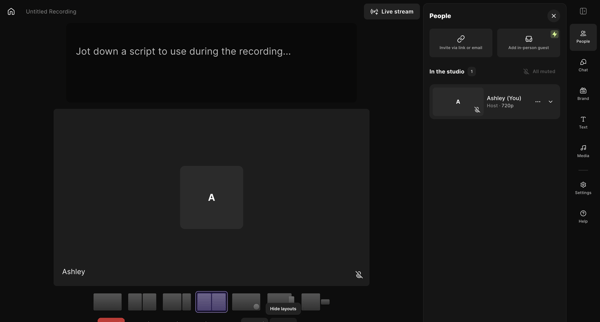
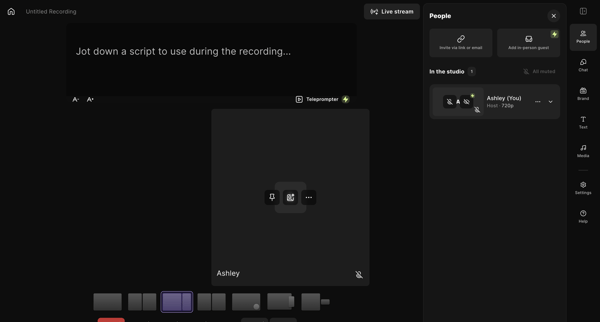
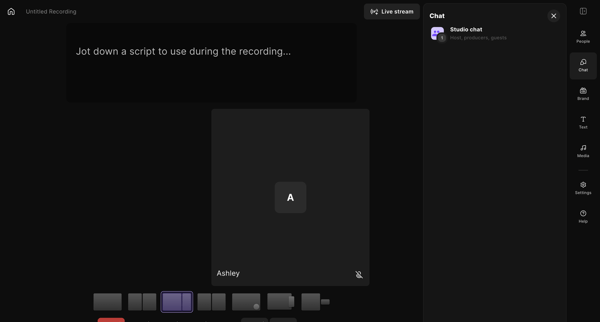
Host adjusts brand colors, fonts, name styles, lower thirds overlays, layouts, and teleprompter settings inside the live recording studio workspace

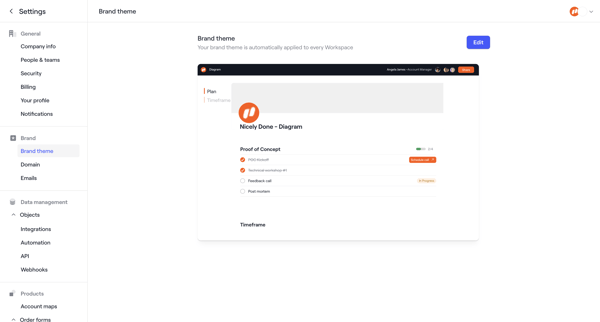
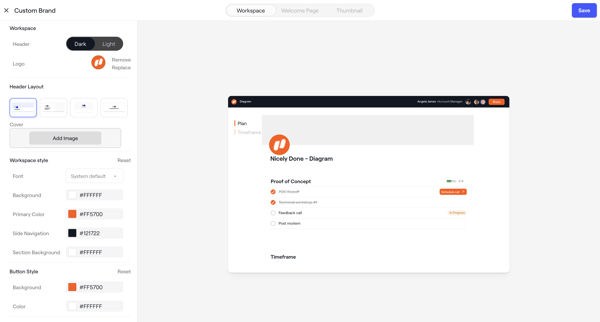
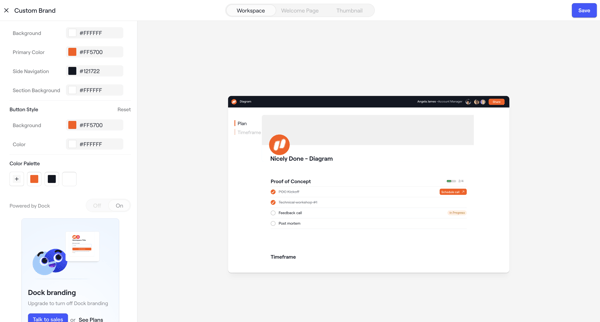
Admin configures workspace brand theme across appearance settings screens with live client portal preview, color/layout/font controls, asset uploads, and upgrade prompts

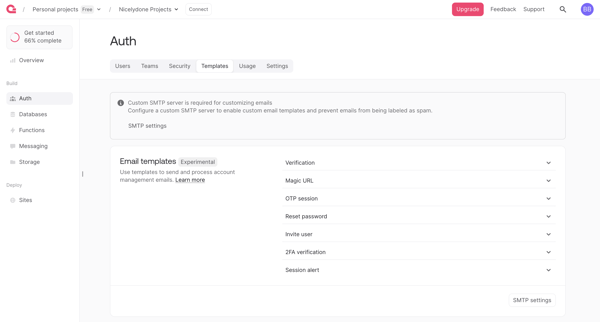
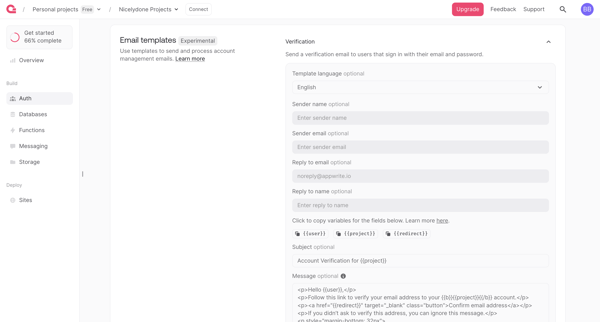
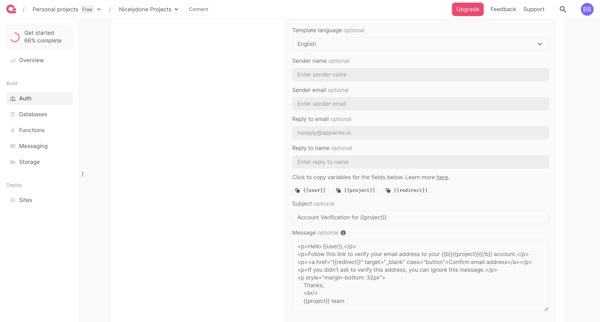
User navigates Auth settings to review and edit email templates for verification, magic URL, OTP, password reset and other auth flows, with SMTP requirement and upgrade gate for branding removal

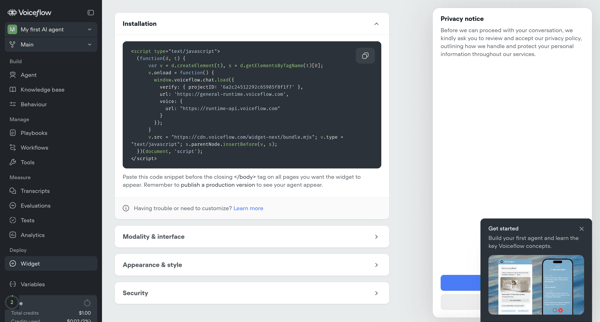
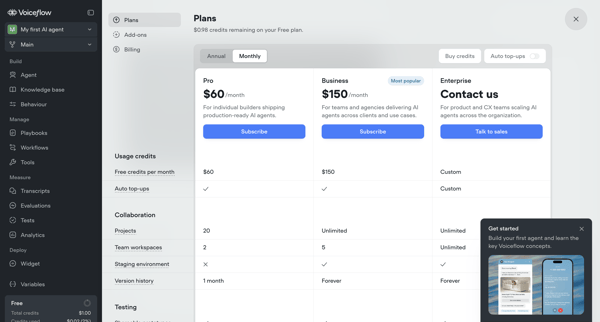
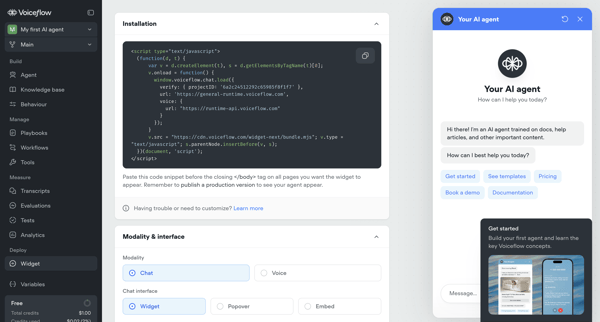
User configures installation snippet, appearance, security, and deployment options for Voiceflow AI agent's webchat widget across multiple settings screens, with upgrade prompts for advanced features

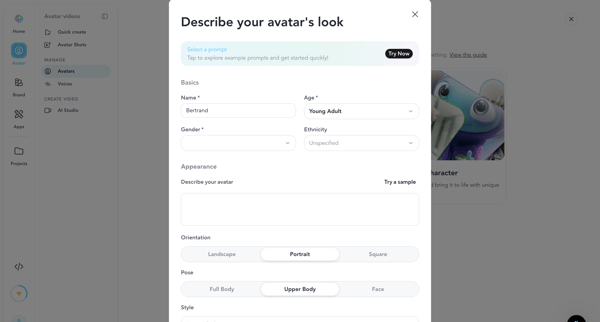
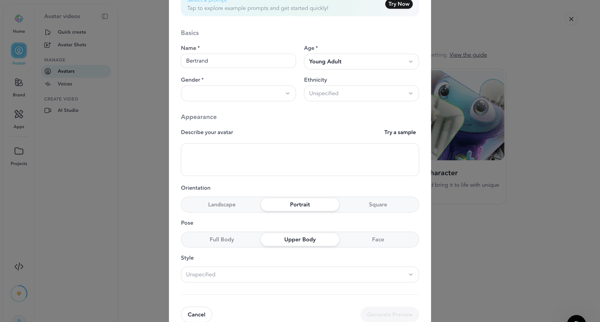
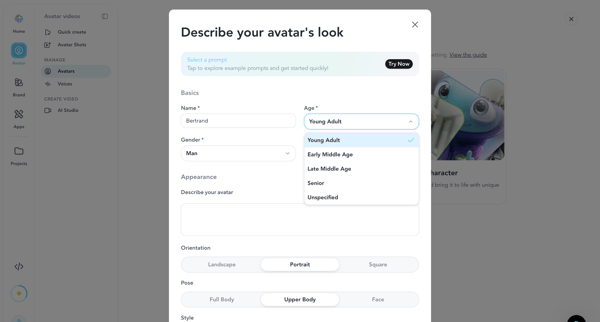
User configures AI avatar name, demographics, appearance prompt, orientation, pose and style inside creation modal before generating preview image or video

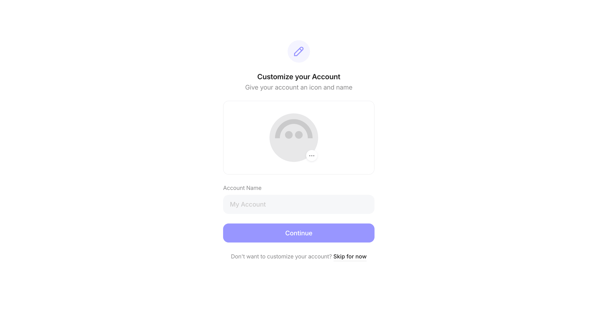
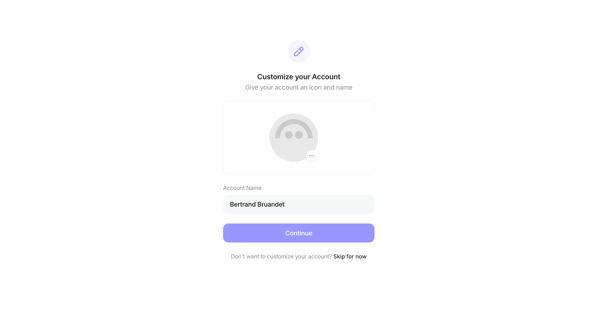
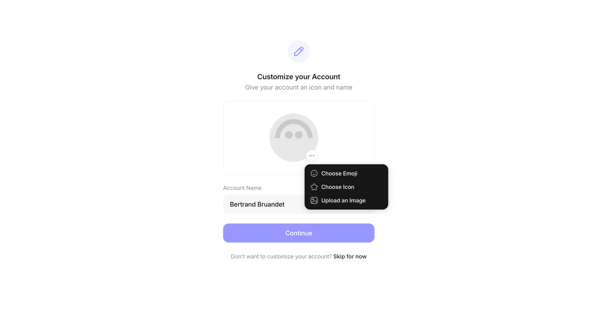
Onboarding sequence in Family crypto wallet where user sets account icon or emoji, color, and name with continue or skip options

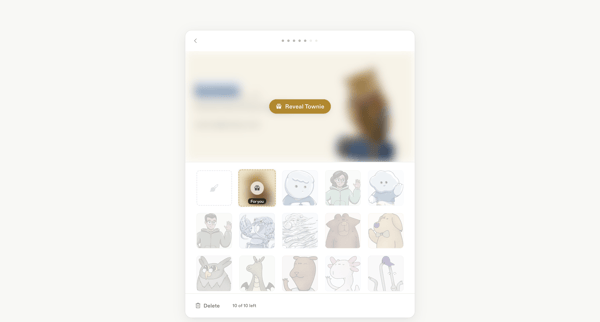
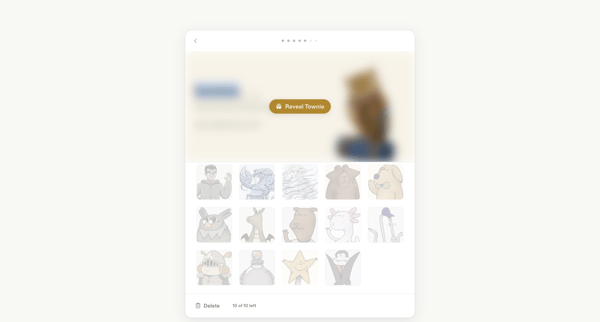
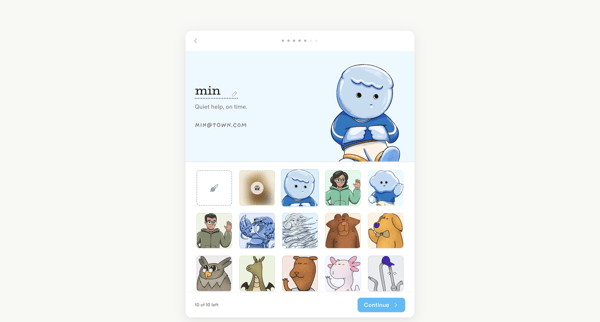
Onboarding flow for selecting or generating a custom illustrated avatar character during account setup




Explore the full SaaS flow library
Browse the full SaaS flow library.
Trusted by the best teams







