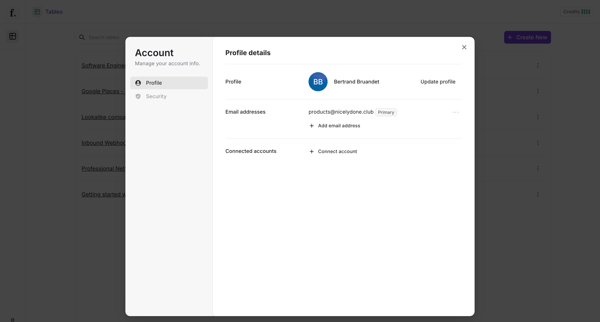
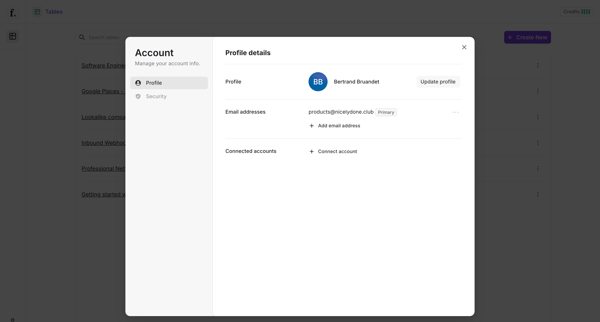
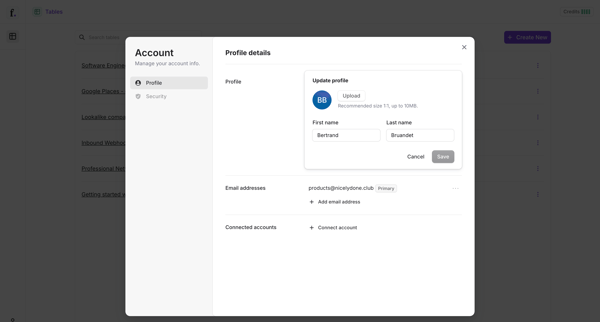
Managing account profile
User flow from Freckle.
Preview these flows

Related user flows

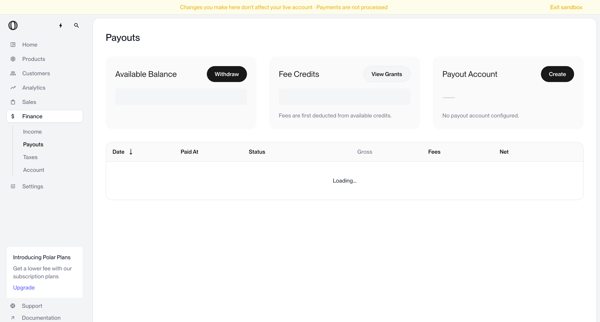
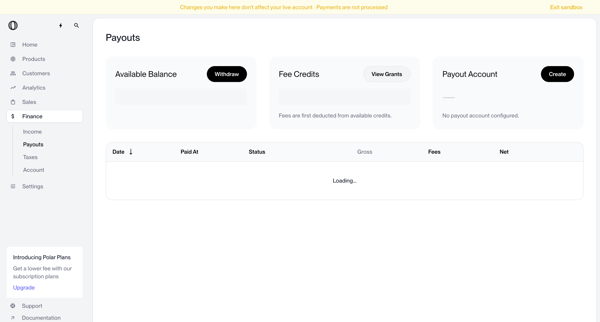
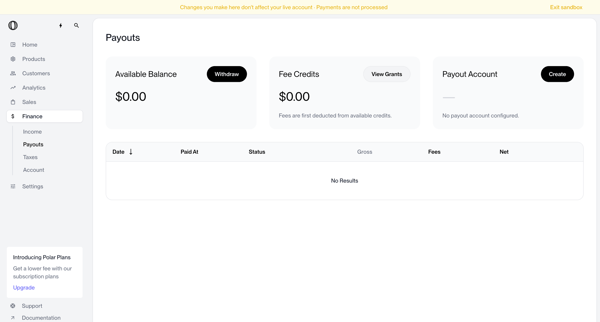
User views payouts dashboard showing no account configured, triggers withdrawal which shows blocked modal, opens create payout account modal, selects country of residence from dropdown, and returns to dashboard with manage button and setup required status

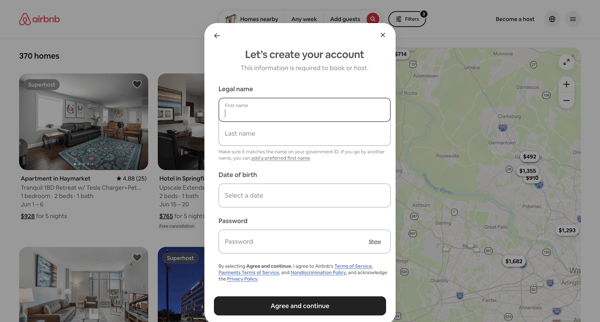
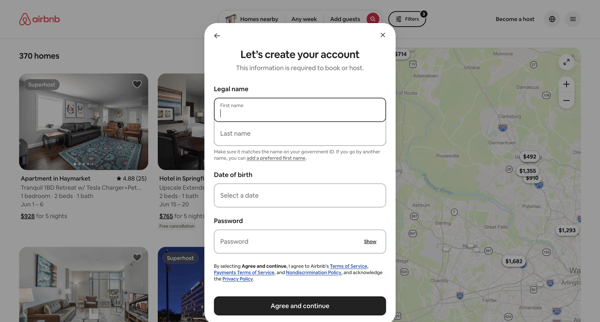
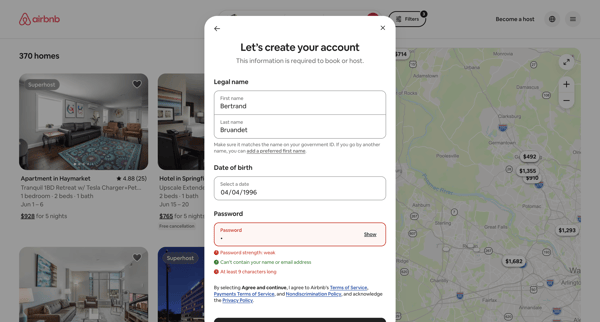
User enters legal name, date of birth, and password in Airbnb signup modal with inline password validation before booking

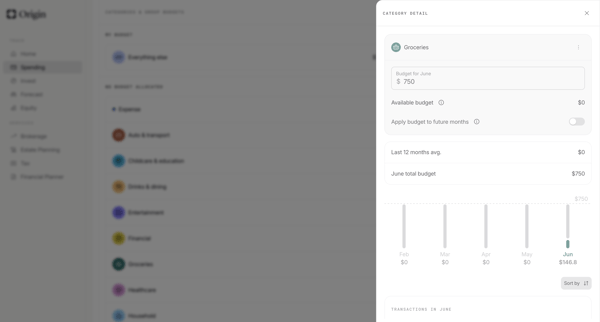
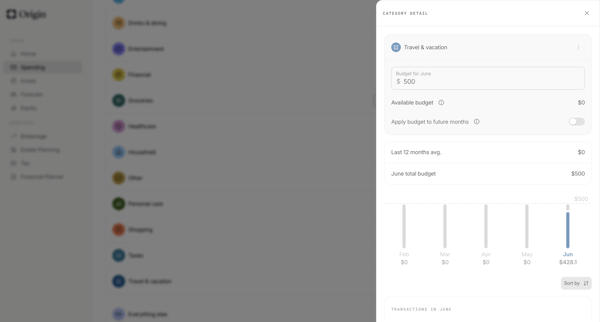
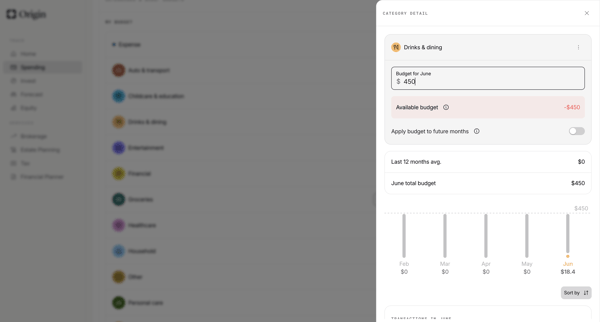
User edits category-level monthly budgets from detail drawers, confirms increases, and updates allocations across settings and dashboard views in Origin Financial

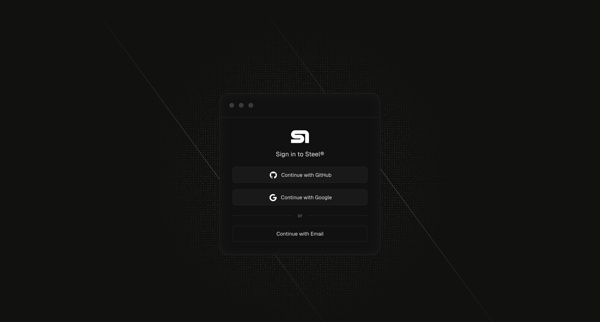
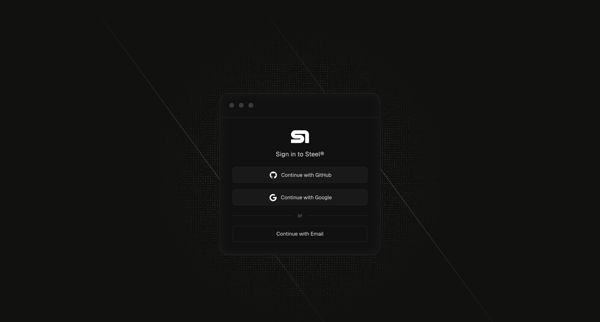
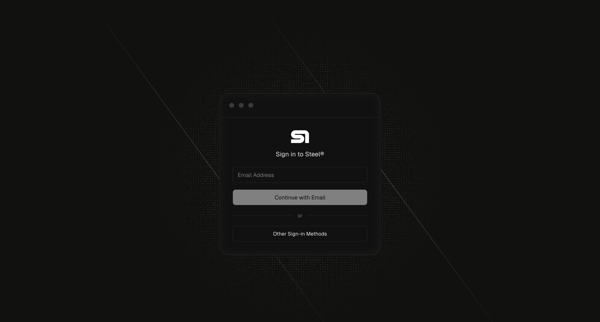
Authenticating to Steel via OAuth or passwordless email magic link

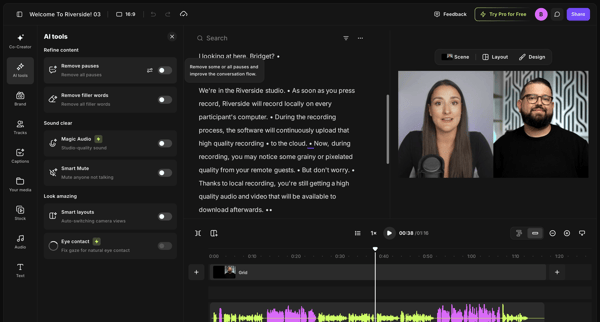
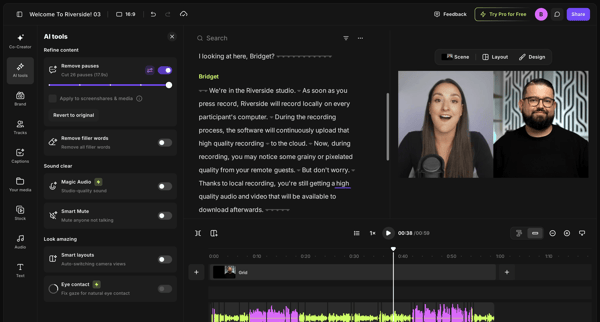
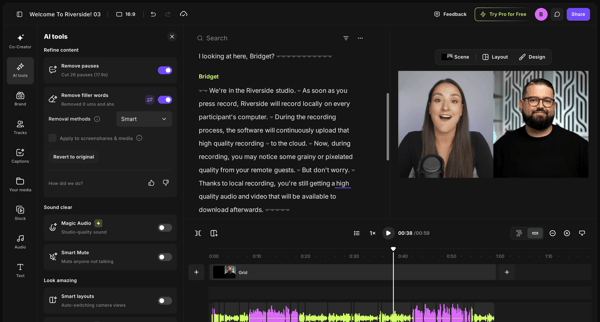
User refines video or podcast recordings in Riverside by editing via transcript and applying AI tools to remove pauses and filler words

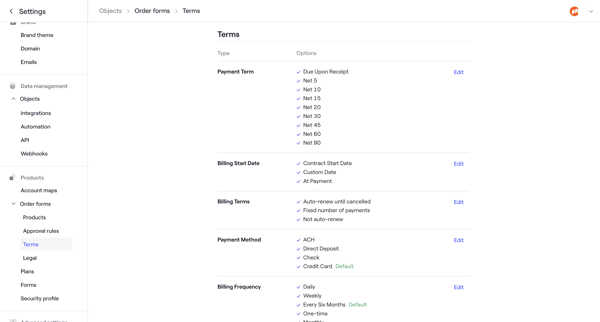
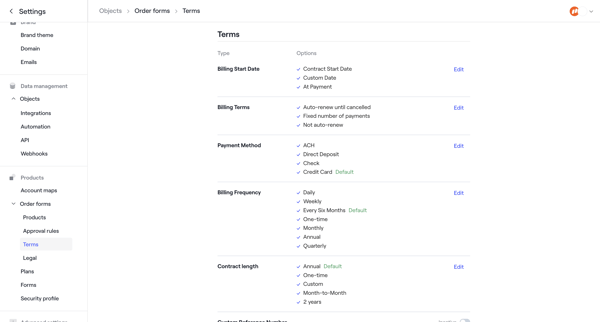

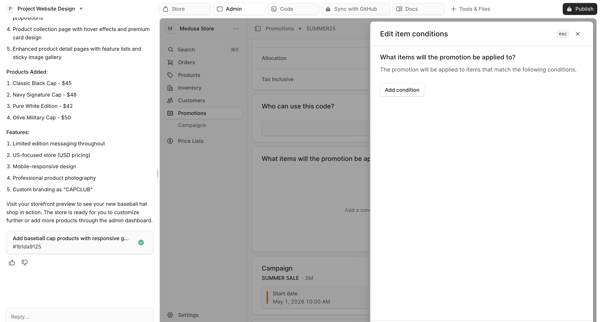
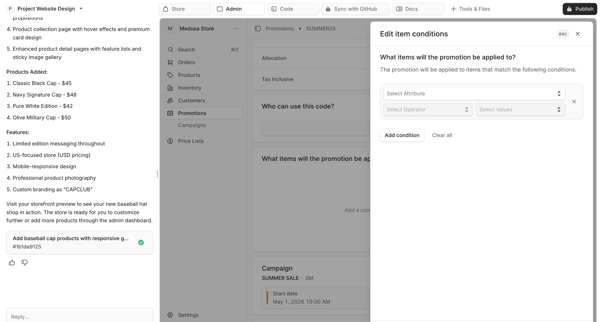
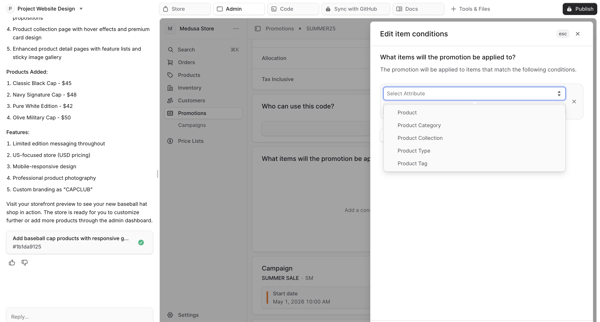
User edits item conditions for the SUMMER25 promotion inside an AI-generated Medusa admin preview, selects product attributes and values, then reviews the updated configuration on the promotion detail view.

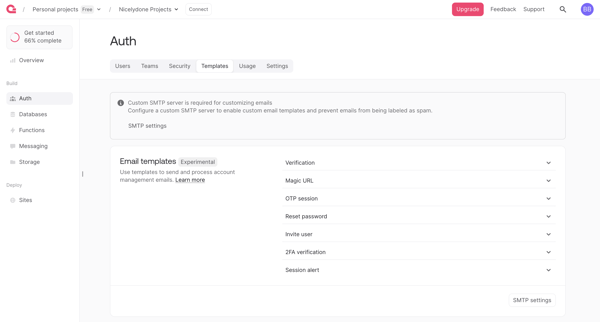
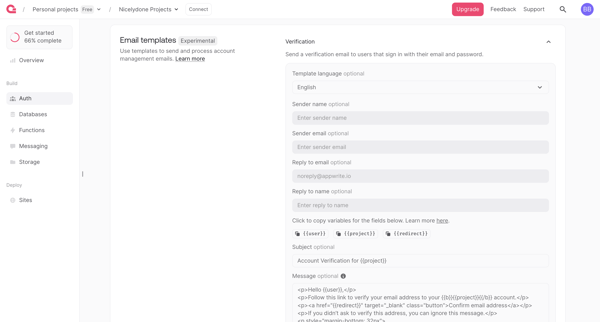
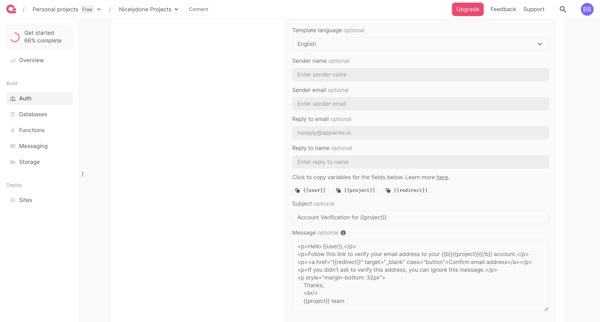
User navigates Auth settings to review and edit email templates for verification, magic URL, OTP, password reset and other auth flows, with SMTP requirement and upgrade gate for branding removal

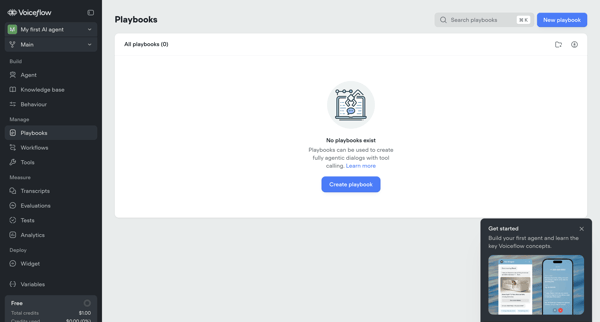
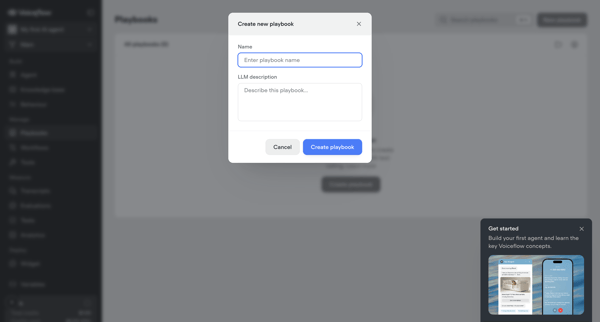
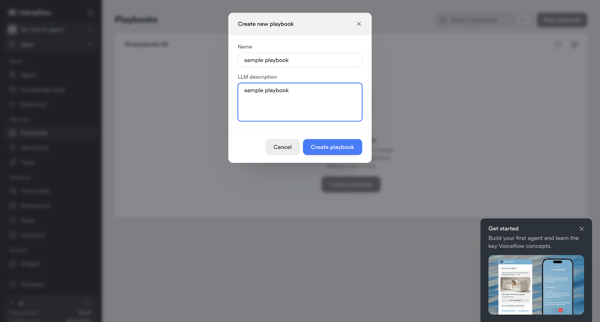

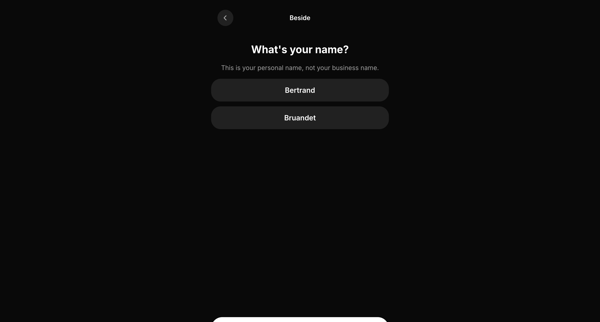
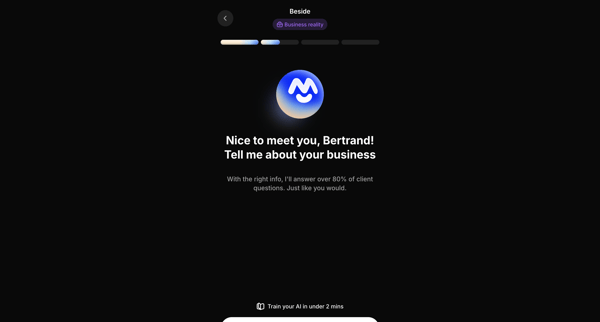
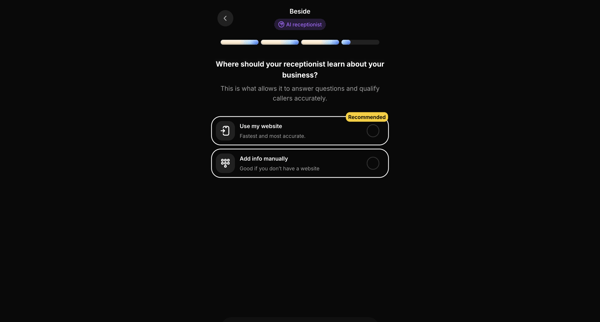
Onboarding sequence collecting personal name, business details, knowledge source, company name, and operating hours to configure an AI receptionist

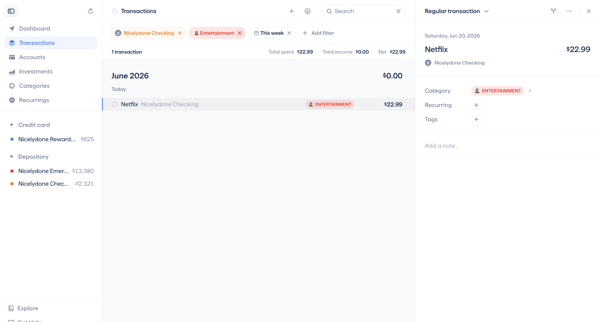
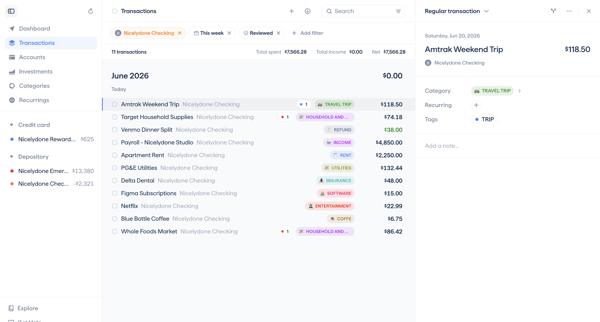
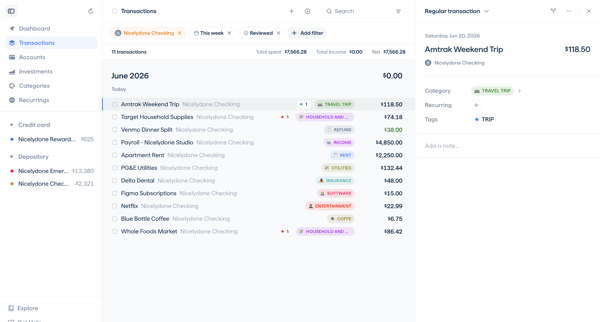
User navigates transaction detail views to categorize expenses, add notes, update review status, and apply filters to related transaction lists in a master-detail interface

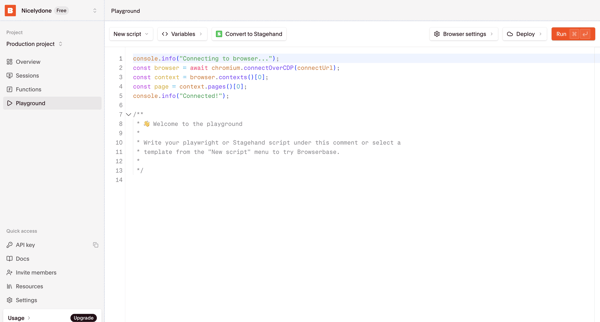
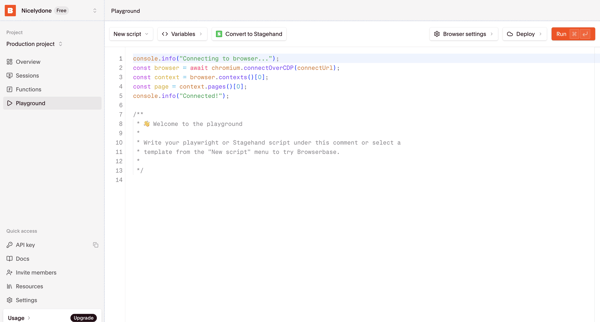
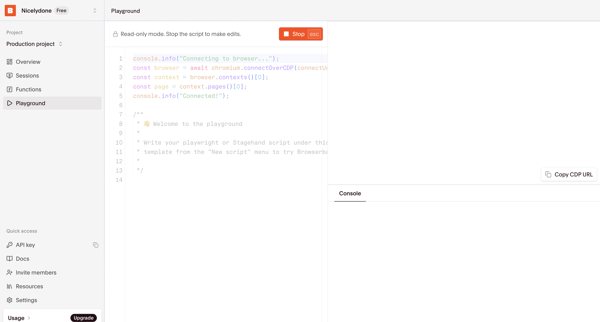
User writes, configures, runs, and tests Playwright or Stagehand scripts in the Browserbase code playground with live browser preview and console output
Explore the full SaaS flow library
Browse the full SaaS flow library.
Trusted by the best teams







