Managing account
User flow from Reve.
Preview these flows

Related user flows

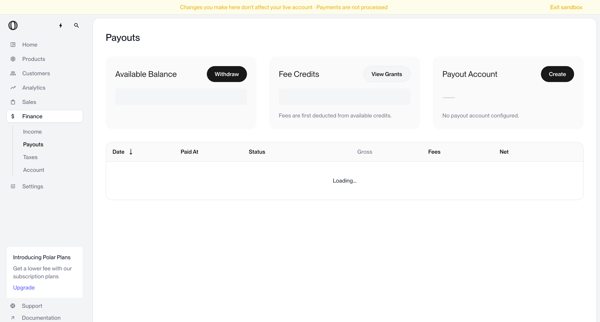
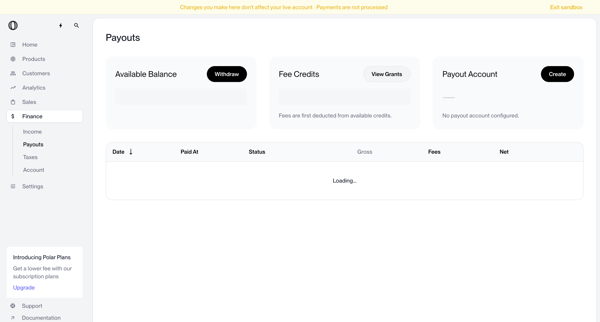
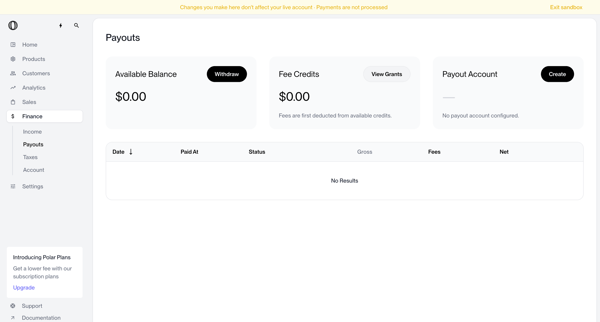
User views payouts dashboard showing no account configured, triggers withdrawal which shows blocked modal, opens create payout account modal, selects country of residence from dropdown, and returns to dashboard with manage button and setup required status


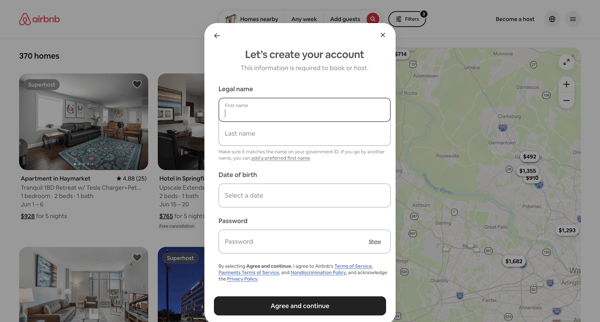
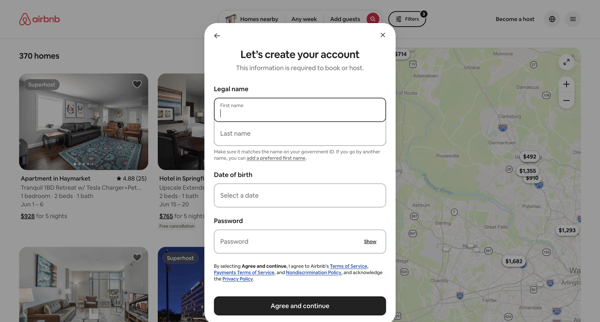
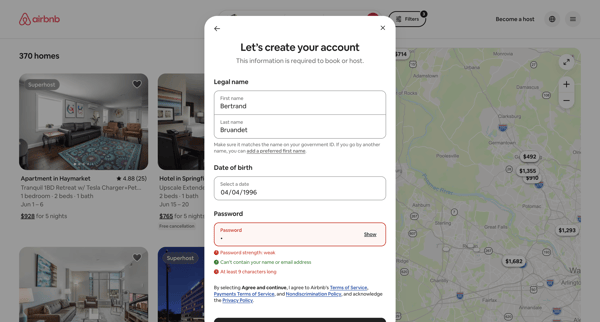
User enters legal name, date of birth, and password in Airbnb signup modal with inline password validation before booking

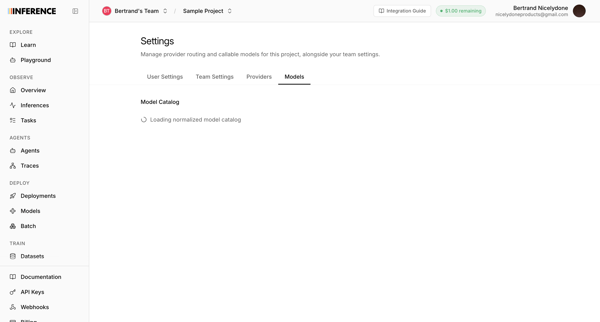
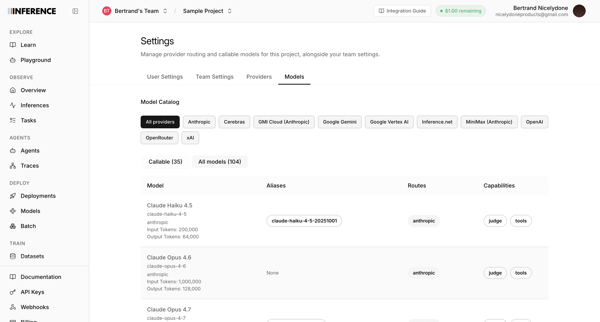
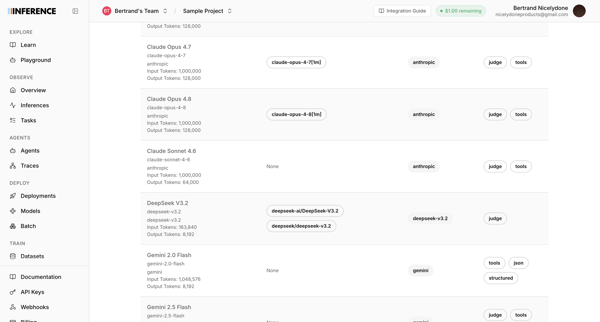
User accesses AI model catalog settings to manage provider routing, filter models by provider, and review token limits and capabilities across multiple list and table views

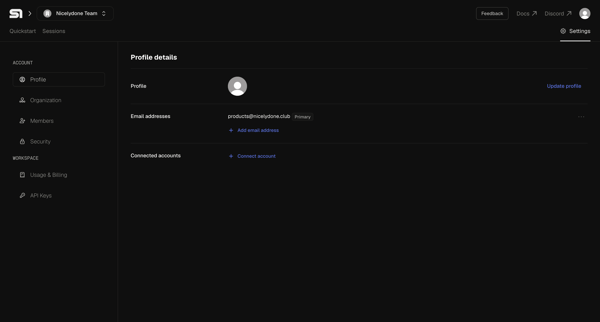
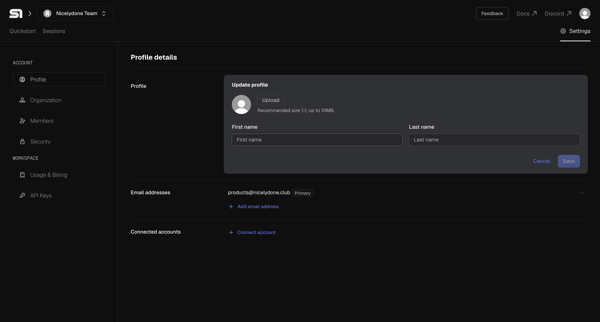

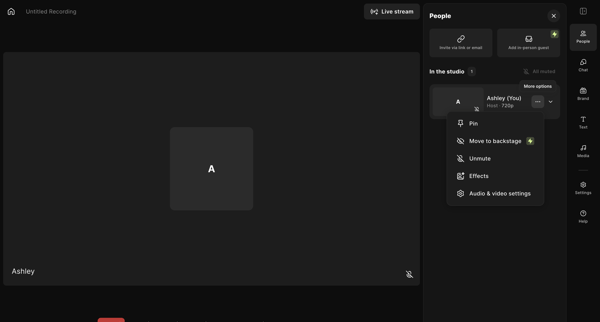
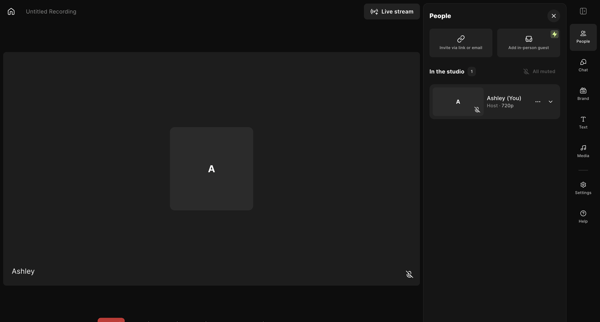
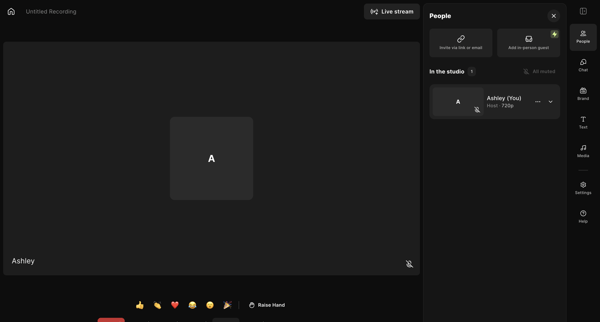
Host enters live recording studio to manage participants, configure AV and layout settings, add media assets, write scripts, and prepare for podcast or video capture

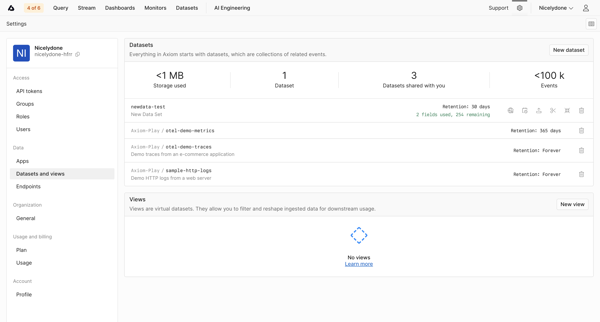
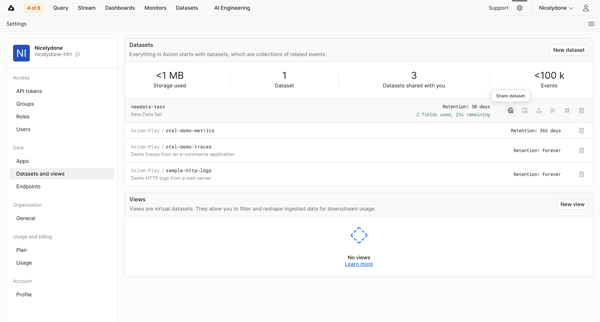
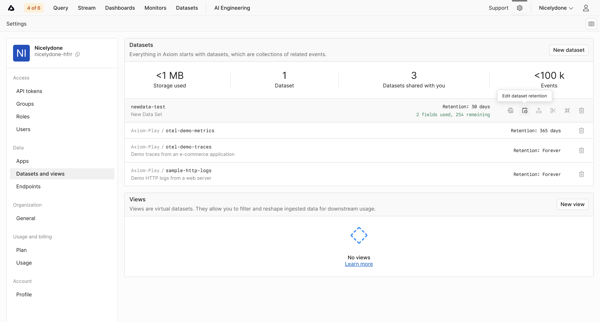
Navigating datasets settings page to monitor storage KPIs, list datasets and views, and configure retention policies

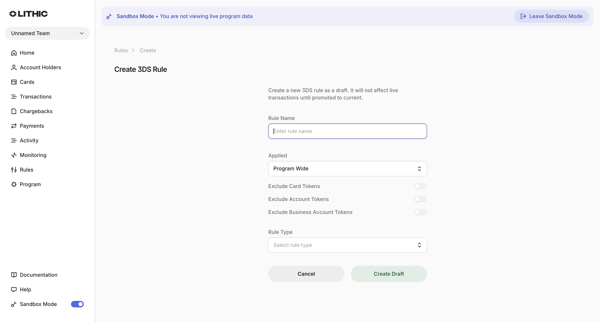
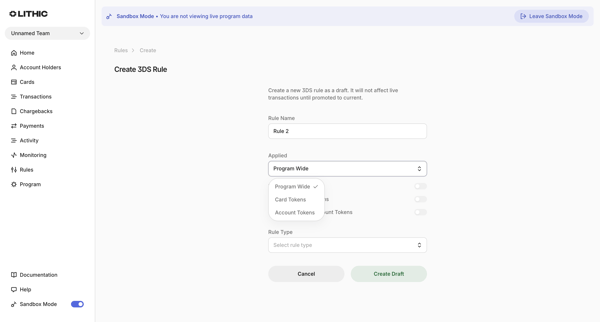
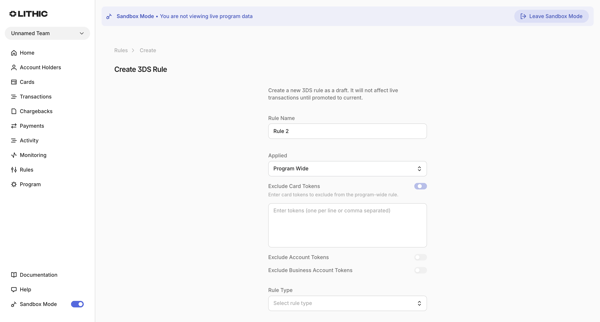
User creates a new 3DS rule draft in Lithic by completing a multi-state creation form that sets name, application scope, token exclusions, and rule type or custom logic

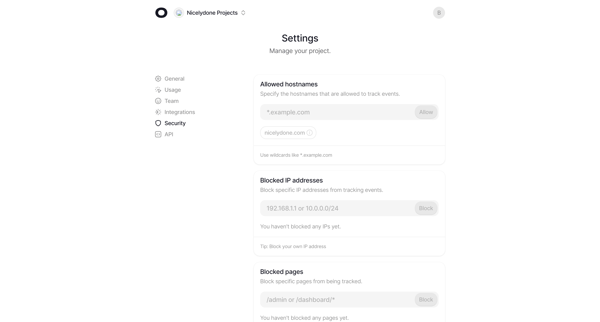
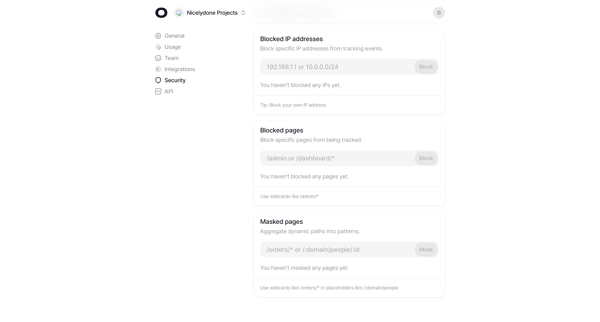
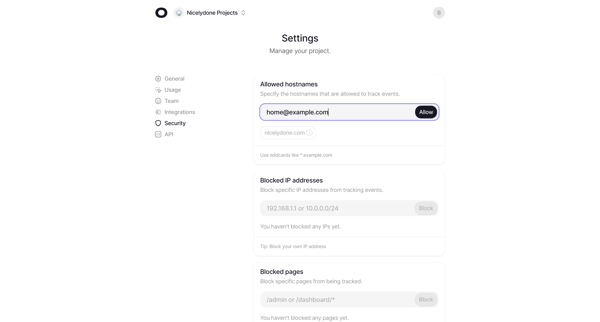
User configures allowed hostnames, blocked IP addresses, blocked pages, and dynamic path masking across multiple states of the security settings page

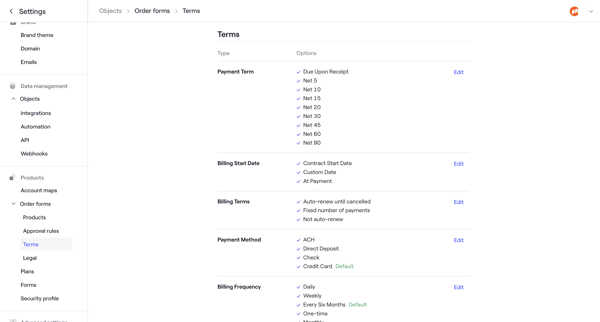
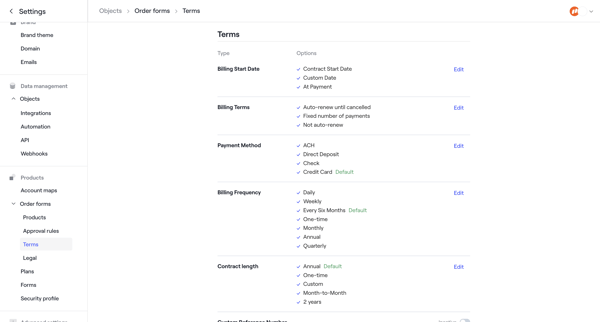
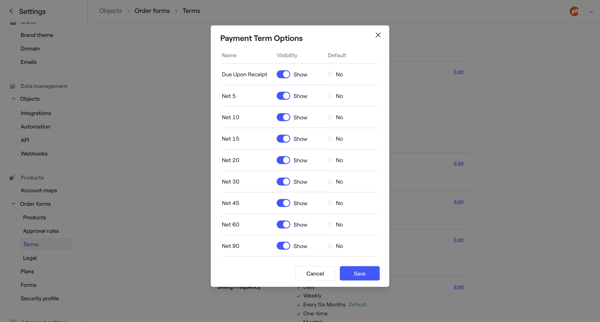

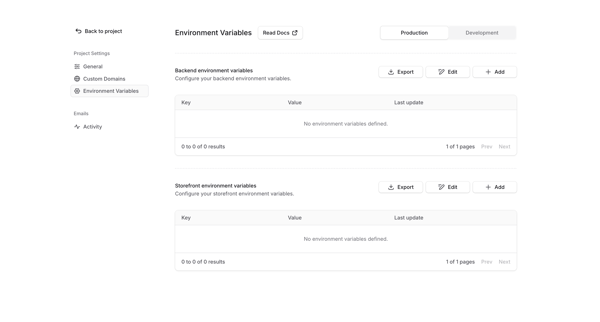
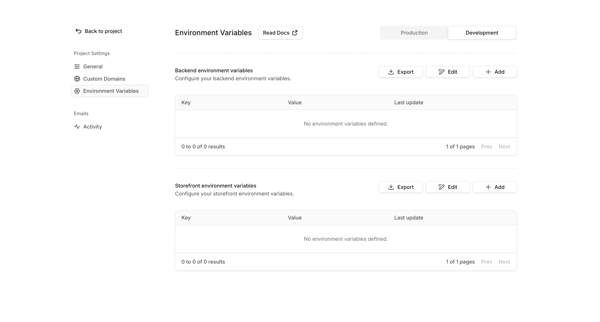
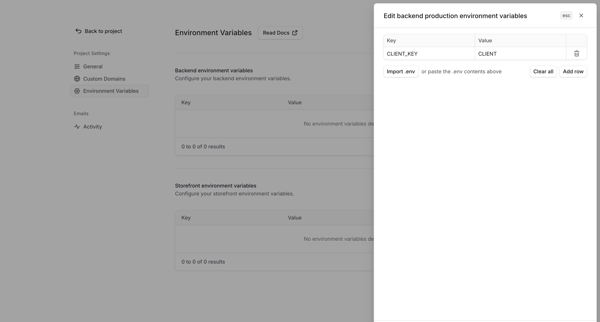
User manages backend and storefront environment variables for production and development environments via settings page with table, empty state, and edit drawer supporting manual entry or .env import

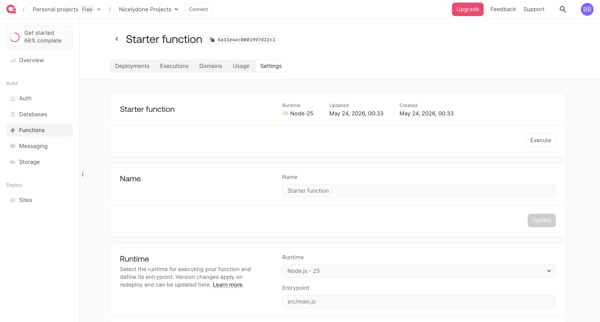
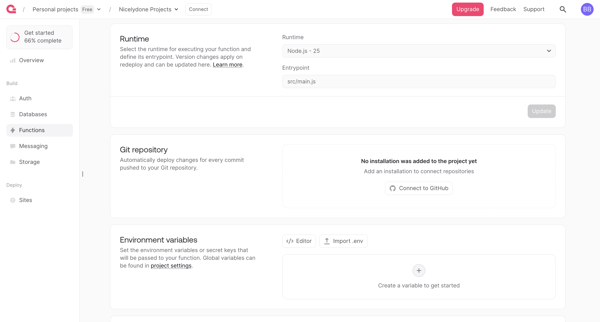
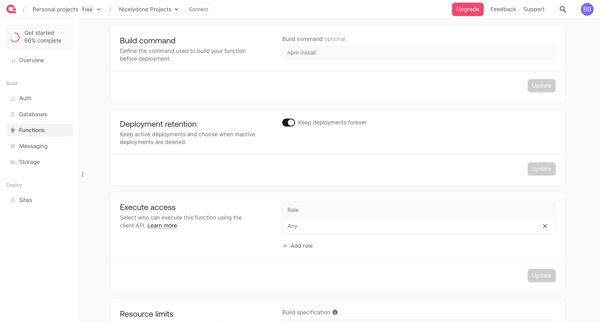
User configures serverless function runtime, integrations, permissions, limits and scopes across sequential settings screens in Appwrite console
Explore the full SaaS flow library
Browse the full SaaS flow library.
Trusted by the best teams







