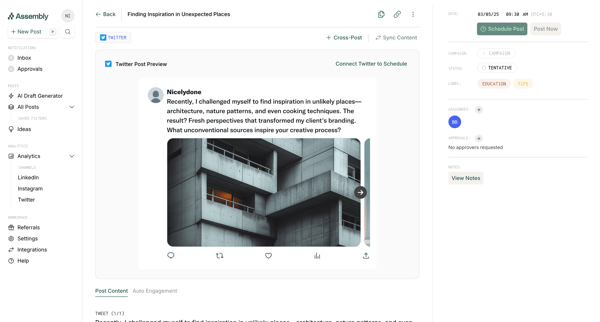
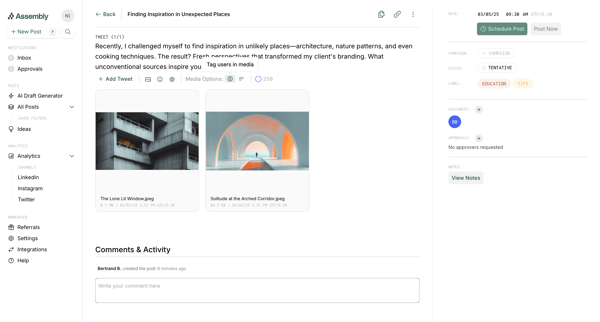
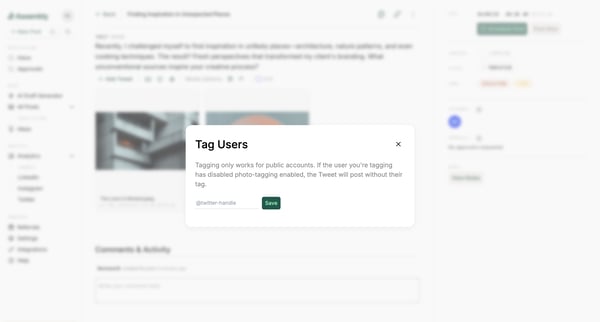
Tagging users in post
User flow from Assembly.
Preview these flows

Related user flows

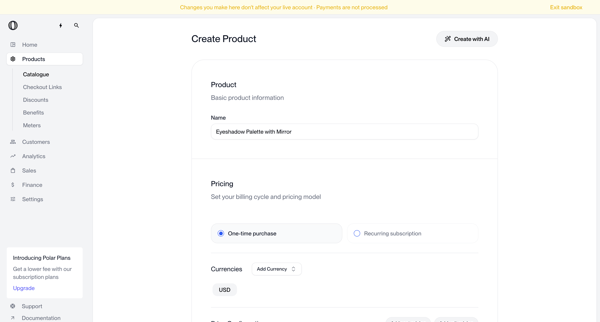
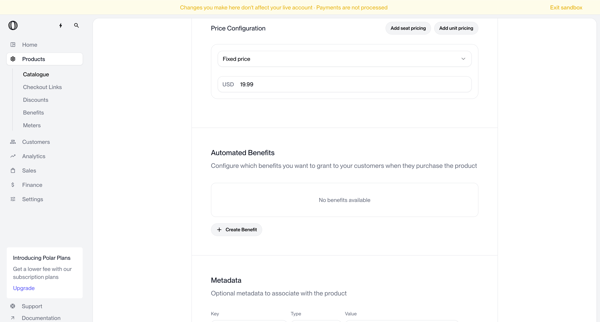
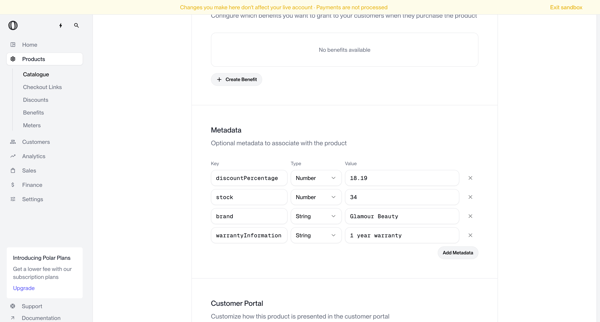
Multi-screen form journey configuring a new product name, pricing model, currencies, benefits, metadata, portal visibility, checkout description, images, and custom fields

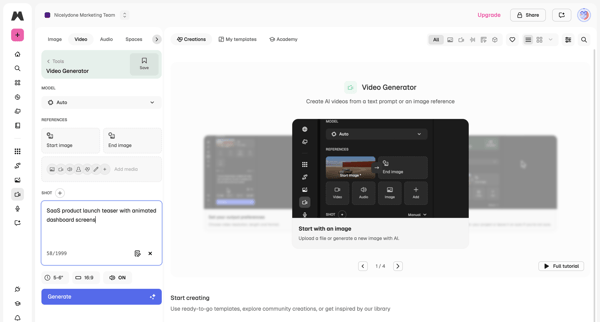
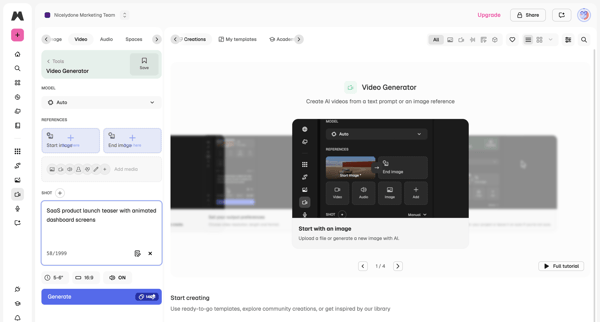
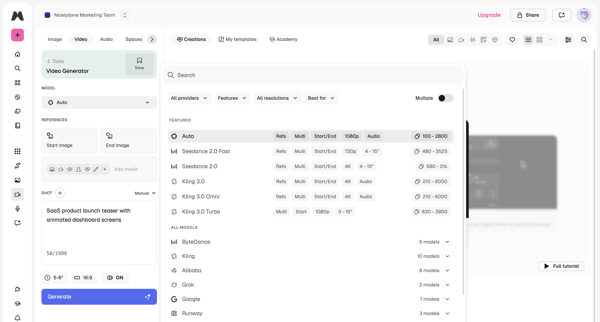
User configures AI model, text prompt, reference images, aspect ratio and duration in workspace then triggers generation and reviews output

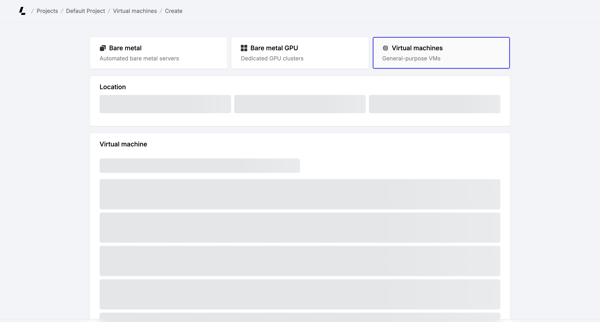
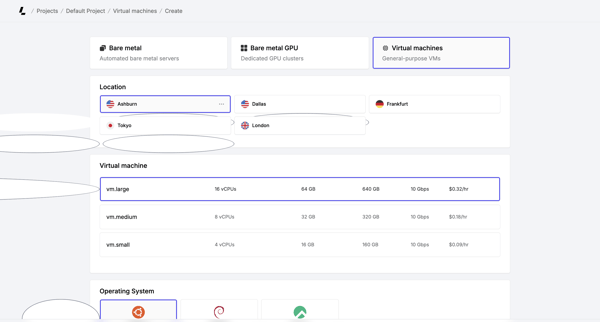
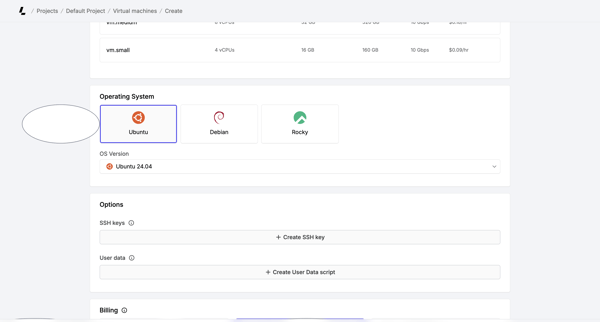
Multi-step creation flow where user selects server type, location, instance size, OS, SSH keys, billing cycle, and hostnames before account verification and deployment

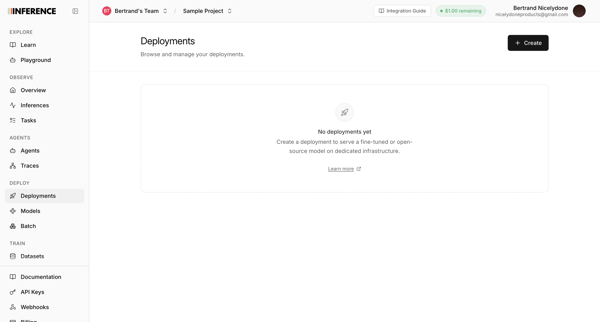
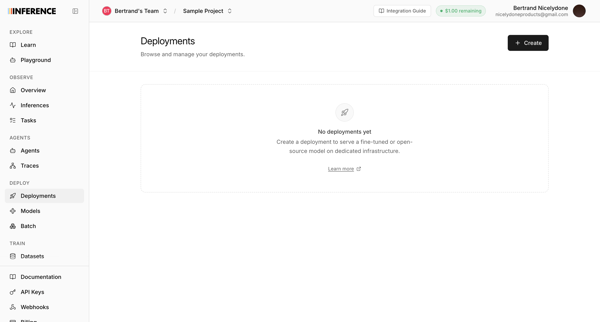
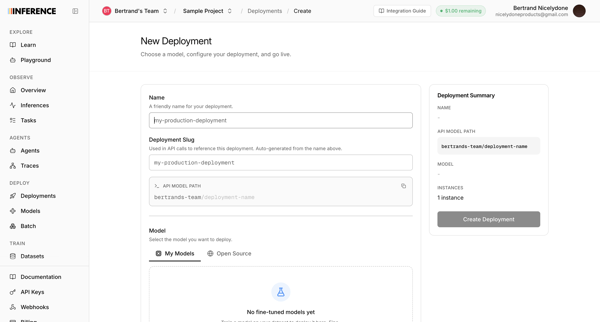
User starts from empty deployments list and configures a new model deployment via multi-screen form including name, slug, model selection, GPU instance type, capacity, and live summary panel

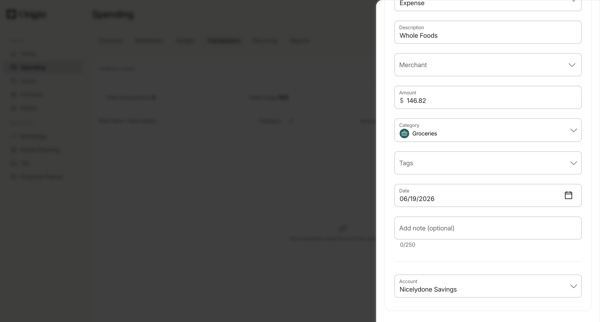
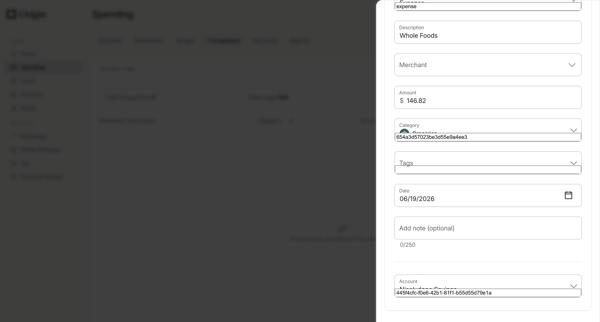
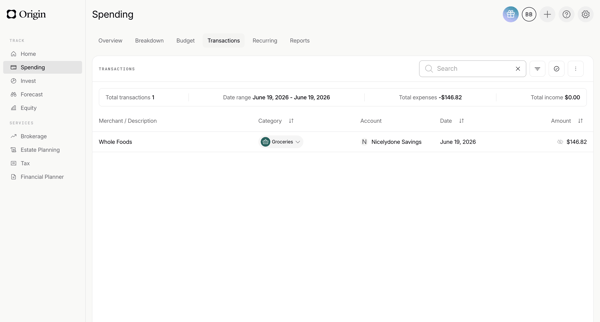
Manually add a new transaction via drawer form with merchant, amount, category, date and account fields, then view the updated list with summary metrics

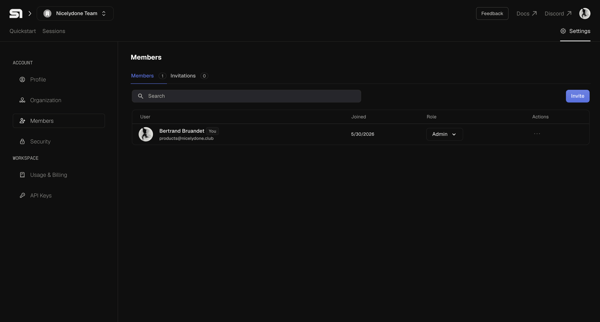
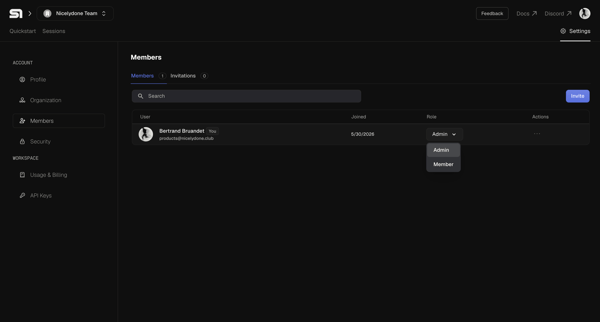
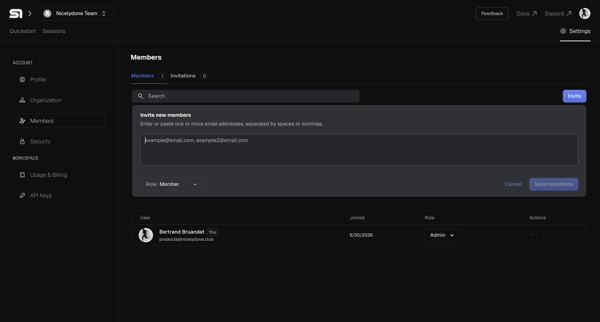
User opens organization members settings, enters email addresses in inline invite form, selects role, and sends invitations

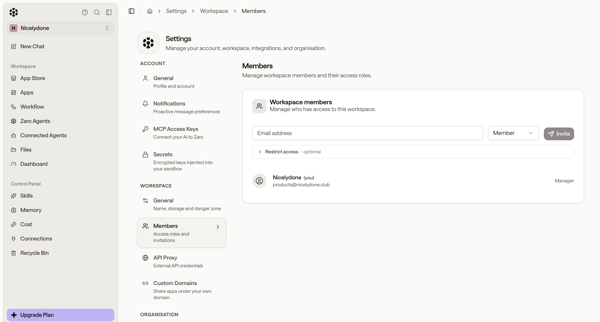
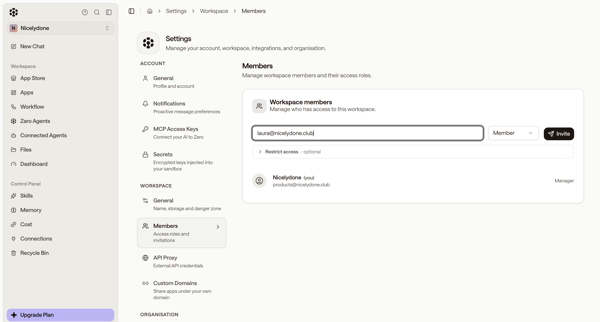
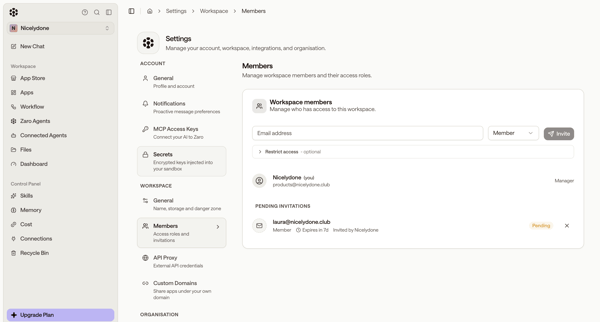
Inviting new workspace members by email, assigning roles, and managing pending invitations from the members settings page

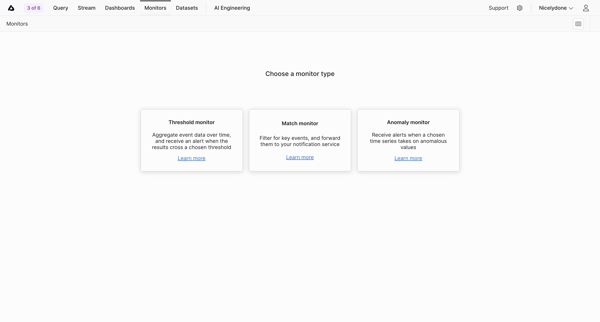
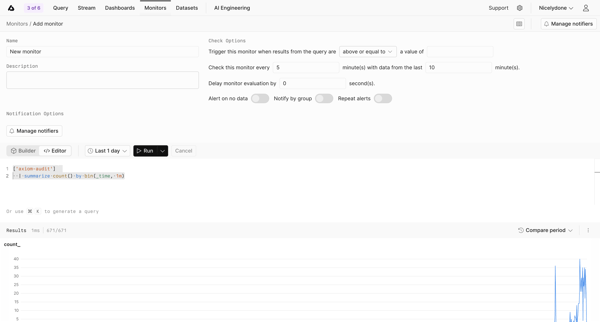
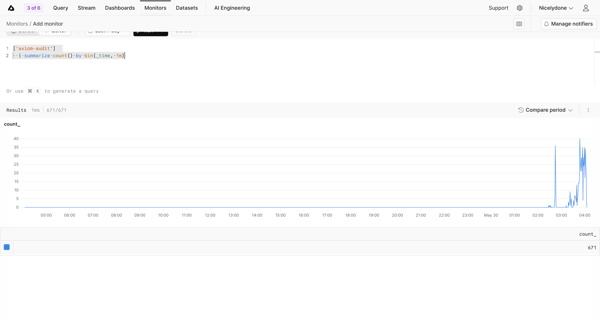
User selects monitor type then configures query, threshold conditions, evaluation intervals, and notifiers before saving and viewing the new monitor

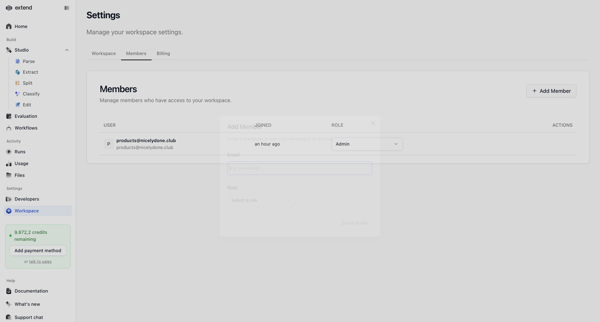
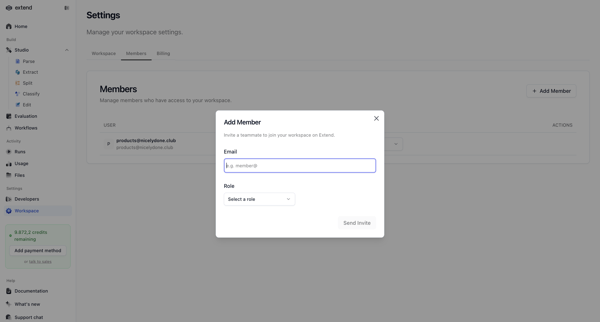
Inviting new teammates to the workspace via email with role assignment from the members and permissions settings page

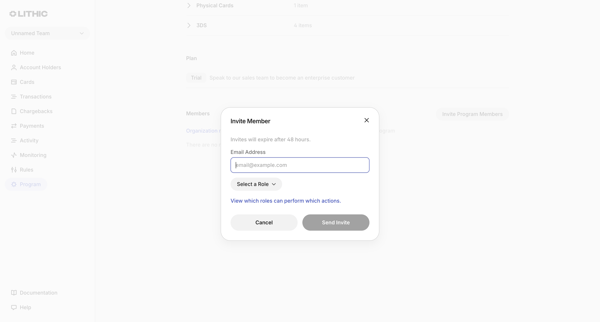
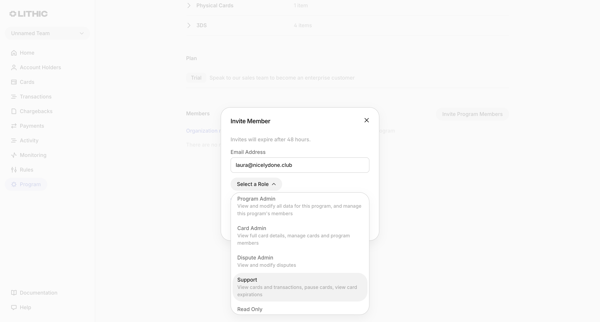
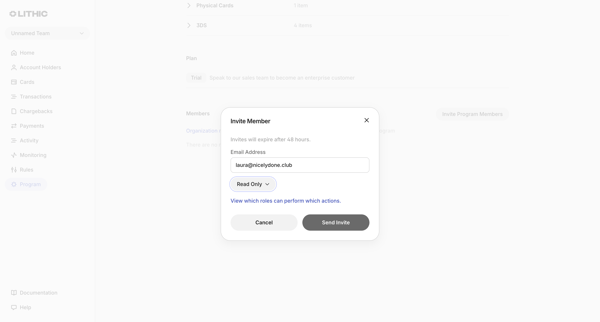
Admin opens Team Invite Modal from Members & permissions settings to enter email and assign role for a new program member

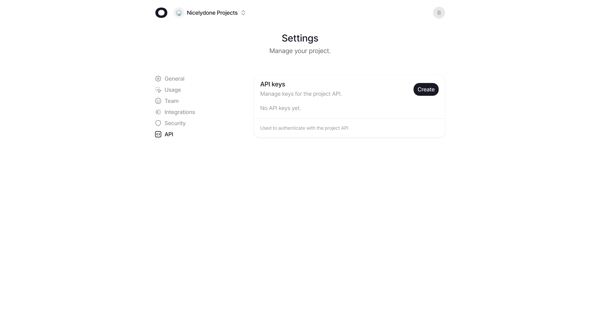
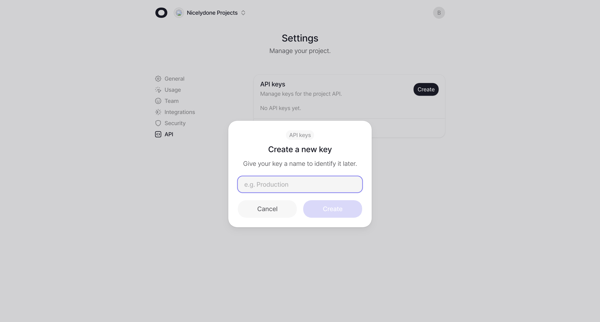
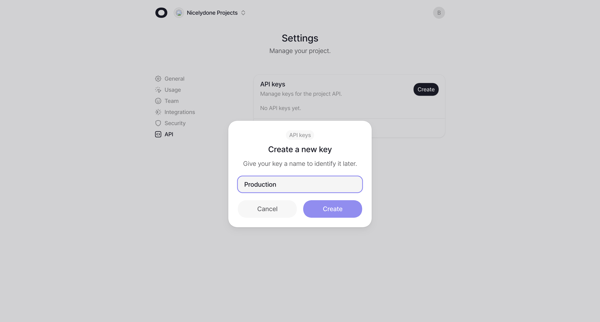
User starts from empty API keys settings, opens create modal to name the key, views generated key in success modal with copy option, and ends with the key listed in settings.

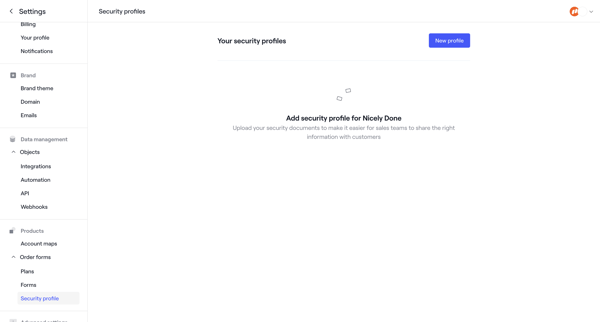
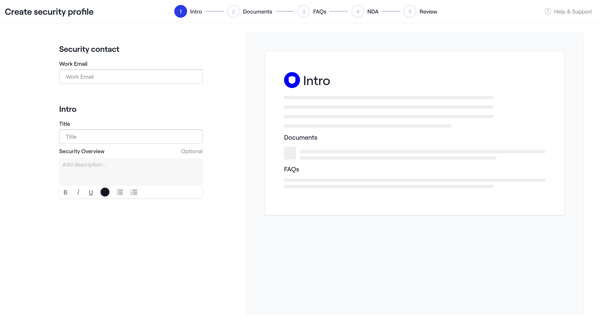
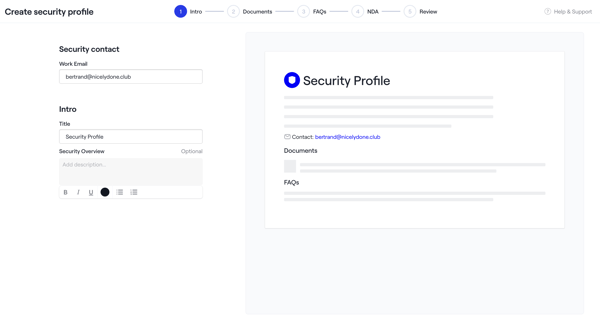
Admin creates a security profile via multi-step wizard starting from empty settings, configuring intro, uploading documents and NDAs, adding FAQs, reviewing, activating, then managing in settings
Explore the full SaaS flow library
Browse the full SaaS flow library.
Trusted by the best teams







