Upgrading subscription
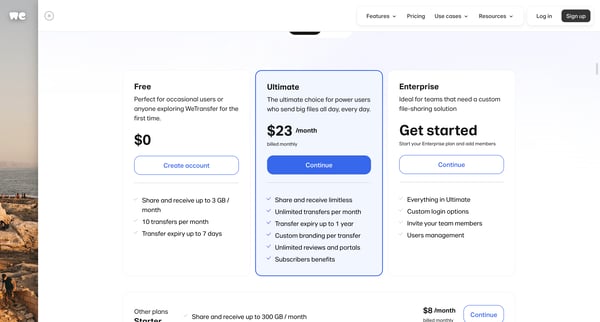
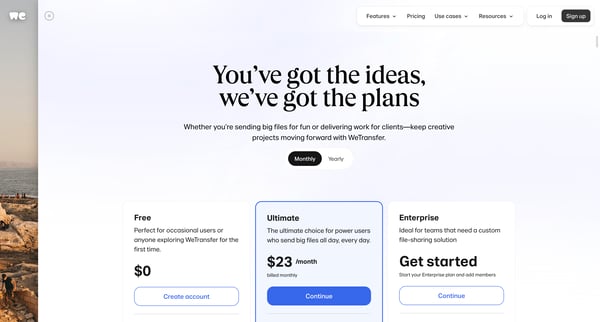
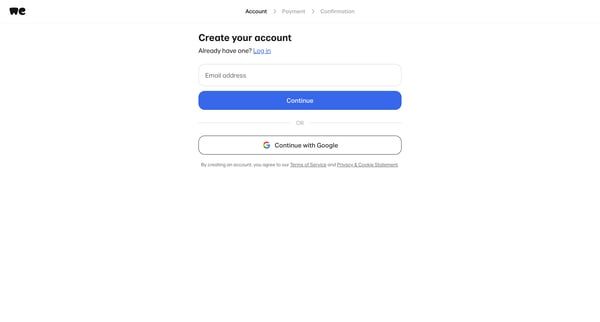
User flow from WeTransfer.
Preview these flows

Related user flows

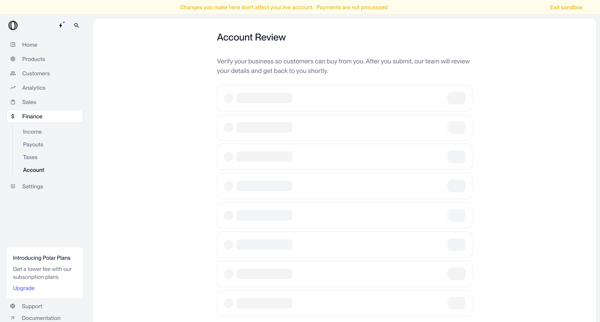
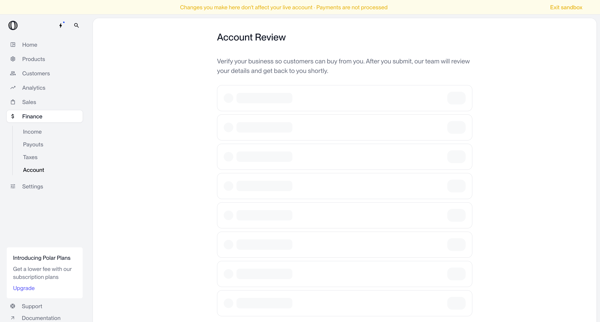
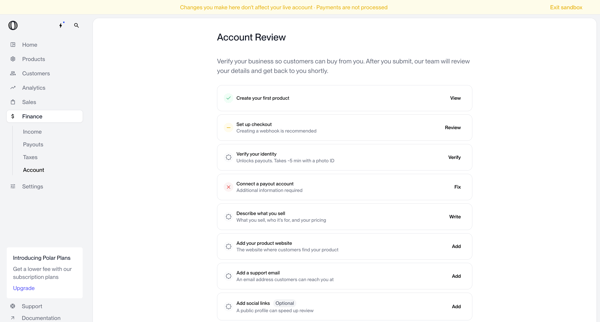
Merchant completes business verification form and onboarding checklist in Polar settings and dashboard to submit account for review and enable customer payments

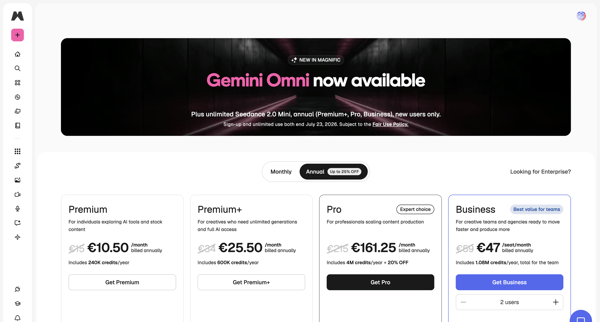
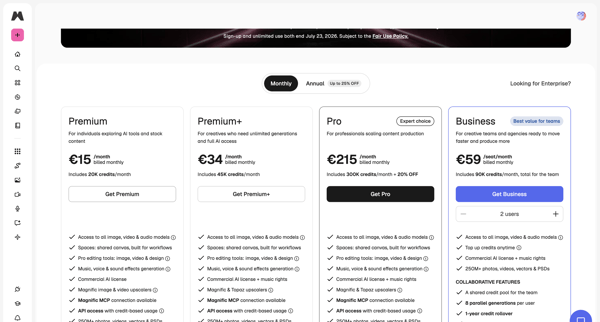
User views in-app pricing tiers, selects plan with monthly or annual billing and seat count, then completes payment in checkout modal to upgrade subscription

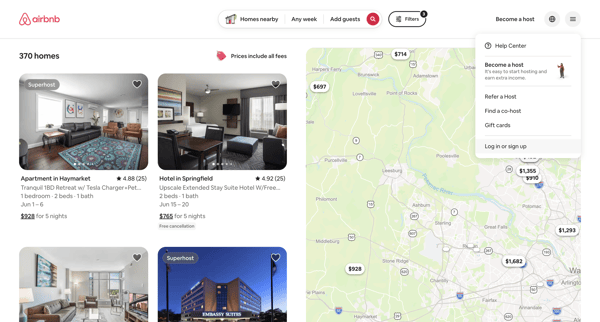
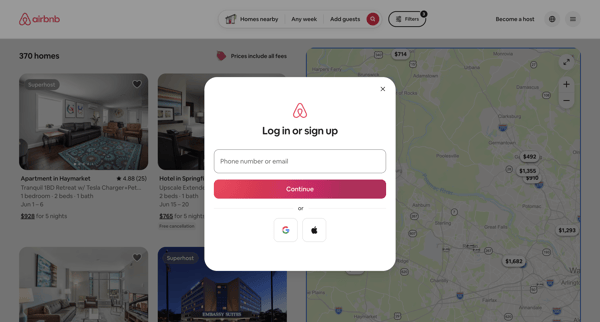
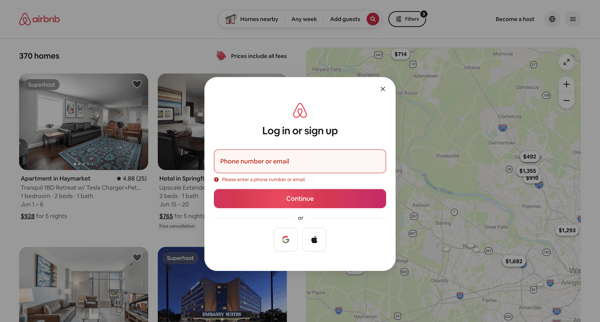
User encounters auth modal over property search results and selects from email, phone, Google, or Apple signup or login options

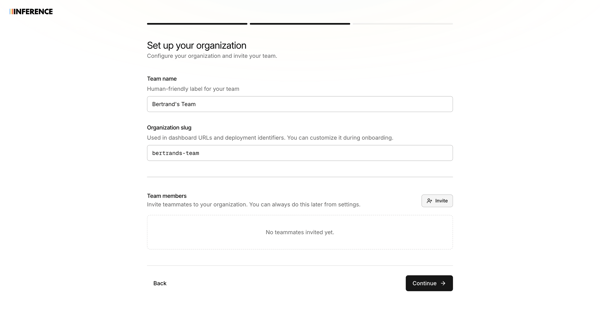
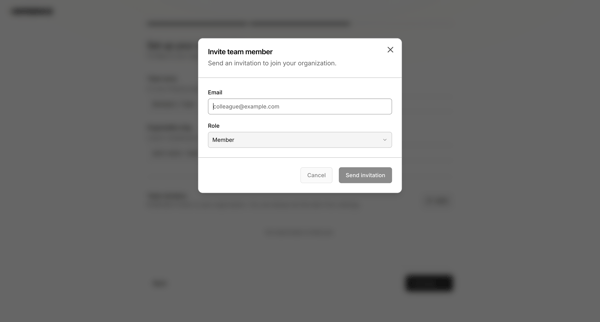
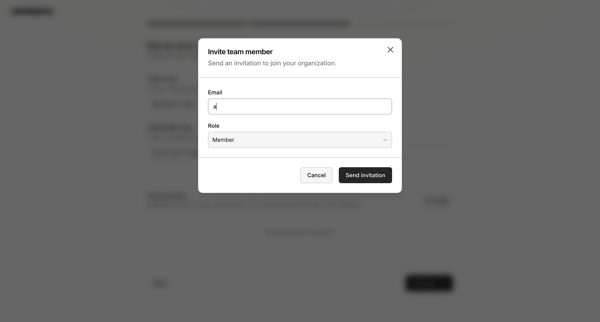
Onboarding flow to name organization, configure custom slug, and invite initial team members via modal with role assignment and validation

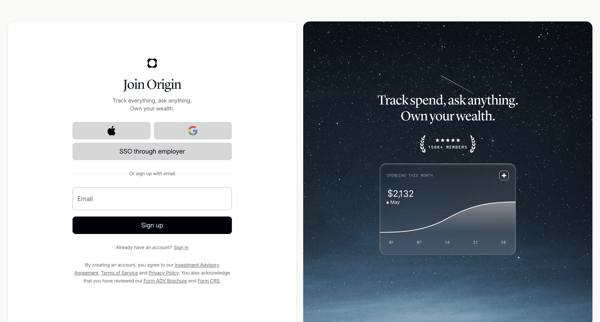
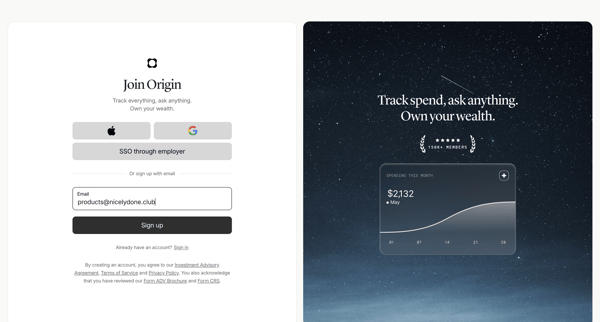
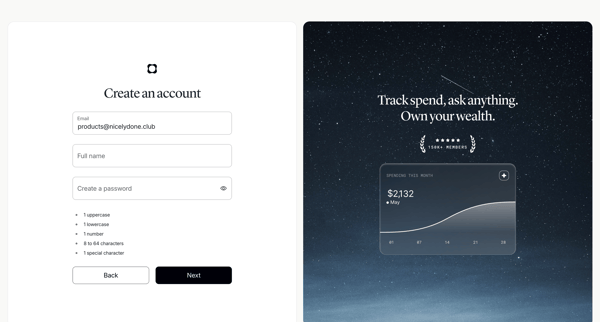
User creates an Origin Financial account via SSO options or email/password form with validation and social proof panels

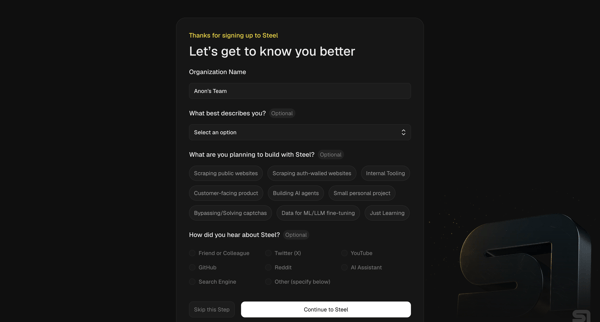
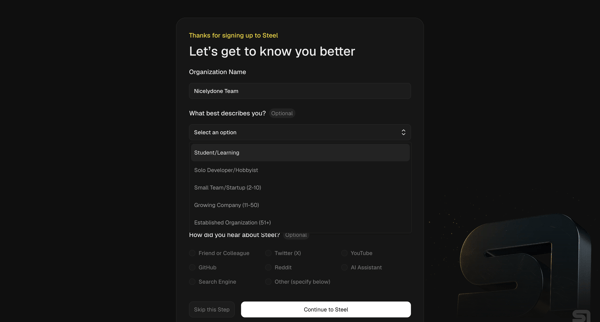
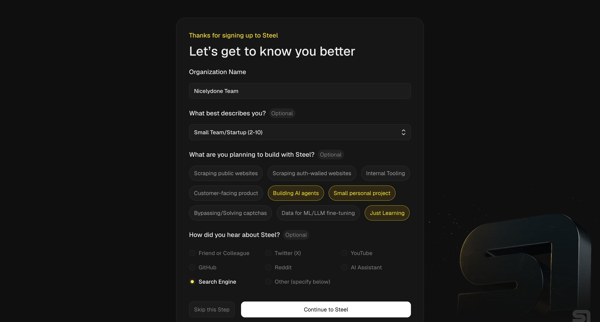
User completes organization questionnaire then developer quickstart to generate API key, install SDK, and pick starter templates for browser automation agents

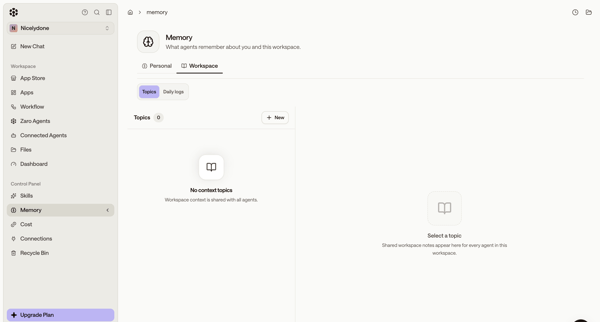
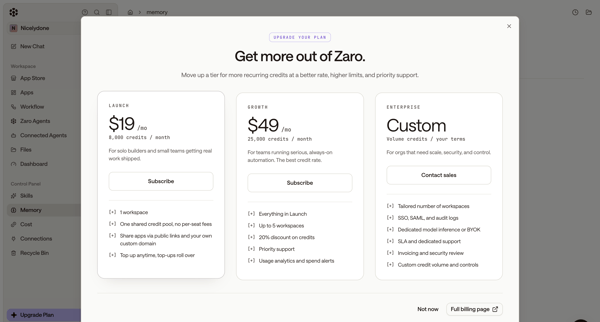
User starts in workspace memory settings, opens upgrade modal from sidebar, selects Launch tier, completes subscription checkout form, sees connecting state, and lands on billing settings page showing new plan and credits.

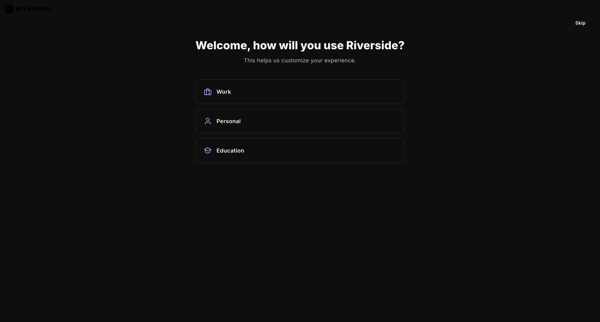
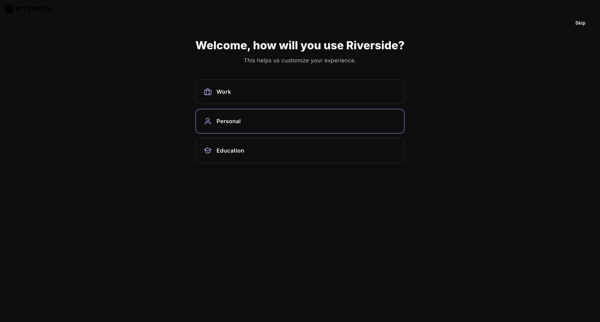
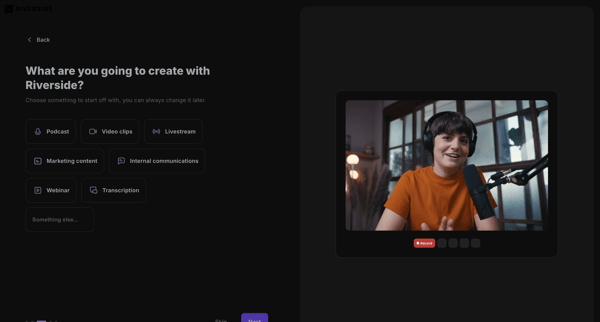
User selects primary use case, content goals, discovery source, and starting tools to personalize workspace in Riverside

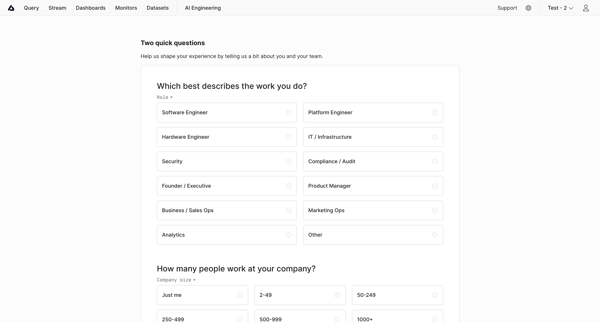
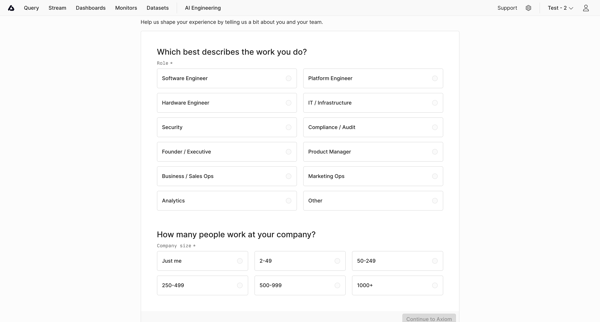
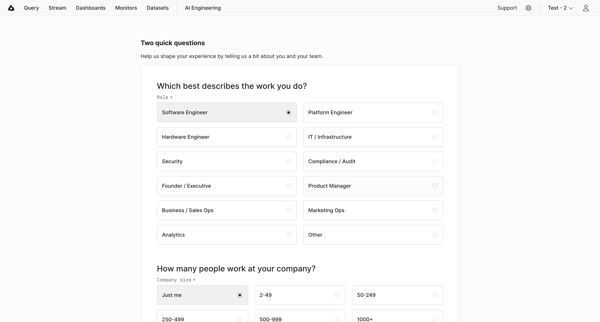
User selects role and company size then completes workspace checklist including data send, dataset creation, and teammate invites in Axiom

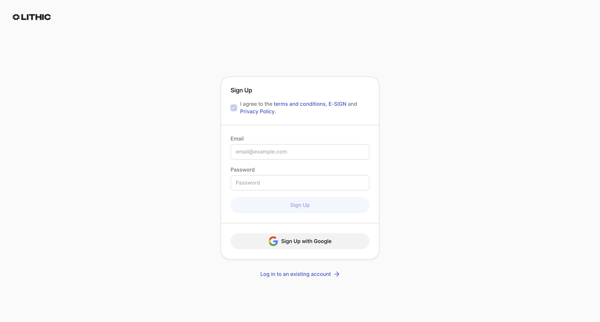
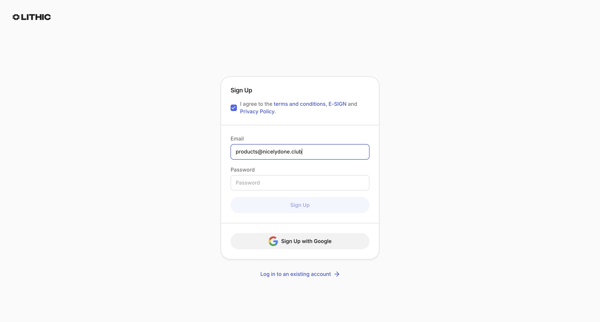
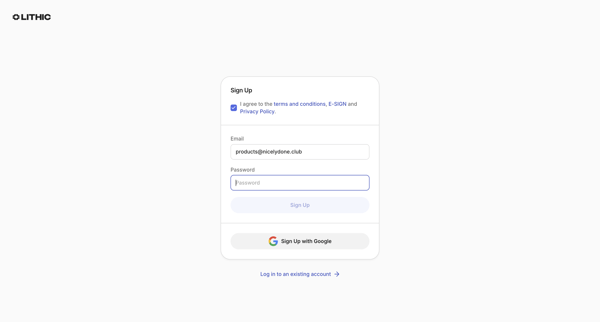
User creates a Lithic account via email/password or Google OAuth after agreeing to terms, with password strength feedback and duplicate email error handling

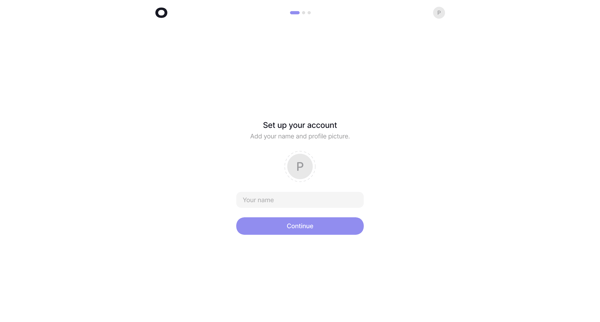
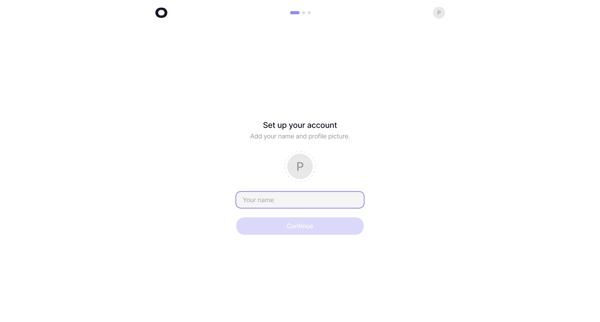
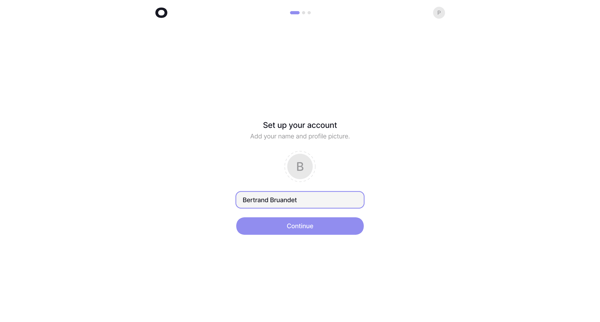
Multi-phase onboarding that sets up account profile, first analytics project, revenue provider integration, and tracking script installation for Visitors web analytics

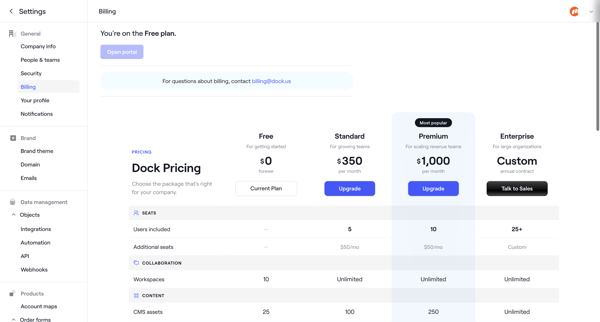
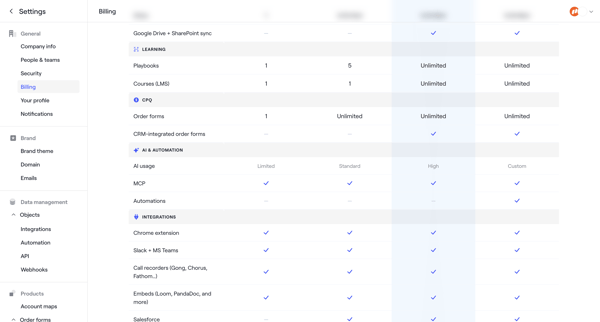
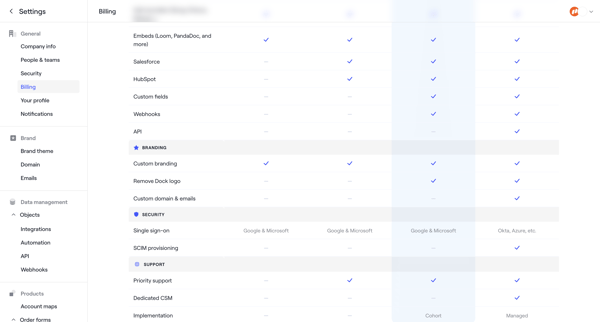
User starts in Billing Settings to compare Free/Standard/Premium/Enterprise plans then completes checkout by entering billing address, payment method, and reviewing order to upgrade.
Explore the full SaaS flow library
Browse the full SaaS flow library.
Trusted by the best teams







