Kitemaker Flow Example: Resetting forgotten password
Preview this Kitemaker user flow: Resetting forgotten password. Explore the opening screens.
Preview these flows

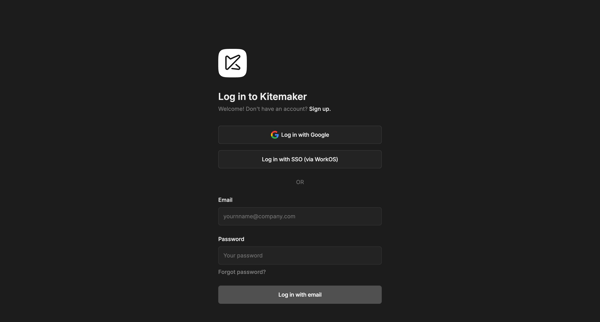
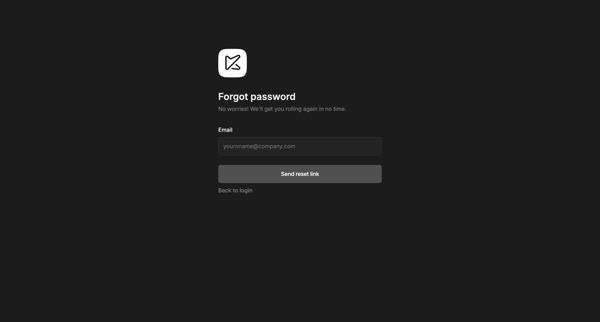
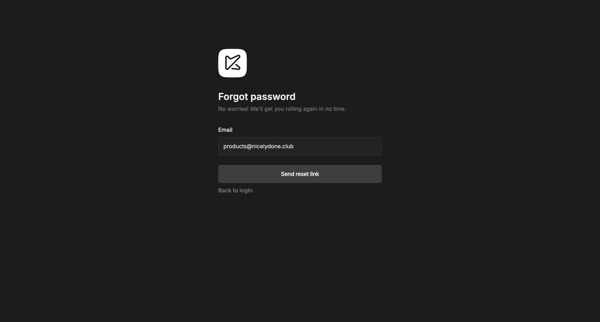
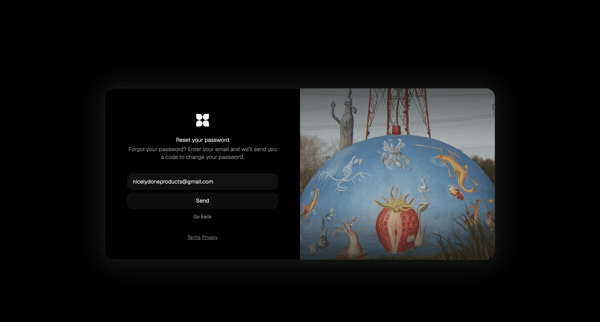
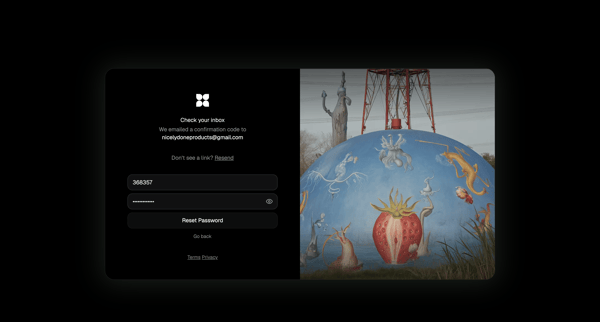
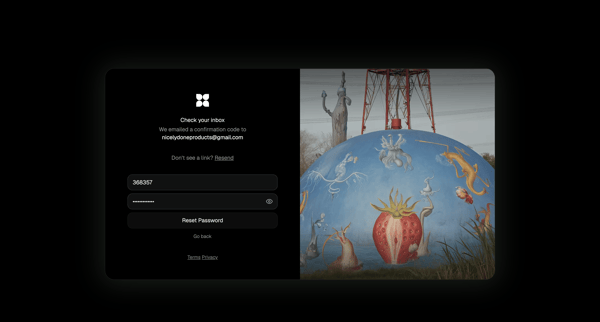
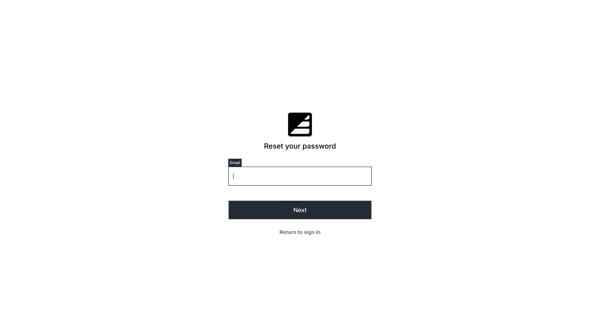
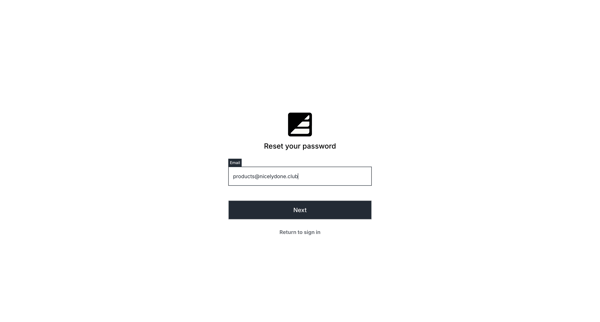
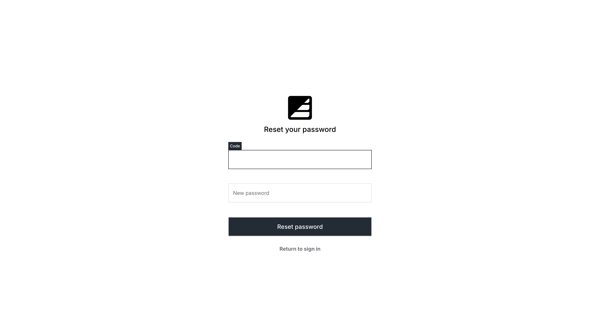
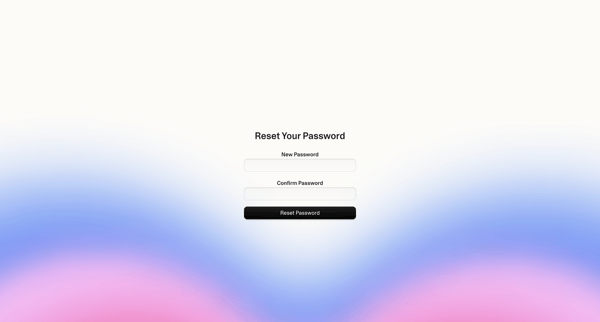
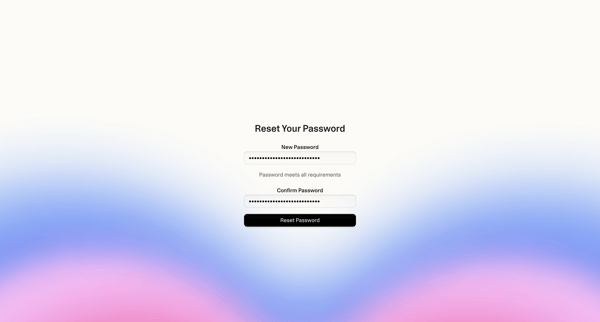
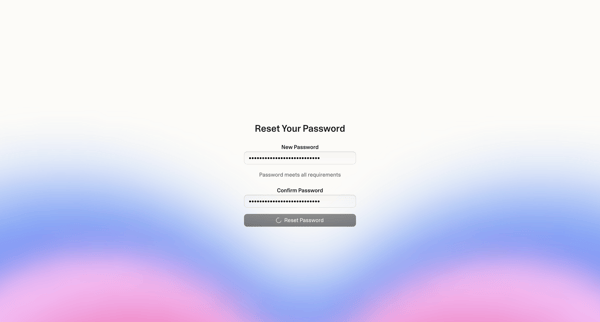
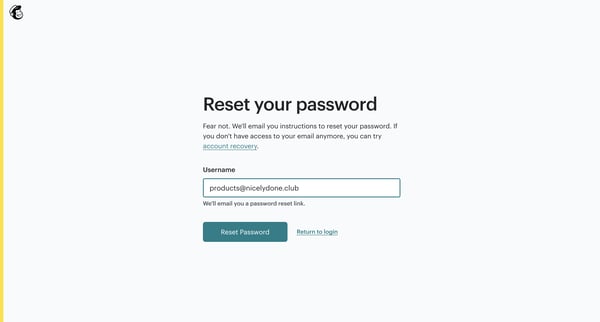
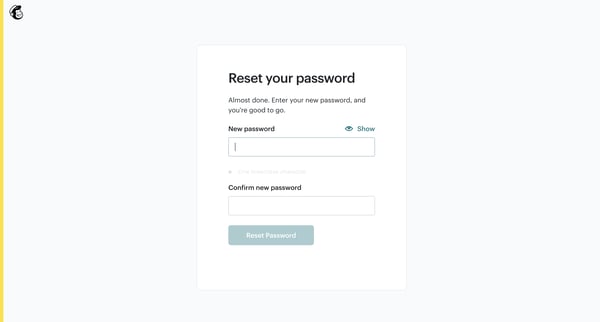
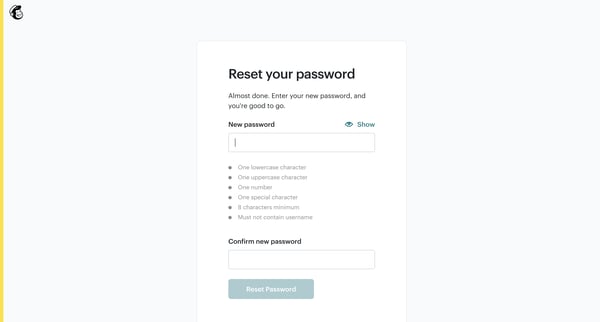
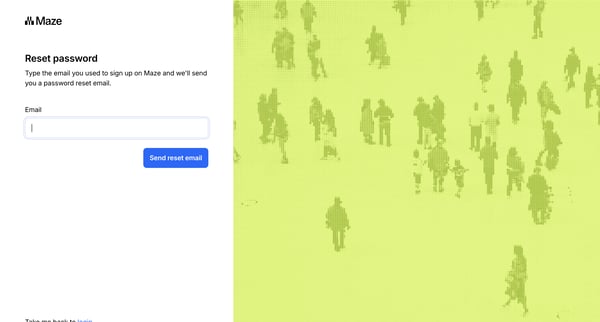
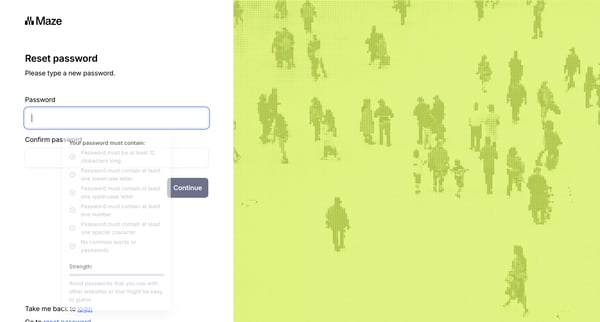
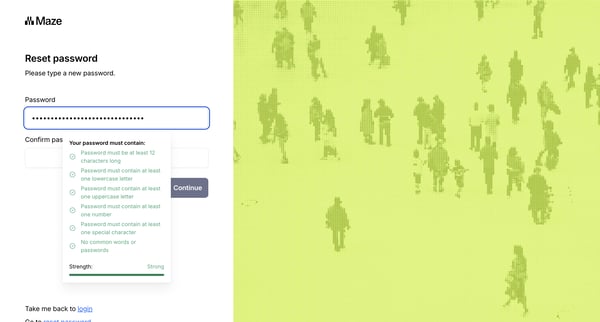
This flow enables users to reset their forgotten password, ensuring they regain access to their account with minimal disruption.
Related user flows

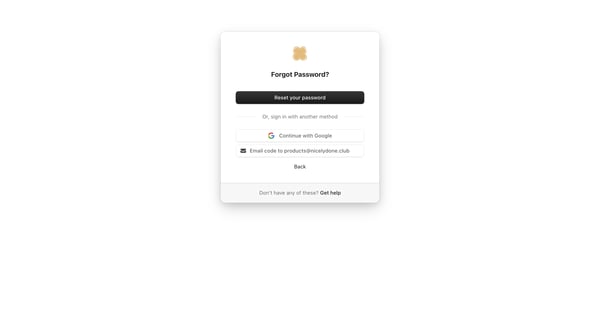
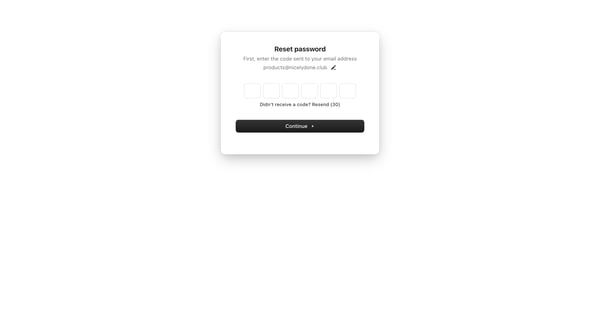
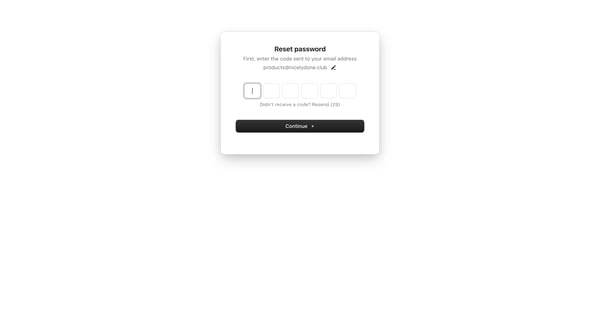
User starts on forgot password card with reset, Google sign-in, and email code options then enters 6-digit OTP sent to email on verification screens

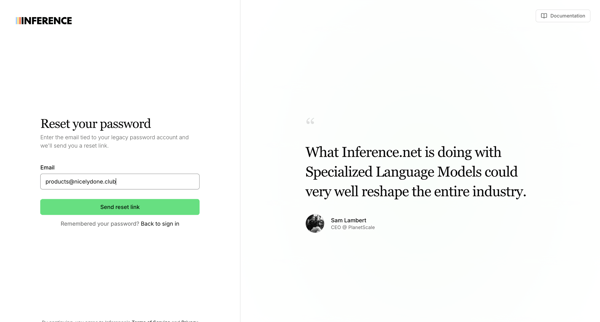
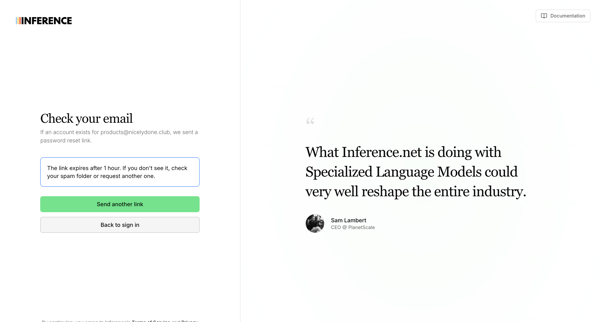
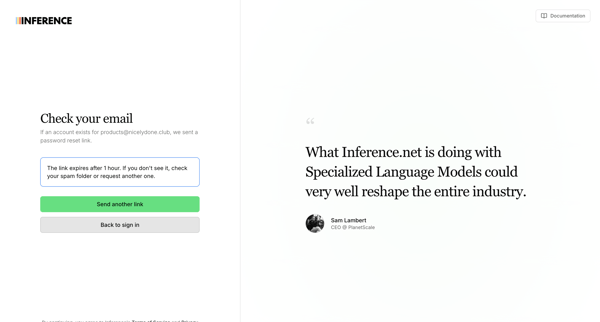
User enters email on auth surface to receive a password reset link, then sees confirmation to check inbox with resend option

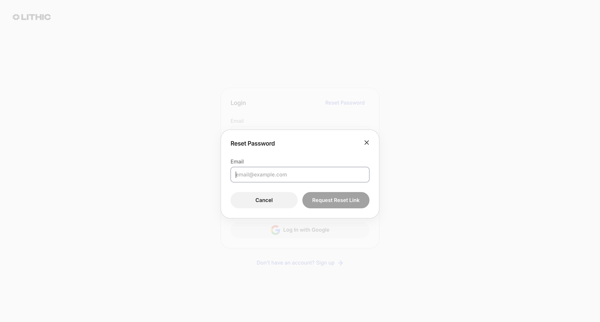
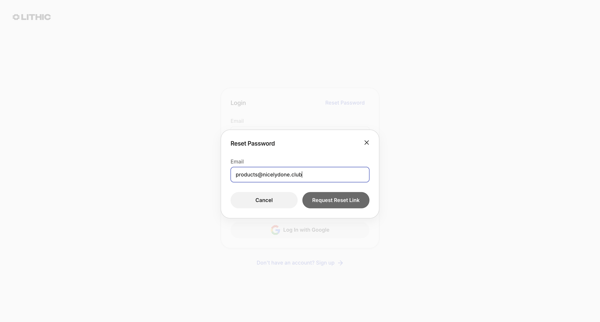
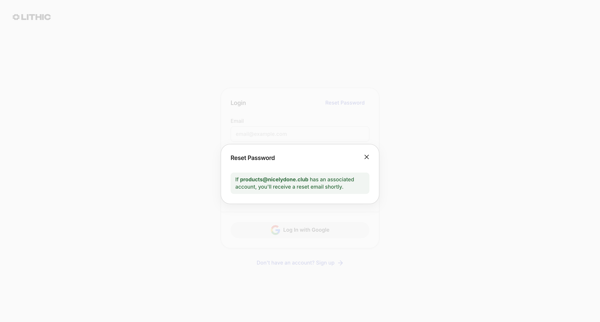
User requests a password reset link via email from the login modal, receives confirmation, then enters and confirms a new password on the reset form, ending at a success alert

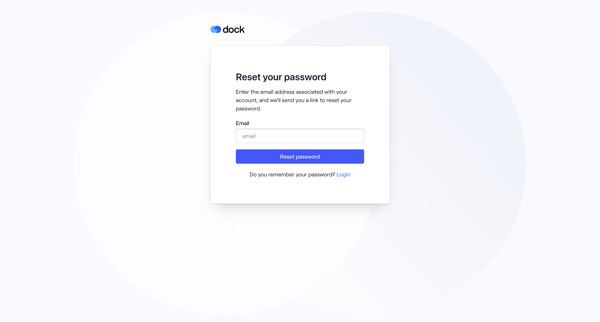
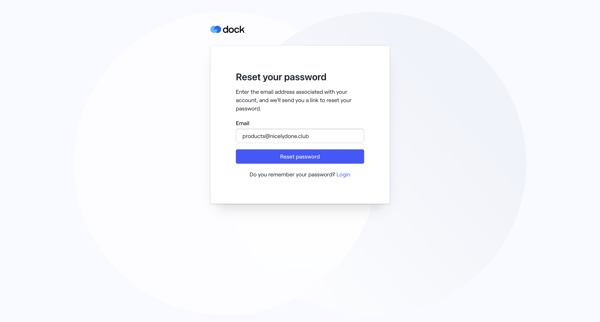
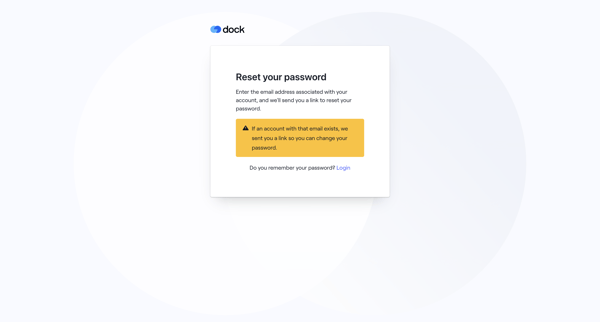
User enters email to receive reset link, confirms request, then sets and confirms new password via auth screens

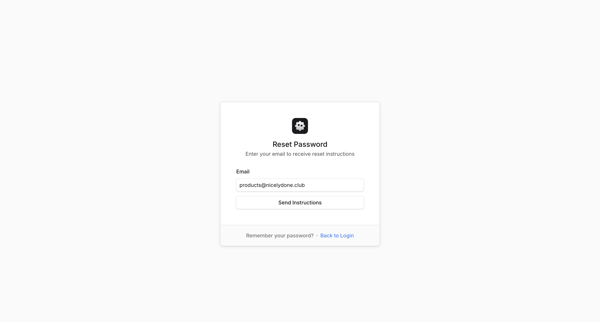
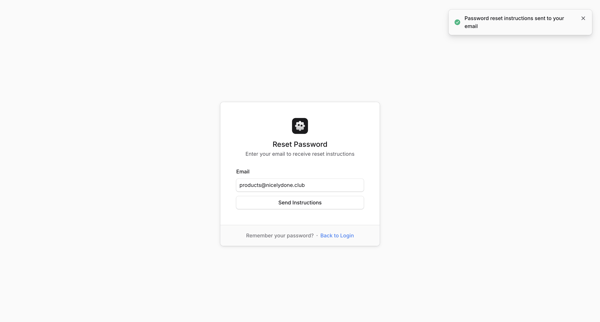
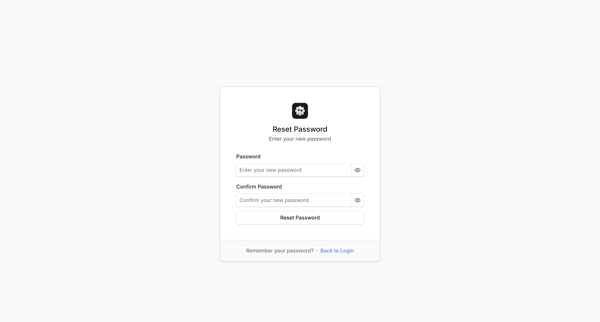
User enters email on auth surface to request reset instructions, sees success toast, then enters and confirms new password on subsequent form

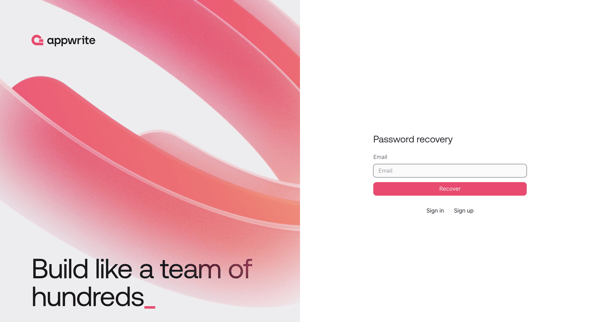
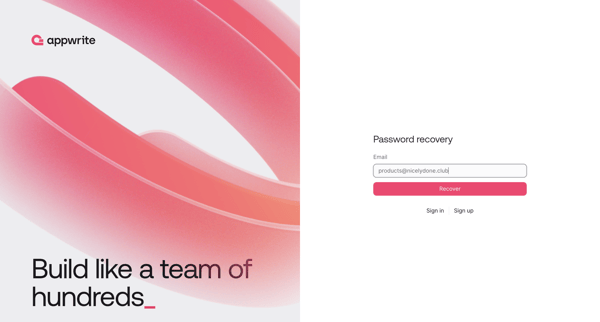
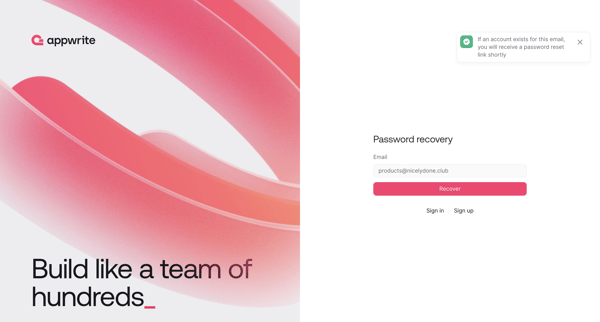
Password recovery flow where user requests reset link via email then sets new password

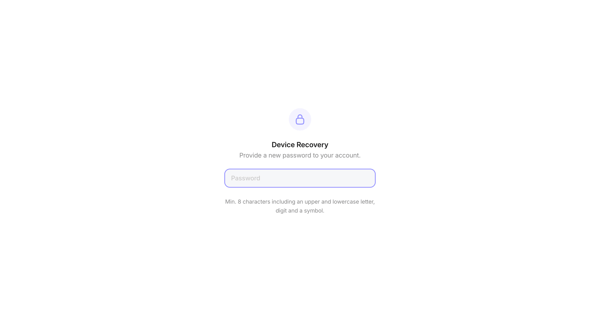
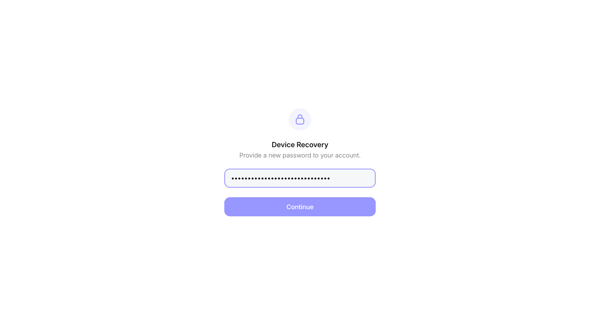
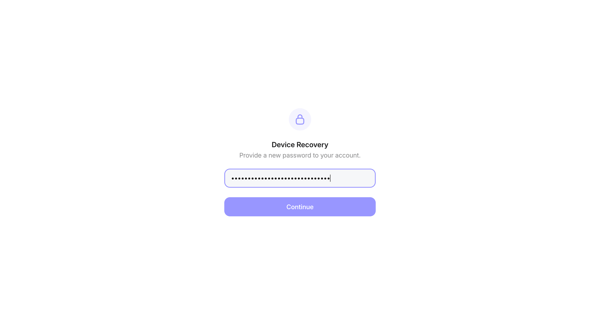
User provides new password on device recovery screens to regain account access





Explore the full SaaS flow library
Browse the full SaaS flow library.
Trusted by the best teams







