Nested Appearance Menu
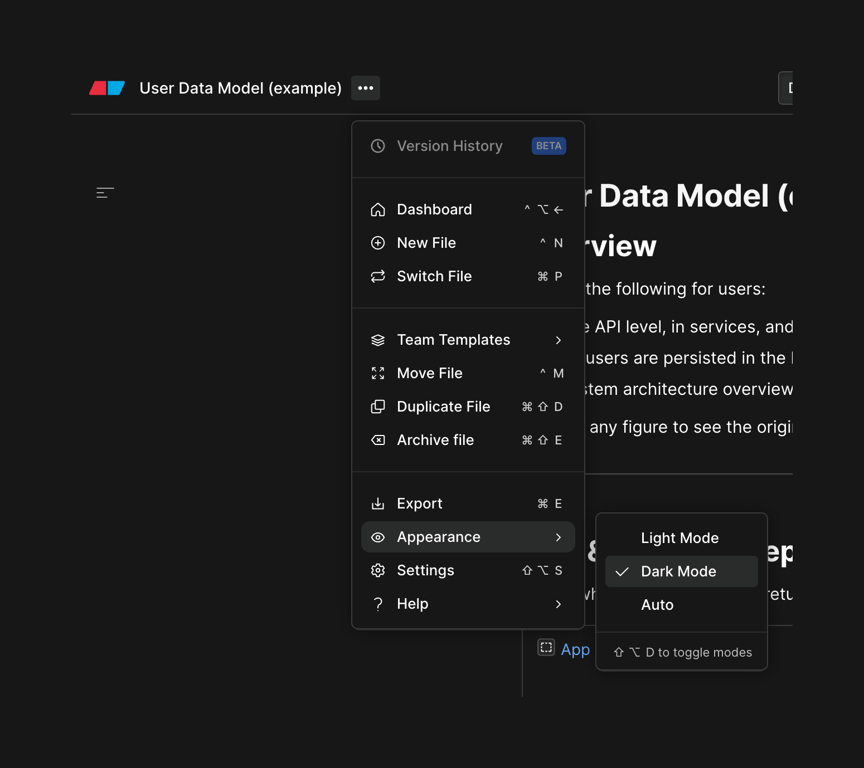
A dropdown menu with a nested submenu for selecting the appearance mode. The primary menu lists file and workspace actions, while the active 'Appearance' item opens a secondary menu to choose between Light, Dark, and Auto modes.
Explore the examples

A dropdown menu with a nested submenu for selecting the appearance mode. The primary menu lists file and workspace actions, while the active 'Appearance' item opens a secondary menu to choose between Light, Dark, and Auto modes.
Browse the full component library
Browse the full UI component library.
Trusted by the best teams







