
Whimsical user flows examples
Explore Whimsical user flow examples. Preview the opening screens and steps for each task. The hub for visual collaboration
Preview these flows

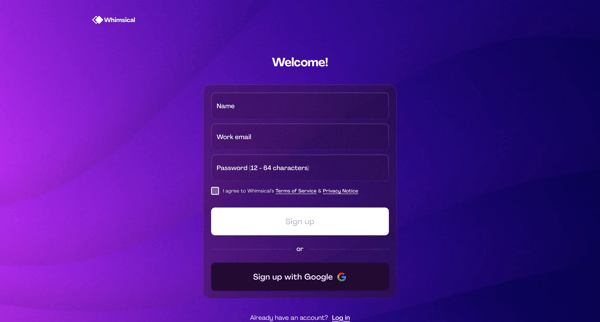
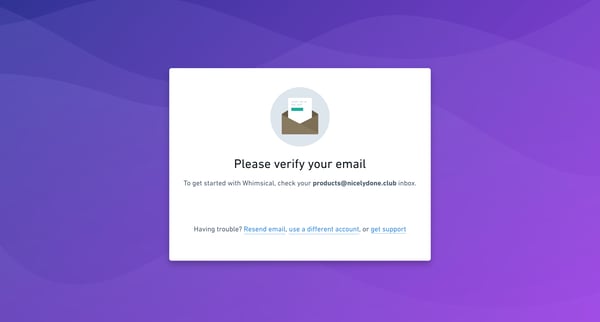
This flow guides the user through the process of creating an account and setting up their initial workspace in Whimsical.
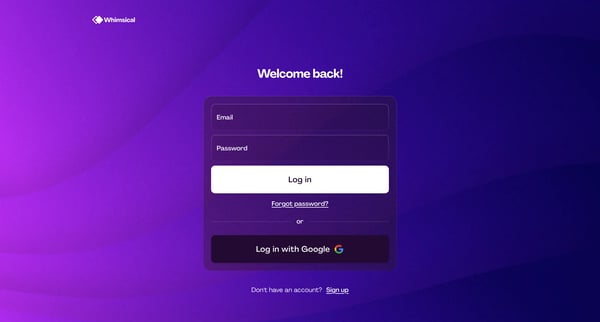
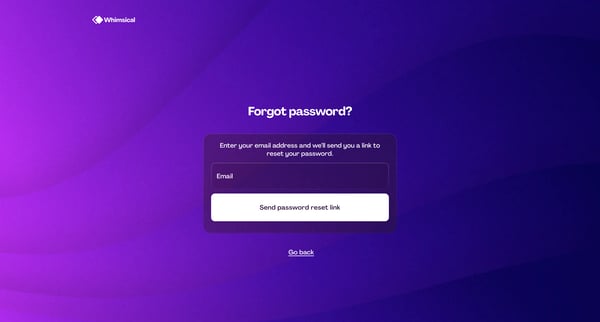
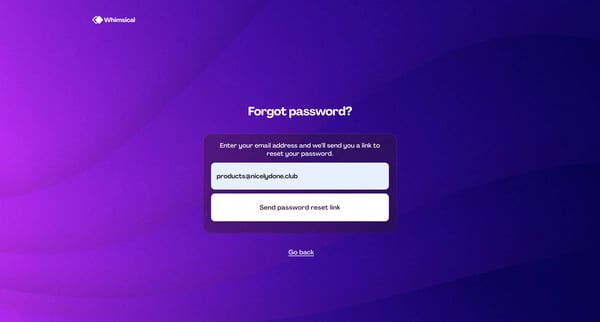
This flow guides a user through the process of resetting their password, providing a secure method to regain access to their account.
This flow assists users in securely resetting their password, ensuring they can regain access to their account with minimal disruption.
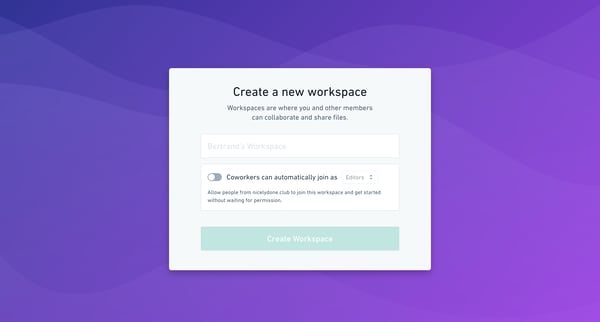
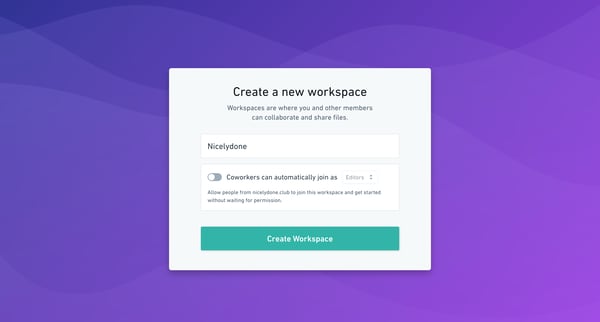
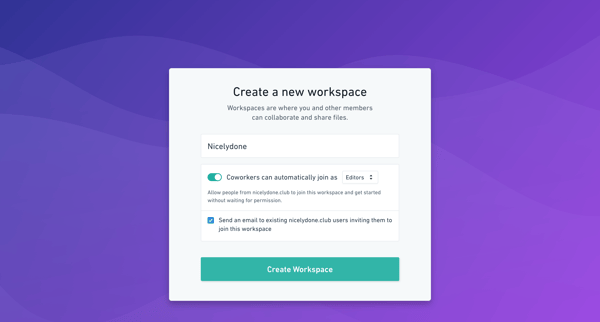
This user flow facilitates the creation of a new collaborative workspace, allowing members to easily join and start collaborating without the need for manual permission.
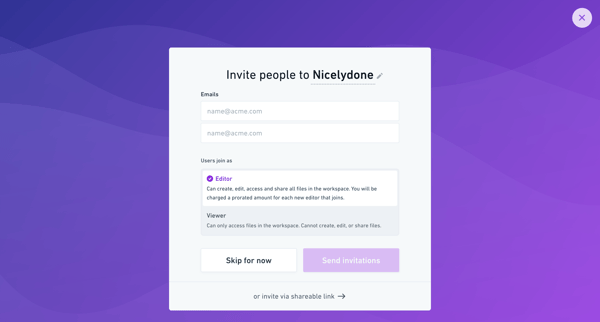
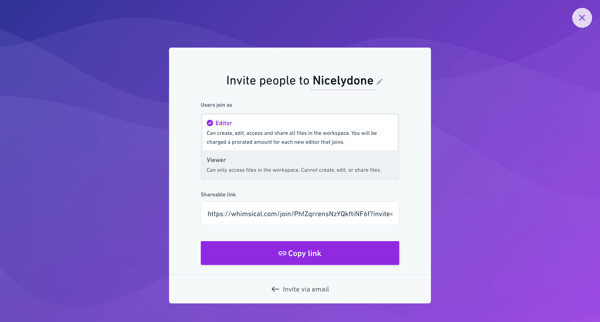
This flow enables a user to set up a new workspace, invite teammates either by email or through a shareable link, and define their access levels in Whimsical.
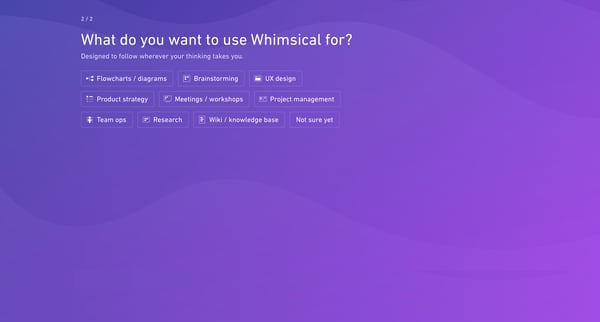
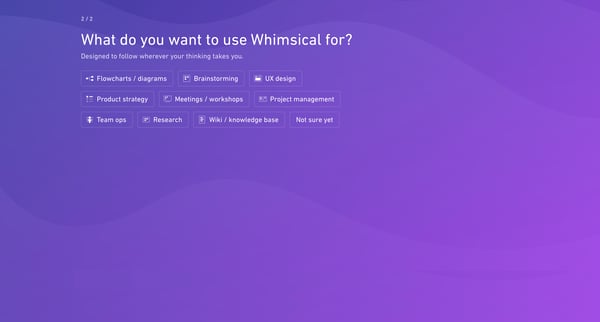
This flow helps new users to setup their workspace, determine their usage intent, and navigate initial content creation and organization options in Whimsical.
This flow guides a user through the process of setting up a new workspace where team members can collaborate and share files, with configurable options for automatic joining and sending invit
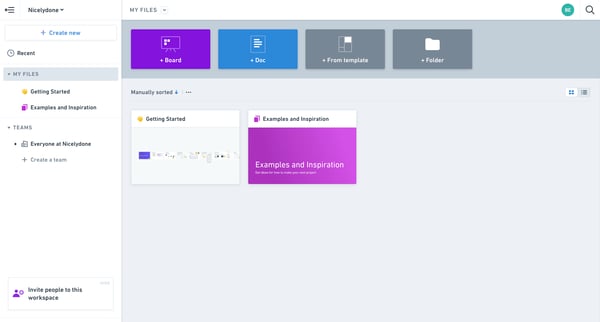
This user flow guides the user through selecting their intended usage for the Whimsical platform, potentially leading to a customized workspace setup.
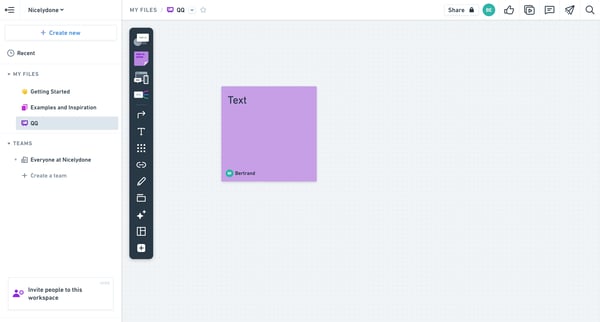
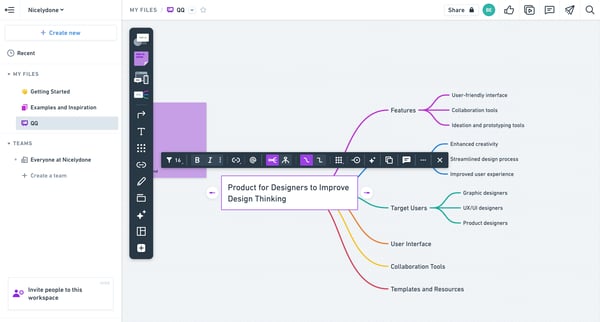
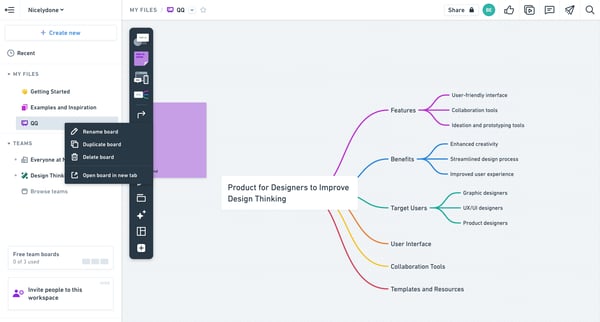
This flow facilitates the process of creating, managing, and collaborating on digital content within a design-focused workspace, helping users organize and enhance their design projects.
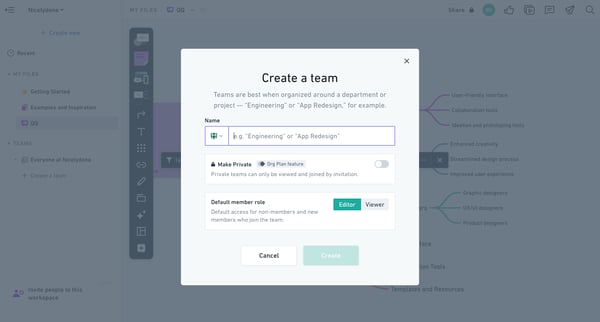
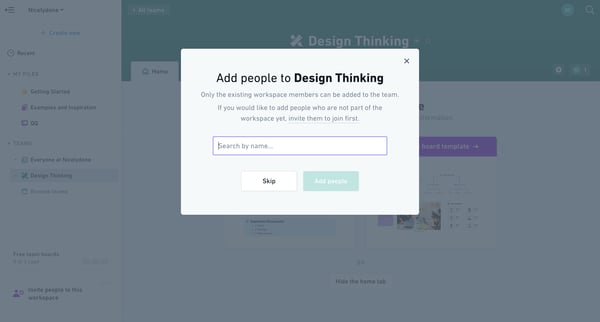
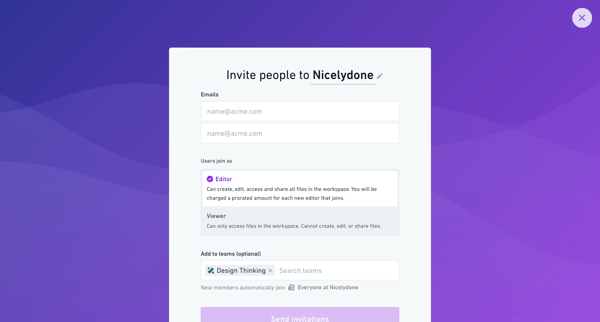
This flow facilitates the creation and management of a team in a workspace, allowing user to set team details, add members, and assign roles.
Explore the full SaaS flow library
Browse the full SaaS flow library.
Trusted by the best teams







