Skip to content

Supercut UI components examples

Browse Supercut UI component design examples. Preview individual interface elements and explore related component categories. Record your screen & communicate like a pro

Explore the examples
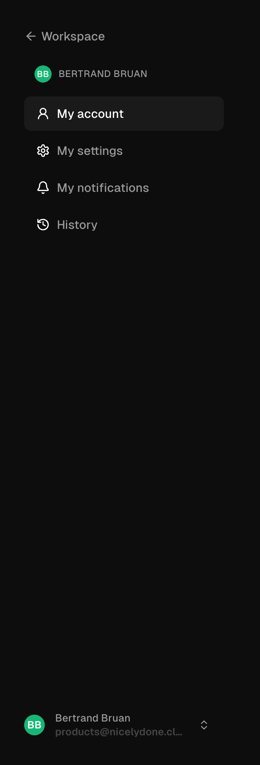
Supercut — Vertical navigation component
Supercut logo
Supercut

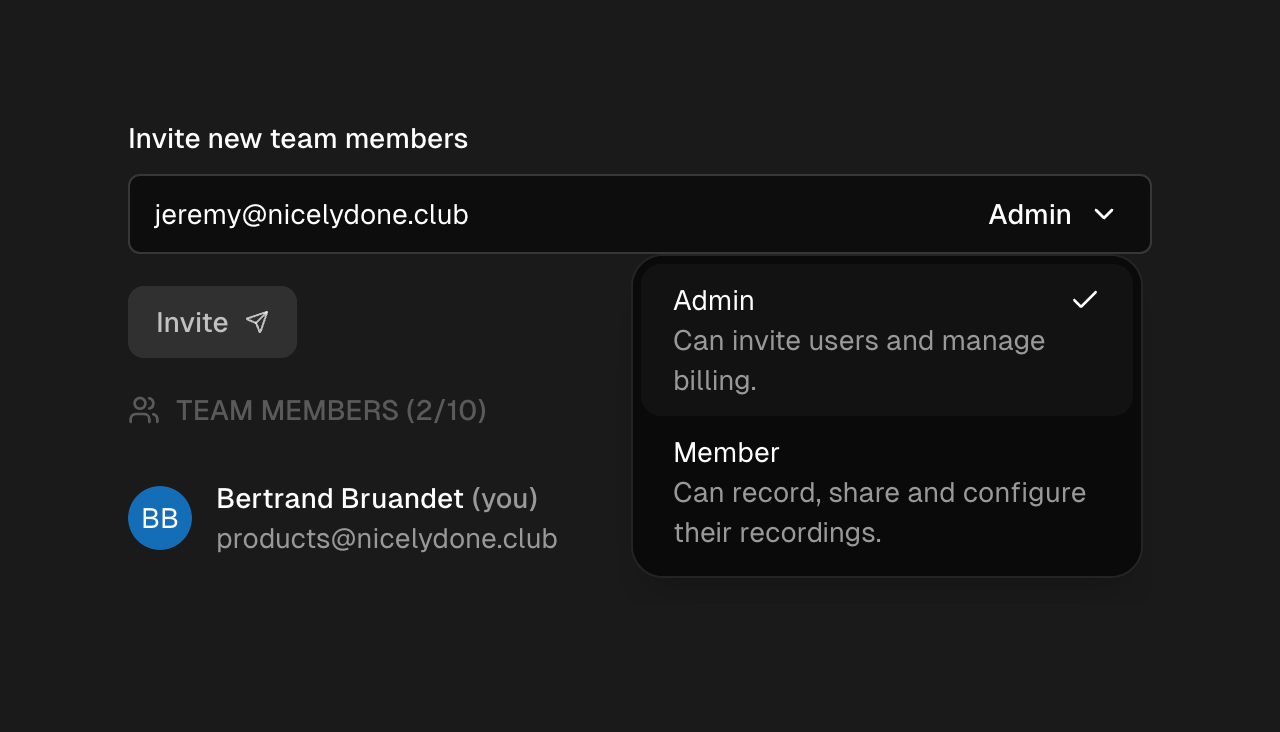
The screenshot displays a settings menu in dark mode.

Supercut — Dropdown menu component
Supercut logo
Supercut

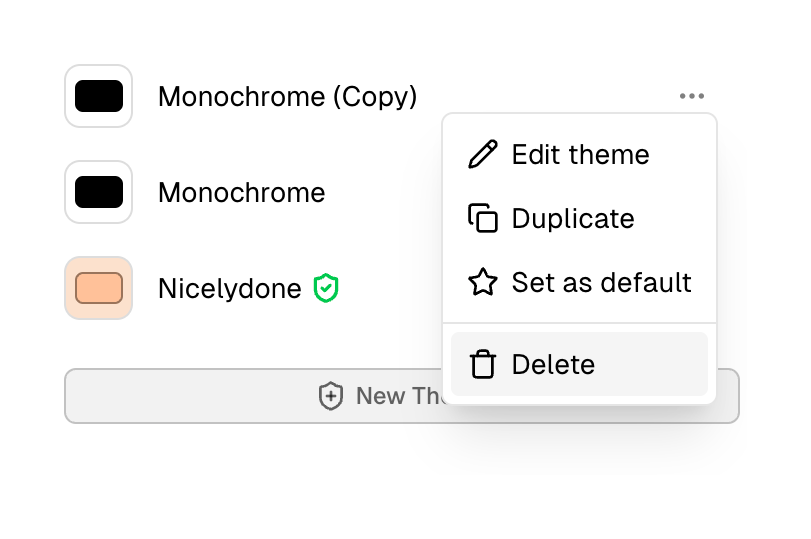
The screenshot shows a modal with options to edit, duplicate, set as default, and delete a theme.

Supercut — Modal component
Supercut logo
Supercut

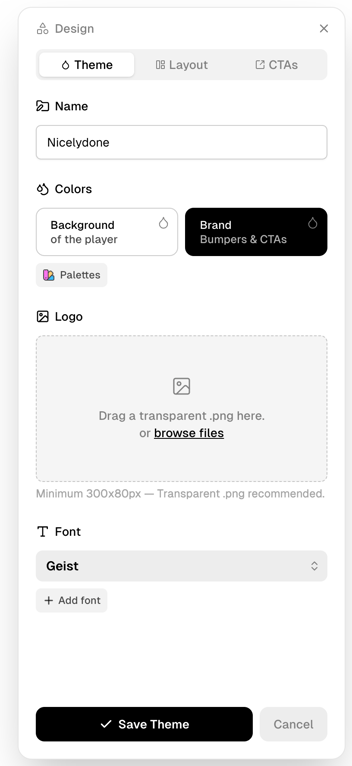
A modal for design customization.

Supercut — Code block component
Supercut logo
Supercut

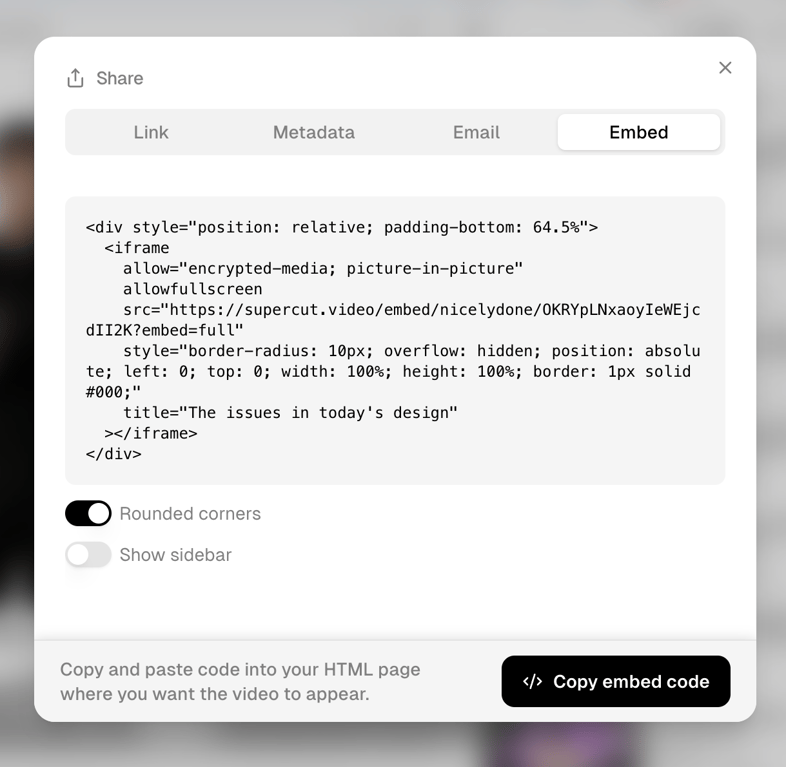
The screenshot shows a modal for embedding a video, with options to copy the embed code and customize the appearance.

Supercut — Checkbox & radio component
Supercut logo
Supercut

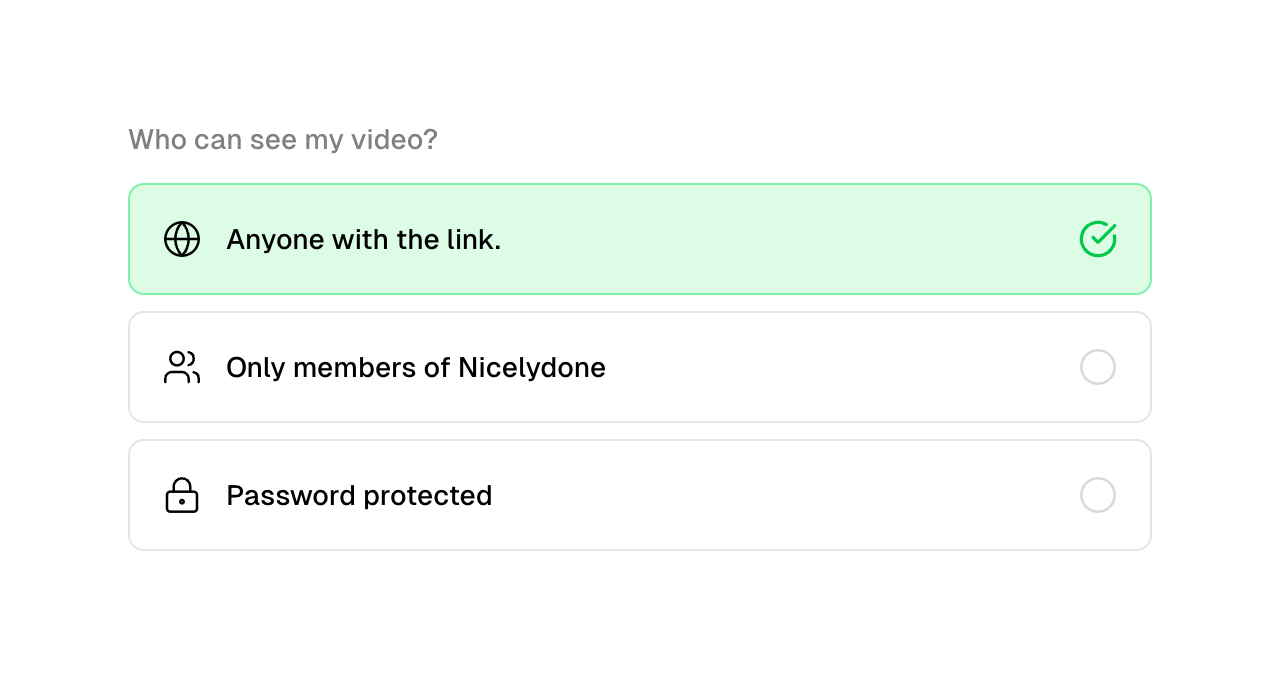
The screenshot shows a modal for setting video privacy options.

Supercut — Segmented control component
Supercut logo
Supercut

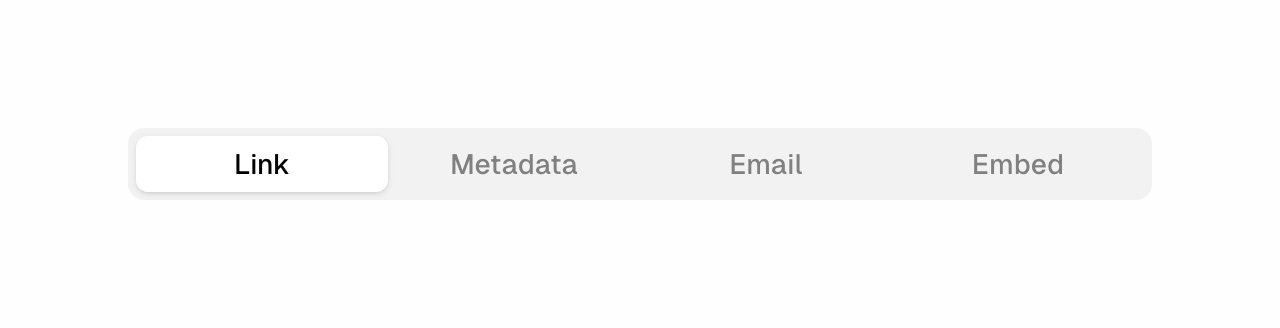
A tab bar with four options

Supercut — Horizontal navigation component
Supercut logo
Supercut

The screenshot shows a ui with share, design and edit options.

Supercut — Progress indicator component
Supercut logo
Supercut

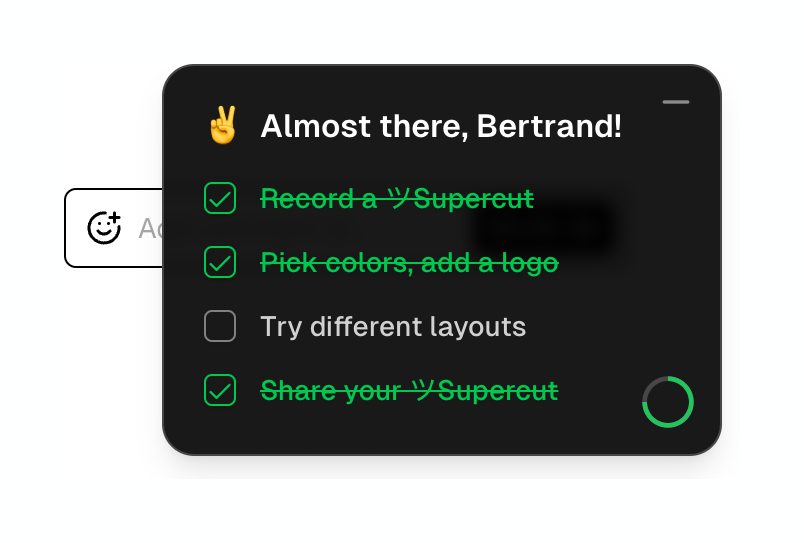
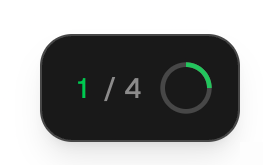
A toggle switch with a progress indicator.

Supercut — Video player component
Supercut logo
Supercut

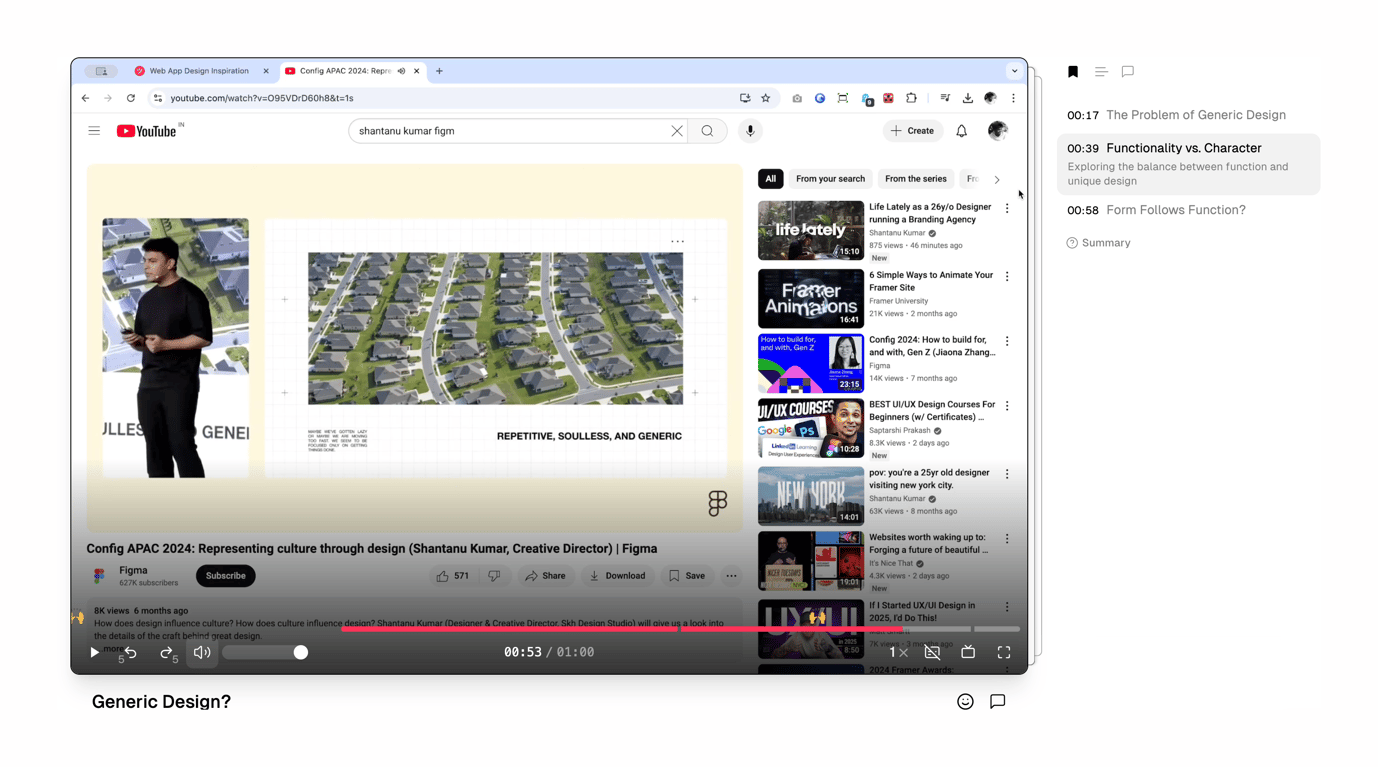
A screenshot of a youtube video about design.

Browse the full component library

Browse the full UI component library.

Trusted by the best teams