Sprig product screens examples
Browse Sprig screen design examples. Preview the interface screenshots and explore related UI patterns. Product Insights Platform for Team that Need Rapid User…
Explore the examples
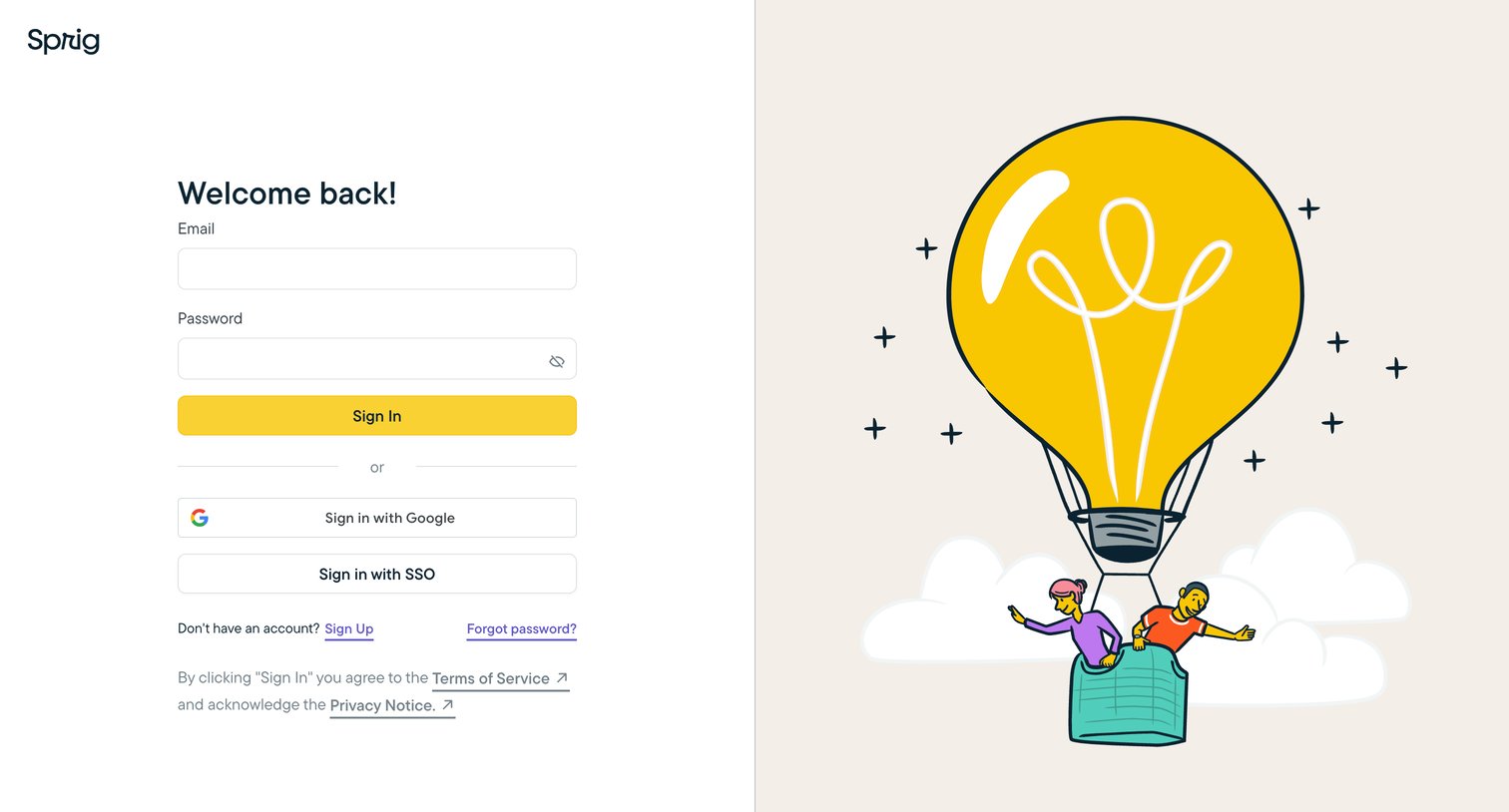
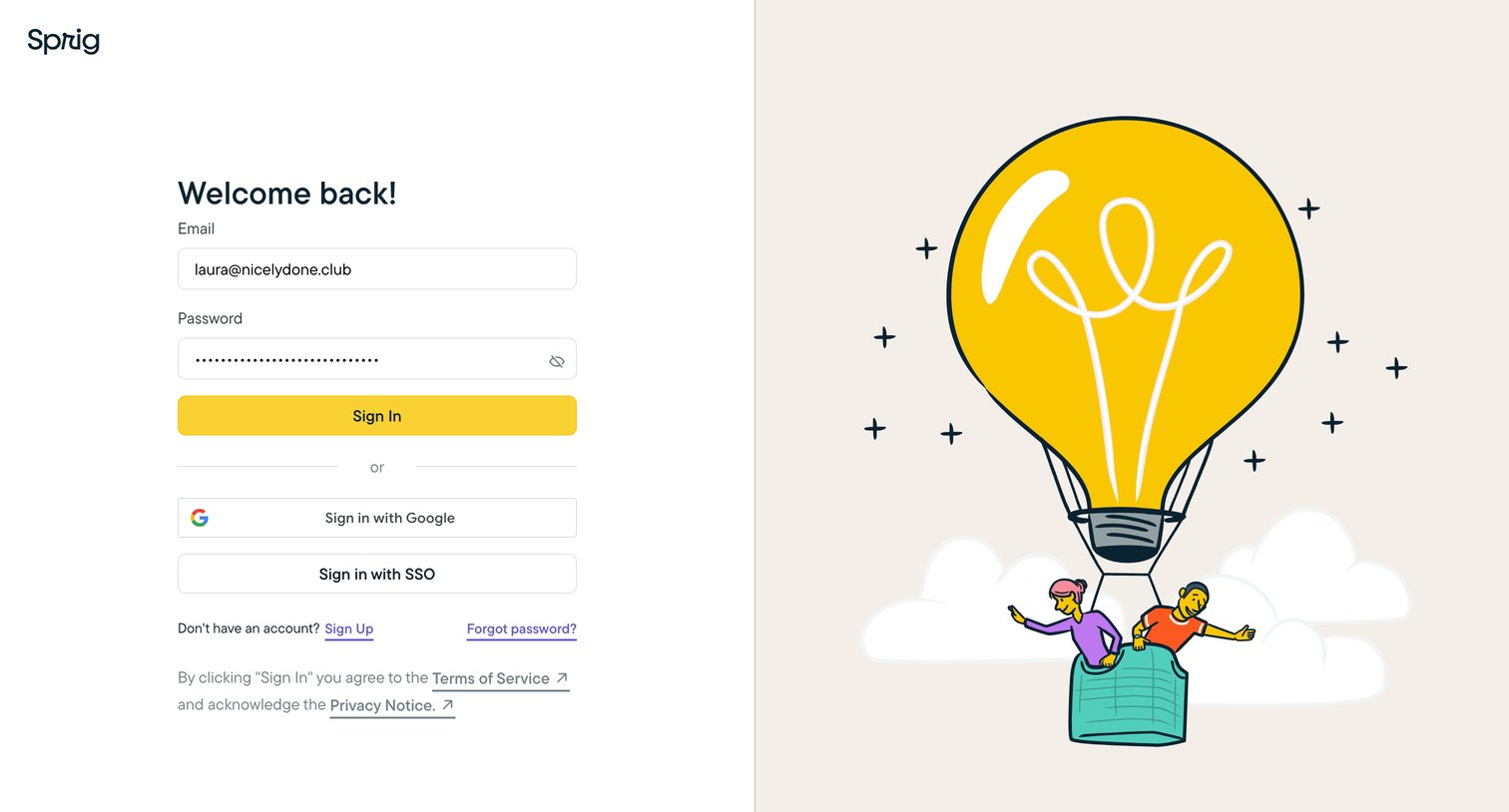
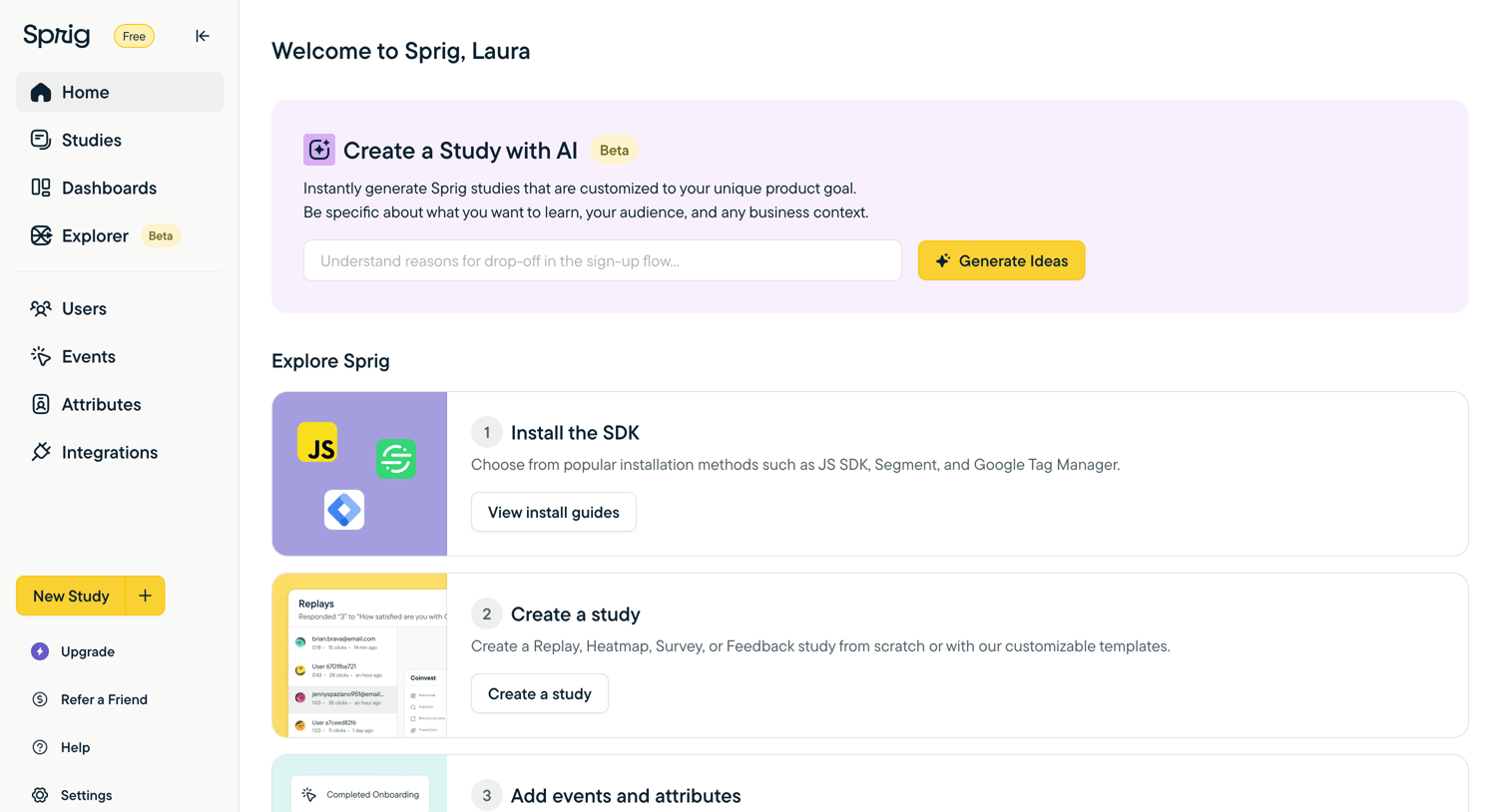

Welcome screen where the user can generate a study with an AI prompt or follow a setup checklist to install the SDK, create a study, and add events.
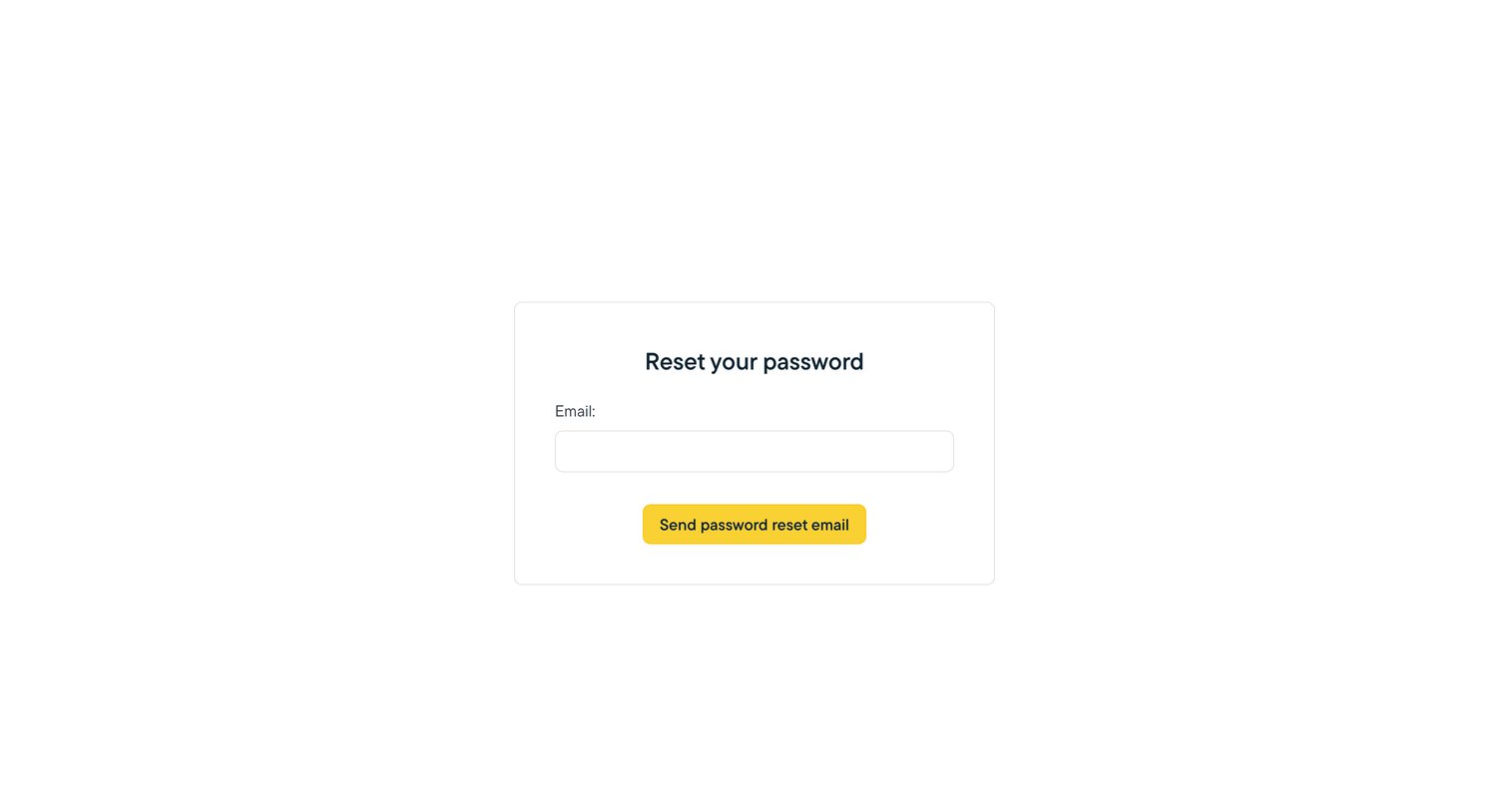
Password recovery screen where the user enters their email address to request a reset link.
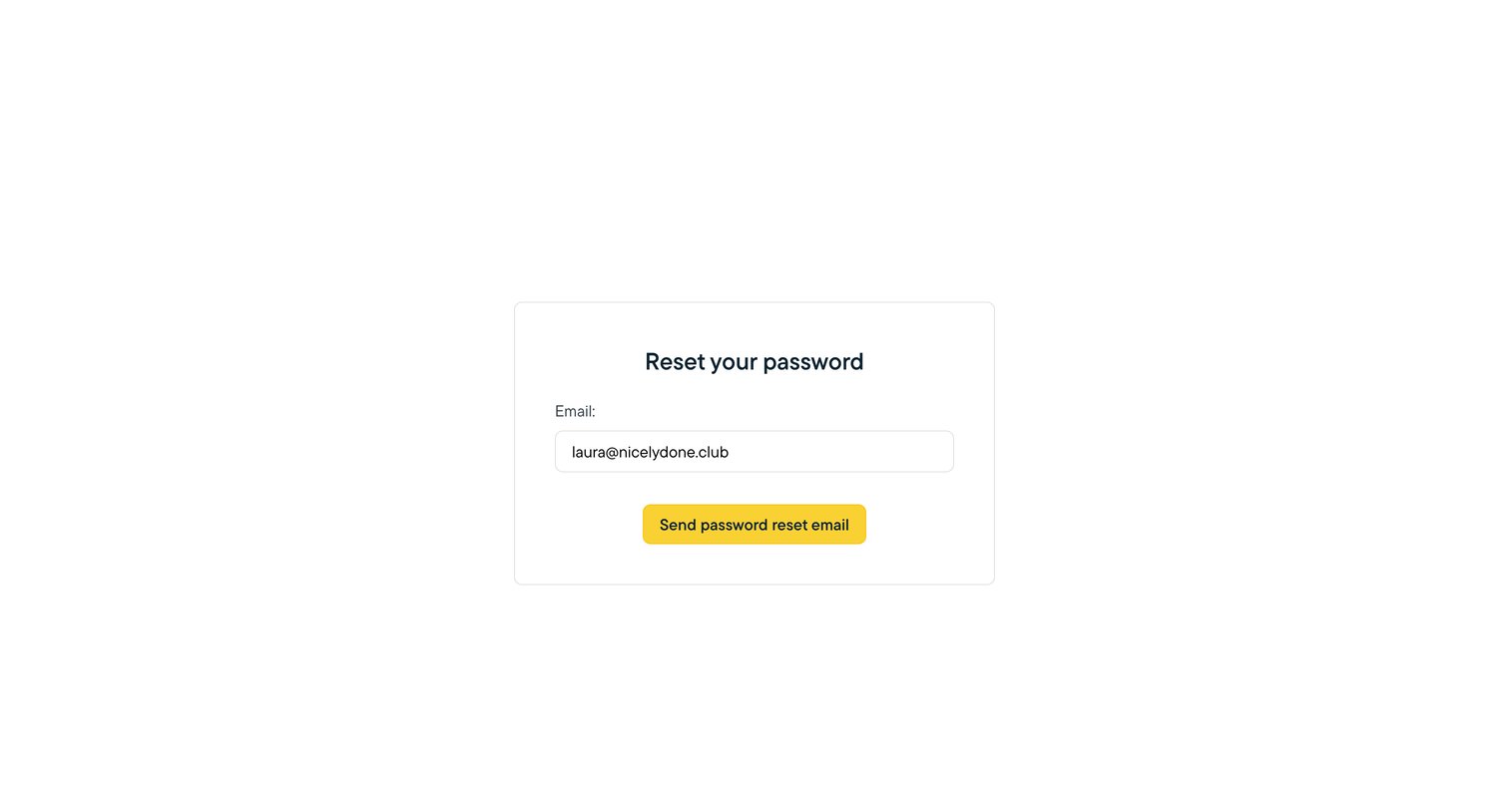
Password recovery screen where the user confirms their email address to receive a reset link.
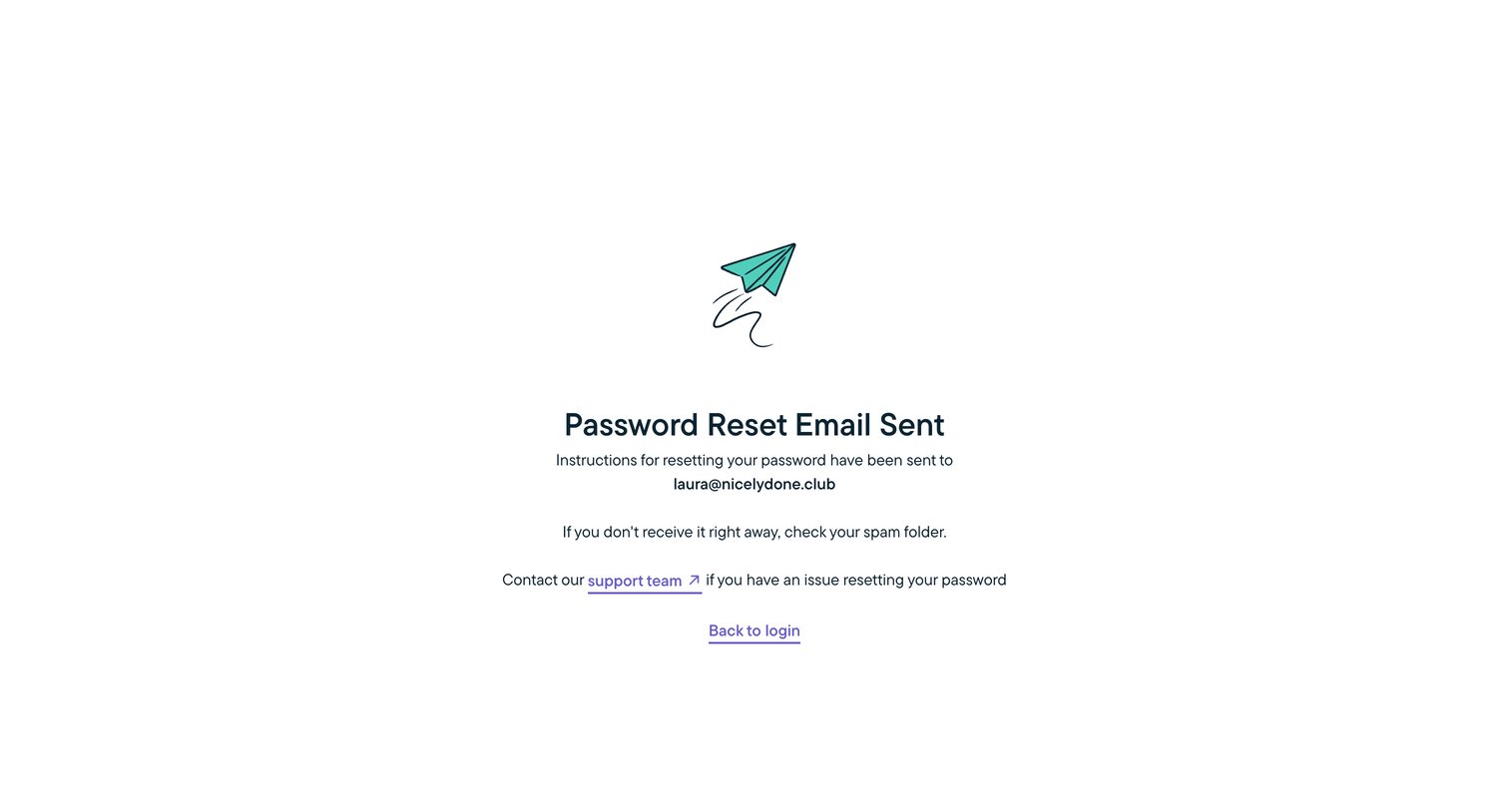
Password recovery screen confirming that reset instructions have been sent to the user's email address, with a link to contact support and a prompt to return to login.
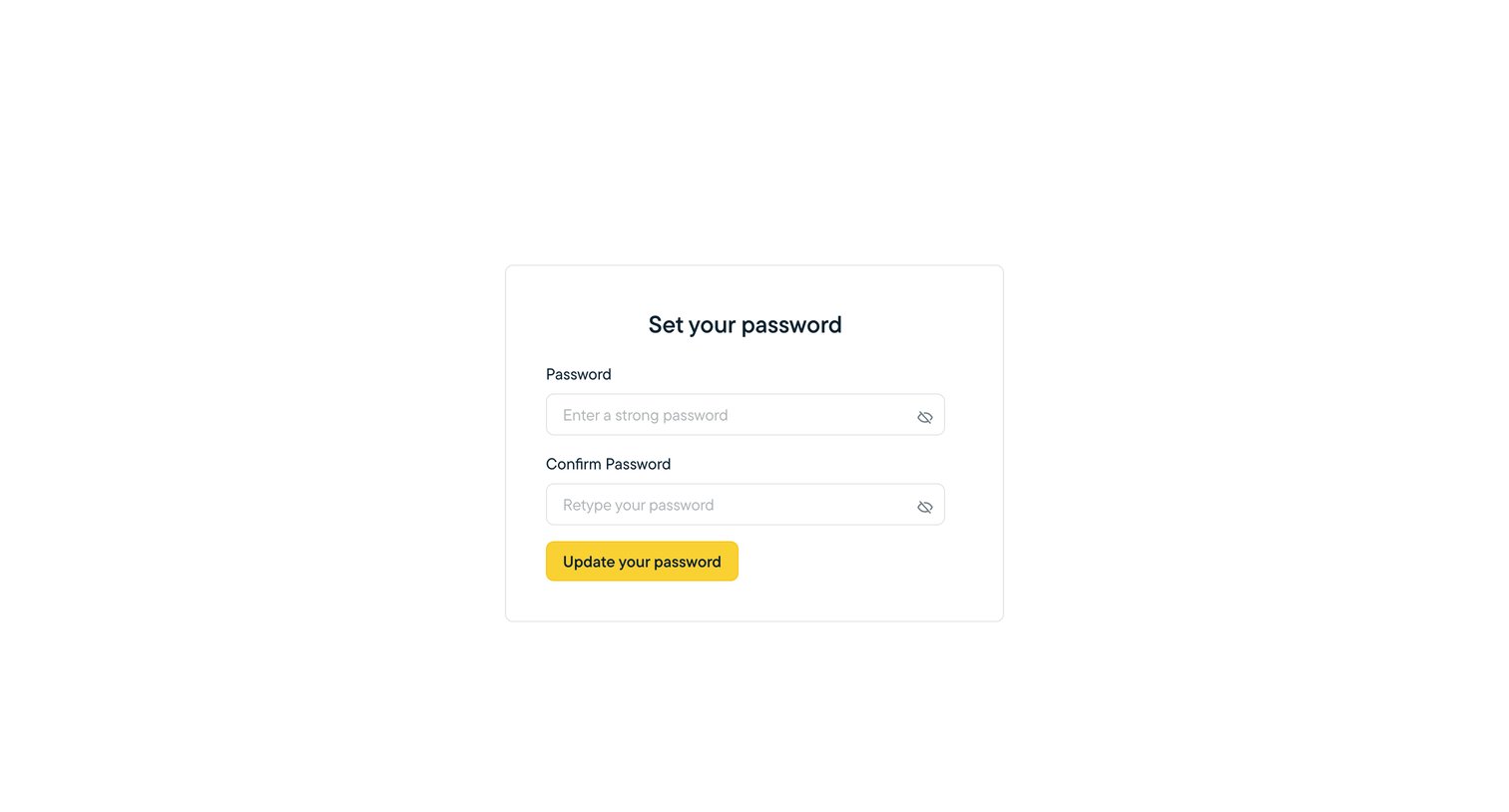
Password recovery screen where the user enters and confirms a new strong password to update their account credentials.
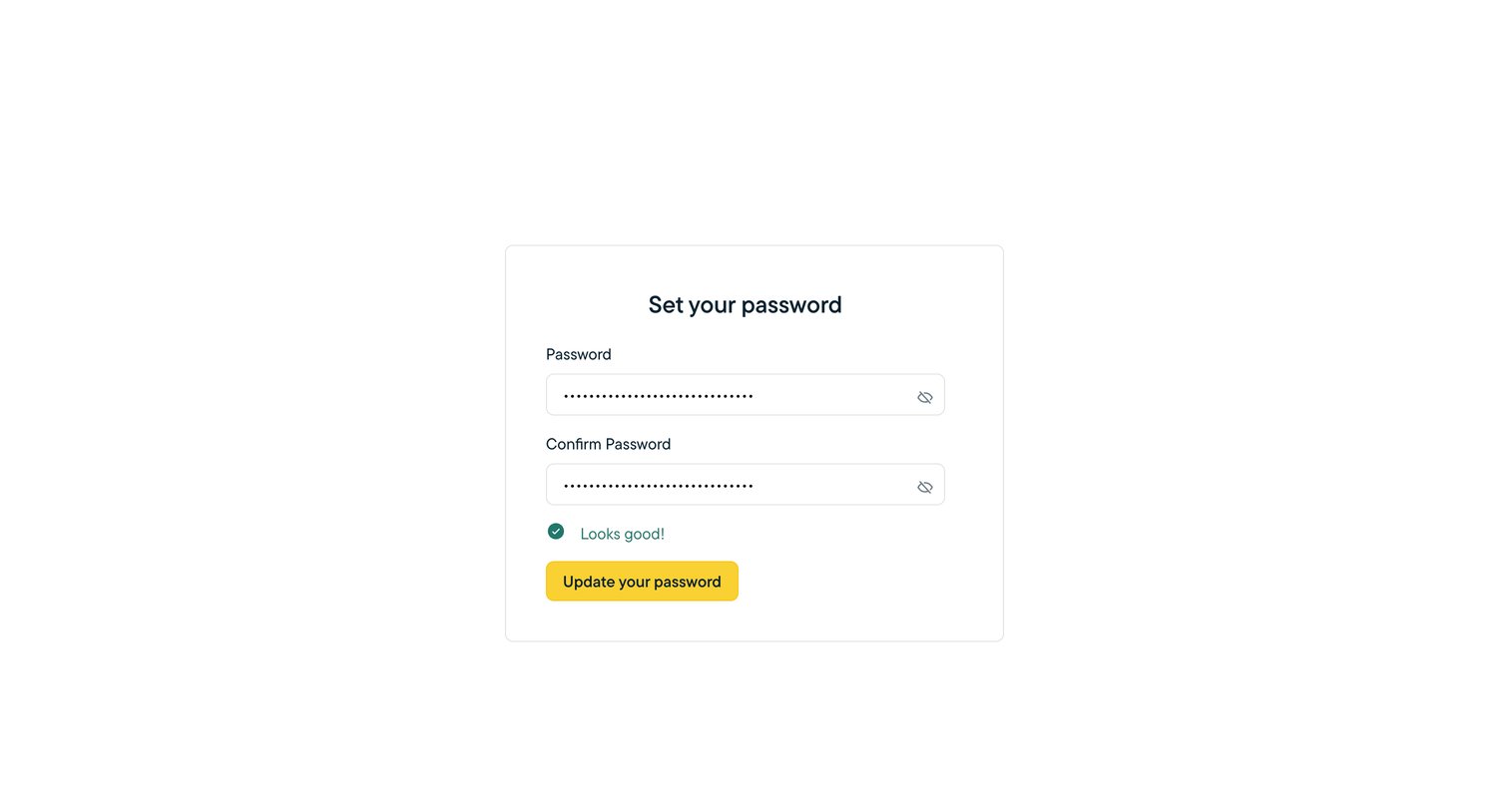
Password recovery screen where the user enters and confirms their new password with inline success validation.
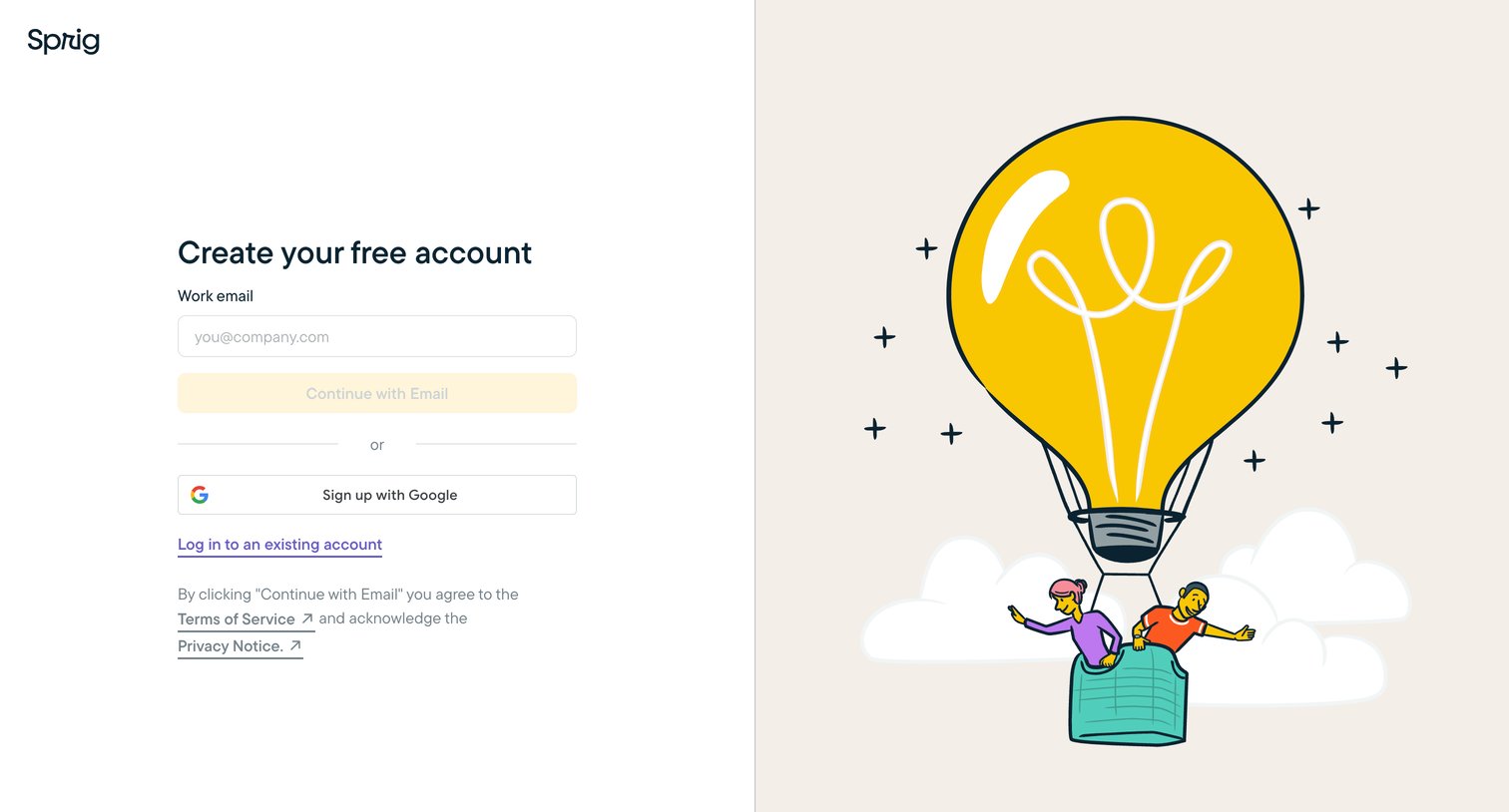
Signup screen where the user creates a free account using their work email or Google authentication, featuring a large thematic illustration on the right.
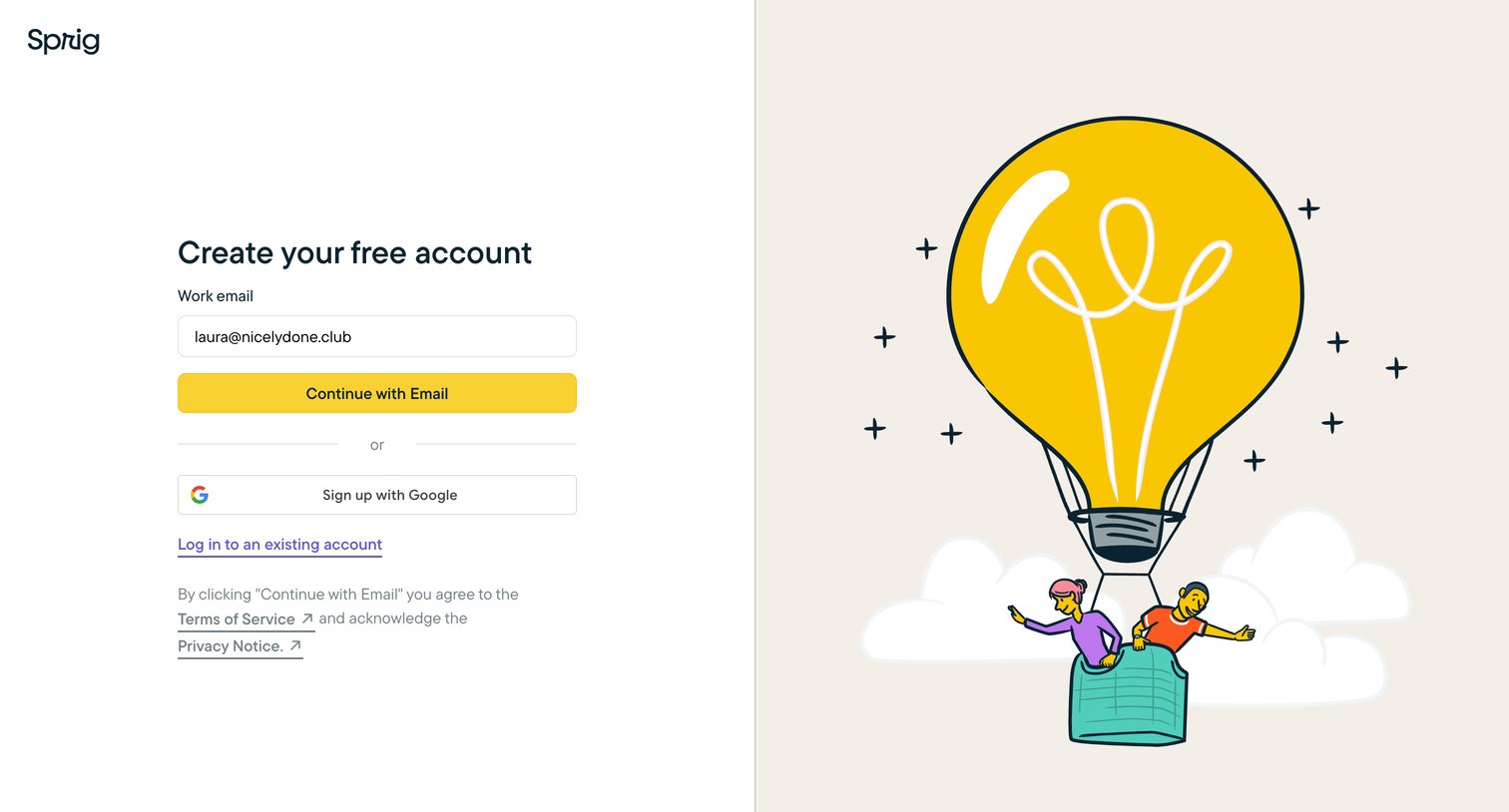
Signup page where the user can create a free account using their work email or Google authentication, accompanied by a branded illustration.
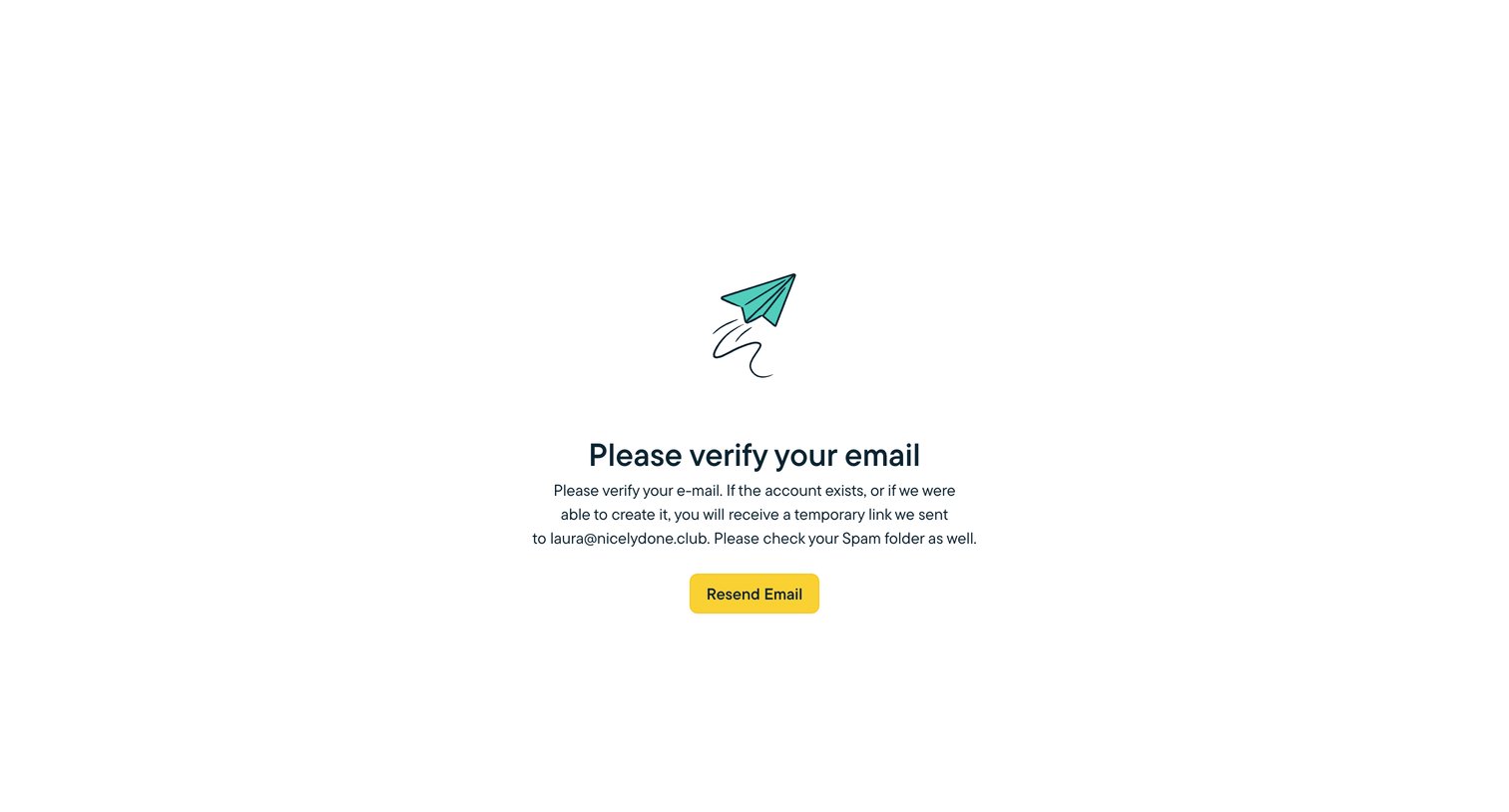
Verification screen where the user is instructed to check their inbox for a temporary link sent to their email address.
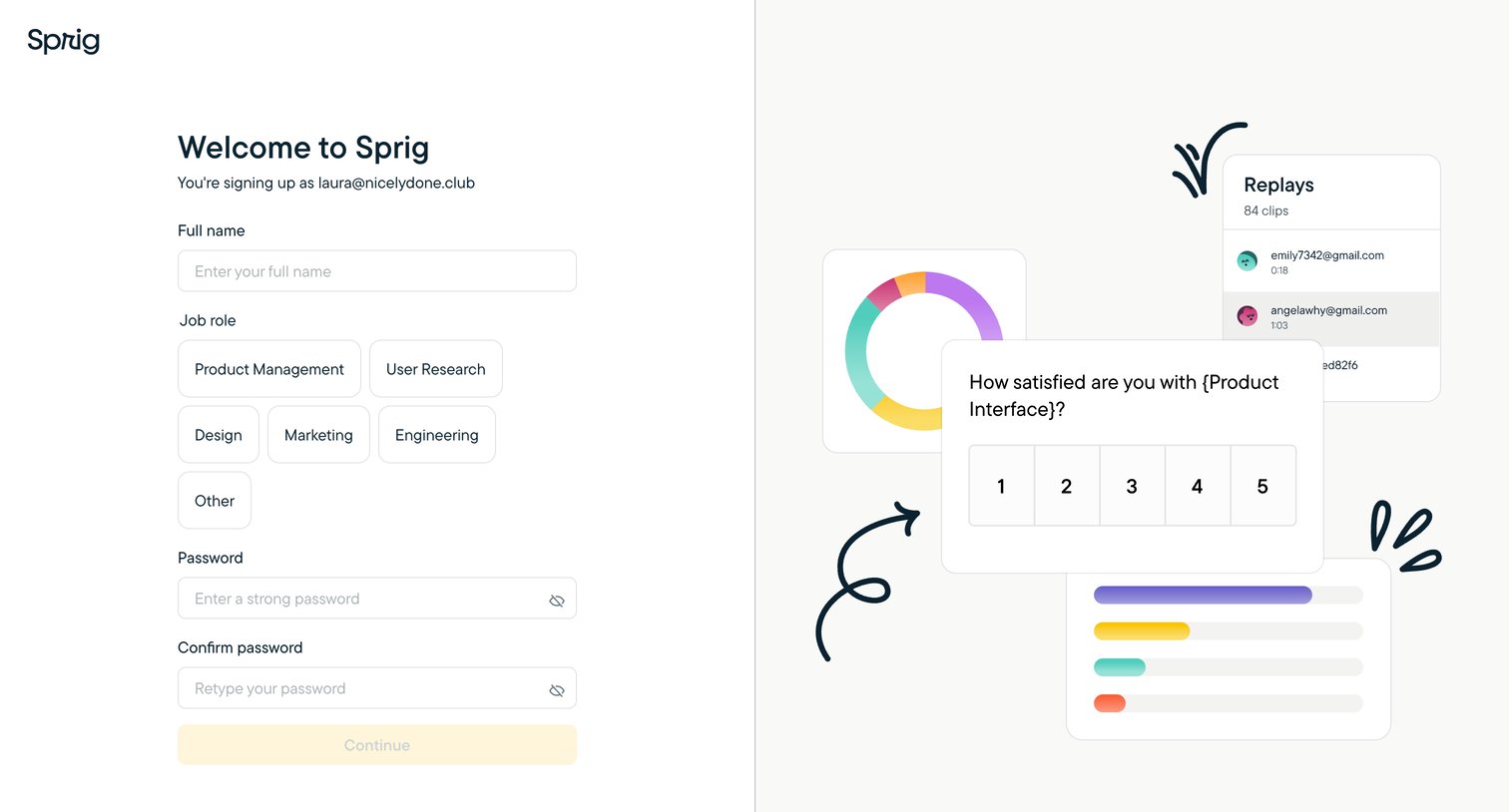
Signup screen where an invited user provides their name, job role, and password to complete account creation.
Explore the full SaaS screen library
Upgrade to unlock the full library.
Trusted by the best teams







