Sage project design examples
Explore Sage project UI design examples. Food data made simple
Product screens


Sign-in screen where the user authenticates with their email and password, featuring a minimalist centered form and a prominent play-button submit action.

Password recovery screen where the user enters their email address to receive a reset link.

Account creation Onboarding User authentication Form
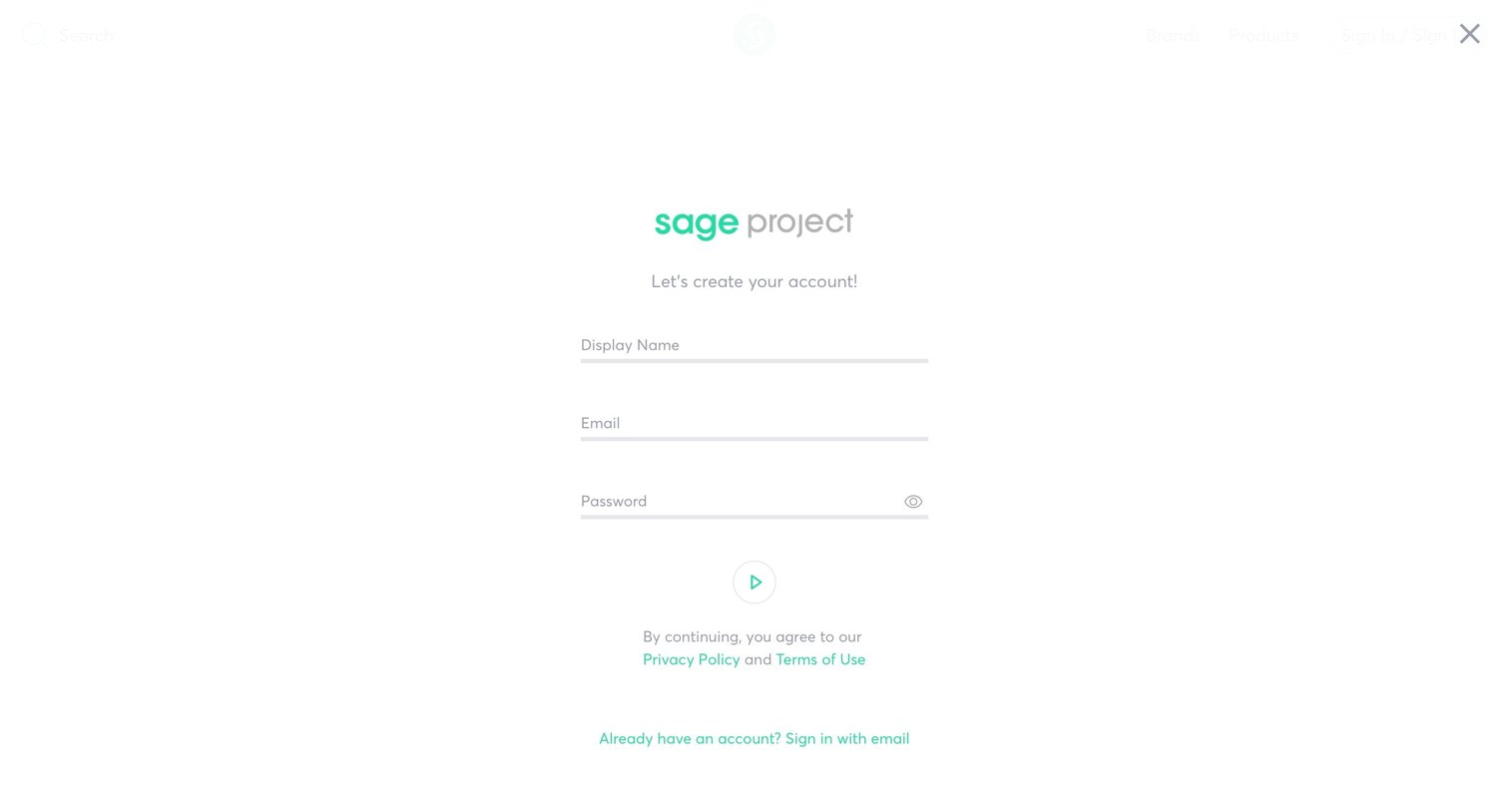
Signup screen where the user creates a new account by providing a display name, email, and password.

Onboarding

Onboarding step where the user selects lifestyle presets like Healthy Eater, The Athlete, or Animal Lover to personalize their experience.

Onboarding step where the user selects lifestyle presets like Healthy Eater or The Athlete to customize their health preferences.

Onboarding step where the user selects their specific diet from a grid of illustrated options to personalize their health profile.

Onboarding step where the user selects their food allergies from a grid of pill buttons, while their health preferences are summarized in a right sidebar.

Onboarding step where the user selects up to 10 health and nutrition preferences from a grid of illustrated choices, with a summary of selections in the right sidebar.

Onboarding Confirmation

Onboarding Progress indicator Form
Browse the full SaaS app library
Explore real SaaS apps with their product screens, marketing screens, flows, and components.
Trusted by the best teams







