Skip to content

Monarch UI components examples

Browse Monarch UI component design examples. Preview individual interface elements and explore related component categories. The modern way to manage money

Explore the examples
Monarch — Dropdown menu component
Monarch logo
Monarch

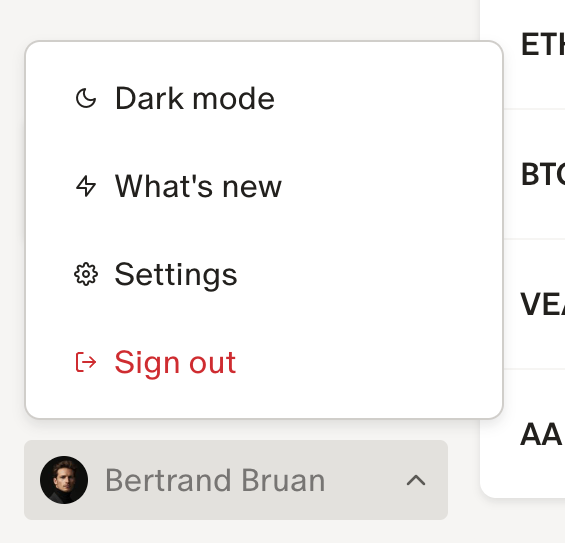
This is a screenshot of a user profile dropdown menu.

Monarch — Tabs component
Monarch logo
Monarch

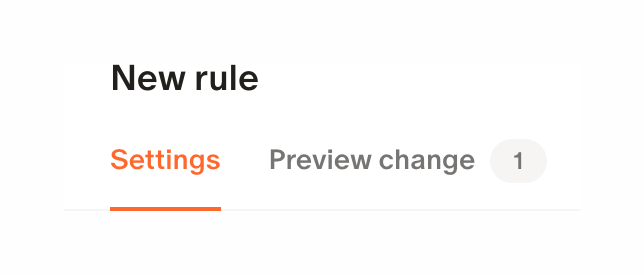
The screenshot displays a modal or section with a tabbed interface for creating a new rule.

Monarch — Empty state component
Monarch logo
Monarch

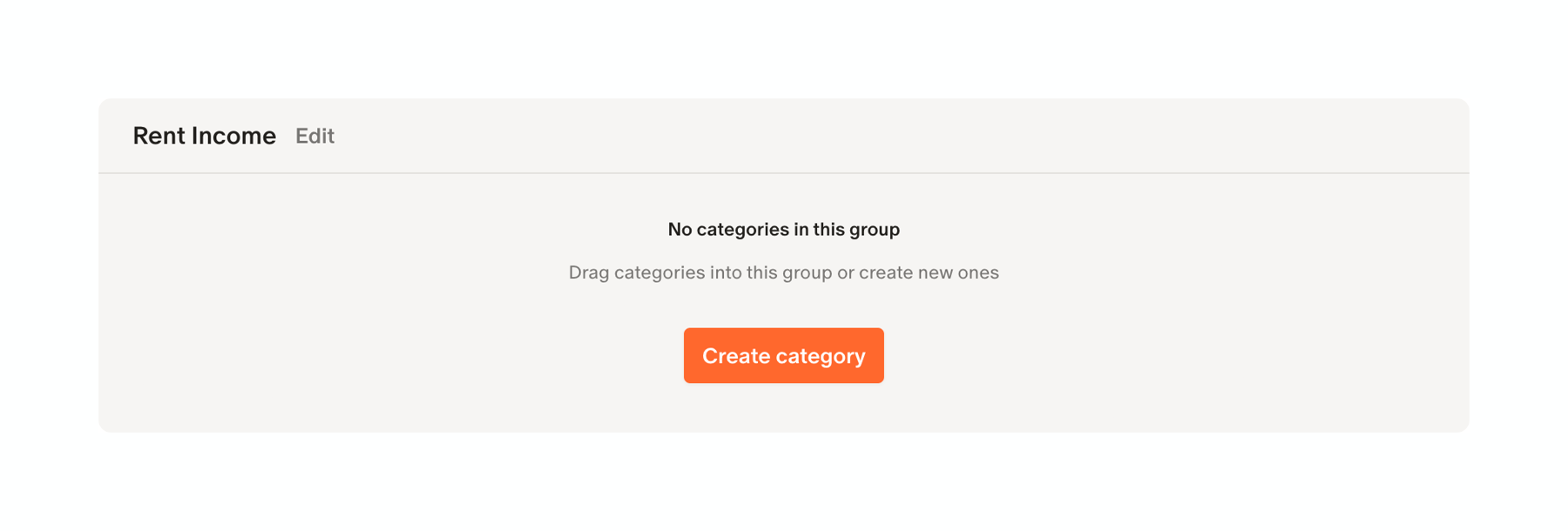
The screenshot displays a modal or section indicating that there are no categories in the current group, with a call to action to create a new category.

Monarch — Charts component
Monarch logo
Monarch

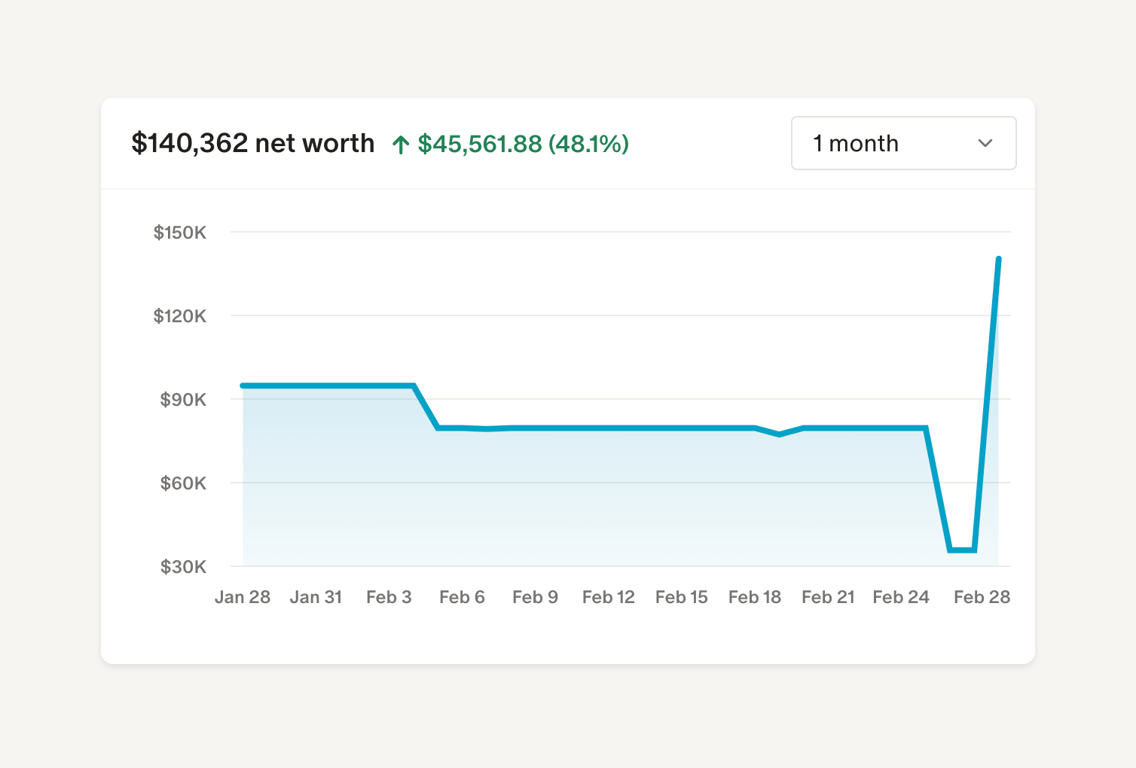
A line chart showing net worth over one month.

Monarch — Progress indicator component
Monarch logo
Monarch

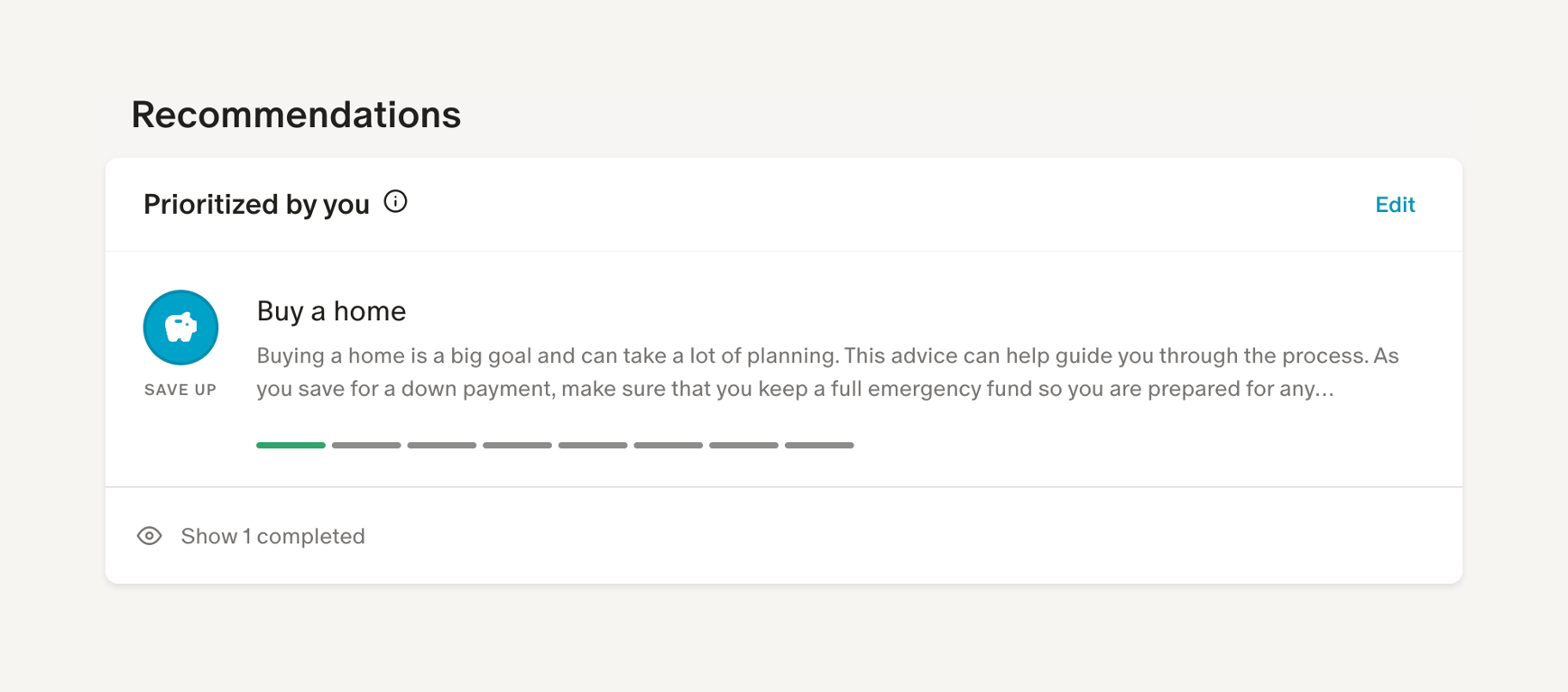
The screenshot displays a recommendation card with a progress bar and an edit option.

Monarch — Charts component
Monarch logo
Monarch

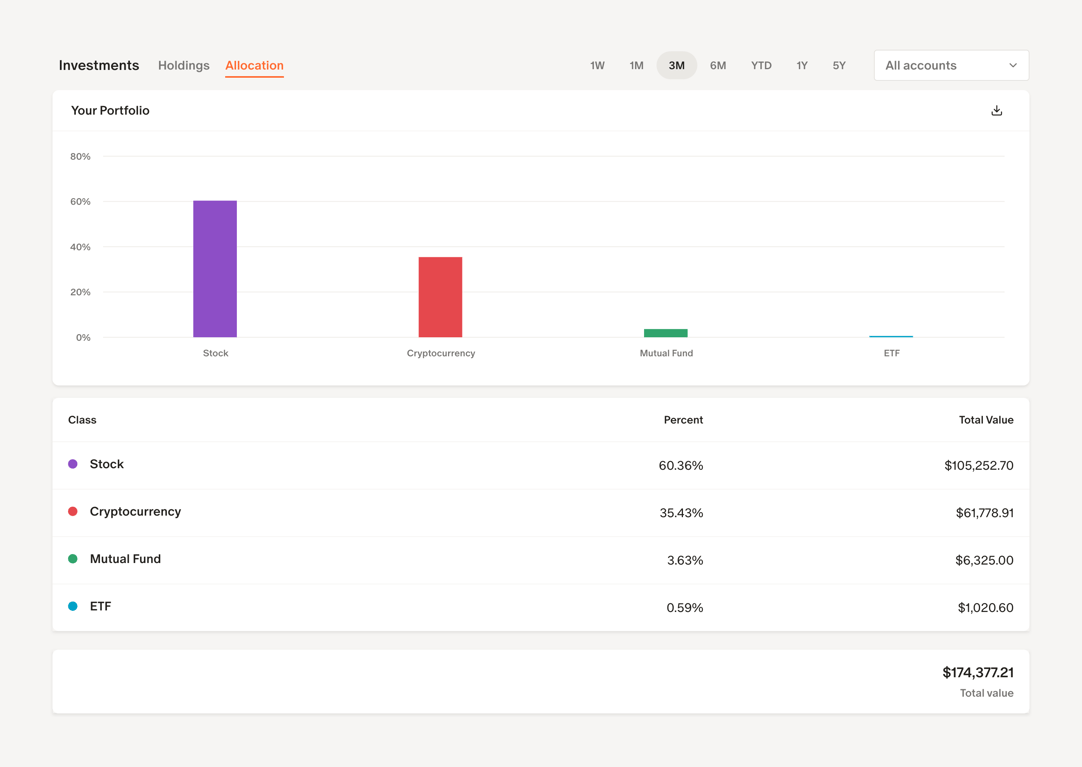
A financial dashboard showing investment allocation with a bar chart and a table.

Monarch — Charts component
Monarch logo
Monarch

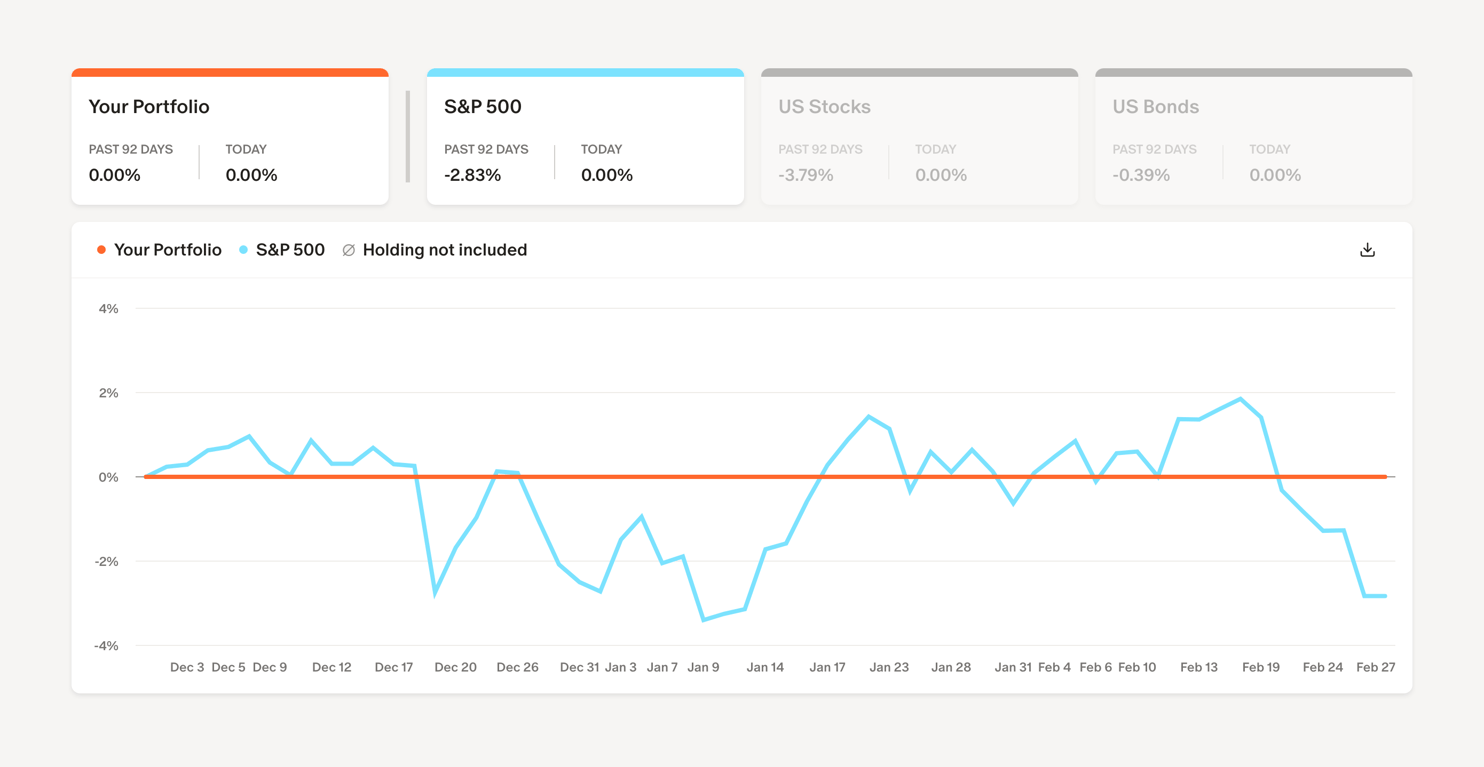
A financial dashboard showing portfolio performance against benchmarks.

Monarch — Sorting & filtering component
Monarch logo
Monarch

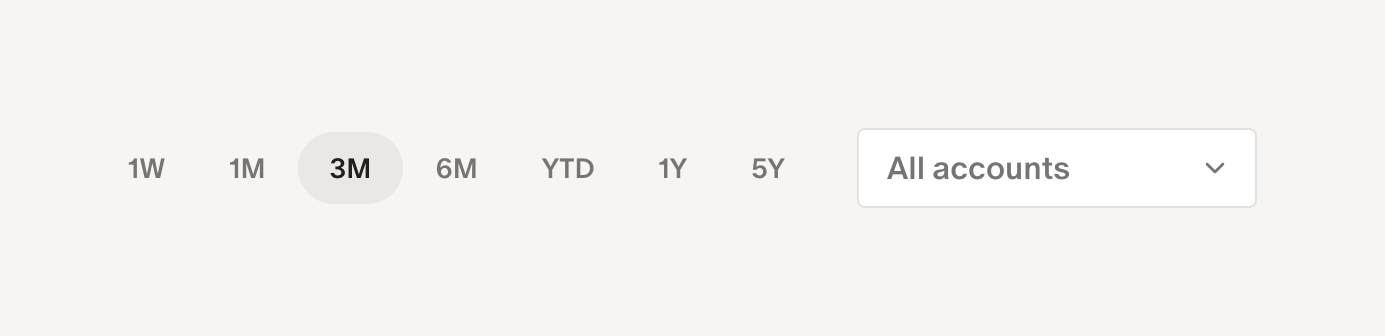
The image shows a date range selector and a dropdown menu.

Monarch — Charts component
Monarch logo
Monarch

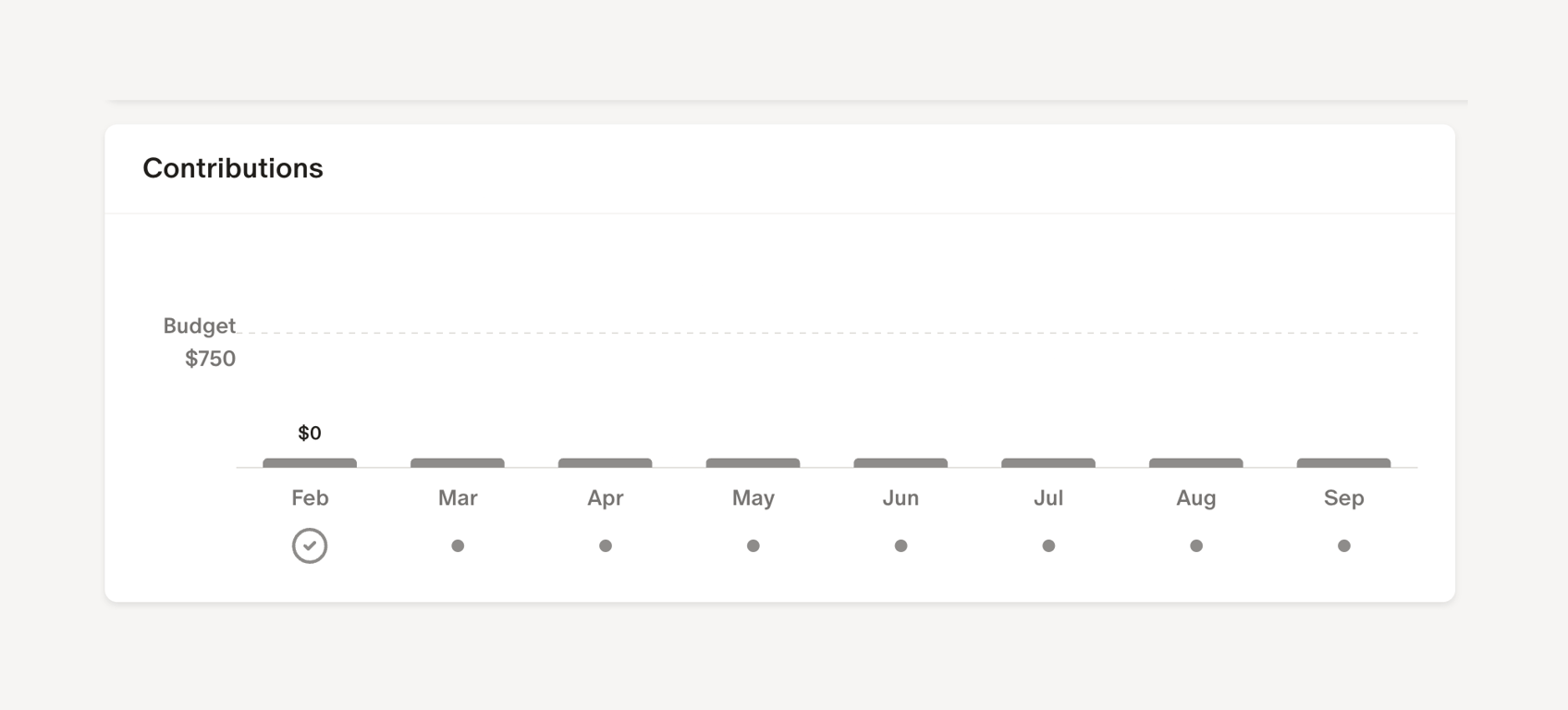
A contributions chart showing budget and actual contributions over time.

Monarch — Timeline & history component
Monarch logo
Monarch

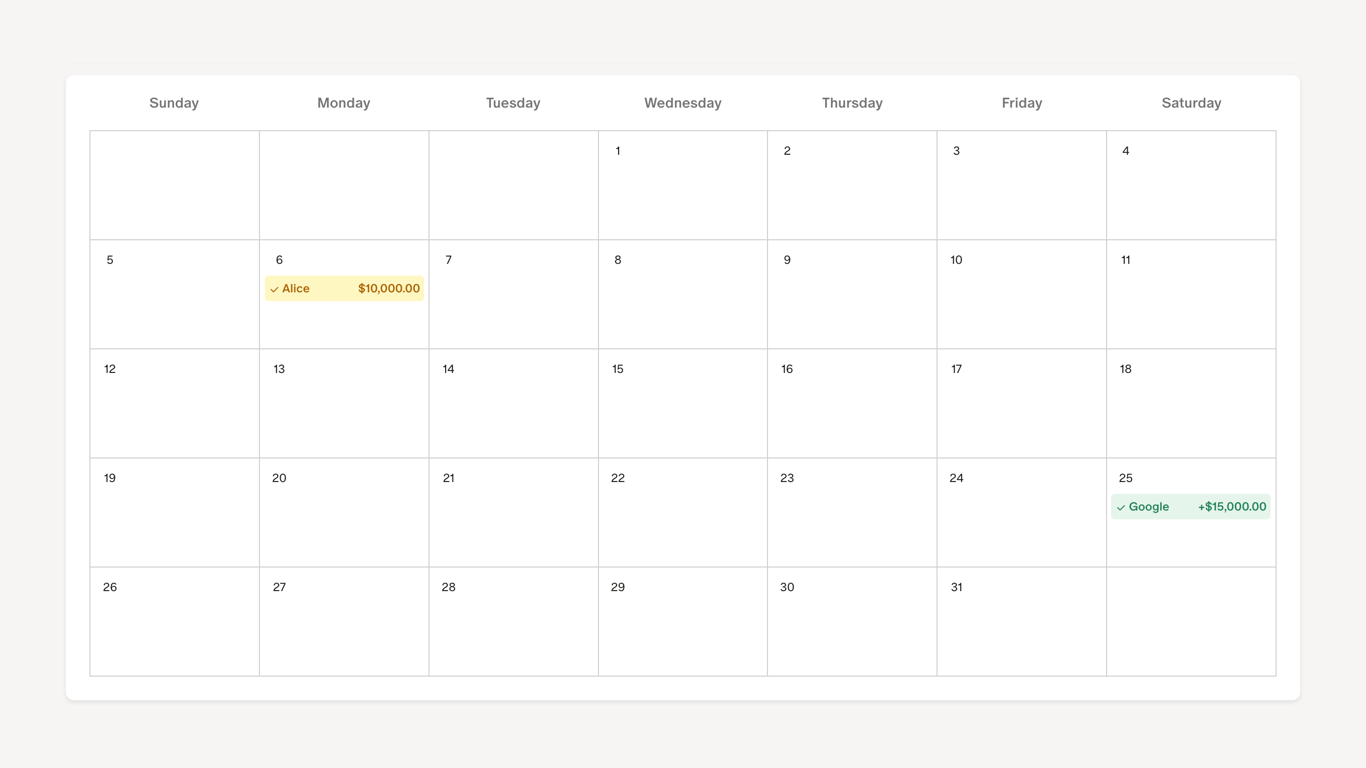
A calendar view showing scheduled events.

Monarch — Table component
Monarch logo
Monarch

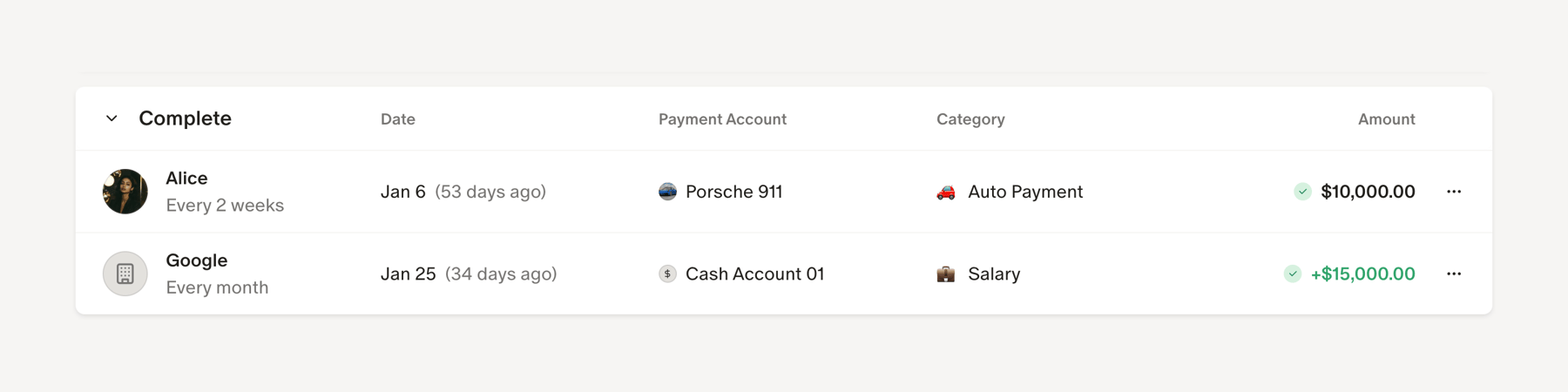
A table displaying financial transactions.

Browse the full component library

Browse the full UI component library.

Trusted by the best teams