Mailbrew design examples
Explore Mailbrew UI design examples. Your personal email digest
Product screens


Sign-in screen where the user authenticates with an email and password or via Twitter OAuth.
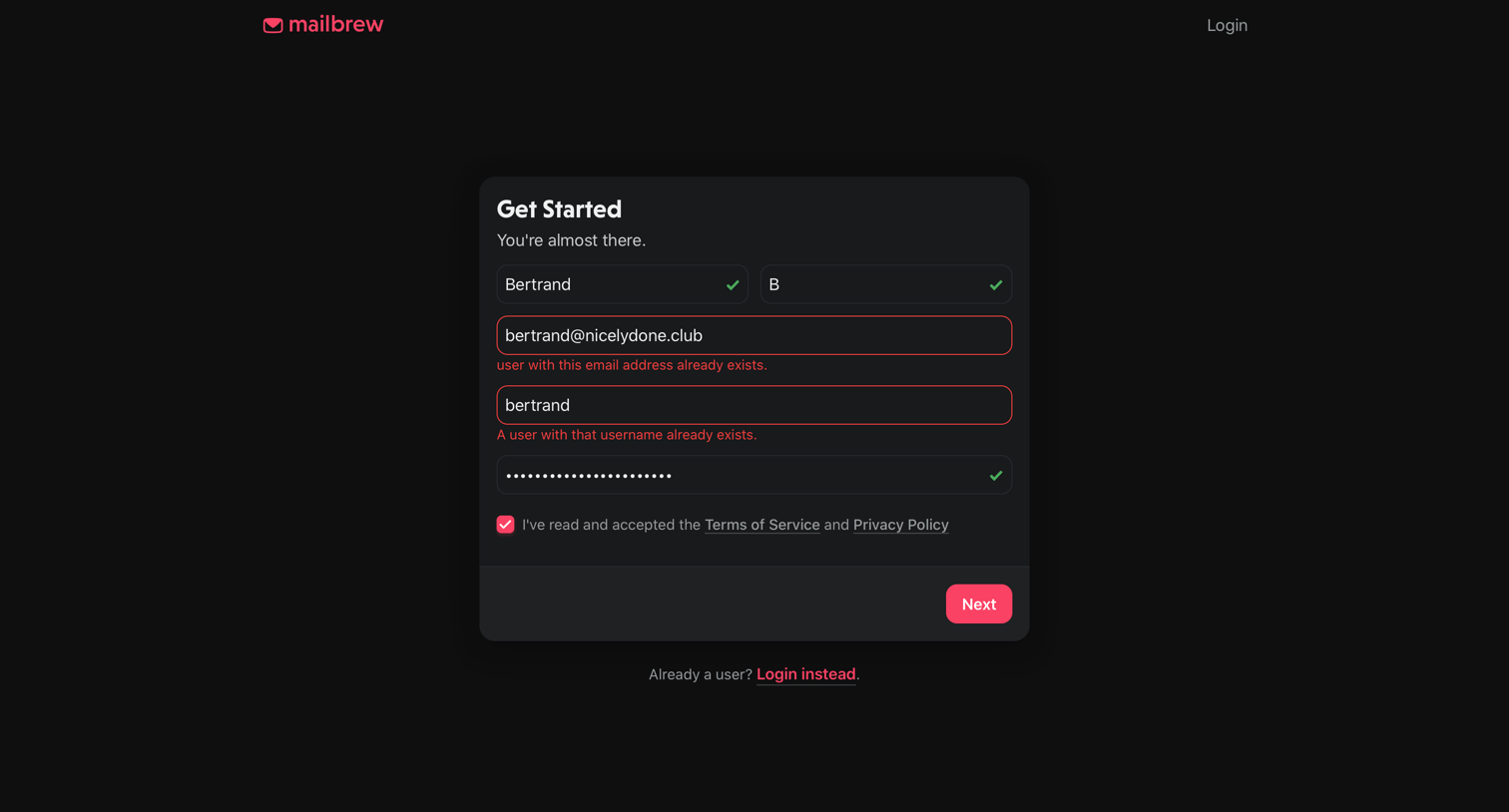
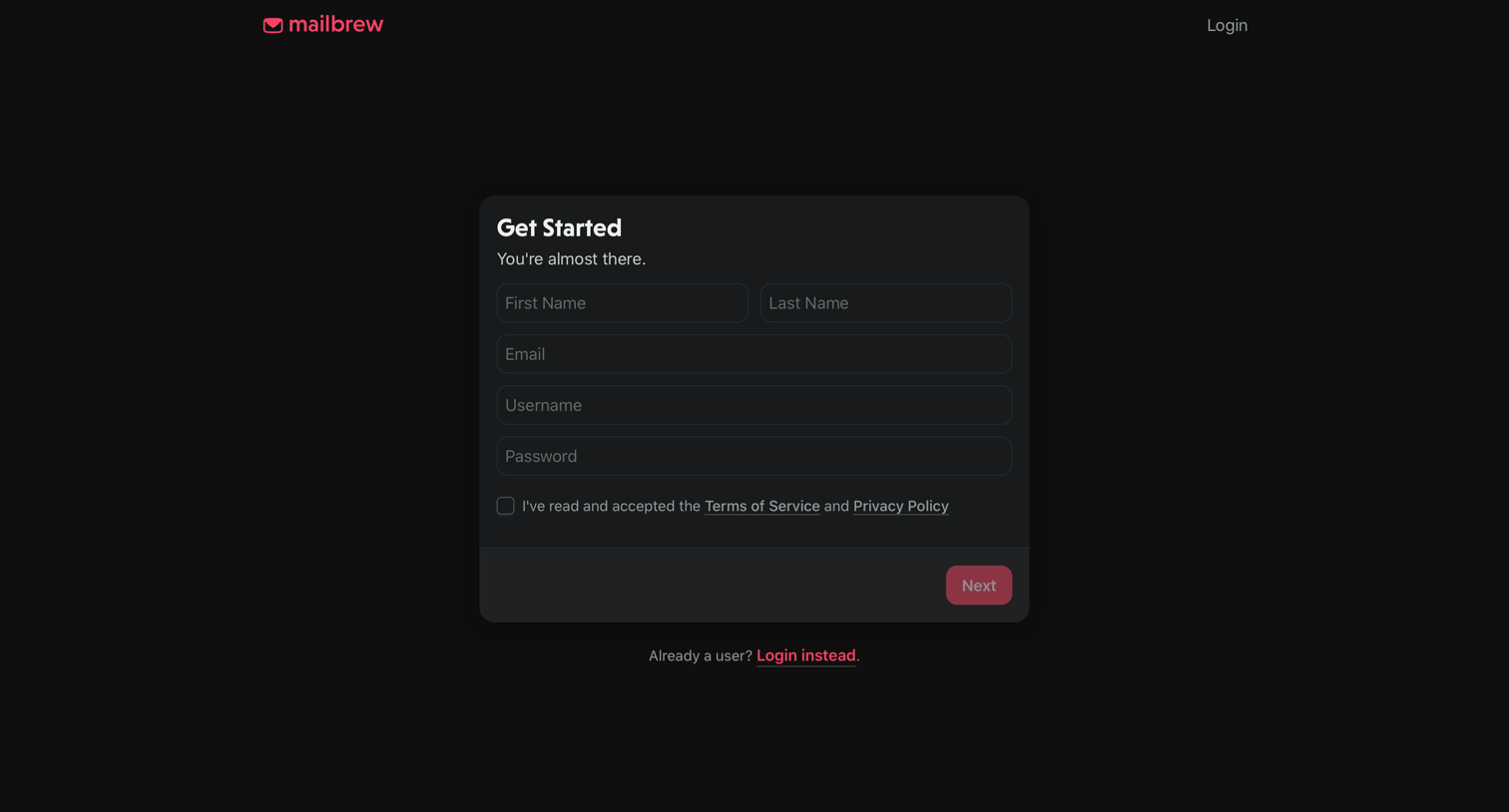

Signup step where the user is asked optional questions about their role and how they discovered the product before completing registration.
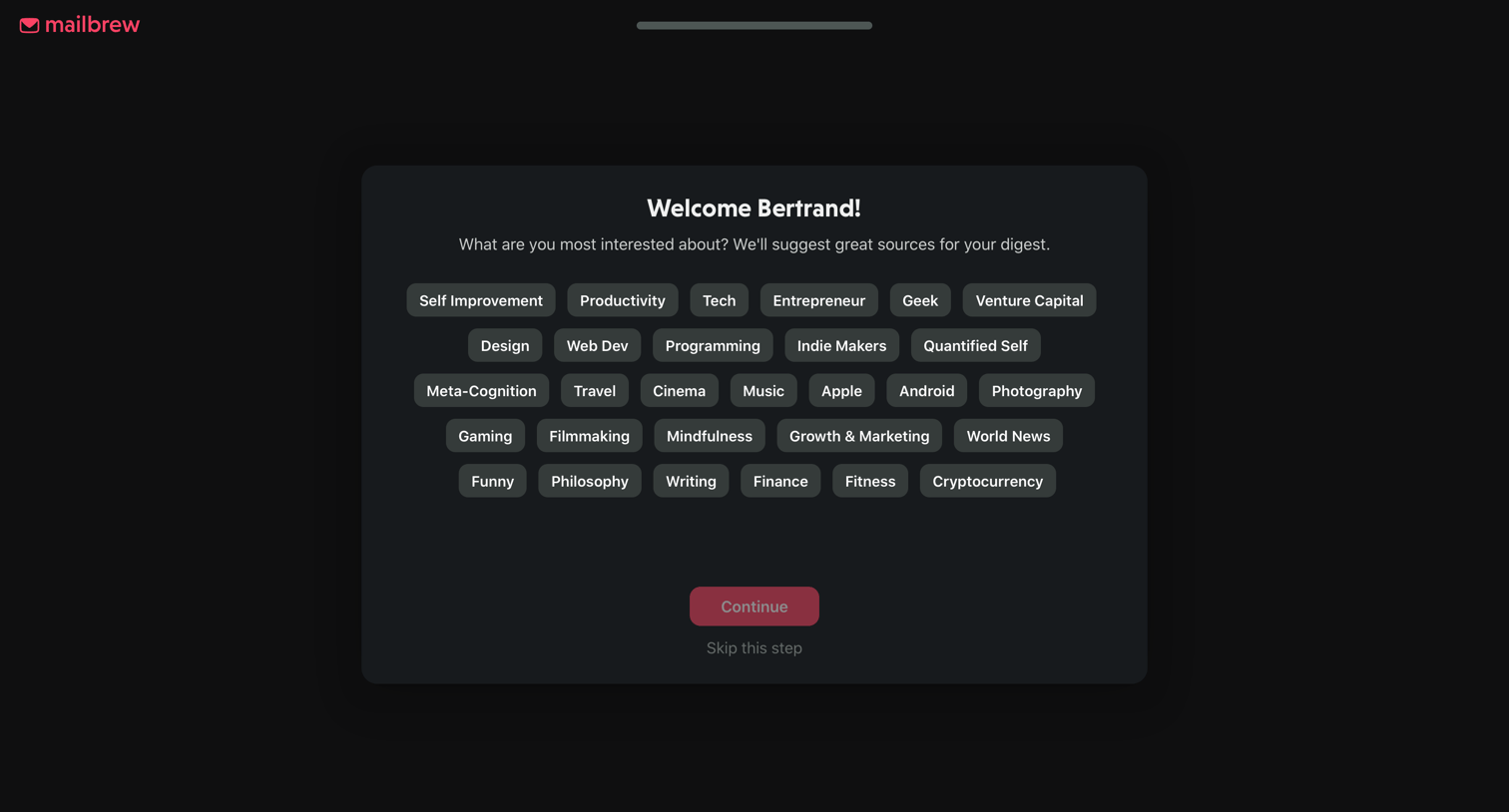
Onboarding step where the user selects topics of interest like Productivity, Tech, and Design to personalize their digest.

Onboarding step where the user selects their interests from a grid of topic pills to personalize their digest.

Onboarding step where the user searches for or selects suggested websites and blogs to follow.
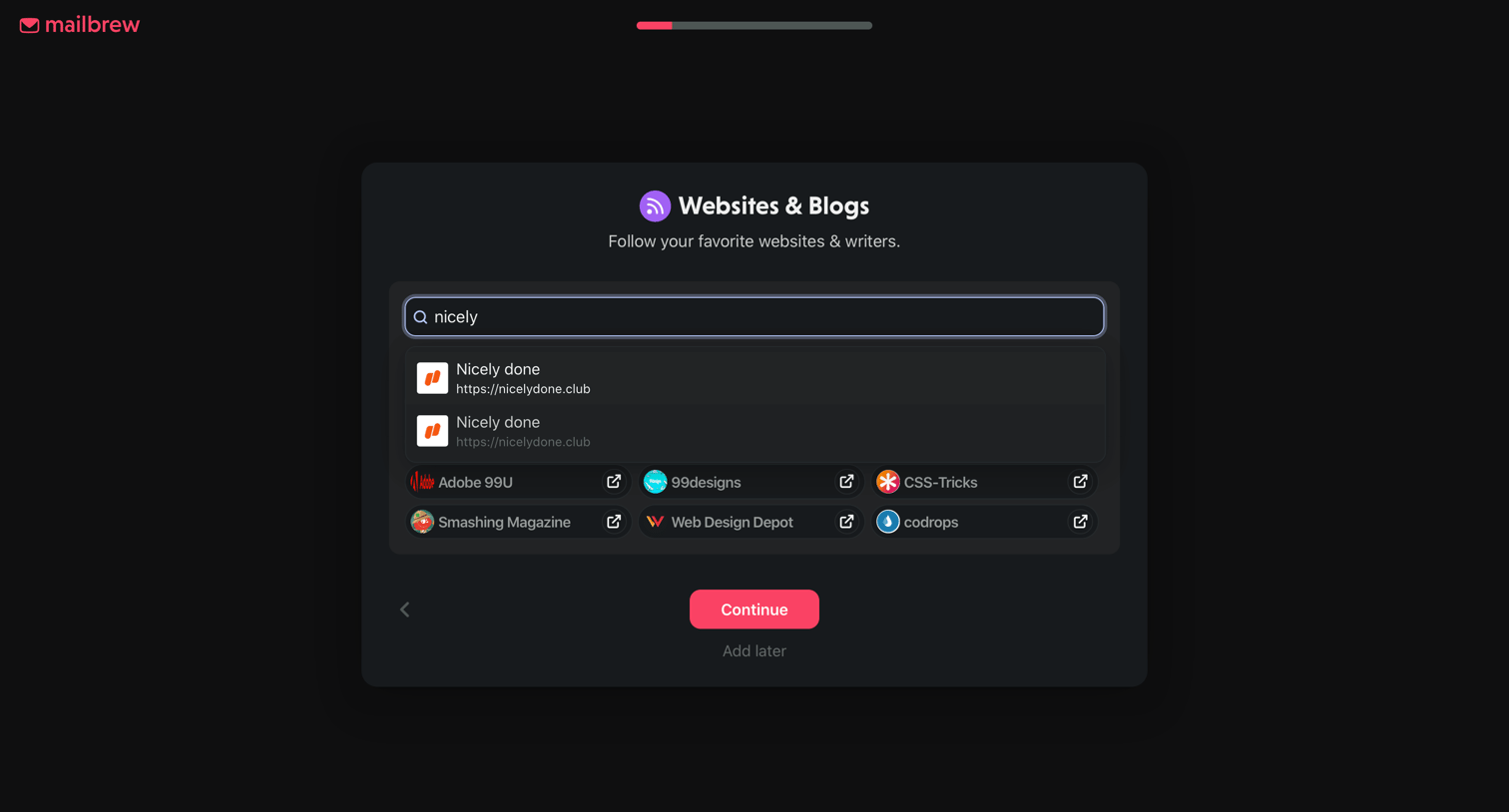
Onboarding step where the user searches for and selects favorite websites and blogs to follow.

Onboarding step where the user searches for or selects suggested websites and blogs to follow.

Onboarding step where the user searches for and selects subreddits to add to their daily digest.

Onboarding step where the user is prompted to connect their Twitter account to include top tweets in their digest.
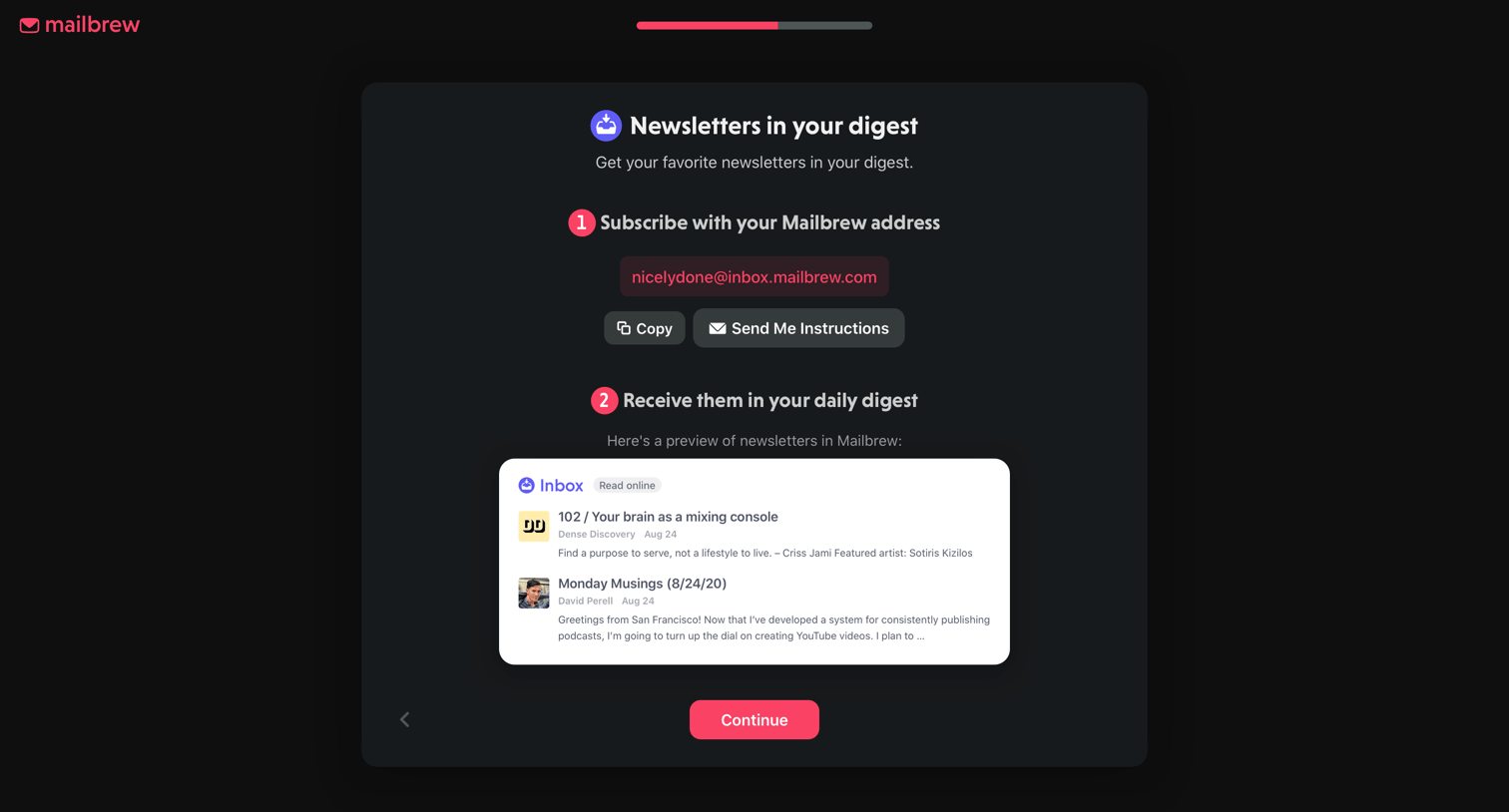
Onboarding step where the user configures their Mailbrew inbox address to receive newsletters in their daily digest.
Browse the full SaaS app library
Explore real SaaS apps with their product screens, marketing screens, flows, and components.
Trusted by the best teams







