Linktree product screens examples
Browse Linktree screen design examples. Preview the interface screenshots and explore related UI patterns. Link in bio tool Everything you are, in one simple link
Explore the examples
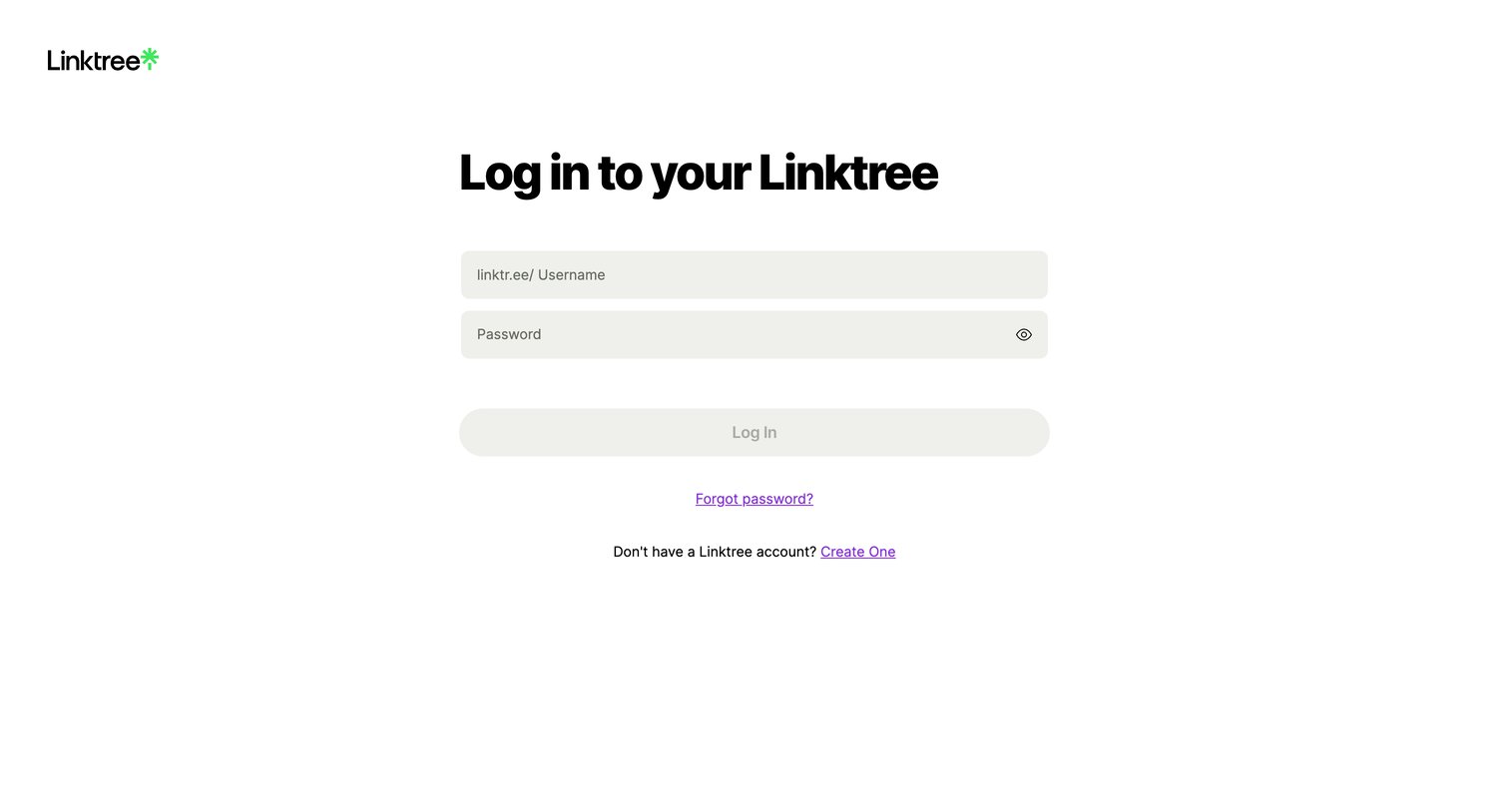
Sign-in screen where the user authenticates to their Linktree account using their username and password.
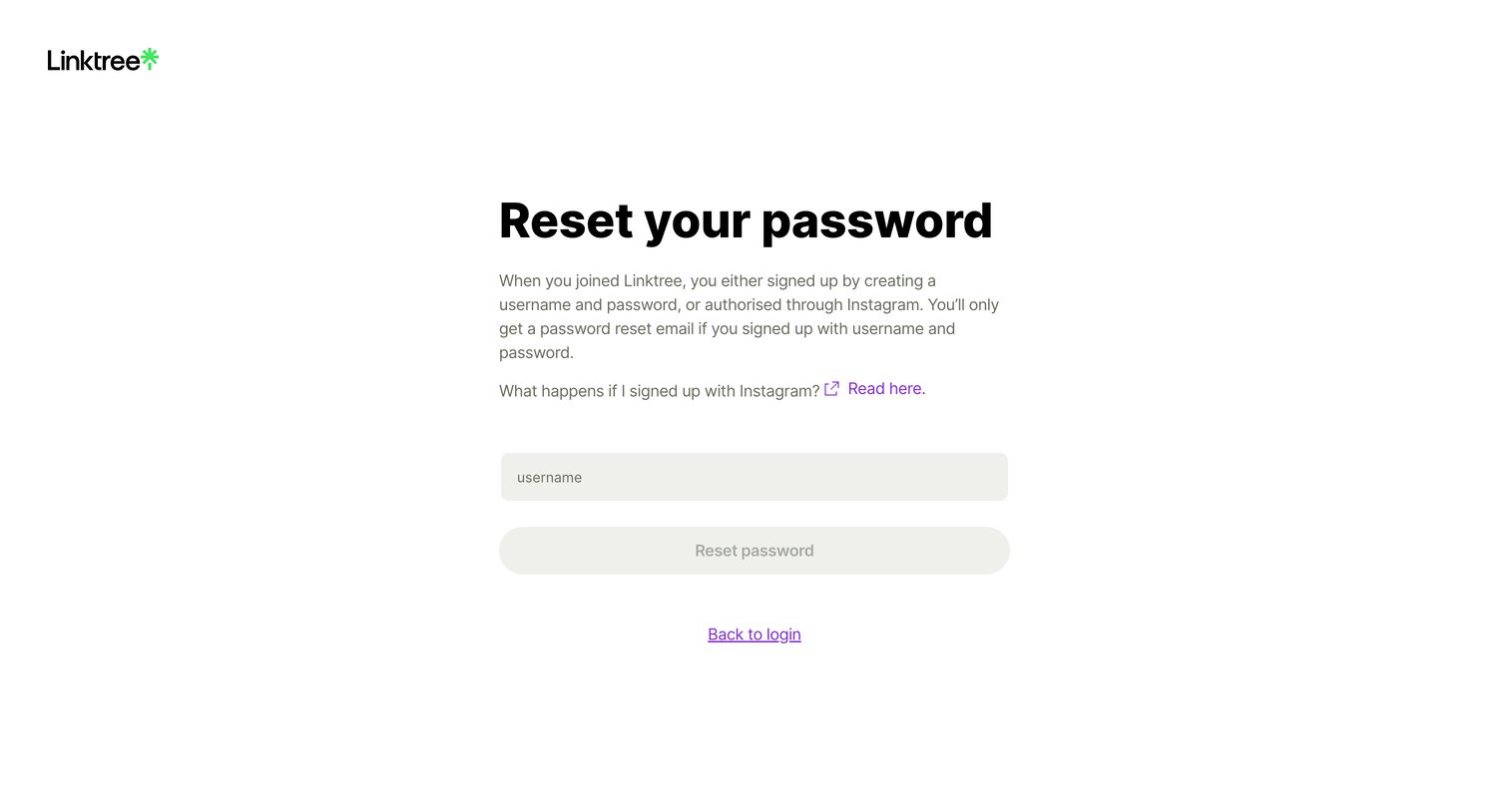
Password recovery screen where the user enters their username to receive a reset email, with specific guidance for Instagram-authenticated accounts.
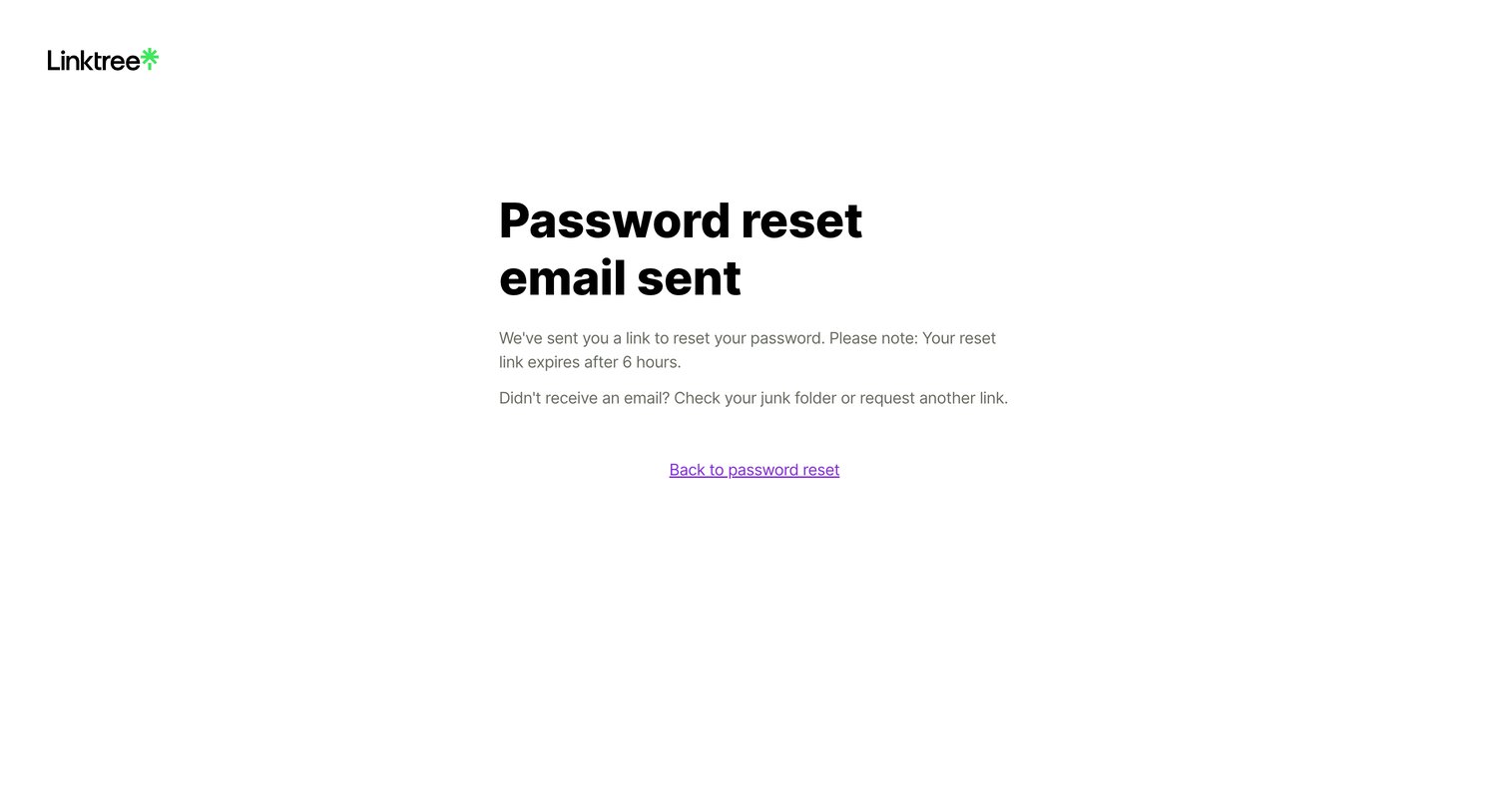
Password recovery screen confirming that a reset link has been sent, advising the user to check their junk folder and providing a link to go back.
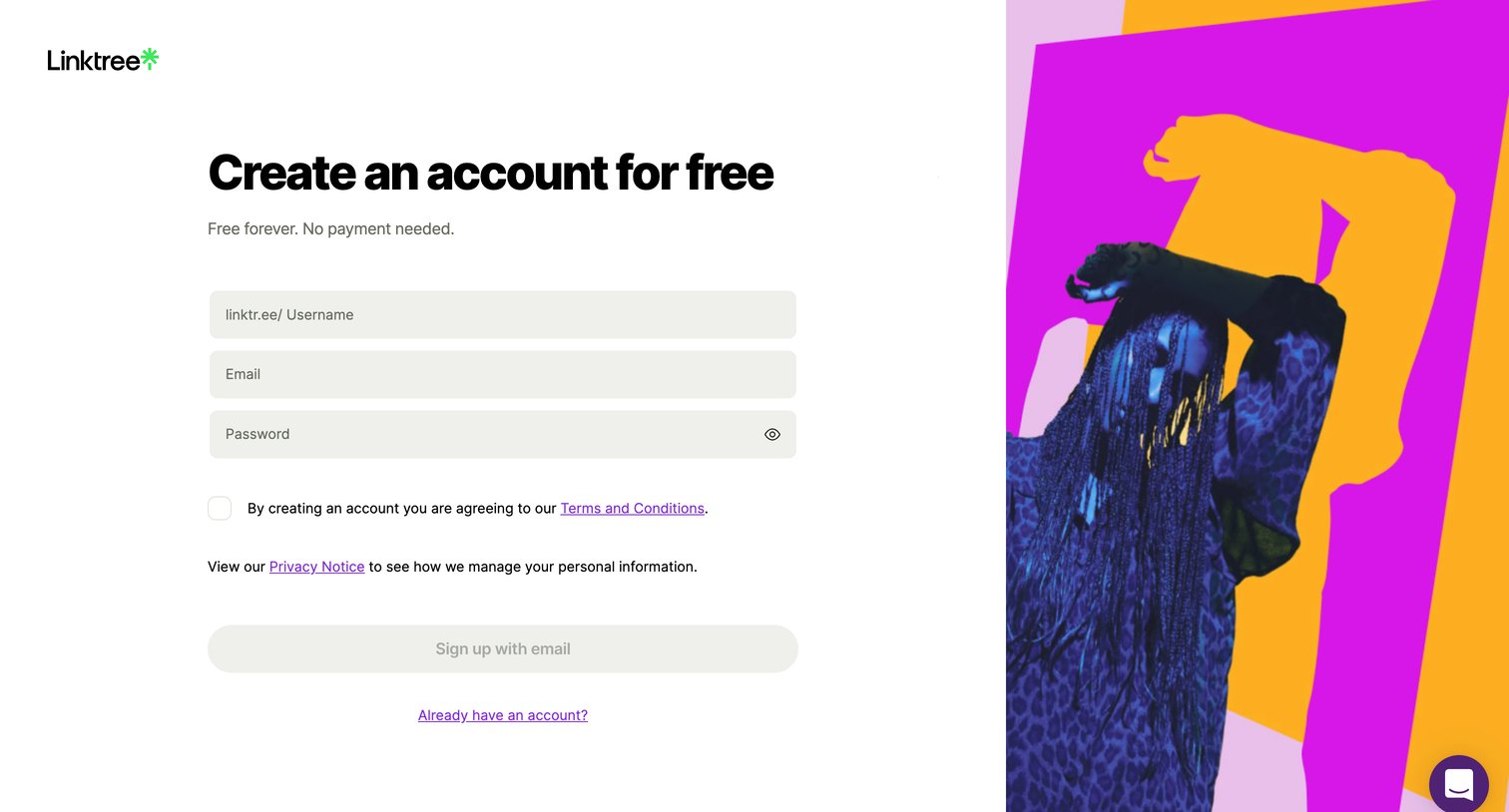
Signup page where a new user claims their linktr.ee username and creates an account with email and password.
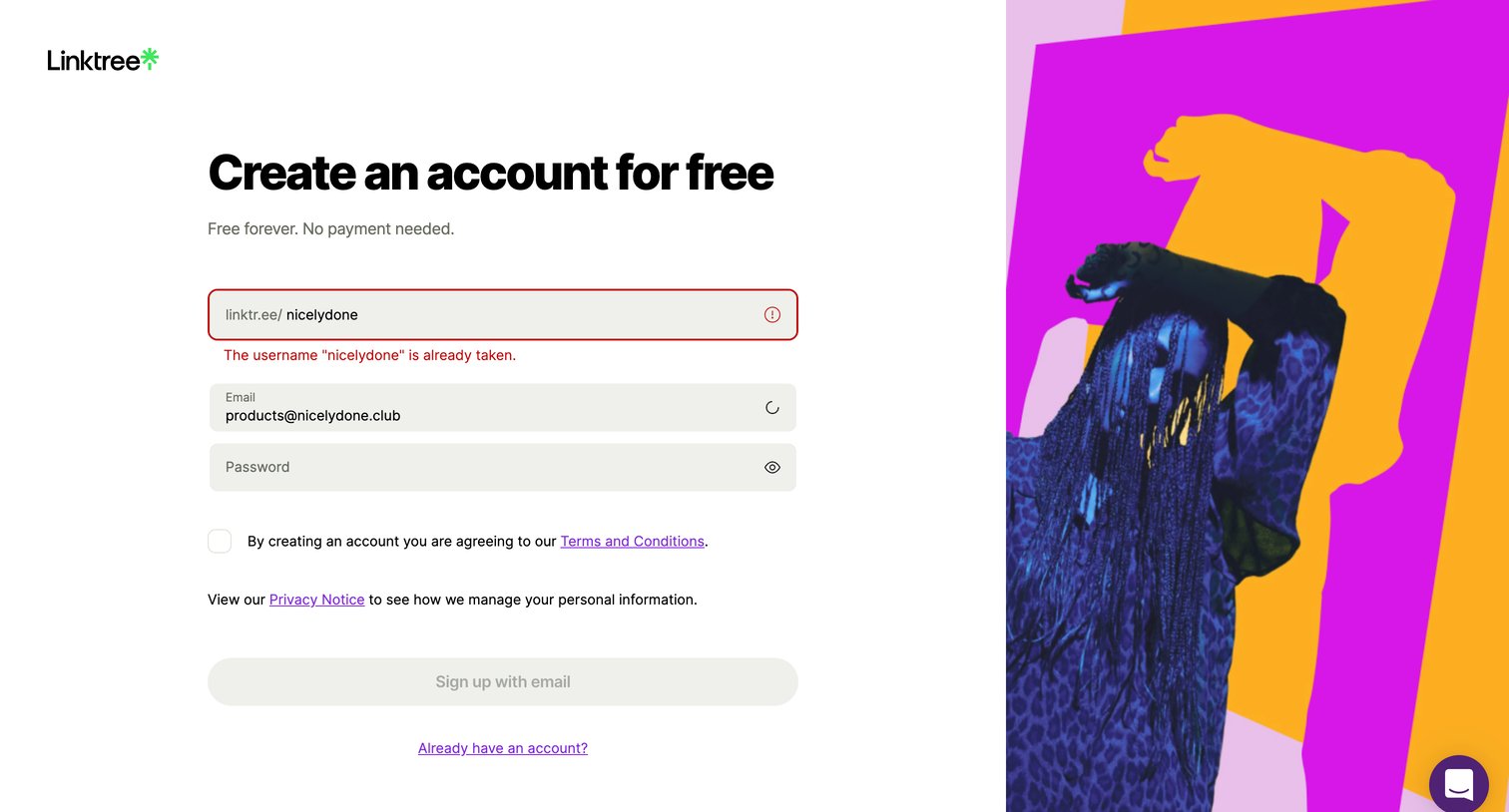
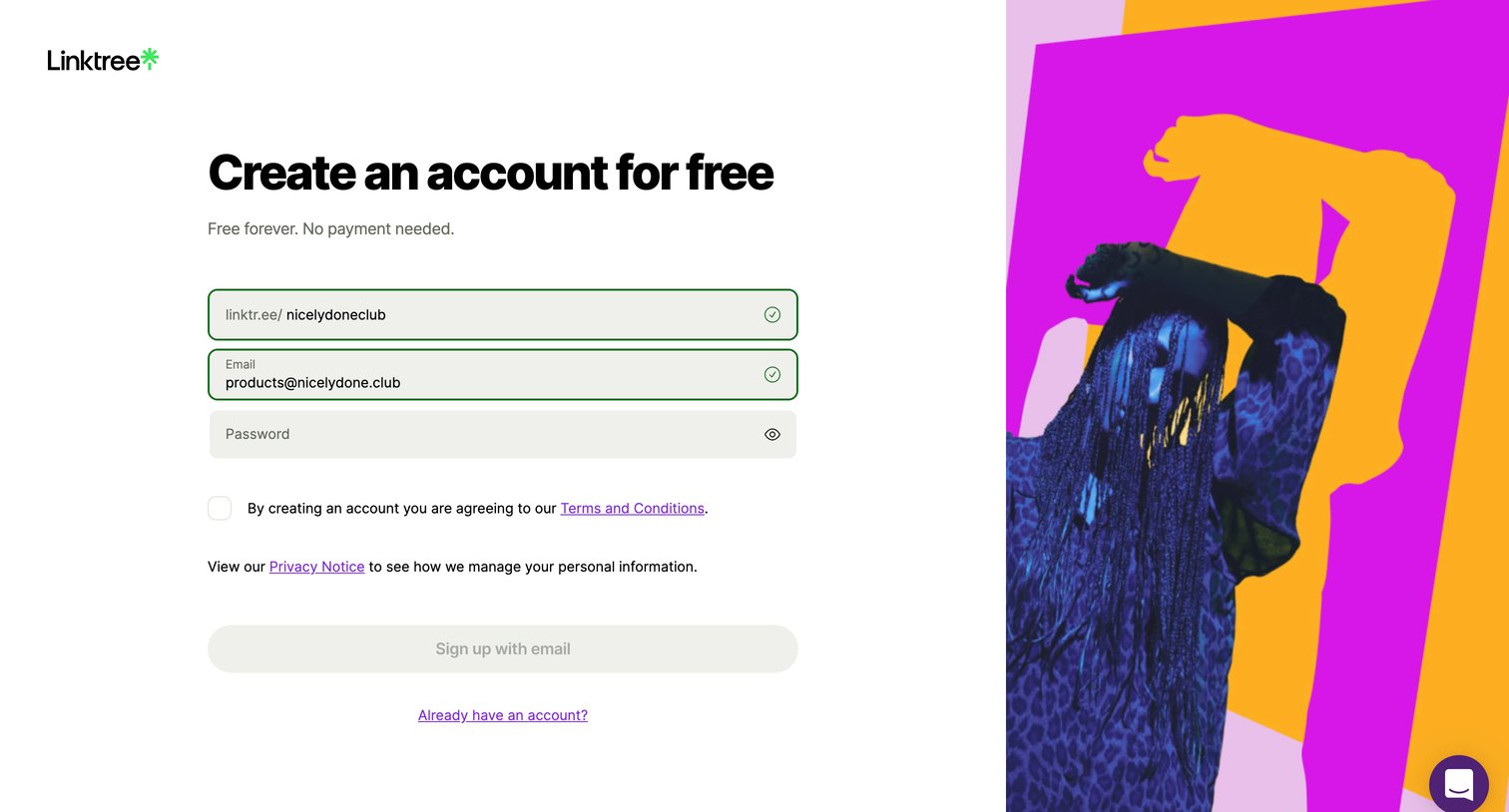
Signup screen where the user creates a free account by choosing a username, entering their email, and setting a password.
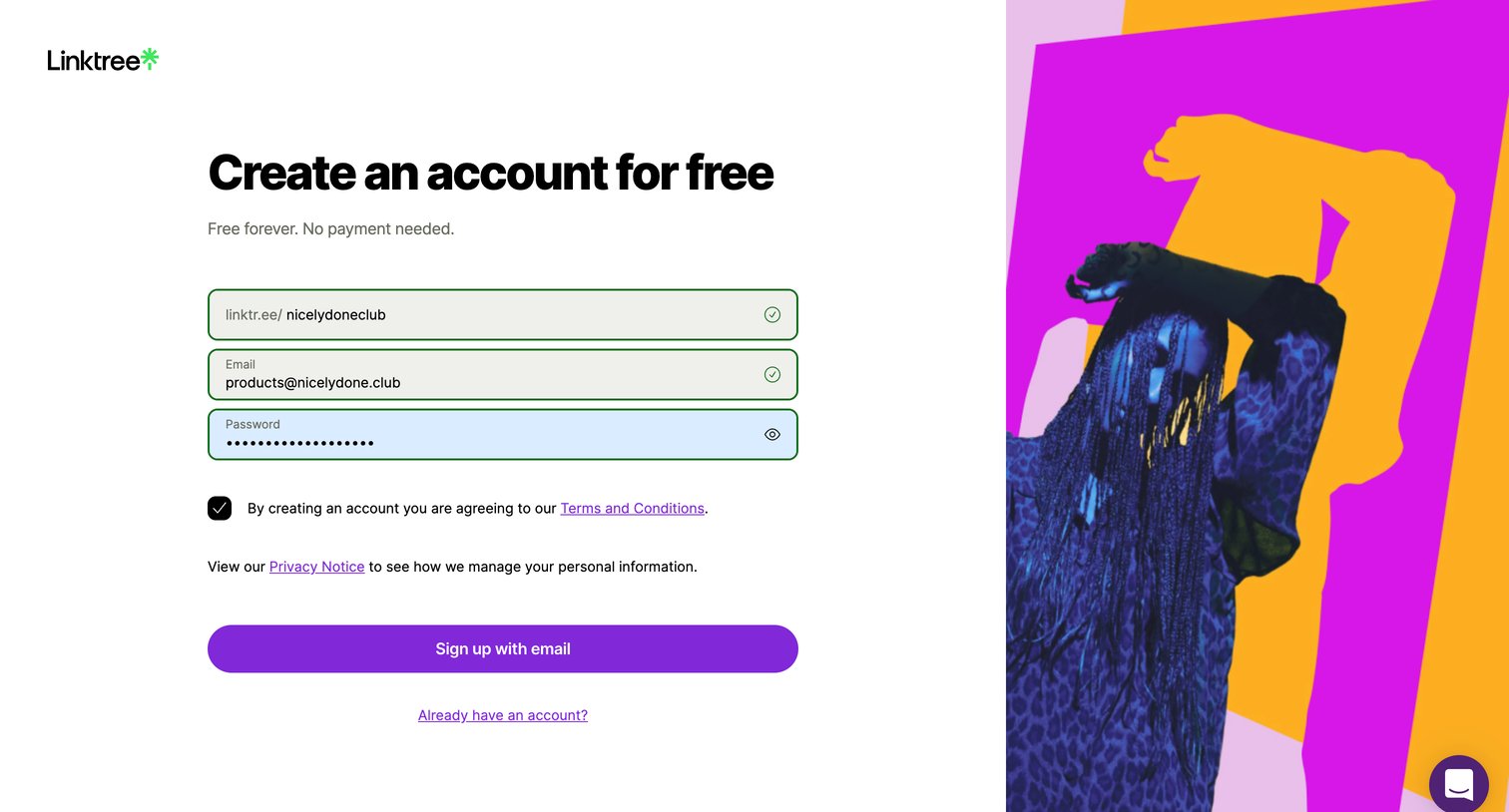
Signup page where the user creates a free account by choosing a username, entering their email, and setting a password.
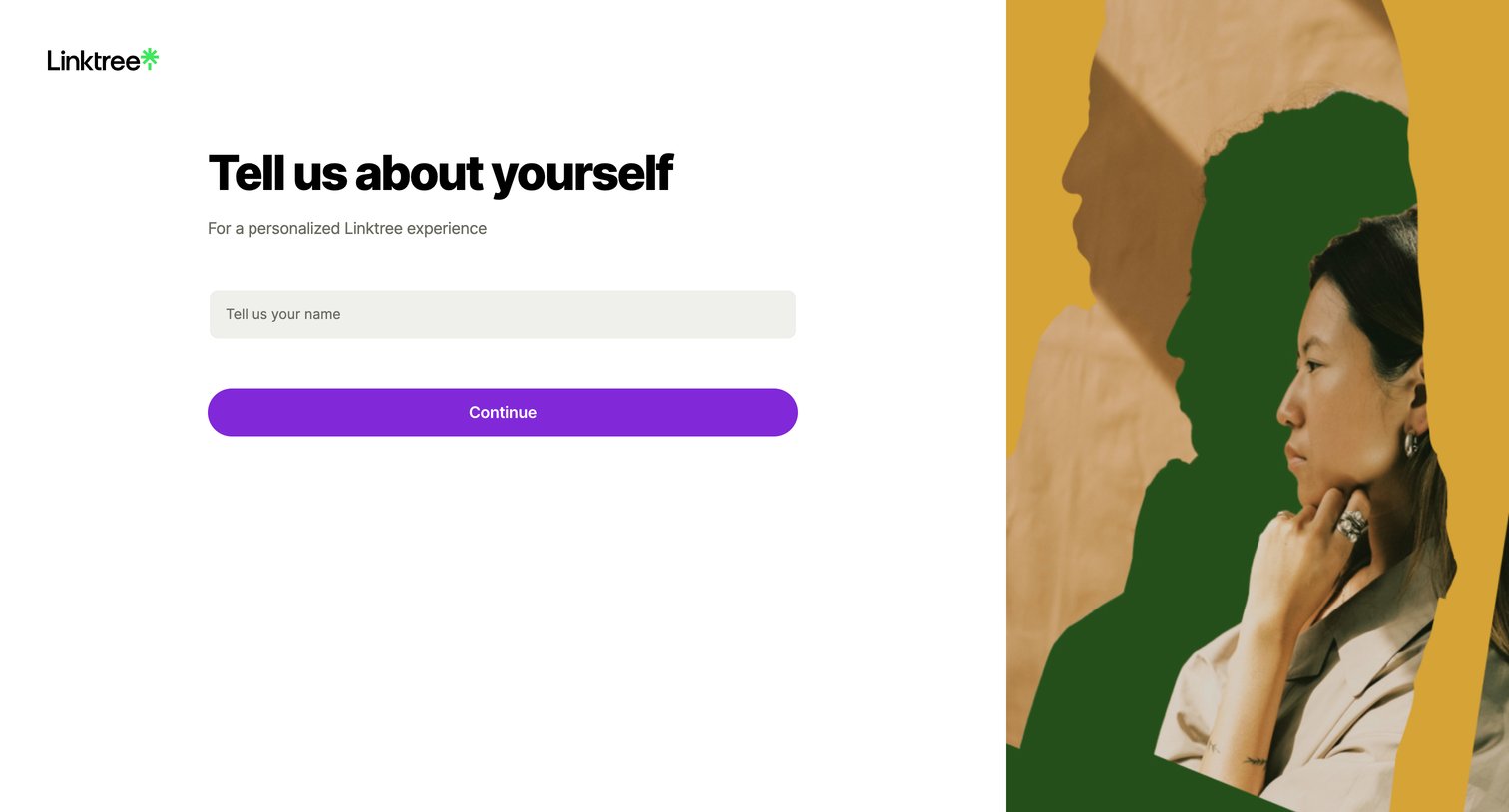
Onboarding step where the user provides their name to personalize their new account.
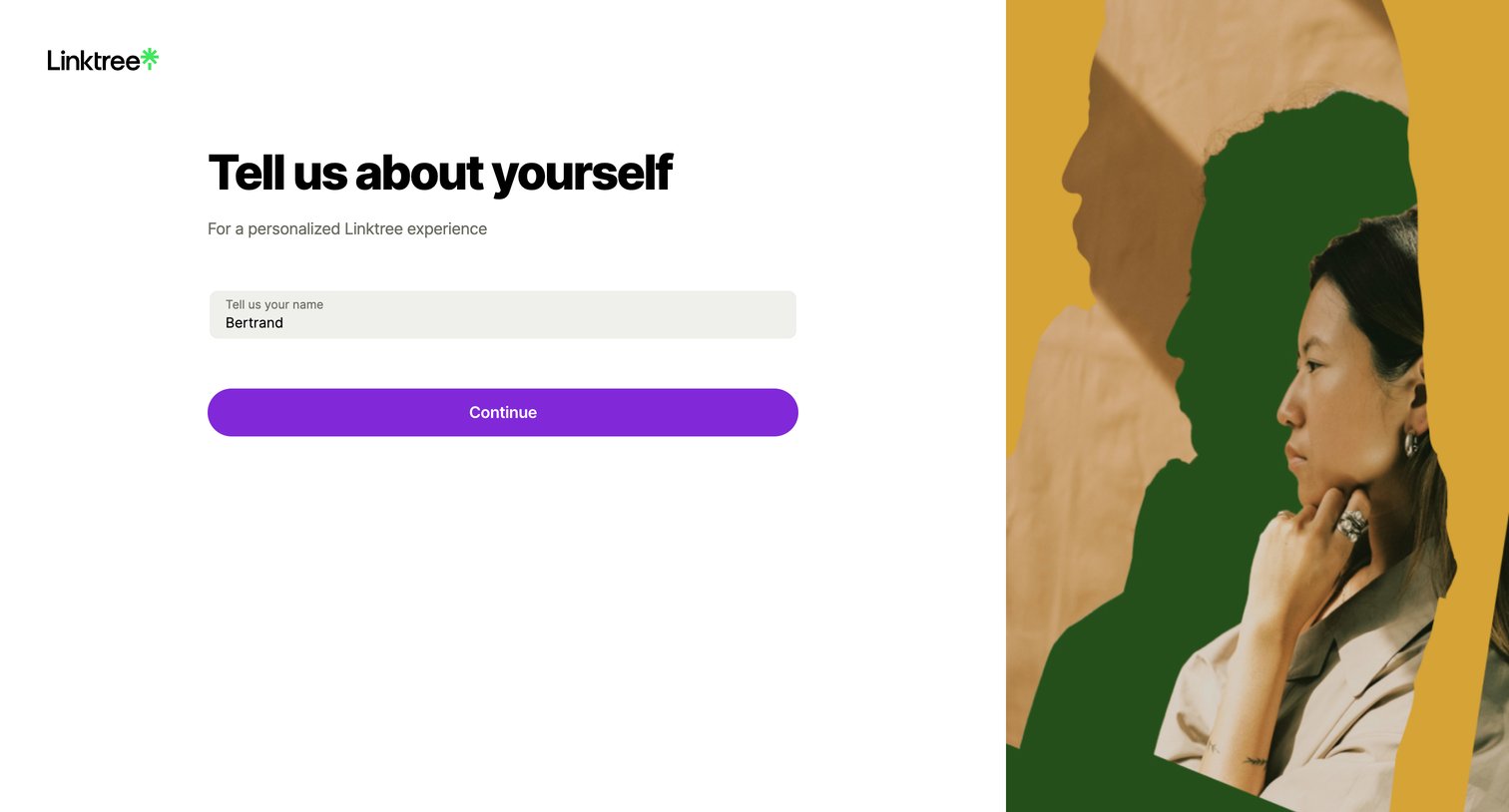
Onboarding step where the user provides their name to personalize their new account.
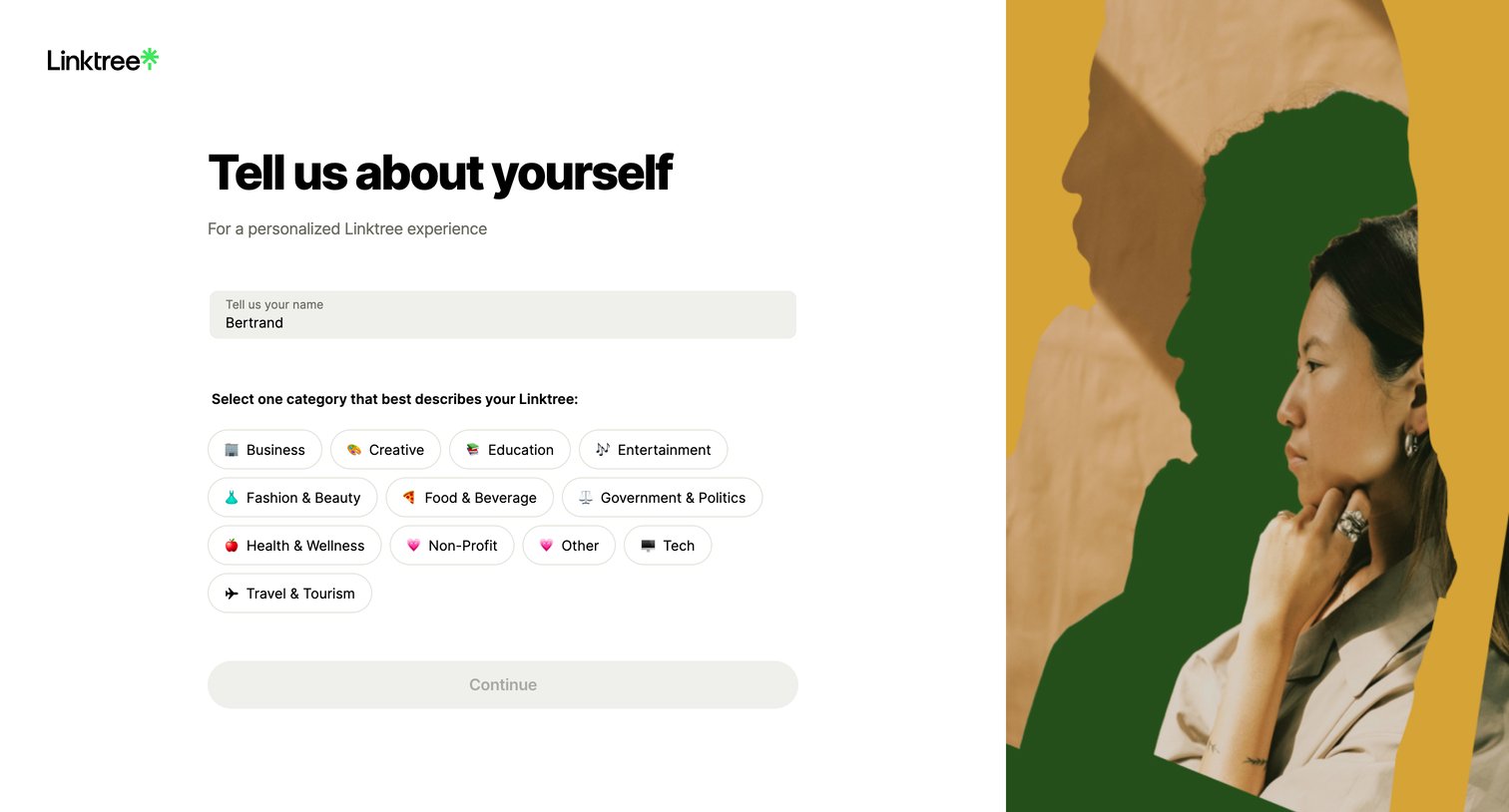
Onboarding step where the user enters their name and selects a category that best describes their Linktree.
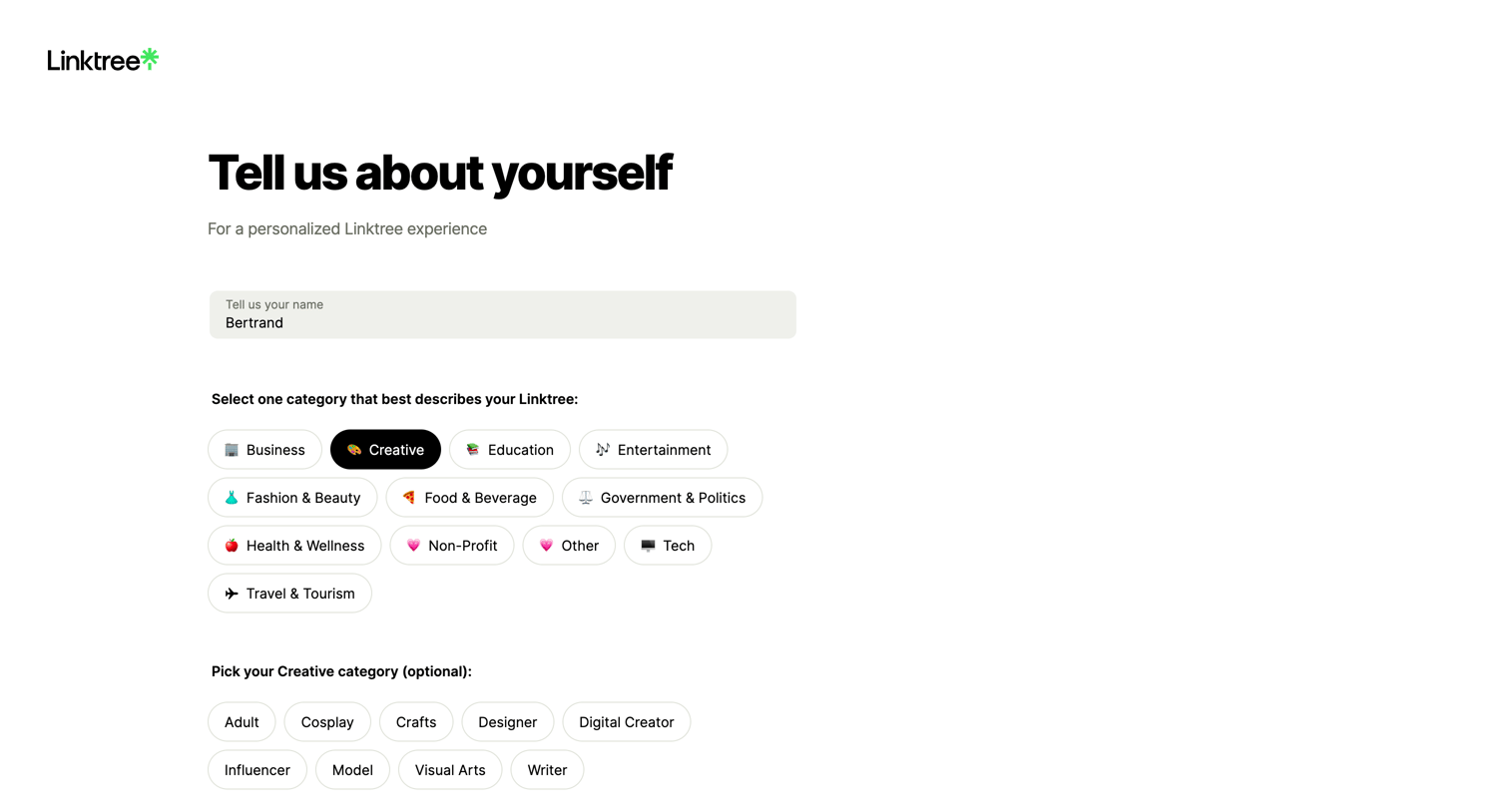
Onboarding step where the user enters their name, selects a primary category like Creative or Business, and picks an optional sub-category.
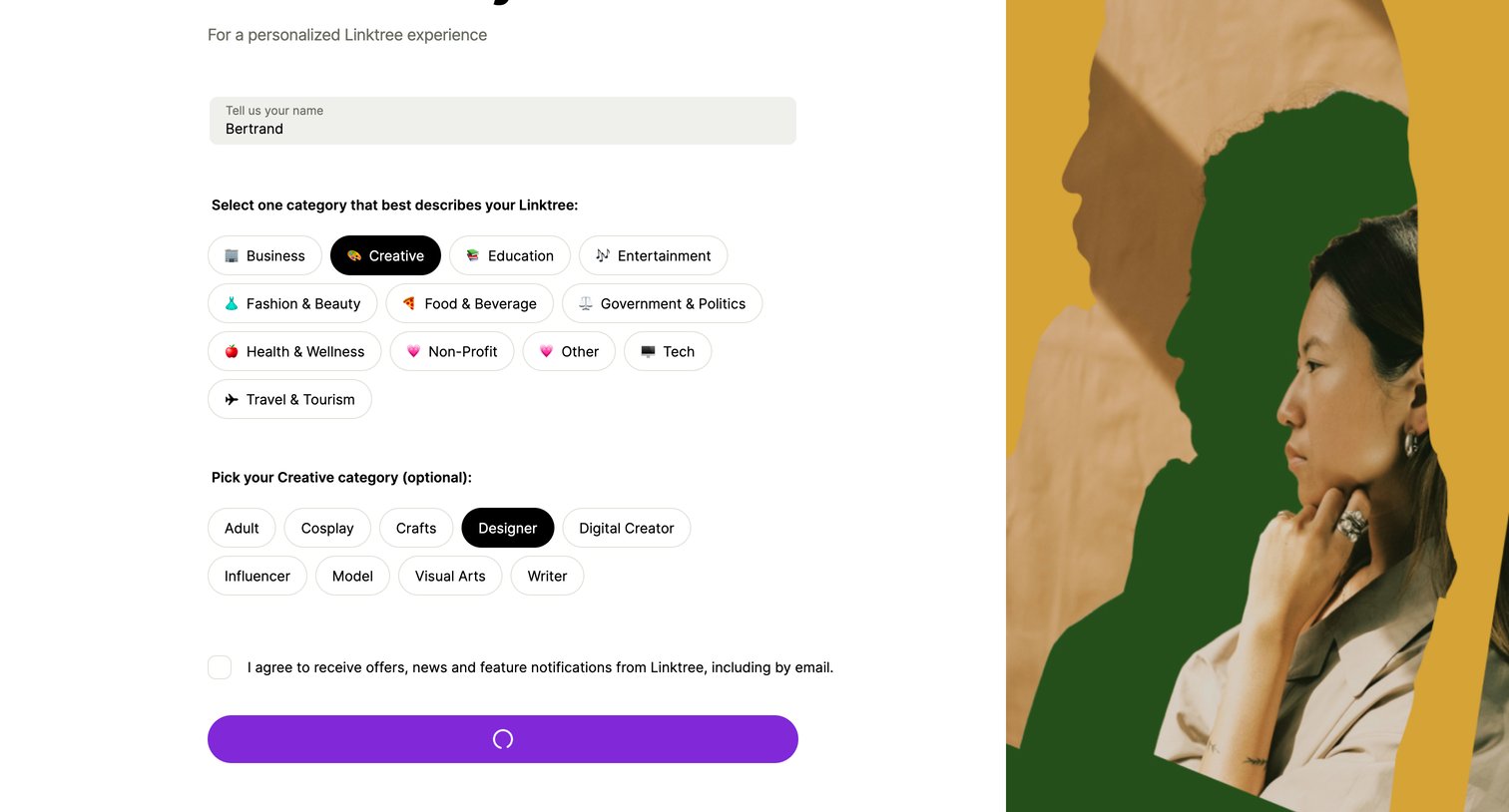
Onboarding step where the user enters their name, selects a primary and secondary creative category for their profile, and opts into marketing emails.
Explore the full SaaS screen library
Upgrade to unlock the full library.
Trusted by the best teams







