Skip to content

Langdock product screens examples

Browse Langdock screen design examples. Preview the interface screenshots and explore related UI patterns. The all-in-one AI platform for your company

Explore the examples
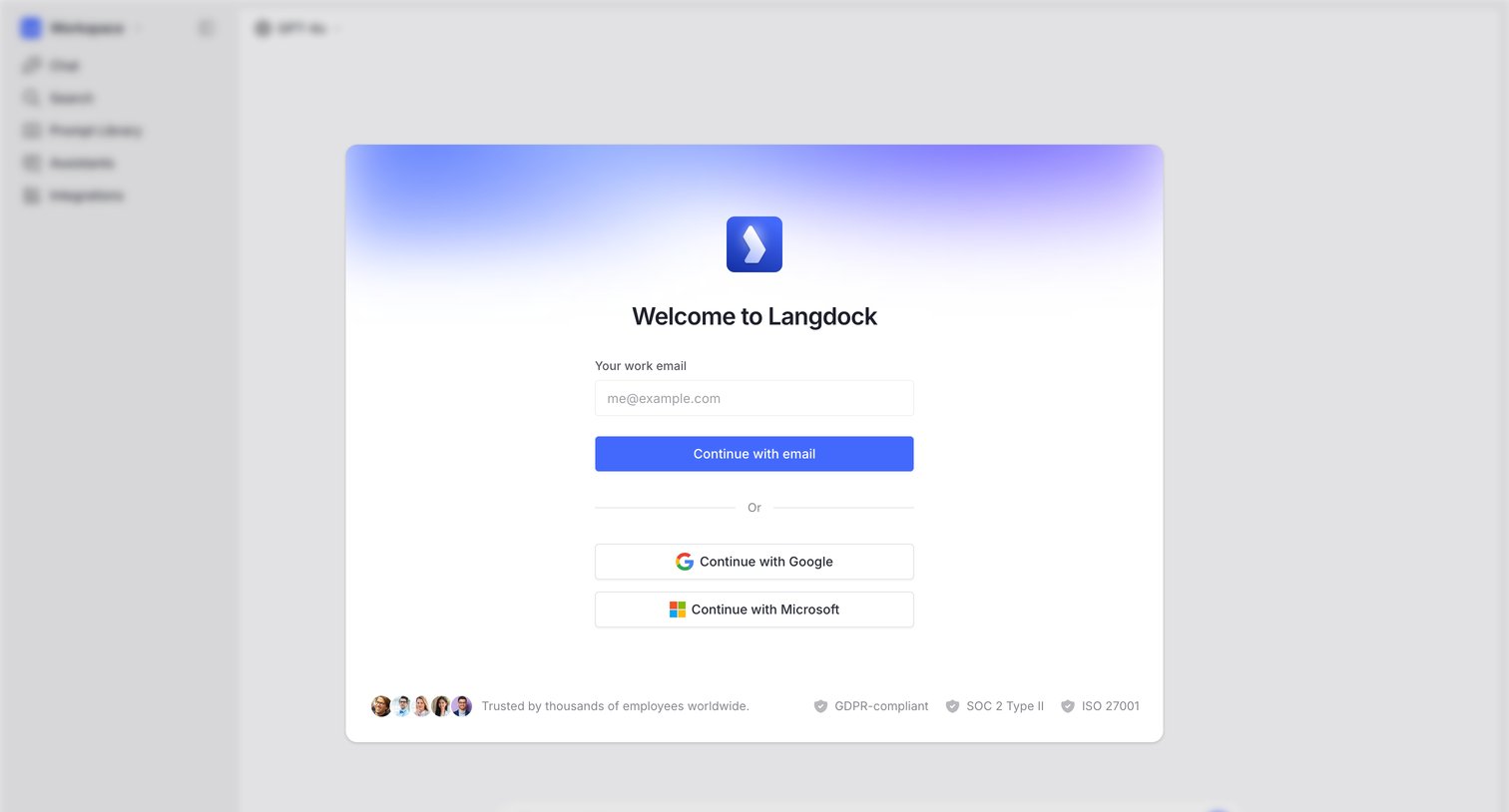
Langdock - Create an account | Langdock screen
Langdock logo
Langdock

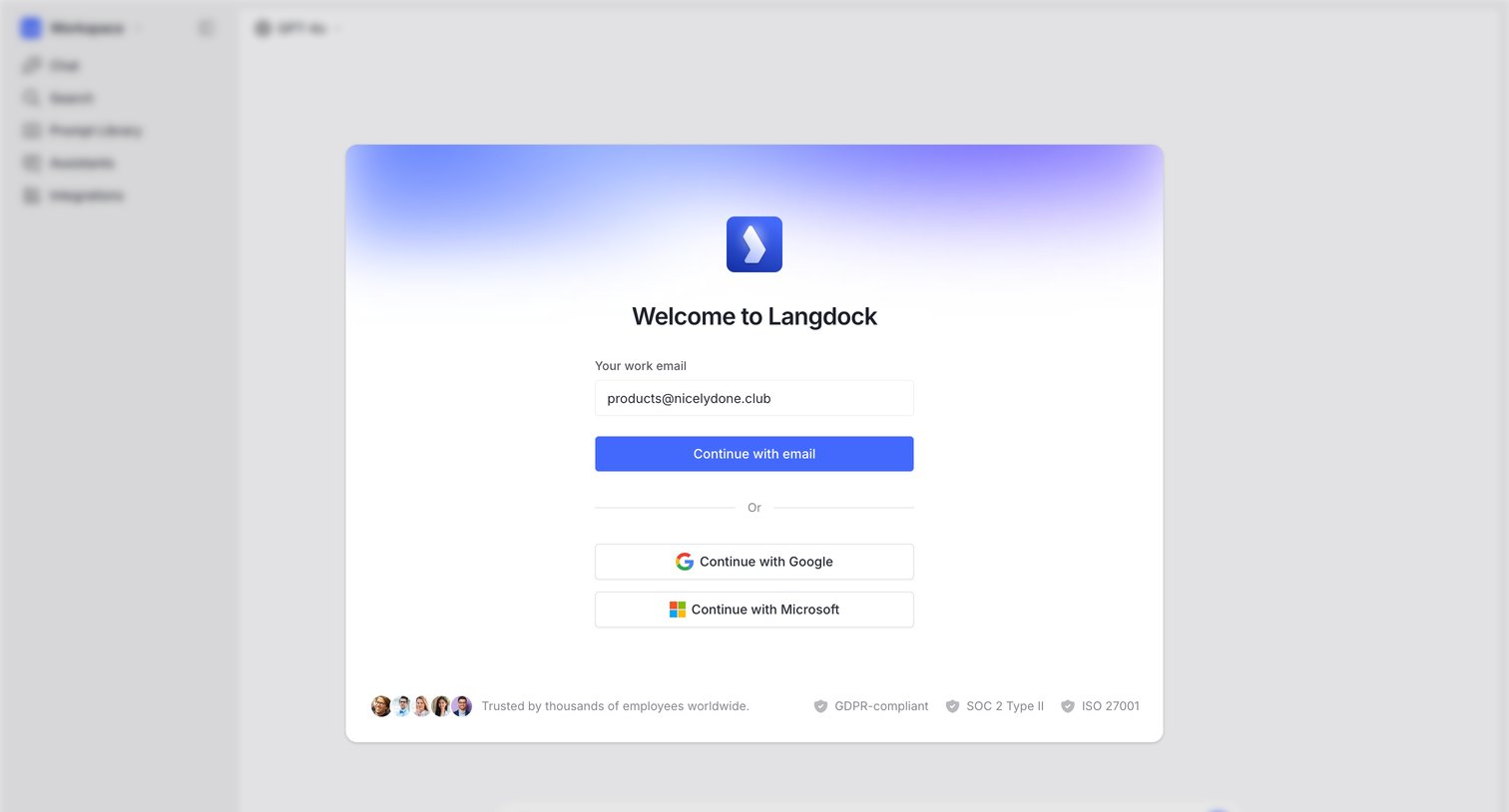
Signup screen where the user creates an account using their work email, Google, or Microsoft, displayed as a modal over the blurred application interface.

Langdock - Create an account | Langdock screen
Langdock logo
Langdock

Signup screen where the user authenticates with a work email or OAuth providers like Google and Microsoft, displayed over a blurred app background.

Langdock - M4SHM0MMUXNOU screen
Langdock logo
Langdock

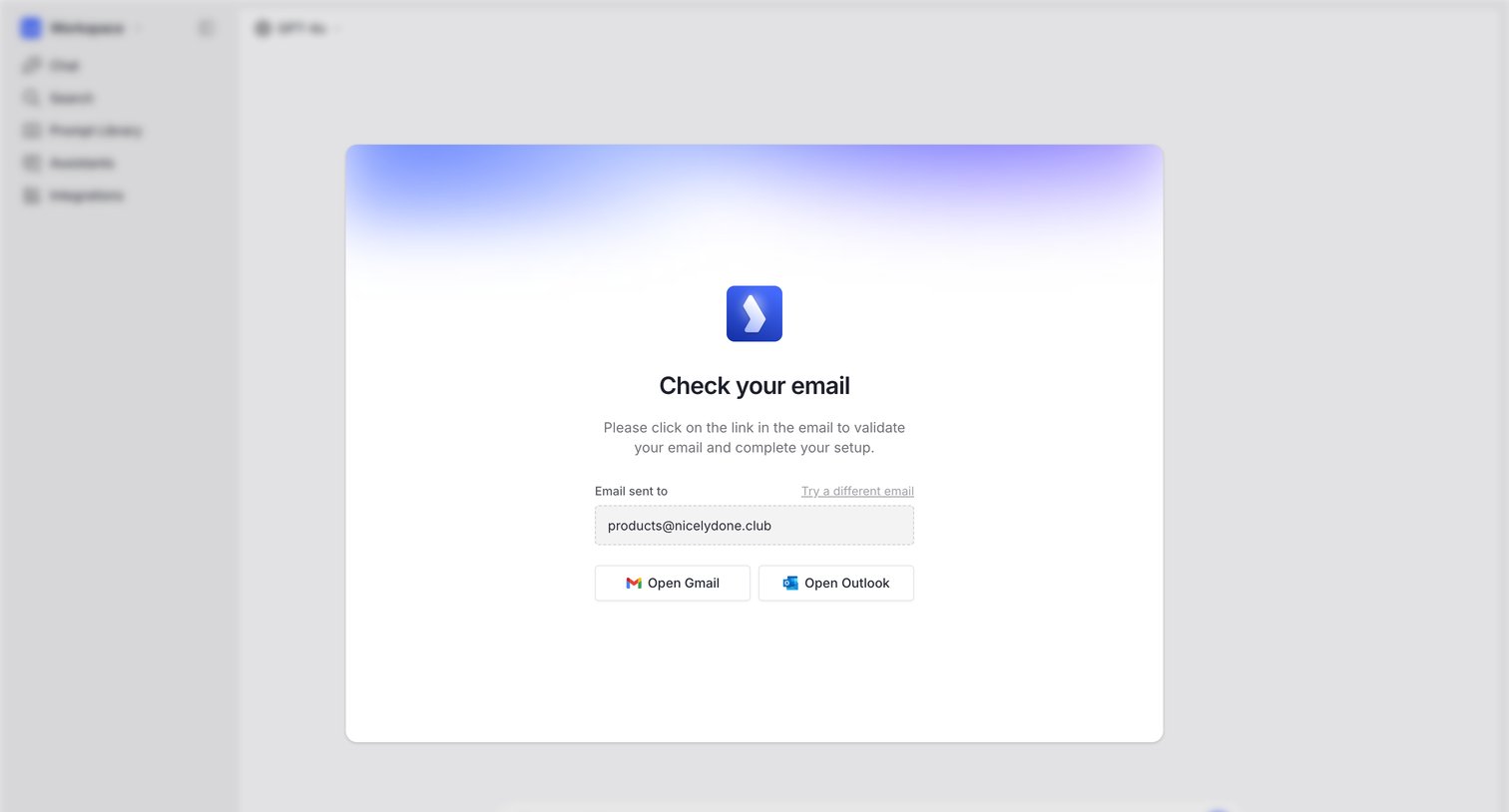
Email verification screen where the user is prompted to check their inbox, with quick links to open Gmail or Outlook.
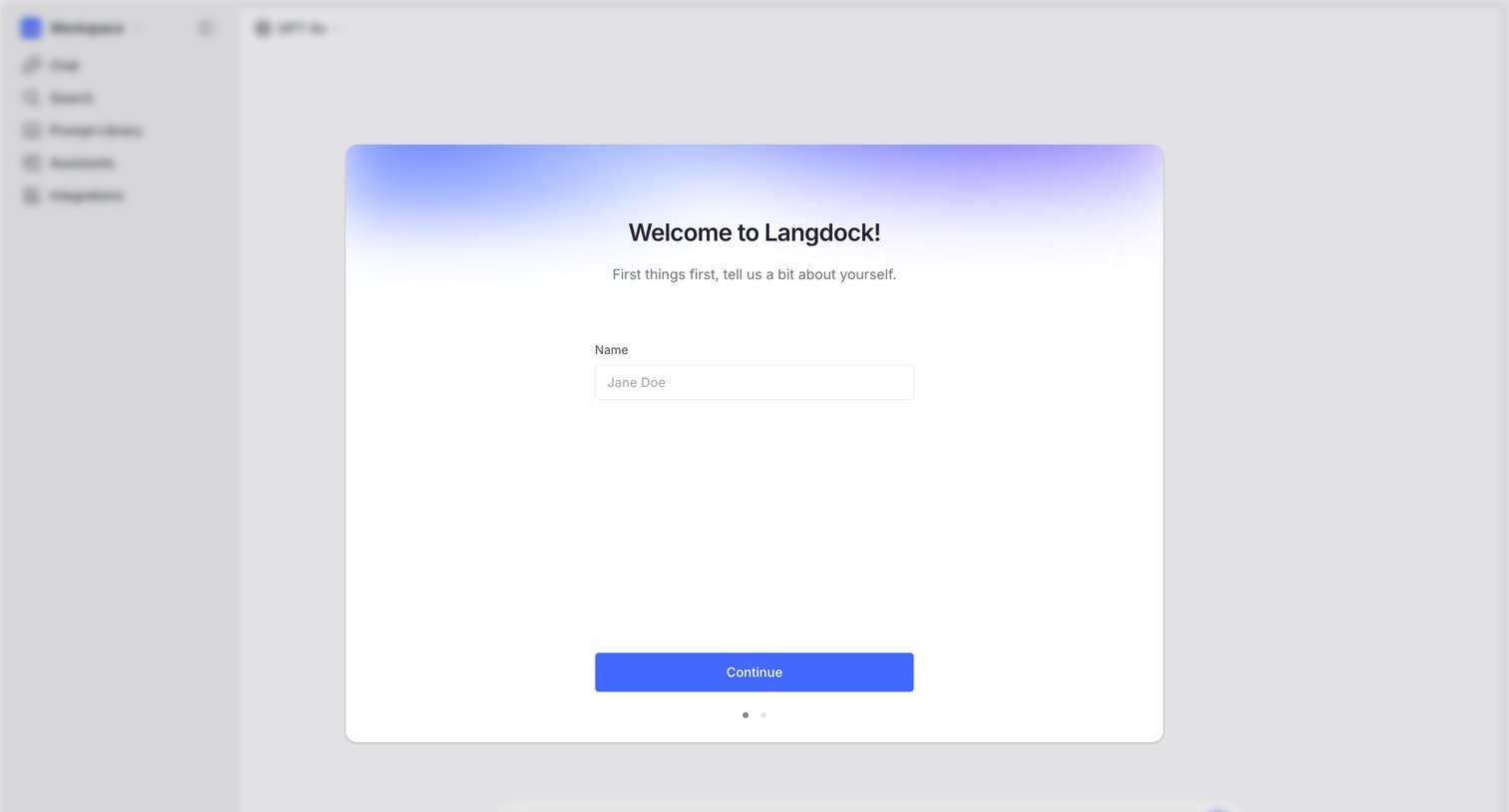
Langdock - Welcome to Langdock! screen
Langdock logo
Langdock

Onboarding step where the user enters their name in a welcome card overlaying the main chat interface.
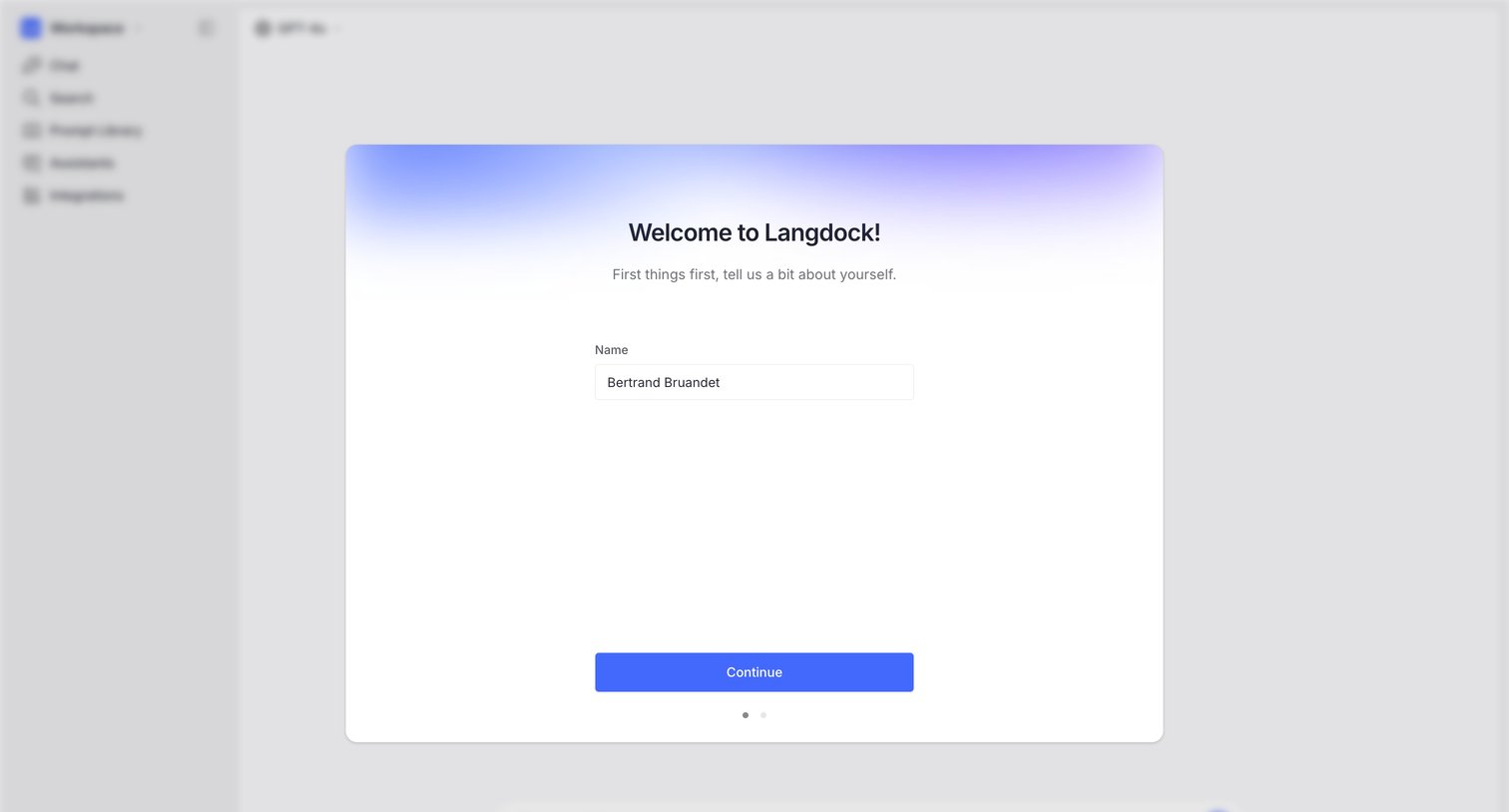
Langdock - Welcome to Langdock! screen
Langdock logo
Langdock

Onboarding step where the user enters their name to set up their profile before accessing the main application.
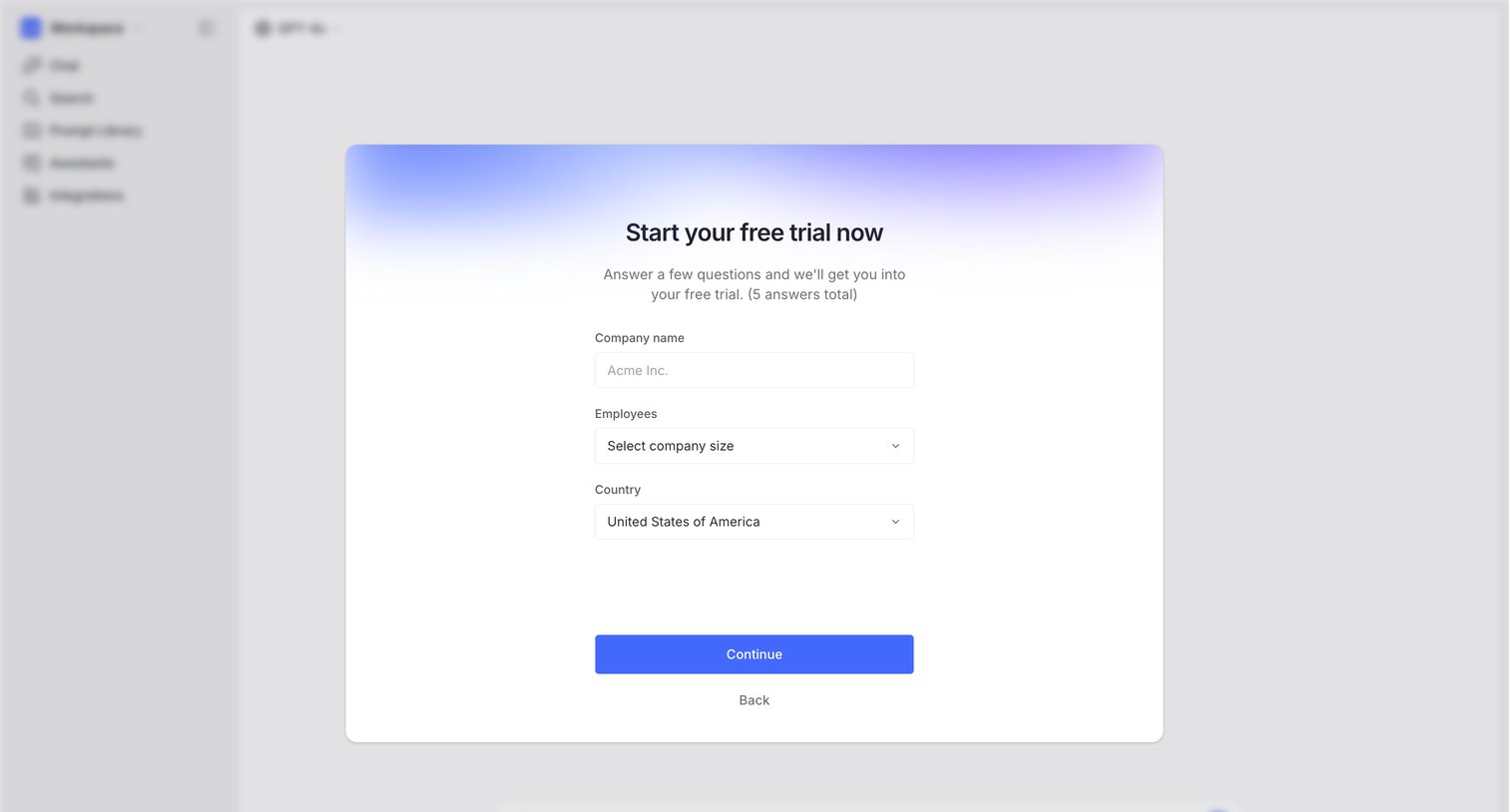
Langdock - Create a new workspace screen
Langdock logo
Langdock

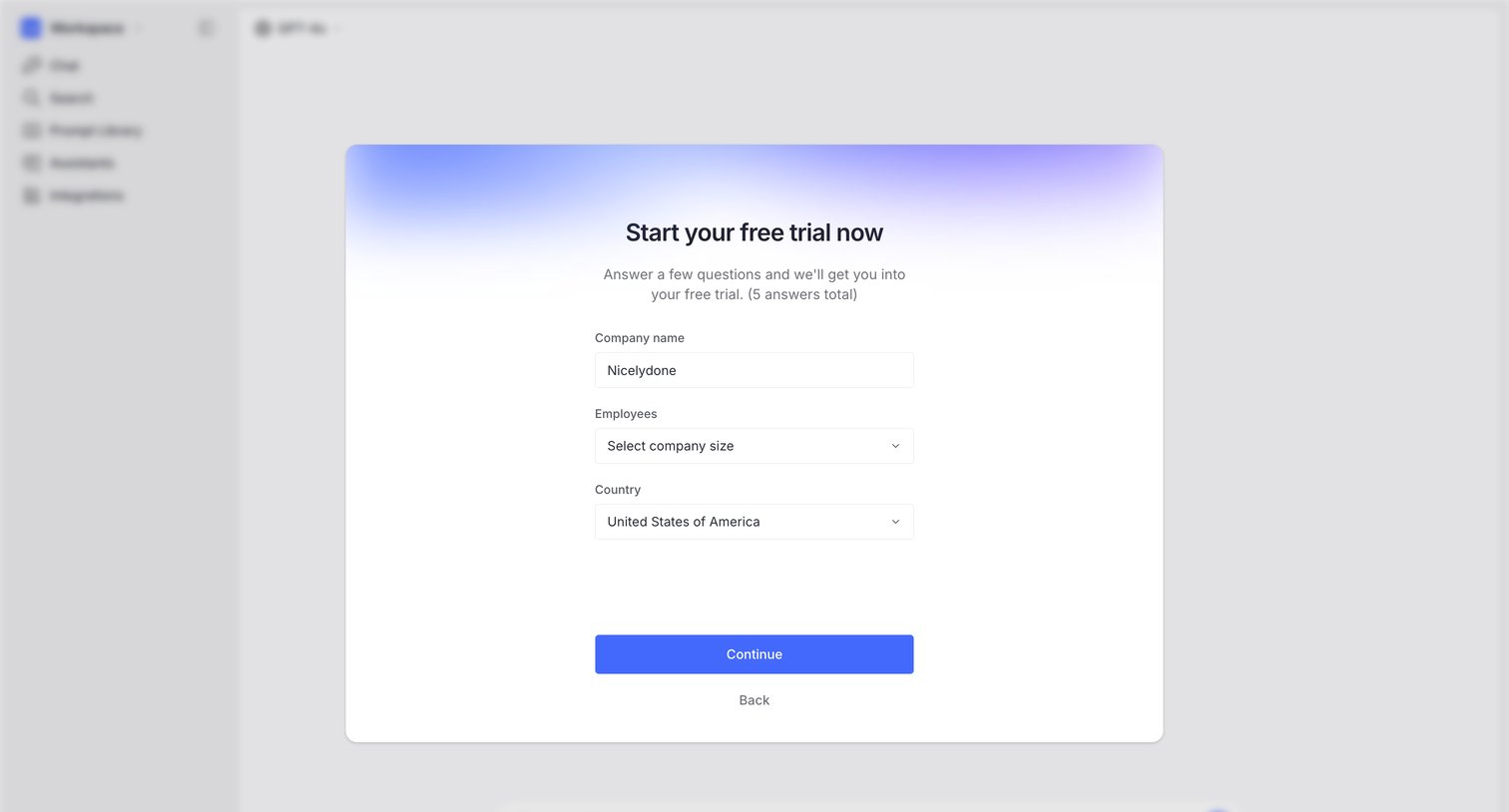
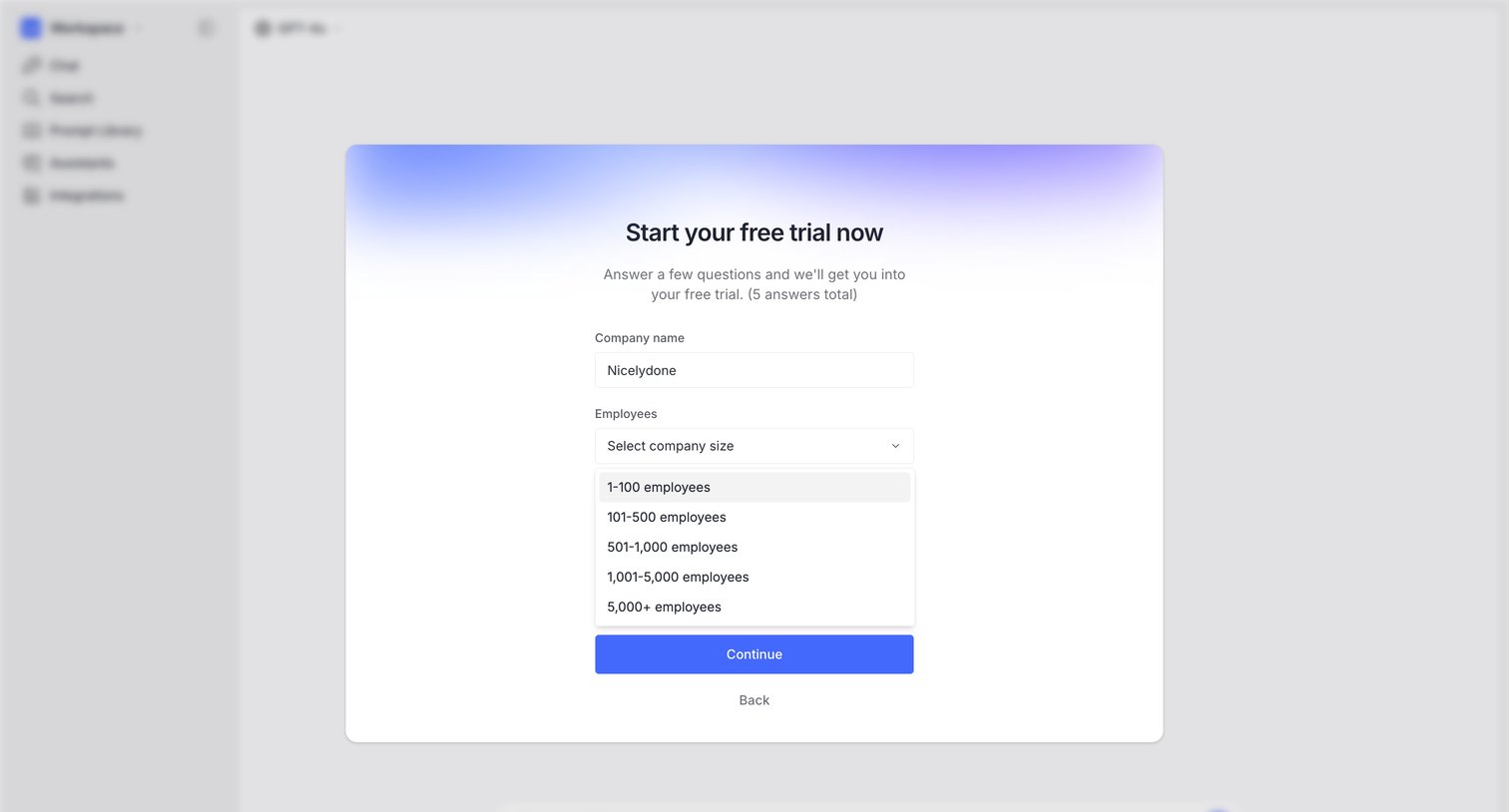
Trial activation step where the user provides their company name, size, and country to start a free trial before accessing the app.
Langdock - Create a new workspace screen
Langdock logo
Langdock

Paywall screen where the user provides their company name, size, and country to start a free trial of the platform.

Langdock - Create a new workspace screen
Langdock logo
Langdock

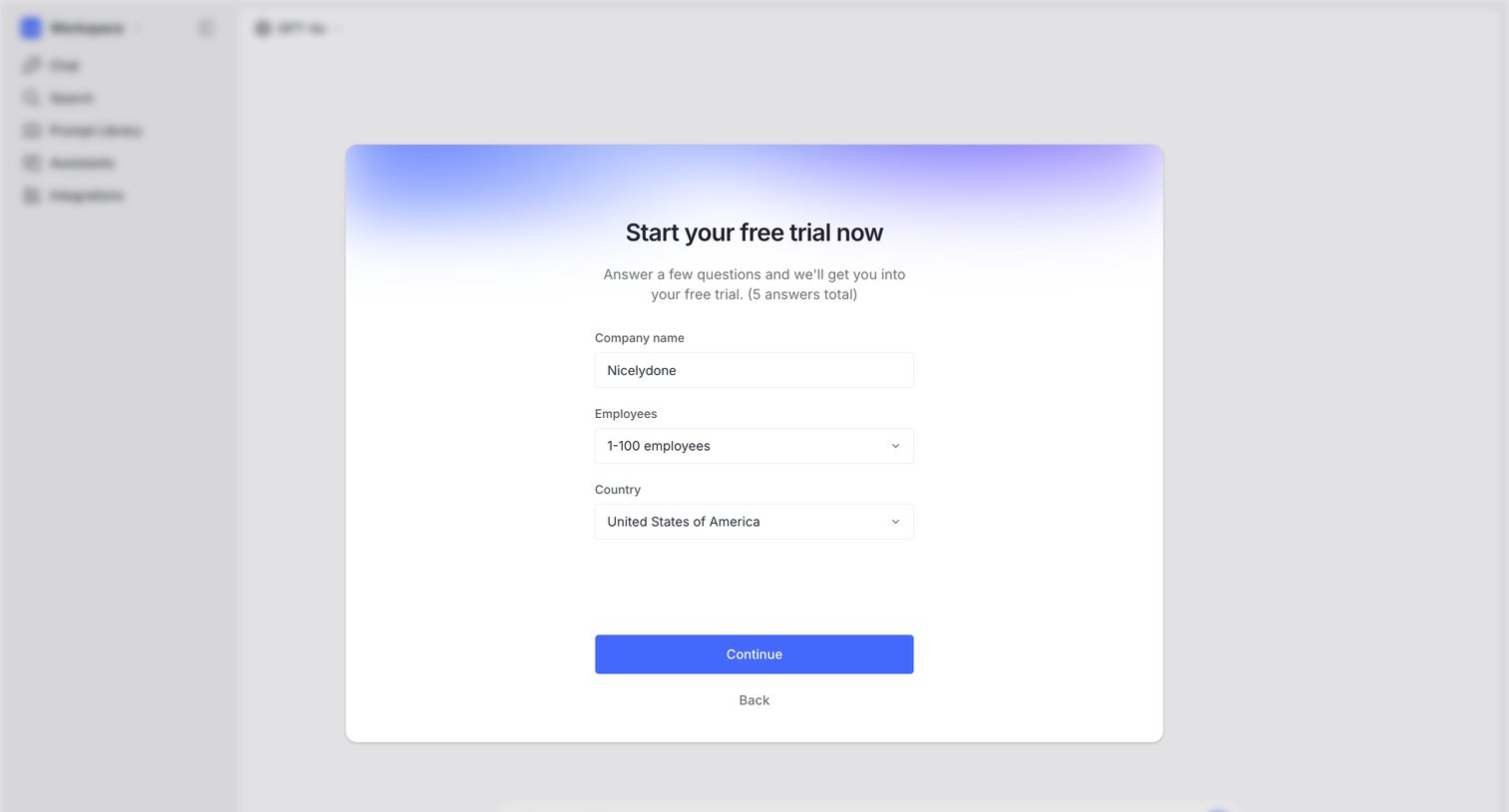
Paywall modal where the user starts a free trial by providing their company name and selecting their employee count.
Langdock - Create a new workspace screen
Langdock logo
Langdock

Paywall modal where the user provides their company name, employee count, and country to activate a free trial.

Langdock - Create a new workspace screen
Langdock logo
Langdock

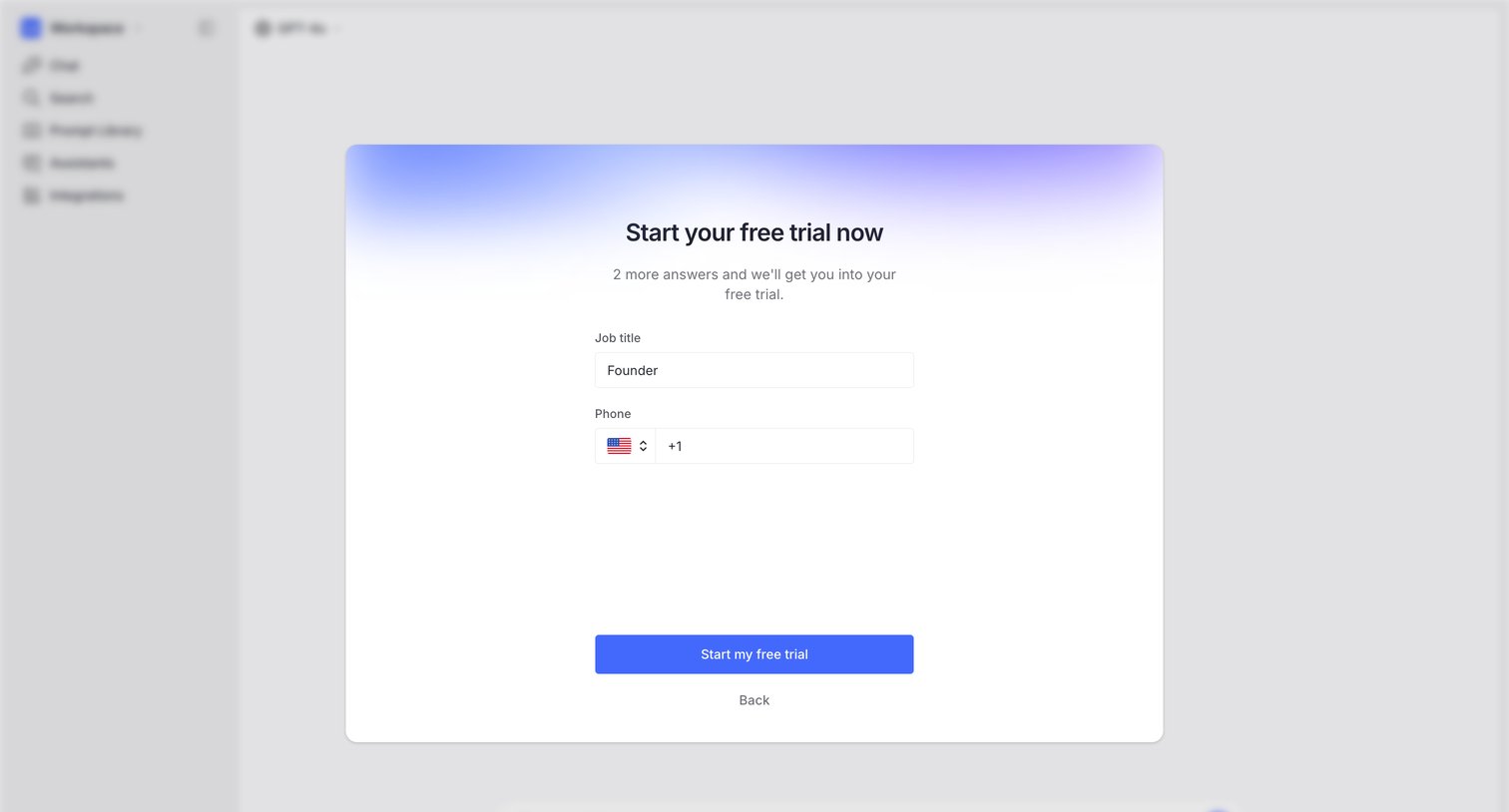
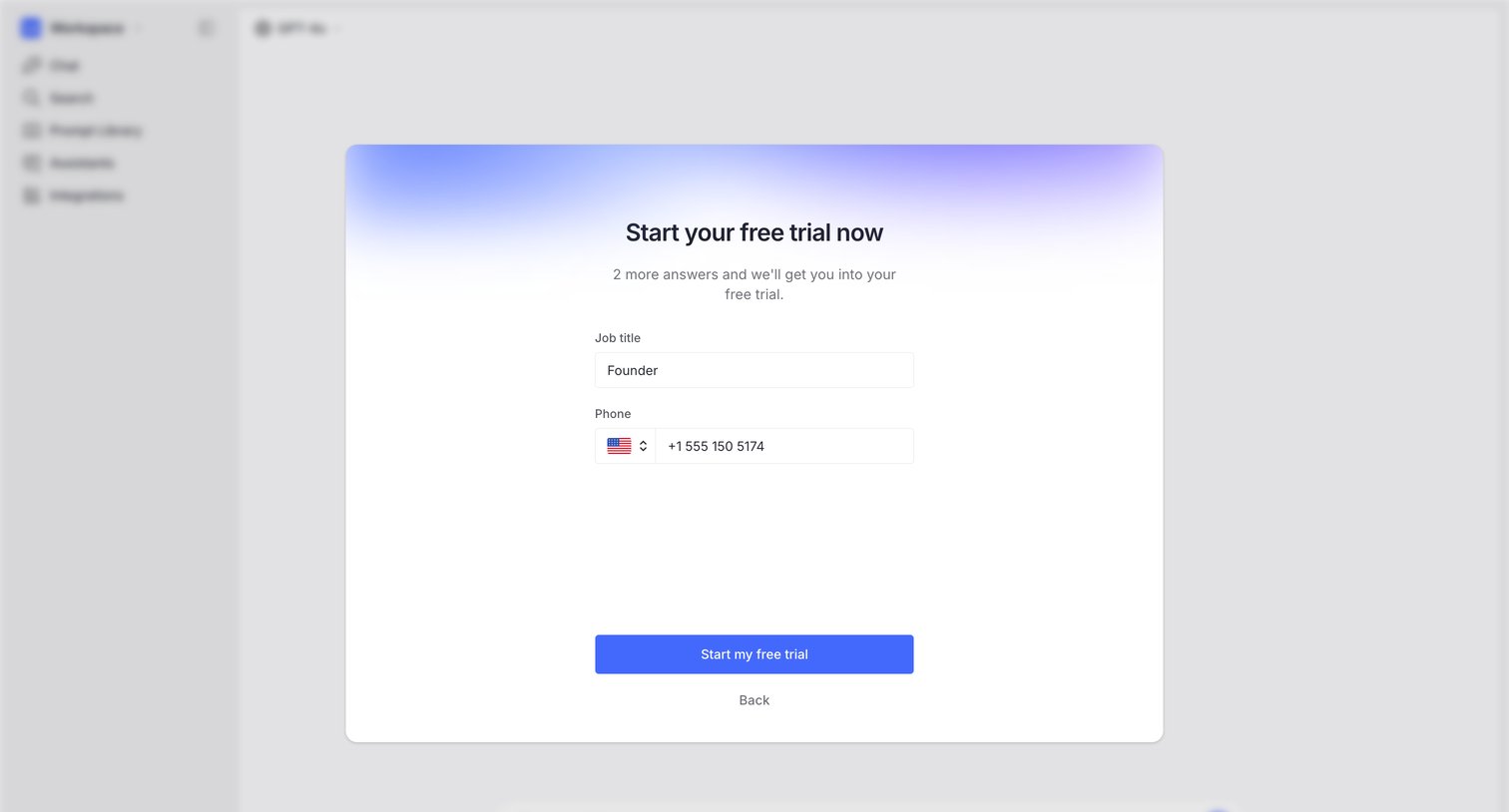
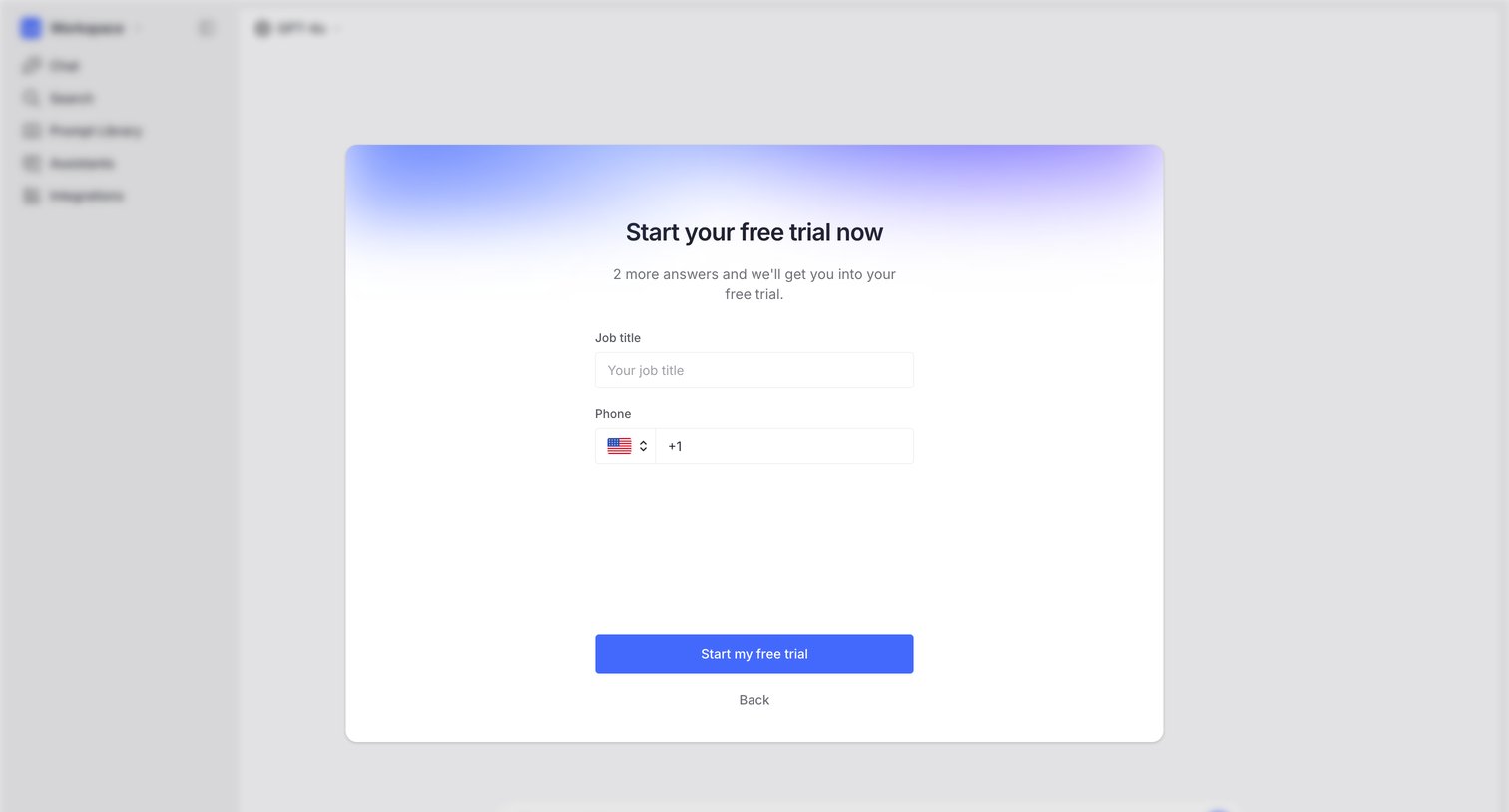
Onboarding modal where the user provides their job title and phone number to activate a free trial, overlaid on the main app interface.

Langdock - Create a new workspace screen
Langdock logo
Langdock

Paywall modal where the user enters their job title and phone number to start a free trial, blocking access to the underlying AI chat workspace.

Langdock - Create a new workspace screen
Langdock logo
Langdock

Onboarding step where the user provides their job title and phone number to start a free trial, displayed as a modal over the main application.

Explore the full SaaS screen library

Upgrade to unlock the full library.

Trusted by the best teams