Skip to content

Glide product screens examples

Browse Glide screen design examples. Preview the interface screenshots and explore related UI patterns. Create powerful apps and websites, without code

Explore the examples

Glide screen
Glide logo
Glide

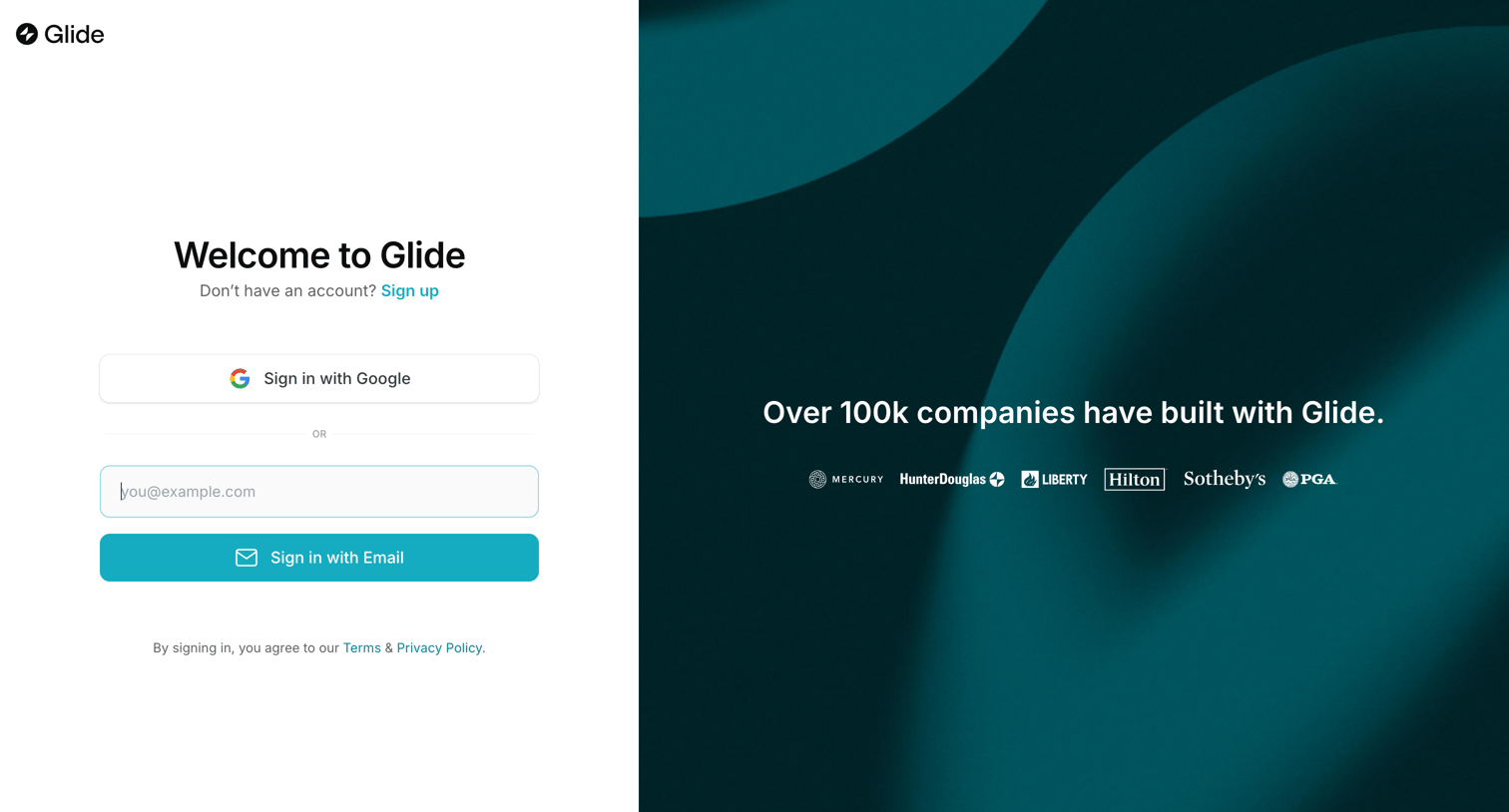
Sign-in screen where the user authenticates with Google or email, featuring a social proof panel with customer logos.

Glide screen
Glide logo
Glide

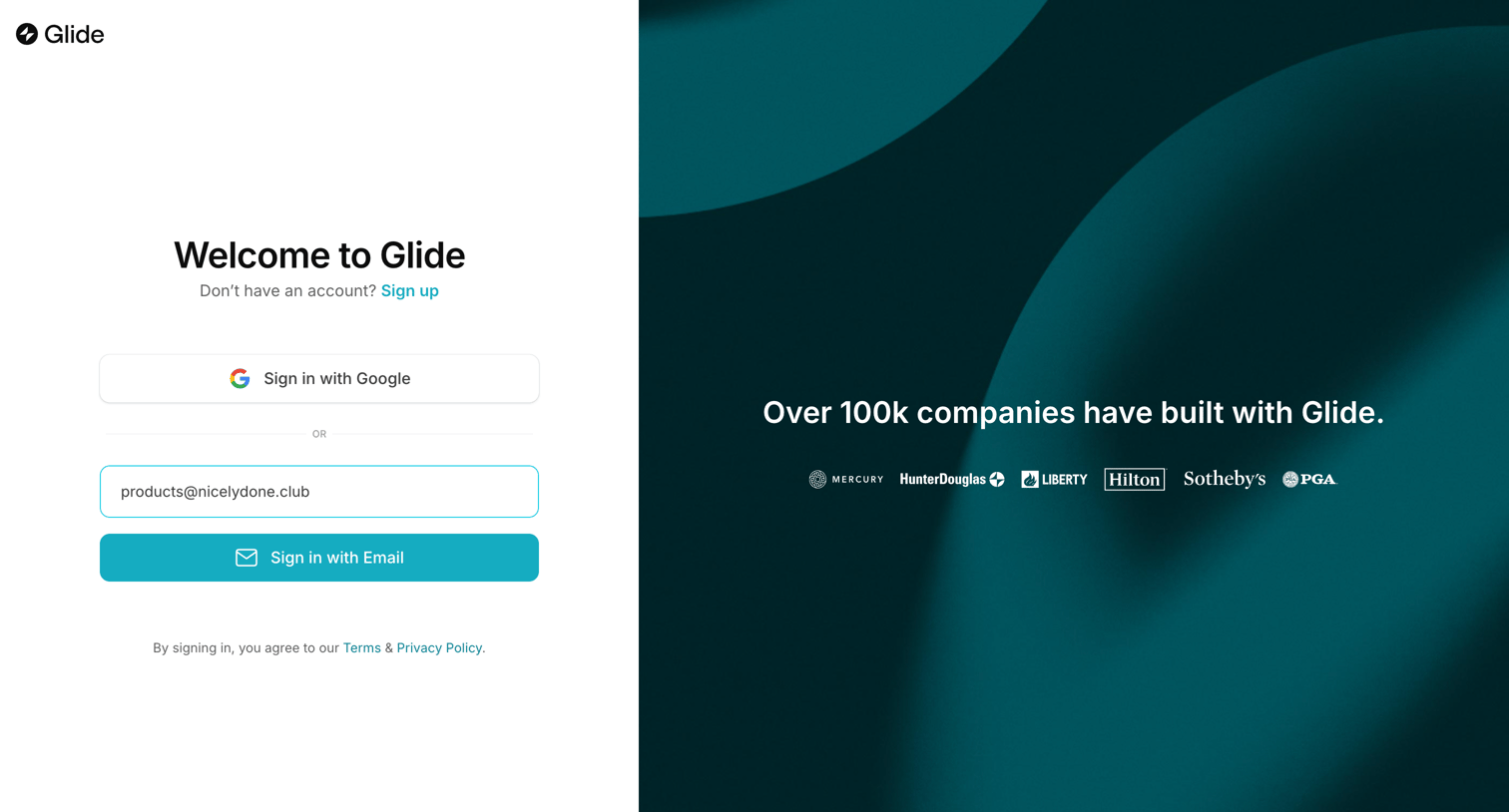
Sign-in screen where the user authenticates via Google or email, featuring a logo wall of prominent customers like Hilton and PGA on the right panel.

Glide screen
Glide logo
Glide

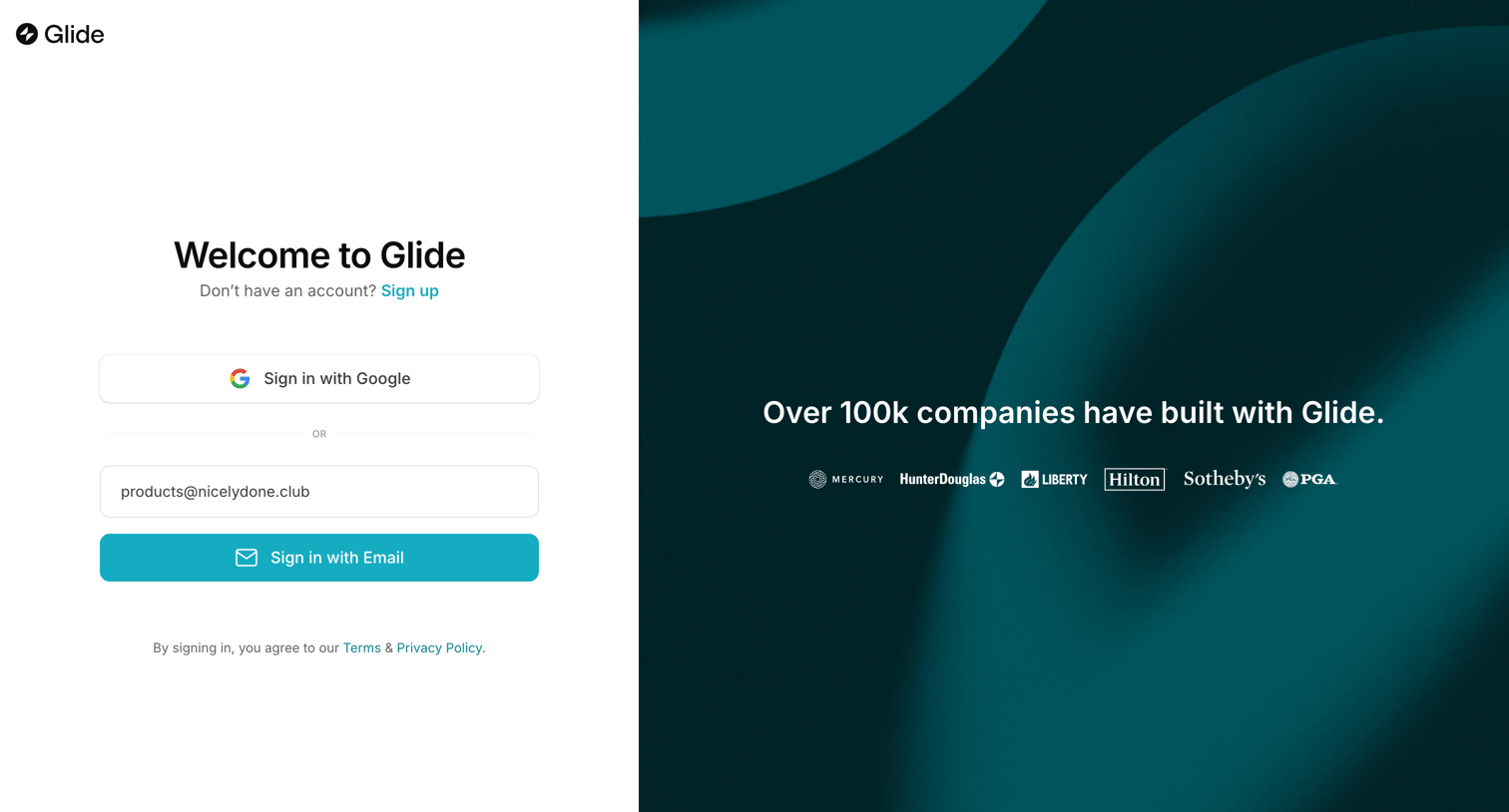
Sign-in screen where the user authenticates with Google or email, featuring a social proof logo wall of enterprise customers on the right.

Glide screen
Glide logo
Glide

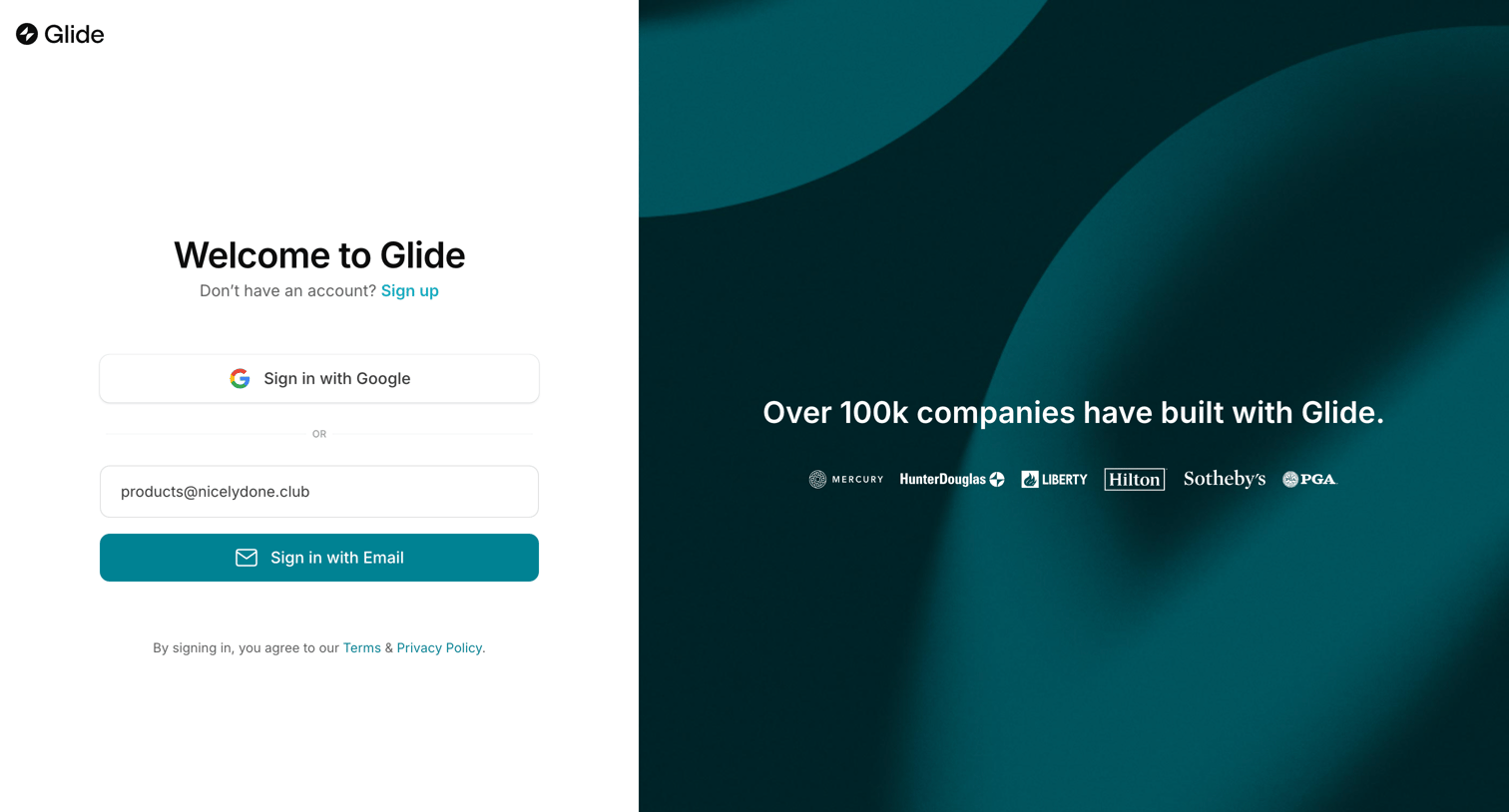
Sign-in screen where the user authenticates with Google or an email address, featuring a social proof logo wall of customer companies.

Glide screen
Glide logo
Glide

Sign-in screen where the user authenticates with Google or email, featuring a social proof logo wall of notable customers.

Glide screen
Glide logo
Glide

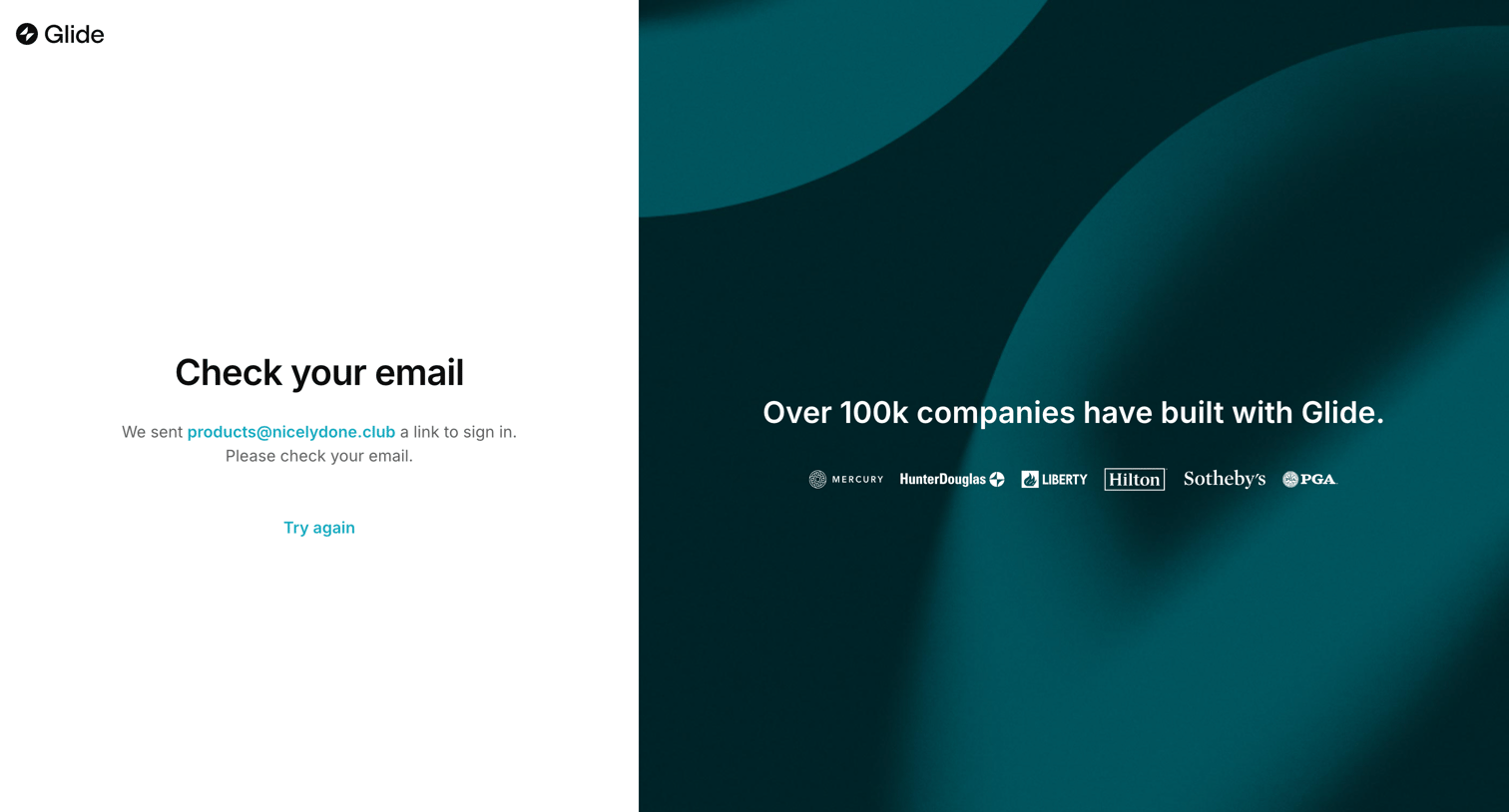
Authentication step where the user is instructed to check their inbox for a sign-in link, accompanied by a social proof panel.
Glide screen
Glide logo
Glide

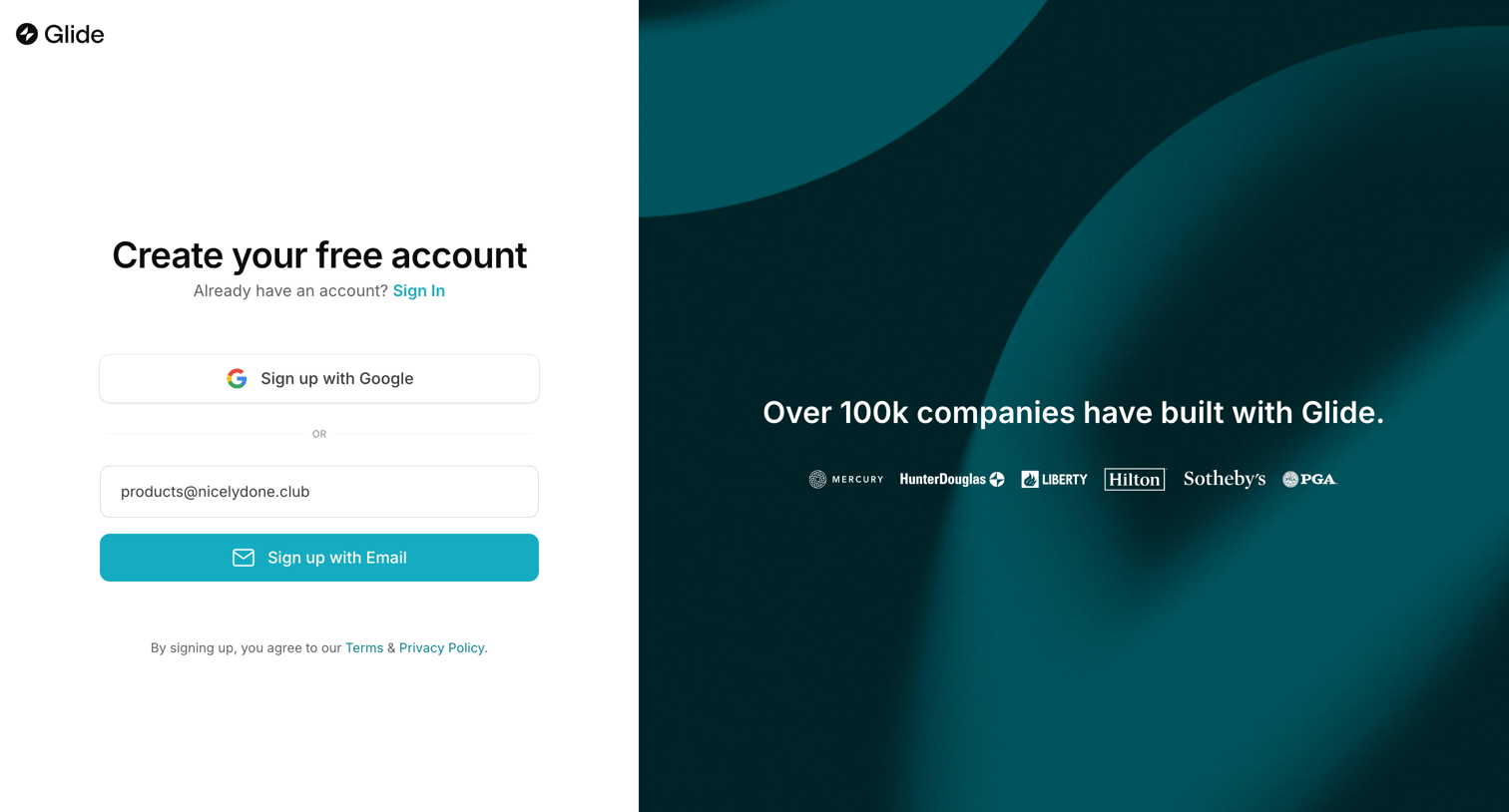
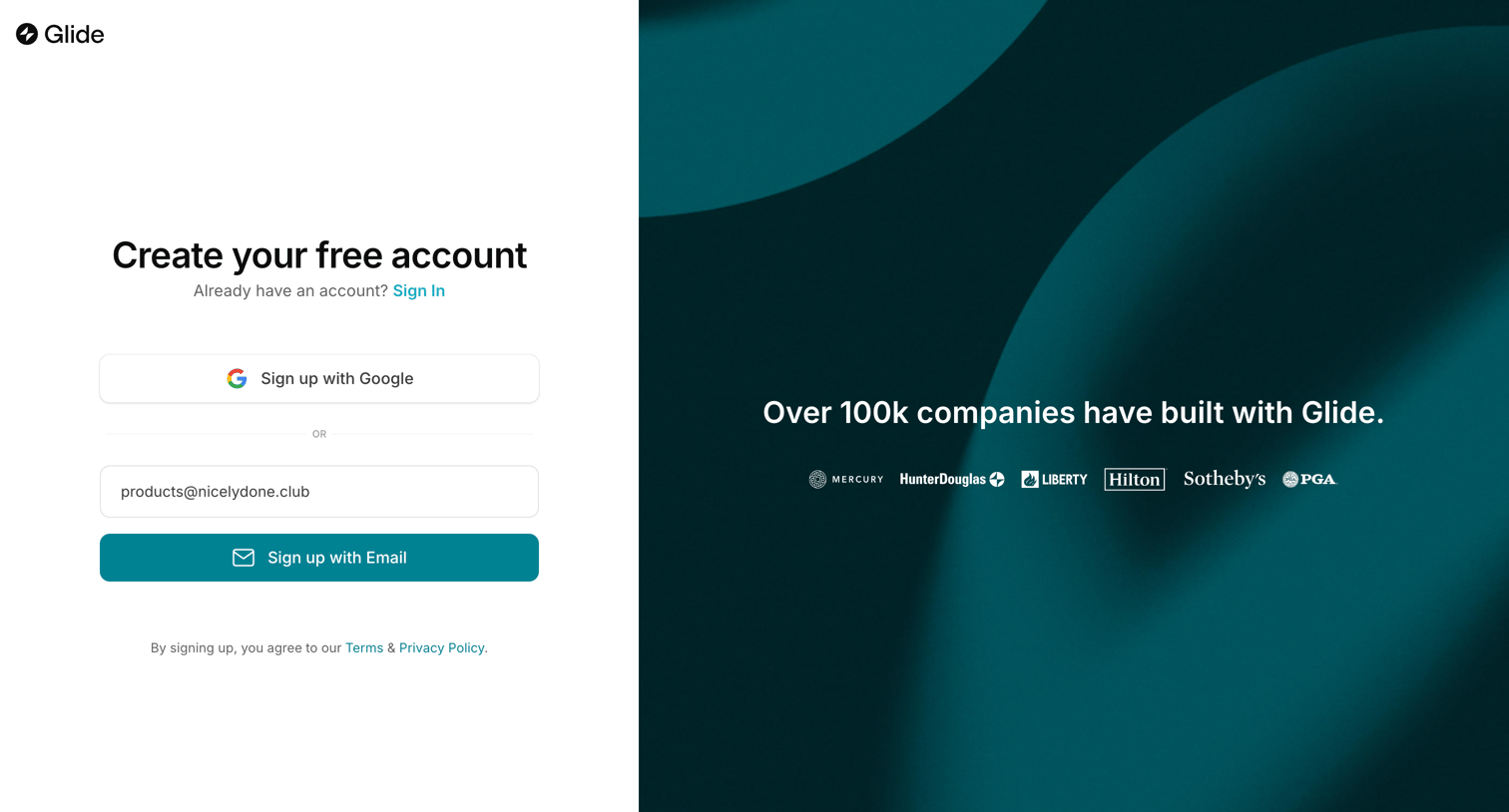
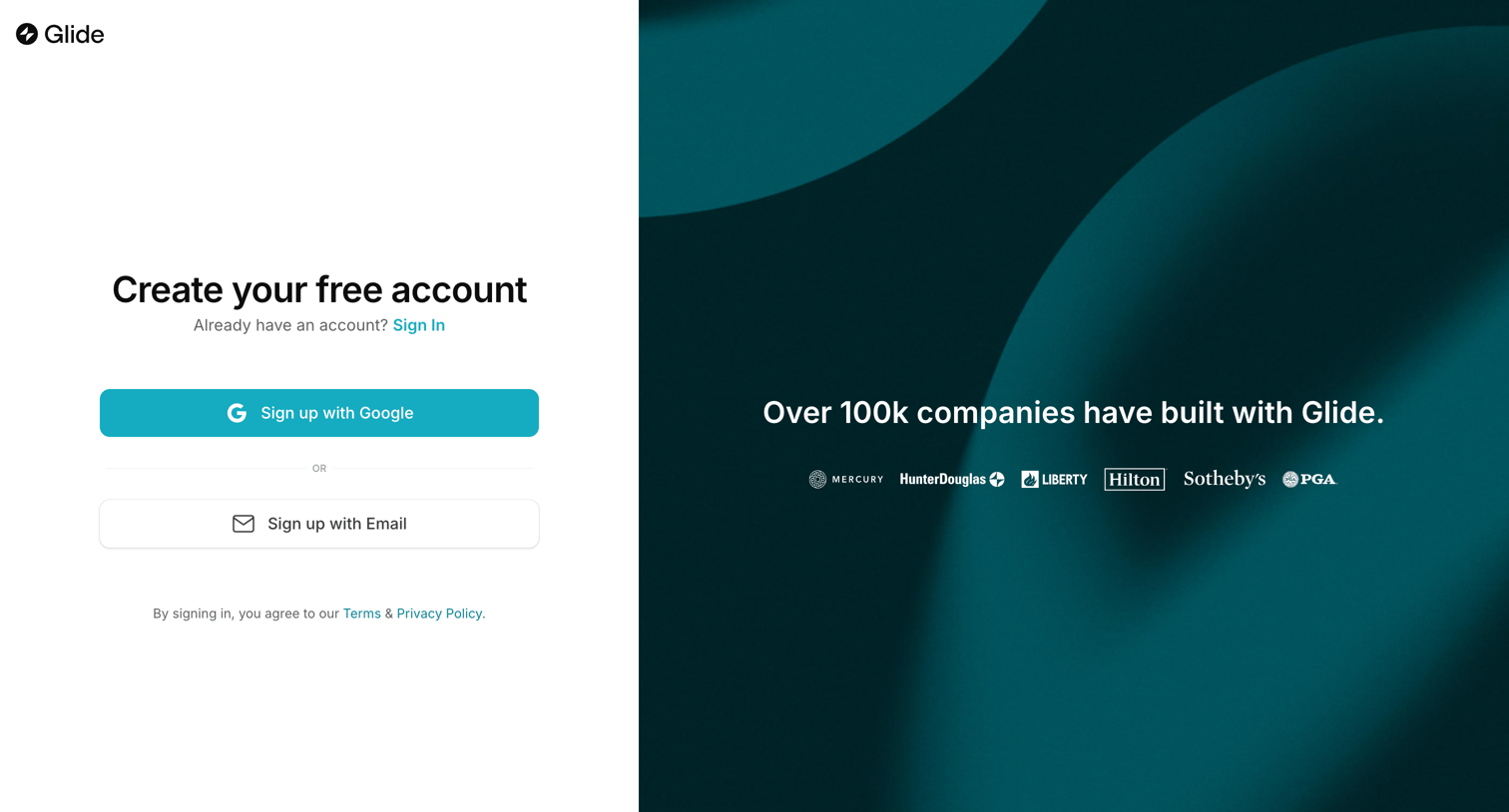
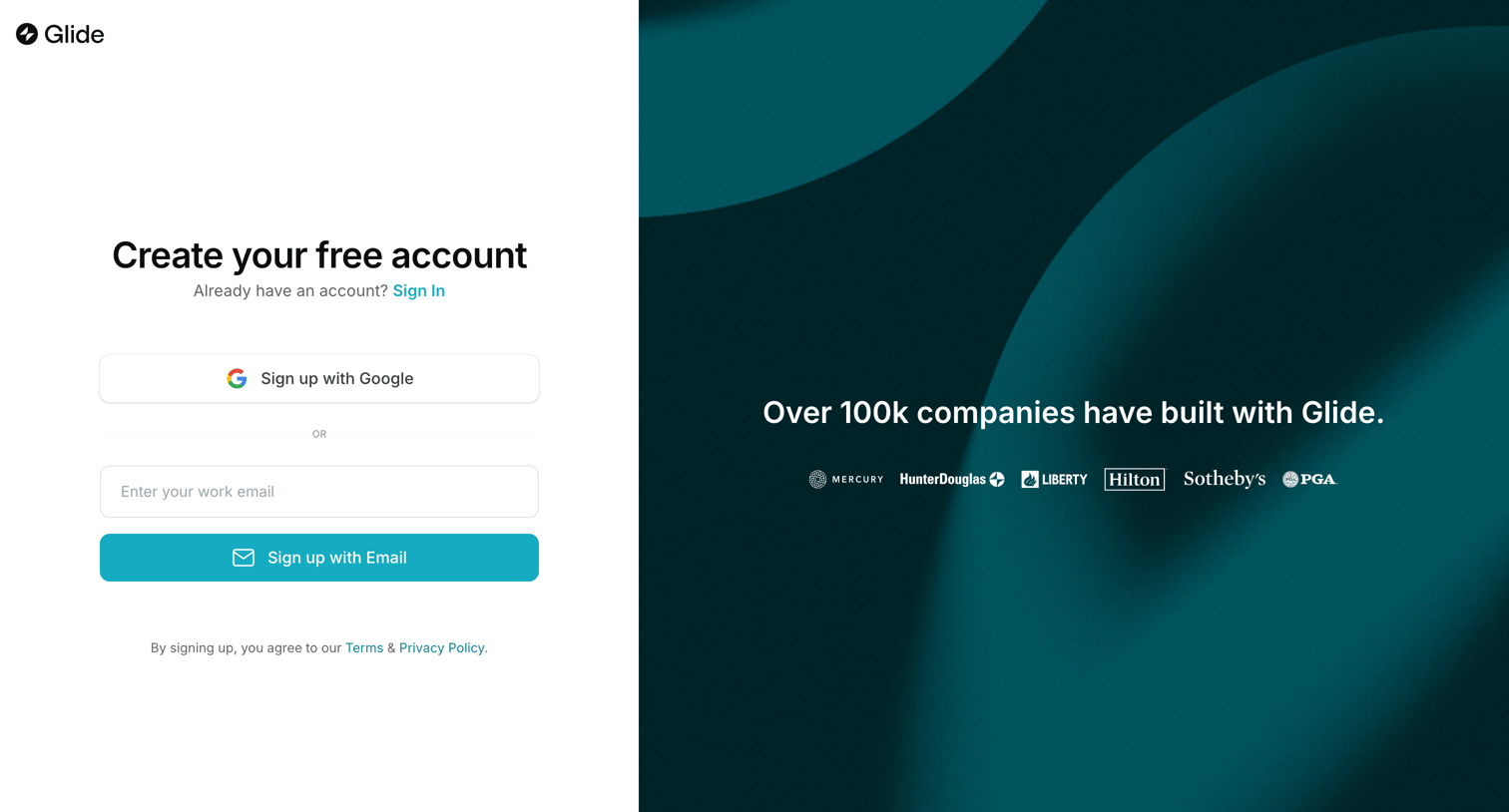
Signup screen where the user can create an account using Google or email, featuring a social proof panel with customer logos.

Glide screen
Glide logo
Glide

Signup page where the user creates a free account using Google or their work email, alongside a social proof logo wall.

Glide screen
Glide logo
Glide

Signup page where the user can create an account using Google or email, accompanied by a social proof logo wall.

Glide screen
Glide logo
Glide

Signup page where the user can create an account using Google or email, accompanied by a social proof panel highlighting prominent customers.

Glide screen
Glide logo
Glide

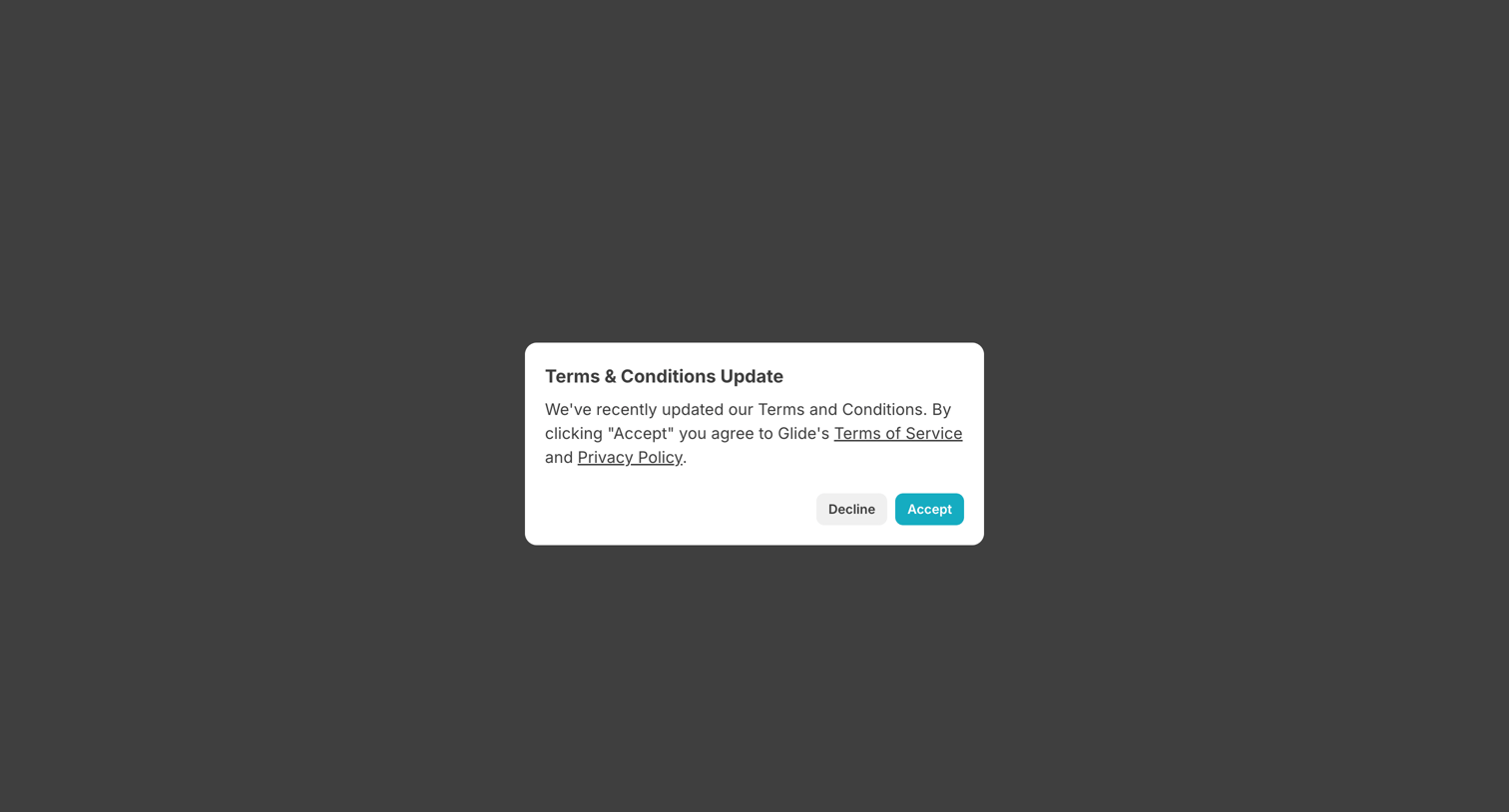
Authentication step where the user must accept the updated Terms of Service and Privacy Policy to continue signing in.
Glide - New App · Glide screen
Glide logo
Glide

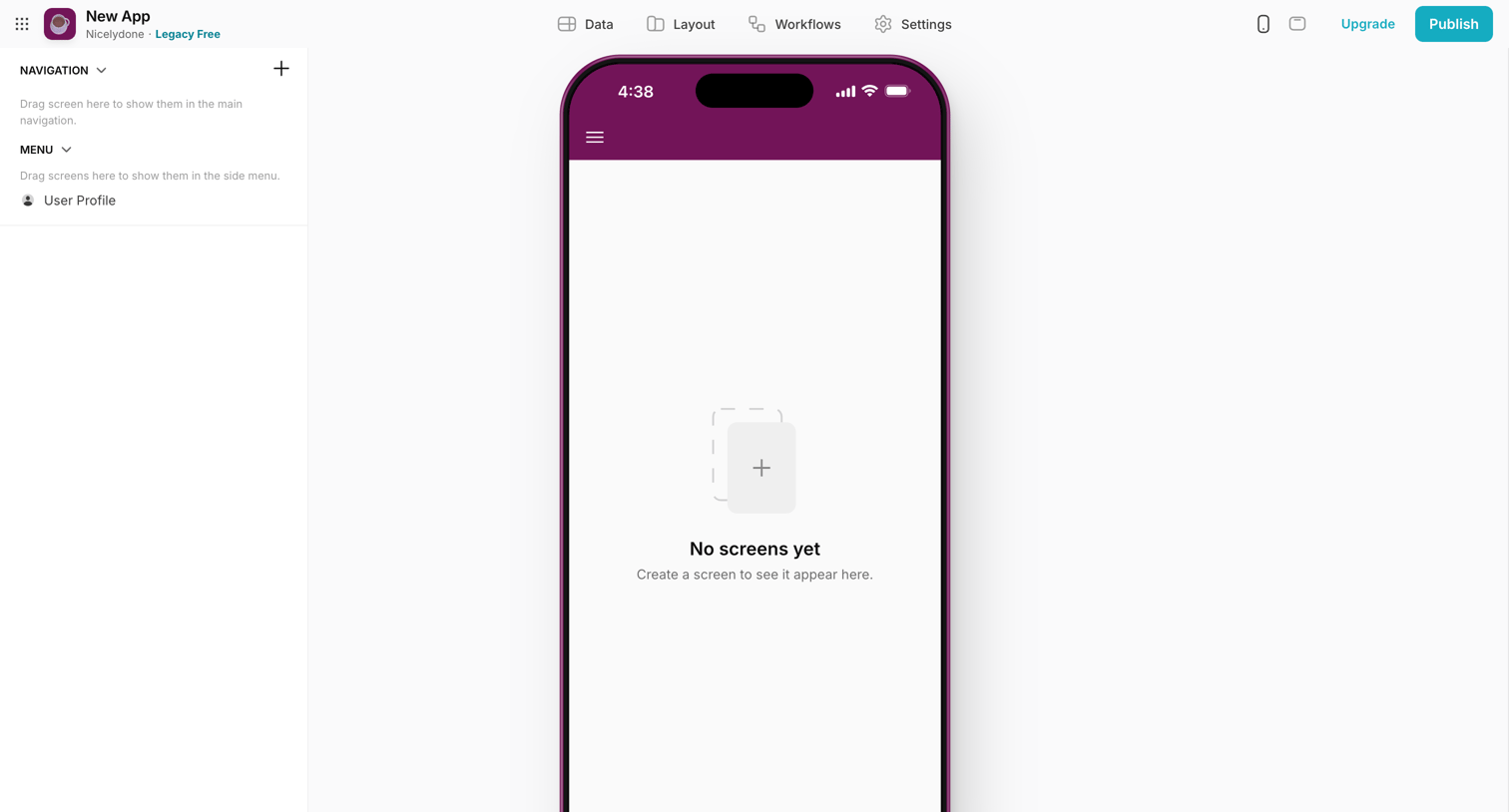
Design editor where the user builds a mobile app, currently showing an empty canvas prompting them to create their first screen.

Explore the full SaaS screen library

Upgrade to unlock the full library.

Trusted by the best teams