Customer.io product screens examples
Browse Customer.io screen design examples. Preview the interface screenshots and explore related UI patterns. Platform: automation, data, content creation
Explore the examples


Sign-in screen where the user authenticates with an email address or Google, featuring a prompt to start a free trial for new users.
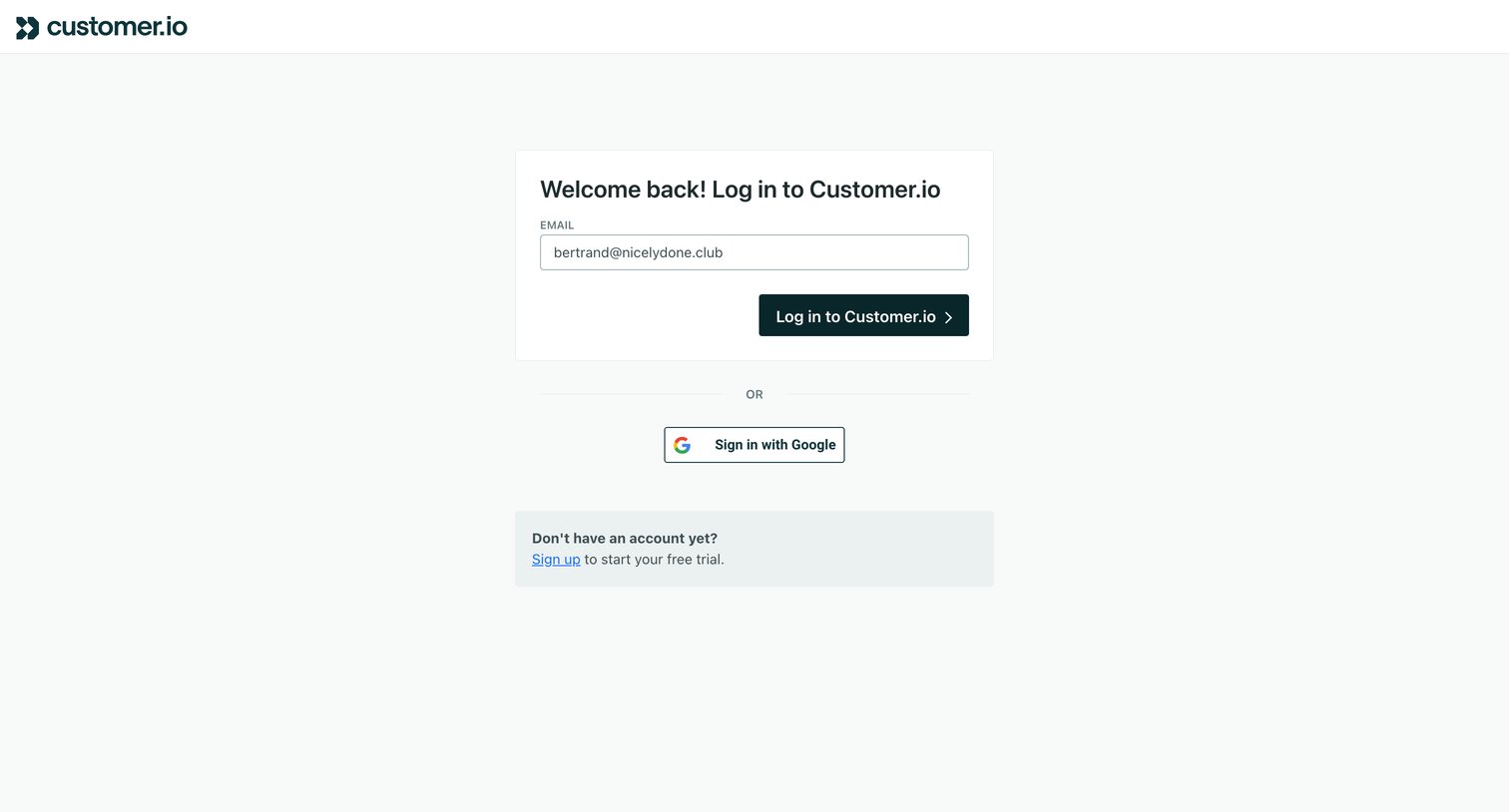
Sign-in screen where the user authenticates with an email address or Google single sign-on.
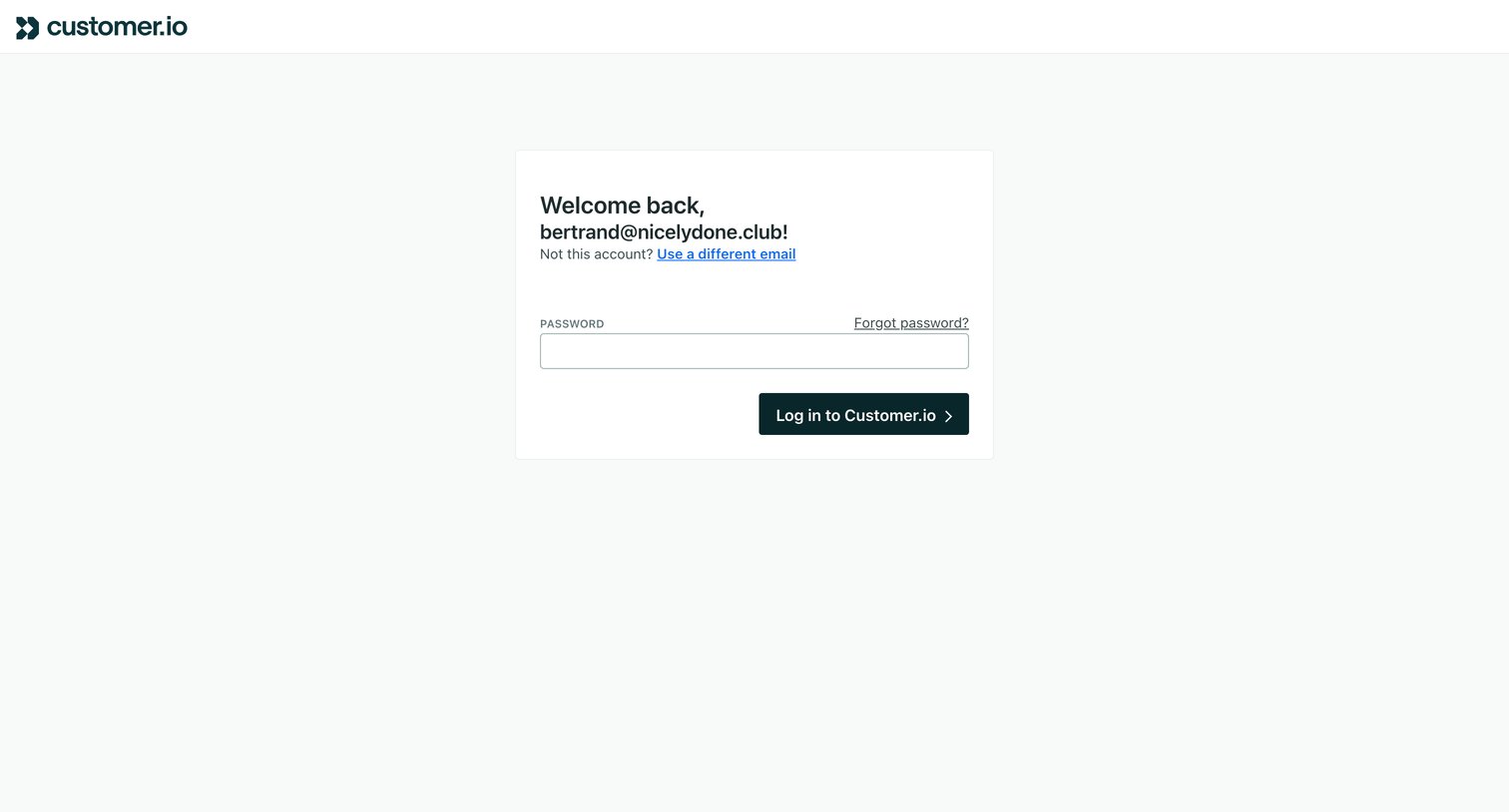
Sign-in screen where a returning user enters their password to authenticate after their email has been recognized.
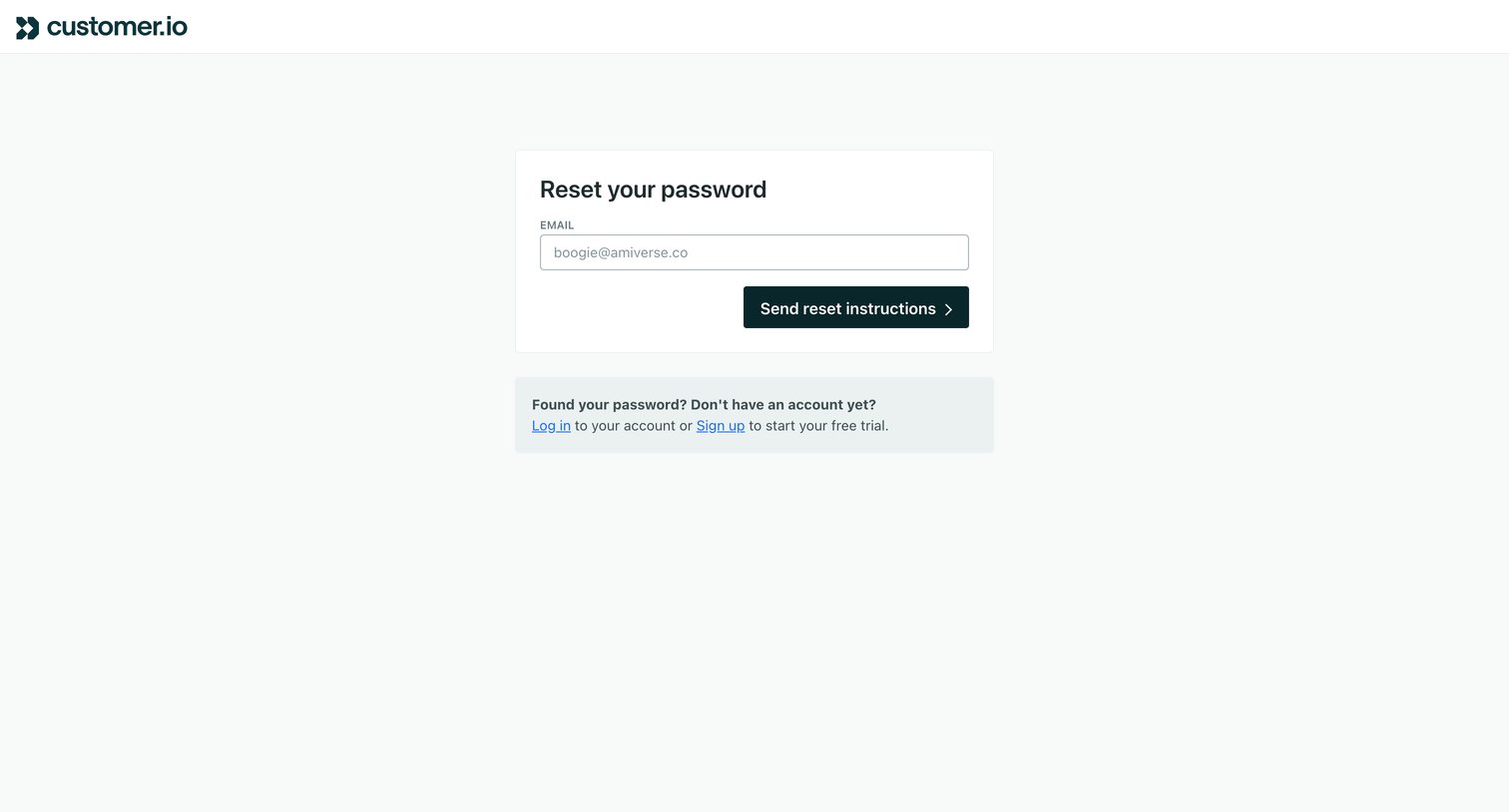
Password recovery screen where the user enters their email address to receive reset instructions, with secondary links to log in or sign up.
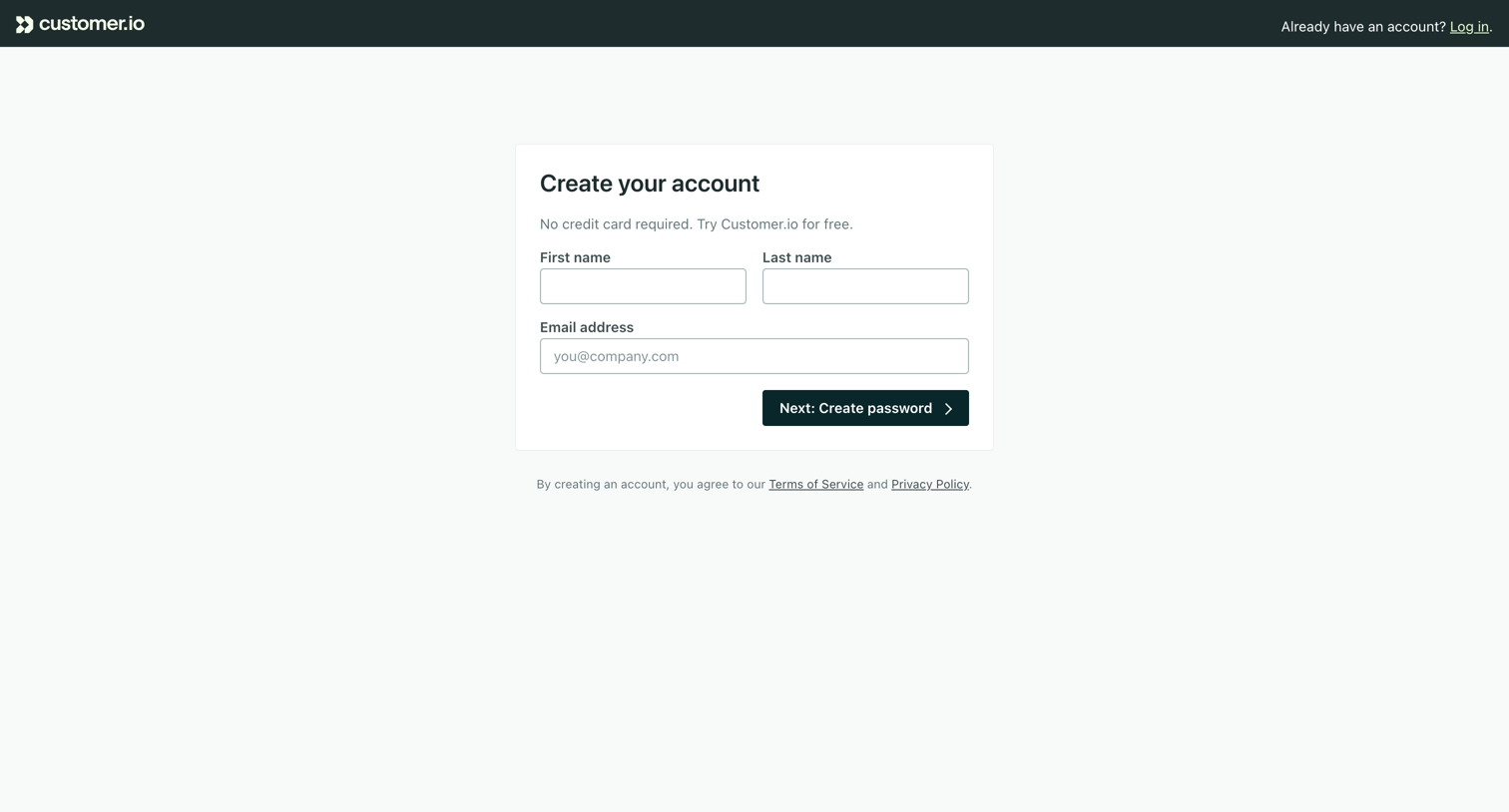
Signup page where the user enters their name and email as the first step to create a free account.
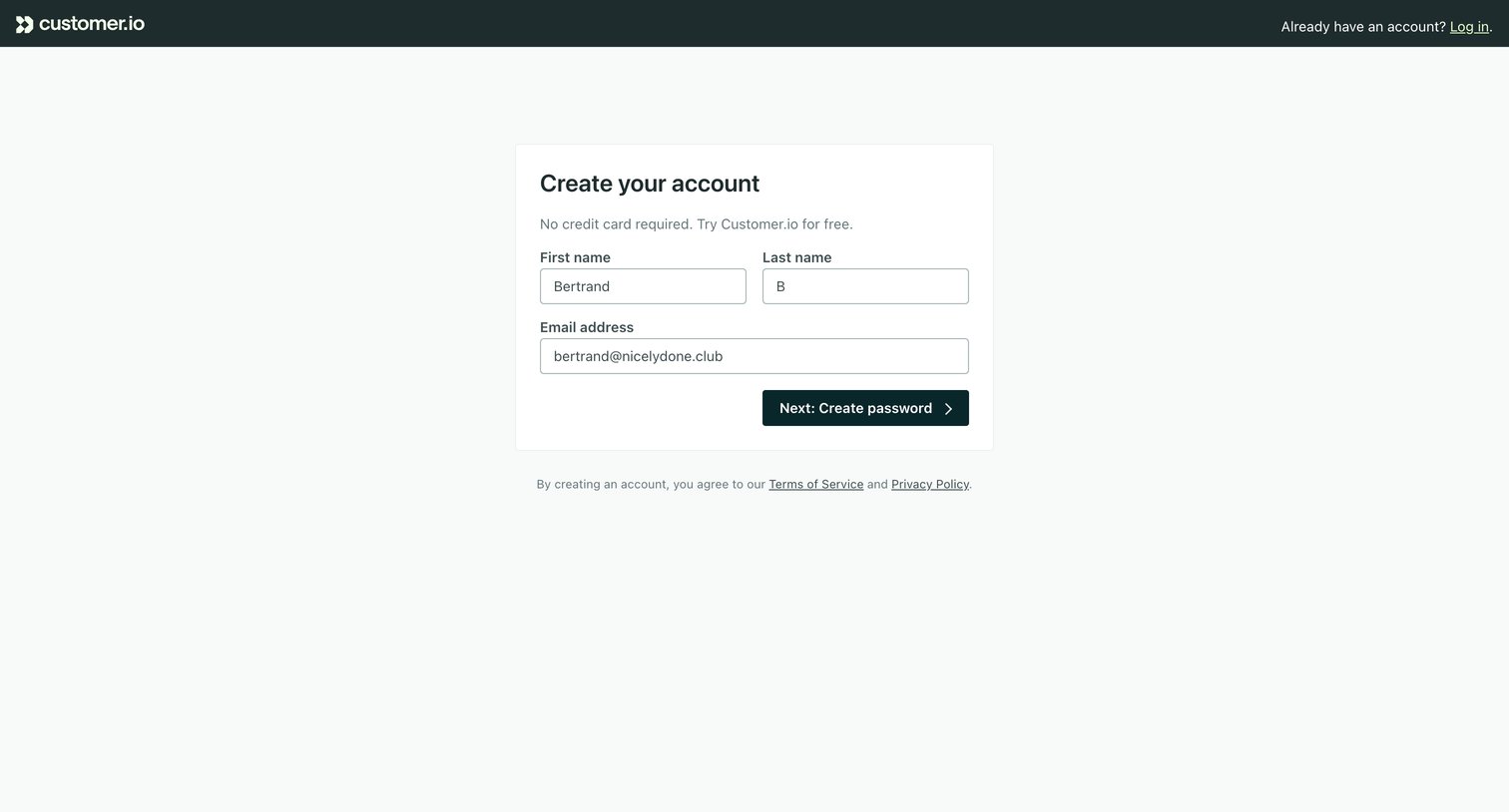
Signup page where the user enters their name and email address to start a free trial before proceeding to create a password.
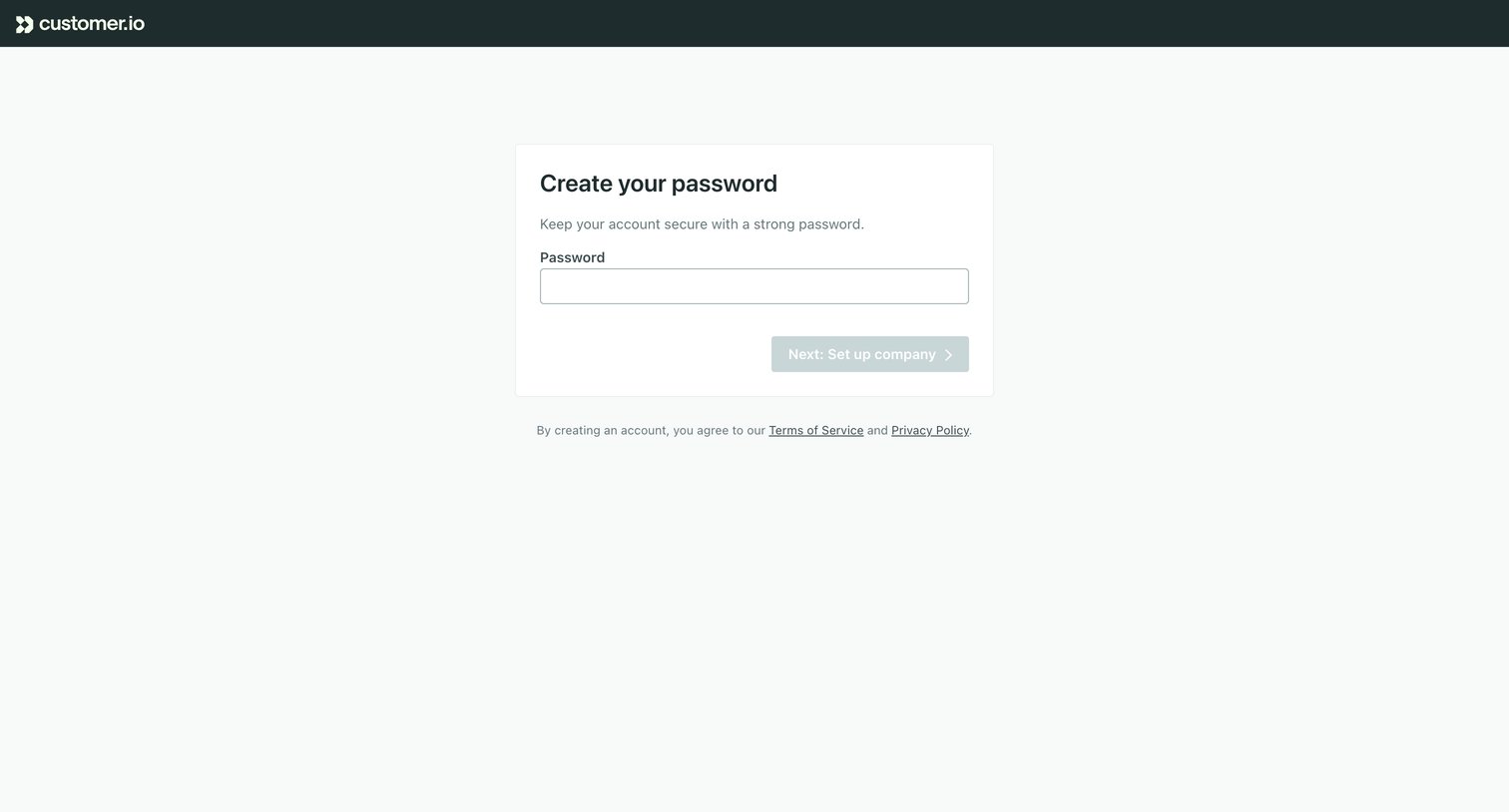
Signup step where the user creates a strong password before proceeding to set up their company.
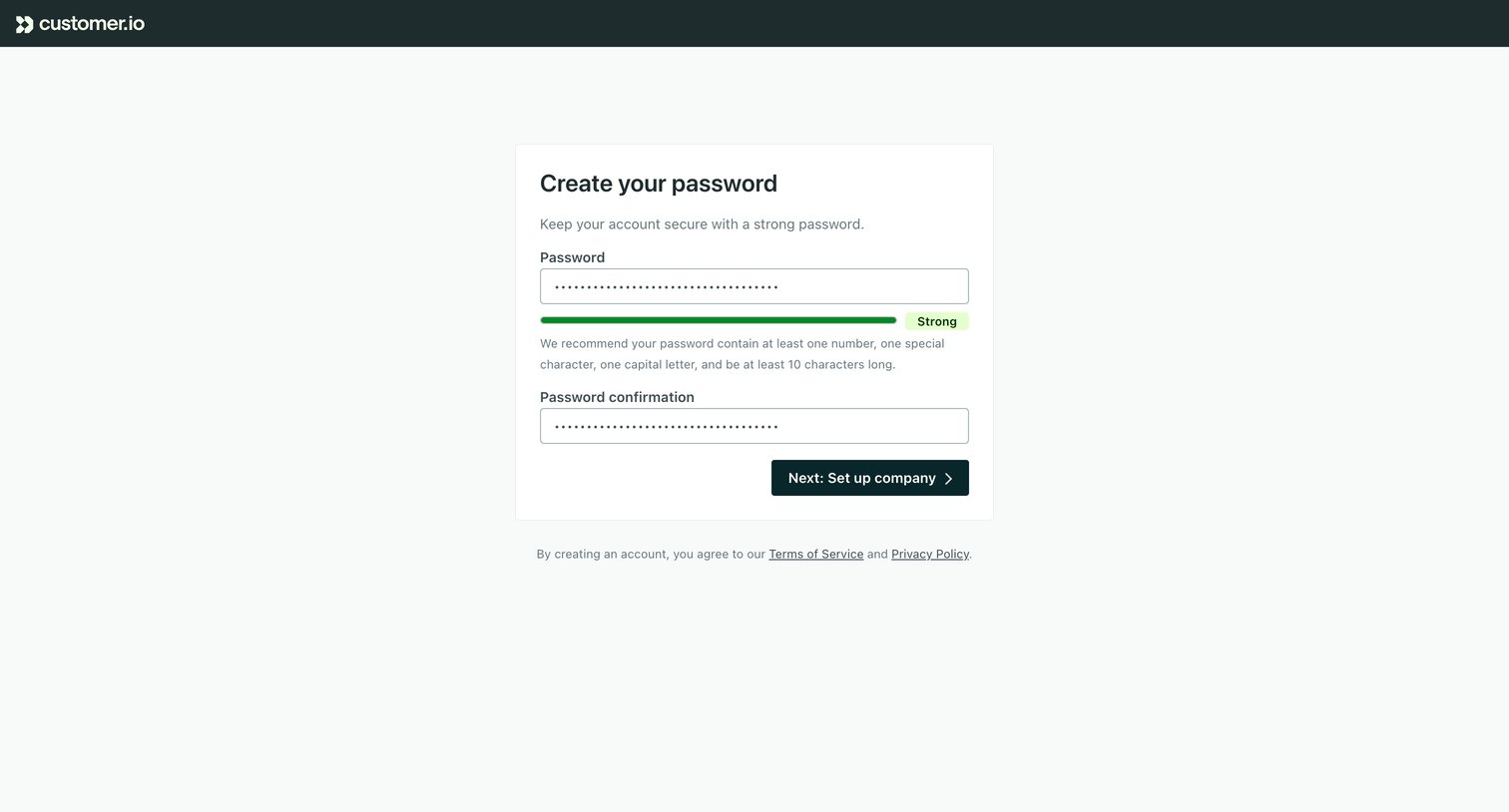
Signup step where the user creates and confirms a strong password before proceeding to set up their company.
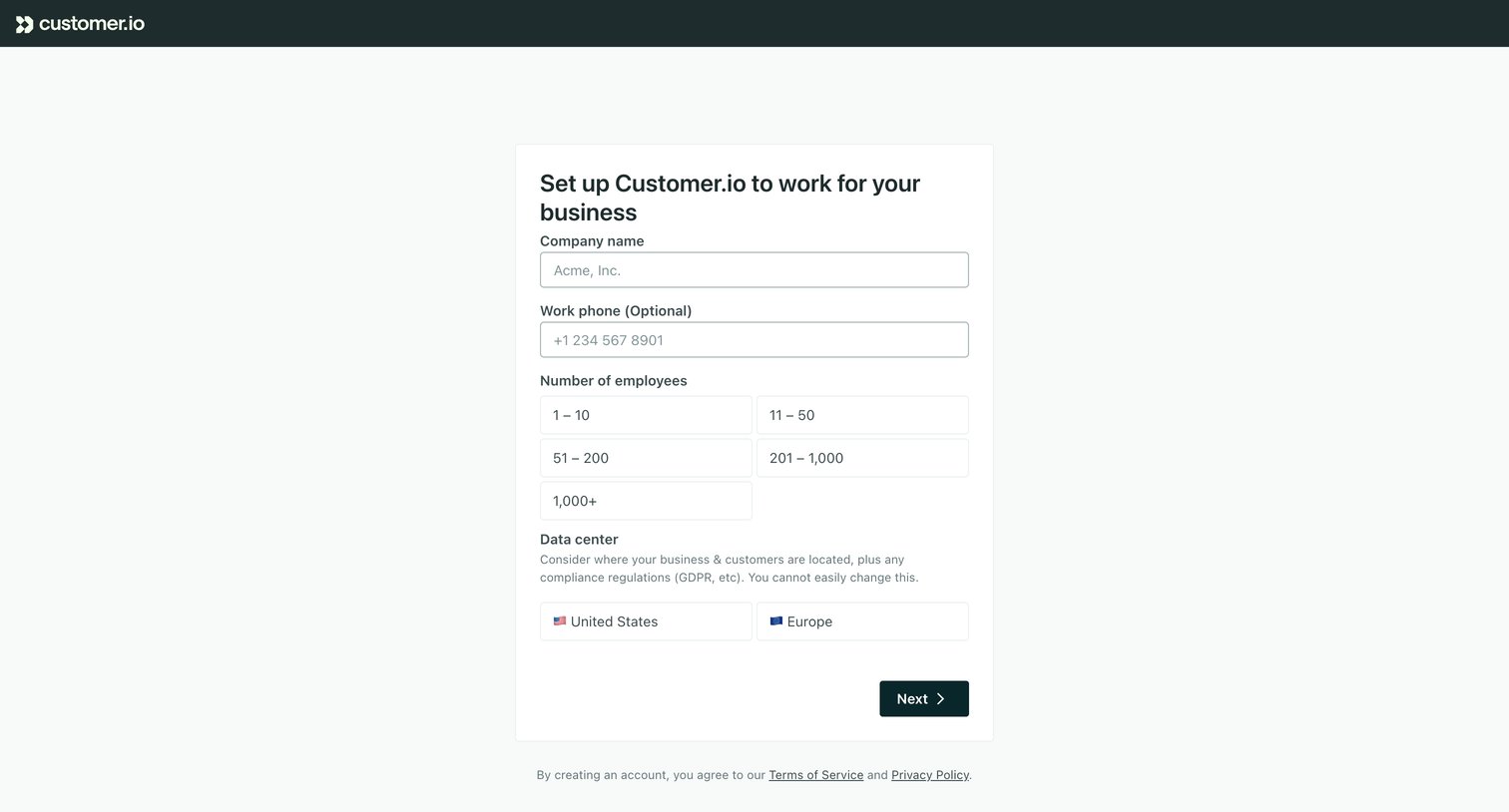
Onboarding step where the user provides their company name, employee count, and preferred data center location to configure their workspace.
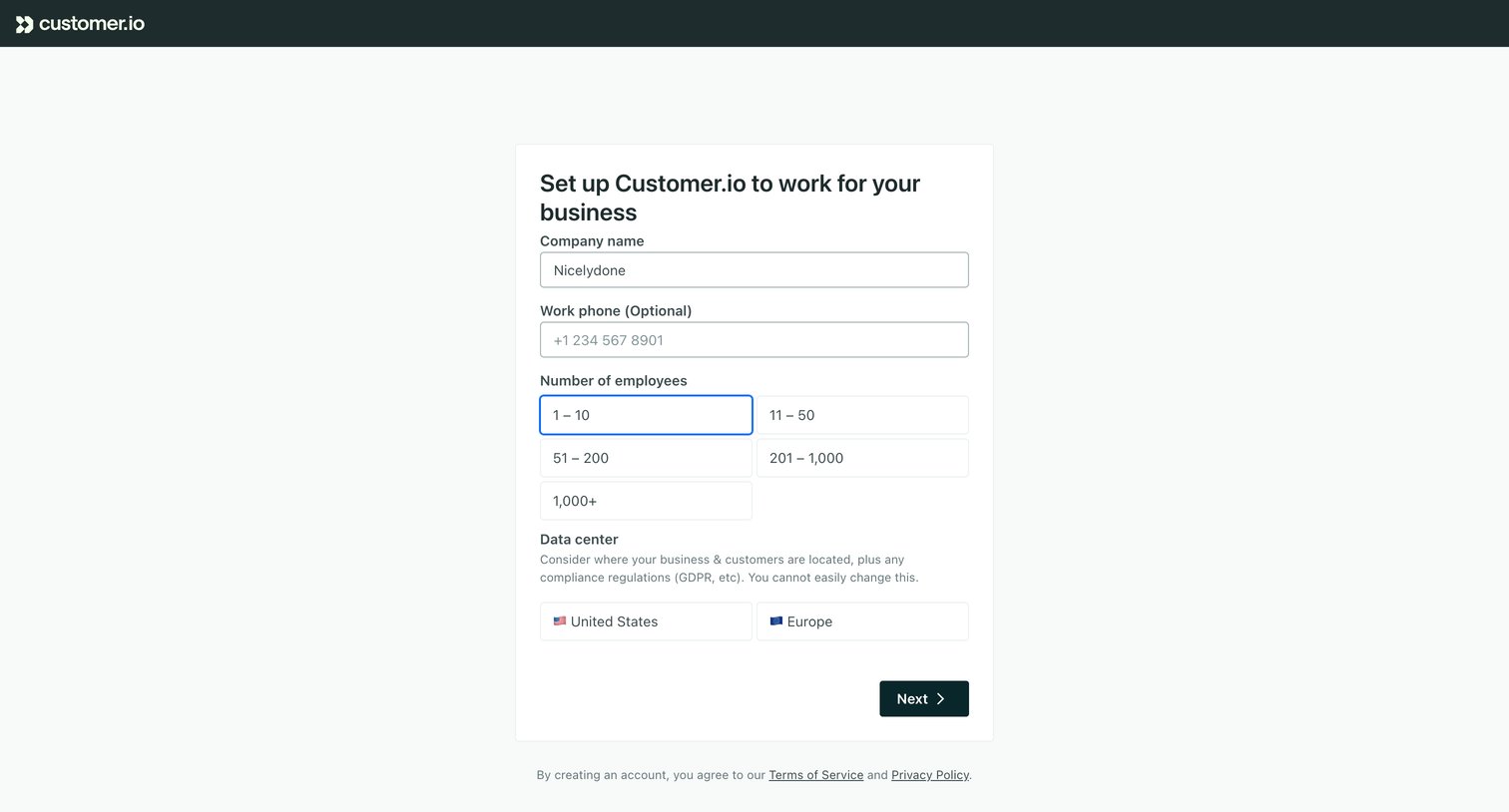
Onboarding step where the user configures their company name, employee count, and preferred data center location.
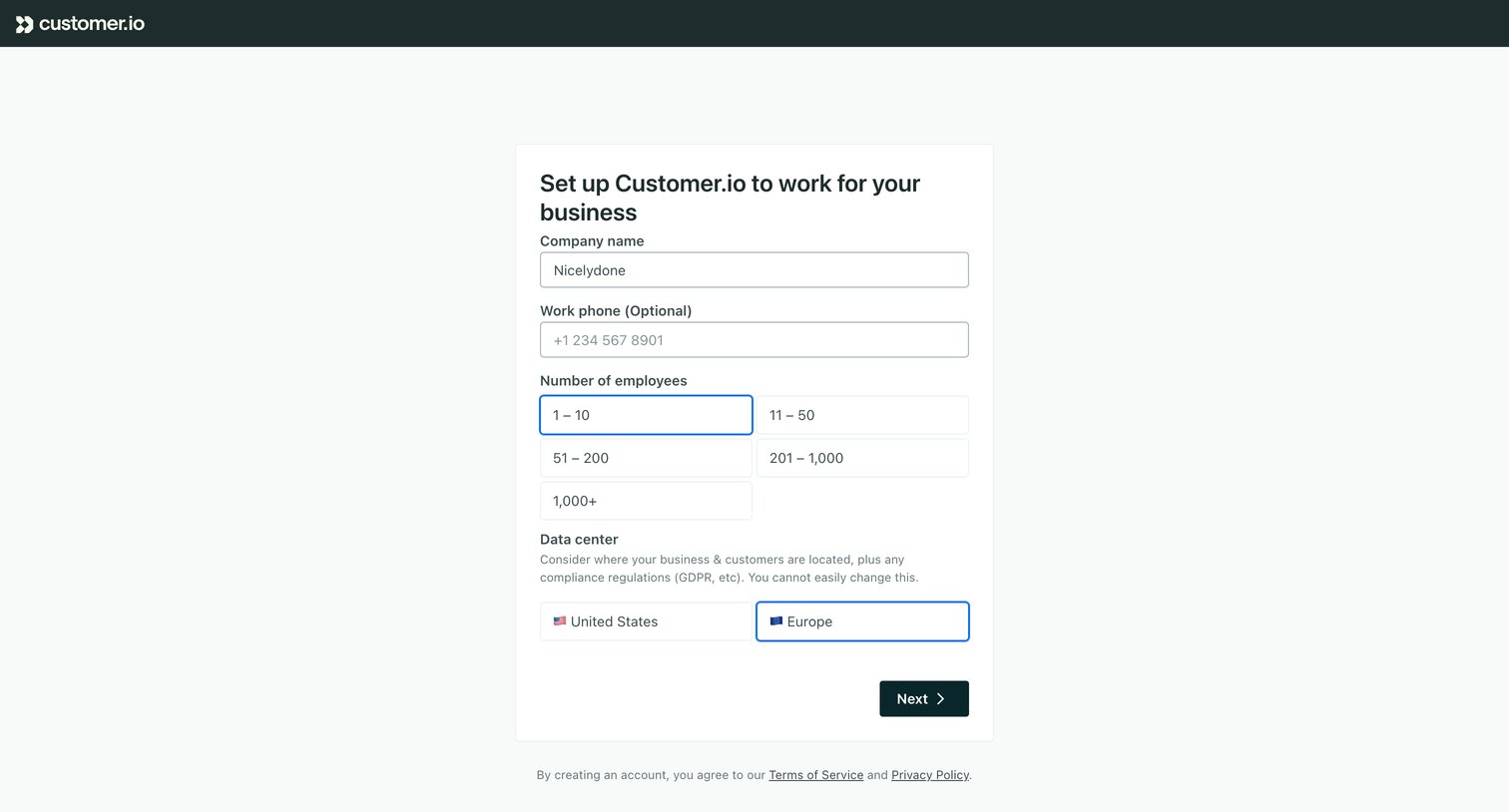
Signup step where the user provides their company name, employee count, and preferred data center location to configure their workspace.
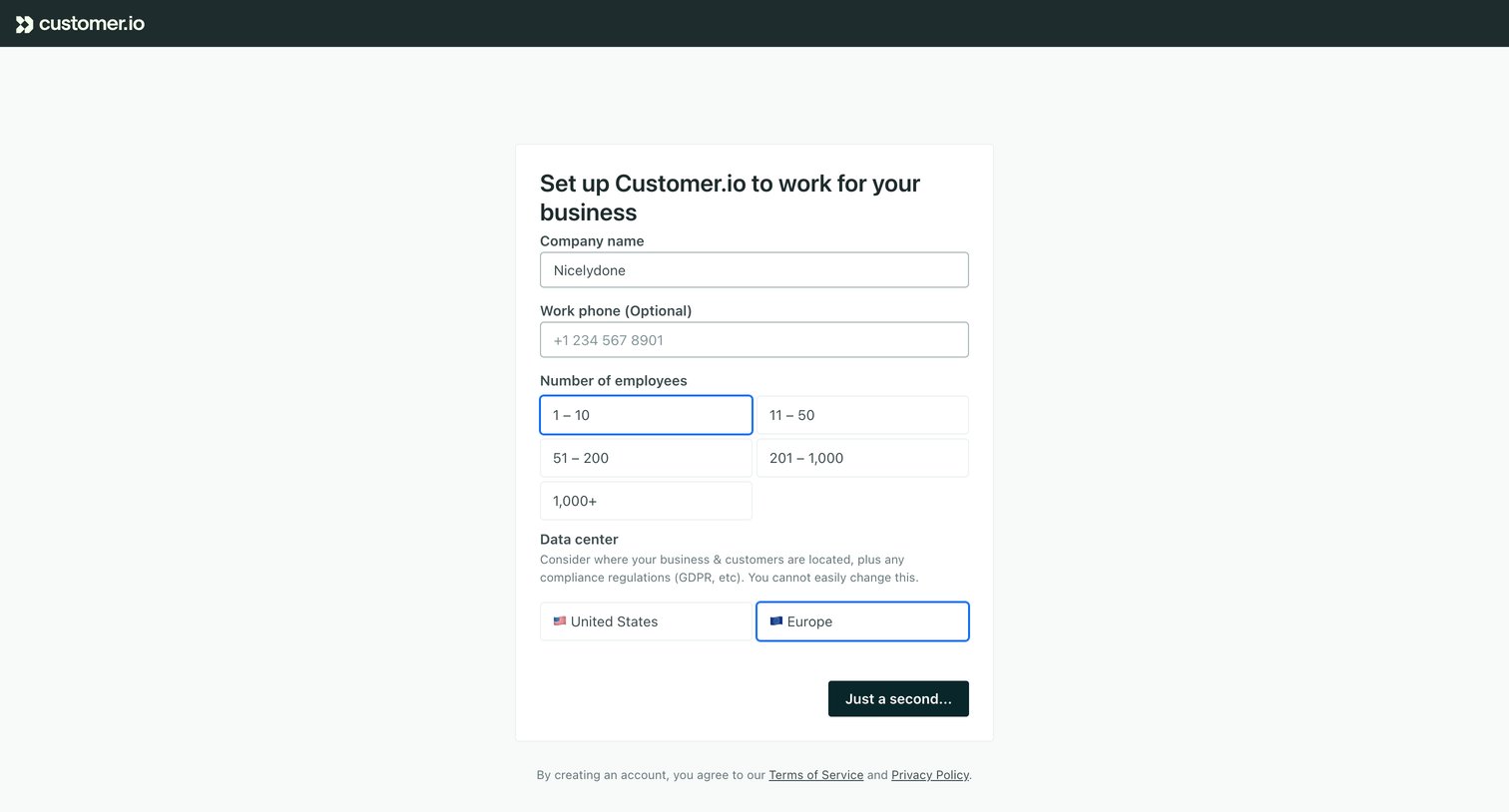
Onboarding step where the user provides their company name, employee count, and preferred data center location to provision their workspace.
Explore the full SaaS screen library
Upgrade to unlock the full library.
Trusted by the best teams







