Customer.io user flows examples
Explore Customer.io user flow examples. Preview the opening screens and steps for each task. Platform: automation, data, content creation
Preview these flows

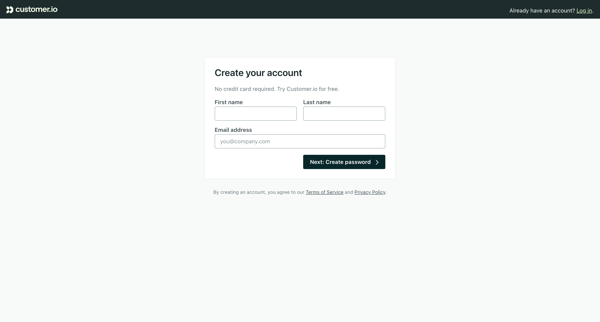
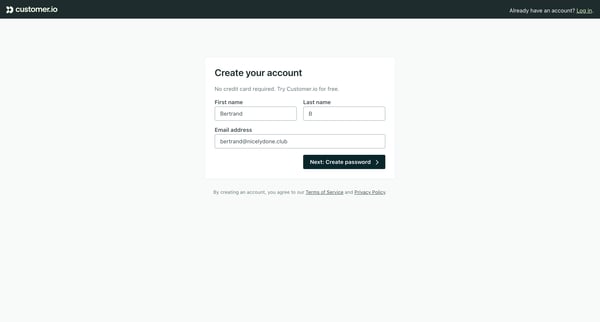
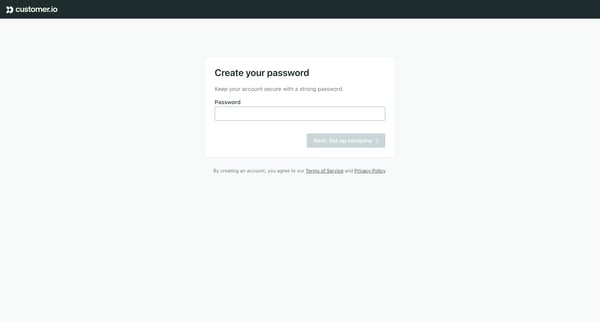
This flow guides a new user through the process of setting up an account on Customer.io, from providing personal information to configuring business-specific settings.
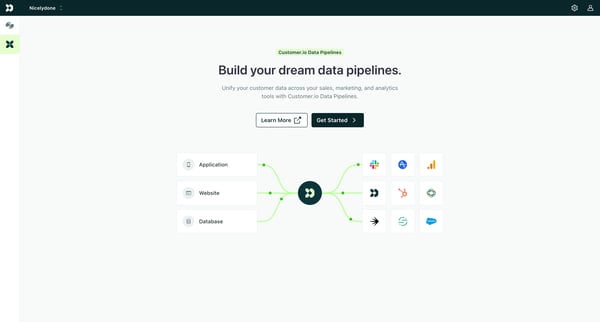
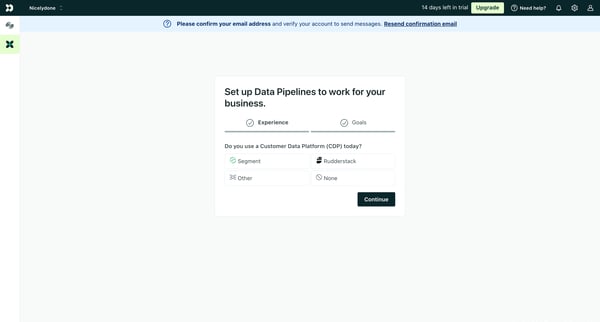
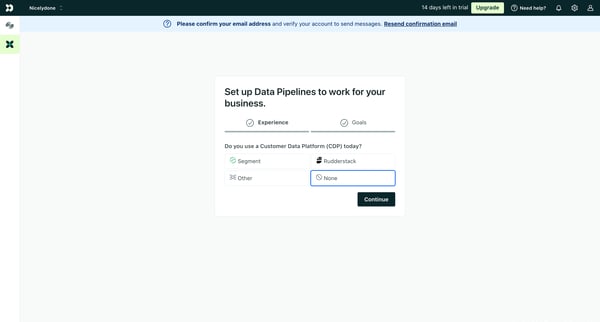
This user flow guides a new user through the process of setting up data pipelines in Customer.io, starting from learning about the feature to integrating specific data sources.
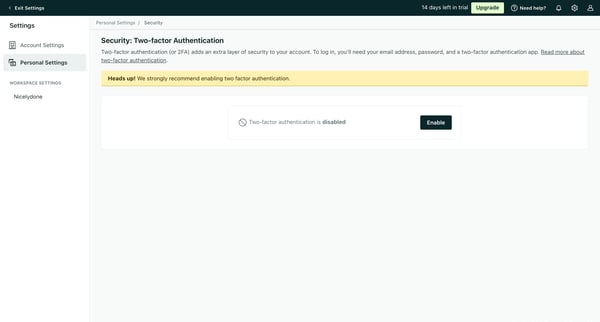
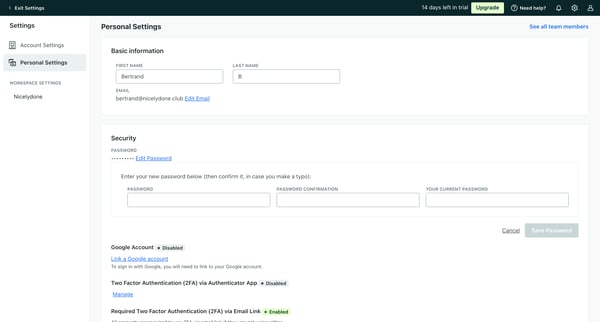
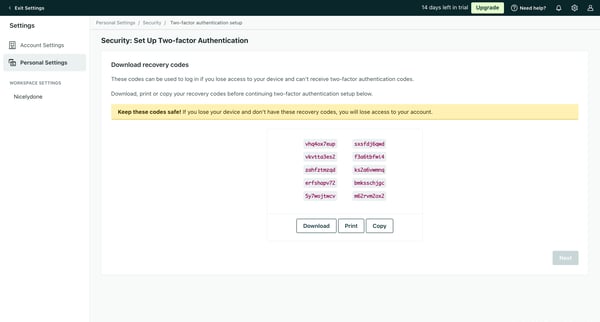
This flow guides users through the process of setting up multi-factor authentication for their account, enhancing security.
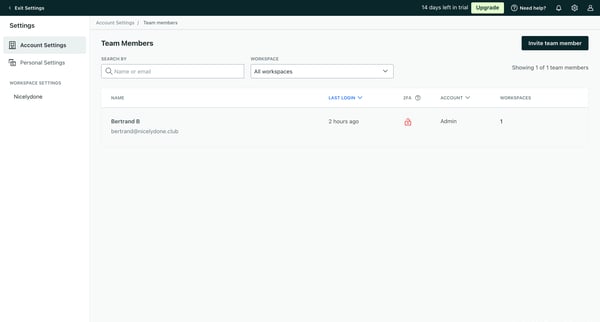
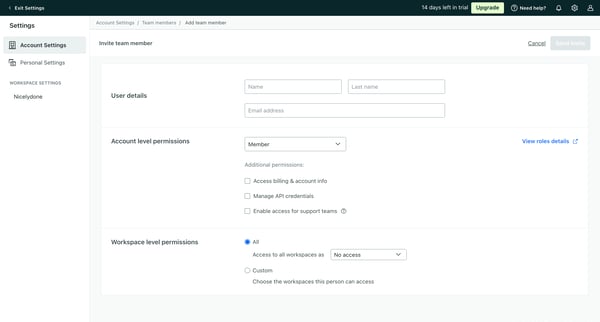
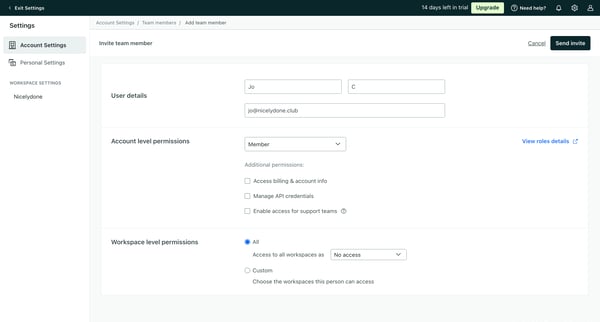
This flow allows users to invite team members, manage their permissions, and delete team members from the workspace.
Explore the full SaaS flow library
Browse the full SaaS flow library.
Trusted by the best teams







