Cohere product screens examples
Browse Cohere screen design examples. Preview the interface screenshots and explore related UI patterns. Building the Future of AI
Explore the examples
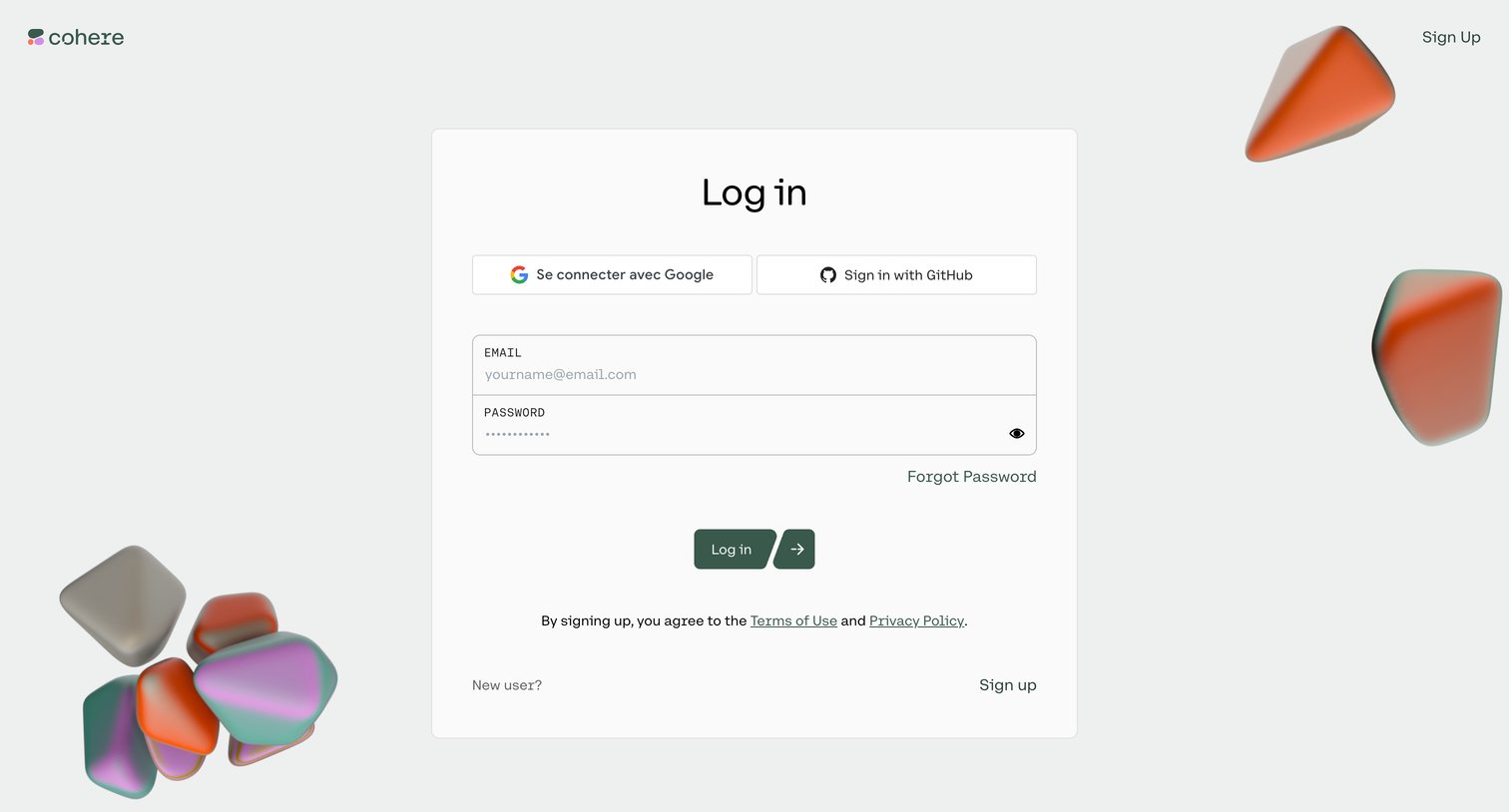

Sign-in screen where the user authenticates with Google, GitHub, or email and password.
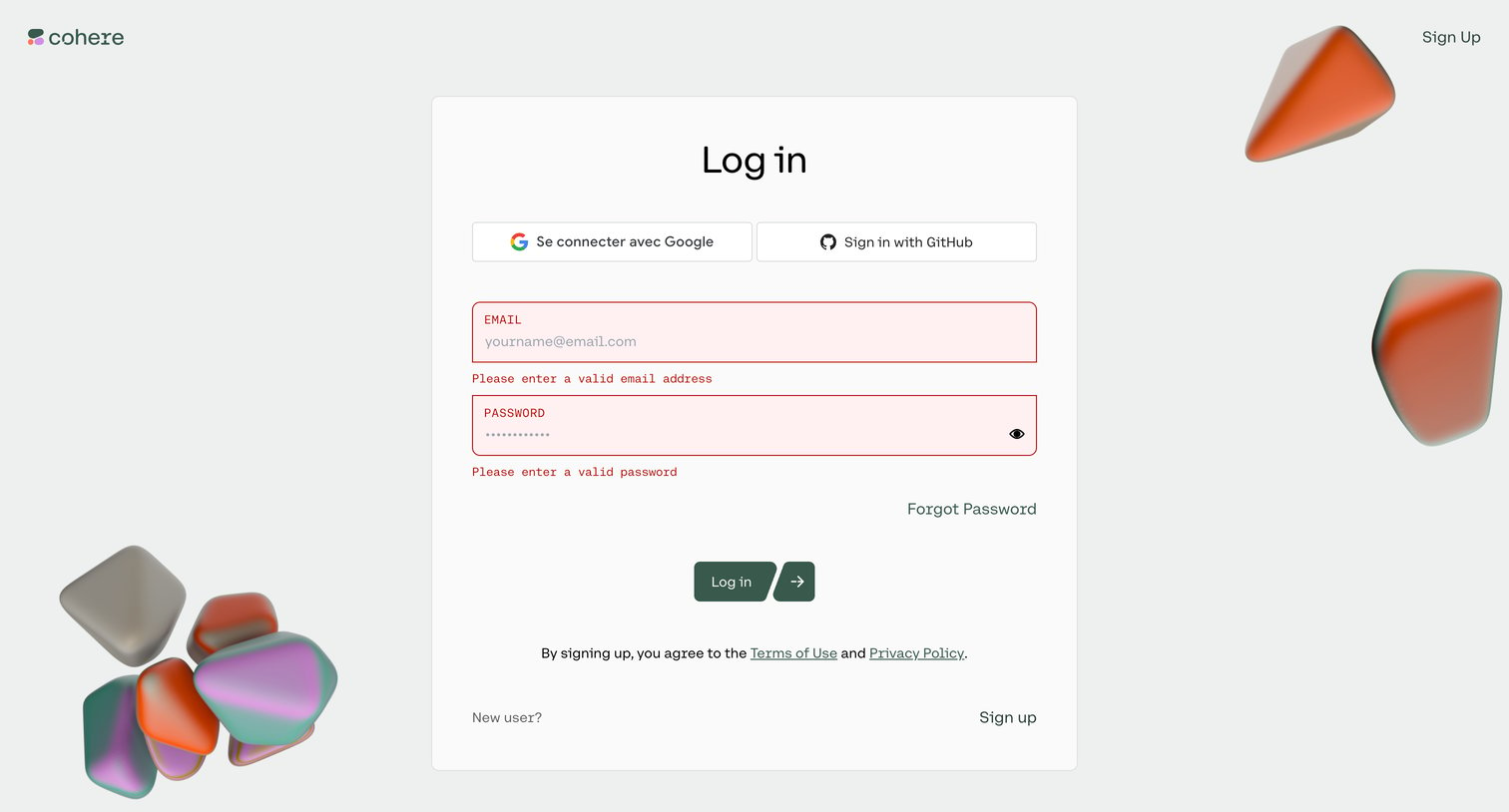
Sign-in screen where the user is prompted to correct invalid email and password entries before authenticating with Google, GitHub, or email.
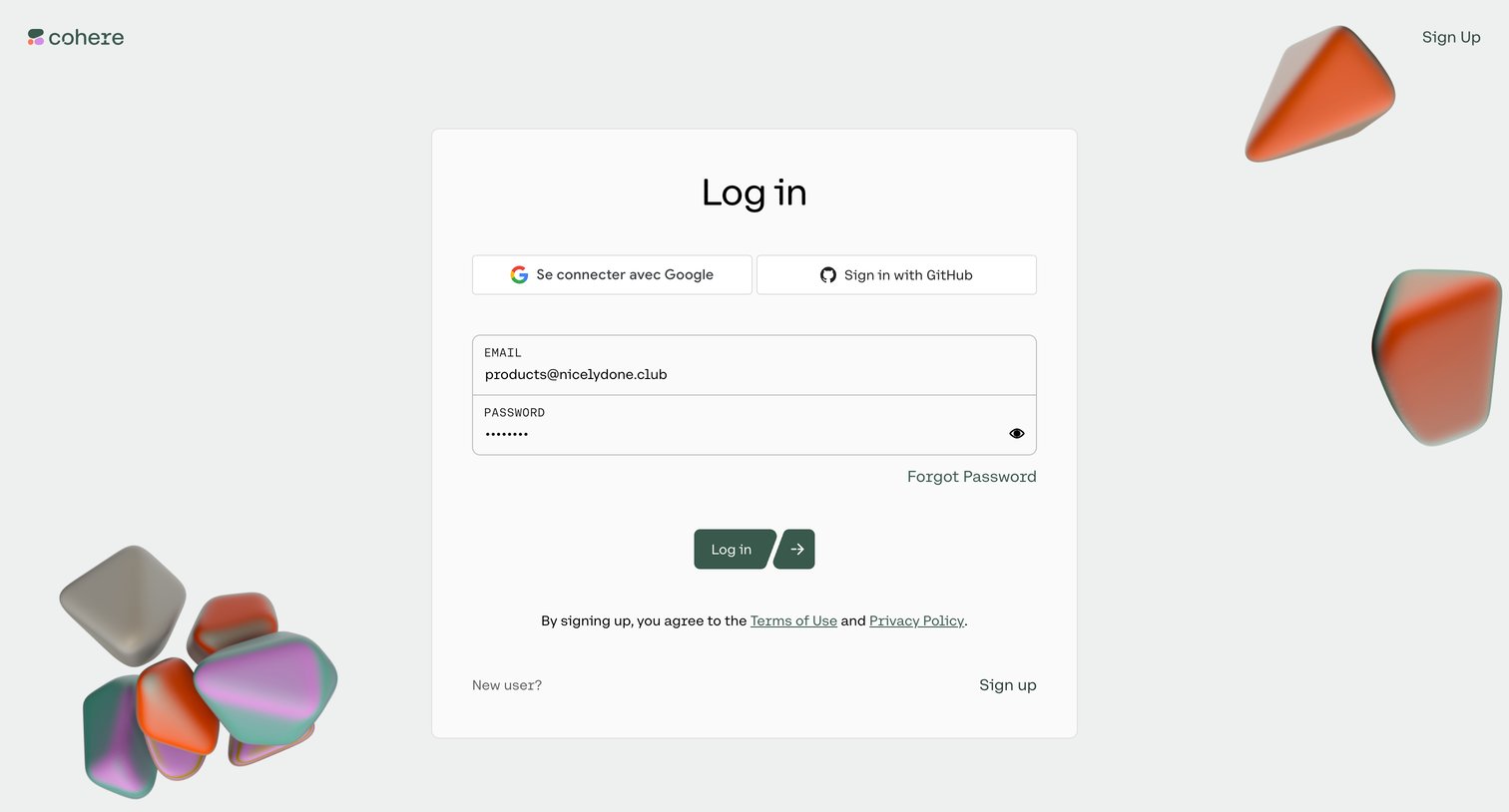
Sign-in screen where the user authenticates with Google, GitHub, or email and password.
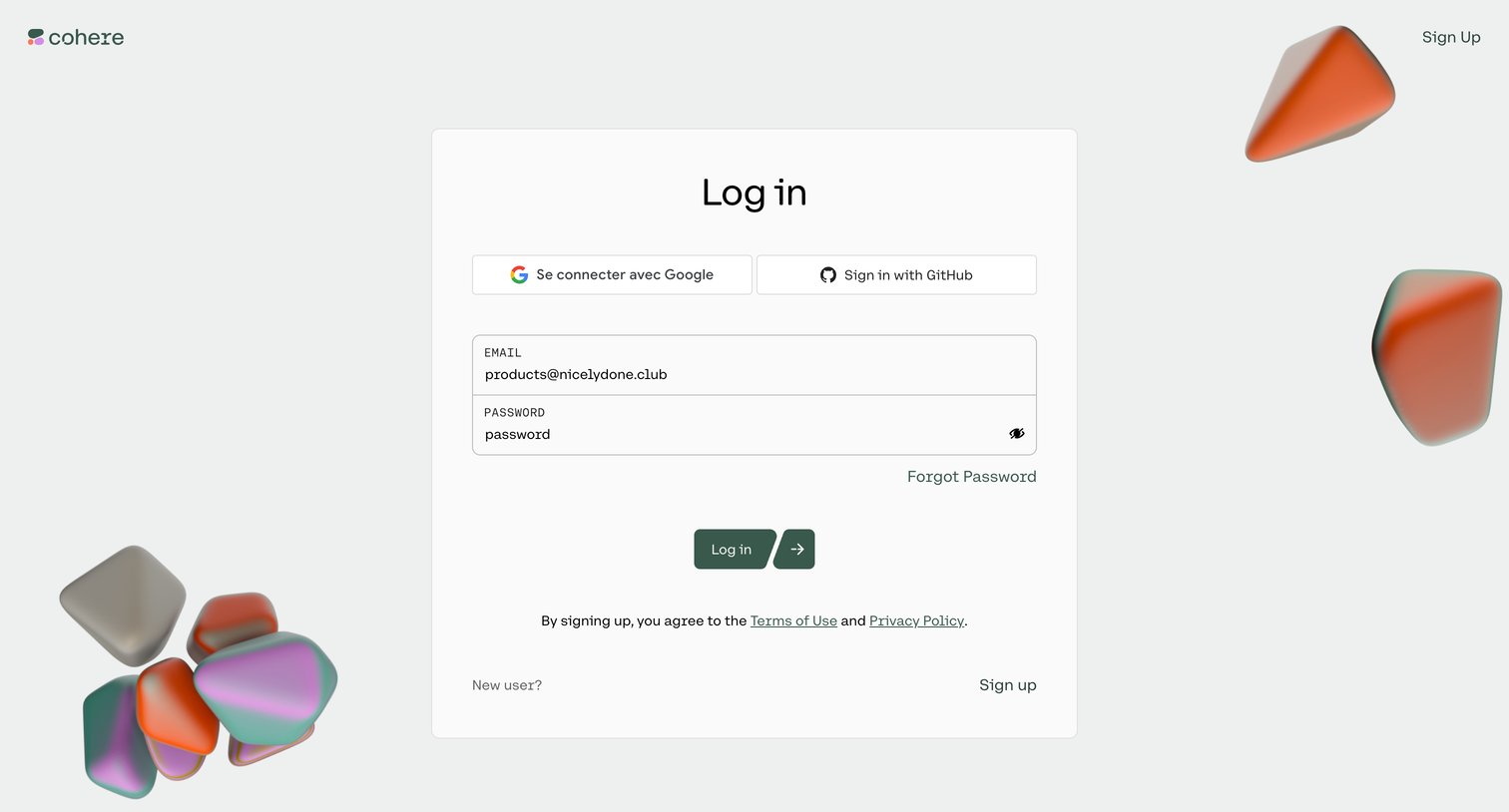
Sign-in screen where the user authenticates with Google, GitHub, or email and password.
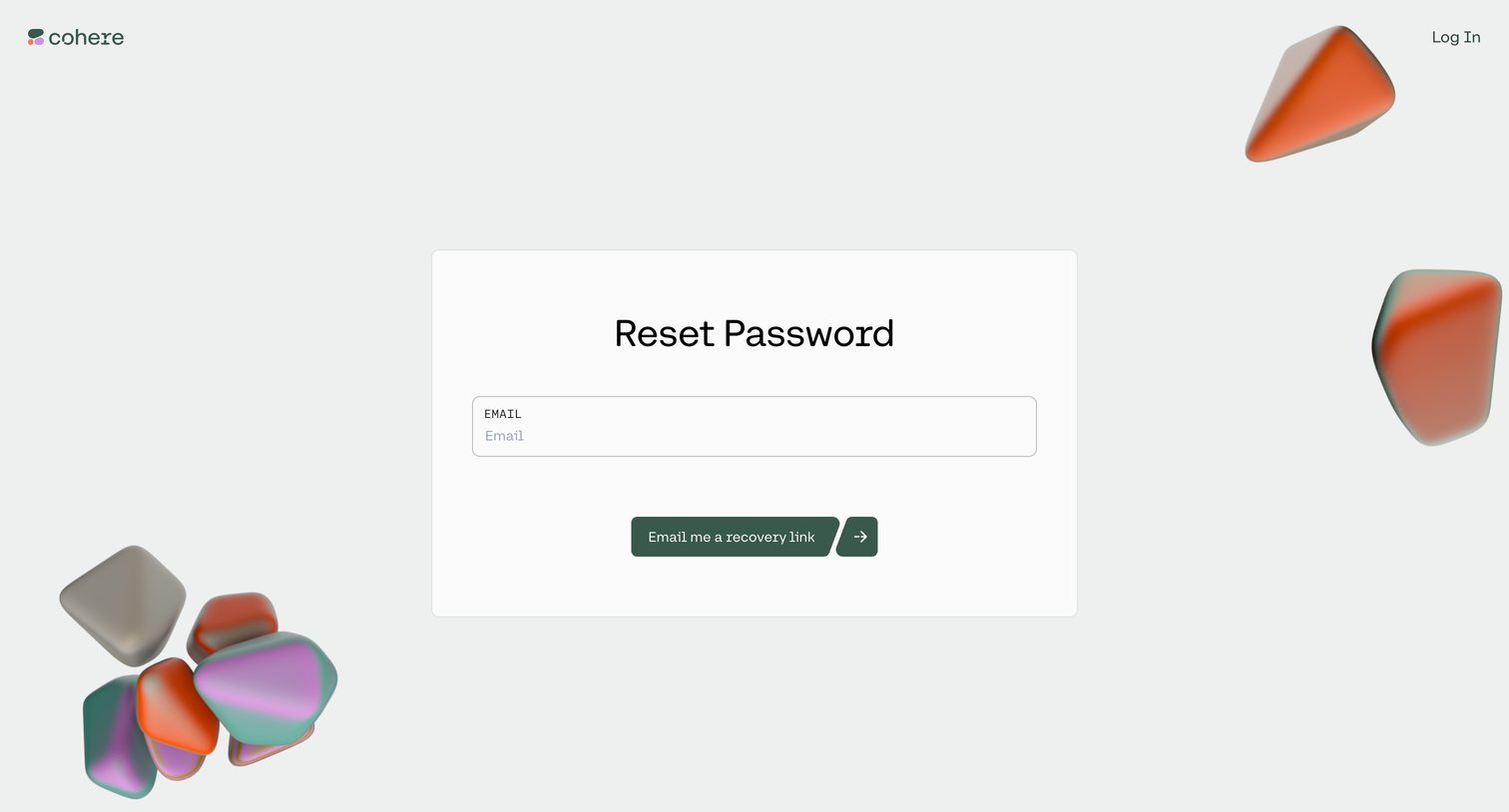
Password recovery screen where the user enters their email address to receive a reset link.
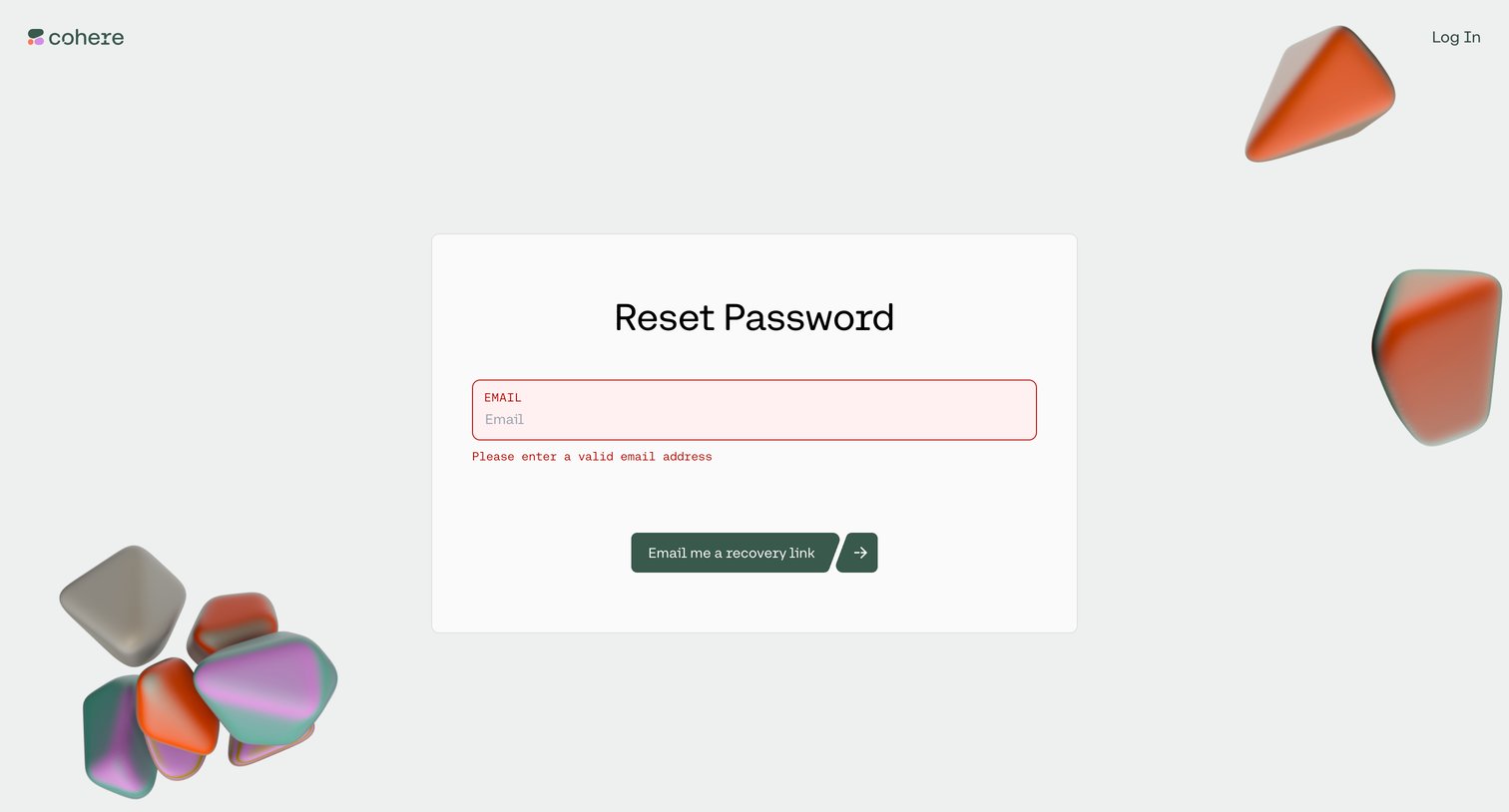
Password recovery screen where the user enters their email to receive a reset link, currently showing a validation error for an invalid email address.
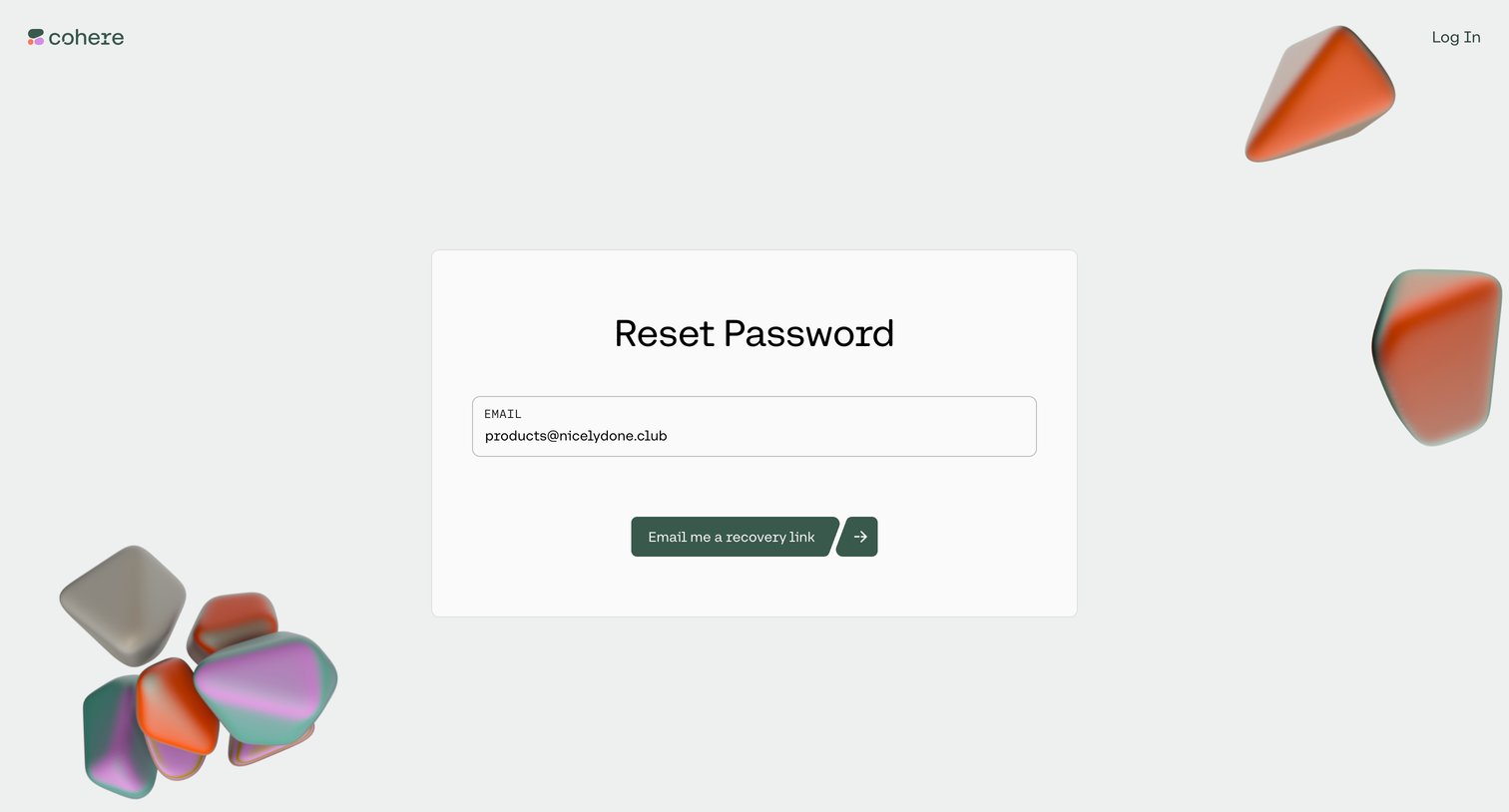
Password recovery screen where the user enters their email address to receive a reset link.
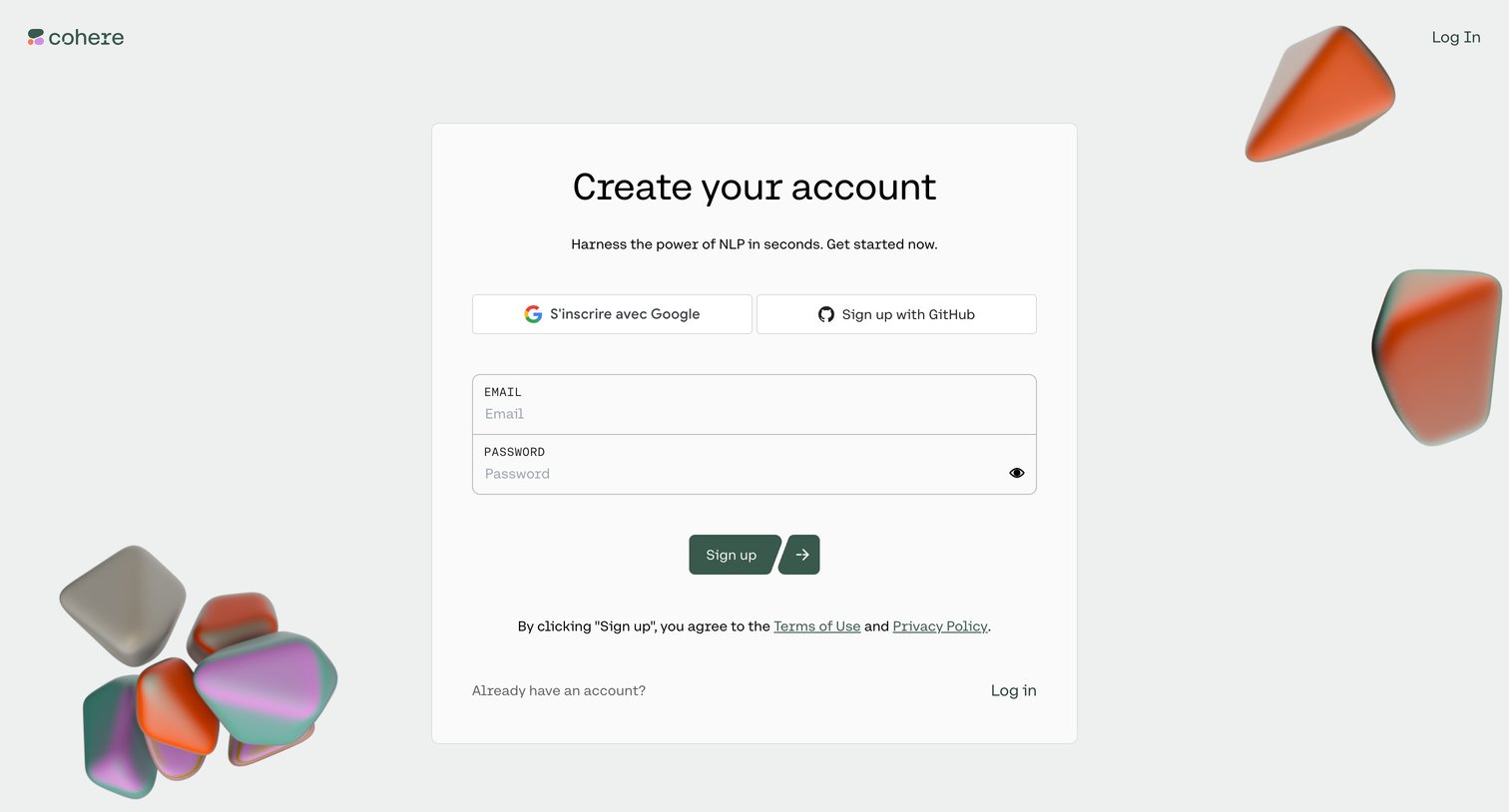
Signup page where the user can create an account using Google, GitHub, or by entering an email and password.
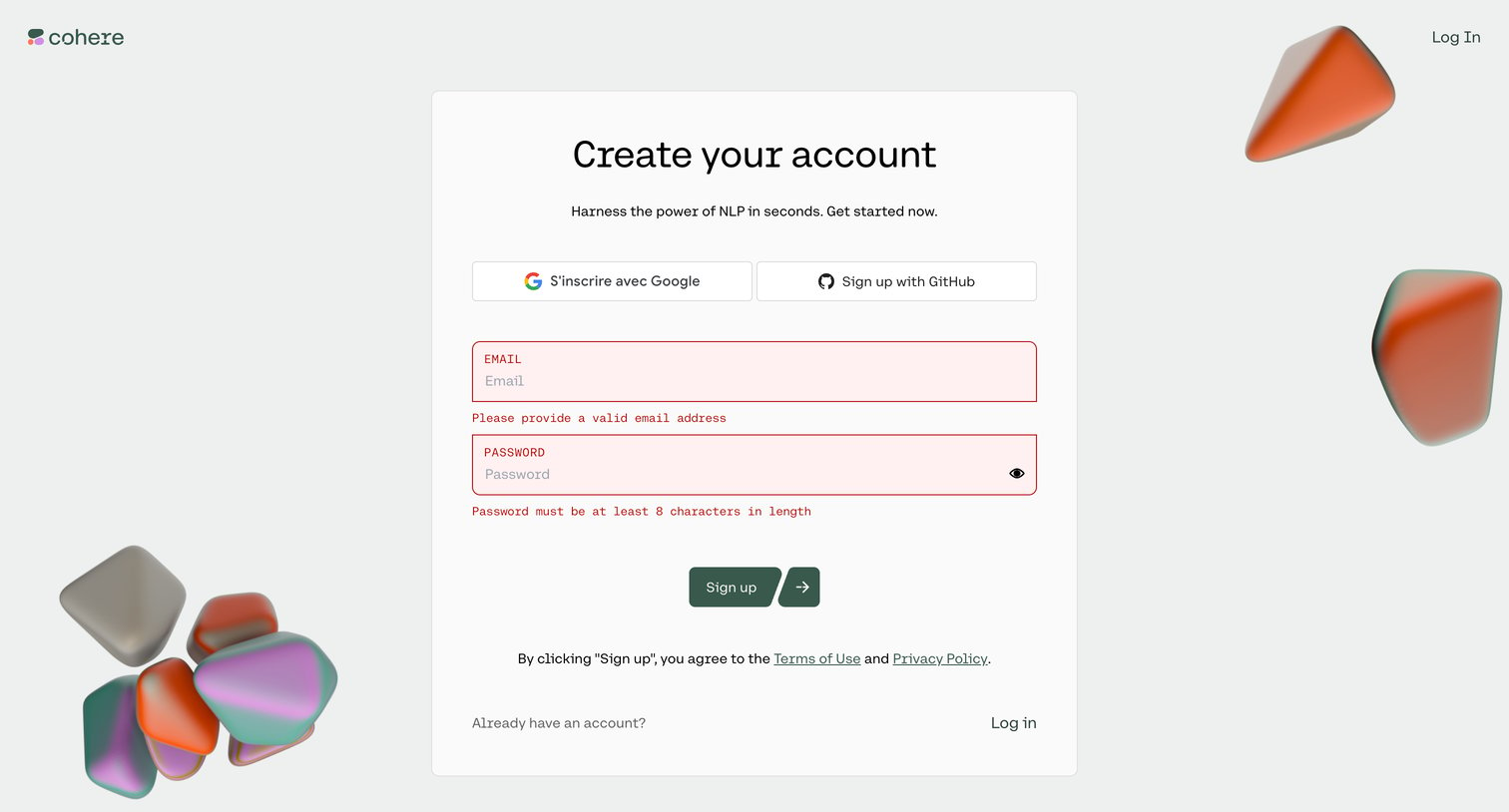
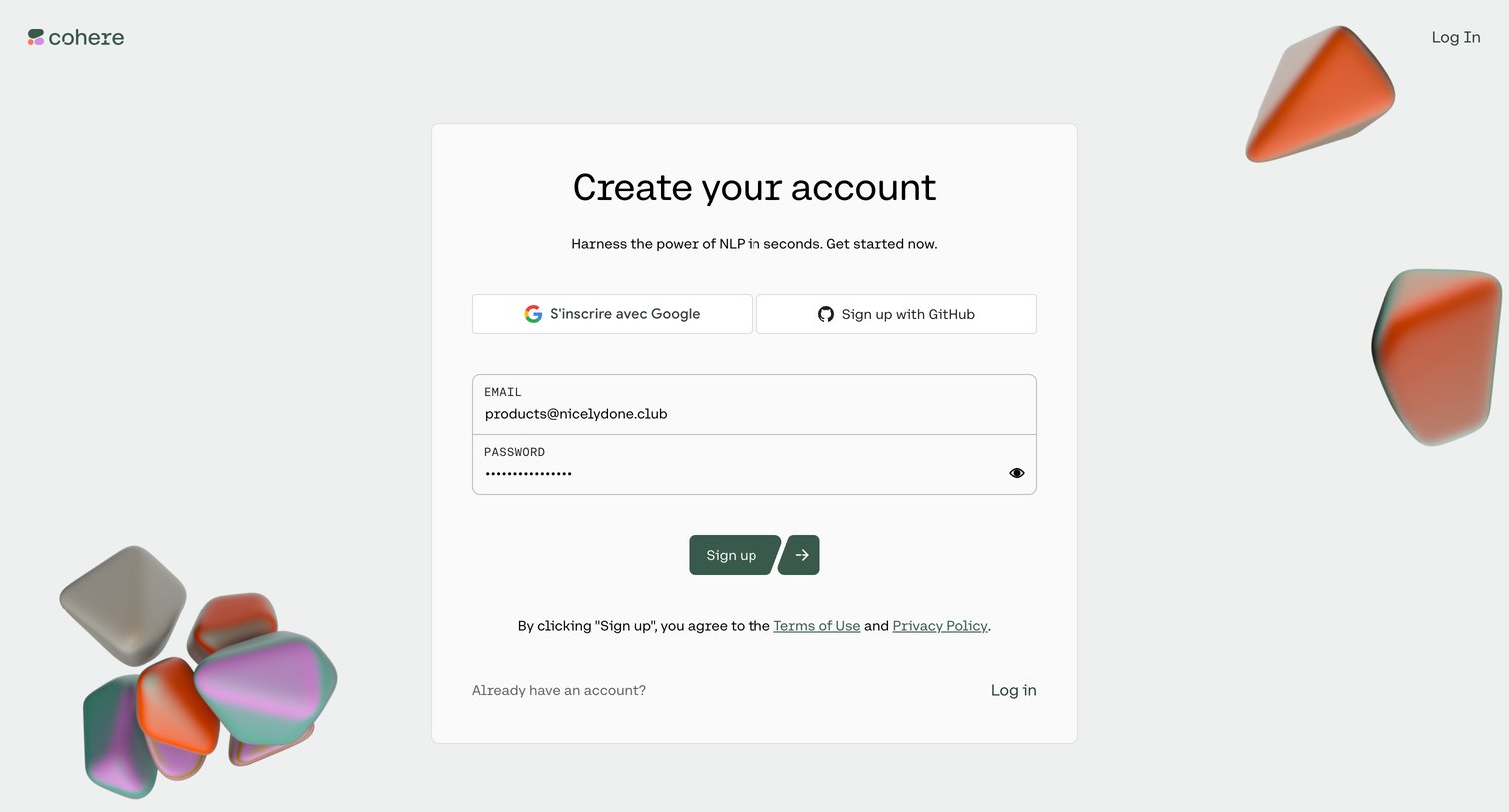
Sign-up screen where the user can create an account using Google, GitHub, or an email and password.
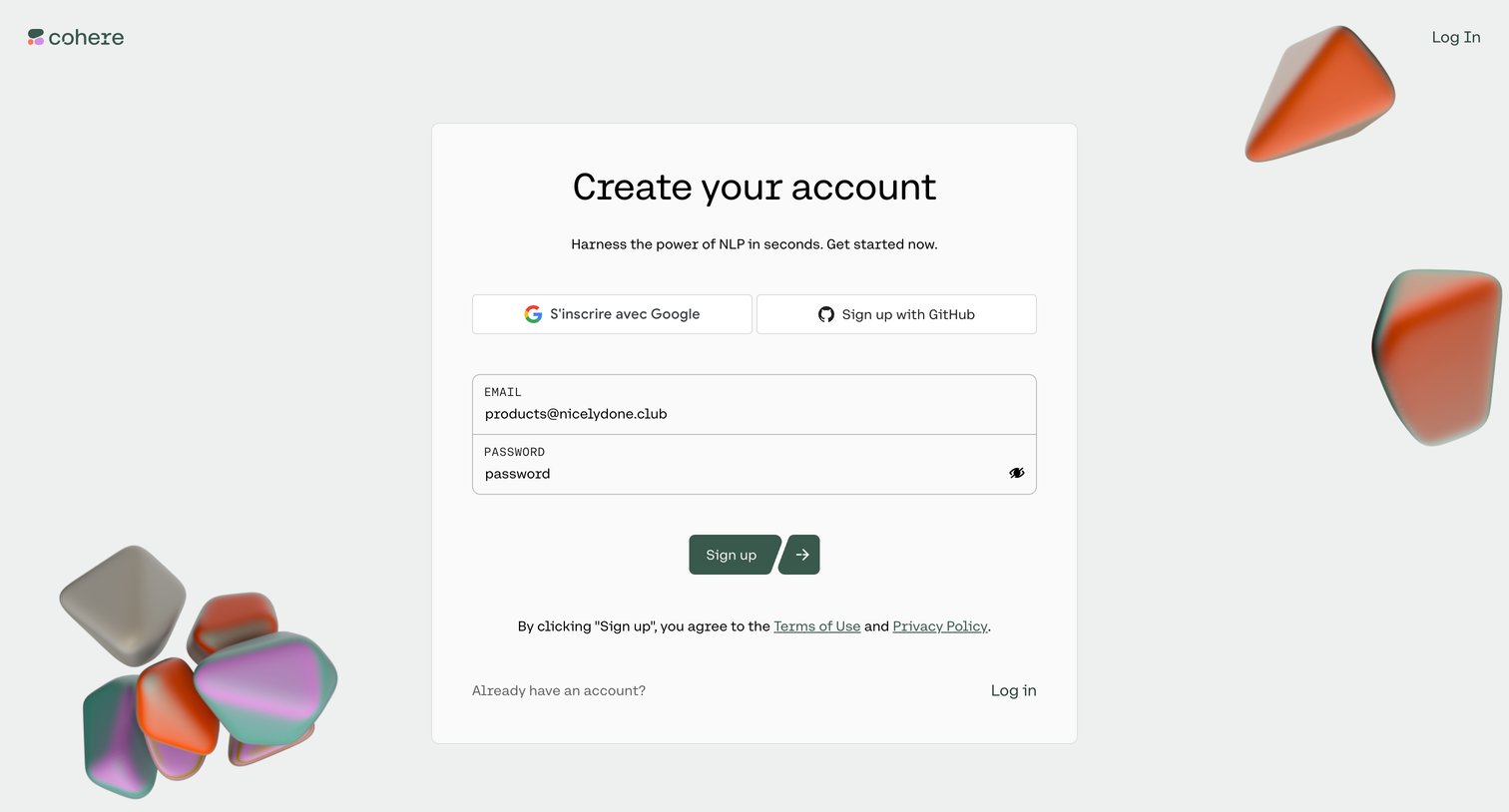
Signup screen where the user creates an account using email and password, or via Google and GitHub OAuth.
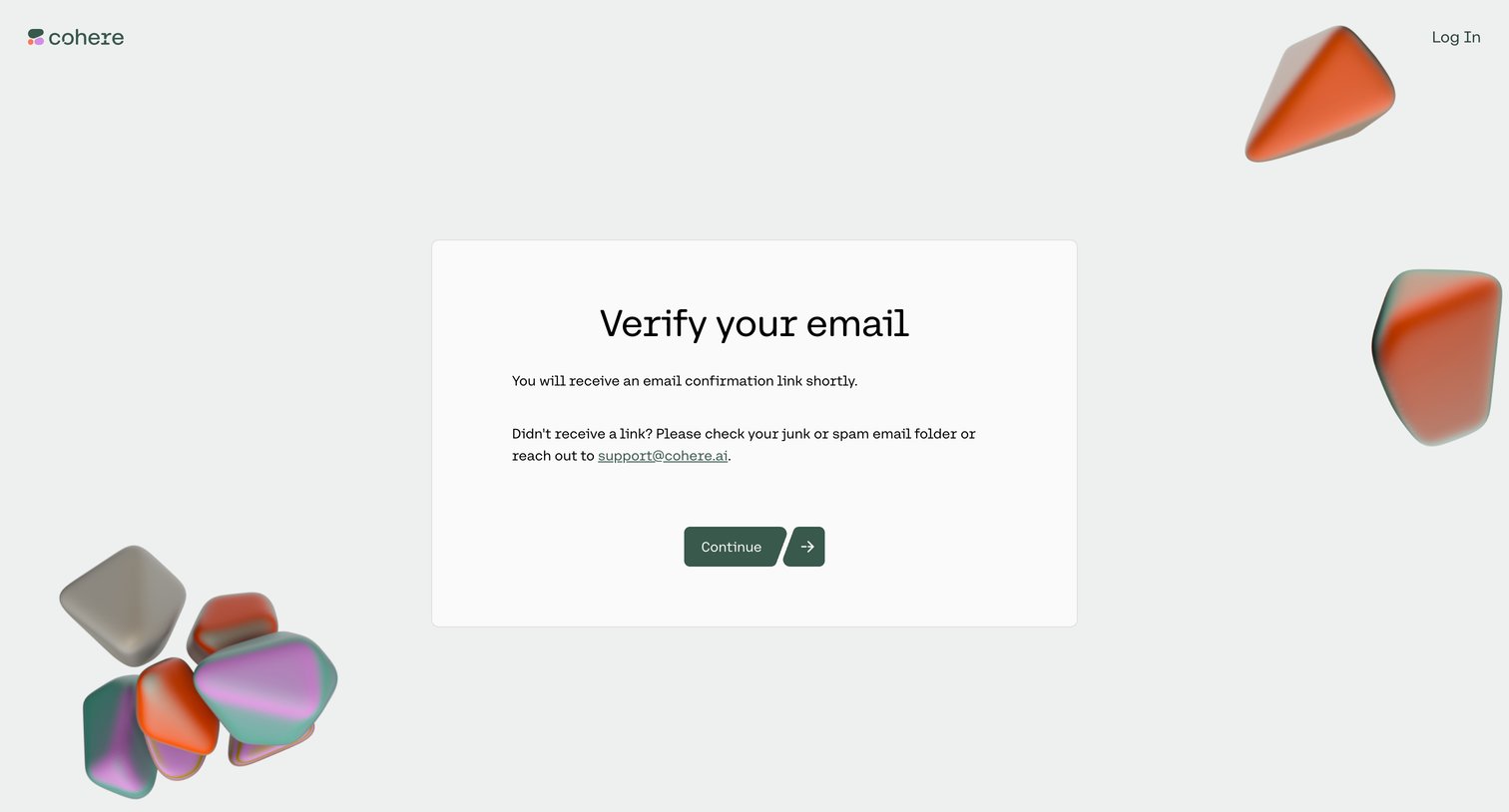
Verification screen where the user is instructed to check their email for a confirmation link before continuing.
Explore the full SaaS screen library
Upgrade to unlock the full library.
Trusted by the best teams







