Cohere UI components examples
Browse Cohere UI component design examples. Preview individual interface elements and explore related component categories. Building the Future of AI
Explore the examples
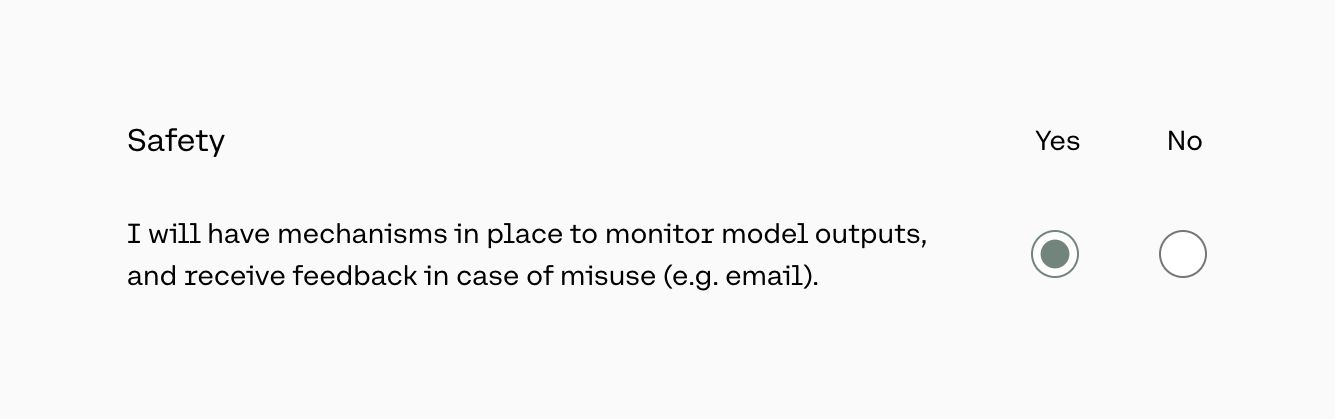

A radio button group asking the user to confirm safety mechanisms, with Yes and No options.
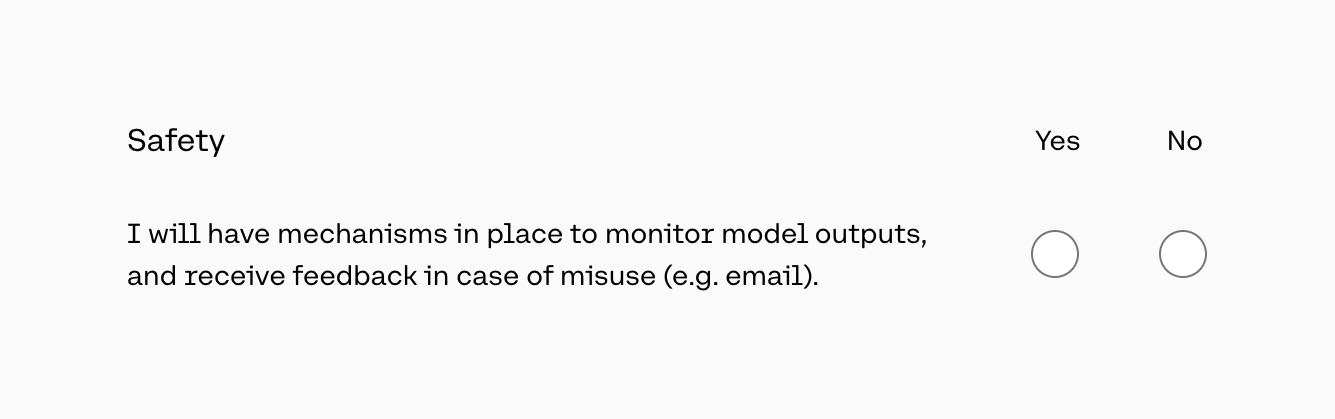
A form section asking the user to confirm safety mechanisms using Yes/No radio buttons.
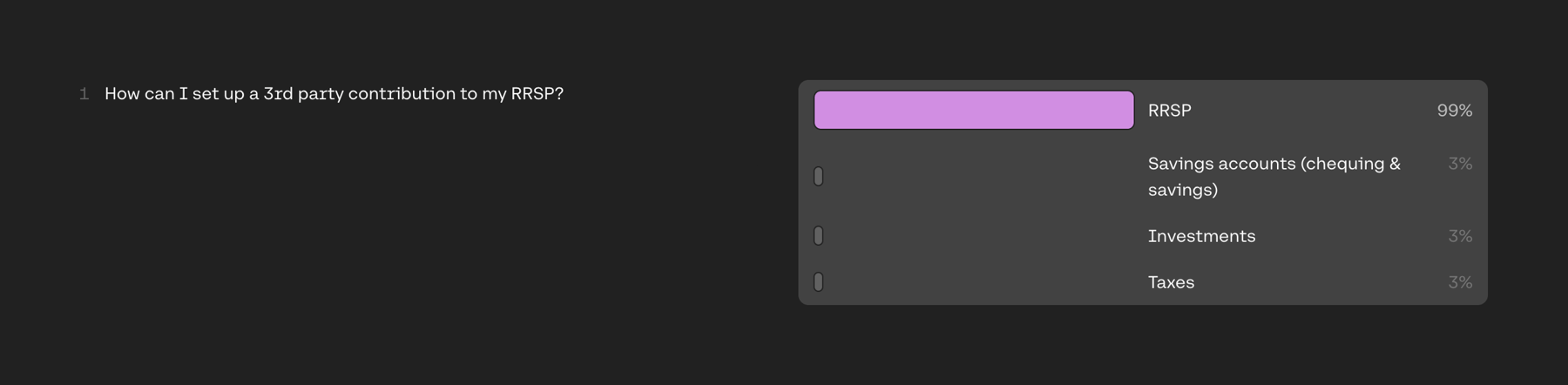
Displays an input text string alongside a panel showing AI classification results with confidence percentages and visual bar indicators for different categories.
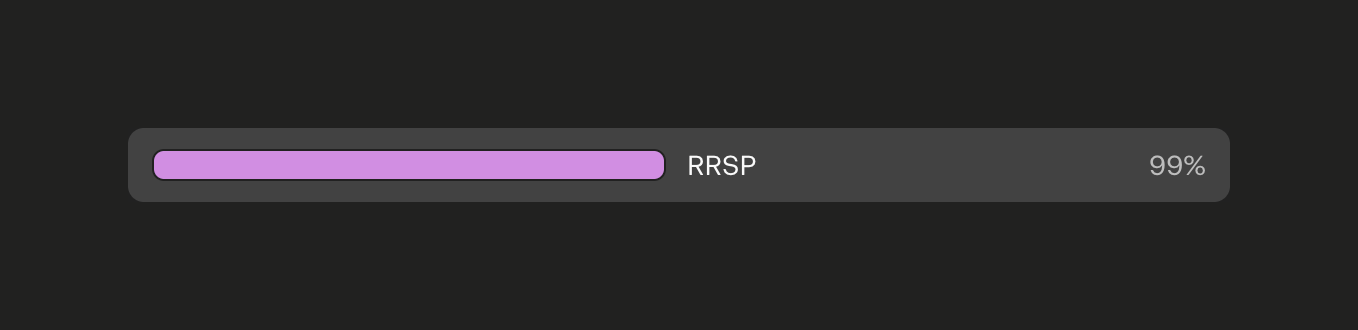
A horizontal bar displaying a classification result with a label and a percentage score.
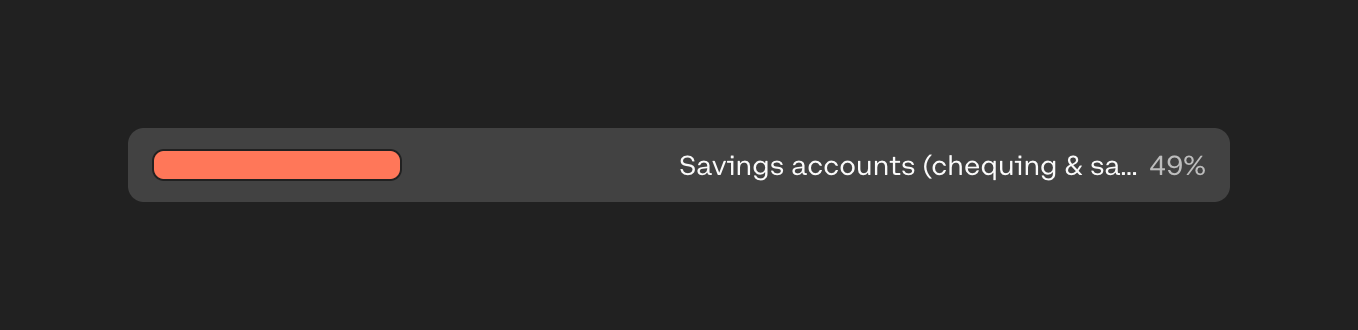
A horizontal bar displaying a classification result with a confidence percentage. The bar is partially filled with a coral color, indicating the score level.
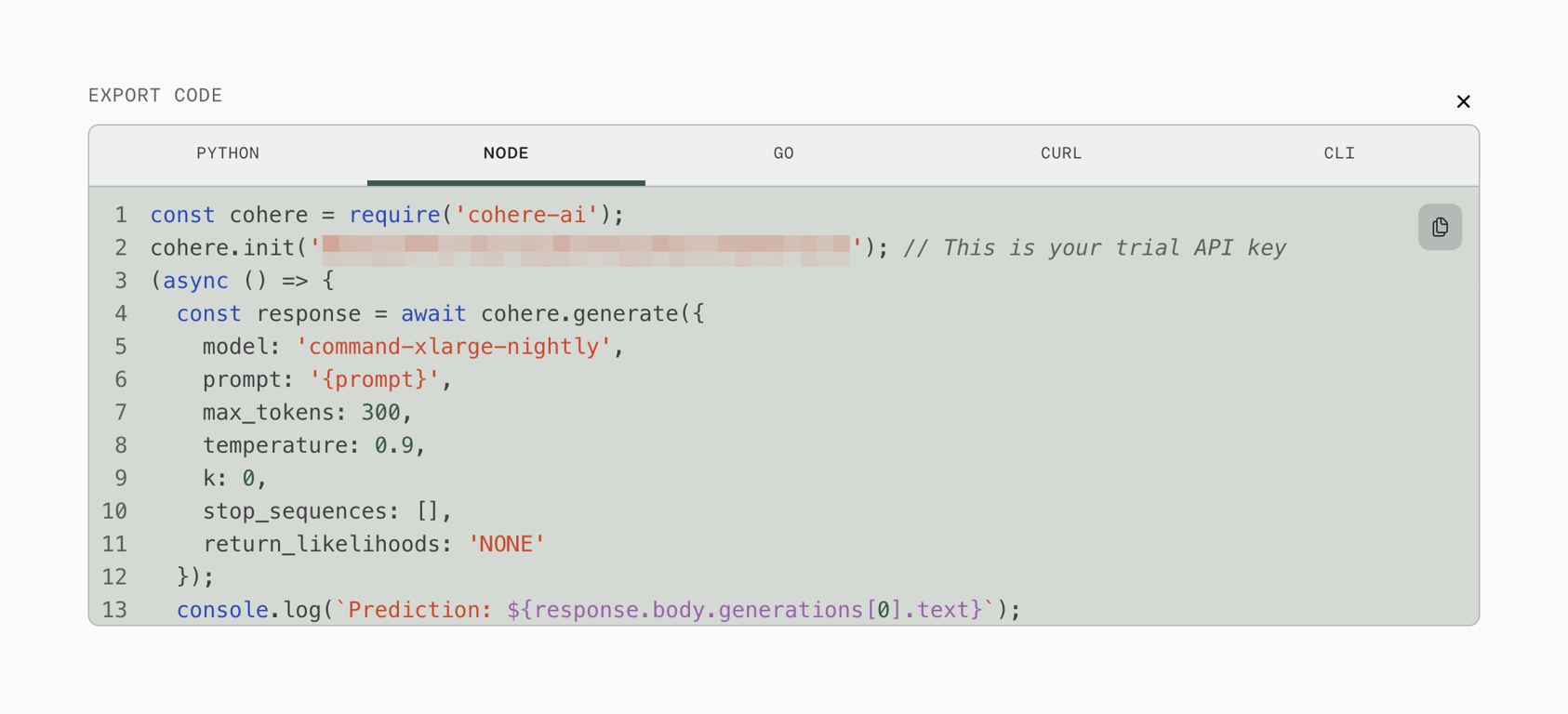
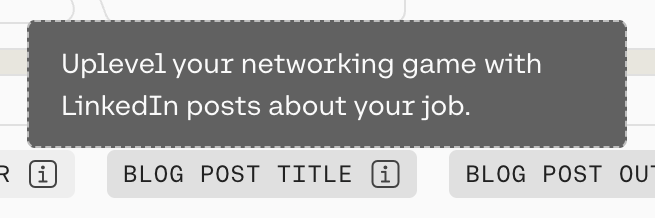
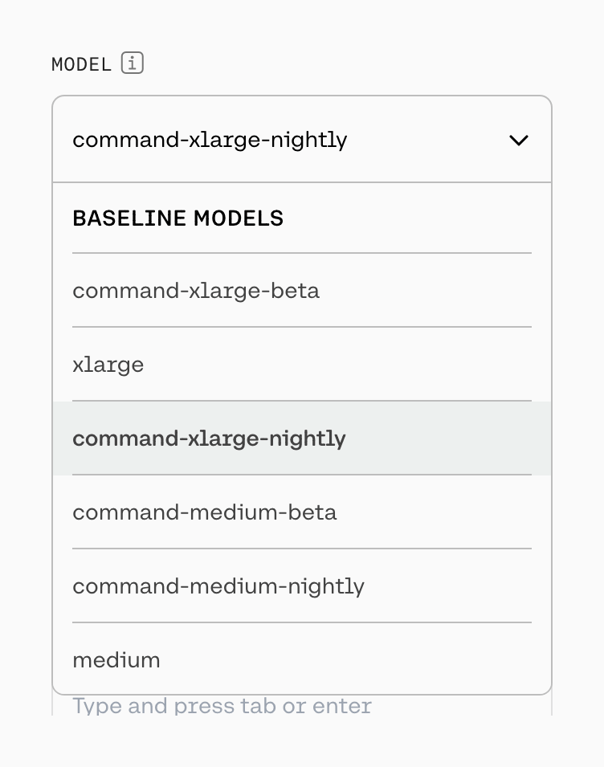
An open dropdown menu for selecting an AI model. It shows the currently selected model at the top, followed by a list of available baseline models with the active one highlighted.
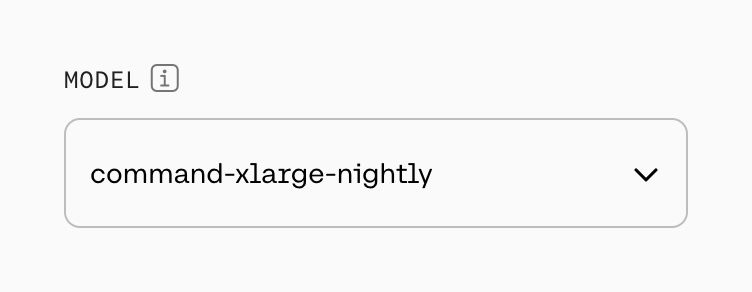
A dropdown select input for choosing an AI model, featuring a label with an info icon.
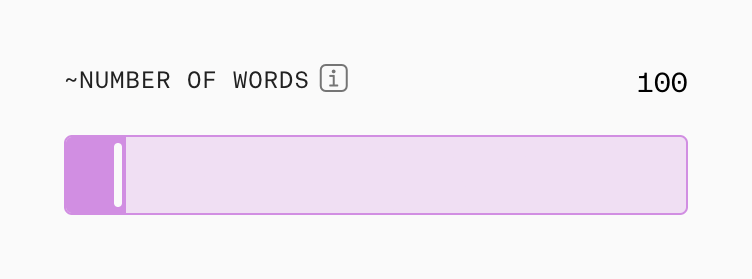
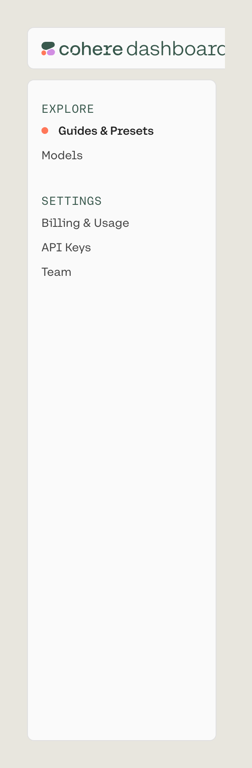
A vertical sidebar navigation menu with grouped links for Explore and Settings.
Browse the full component library
Browse the full UI component library.
Trusted by the best teams







