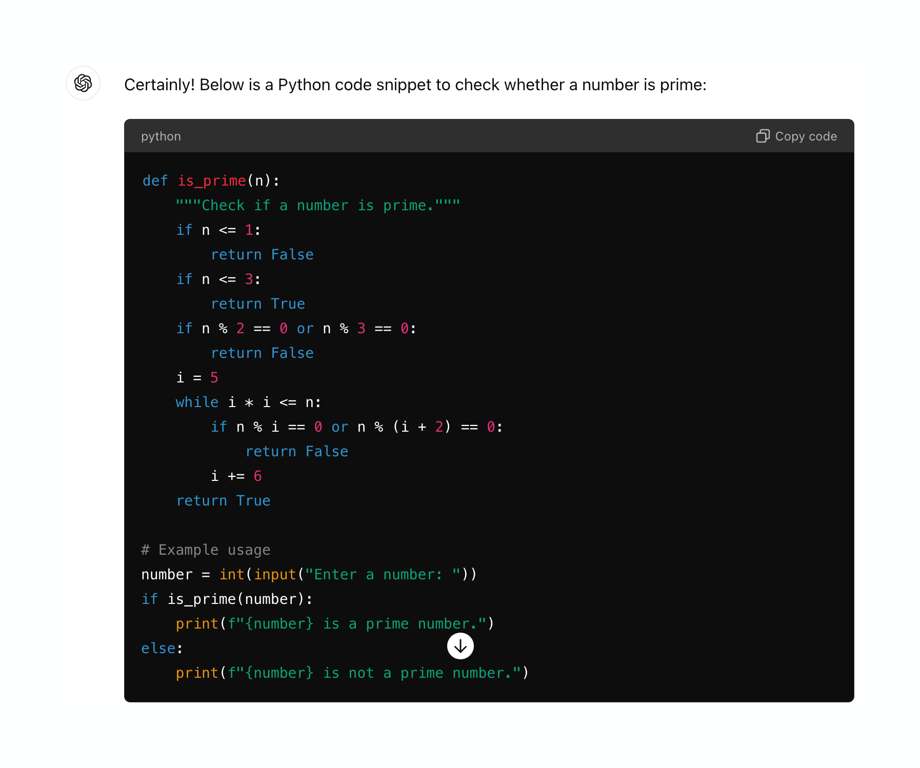
- Examples
- SaaS app design examples
- ChatGPT design examples
- ChatGPT UI components examples

ChatGPT UI components examples
Browse ChatGPT UI component design examples. Preview individual interface elements and explore related component categories. Get answers. Find inspiration. Be more productive
Explore the examples
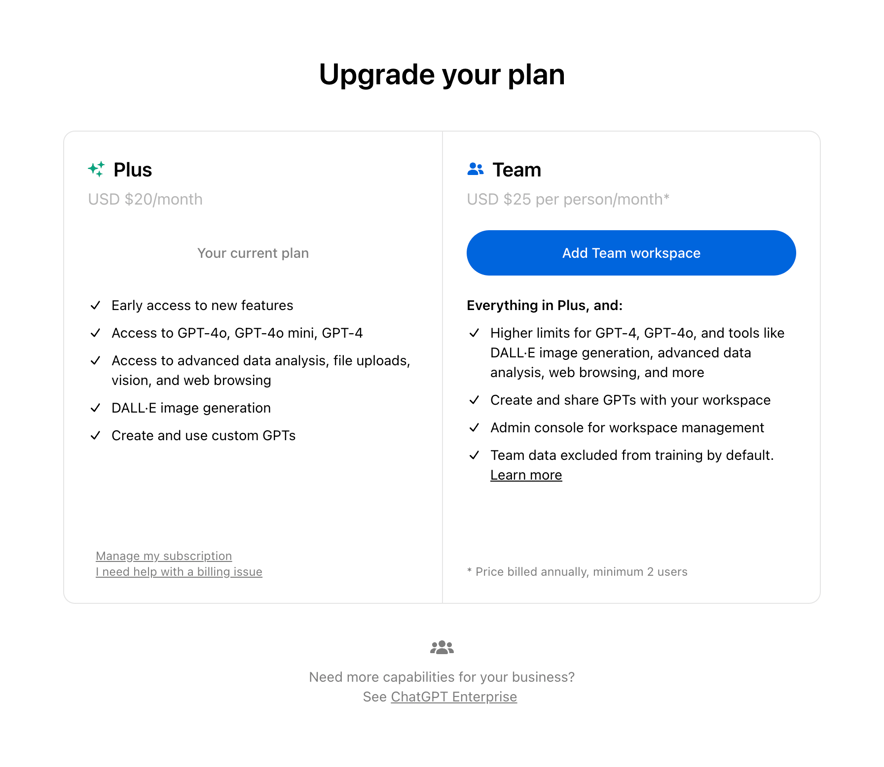

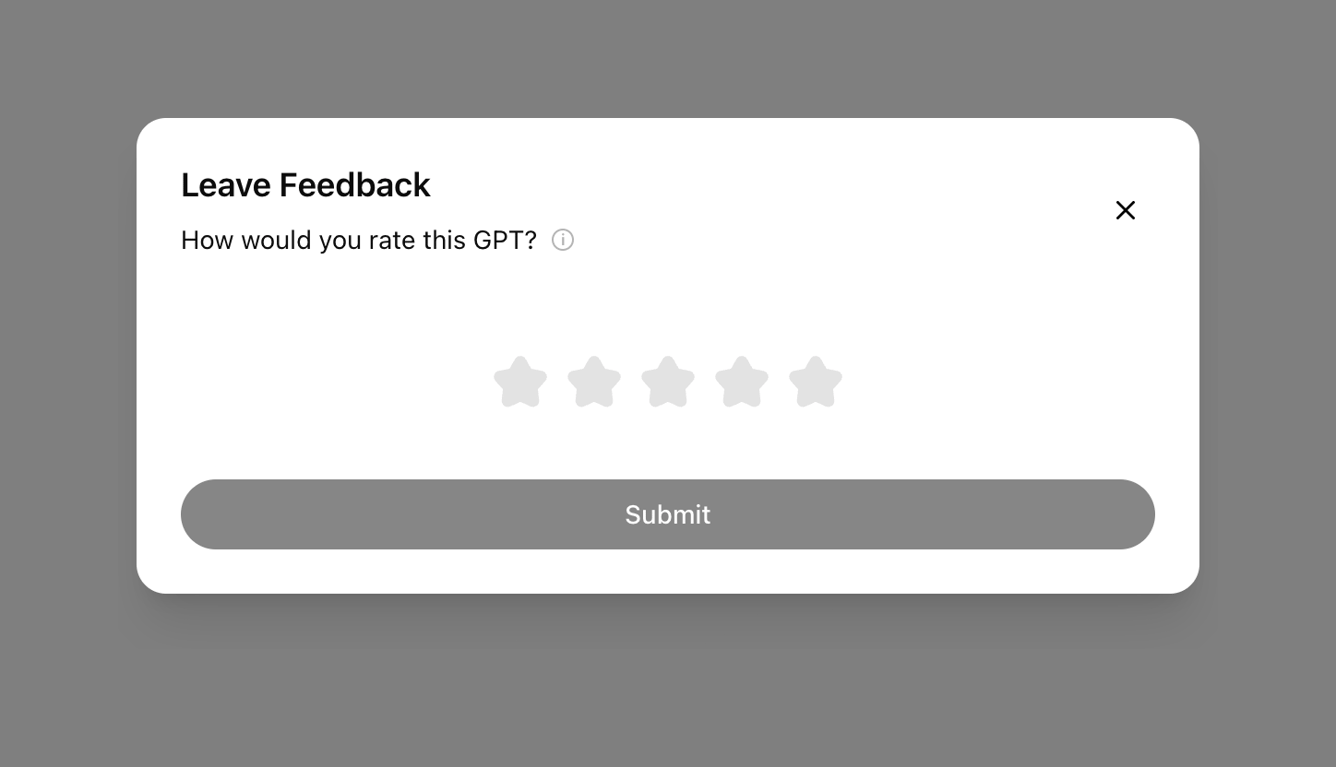
A pricing comparison modal showing two plans: Plus (current) and Team (upgrade option). It lists features for each plan and provides a primary call to action to add a Team workspace.


A segmented control with two options: Create and Configure. The Configure option is currently selected.


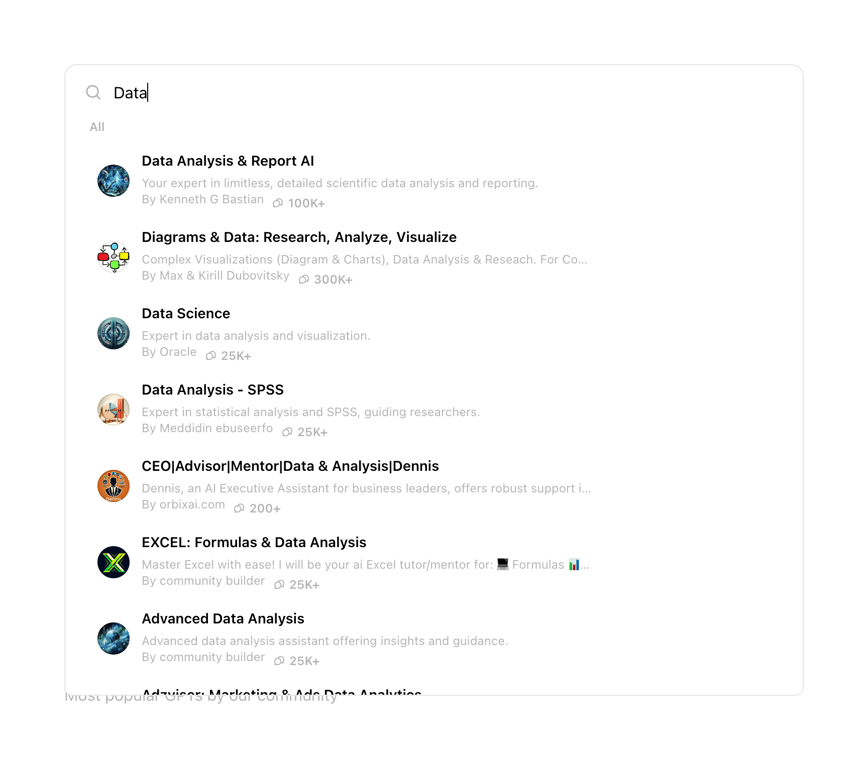
A search input field with a dropdown list of results showing custom GPTs related to the query 'Data'. Each result includes an avatar, title, description, creator name, and usage count.


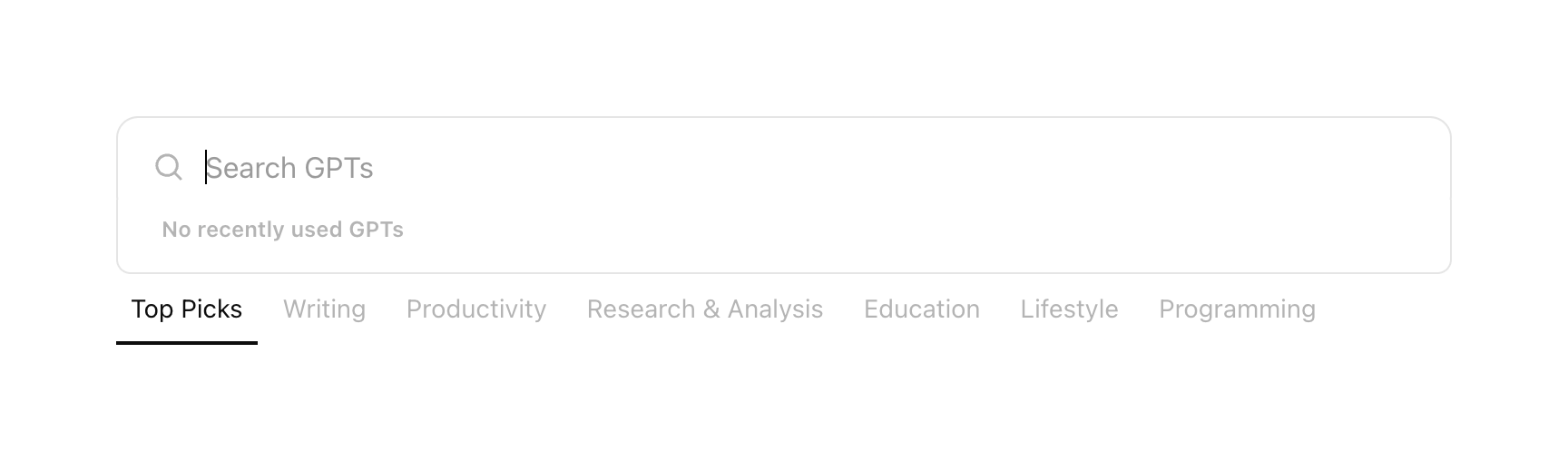
A search input field for finding GPTs, accompanied by a horizontal row of category tabs below it.


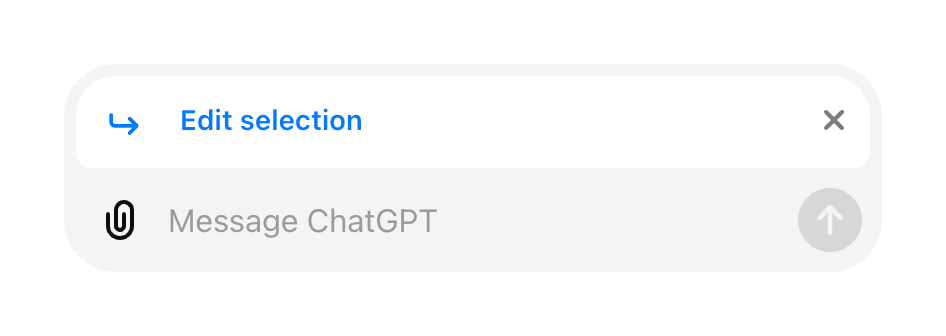
A chat input field showing an active 'Edit selection' state above the main message input area.


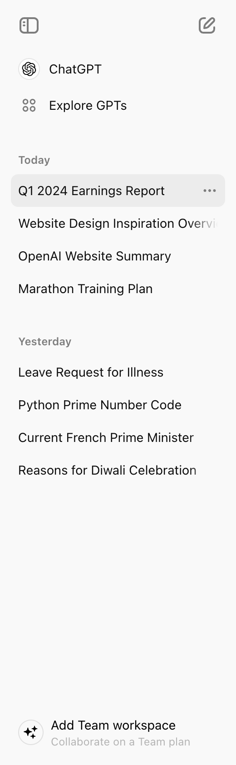
A vertical sidebar navigation menu showing recent chat history grouped by date, along with primary app links and a workspace upgrade prompt.


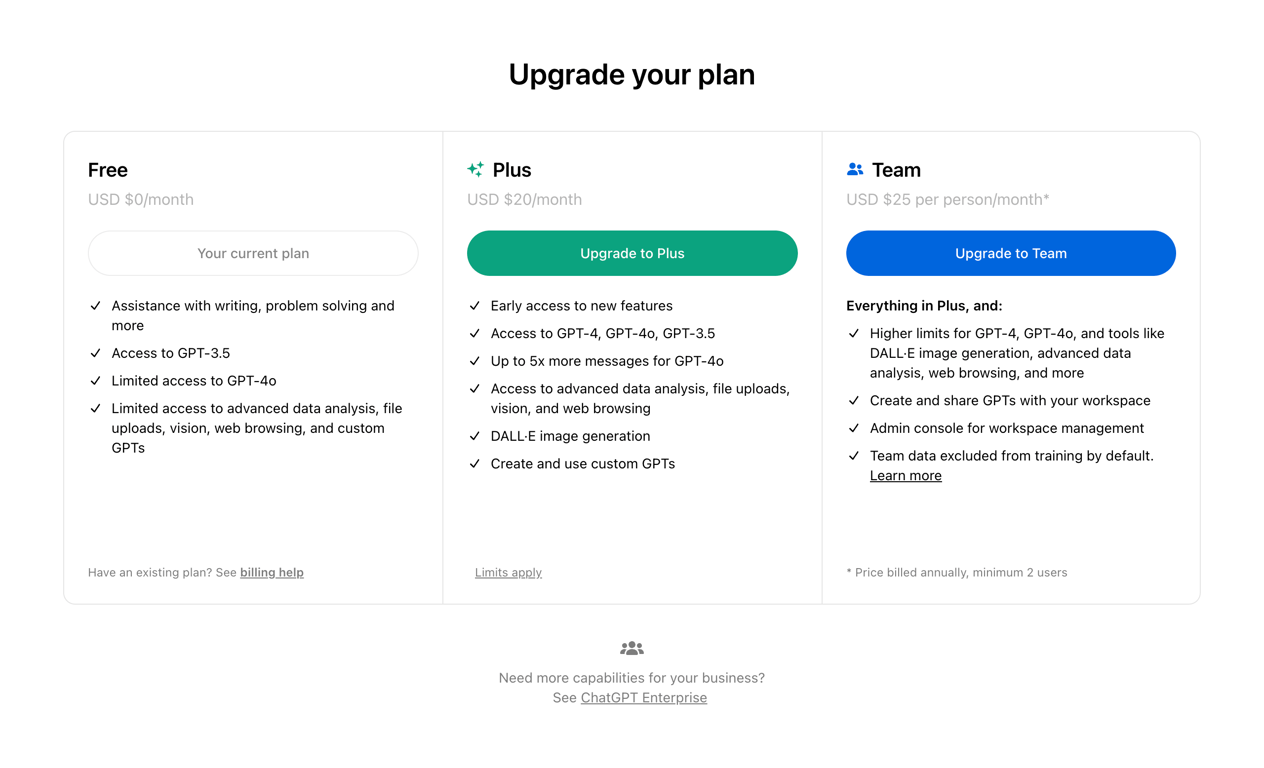
A three-column pricing table comparing Free, Plus, and Team plans. Each column lists features, price, and includes a call-to-action button.
Similar components
Browse the full component library
Browse the full UI component library.