Anara product screens examples
Browse Anara screen design examples. Preview the interface screenshots and explore related UI patterns. AI workspace for scientists, students, and research teams
Explore the examples

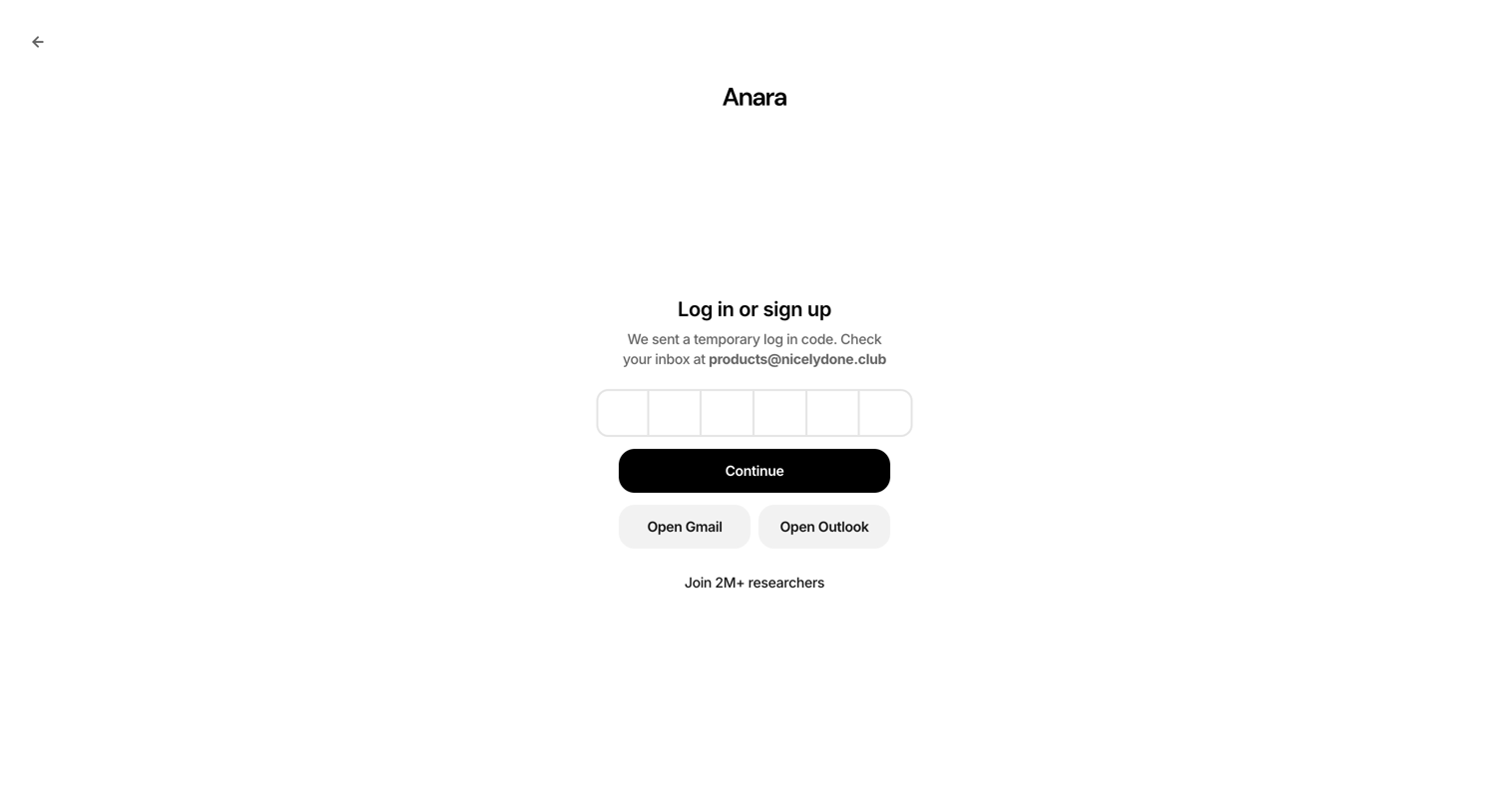

Verification screen where the user enters a 6-digit temporary login code sent to their email, with quick links to open their email provider.
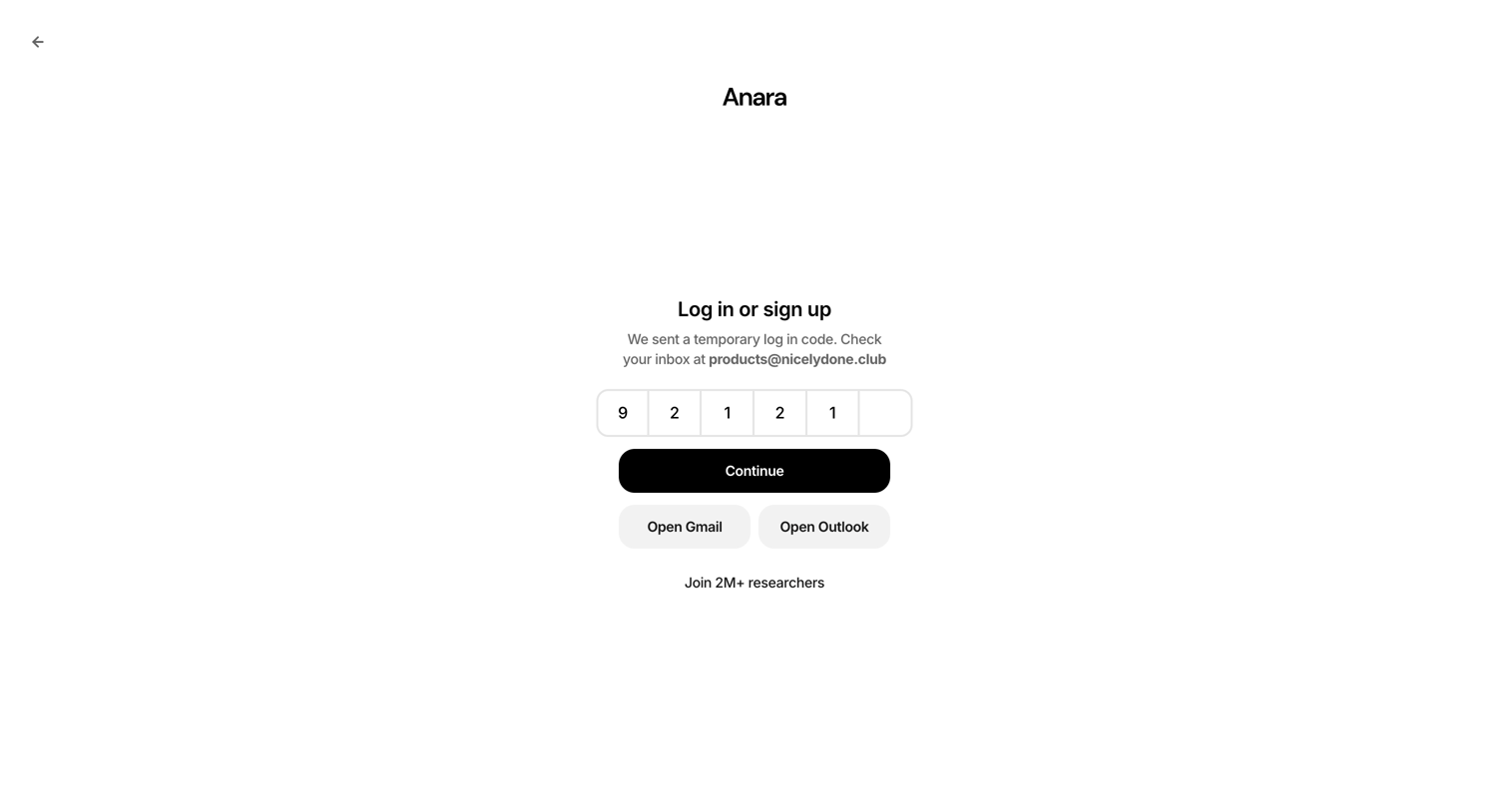
Verification screen where the user enters a 6-digit temporary login code sent to their email to complete authentication.
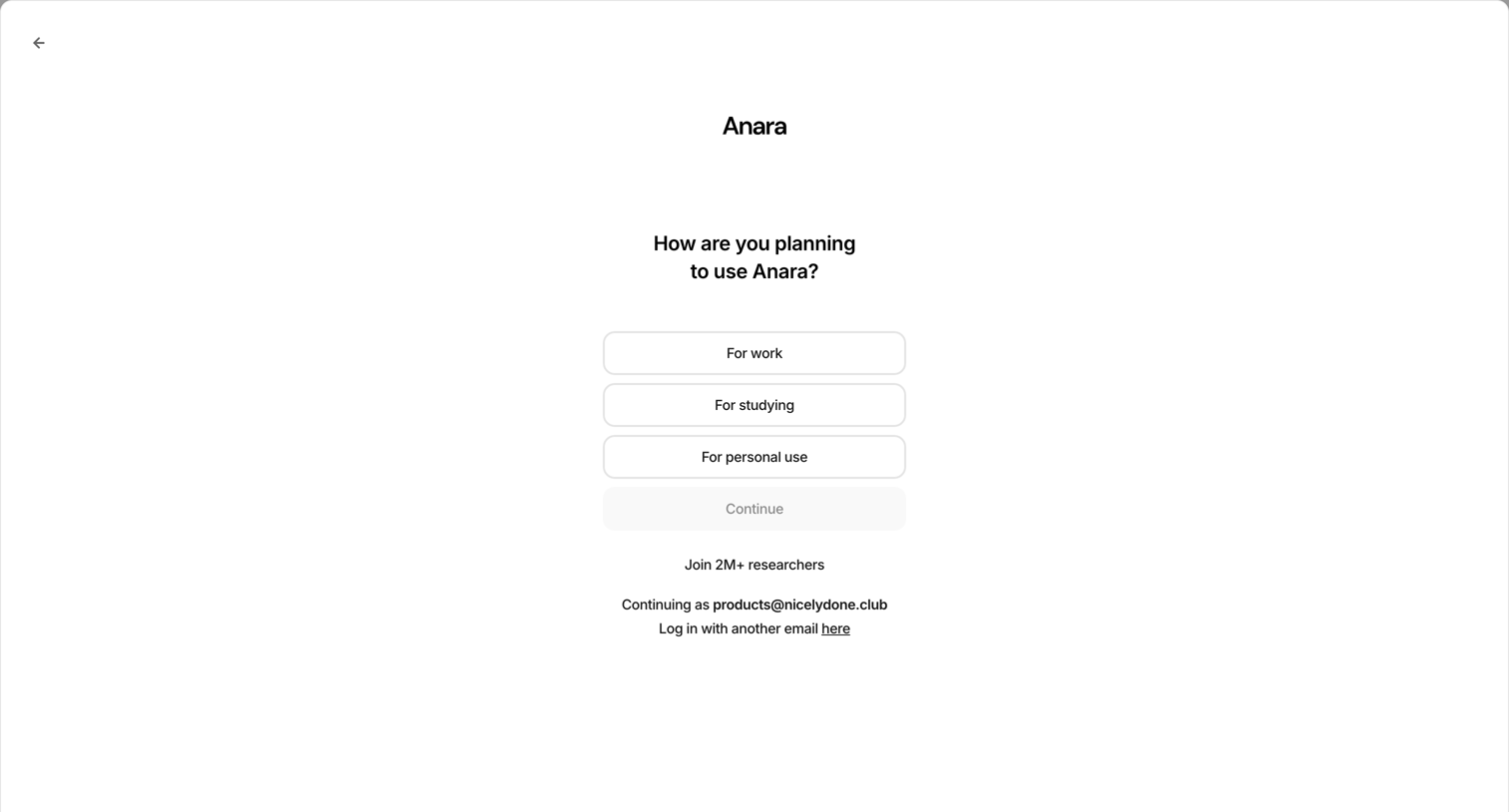
Onboarding step where the user selects their primary use case for the product between work, studying, or personal use.
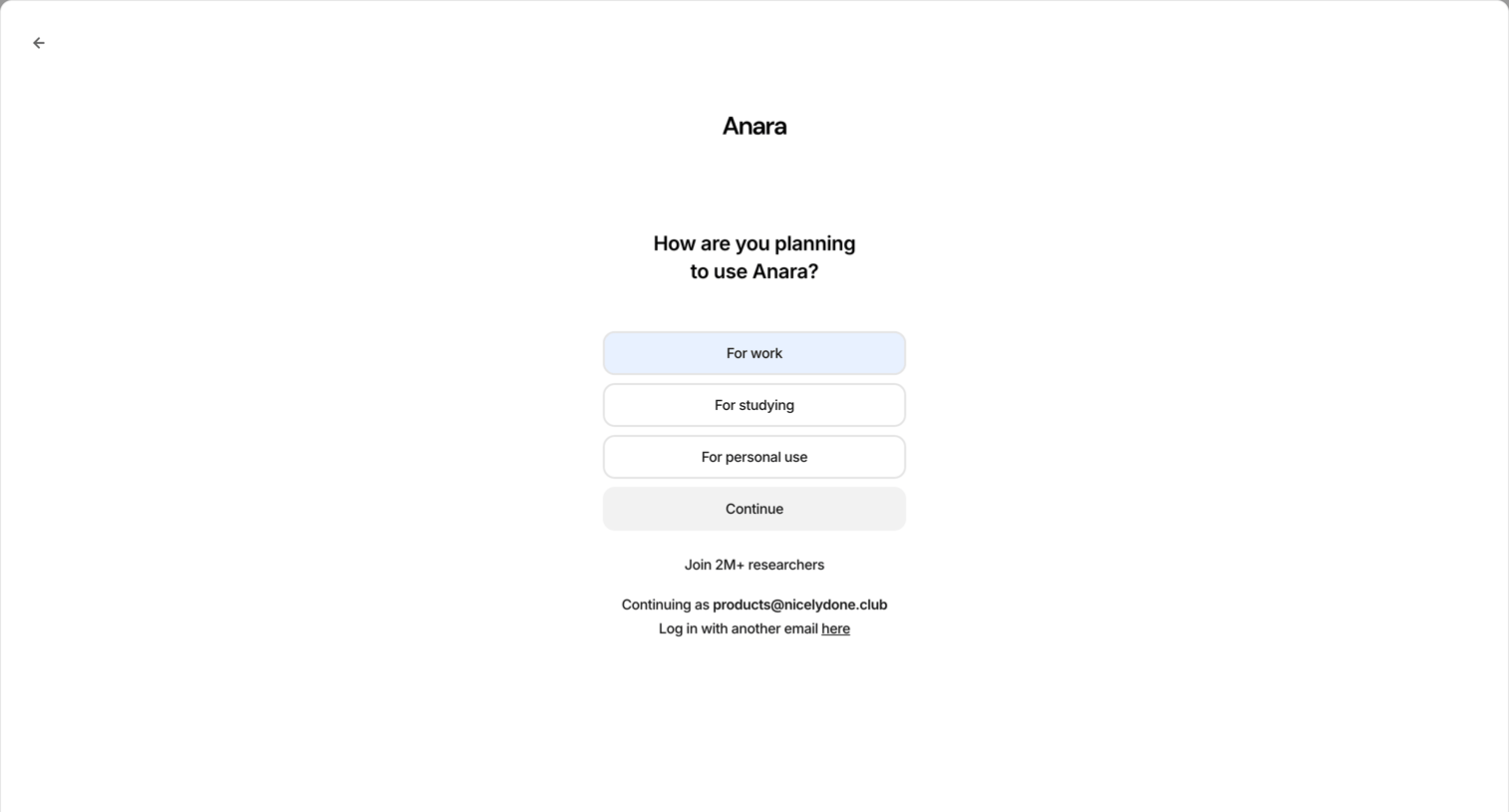
Onboarding step where the user selects whether they plan to use the product for work, studying, or personal use before continuing.
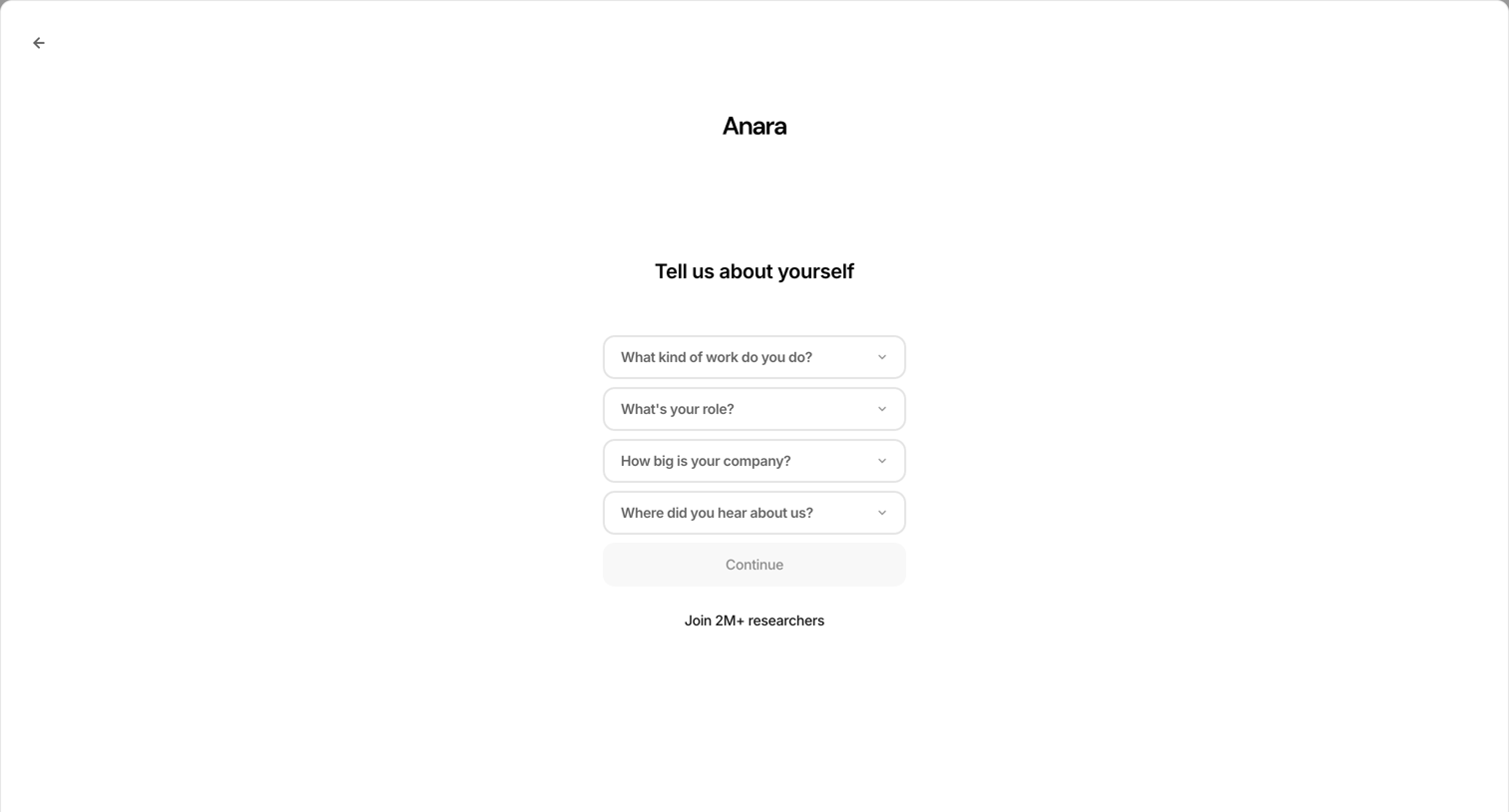
Onboarding step where the user provides their work type, role, company size, and acquisition source to set up their profile.
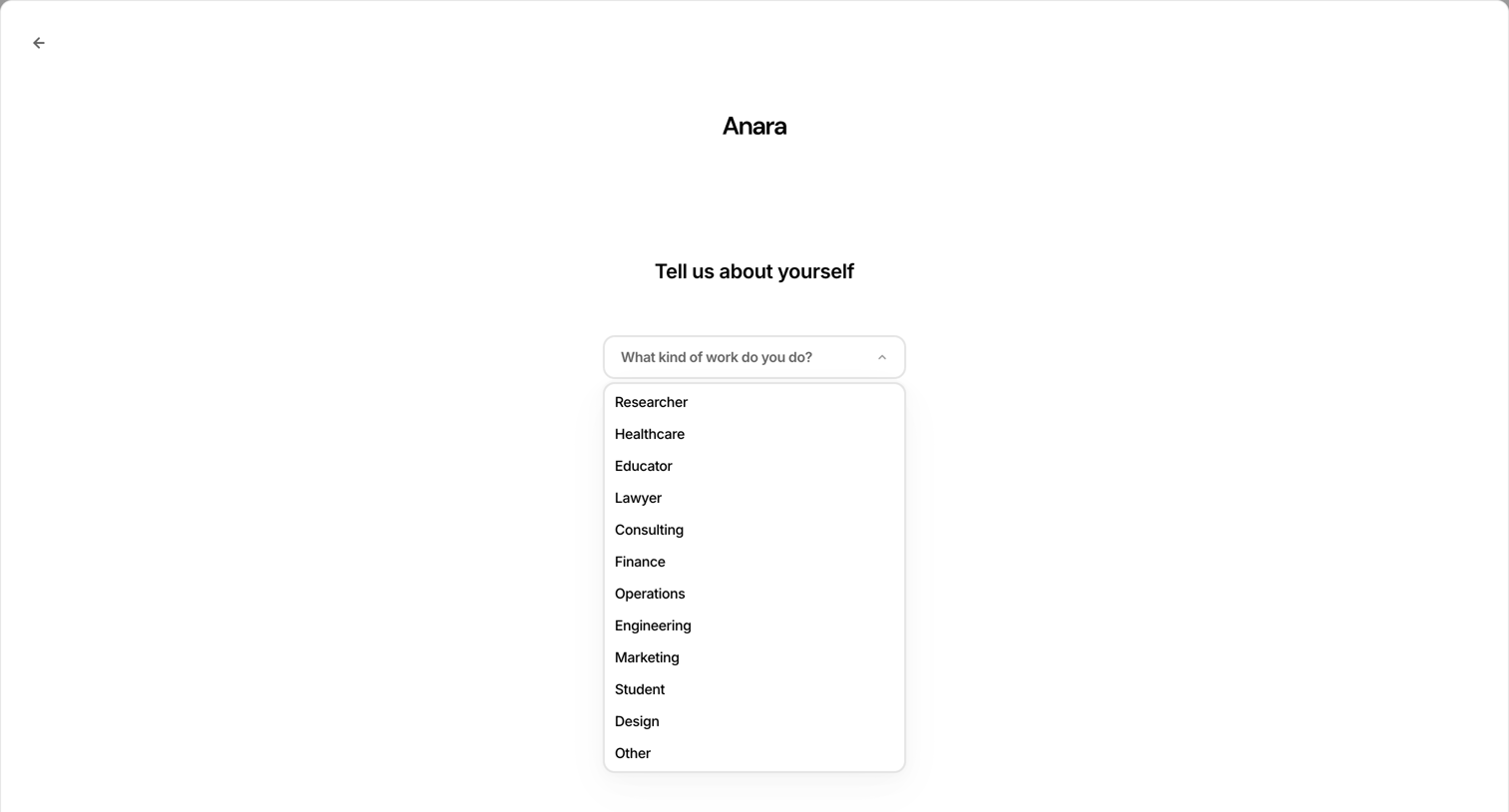
Onboarding step where the user selects their profession from an open dropdown menu to personalize their experience.
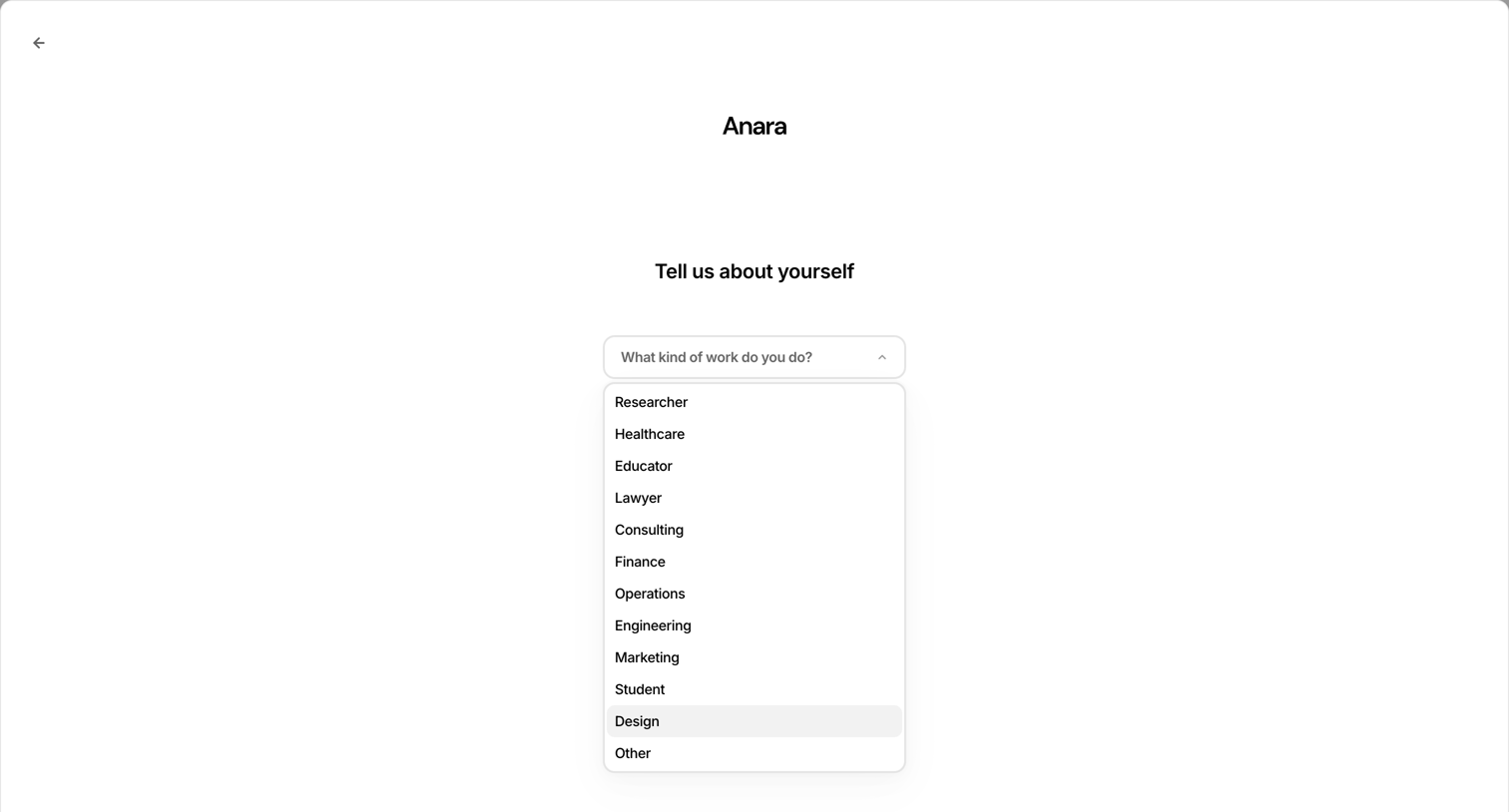
Onboarding step where the user selects their profession from a list including options like Researcher, Healthcare, and Design.
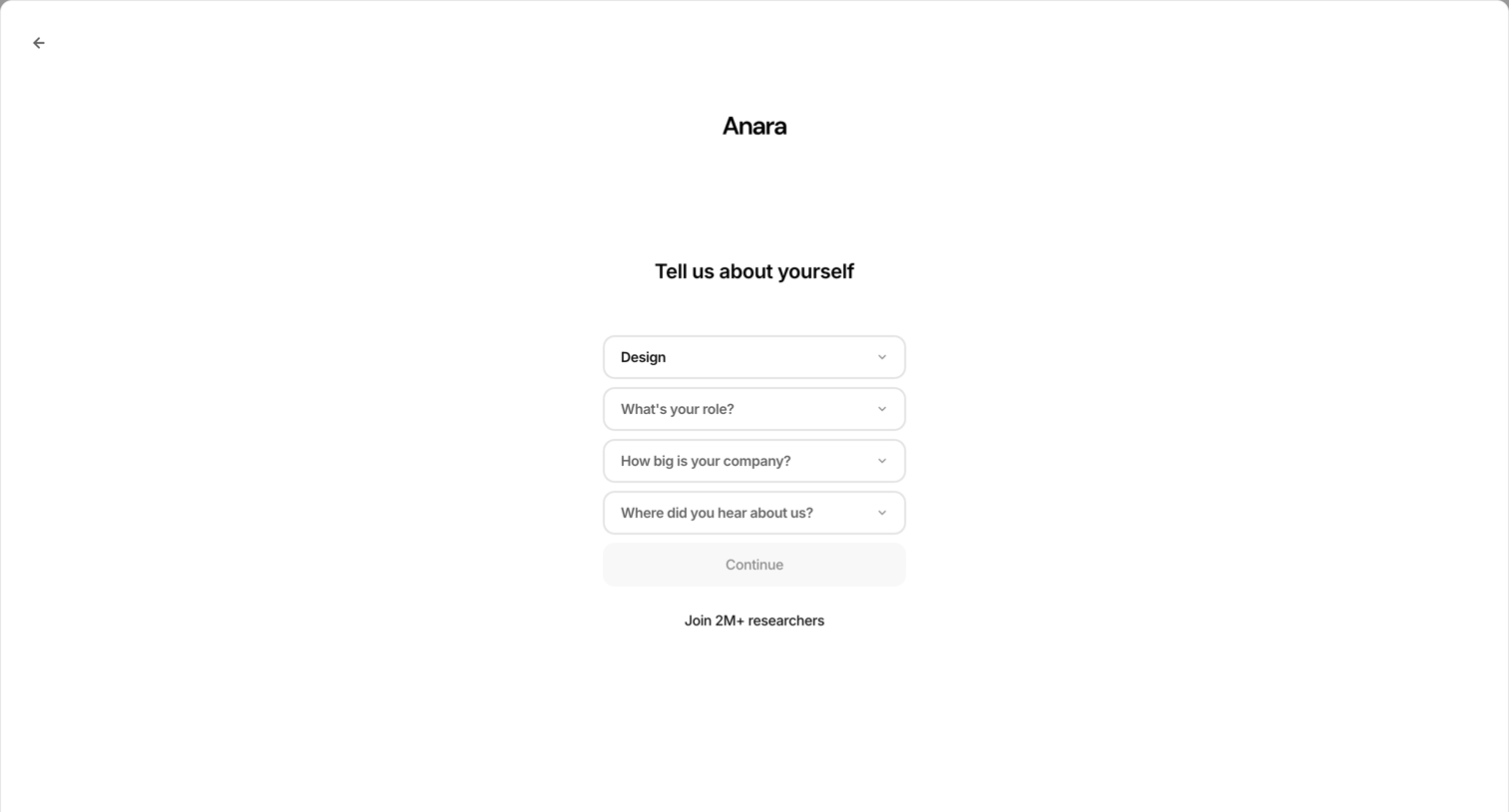
Onboarding step where the user provides their role, company size, and referral source to complete their account setup.
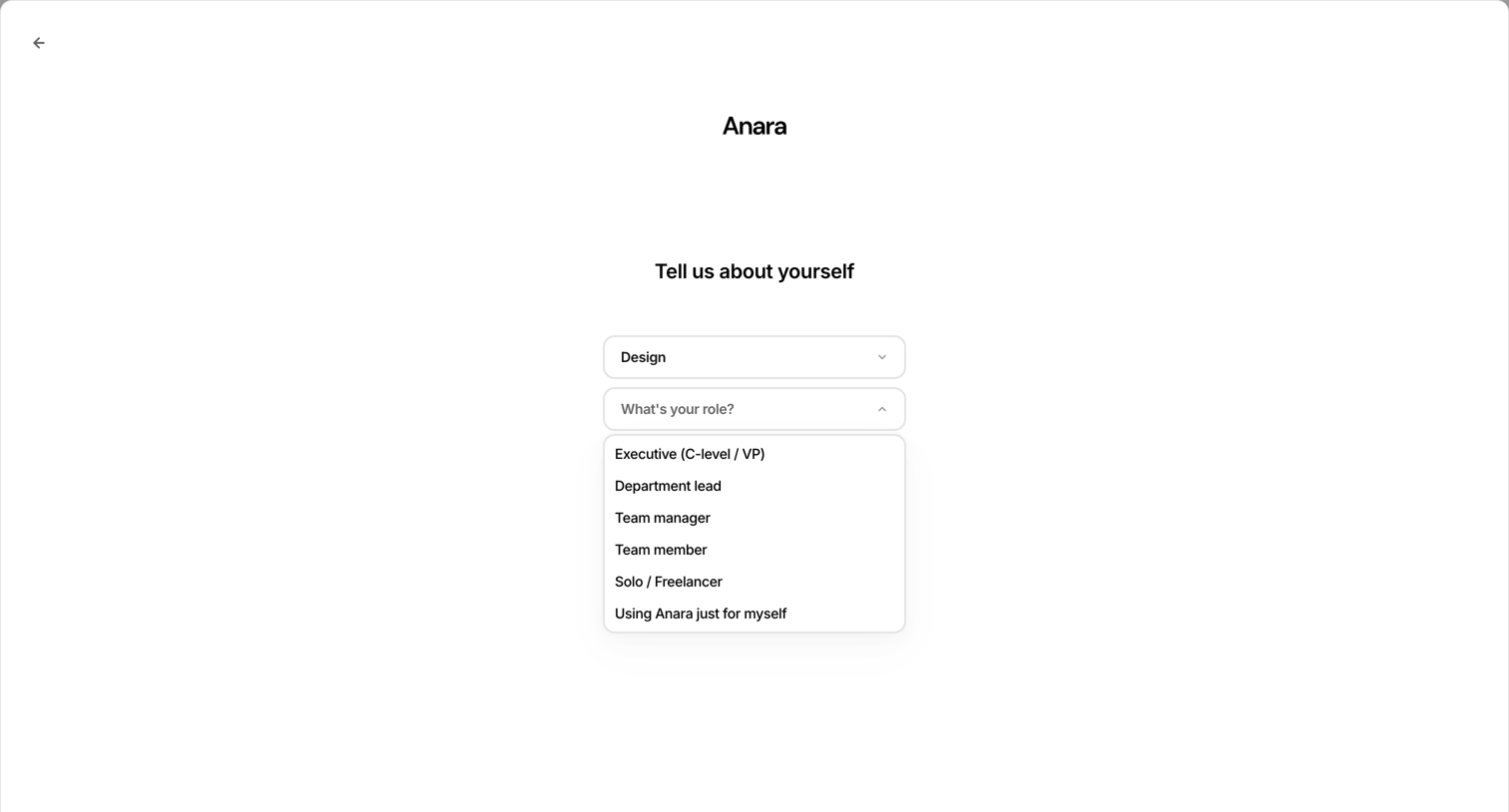
Onboarding step where the user selects their department, currently set to Design, and opens a dropdown to pick their specific role from options like Executive or Team manager.
Explore the full SaaS screen library
Upgrade to unlock the full library.
Trusted by the best teams







