
Shopify design examples
Explore Shopify UI design examples. Sell online, in-store, and everywhere in between
Product screens

Sign-in screen where the user enters their store URL to authenticate, with a secondary prompt to start a 14-day free trial.

Product page displaying a grid of ecommerce themes categorized under Food & Drink, with pricing and style counts for each template.

Feature page explaining Shopify's omnichannel selling capabilities across online store, point of sale, buy button, and sales channels, supported by customer testimonials.

Marketing page showcasing a gallery of live Shopify store examples filterable by industry categories like home and decor, jewelry, and food.
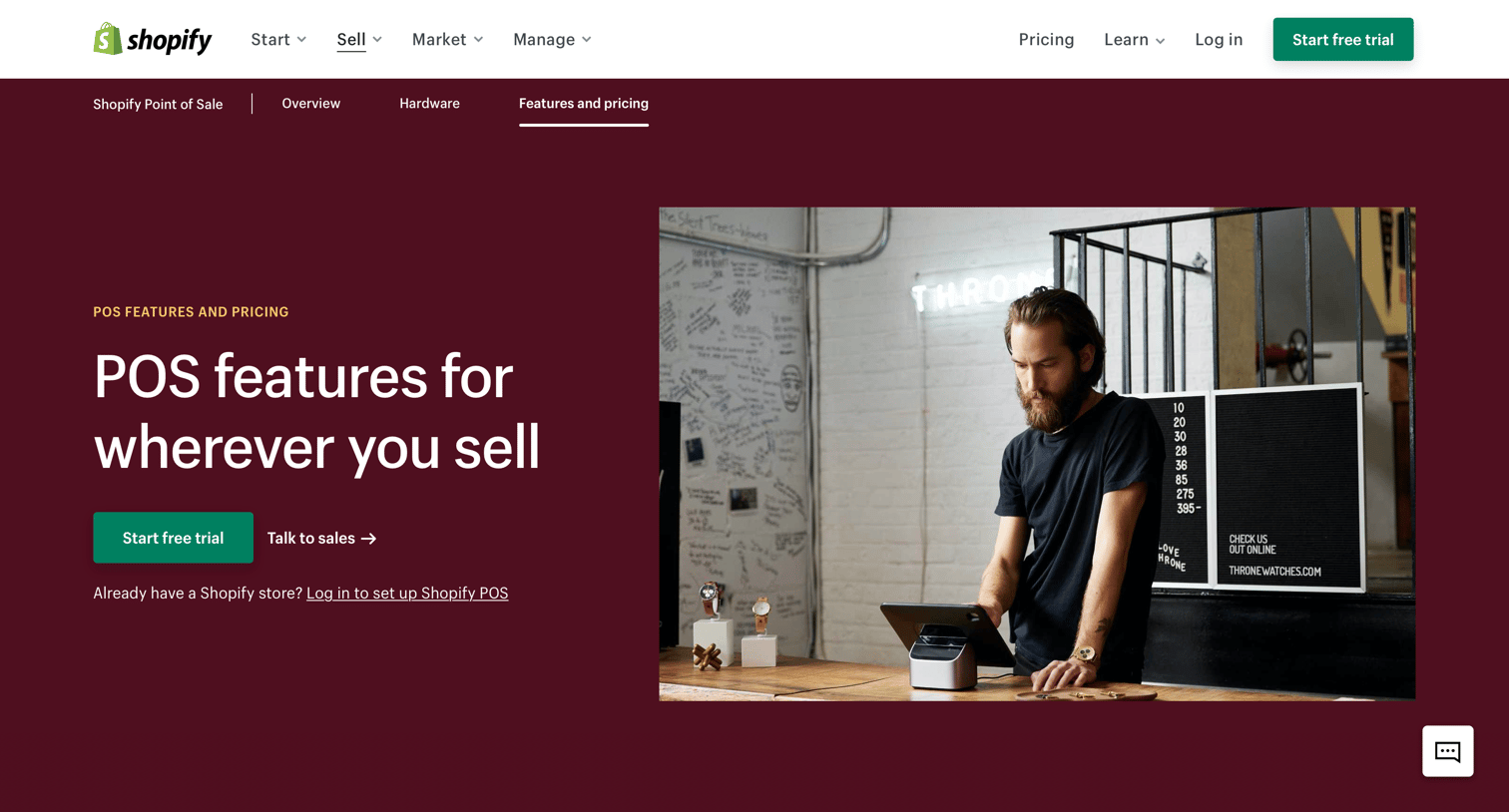
Pricing and feature comparison page for Shopify POS, where the user can evaluate the differences between the Lite and Pro plans across categories like omnichannel selling, hardware, and staff management via a detailed matrix.
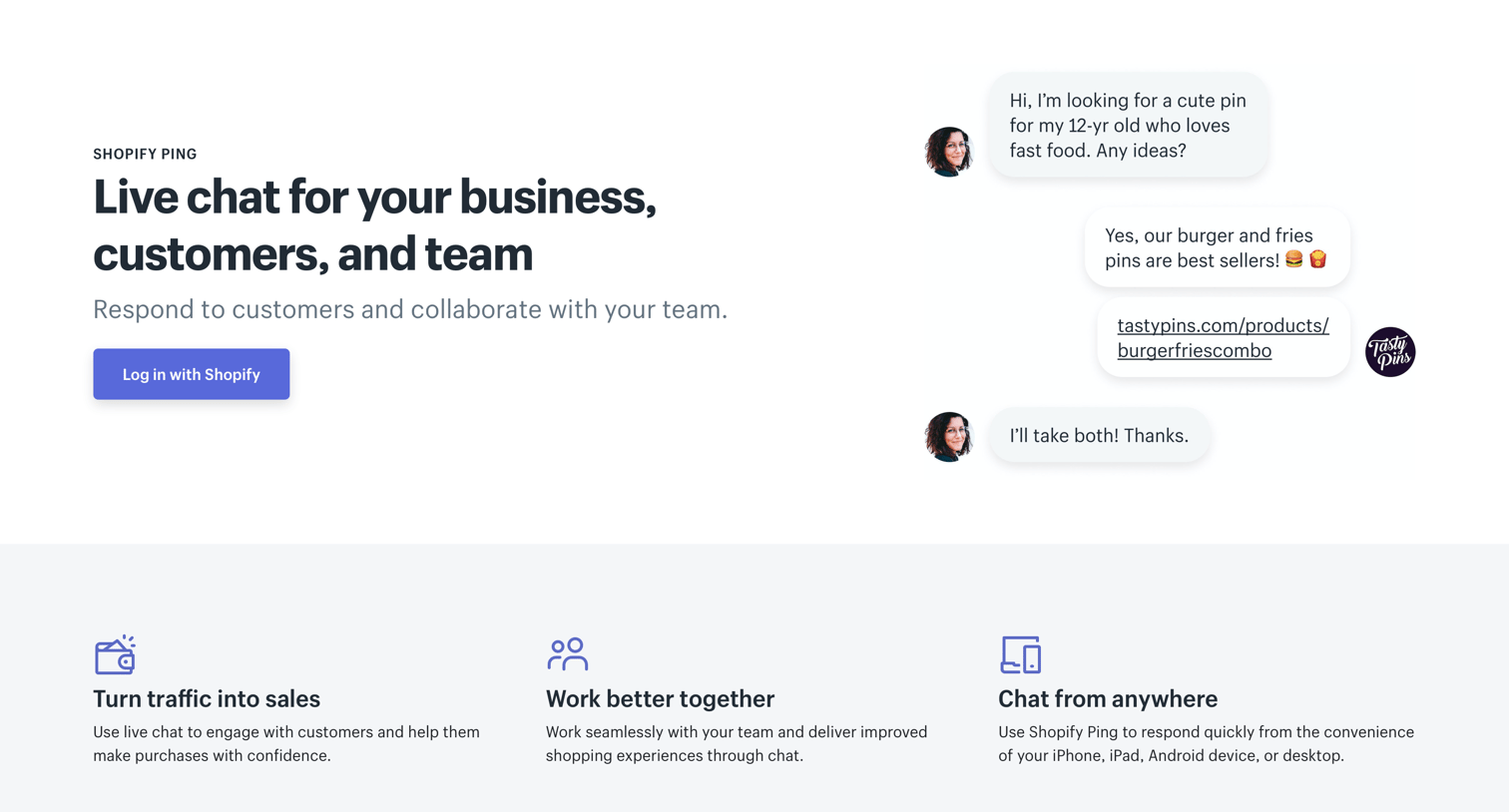
Landing page for Shopify Ping where the user can learn about the live chat tool and log in to their account.
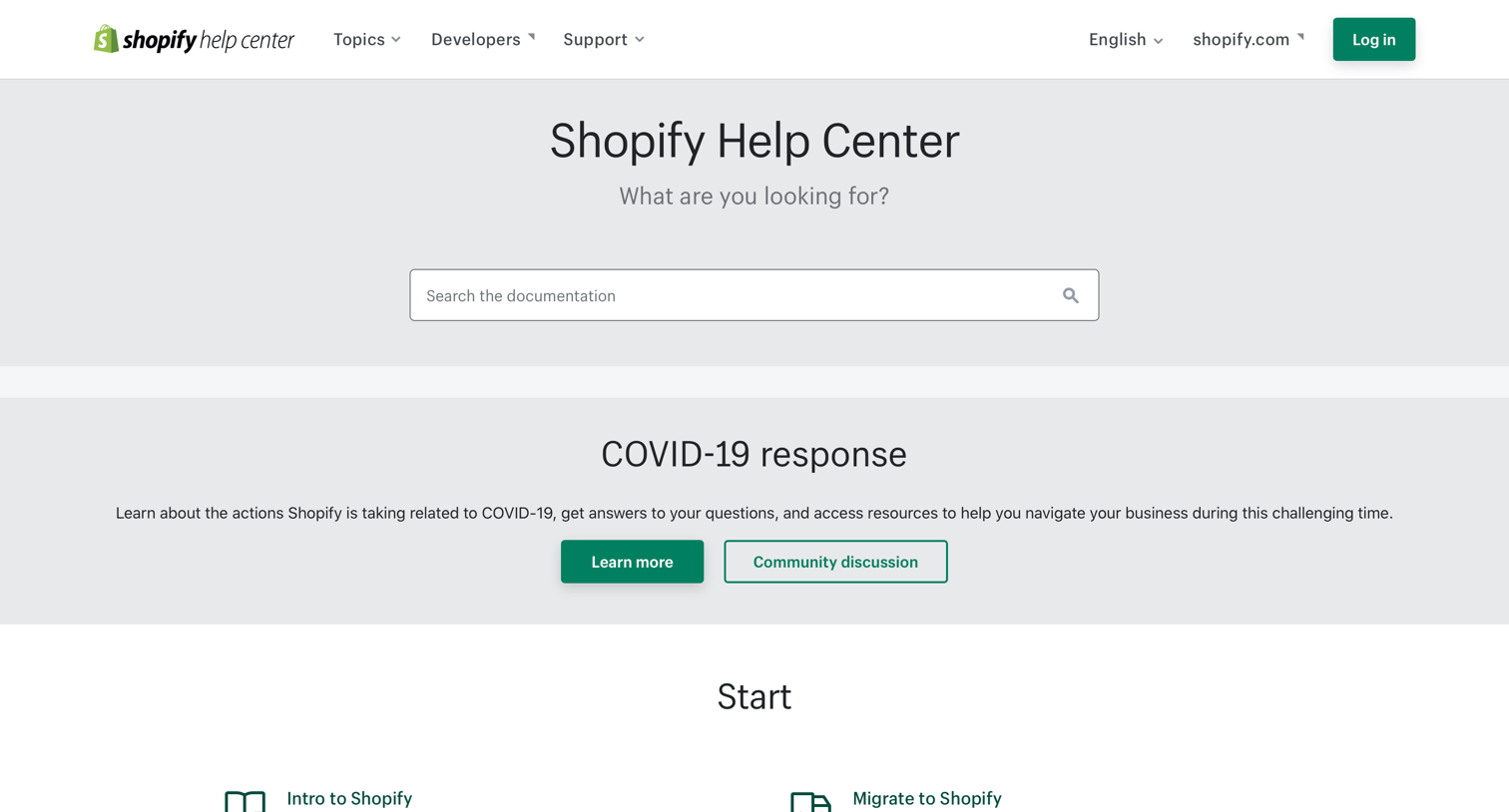
Help center home page where the user can search for documentation or browse support topics categorized by starting, selling, managing, marketing, and expanding their business.
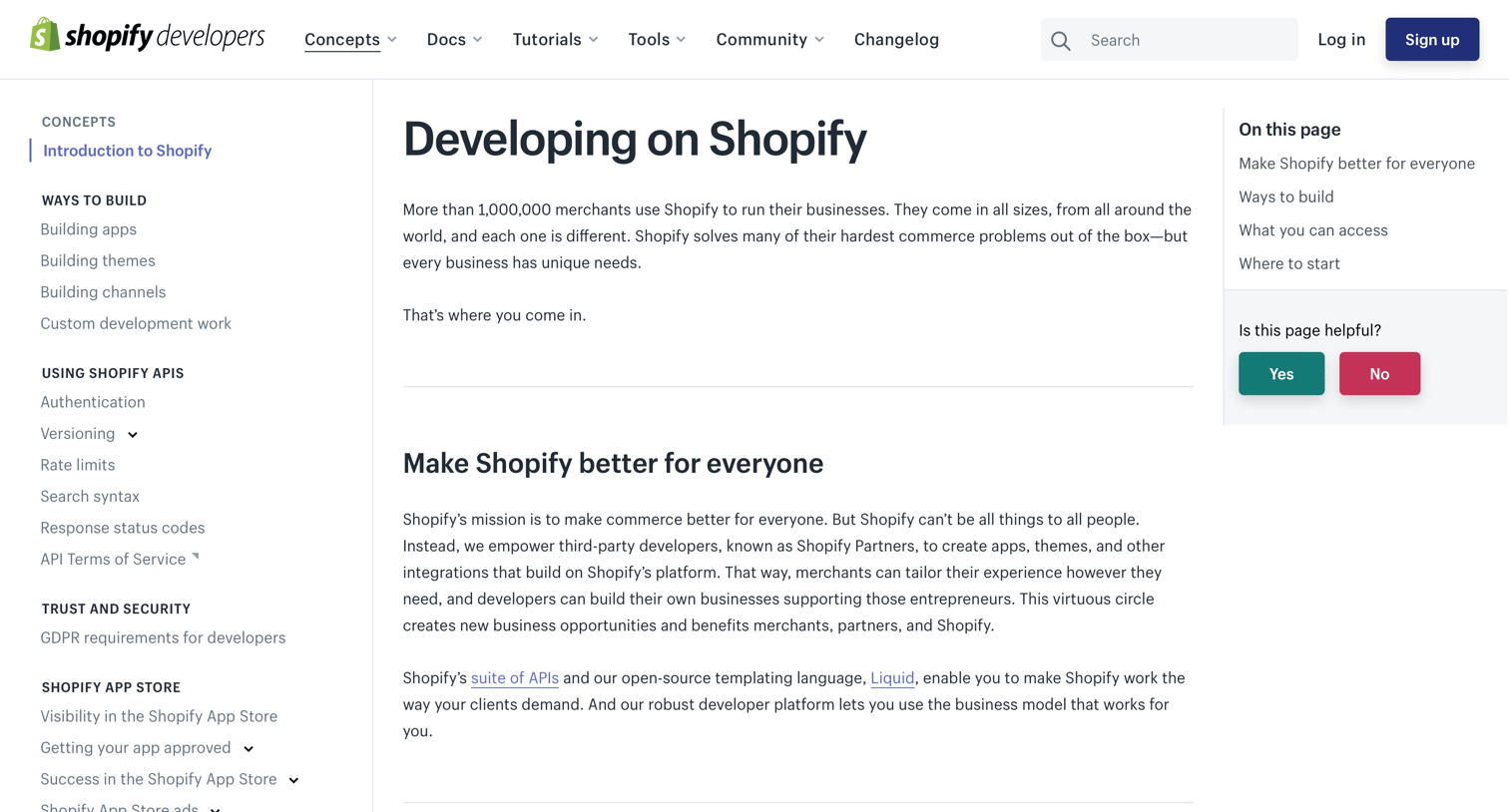
Developer documentation page introducing Shopify concepts, ways to build, and providing a table of contents alongside a helpfulness feedback widget.
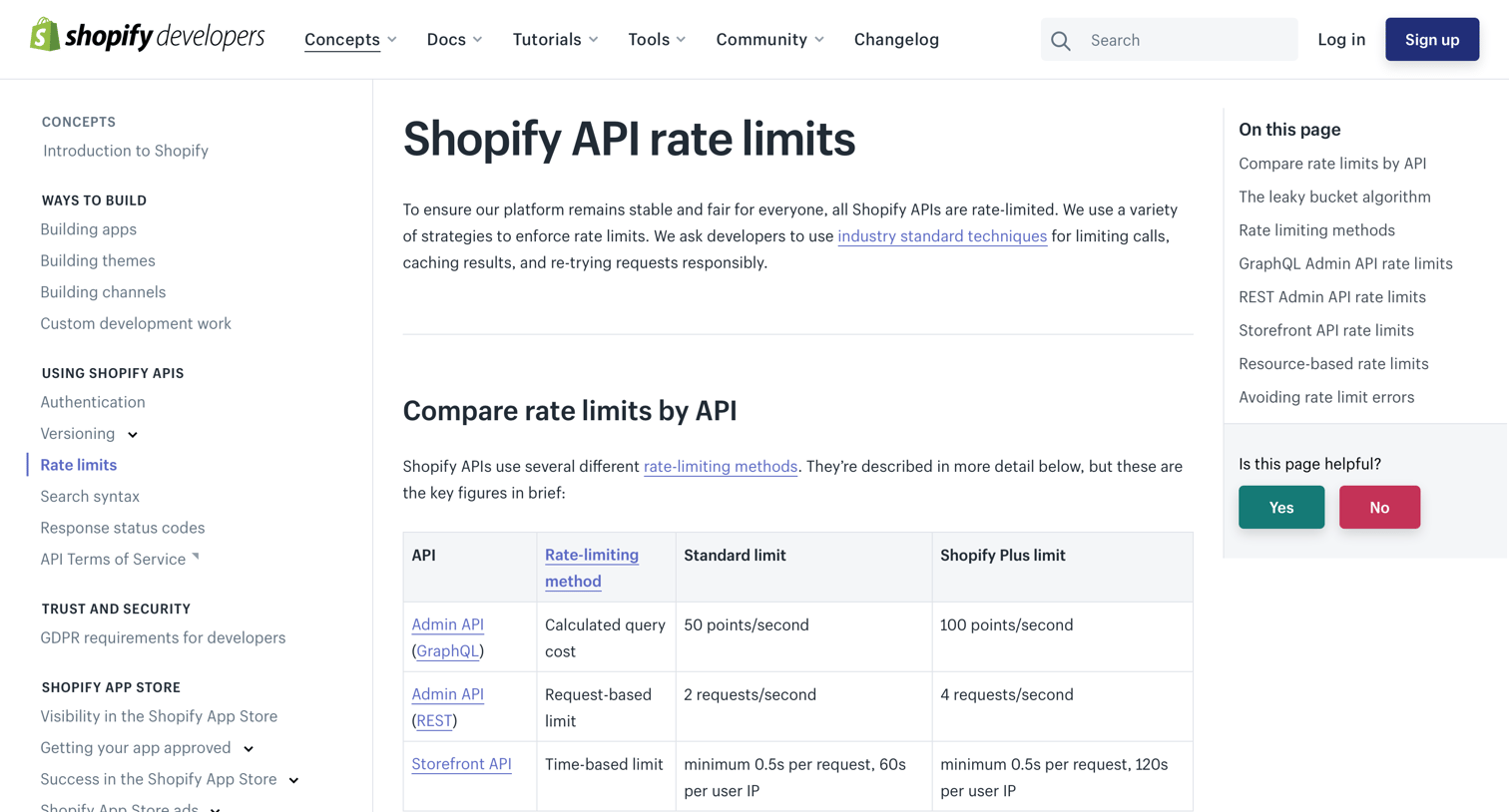
Developer documentation reference explaining the leaky bucket algorithm, GraphQL query costs, and REST API rate limits for Shopify.
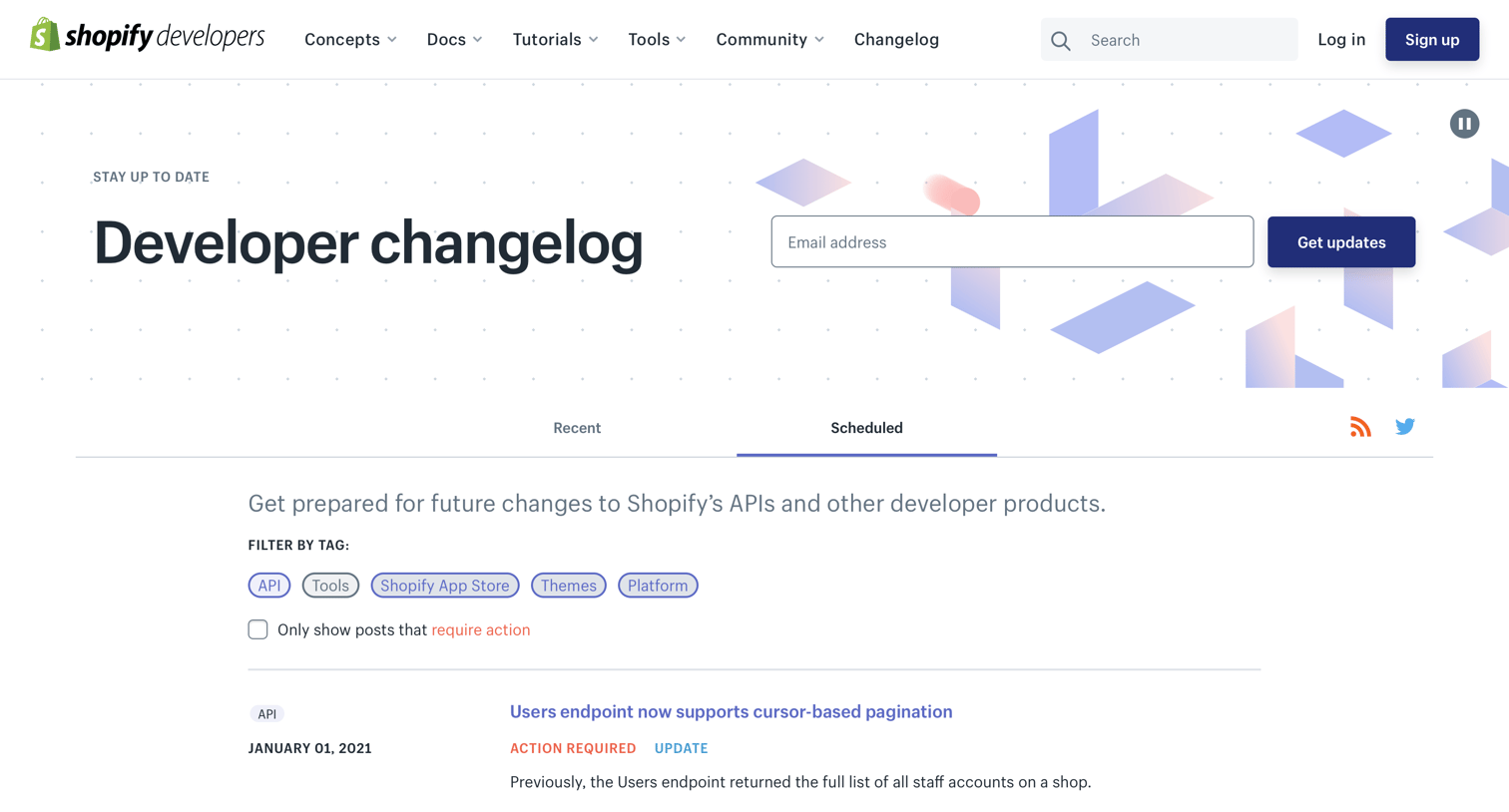
Changelog list view where developers can filter scheduled API changes and deprecations by tag and action required.
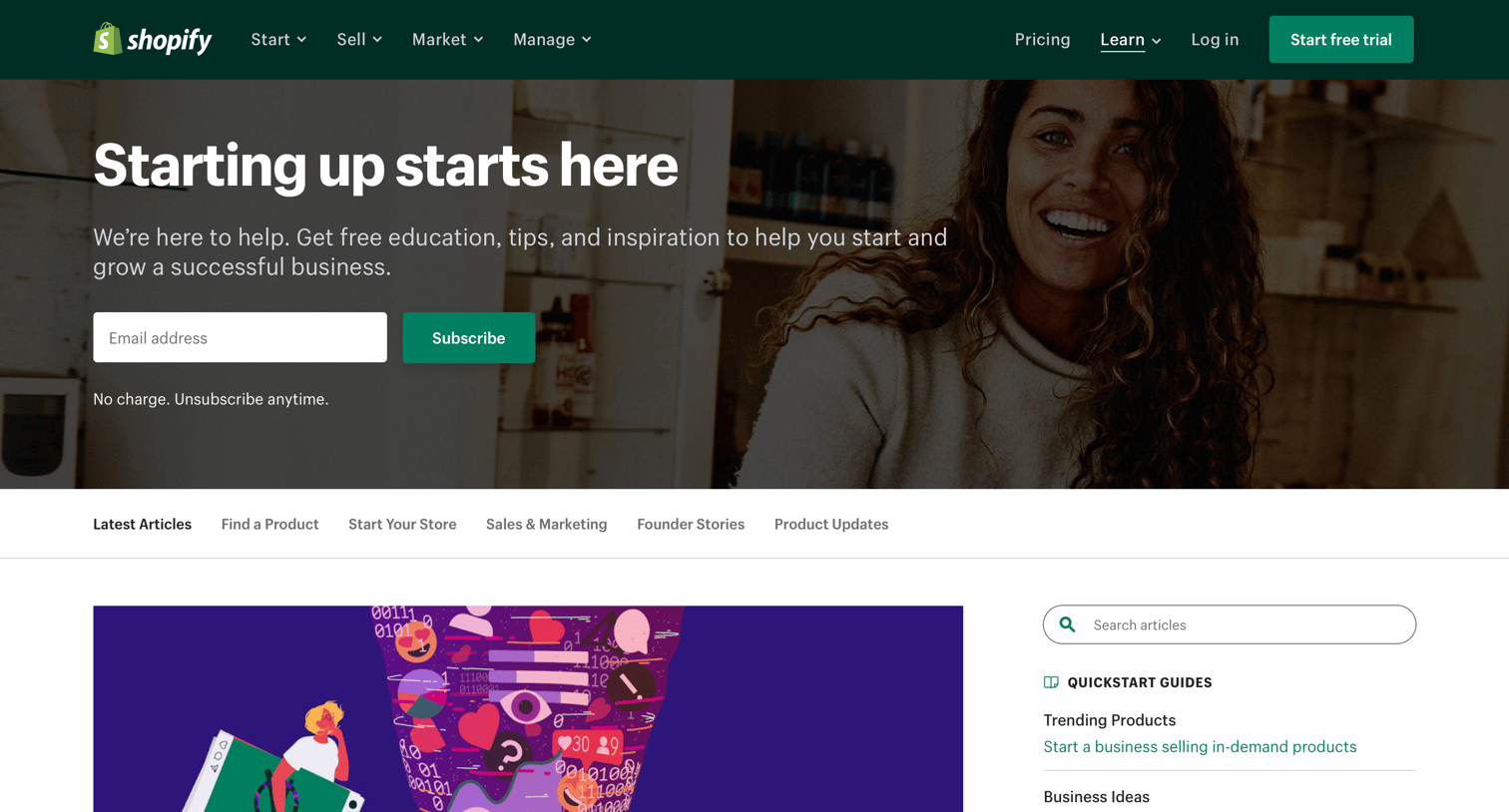
Blog index page where the user browses recent articles on ecommerce and marketing, searches for specific topics, and explores popular quickstart guides.
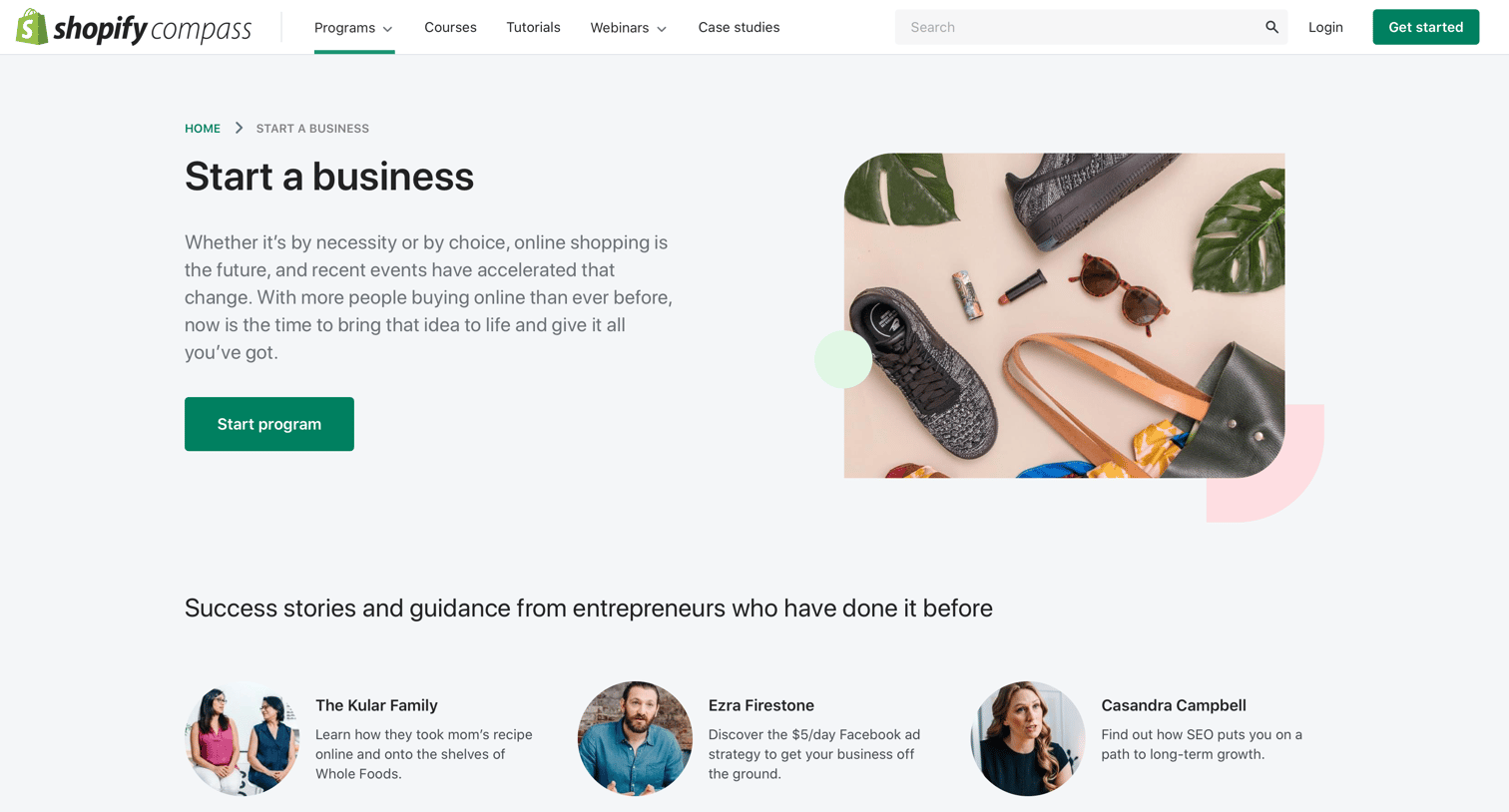
Education program landing page where users can review the curriculum blueprint, read success stories, and sign up to start a business with Shopify.
Browse the full SaaS app library
Explore real SaaS apps with their product screens, marketing screens, flows, and components.
Trusted by the best teams







