Detail page examples
Detail page design examples from SaaS websites. Detail page design in SaaS ensures users don't encounter dead ends. Also known as 'empty state' or '404' pages, these guide users when content is missing or…
Explore the examples
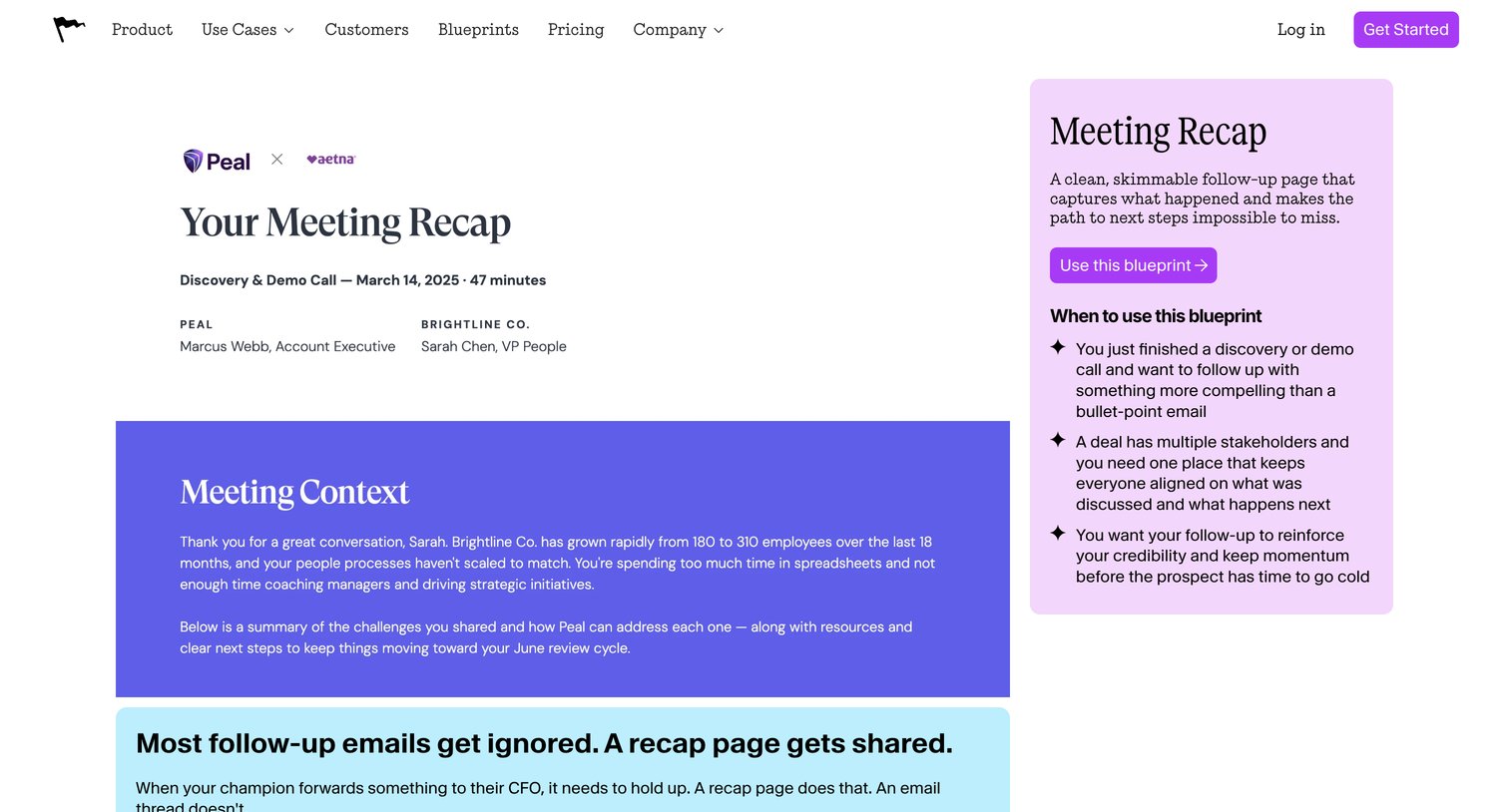

Use case page detailing a meeting recap blueprint with a breakdown of its components, target audience, and a prompt to use the template.
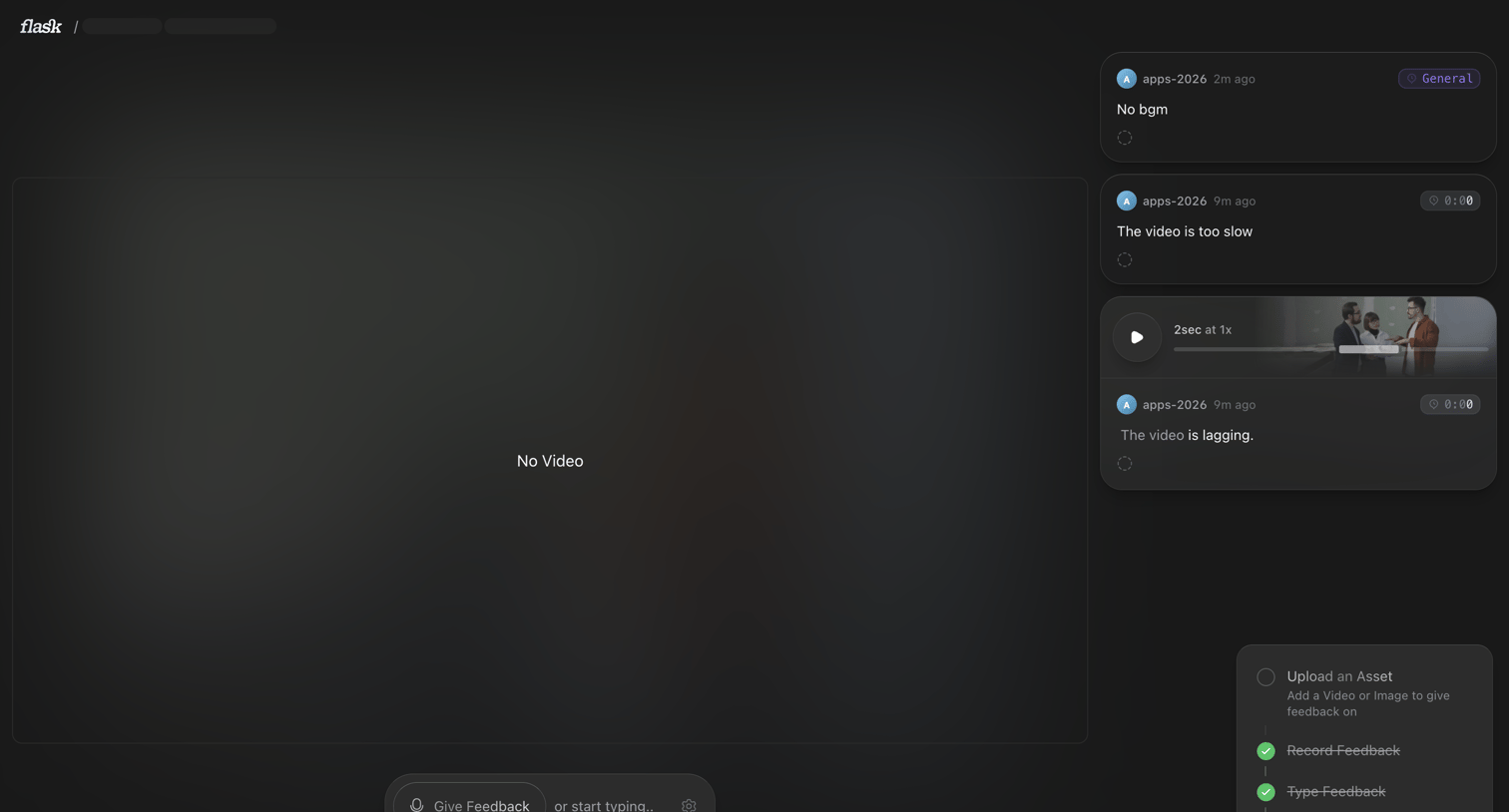

Detail page where the user reviews a video asset and leaves time-stamped text or voice feedback, with a progress checklist indicating setup steps.
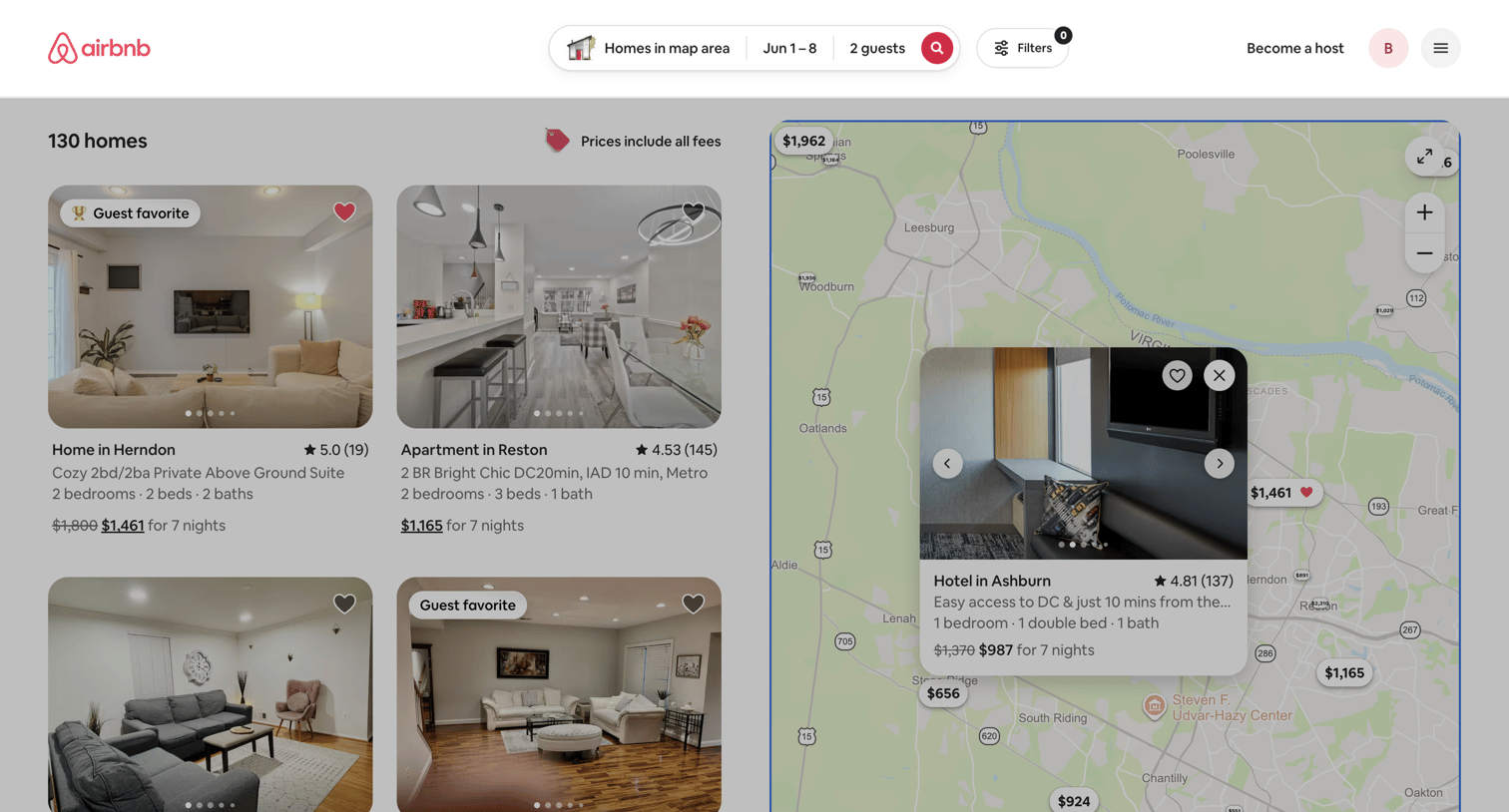

Search results page where the user browses available homes via a side-by-side list and interactive map, with options to filter and toggle total pricing.
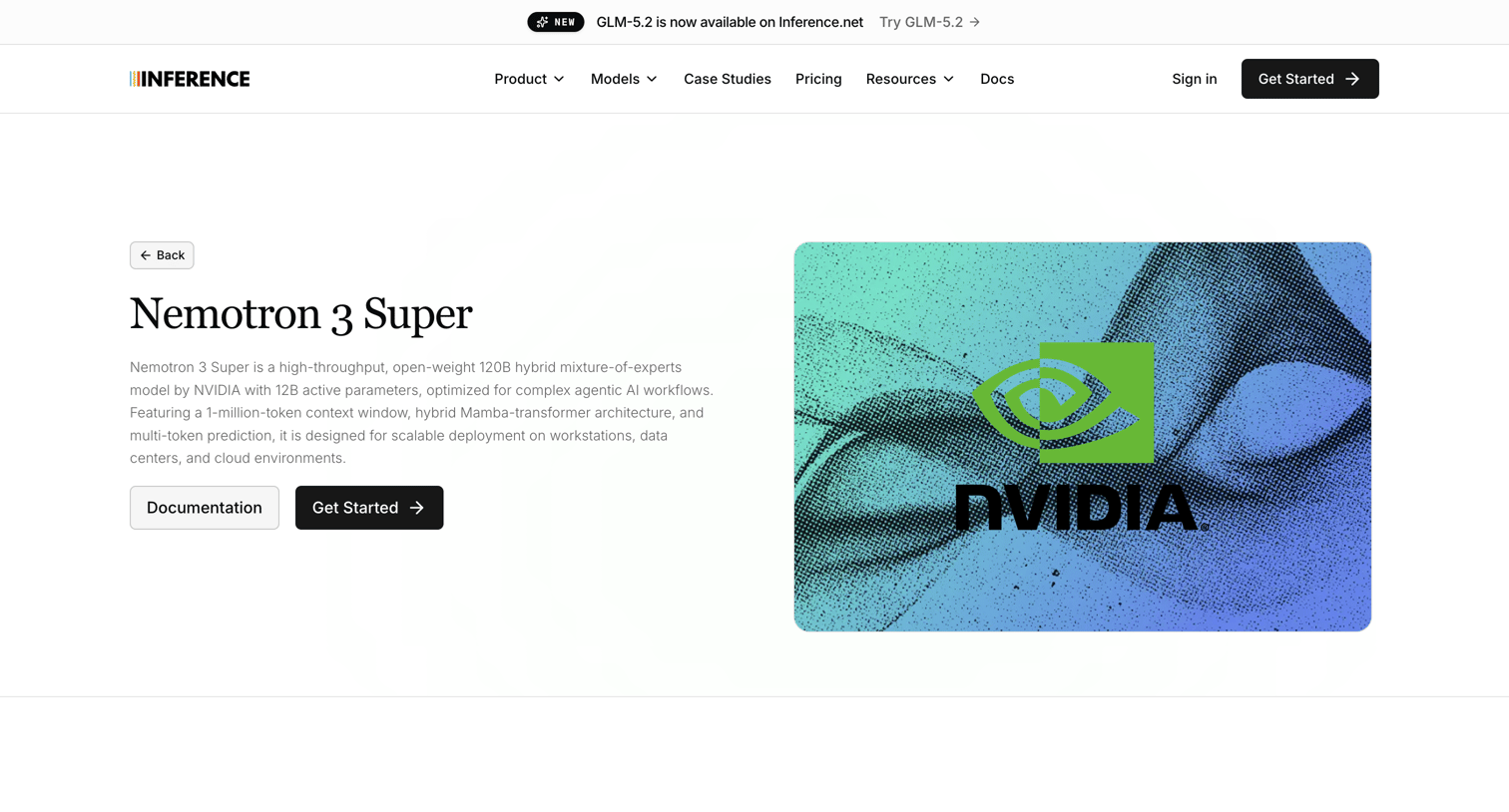

Product page for the Nemotron 3 Super model featuring API usage examples, a live playground with configuration sliders, and a meeting scheduler.

Dashboard loading screen for the estate planning service, featuring a central spinner while the content fetches.
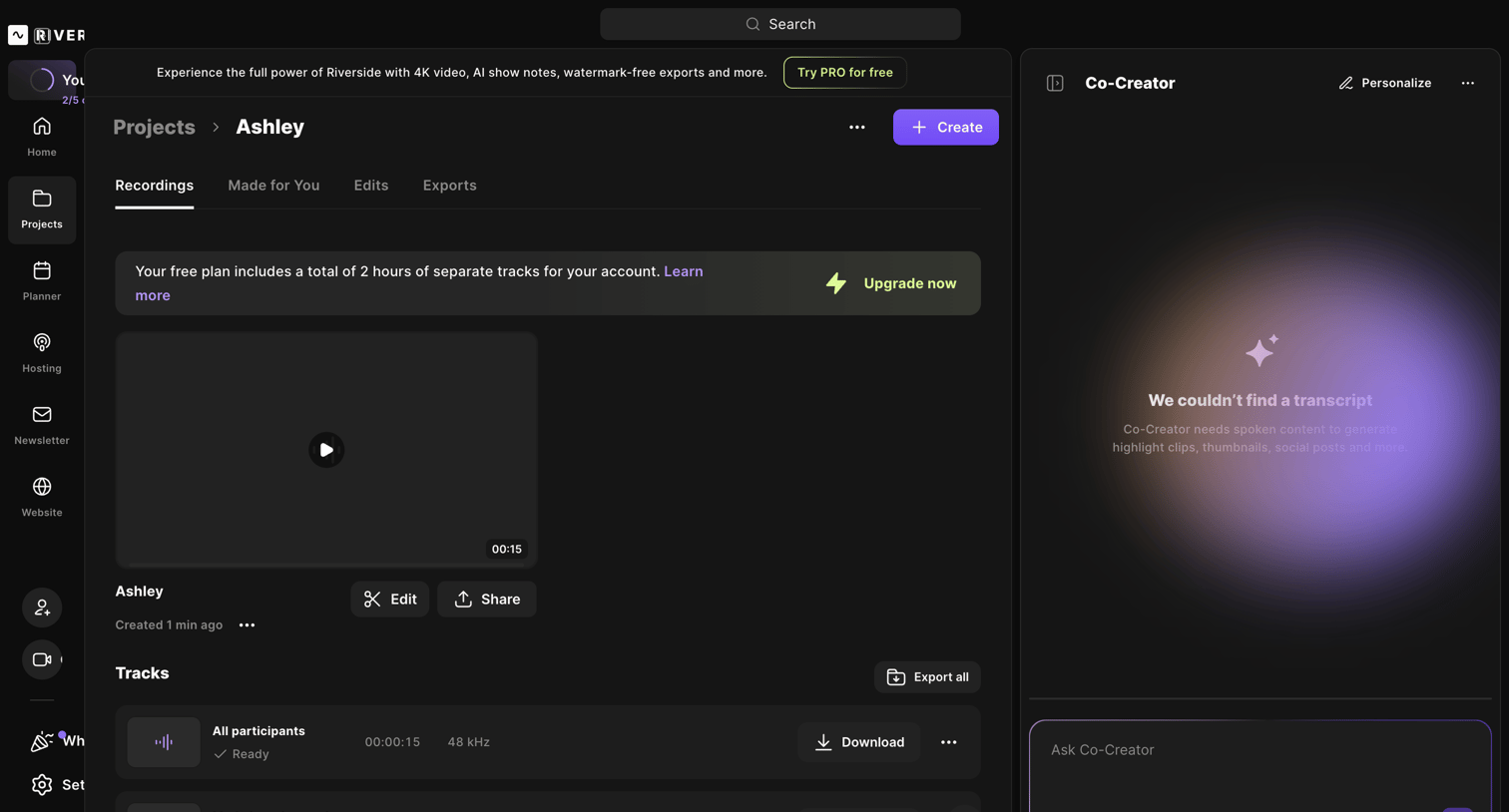

Detail page for a recording project where the user can preview video playback, manage individual audio tracks, and interact with an AI co-creator assistant.
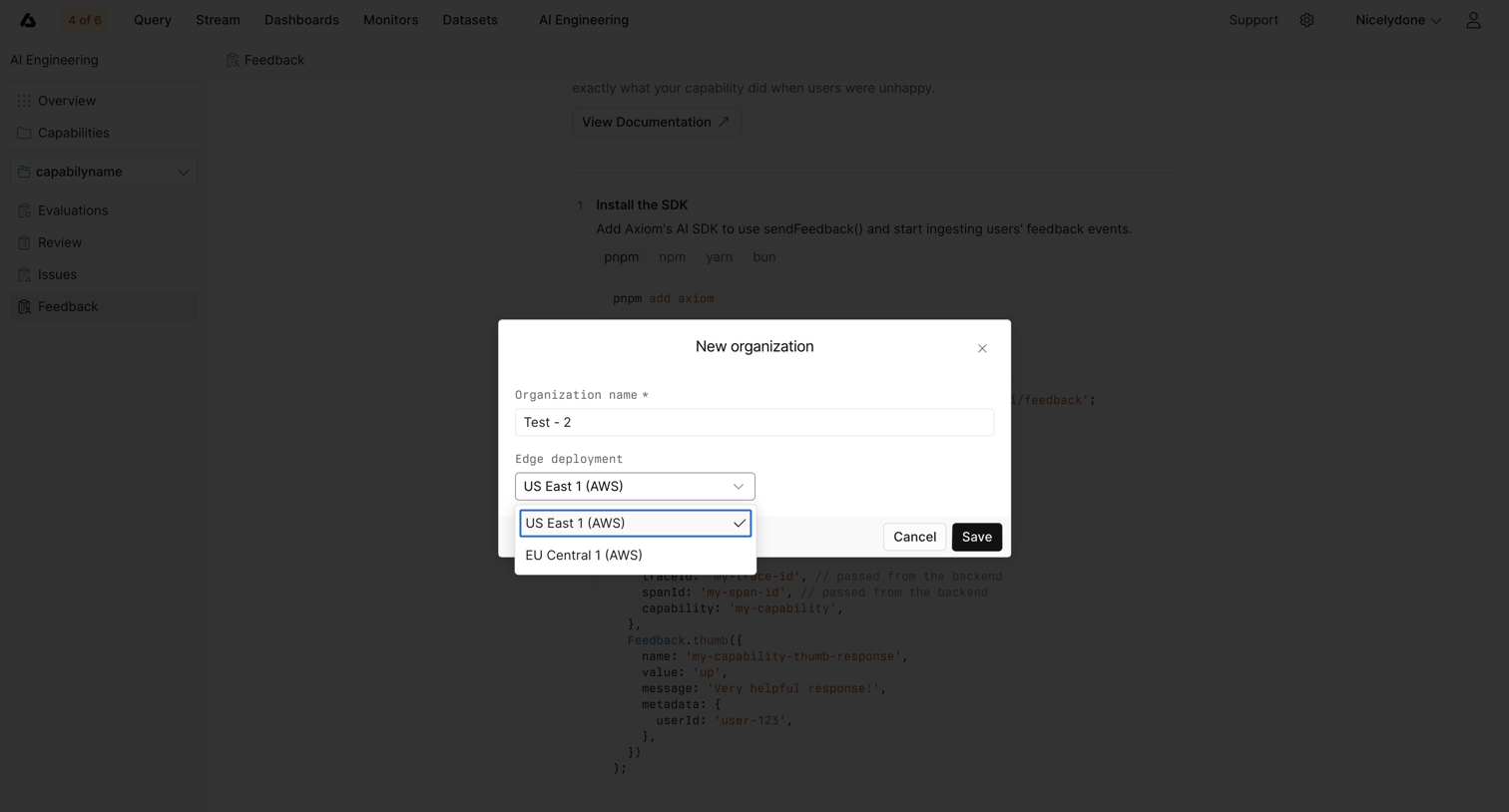

Modal where the user creates a new organization by providing a name and choosing an AWS edge deployment region.
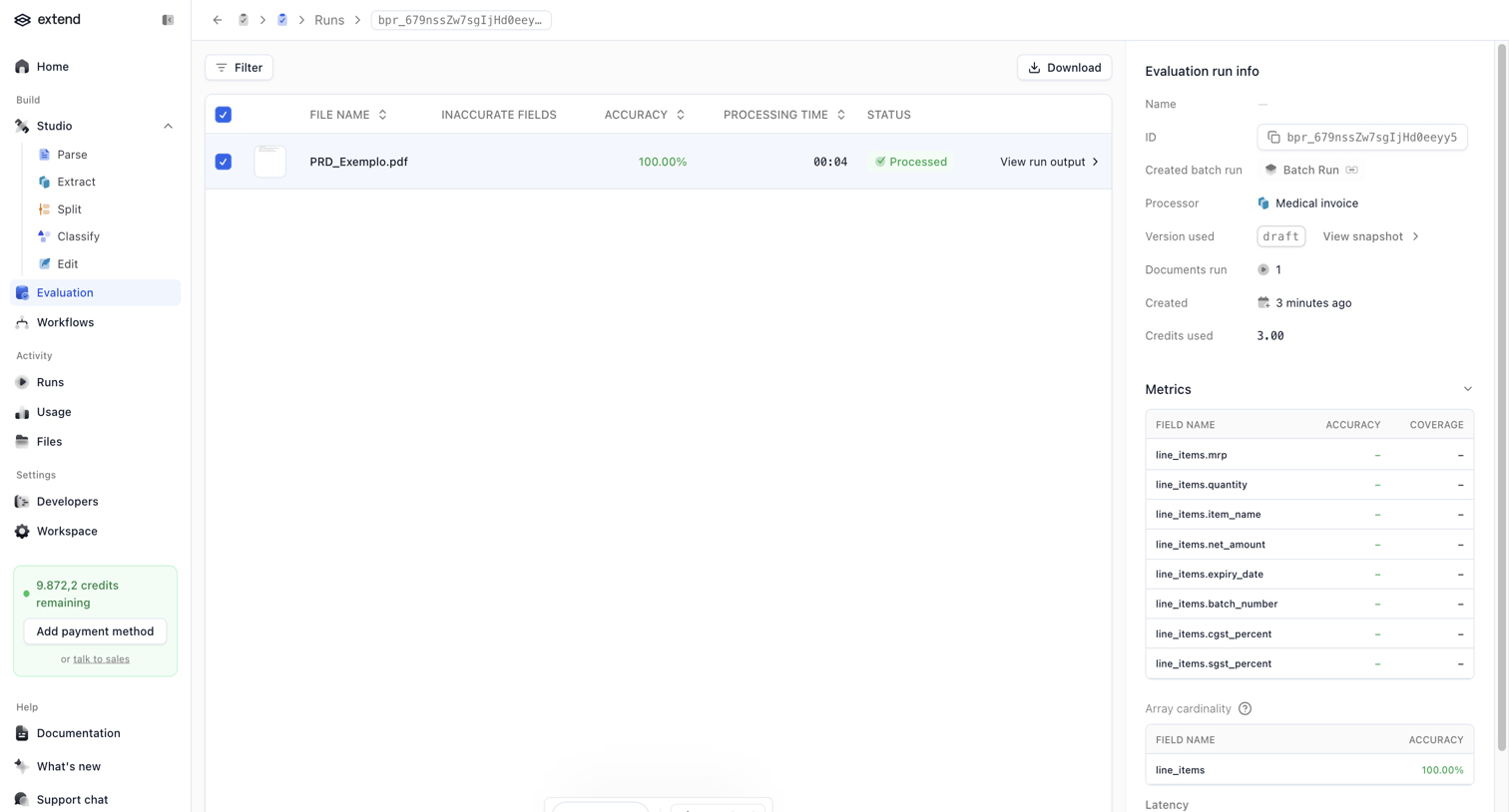

Detail page where the user reviews the accuracy, latency, and processing metrics for a specific document evaluation run.
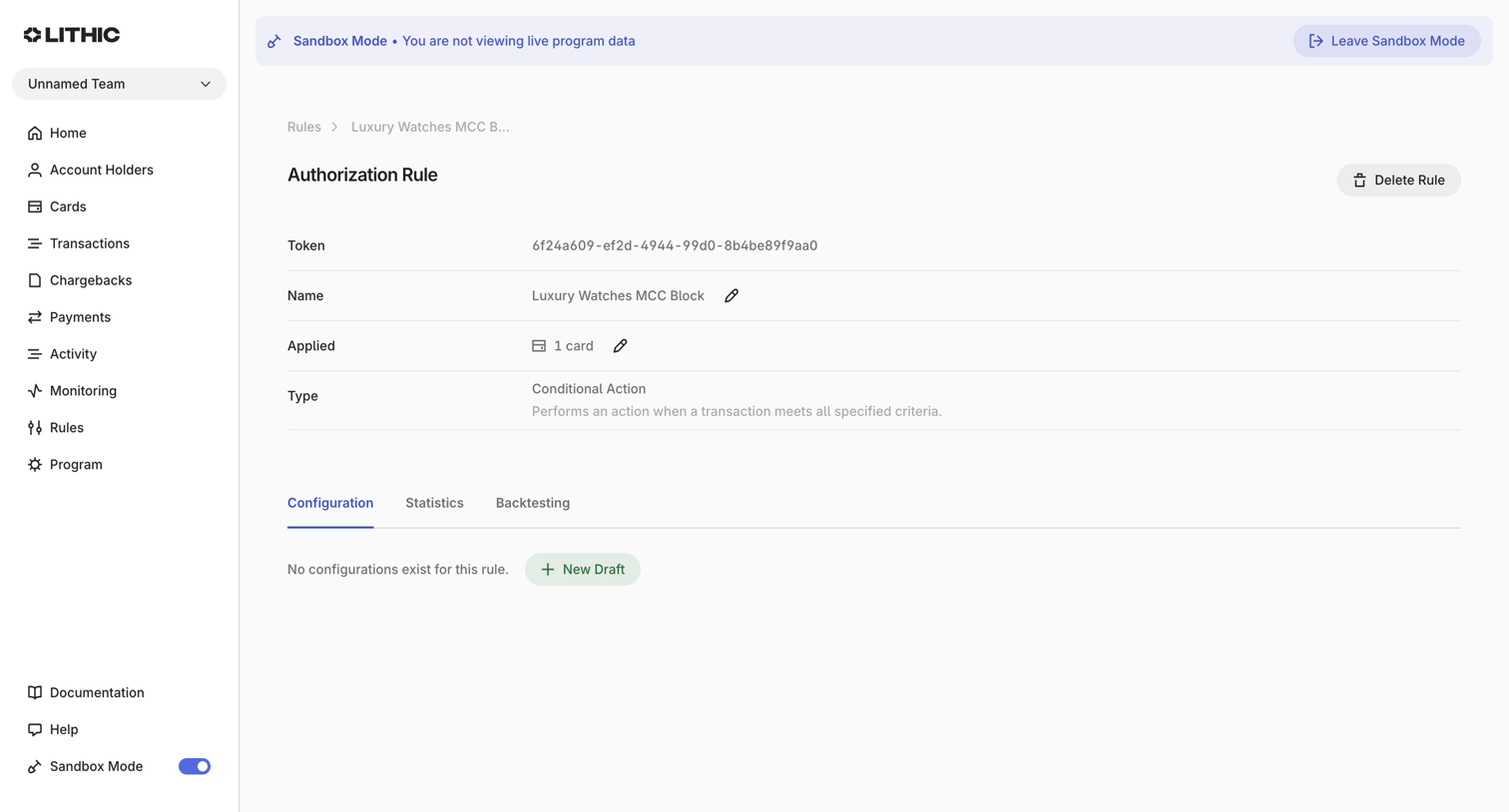

Detail page where the user views and manages a specific authorization rule's configuration, statistics, and backtesting.
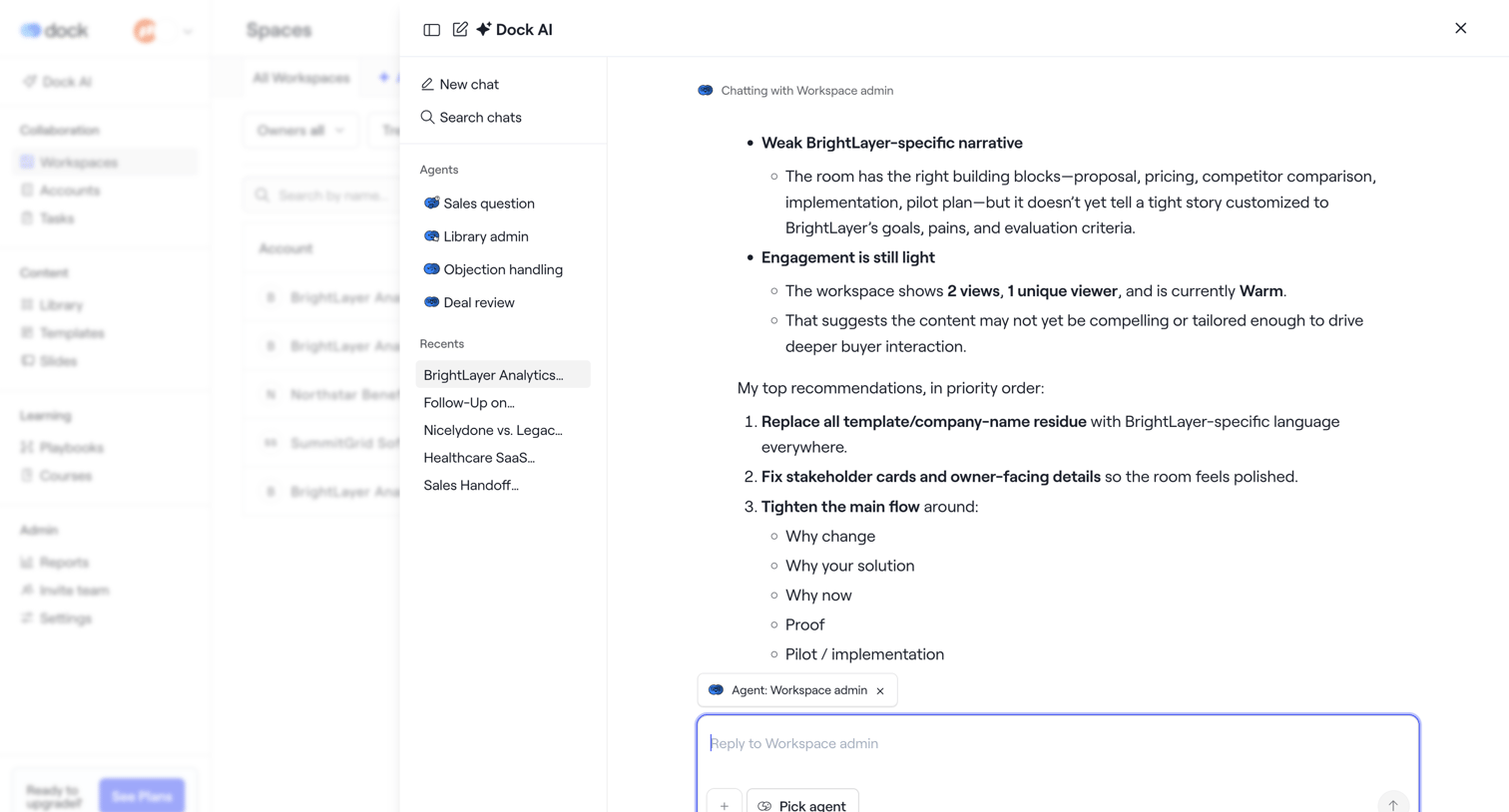

AI chat overlay where the user interacts with a Workspace admin agent to review recommendations and engagement metrics for a specific workspace.
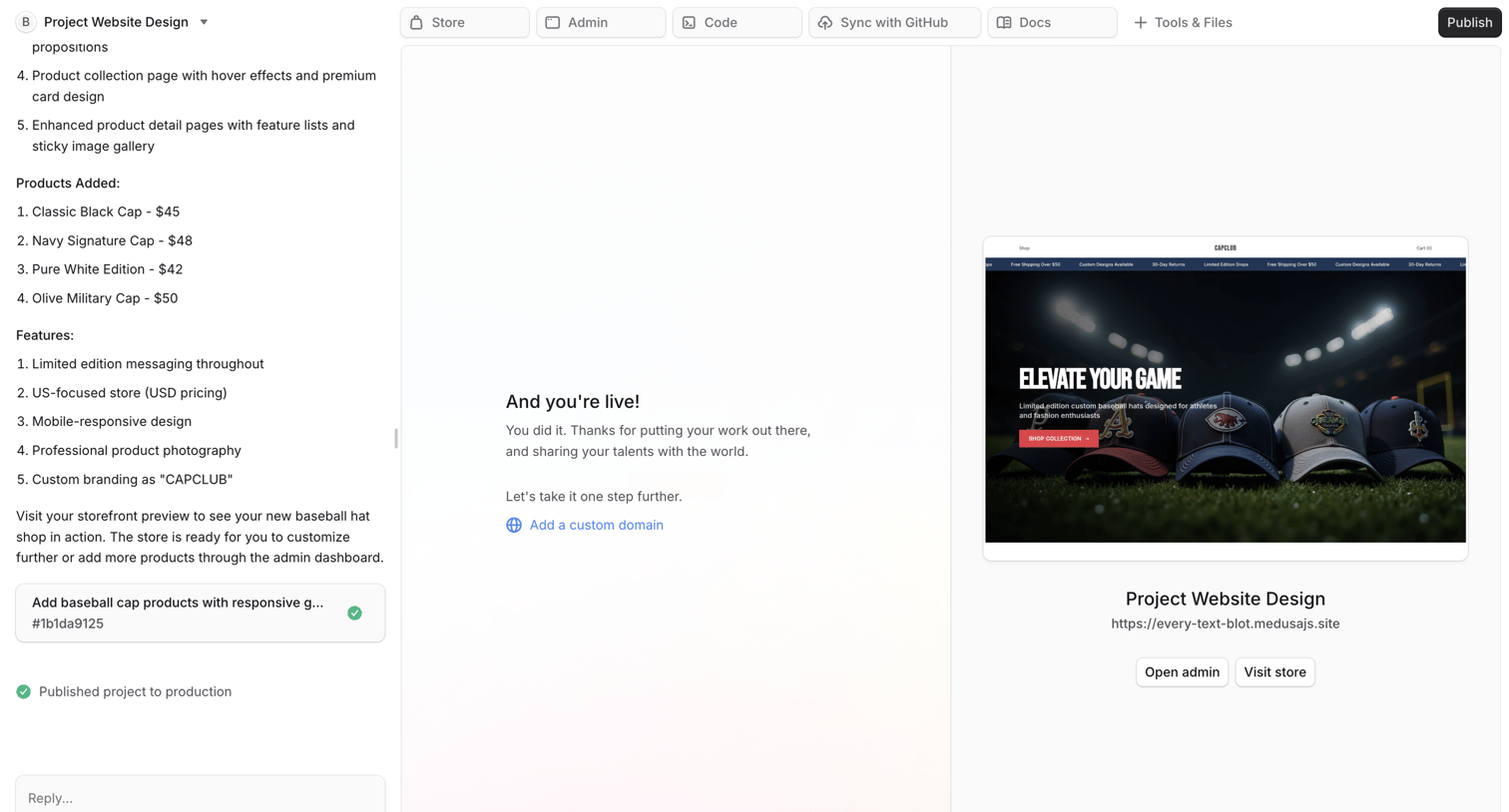

AI chat workspace where the user interacts with an assistant to build an ecommerce website, viewing the live preview, admin links, and project files in the main canvas.
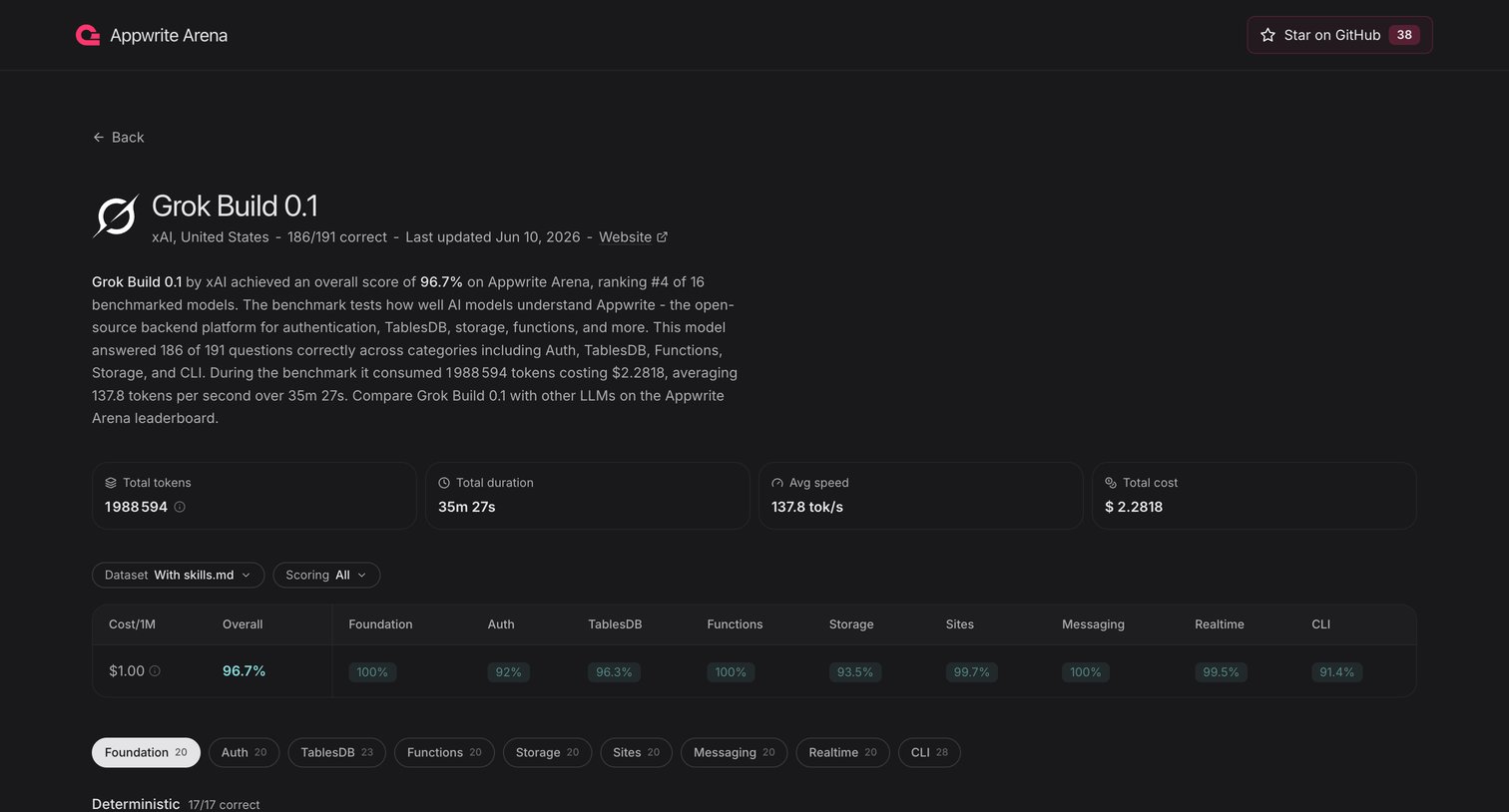

Explore the full SaaS screen library
Upgrade to unlock the full library.
Trusted by the best teams








About Detail page
Detail page design in SaaS ensures users don't encounter dead ends. Also known as 'empty state' or '404' pages, these guide users when content is missing or a page is not found. A well-crafted design enhances user experience by offering clear navigation and helpful suggestions. Browse examples of Detail undefined pages design from the best SaaS apps to inspire your own user interface.