Skip to content

Slack Flow Example: Recording video clip

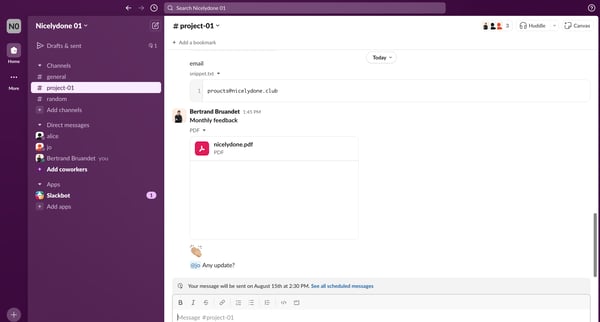
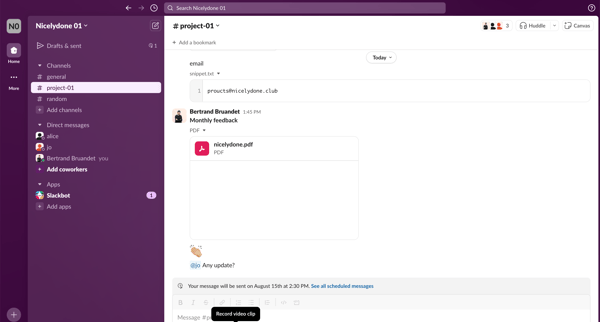
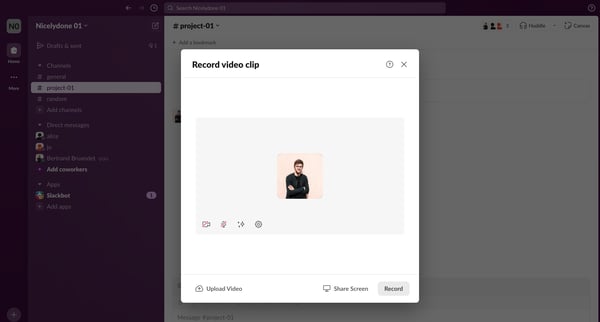
Preview this Slack user flow: Recording video clip. Explore the opening screens.

Preview these flows

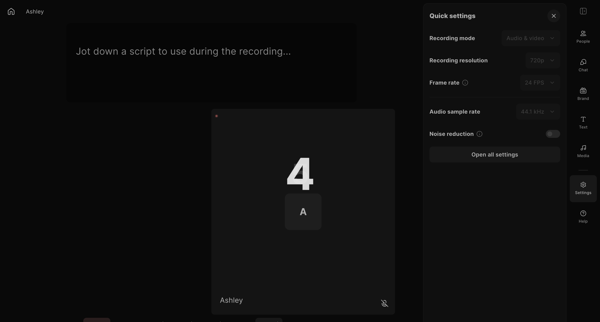
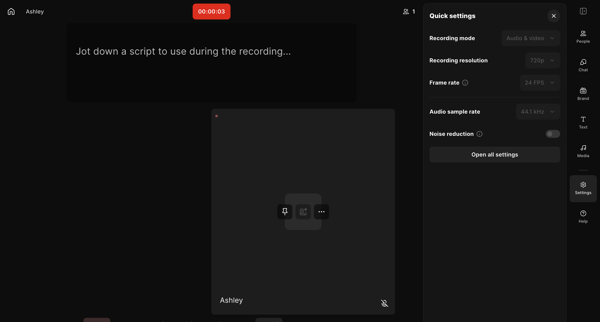
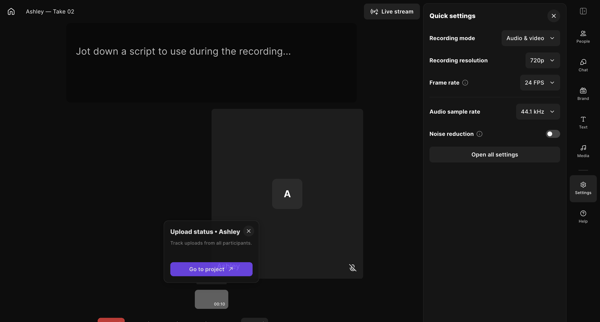
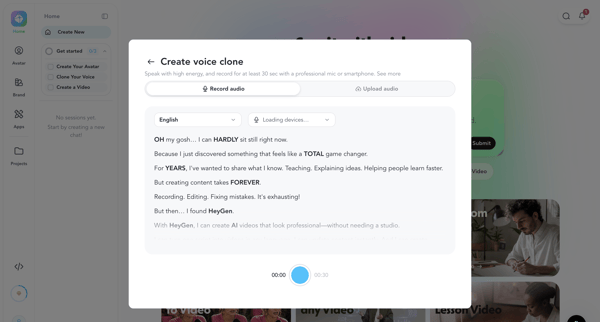
User enters live recording studio to capture audio and video with script support, settings controls, and participant management, then ends the session

Otter logo

Recording

10 screens

·
FromOtter
Otter Voice Meeting Notes - Otter.ai from Otter
My Conversations - Otter.ai from Otter
Otter Voice Meeting Notes - Otter.ai from Otter
Tella logo

Recording video

24 screens

·
FromTella
Tella — Video recording for work from Tella

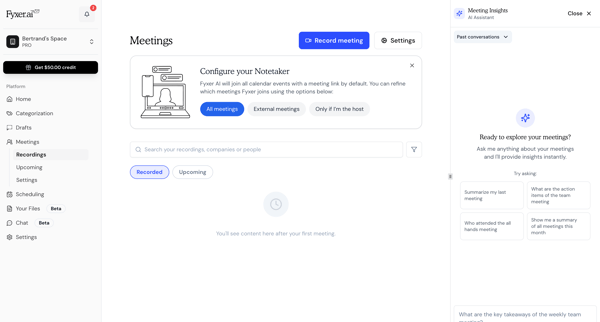
This flow consists of onboarding users while guiding them through managing and interacting with meeting recordings and summaries.

Gemini logo
Gemini from Gemini
Gemini from Gemini
Gemini from Gemini

This user flow facilitates an interaction with Gemini, where the user prompts Gemini with a question, experiences a listening phase, and finally receives a detailed response.

Distrobird logo
Inbound Calls from Distrobird

This user flow facilitates the process of managing call activities, including reviewing call histories, connecting to a call, and post-call documentation such as logging call outcomes and sch

This user flow enables the customization of a ServiceBell widget, including the option to upload or capture a video or image to personalize the widget background, with steps to save and revie

Async logo
Async | Get started from Async

This user flow allows an individual to record an asynchronous message and obtain a shareable link for it.

Explore the full SaaS flow library

Browse the full SaaS flow library.

Trusted by the best teams