Stripe Flow Example: Enabling bank transfer
This user flow guides users through the process of enabling and verifying a bank transfer payment method within a settings interface.

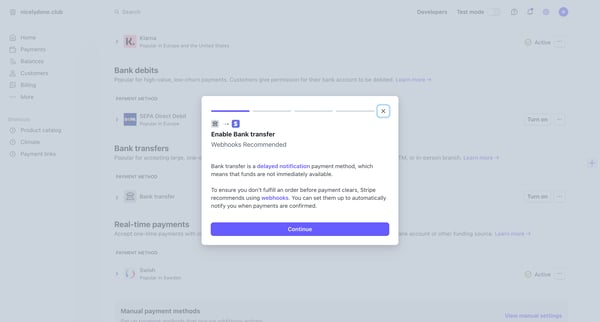
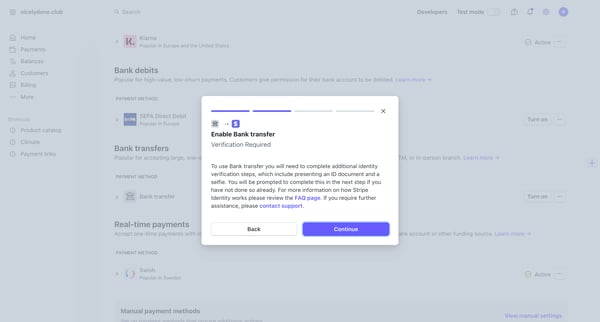
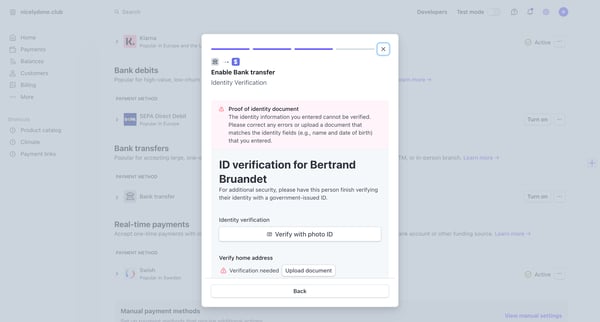
This user flow guides users through the process of enabling and verifying a bank transfer payment method within a settings interface.
Related user flows

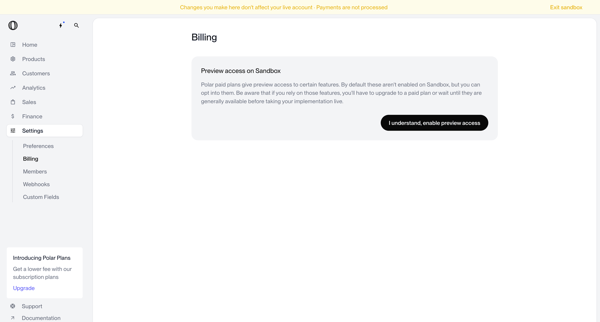
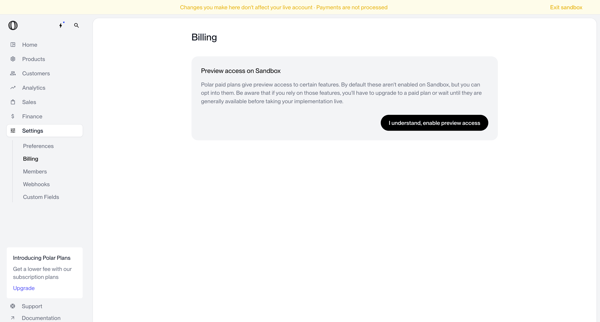
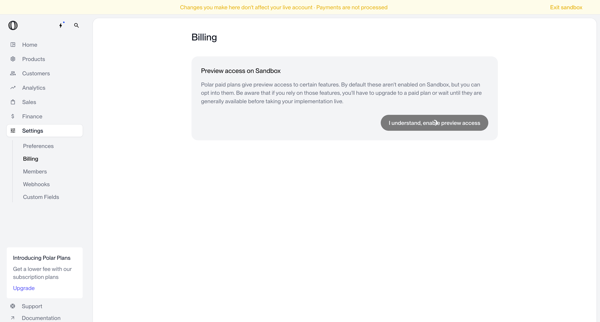
User views sandbox billing settings and opts into preview access for Polar paid plan features

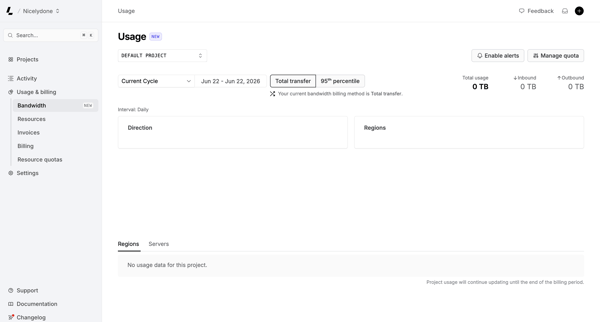
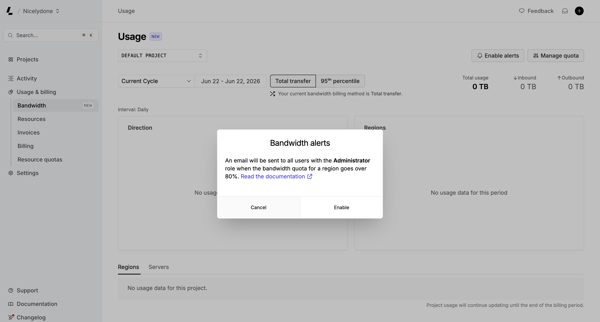
From bandwidth usage dashboard in settings, opening modal to enable email alerts at 80% quota

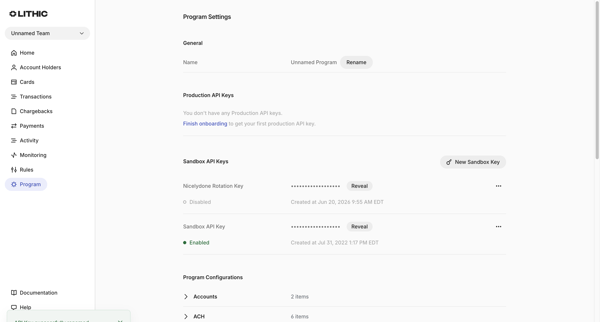
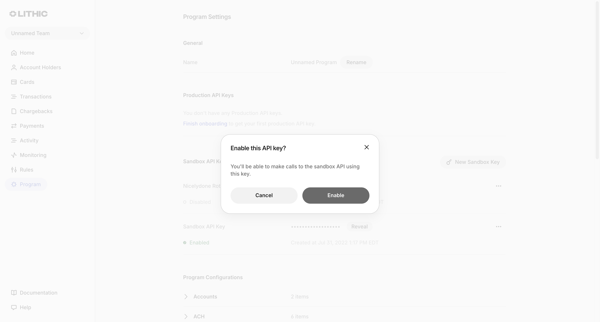
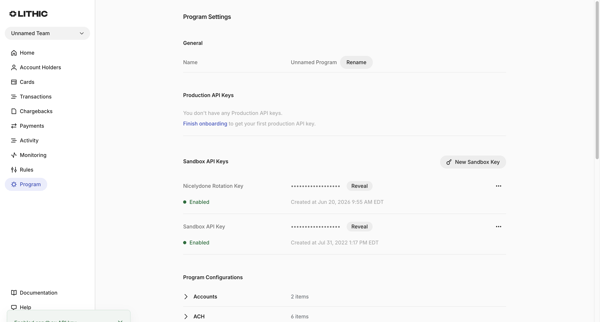
User enables a sandbox API key from the Program Settings page via a confirmation modal, resulting in the key status changing to Enabled with a success toast.

Explore the full SaaS flow library
Browse the full SaaS flow library.
Trusted by the best teams







