Dropbox Flow Example: Creating signature template
A user creates a custom signature template in Dropbox, adding signer roles, placing fields, and configuring settings for document signing.

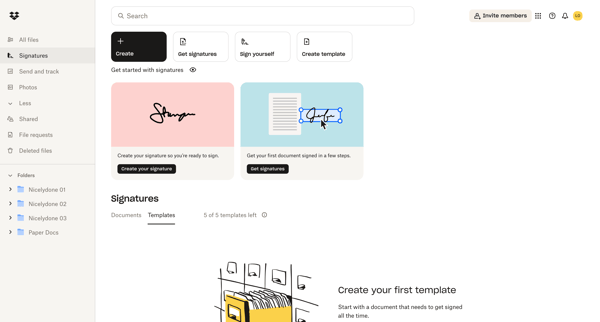
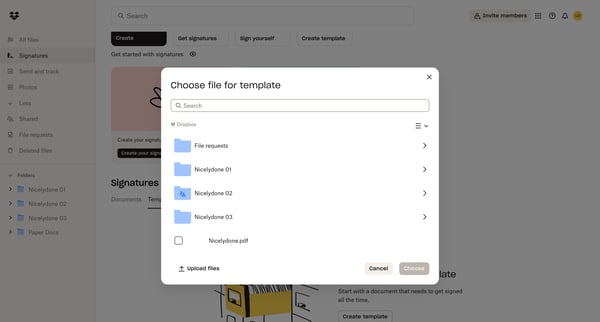
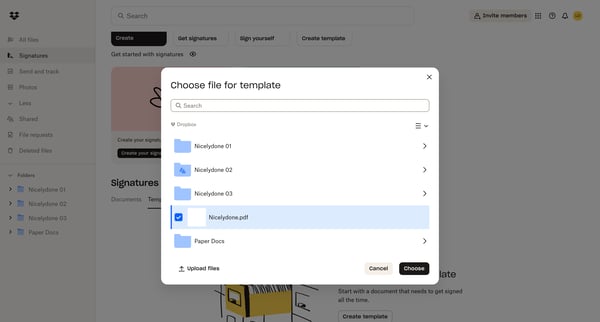
A user creates a custom signature template in Dropbox, adding signer roles, placing fields, and configuring settings for document signing.
Related user flows

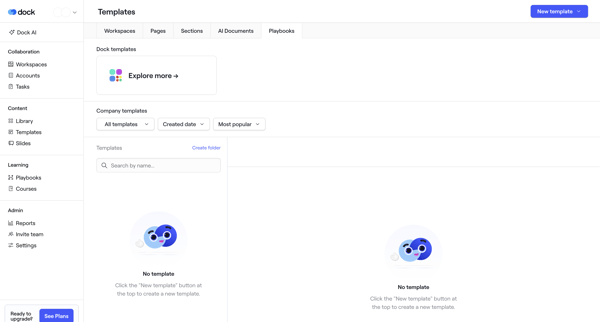
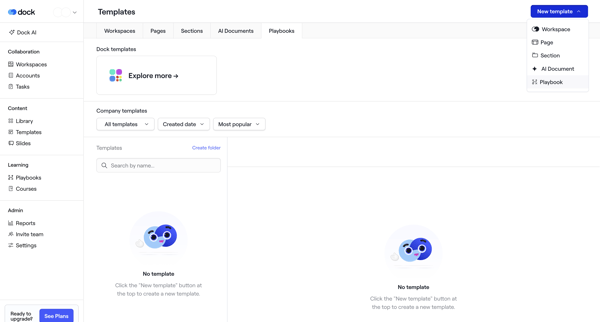
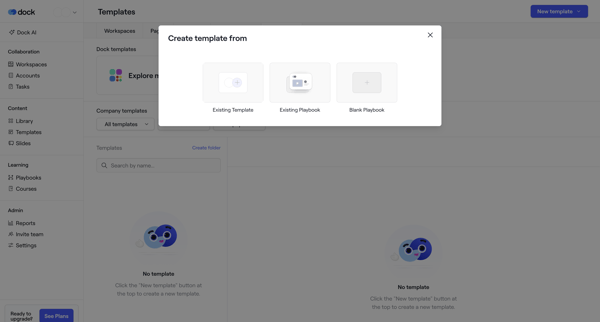
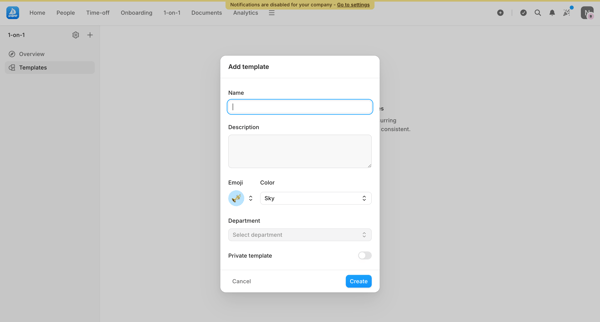
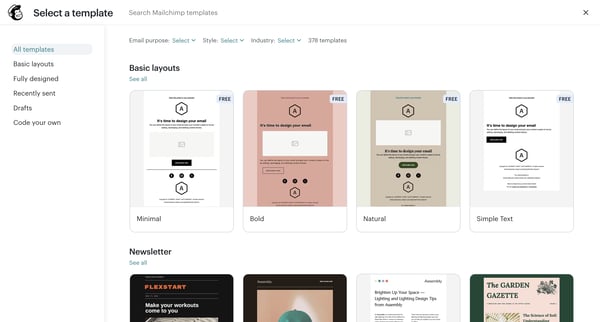
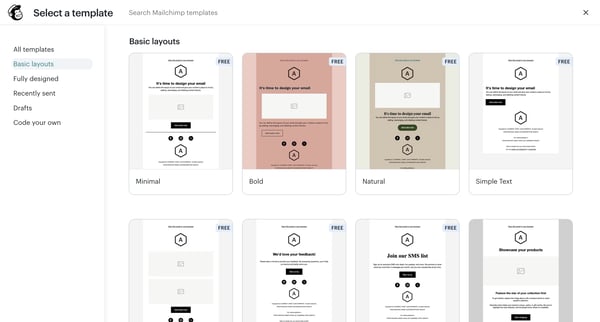
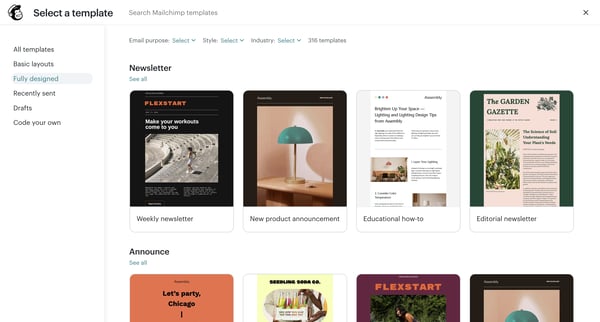
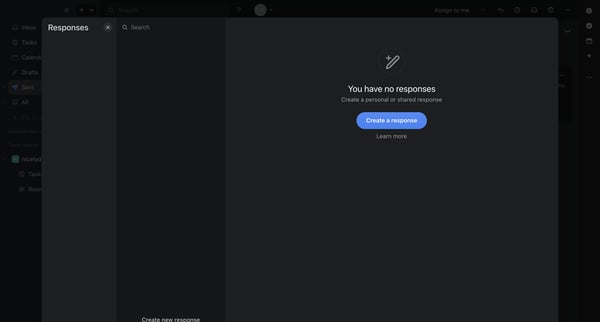
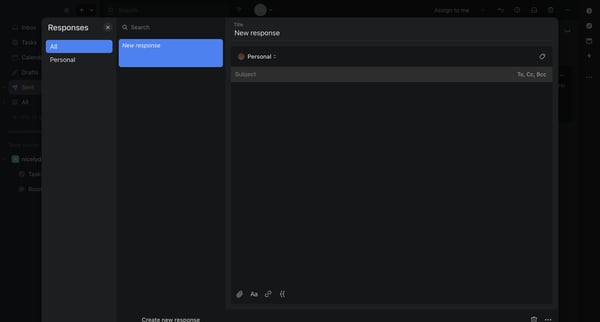
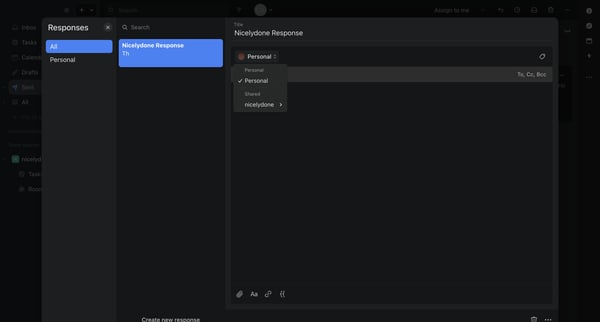
User starts from templates empty state, selects creation method via modals, names template with sharing permissions, then builds content in block editor until published

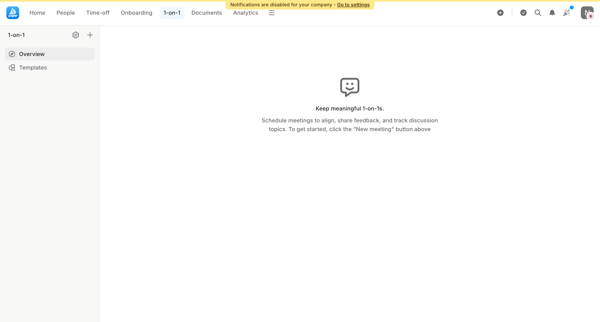
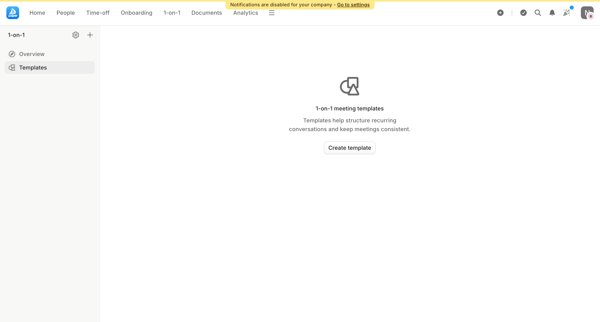


Explore the full SaaS flow library
Browse the full SaaS flow library.
Trusted by the best teams







