Skip to content

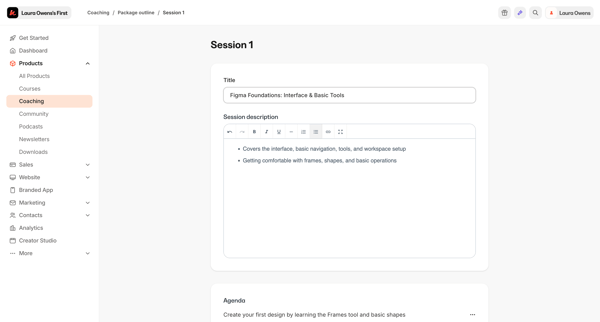
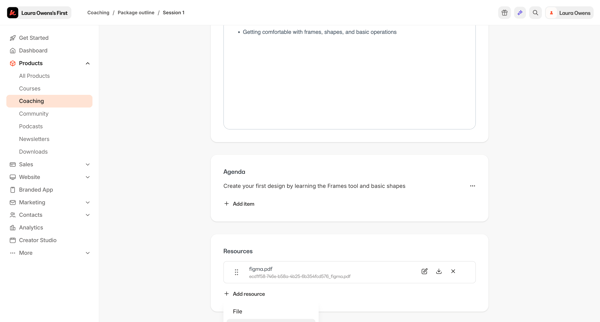
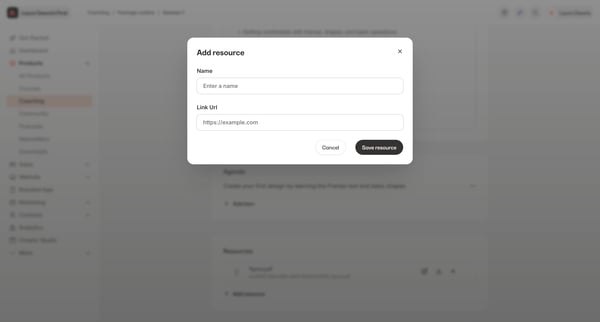
Kajabi Flow Example: Adding resource to coaching session

Preview this Kajabi user flow: Adding resource to coaching session. Explore the opening screens.

Preview these flows

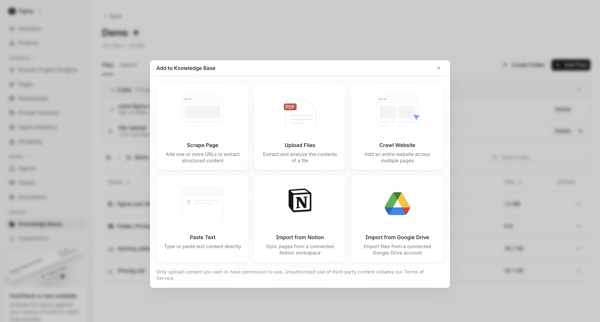
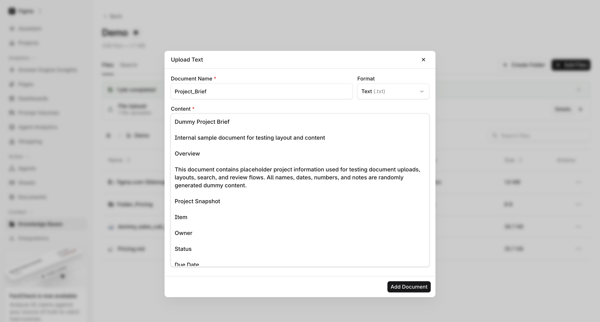
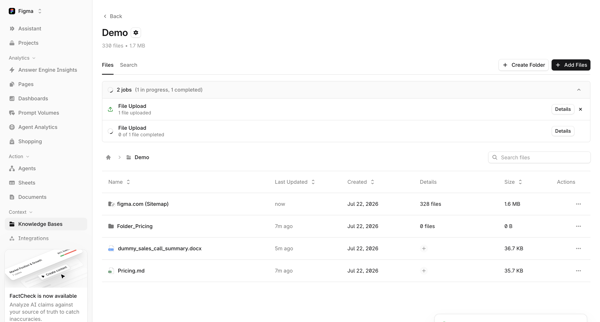
User opens Add Source Modal, selects Paste Text option, fills document name and content in Text Upload Modal, then views uploaded file and progress in Knowledge Base File Manager and Folder Detail

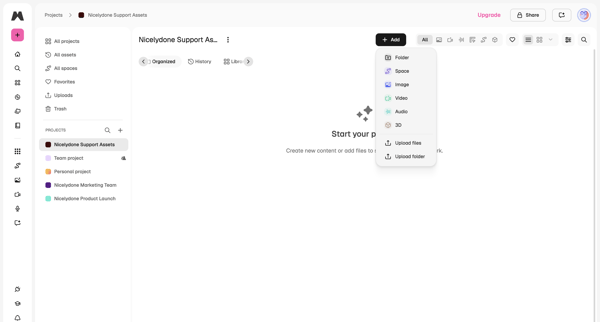
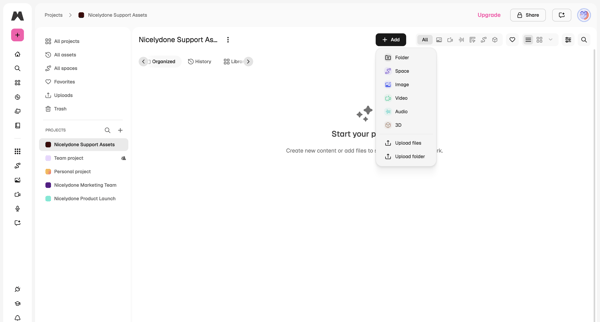
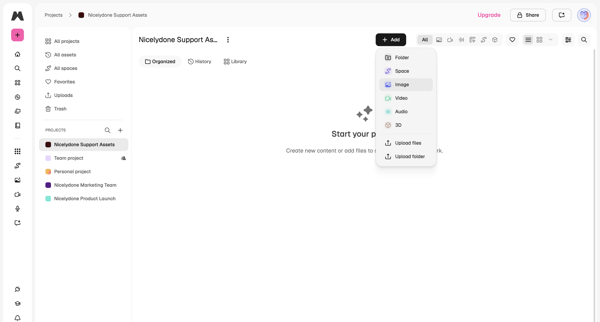
User lands on empty project workspace and opens add menu offering folder, space, image, video, audio, 3D, upload files or upload folder

Latitude.sh logo
Create virtual machines – Dashboard - Latitude.sh from Latitude.sh

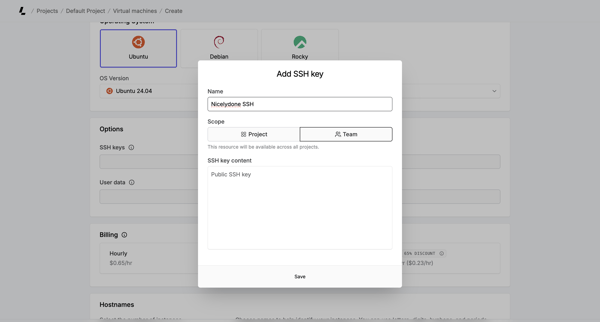
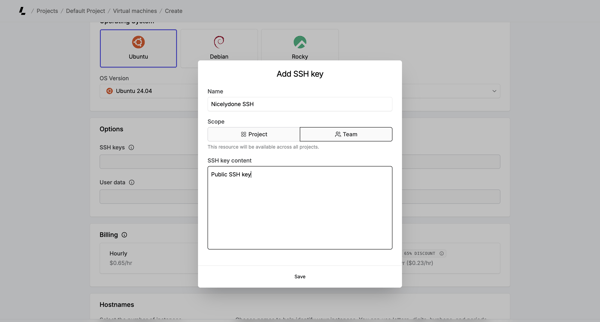
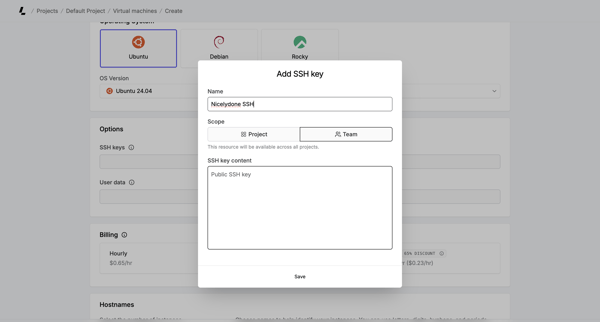
User opens Add SSH Key modal during virtual machine creation to provide name, scope, and public key content

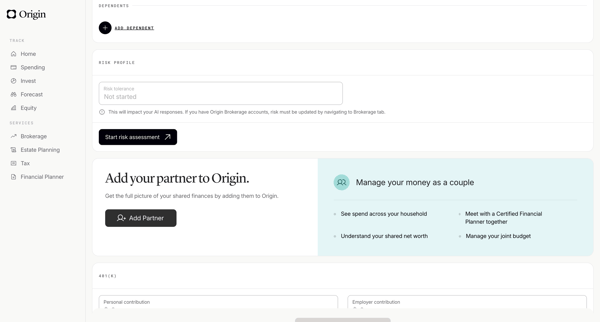
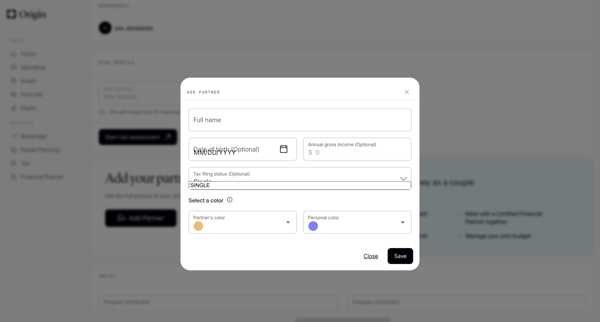
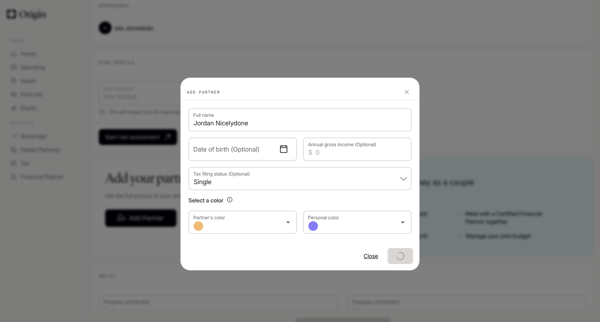
User opens profile settings and completes a modal form to add a partner with name, DOB, income, tax status, and color assignment

Riverside logo
Riverside Studio from Riverside

User locates and adds audio assets to a recording project inside the Riverside browser-based video and audio editor via the searchable media library sidebar

Axiom logo
AxiomTest | Dashboards from Axiom

User opens widget popover on dashboard, selects Spacer, names it in modal, and sees unsaved changes banner on dashboard

Bloom logo
Bloom by Medusa from Bloom

User views empty sender domains settings and opens multi-step modal to begin adding a domain for DNS verification

User navigates from empty custom domains settings to modal form to add domain, encounters paywall, and may confirm exit

User opens Add Product Modal from AI Settings to define name, description, price, and invoice options for the AI receptionist's knowledge base

User views investment holdings on account detail and opens institution selector modal to connect a new account

Exa logo

Adding funds

2 screens

·
FromExa
Billing | Exa API from Exa

User opens add funds modal from billing settings to top up account balance via payment form for pay-as-you-go API usage

Explore the full SaaS flow library

Browse the full SaaS flow library.

Trusted by the best teams