Cal.com Flow Example: Configuring event types
This flow enables the user to manage their calendar by setting availability, creating event types, and sharing their booking page.

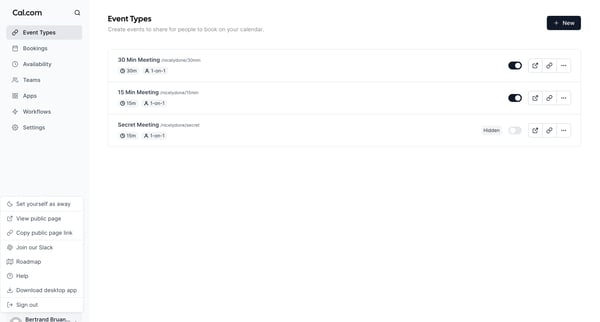
This flow enables the user to manage their calendar by setting availability, creating event types, and sharing their booking page.
Related user flows

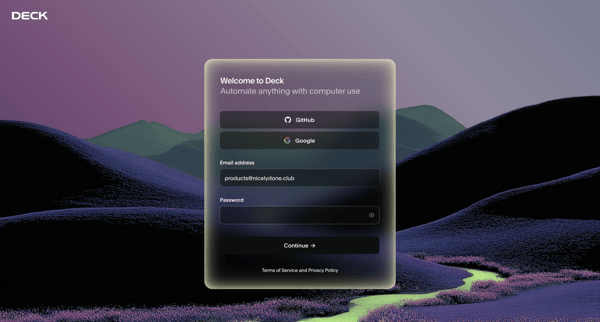
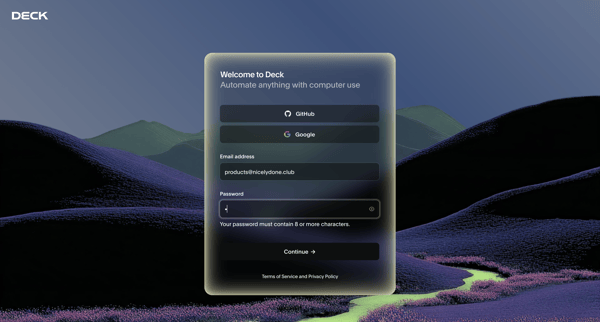
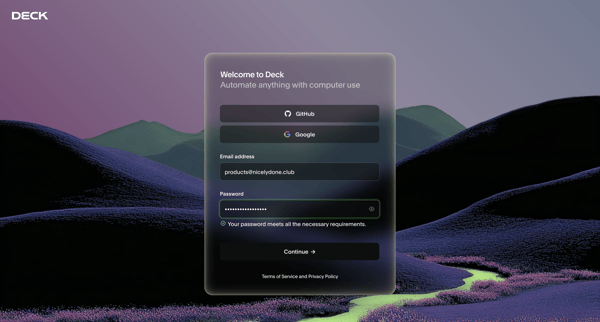
User enters email and password on unified auth screen to create Deck account, with inline password validation and social OAuth options available

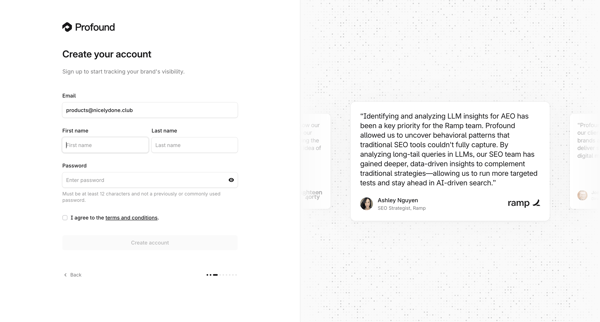
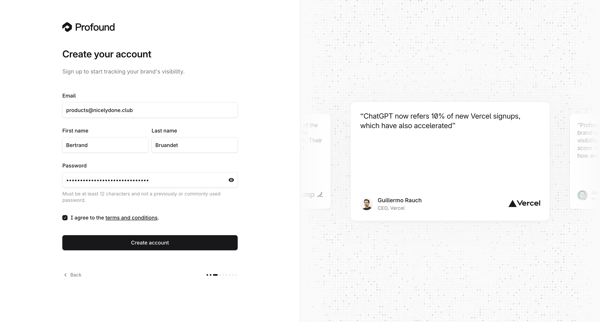
User creates an account on Tryprofound by providing email, first and last name, password, and agreeing to terms on a split-screen signup form with testimonial carousel

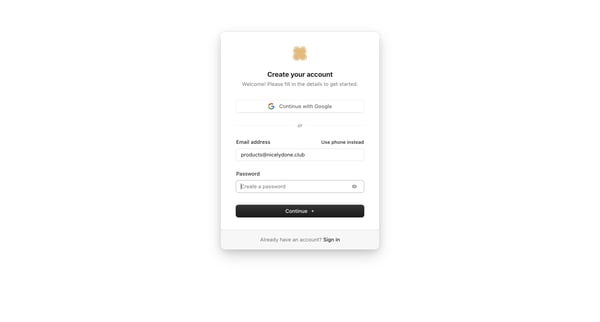
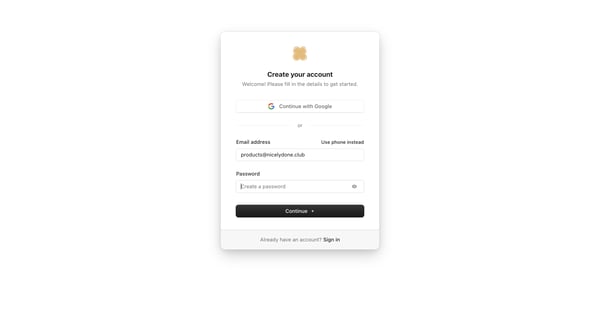
User enters email and password or selects Google SSO on the auth card to create an account

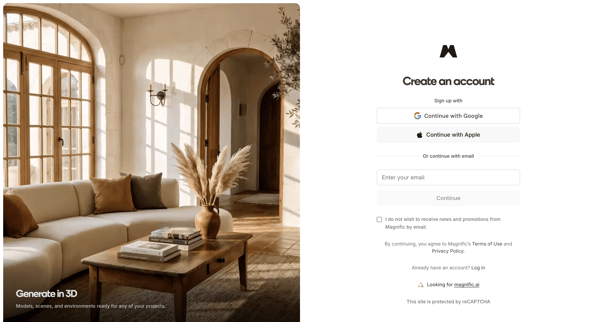
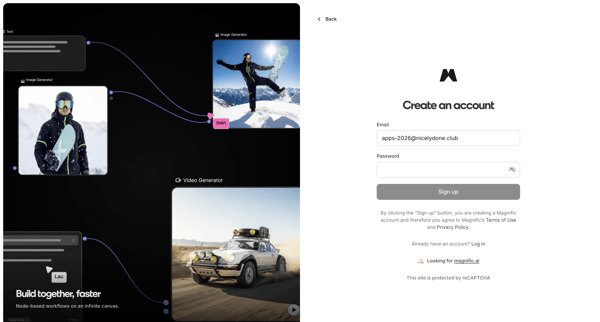
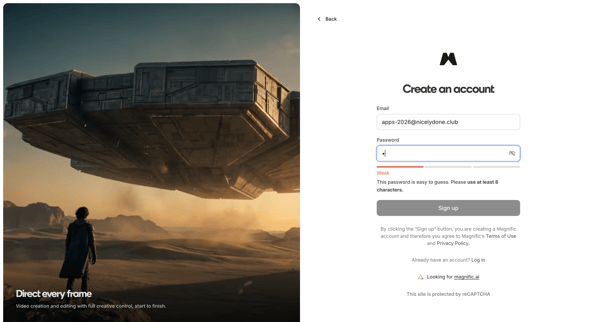
User creates a Magnific account via OAuth providers or email/password on split-screen signup pages with product previews and password strength indicators
Explore the full SaaS flow library
Browse the full SaaS flow library.
Trusted by the best teams







