Setapp Flow Example: Canceling subscription
This user flow guides a user through the process of canceling their subscription to Setapp, offering insights and alternatives before confirming the cancellation.

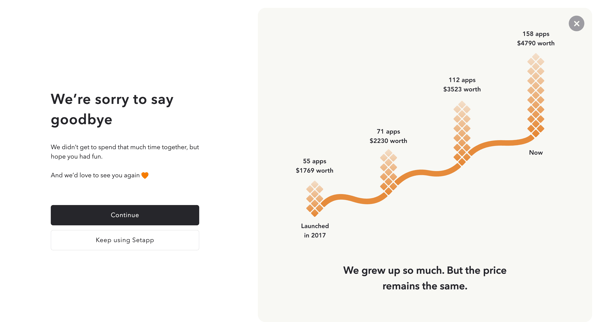
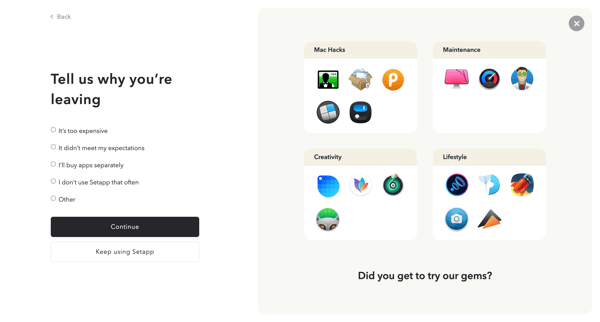
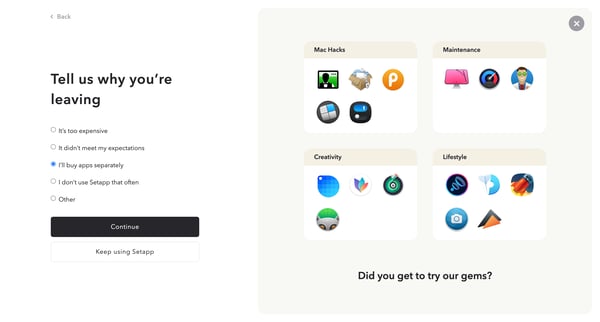
This user flow guides a user through the process of canceling their subscription to Setapp, offering insights and alternatives before confirming the cancellation.
Related user flows

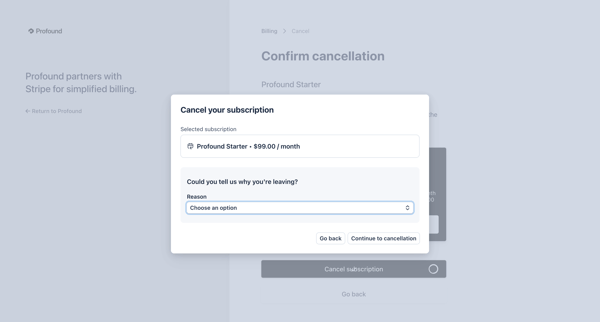
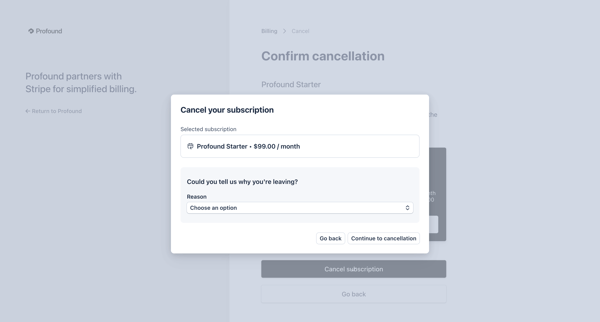
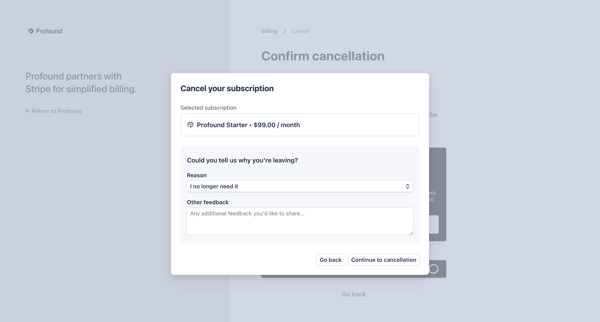
User opens billing settings to cancel Profound Starter plan, selects cancellation reason via dropdown, provides optional feedback, views retention discount offer, and confirms cancellation

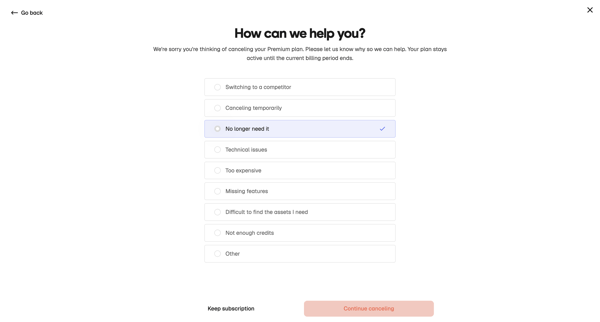
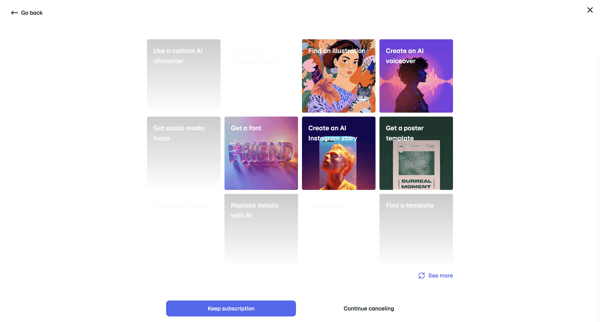
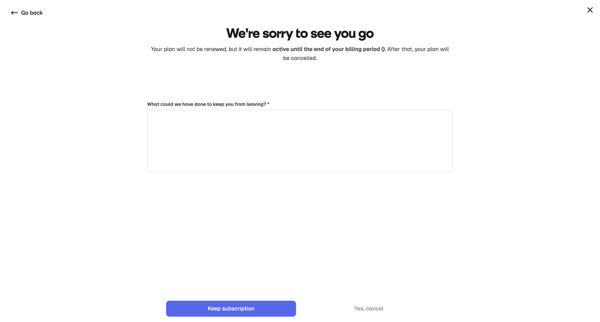
User starts cancellation from billing settings, selects cancellation reason, views retention offers with AI templates, provides feedback, and confirms subscription cancellation

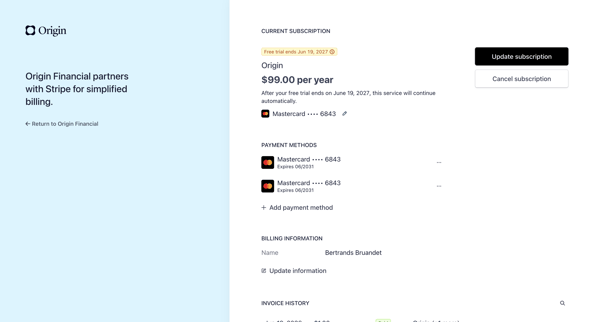
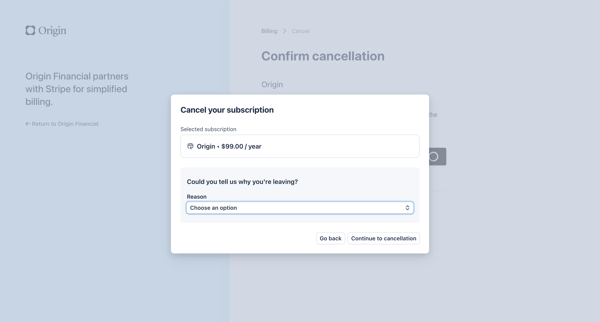
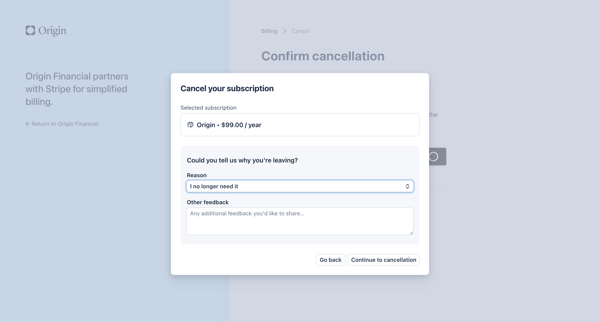
User navigates from billing settings to a Stripe-hosted cancellation modal, selects a reason for leaving, confirms annual $99 subscription cancellation, and completes the process with loading and final confirmation states.

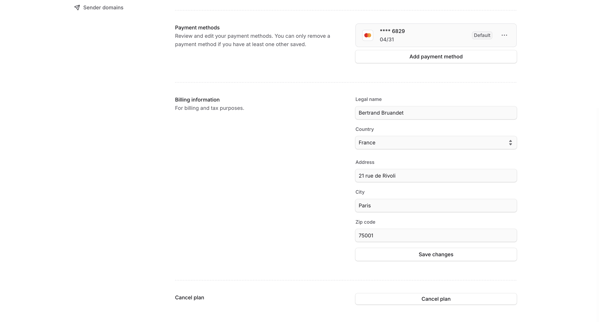
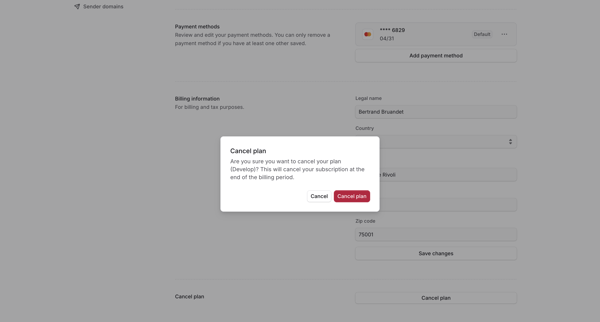
User opens billing settings and triggers cancel plan, then sees confirmation modal explaining end-of-period cancellation
Explore the full SaaS flow library
Browse the full SaaS flow library.
Trusted by the best teams







