Perplexity Flow Example: Switching theme appearance
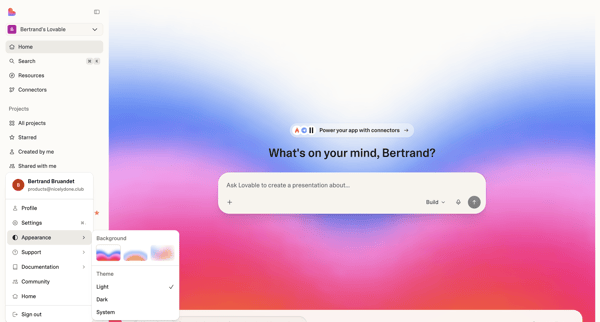
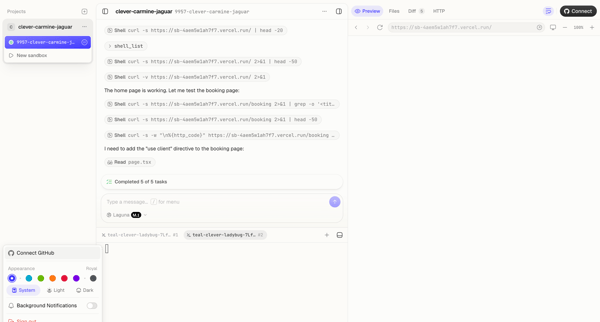
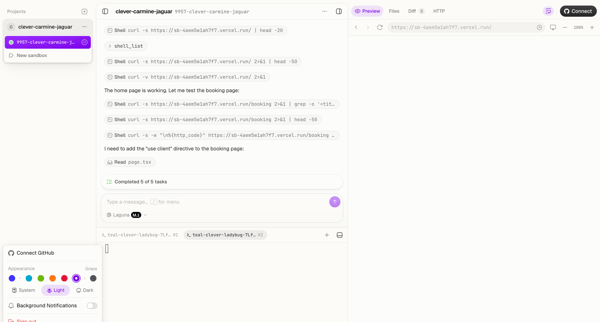
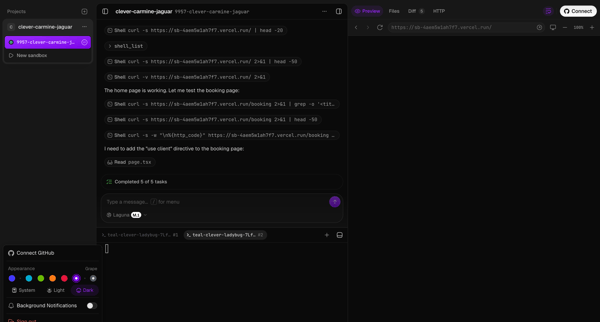
This flow guides the user through the process of changing the interface theme from a light to a dark mode within their account settings.

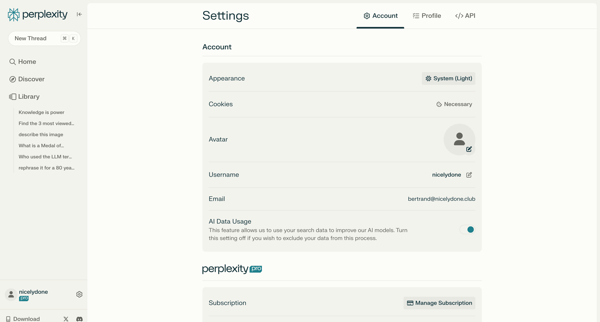
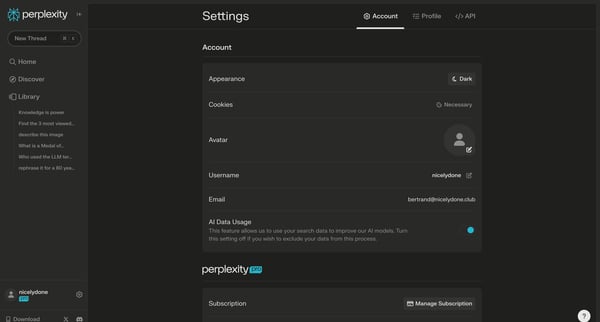
This flow guides the user through the process of changing the interface theme from a light to a dark mode within their account settings.
Related user flows

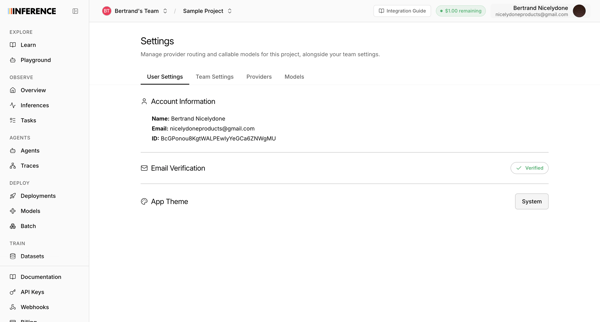
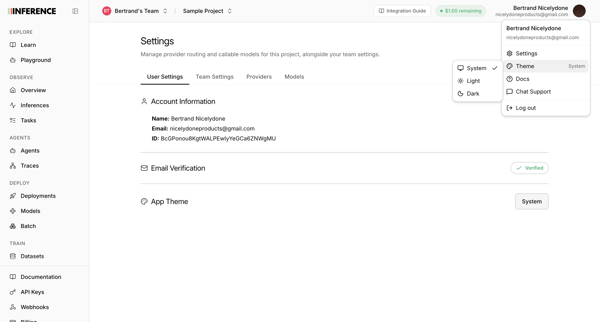
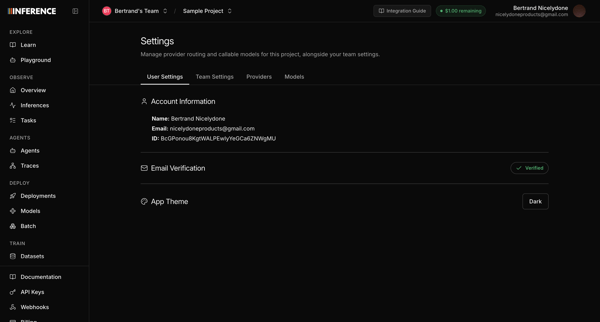
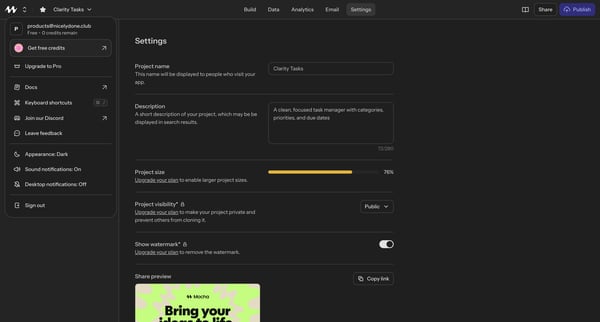
User opens profile settings to view account details and select a new app theme



Explore the full SaaS flow library
Browse the full SaaS flow library.
Trusted by the best teams







