Secfi Flow Example: Signing in
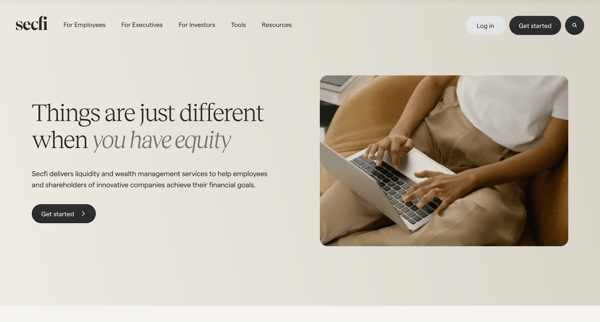
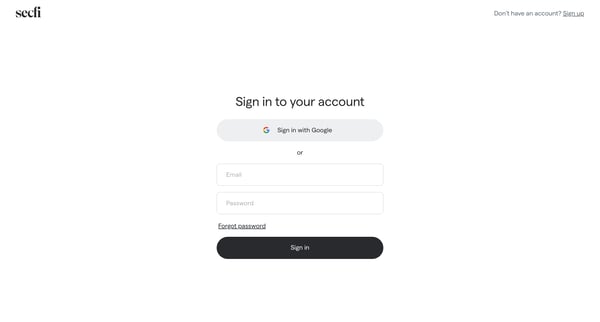
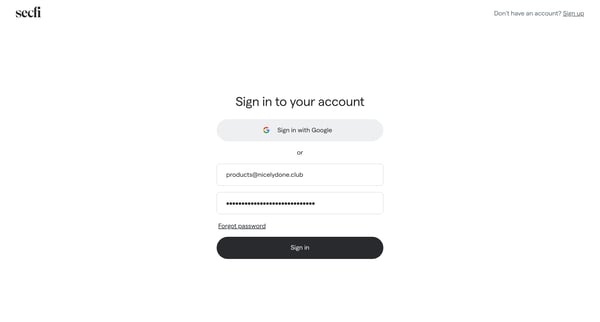
Preview this Secfi user flow: Signing in. Explore the opening screens.

Related user flows

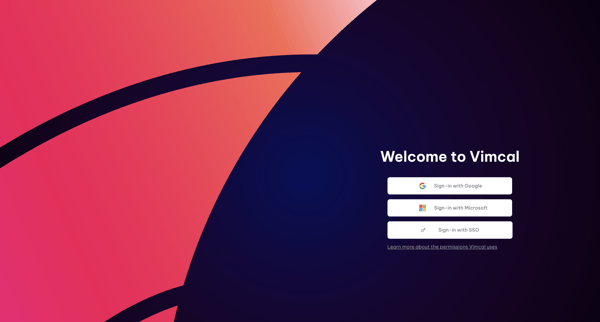
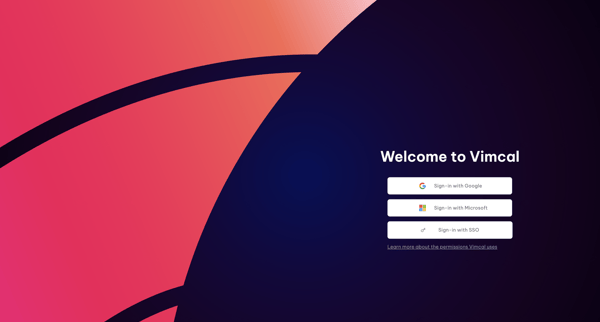
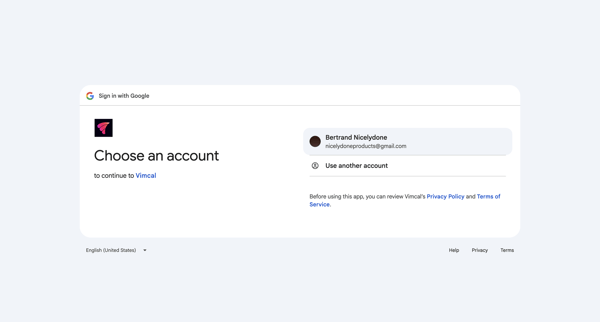
OAuth authentication journey starting from Vimcal sign-in options, proceeding through Google account selection and permission grants, ending at app loading screen

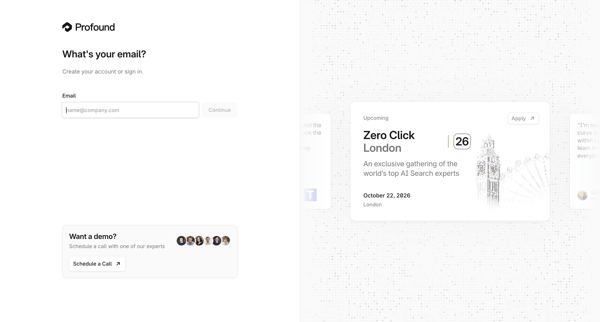
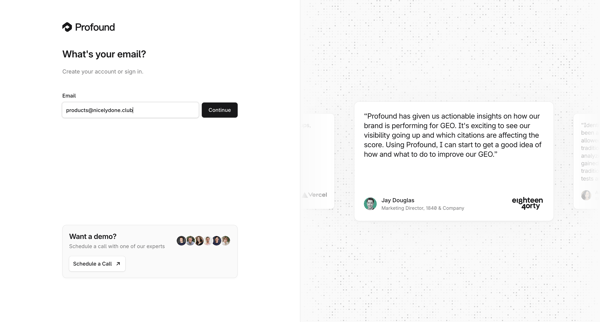
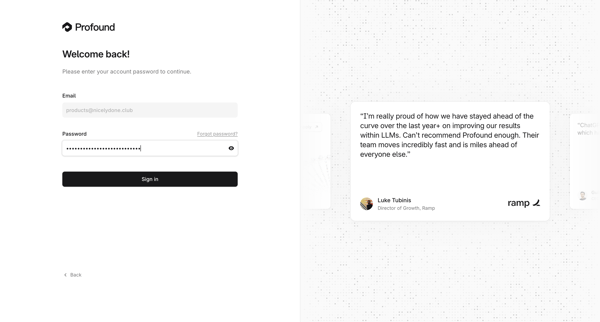
Email entry for passwordless authentication or account creation, followed by password entry for returning users on split-screen auth pages

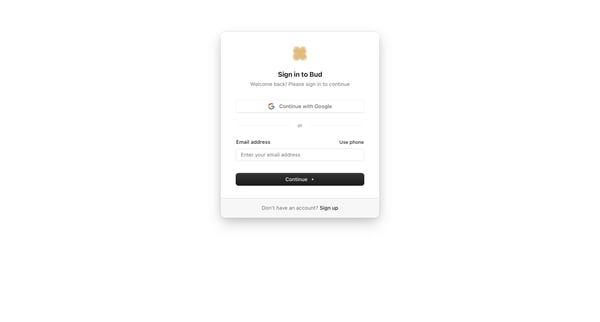
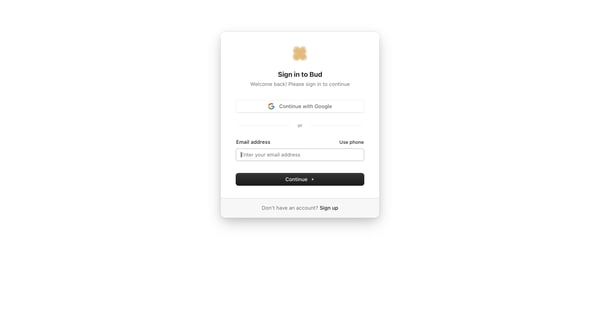
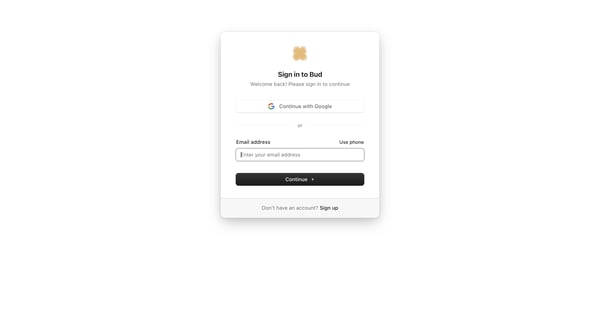
User selects Google, email, or phone authentication on the sign-in card, then enters password on the follow-up screen

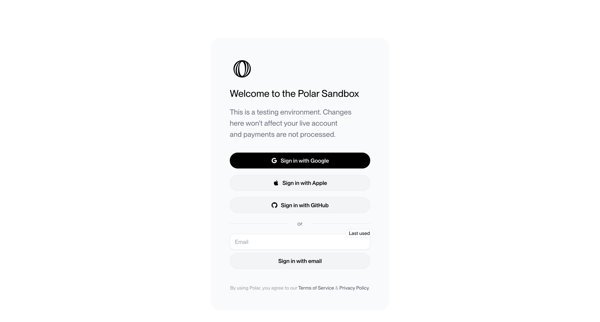
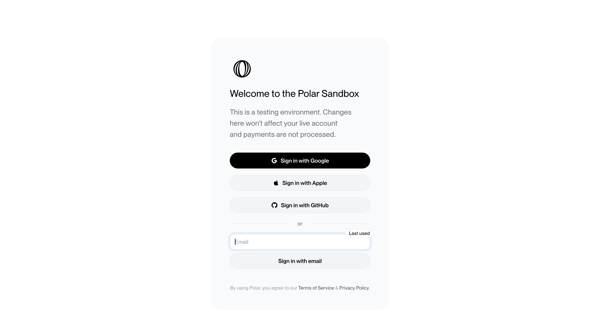
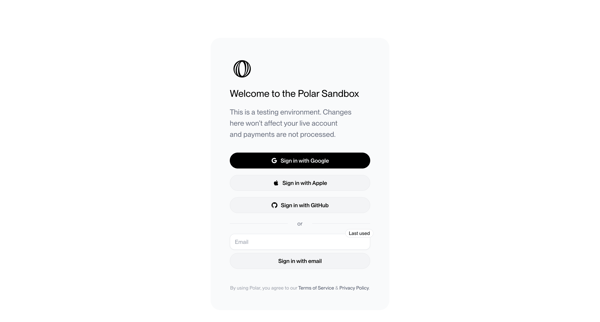
User views sandbox sign-in screen offering Google, Apple, GitHub OAuth or email magic link authentication with testing environment notice and legal footer
Explore the full SaaS flow library
Browse the full SaaS flow library.
Trusted by the best teams







