Evervault Flow Example: Deleting team
Preview this Evervault user flow: Deleting team. Explore the opening screens.
Preview these flows

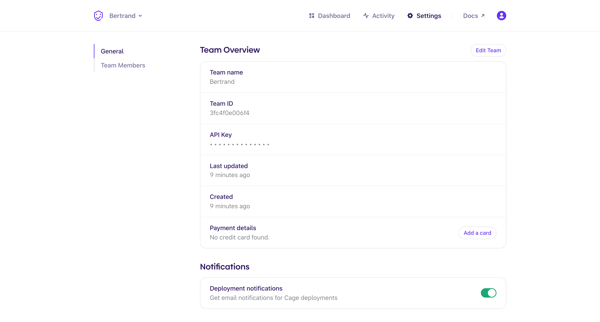
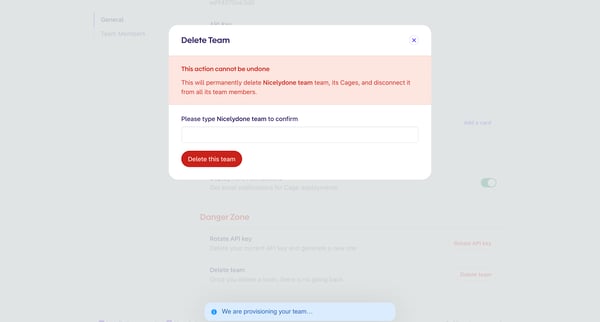
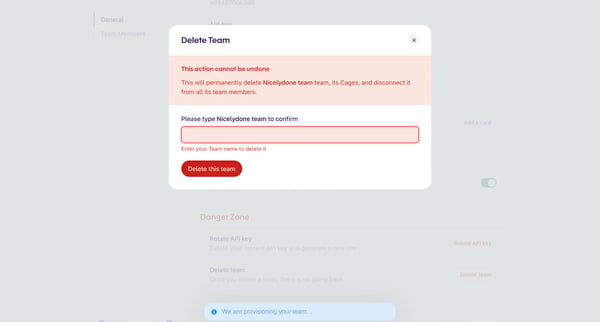
This flow guides a user through the process of permanently deleting a team along with its associated data and disconnecting all its members.
Related user flows

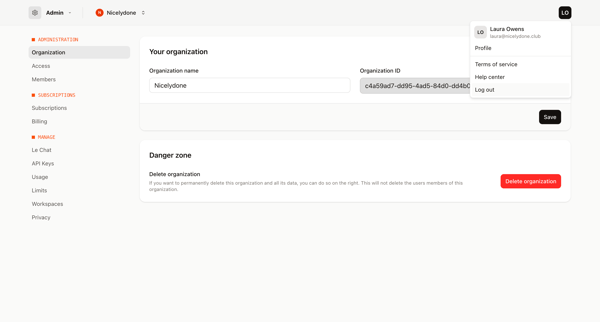


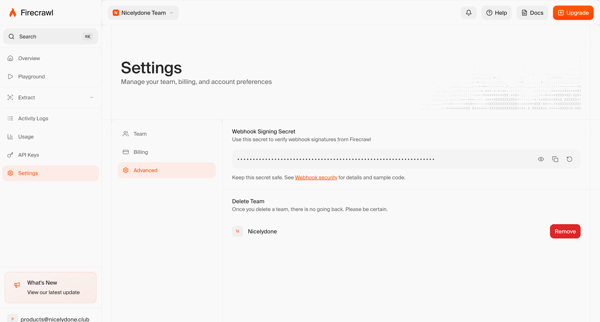
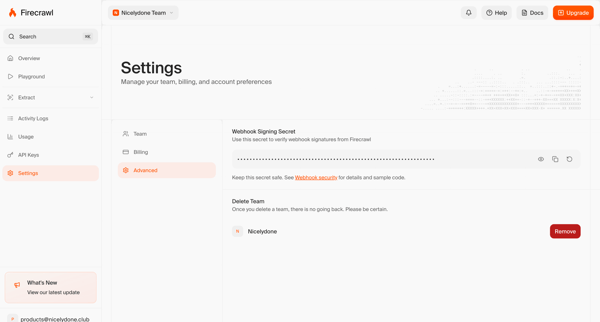


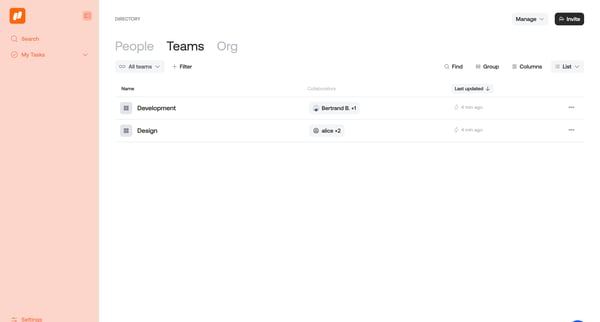
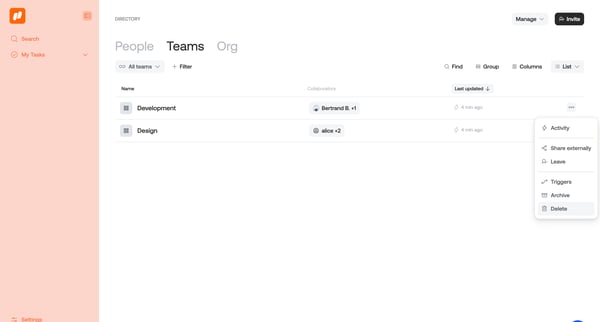


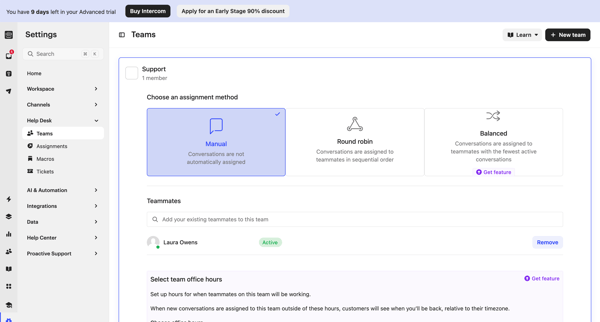
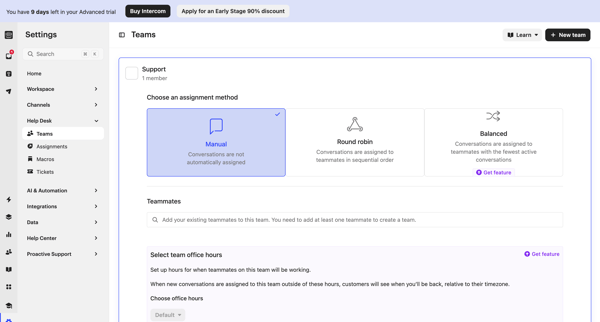
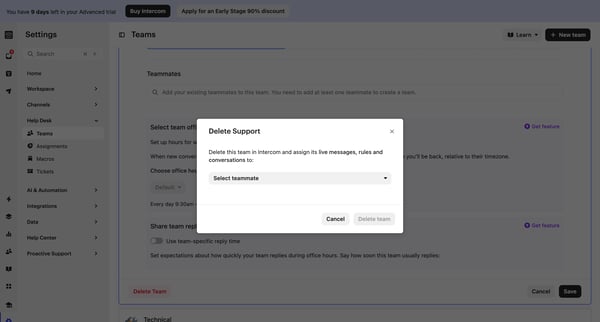

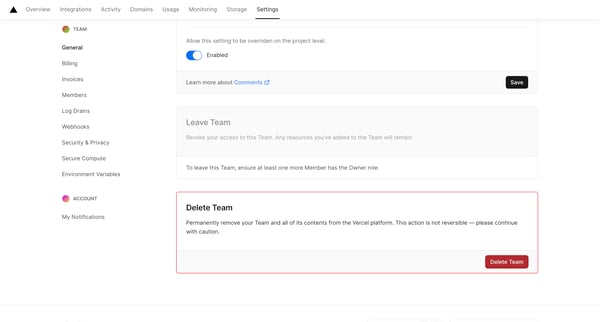
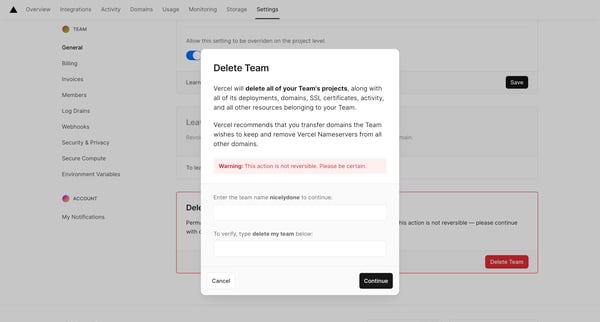
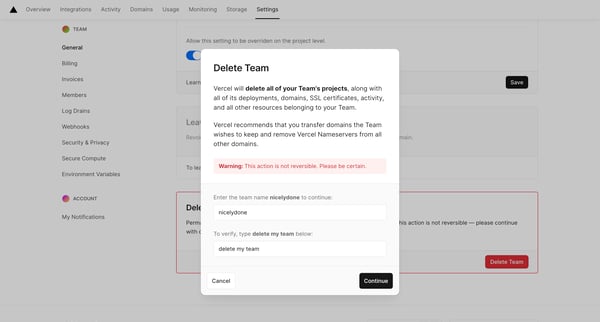
This flow walks a user through the process of permanently deleting a team from the Vercel platform, including all related projects, domains, and resources, with steps for confirmation and fee
Explore the full SaaS flow library
Browse the full SaaS flow library.
Trusted by the best teams







