Tome Flow Example: Creating first tome
This flow guides a user through the process of setting up their first project by selecting a type and template to create curated content.

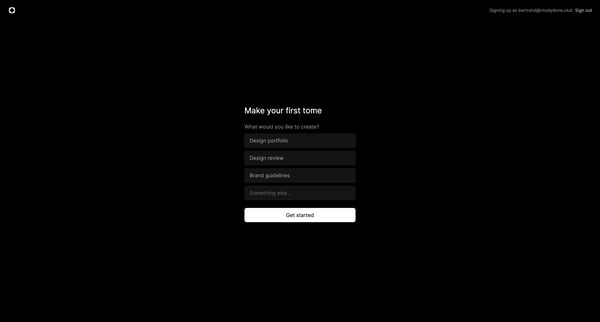
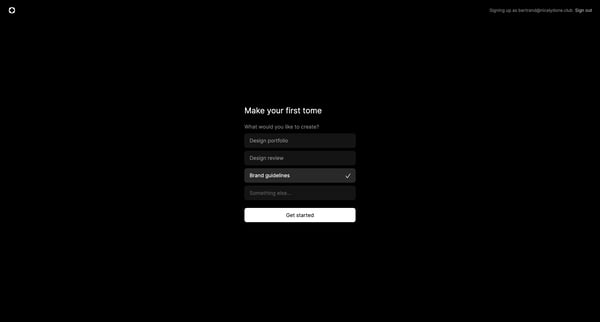
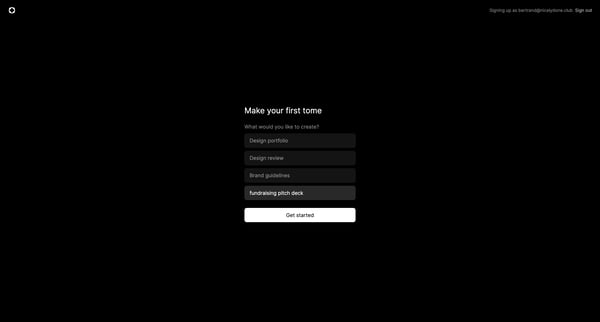
This flow guides a user through the process of setting up their first project by selecting a type and template to create curated content.
Related user flows



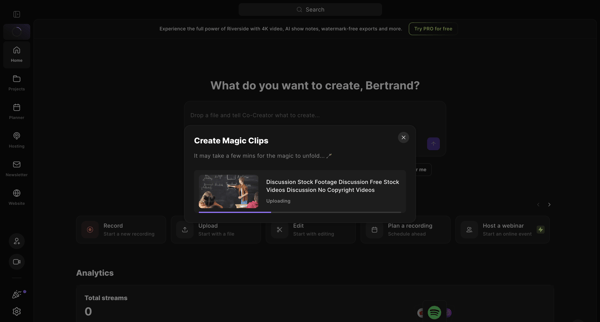
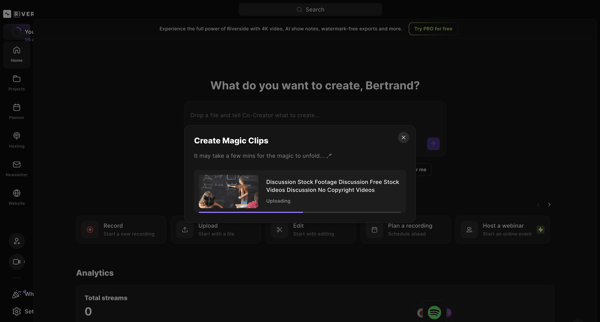
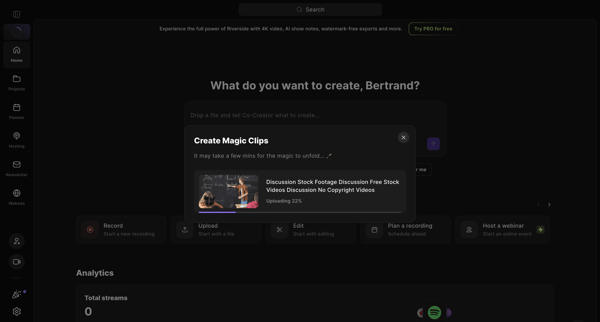
Uploading a video file via modal on the home dashboard and waiting for AI to generate magic clips

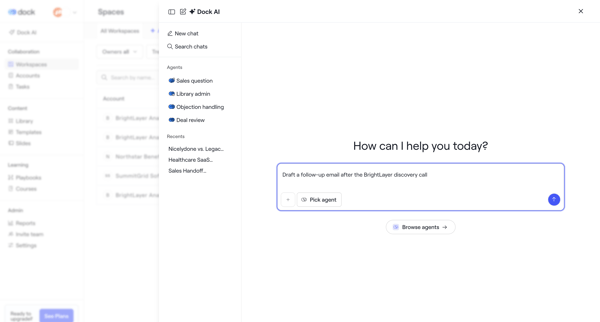
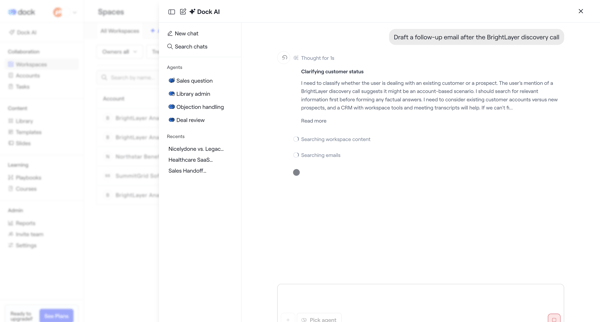
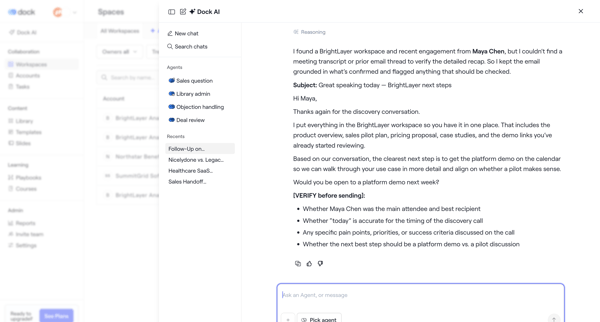
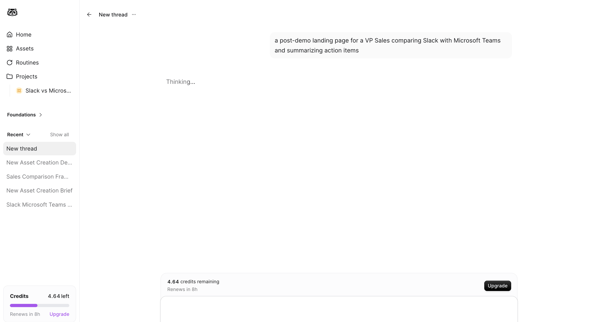
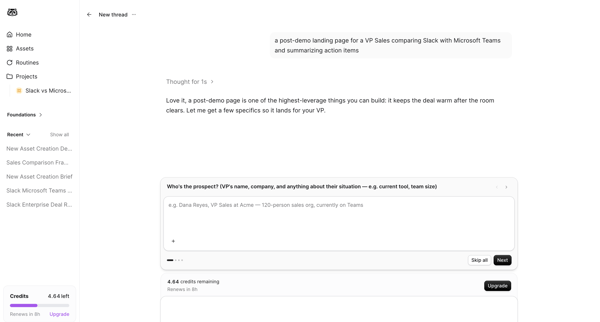
User opens AI assistant drawer or modal, selects sales agent, prompts for follow-up email draft, watches agent search workspace content and reasoning steps, then reviews and edits the generated email
Explore the full SaaS flow library
Browse the full SaaS flow library.
Trusted by the best teams







