Skip to content

Dovetail Flow Example: Creating workspace

Preview this Dovetail user flow: Creating workspace. Explore the opening screens.

Preview these flows

Dovetail logo
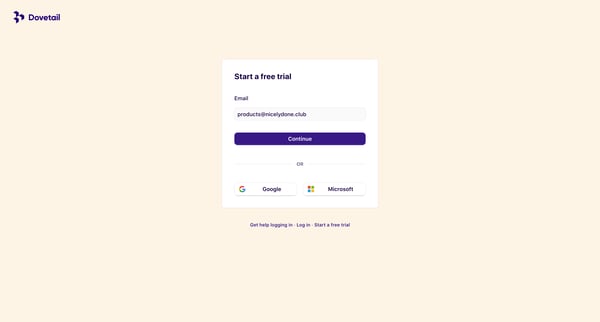
User research analysis and repository platform – Dovetail from Dovetail
Start a free trial – Dovetail from Dovetail
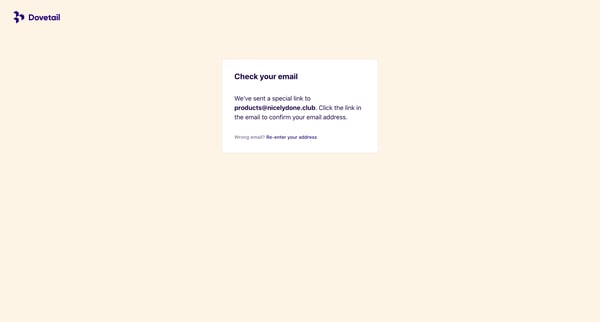
Verify your Email – Dovetail from Dovetail

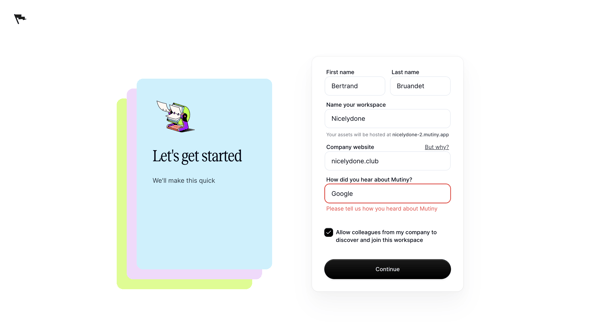
This user flow guides the user through the process of creating a workspace on Dovetail, from landing on the page to completing their workspace setup.


Magnific logo
Magnific | All-in-One AI Creative Suite from Magnific

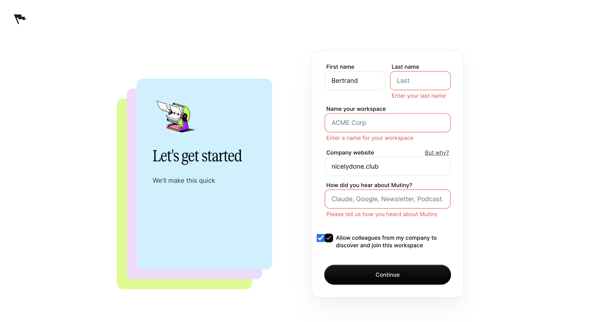
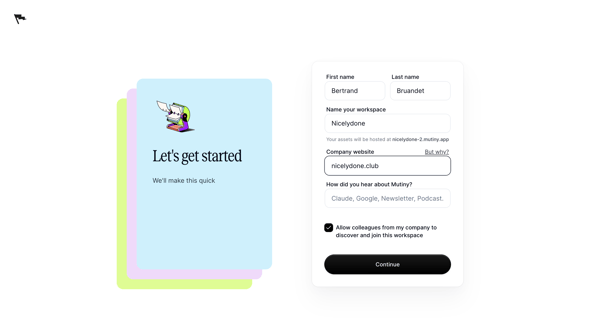
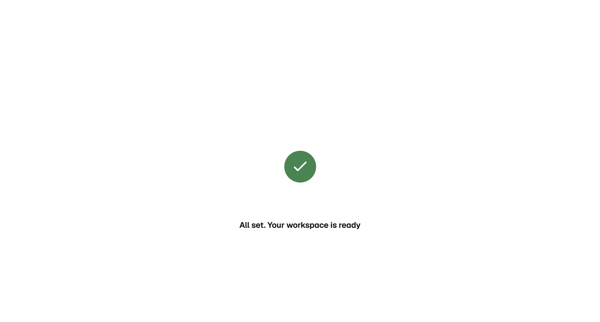
Onboarding flow showing loading state then success confirmation for new workspace initialization in Magnific

Zaro logo

Creating workspace

6 screens

·
FromZaro
Zaro - The Context Layer for Enterprise AI from Zaro

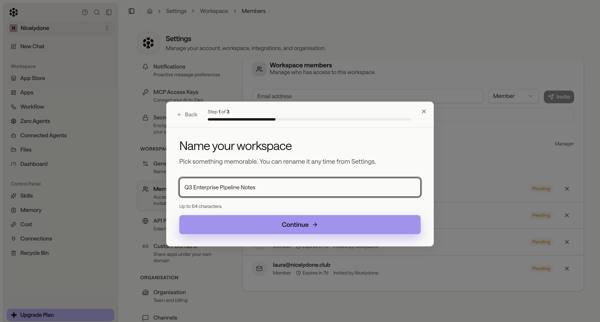
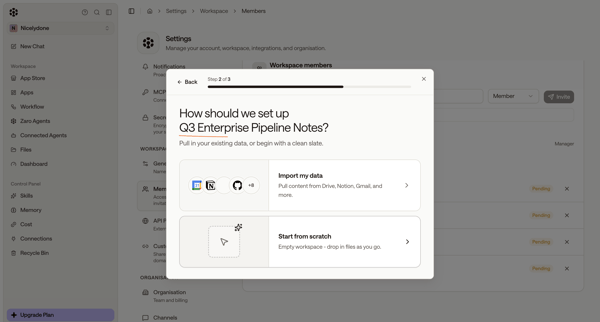
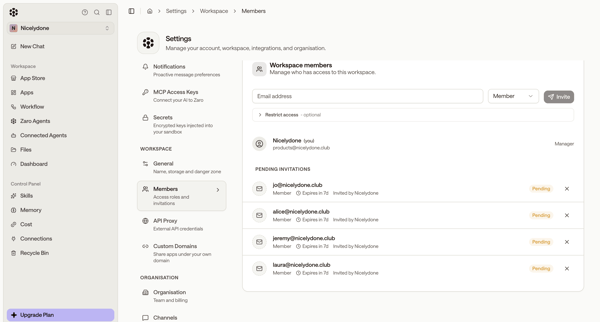
User starts workspace creation from members settings, names workspace and chooses setup options in modals, then encounters quota limit paywall and error states blocking completion

Axiom logo
Feedback - Axiom from Axiom

User opens Create Organization Modal to name the organization and select an AWS edge deployment region

Extend logo
extend from Extend
extend from Extend
extend from Extend

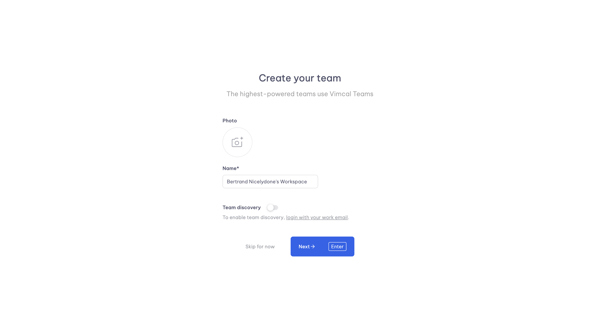
Onboarding flow to name an organization and trigger workspace creation in Extend

User selects sales room template, chooses account, configures roles dates and teammates through wizard steps, then publishes with shareable link

User enters organization name, selects Free or Pro plan, reviews payment summary, adds payment method and invites members, with option to exit

Explore the full SaaS flow library

Browse the full SaaS flow library.

Trusted by the best teams