Leapsome Flow Example: Creating 1:1 meeting template
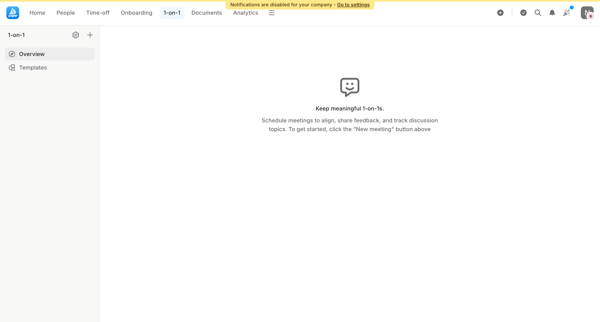
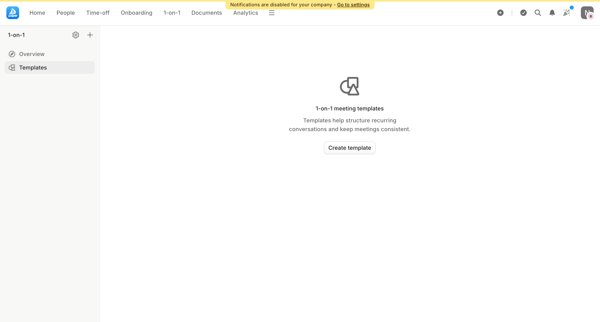
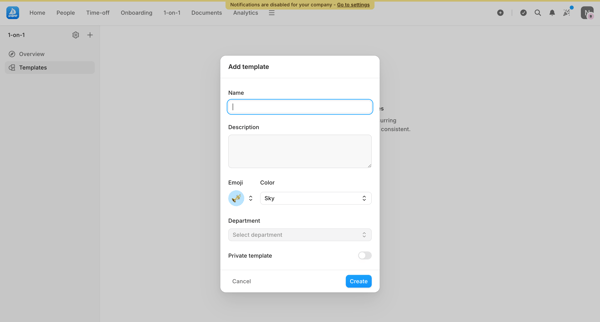
Preview this Leapsome user flow: Creating 1:1 meeting template. Explore the opening screens.
Preview these flows

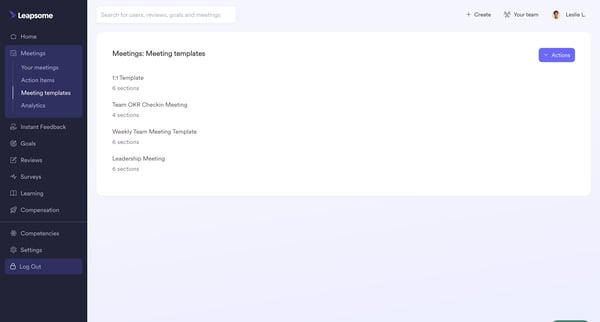
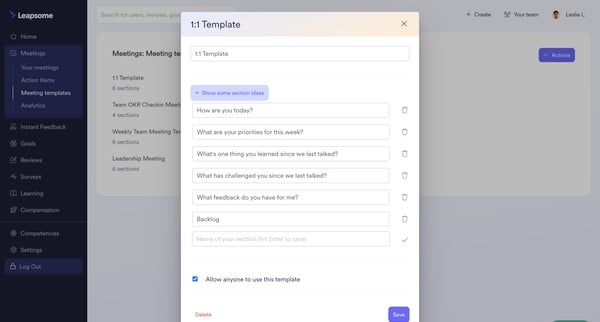
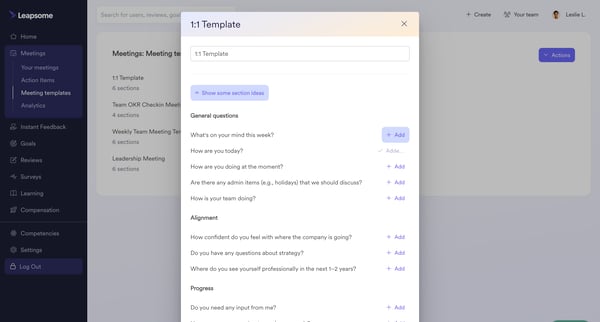
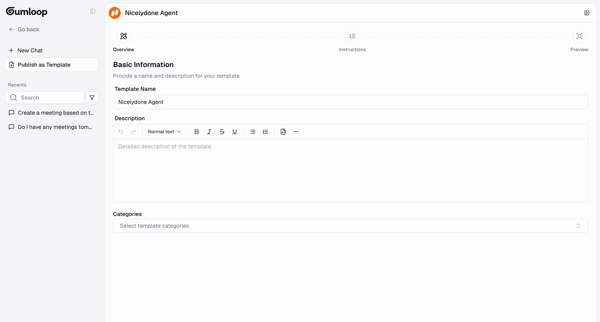
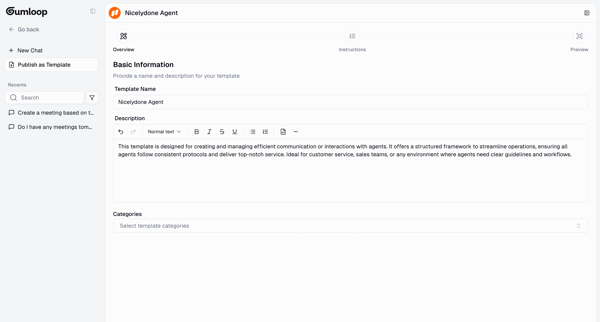
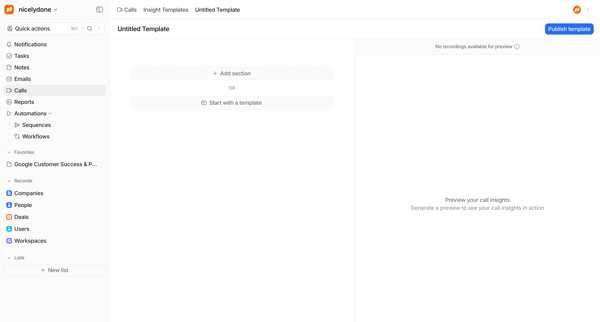
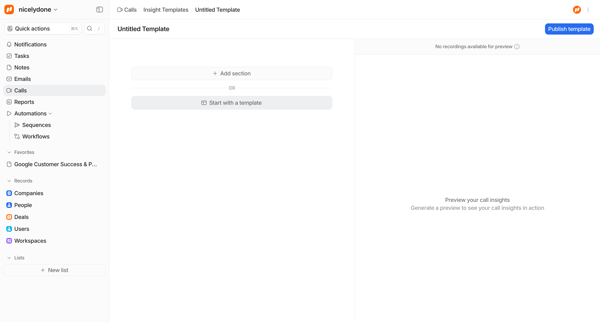
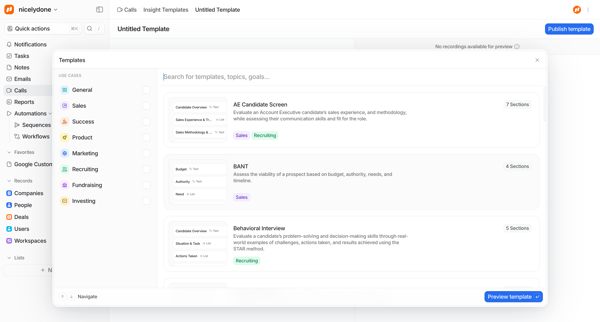
This flow facilitates the customization of meeting templates by adding and editing sections relevant to the meeting's agenda.
Related user flows

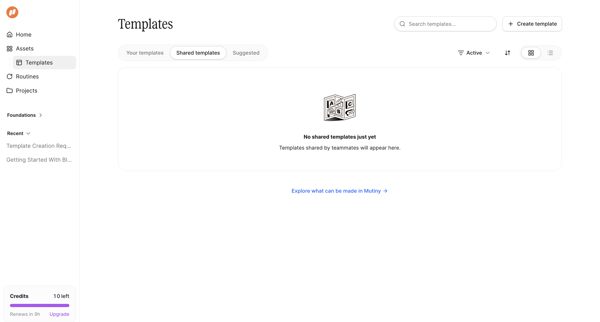
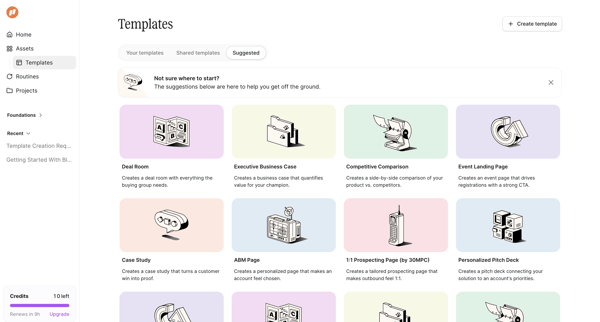

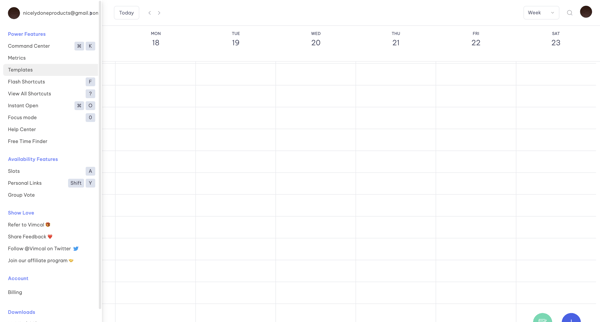
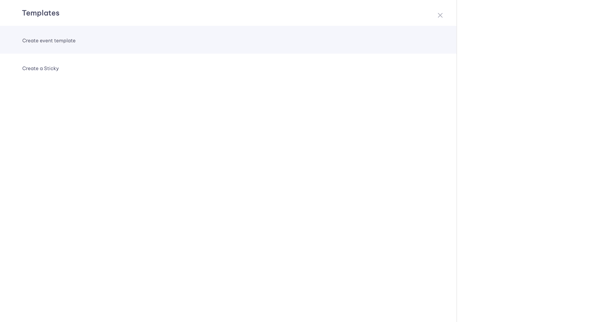
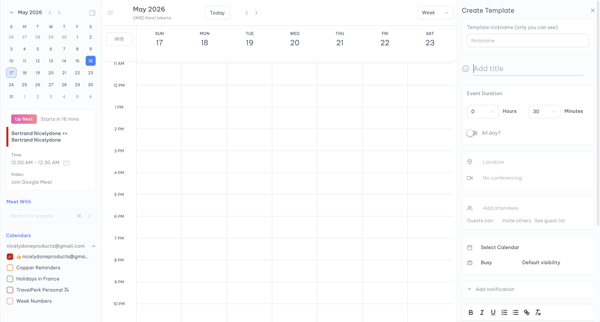
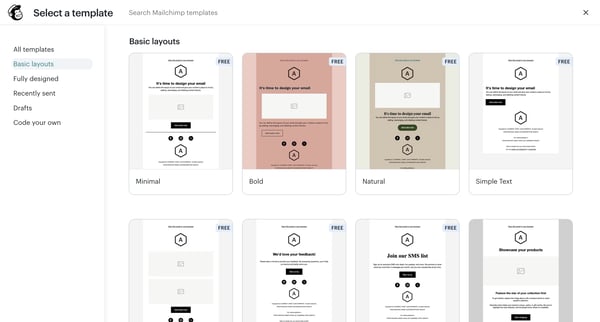
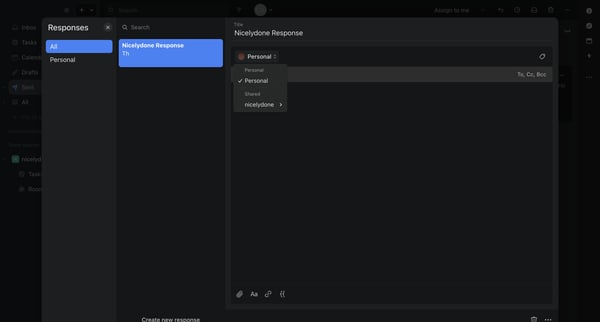
User navigates from weekly calendar view to template menu, selects event template, and populates details in a persistent side panel editor

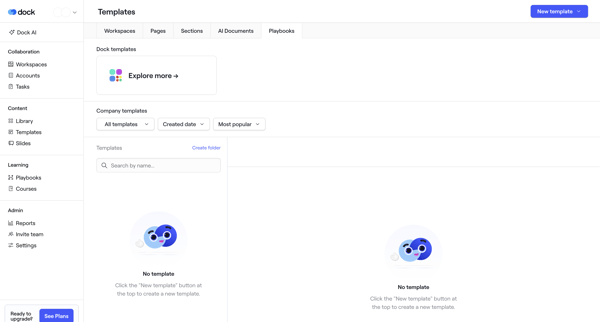
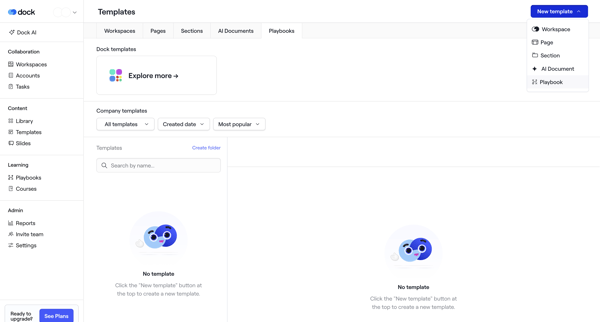
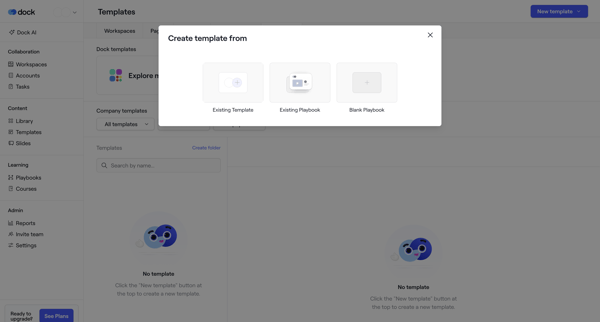
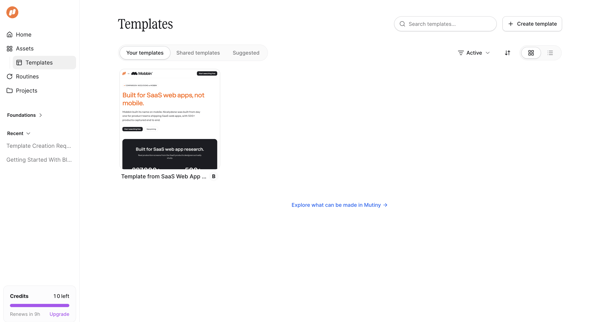
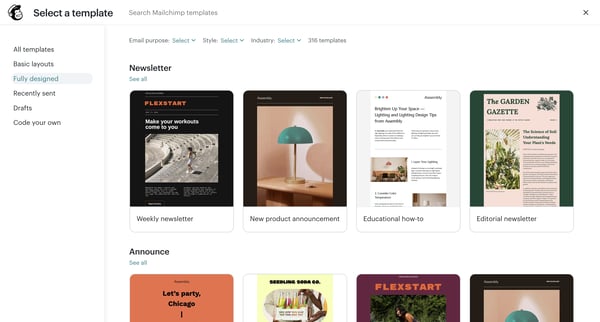
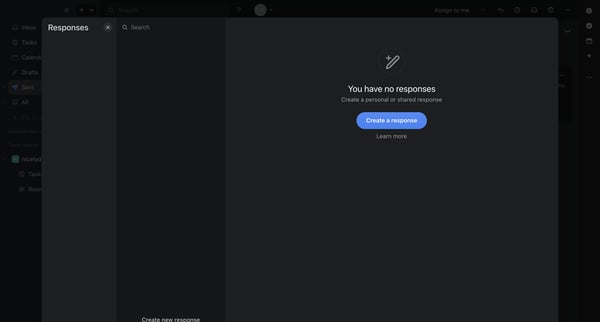
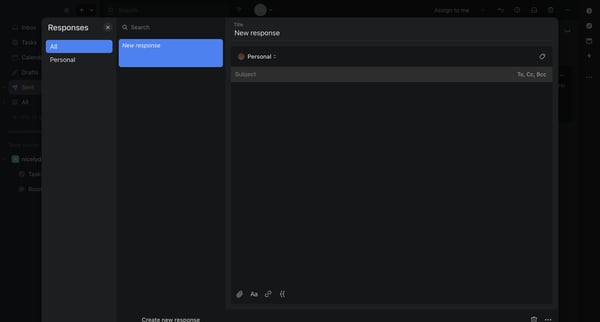
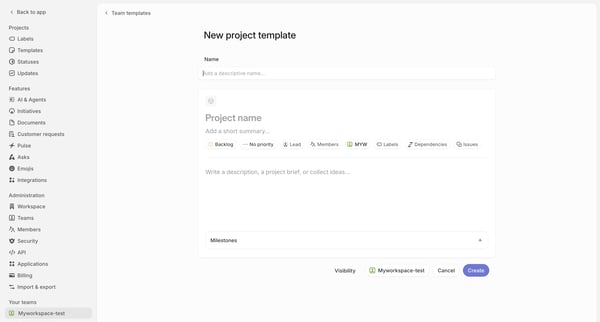
User starts from templates empty state, selects creation method via modals, names template with sharing permissions, then builds content in block editor until published









Explore the full SaaS flow library
Browse the full SaaS flow library.
Trusted by the best teams







