Skip to content

BinarBase Flow Example: Signing in to account

Preview this BinarBase user flow: Signing in to account. Explore the opening screens.

Preview these flows

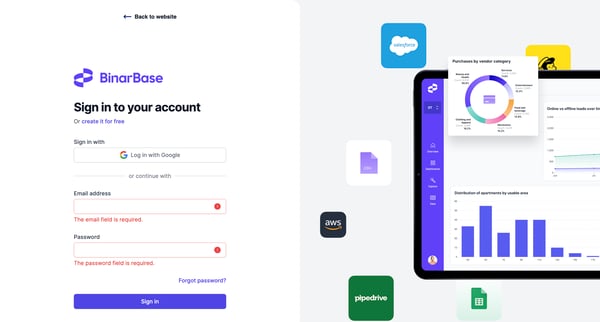
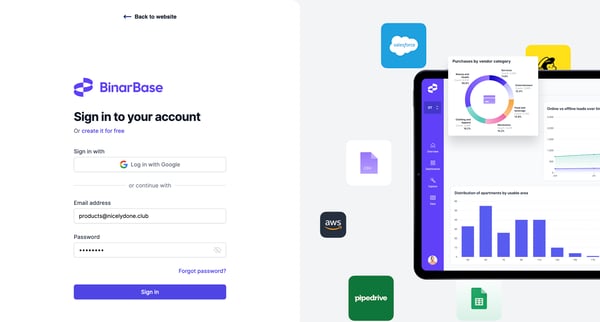
This user flow enables users to log into their BinarBase account, handling both standard and error states during the login process.

Bud logo

Signing in

6 screens

·
FromBud
My account | Bud screen

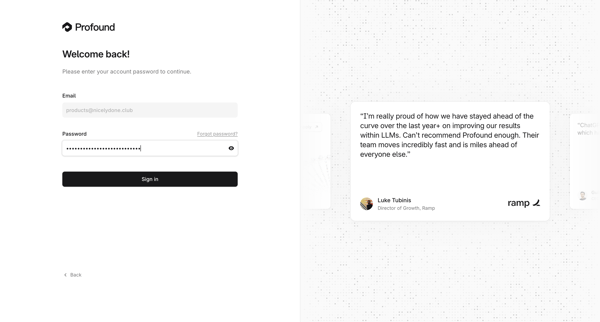
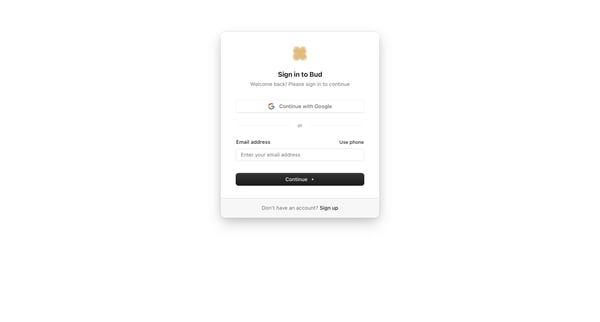
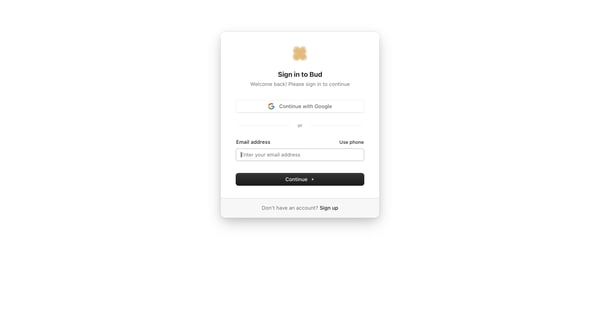
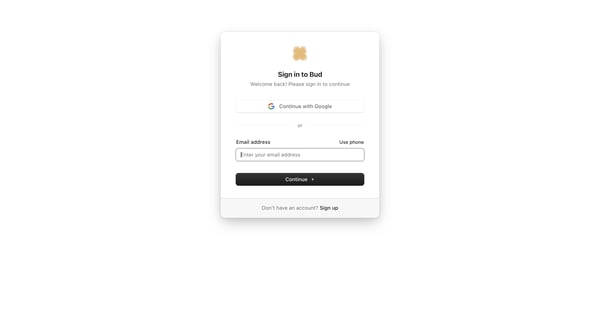
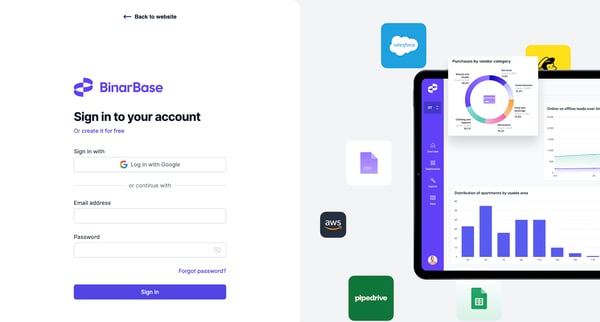
User selects Google, email, or phone authentication on the sign-in card, then enters password on the follow-up screen

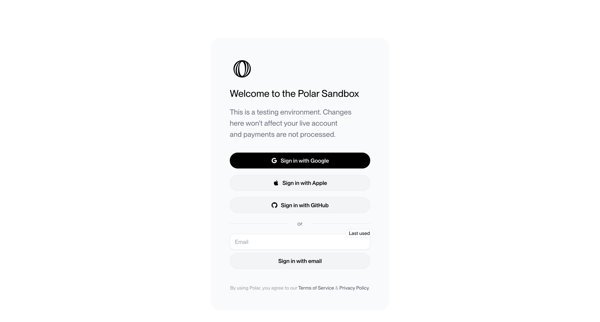
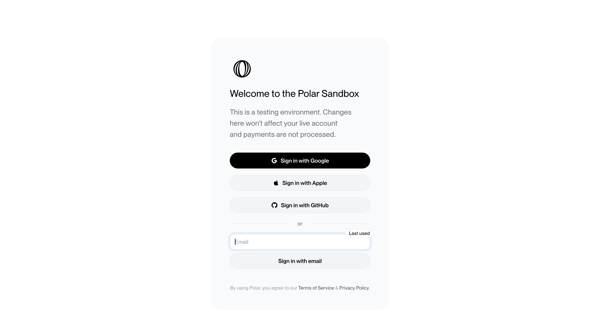
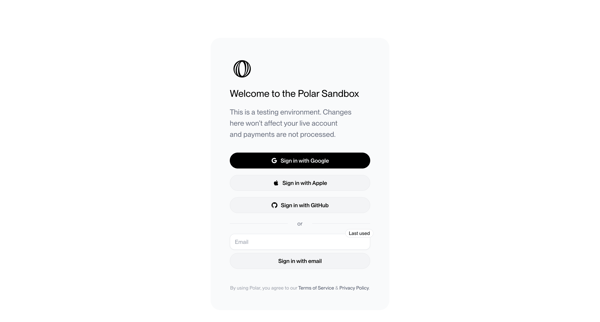
User views sandbox sign-in screen offering Google, Apple, GitHub OAuth or email magic link authentication with testing environment notice and legal footer

Alloy logo

Signing in

4 screens

·
FromAlloy
Alloy · AI Prototyping for Product Management screen

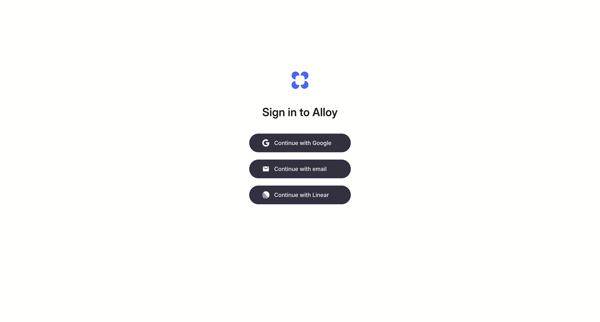
OAuth or passwordless email magic link authentication flow for Alloy

Flask logo

Signing in

11 screens

·
FromFlask
Login | Flask screen

User authenticates to Flask using Google OAuth or email magic link on skeuomorphic ID badge styled auth screens

Airbnb logo
Airbnb | Vacation rentals, cabins, beach houses, & more screen

Returning user prompted with welcome back modal to complete passwordless sign-in via emailed or texted code while viewing search results

Inference logo

Signing in

11 screens

·
Sign In | Inference.net screen

Authenticating via OAuth providers or email/password on split-screen sign-in pages that include customer testimonials, with multiple default and error states shown

Origin Financial logo
Origin Financial screen

Authenticating to Origin Financial via split-screen sign-in form supporting social providers, SSO, or email and password

User enters email on sign-in card then views magic link sent confirmation with resend timer

Riverside logo

Signing in

13 screens

·
Riverside Studio screen

User authenticates via email, social providers, or SSO through repeated states of a split-pane login modal overlaid on the Riverside studio dashboard or editor

Axiom logo

Signing in

6 screens

·
FromAxiom
Login screen
Login - Axiom screen

User authenticates into Axiom via SSO providers or passwordless email magic link and verification code

User requests magic link sign-in, sees check-email confirmation, then encounters invalid magic link error prompting alternative auth methods

User views and interacts with Lithic sign-in form using email/password or Google OAuth

Explore the full SaaS flow library

Browse the full SaaS flow library.

Trusted by the best teams