Railway Flow Example: Creating project from template
This user flow facilitates the creation and deployment of a new project, integrating with GitHub and setting configurations along the way.

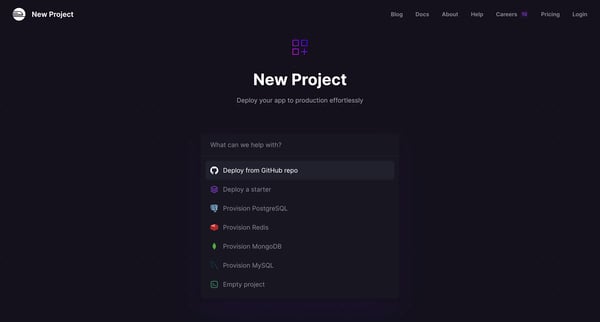
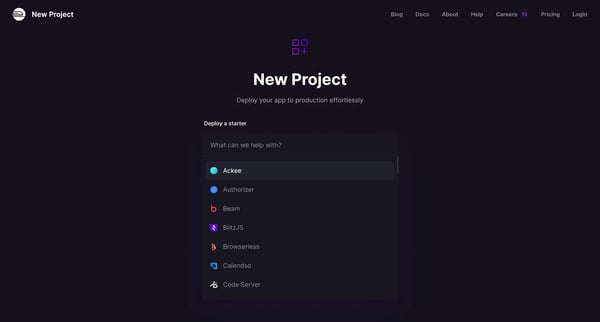
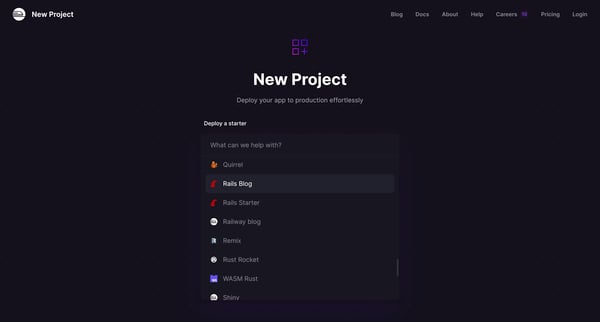
This user flow facilitates the creation and deployment of a new project, integrating with GitHub and setting configurations along the way.
Related user flows

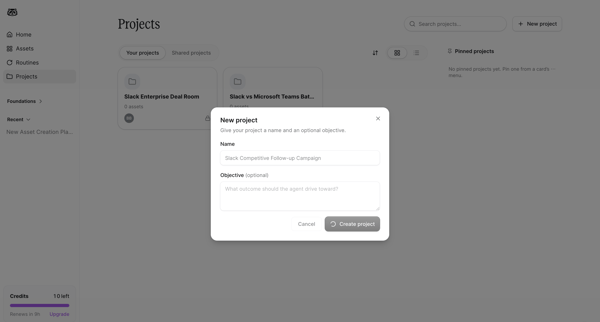
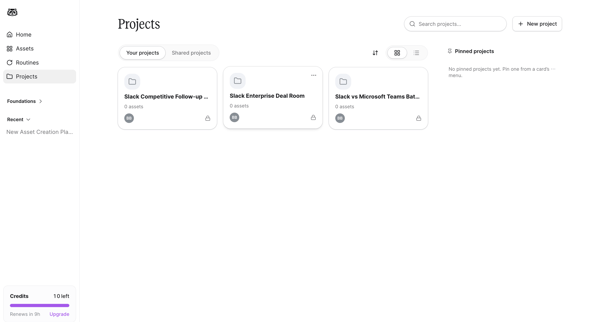
User opens New Project Modal from Projects List to name a project and optionally set an objective, then returns to the Projects List view

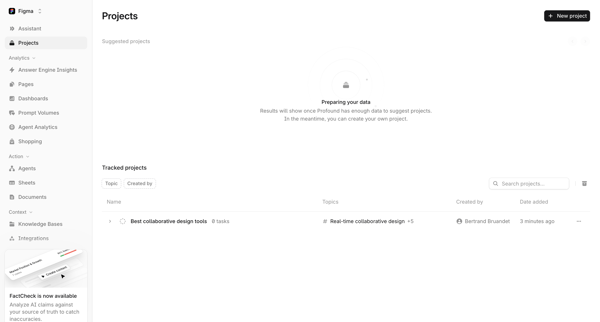
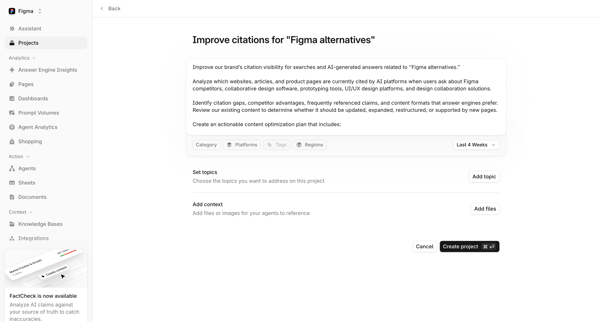
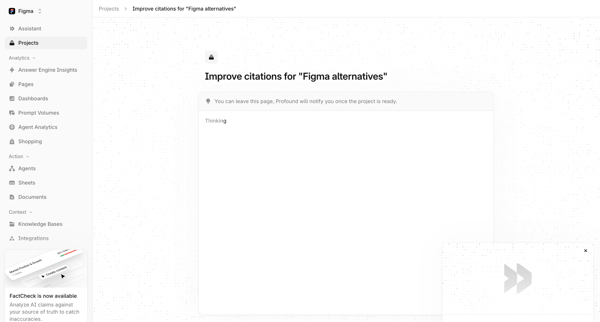
User starts on Projects List, clicks New project to reach setup form for topics and context files, then enters AI generation loading state for citation improvement project

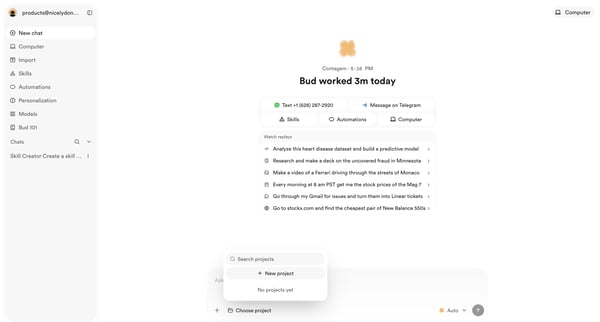
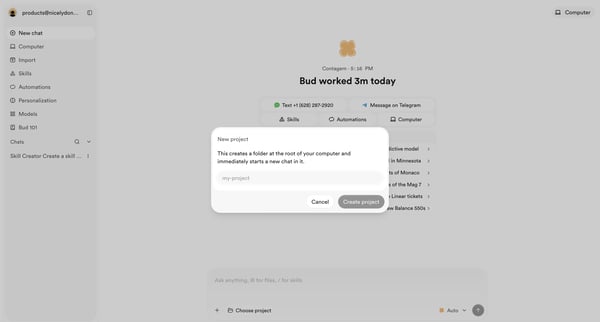
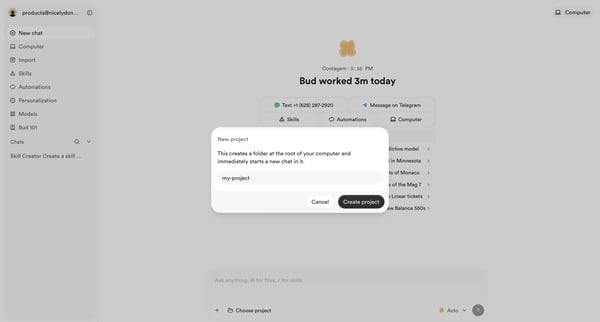
User opens new project modal from AI assistant home, enters project name, and confirms creation to start a chat folder

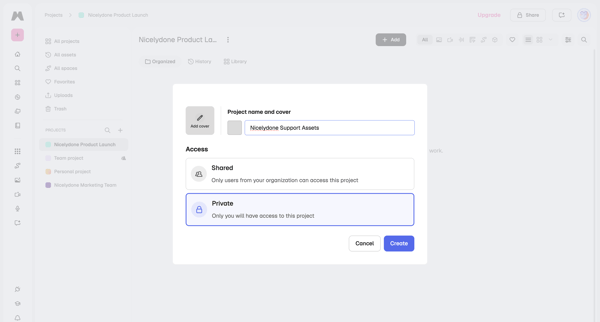
User opens project creation modal to enter name, add optional cover, and choose shared or private access, then lands on the new project's asset gallery
Explore the full SaaS flow library
Browse the full SaaS flow library.
Trusted by the best teams







