Railway user flows examples
Explore Railway user flow examples. Preview the opening screens and steps for each task. Railway is a canvas for shipping your apps, databases, and more.
Preview these flows

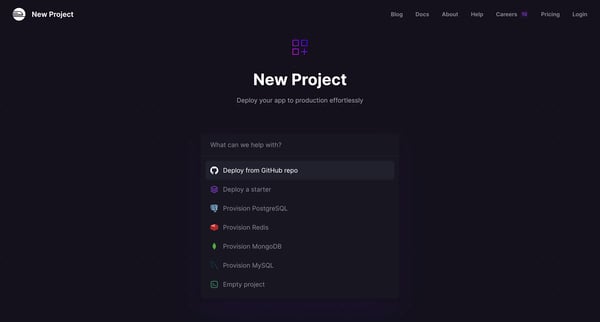
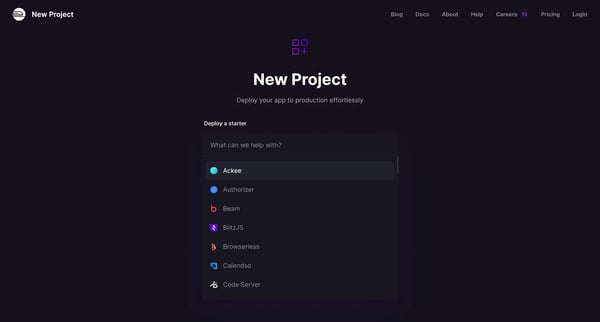
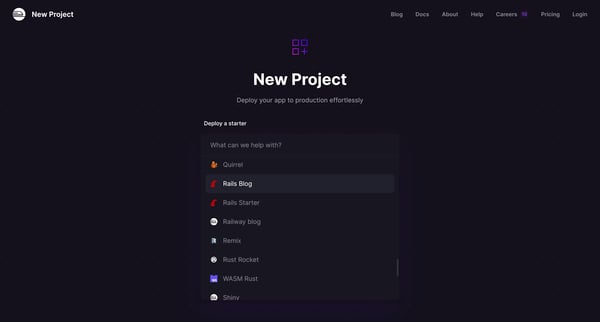
This user flow facilitates the creation and deployment of a new project, integrating with GitHub and setting configurations along the way.
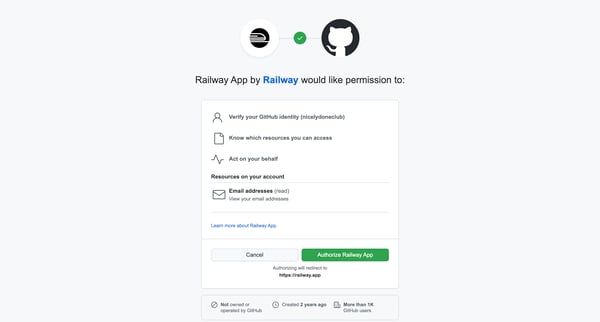
This flow initiates the process for a user to grant permission to the Railway App to access their GitHub account, enabling actions and access on their behalf.
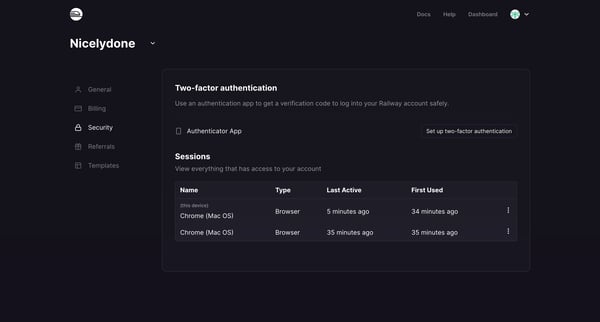
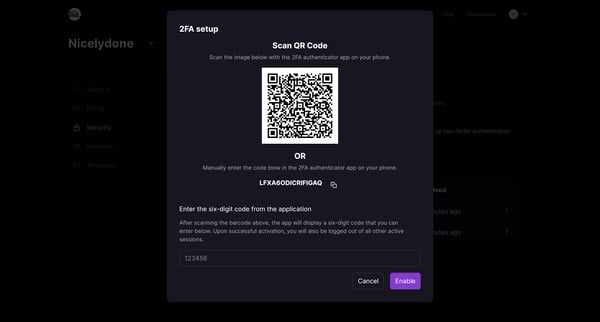
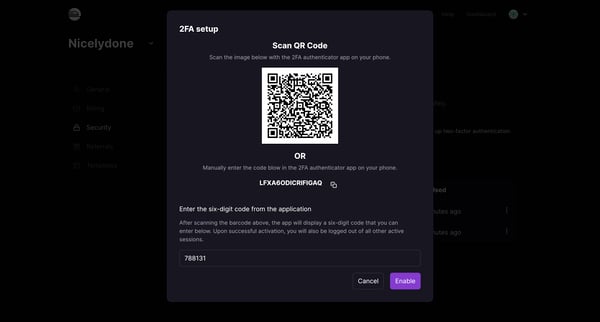
This user flow guides users through the process of setting up Multi-factor Authentication (MFA) for their Railway account, enhancing security by requiring a verification code from an authenti
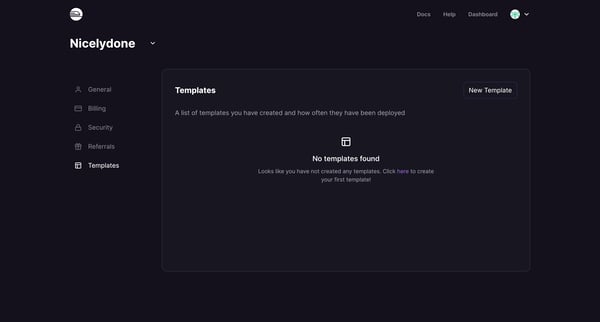
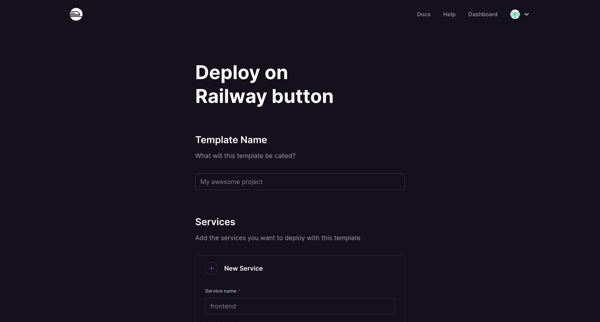
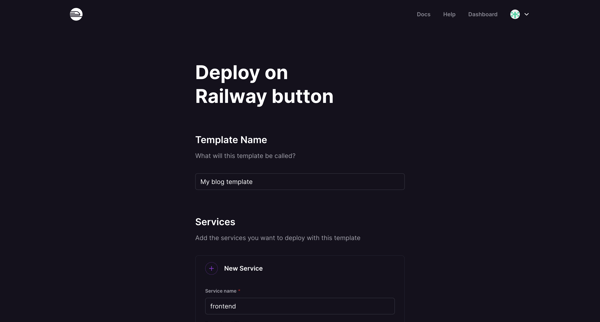
This flow guides a user through creating a new template, configuring it with services and databases, and reviewing it before allowing the user to share the created template.
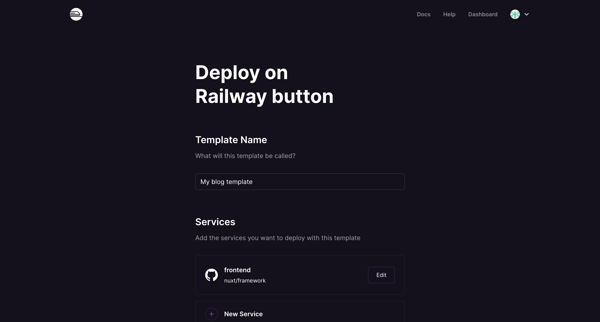
This flow guides the user through creating, sharing, viewing, and eventually deleting a deployment template in a cloud service environment.
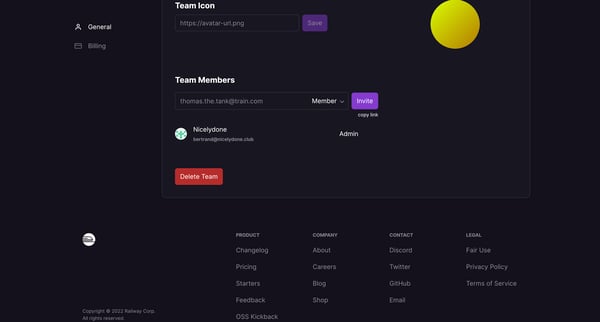
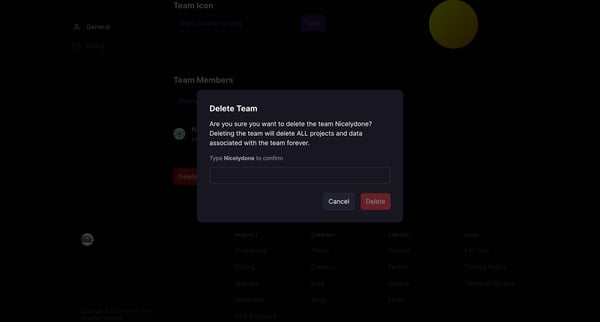
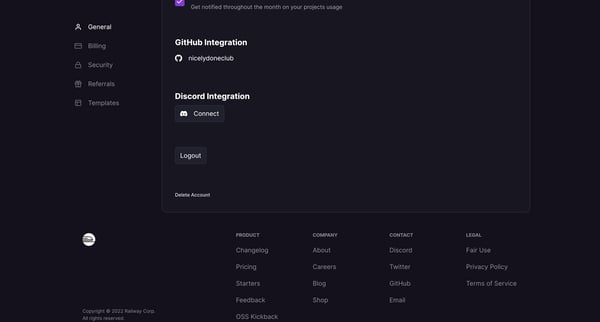
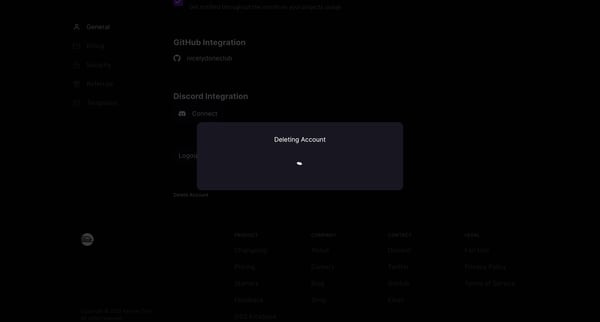
This user flow facilitates the deletion of both team and personal accounts, ensuring the user is aware of and confirms the permanent removal of all associated data.
This flow enables users to securely enhance their account protection by setting up multi-factor authentication, ensuring their data remains protected through an additional verification layer.
Explore the full SaaS flow library
Browse the full SaaS flow library.
Trusted by the best teams







