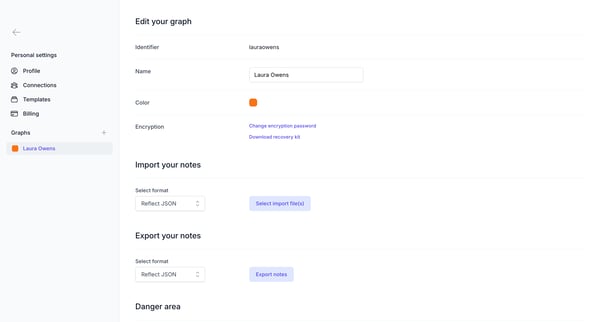
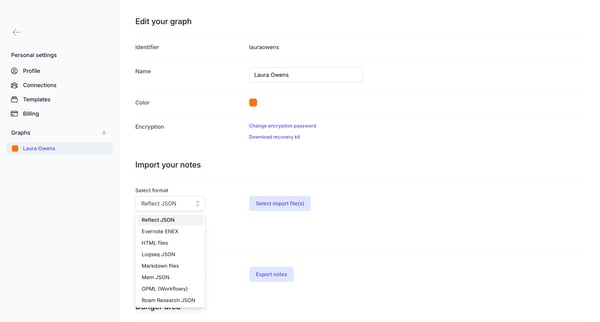
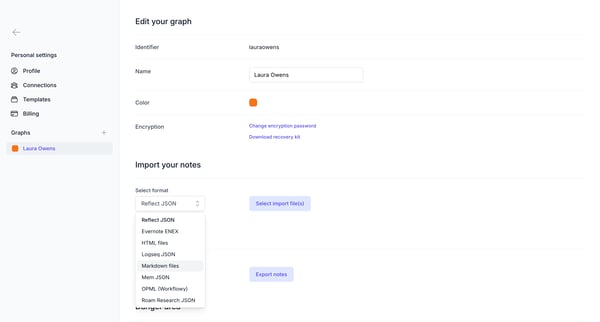
Reflect Flow Example: Importing data
Preview this Reflect user flow: Importing data. Explore the opening screens.

Related user flows

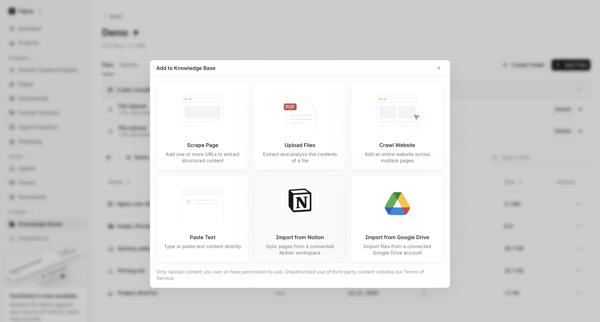
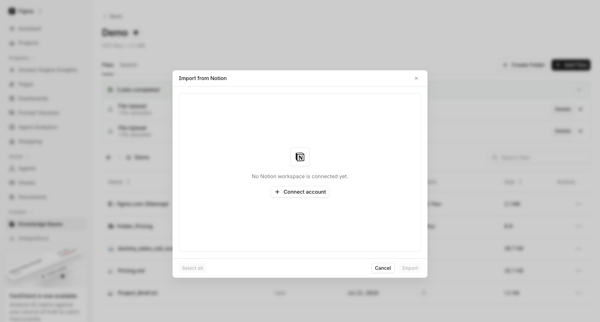
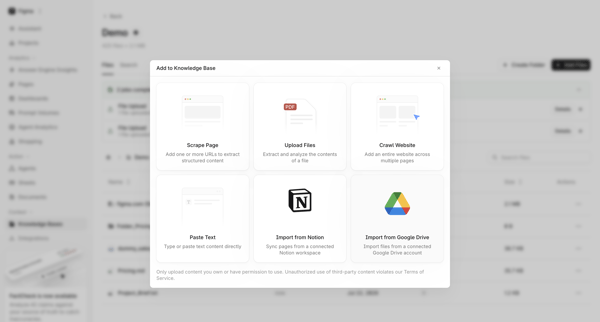

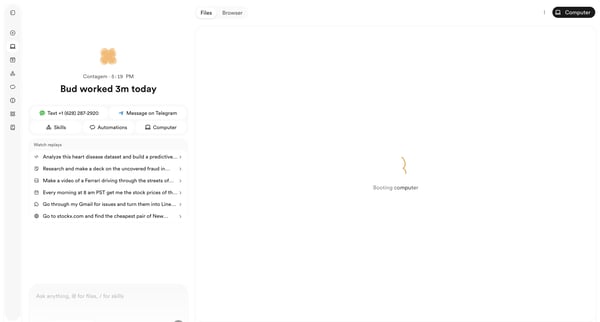
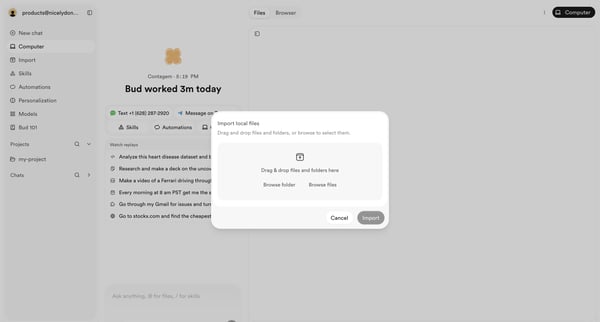
User opens file import modal from AI agent workspace dashboard to select local files or folders via drag-and-drop or browse

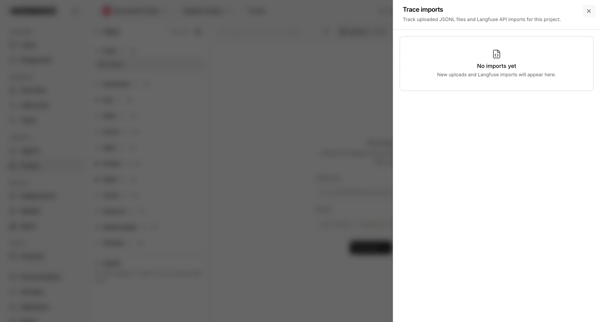
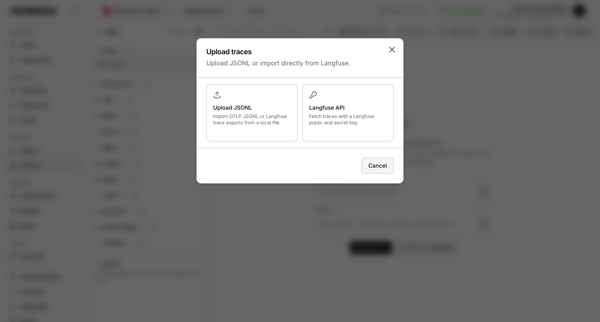
User opens trace imports drawer showing empty state then opens upload modal to choose JSONL file or Langfuse API import

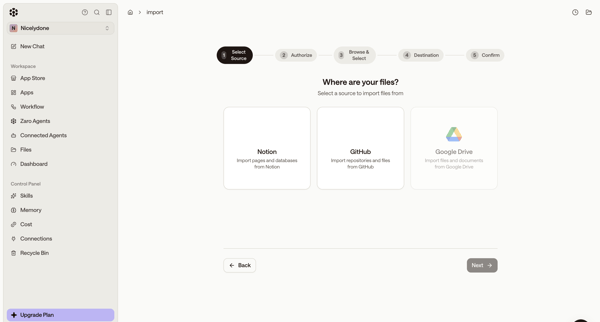
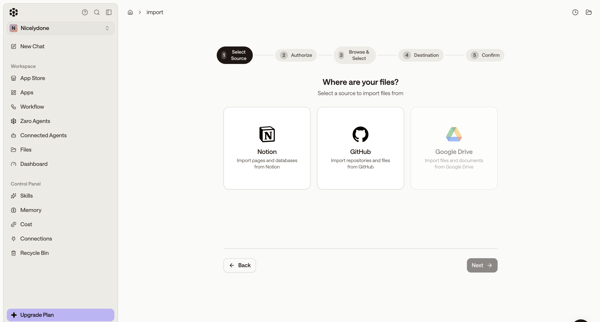
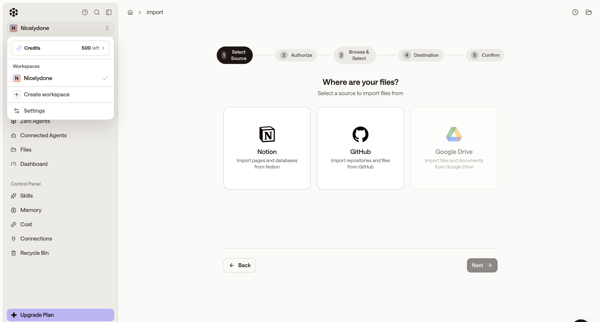
Wizard-based selection of third-party data source to import files into workspace
Explore the full SaaS flow library
Browse the full SaaS flow library.
Trusted by the best teams







