Skip to content

Log in screen examples

Log in screen design examples from SaaS apps. Browse examples from Dock, Lovable, Maze.

Explore the examples
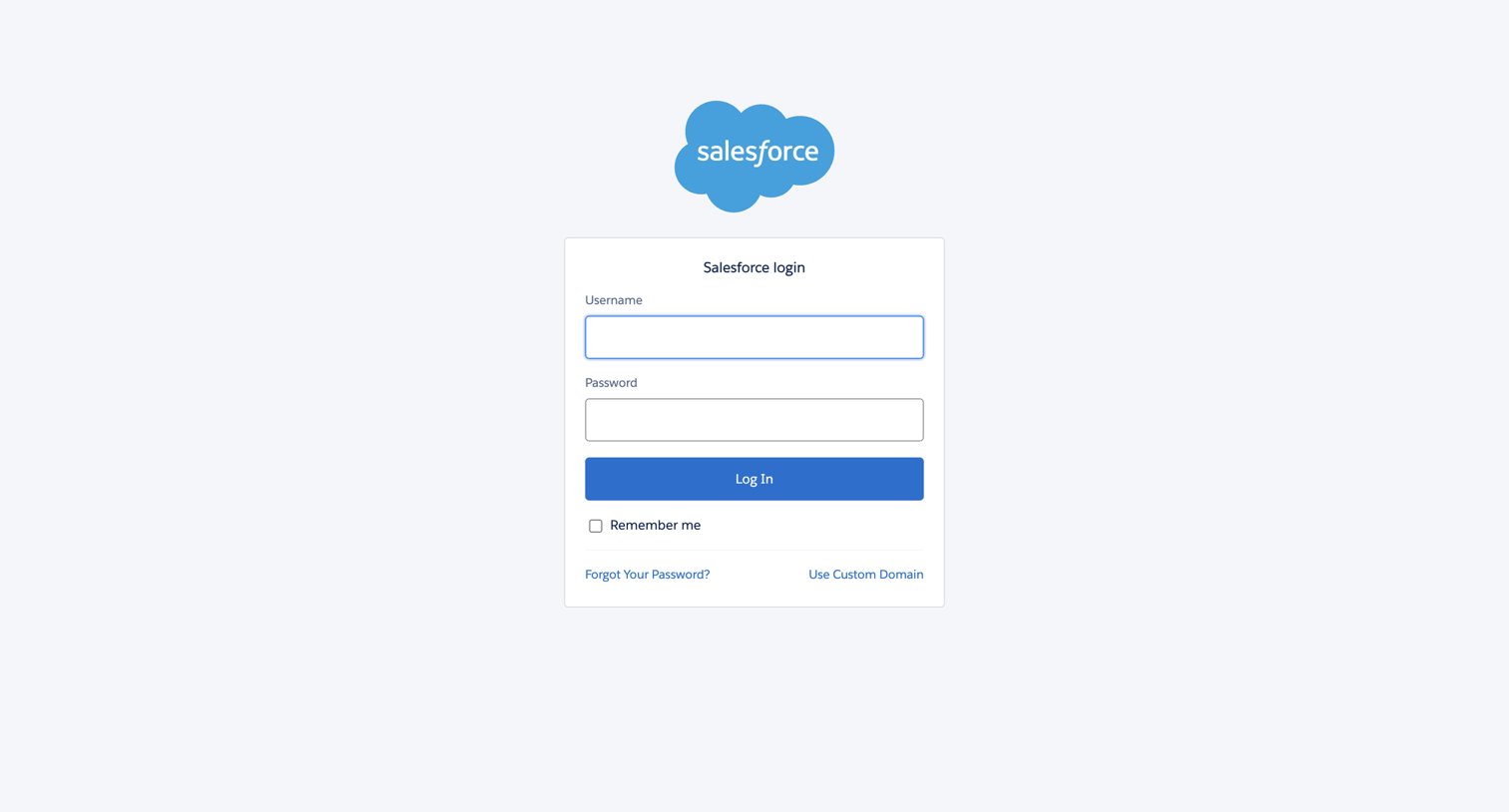
Dock - Login | Salesforce screen
Dock logo
Dock

Sign-in screen where the user authenticates with their username and password, with options to remember the device or use a custom domain.
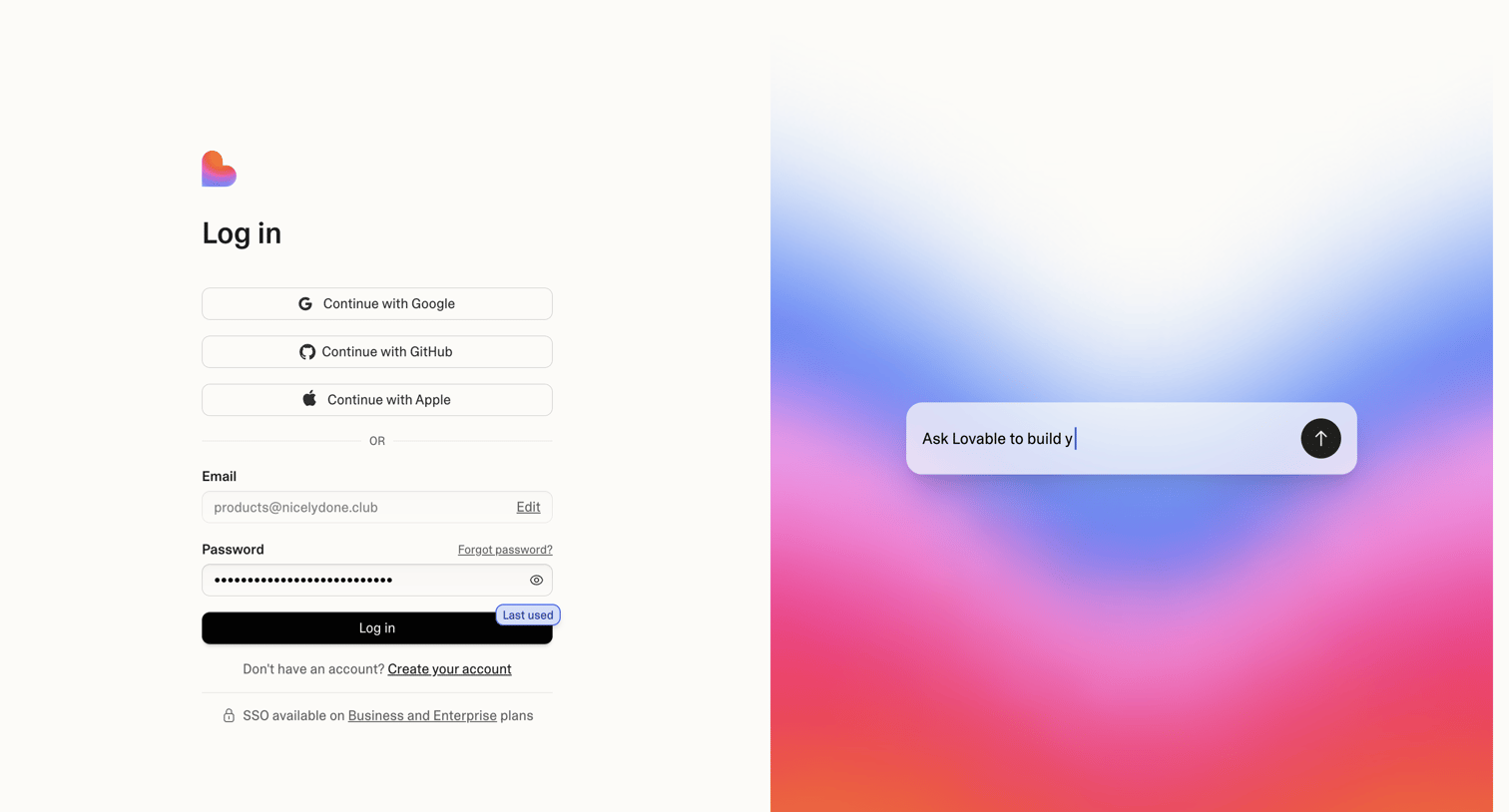

Lovable - Login screen
Lovable logo
Lovable

Sign-in screen where the user authenticates with Google, GitHub, Apple, or email, alongside a visual teaser of the product's AI prompt interface.

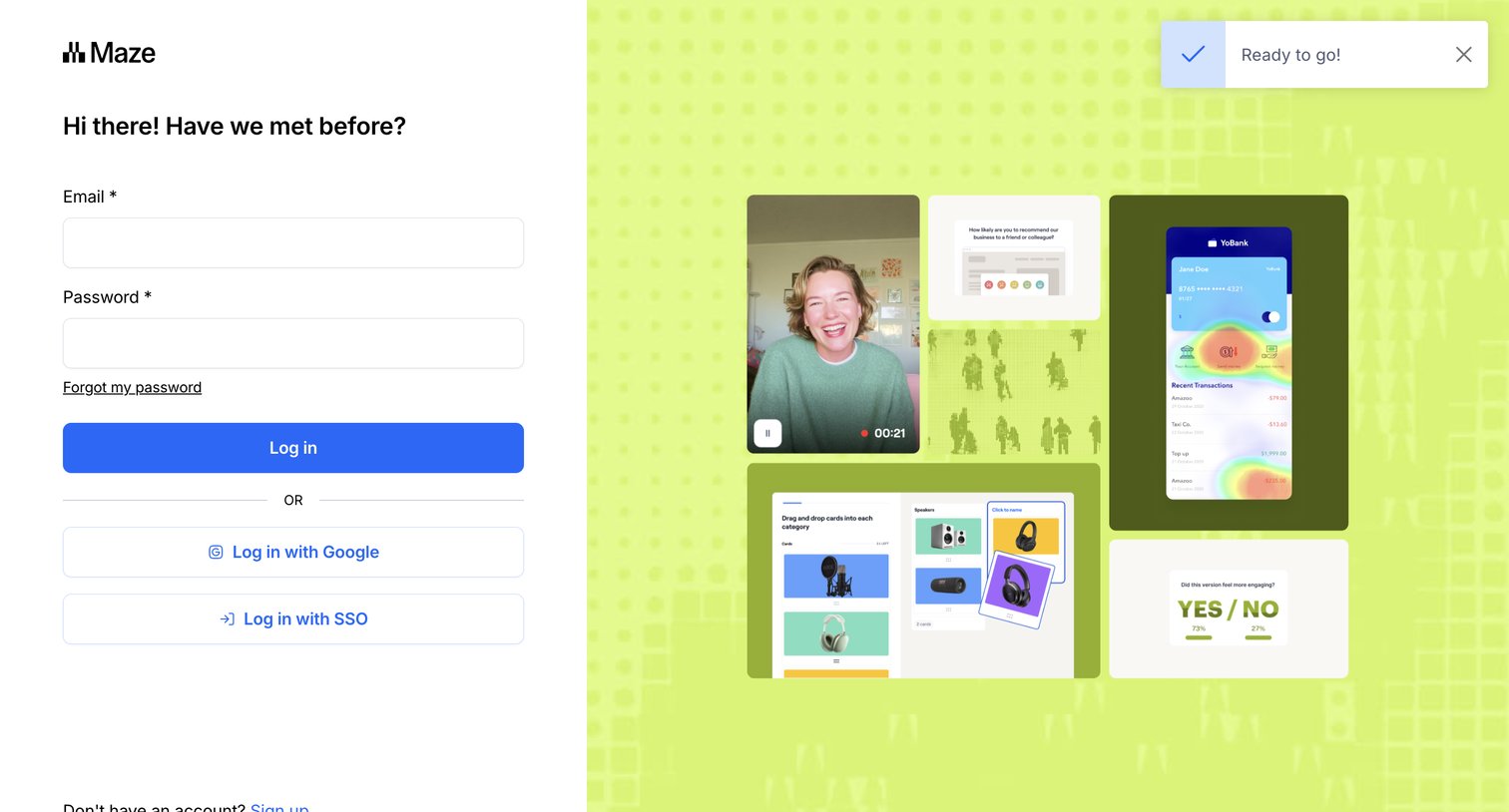
Maze screen
Maze logo
Maze

Sign-in screen where the user authenticates with email, Google, or SSO, featuring a success notification toast.
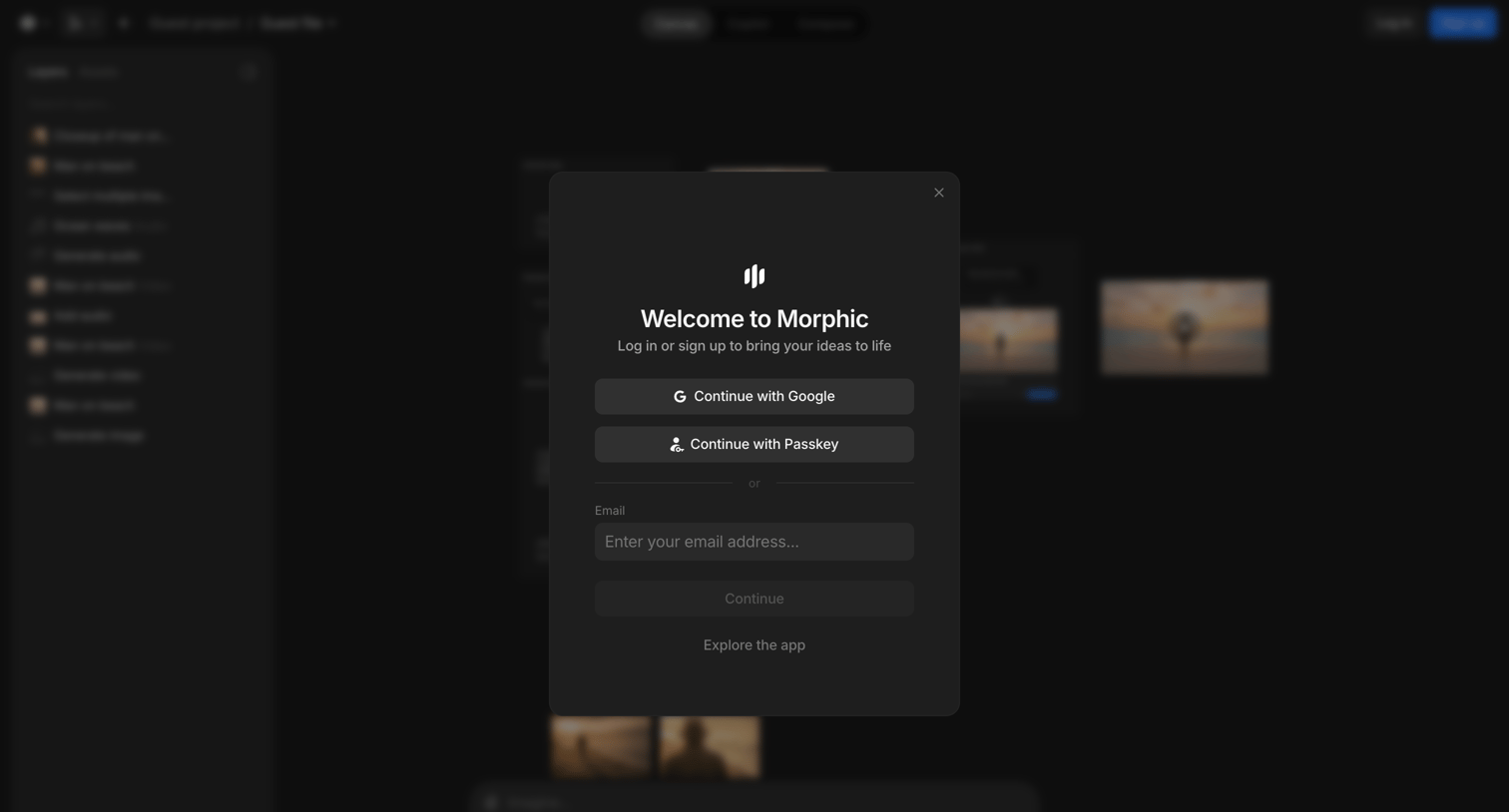

Morphic - Guest file / Guest project - Morphic Studio screen
Morphic logo
Morphic

Signup screen where the user authenticates with Google, Passkey, or email to access the canvas editor.
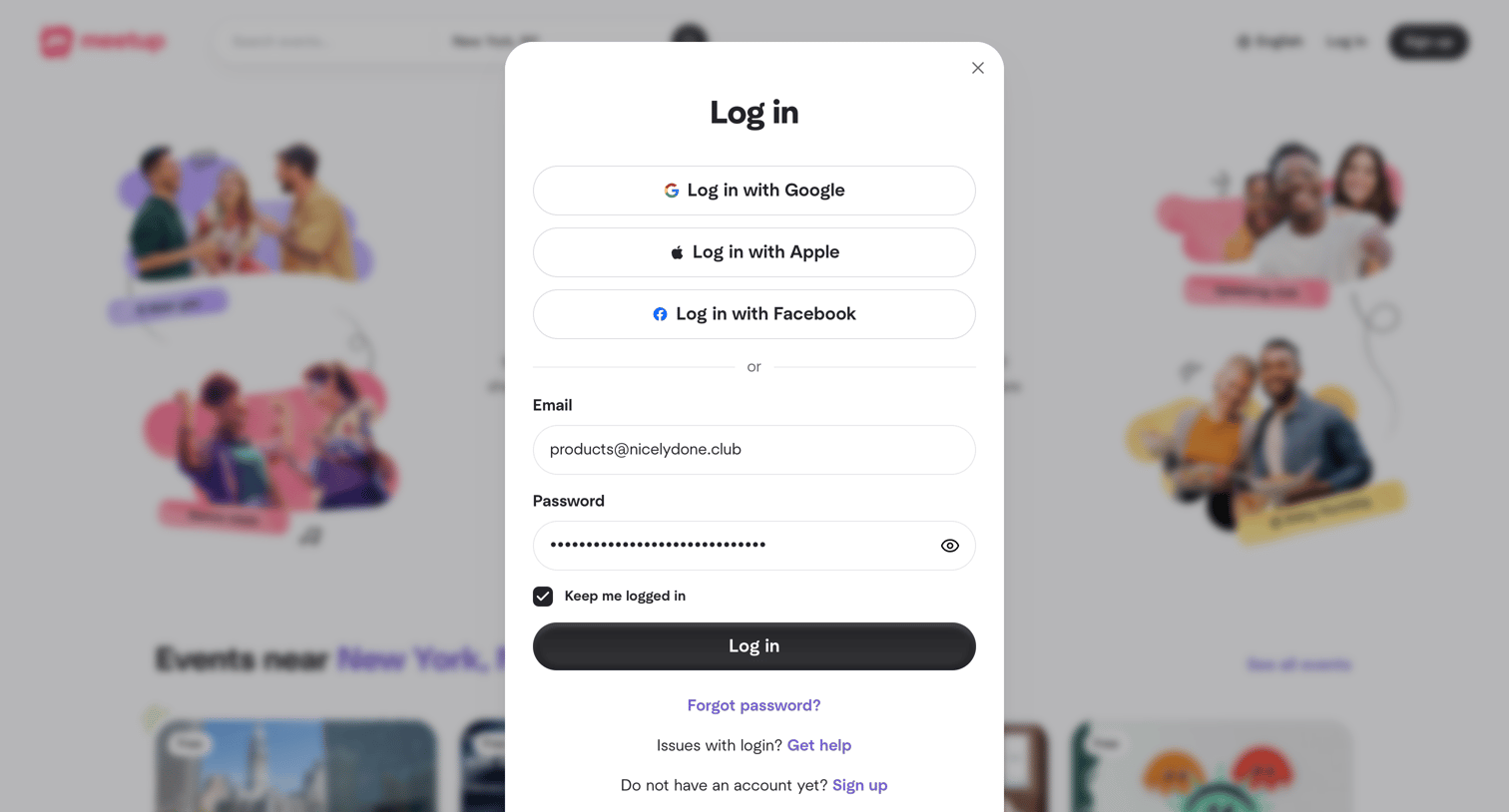

Meetup - Meetup | Find Local Groups, Events, and Activities Near You screen
Meetup logo
Meetup

Sign-in screen where the user authenticates with Google, Apple, Facebook, or an existing email and password.
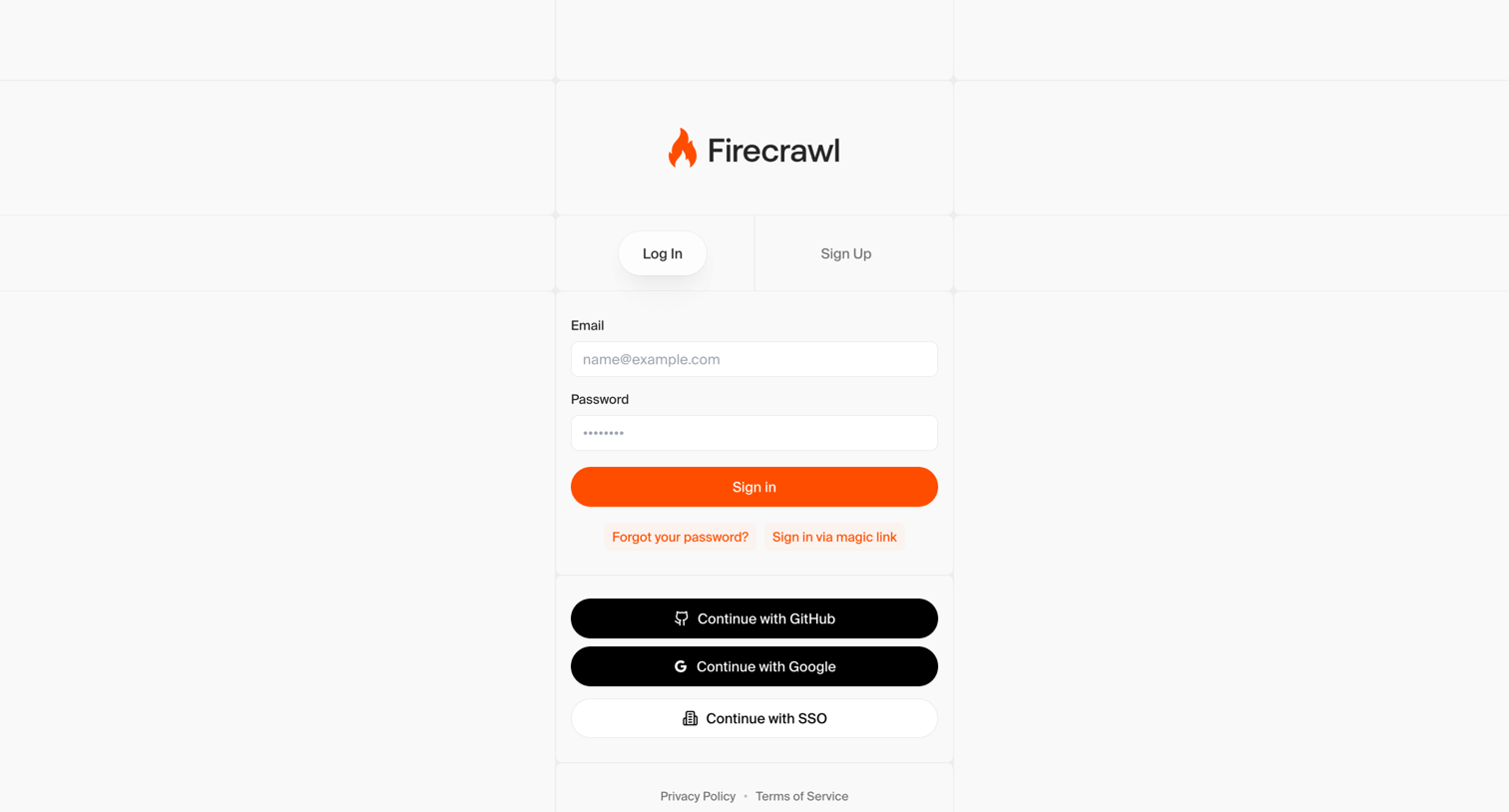

Firecrawl - Firecrawl - The Web Data API for AI screen
Firecrawl logo
Firecrawl

Sign-in screen where the user authenticates with email and password, magic link, GitHub, Google, or SSO.

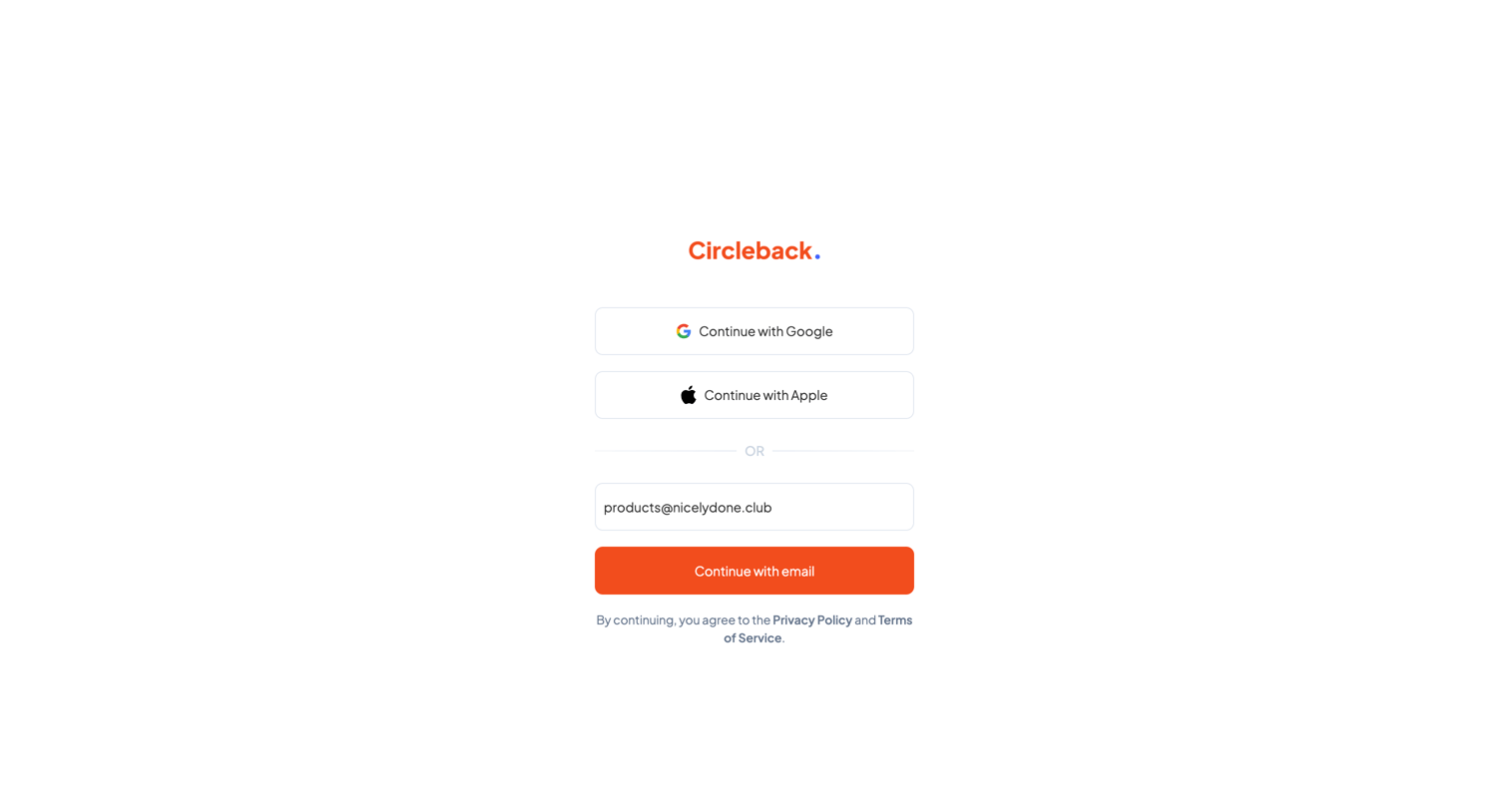
Circleback - Login - Circleback screen
Circleback logo
Circleback

Sign-in screen where the user authenticates with Google, Apple, or an email magic link.
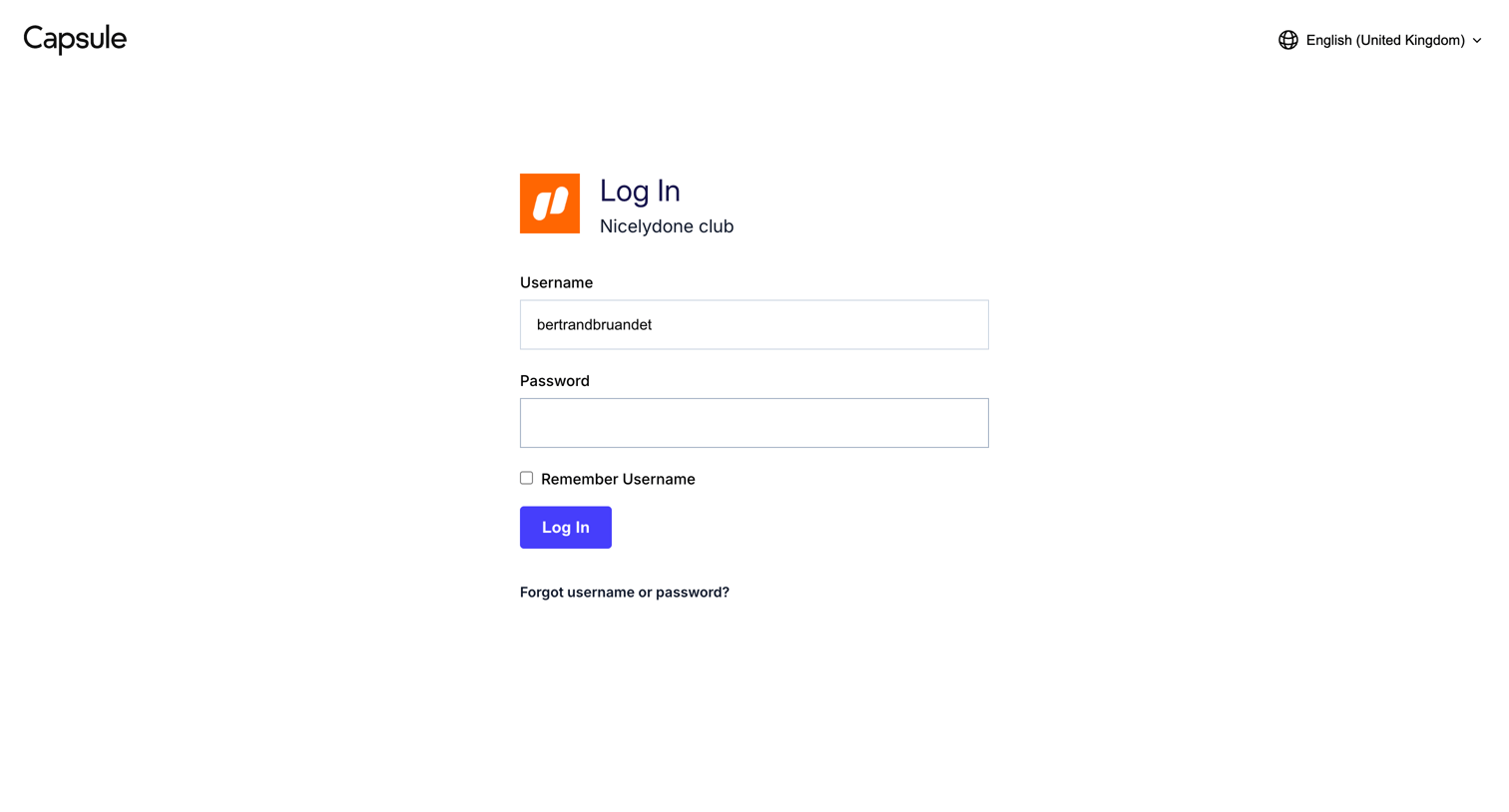
Capsule screen
Capsule logo
Capsule

Sign-in screen where the user authenticates to their specific Nicelydone club workspace using a username and password.

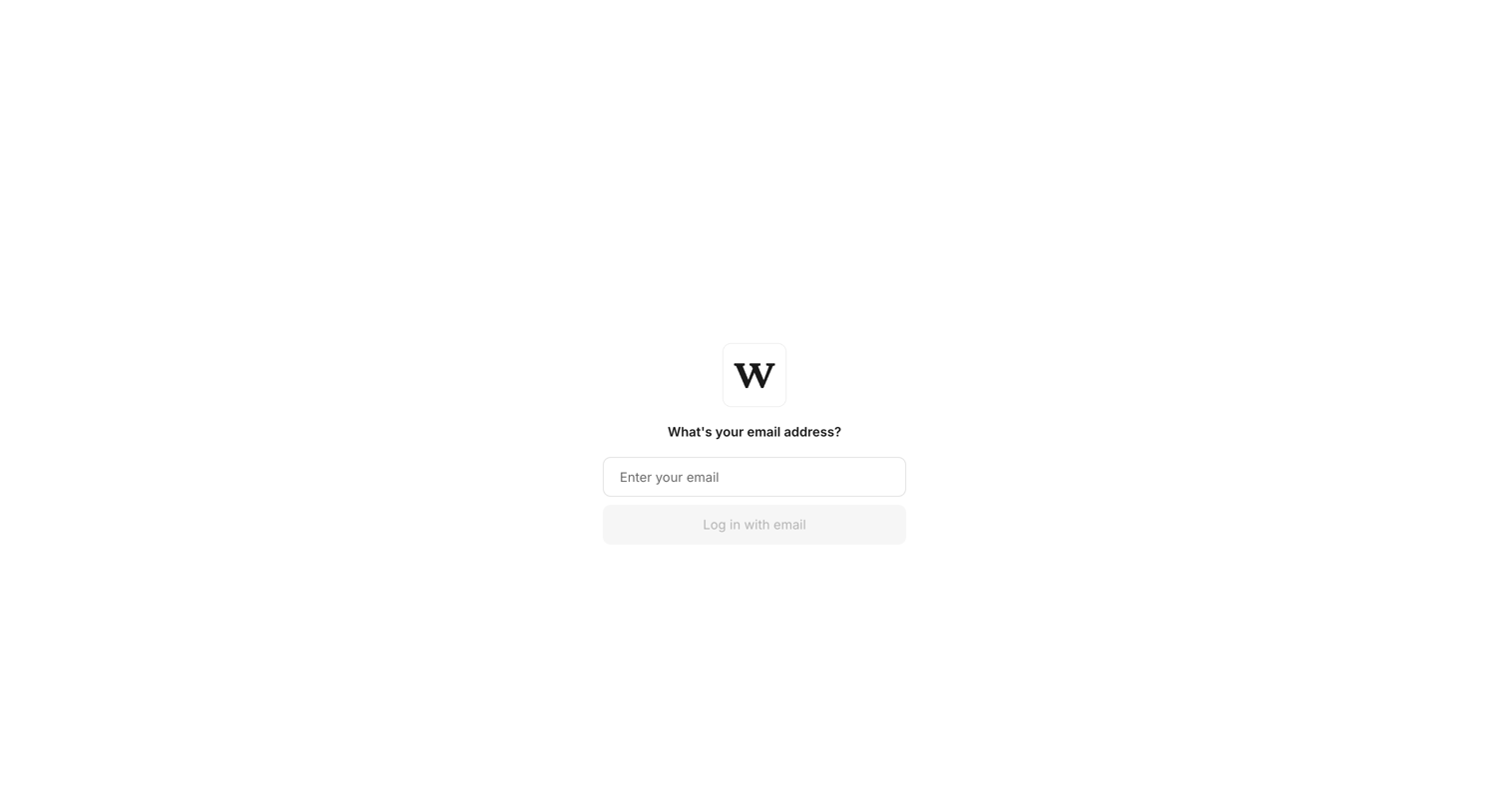
Workflow screen
Workflow logo
Workflow

Sign-in screen where the user enters their email address to log in or navigates to create a new account.

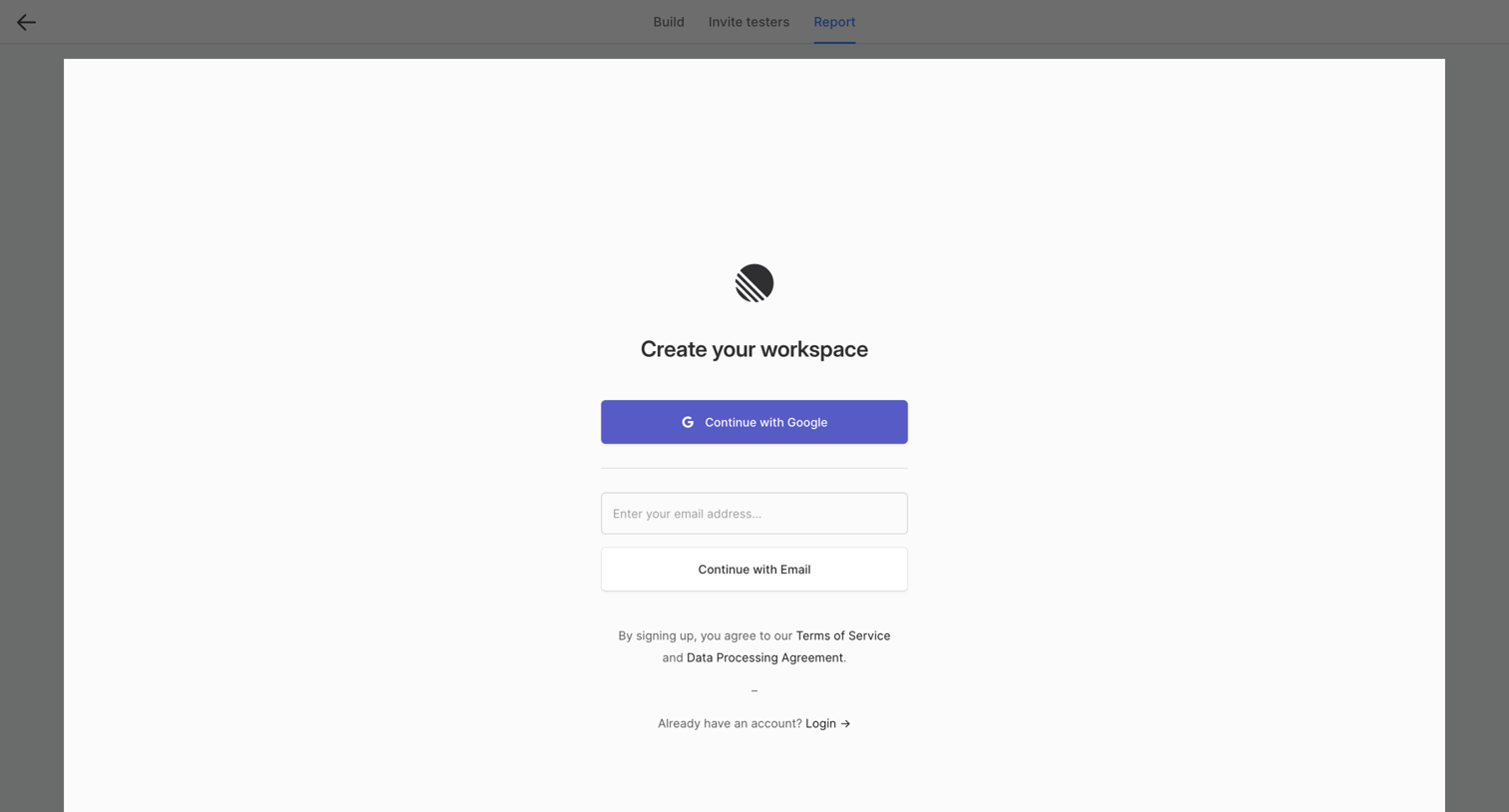
Wynde screen
Wynde logo
Wynde

Signup screen where the user creates a new workspace using Google OAuth or an email address.
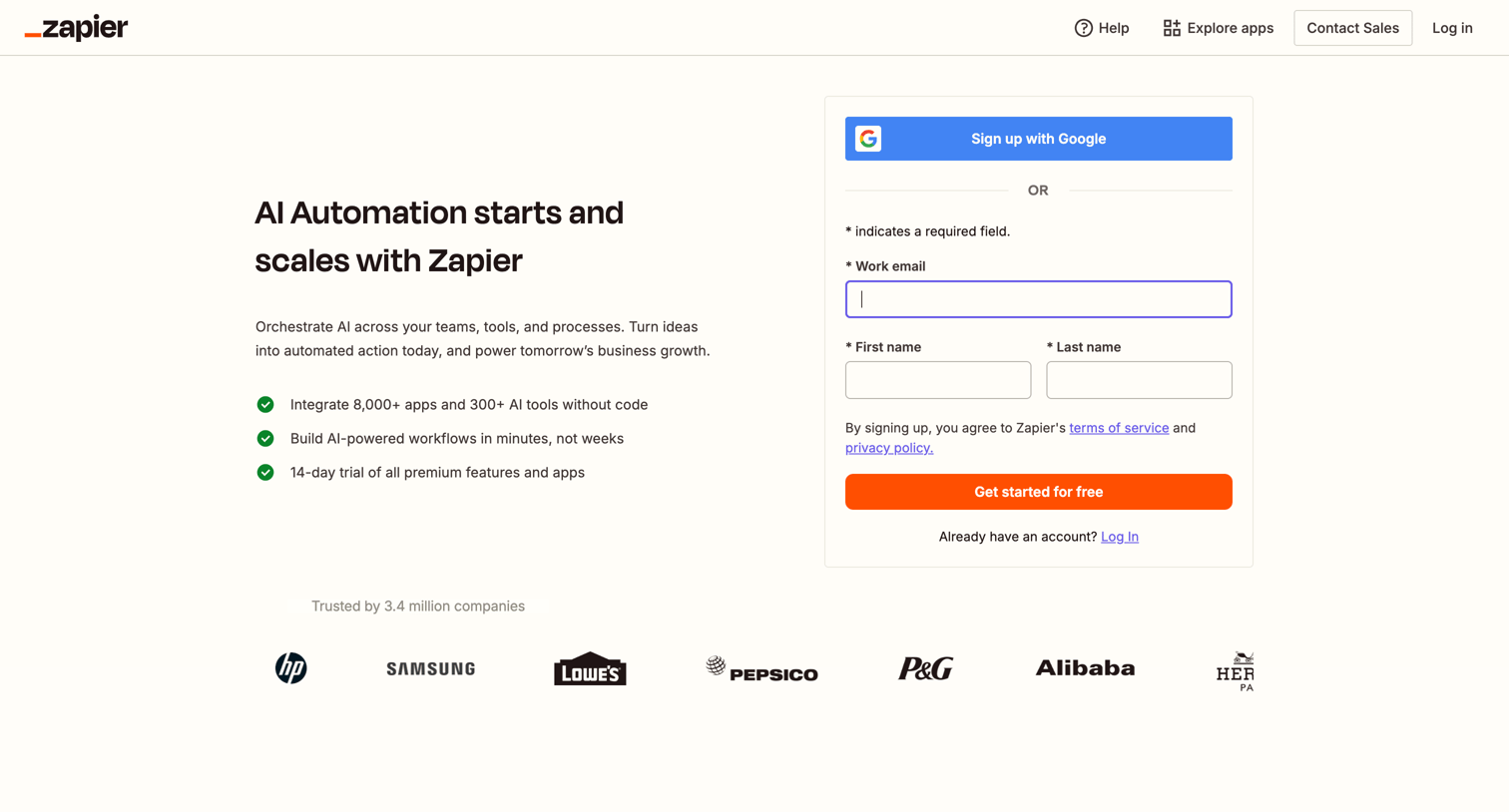
Zapier - Sign up | Zapier screen
Zapier logo
Zapier

Signup page where the user creates an account using Google or an email address, with a value proposition and logo wall displayed alongside the form.

Scale - Login to your Scale Account - Scale screen
Scale logo
Scale

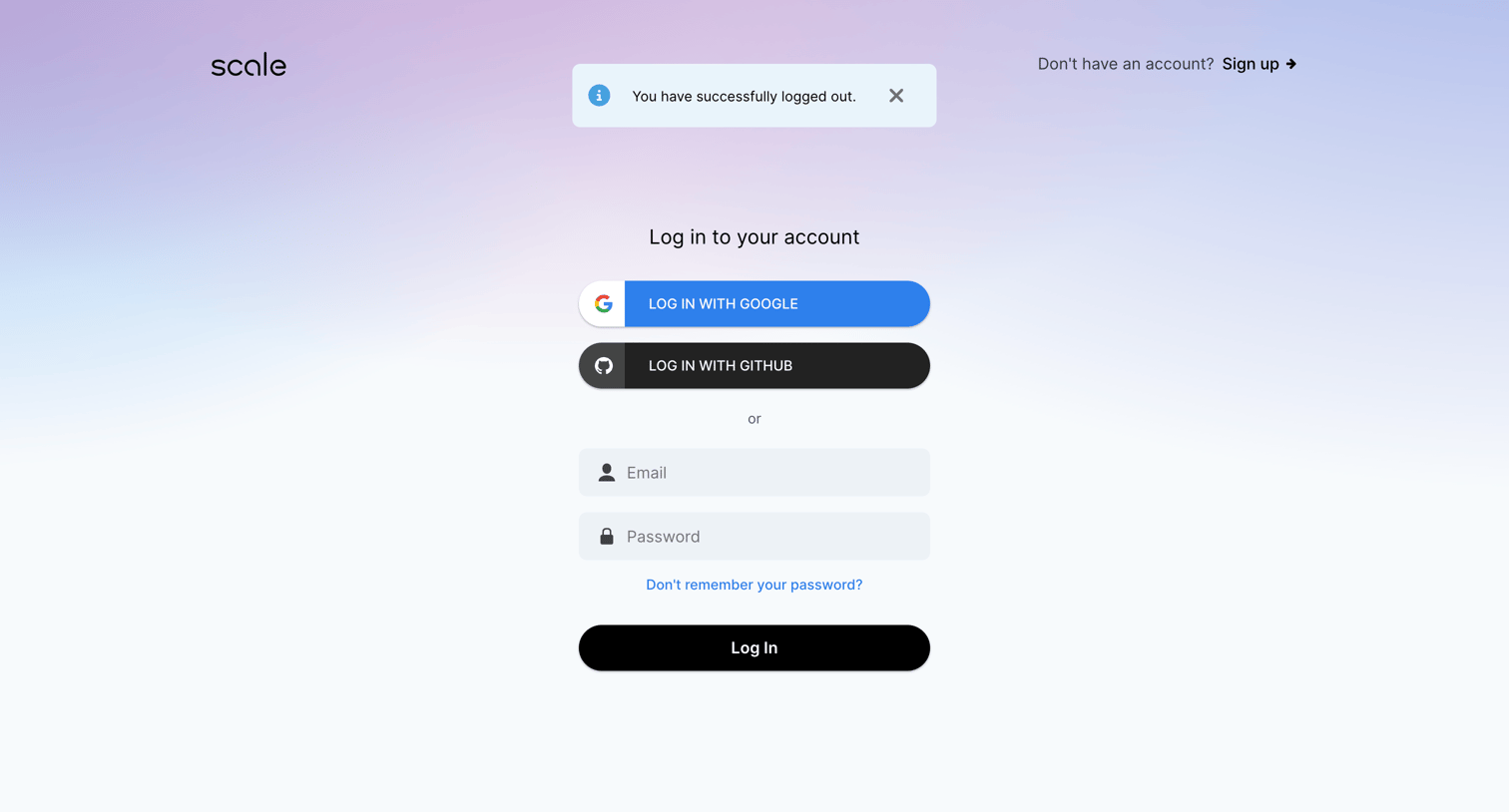
Sign-in screen where the user authenticates with Google, GitHub, or email and password, showing a successful logout confirmation toast.

Explore the full SaaS screen library

Upgrade to unlock the full library.

Trusted by the best teams