Slack Flow Example: Downloading app and exploring channels
This flow guides a new user through downloading the Slack application, navigating channels, creating and editing messages, and managing notifications and message options.


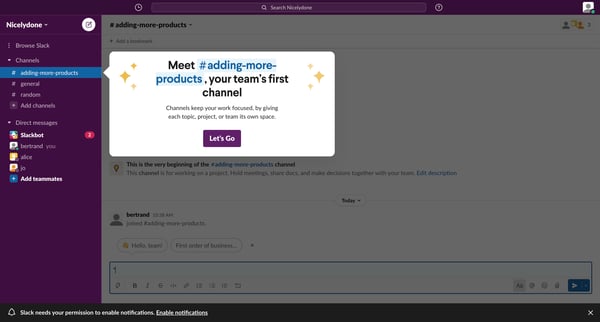
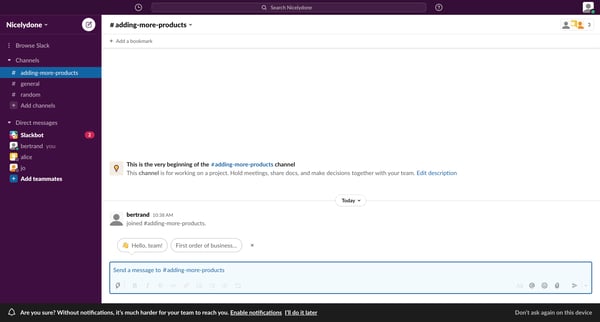
This flow guides a new user through downloading the Slack application, navigating channels, creating and editing messages, and managing notifications and message options.
Related user flows

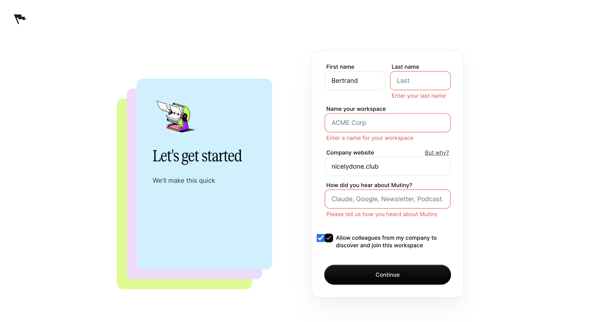
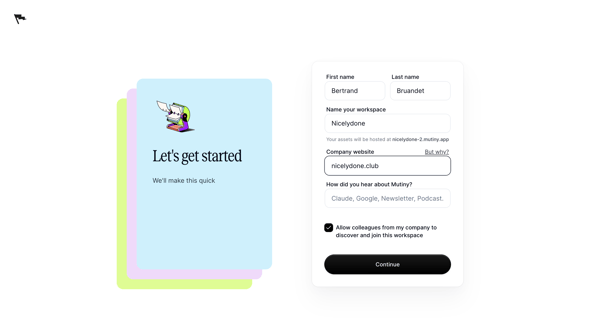
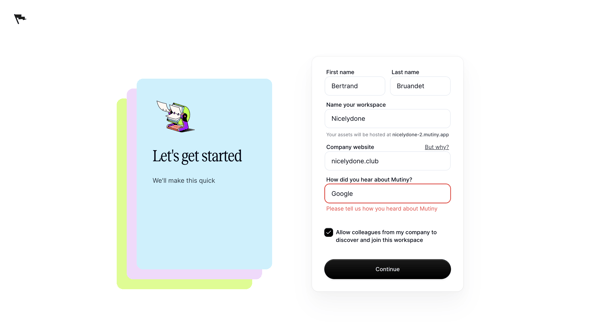

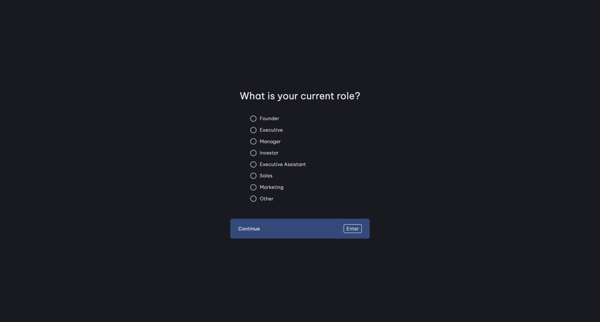
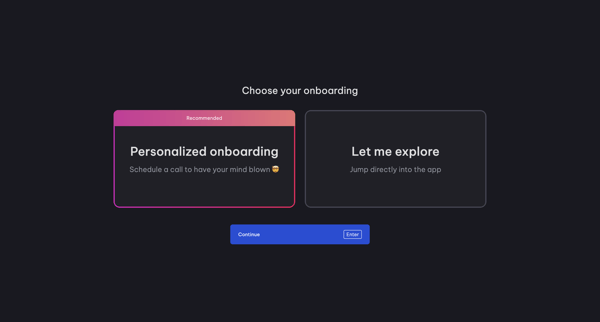
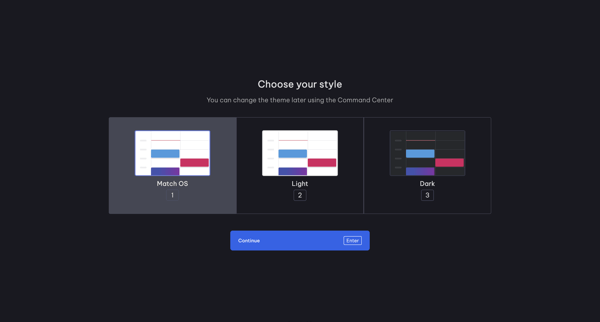
Onboarding journey in Vimcal where user selects role, onboarding path, theme, connects calendar accounts, follows product tours for Command Center, Slots and availability, then creates workspace and invites teammates


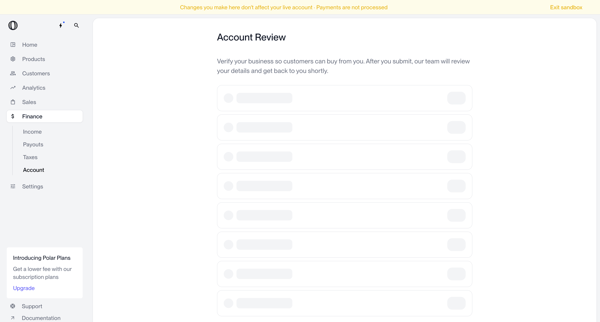
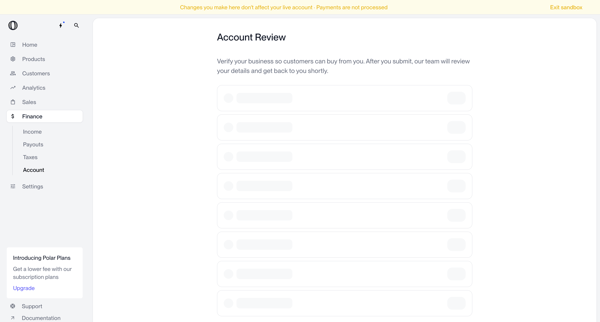
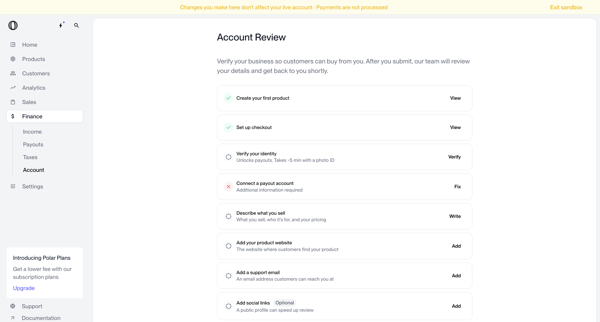
User navigates account review screens in Polar to verify business identity and complete onboarding checklist items before submitting for manual review
Explore the full SaaS flow library
Browse the full SaaS flow library.
Trusted by the best teams







