HeyGen Flow Example: Starting video creation
Initiating AI video project from home by selecting templates or prompting an AI agent

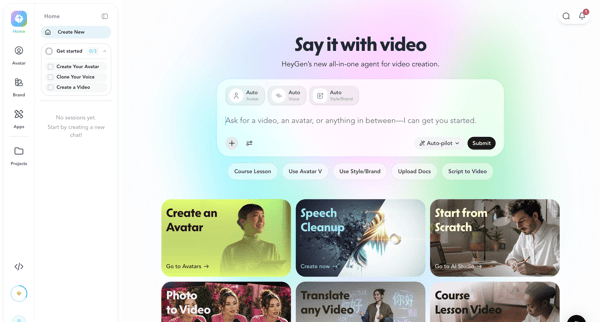
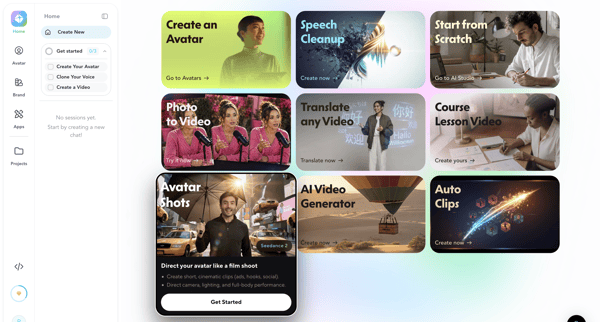
Initiating AI video project from home by selecting templates or prompting an AI agent
Related user flows

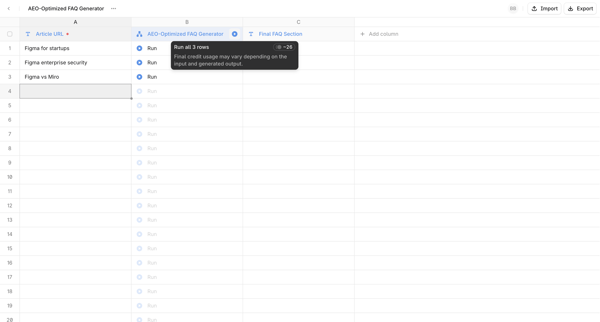

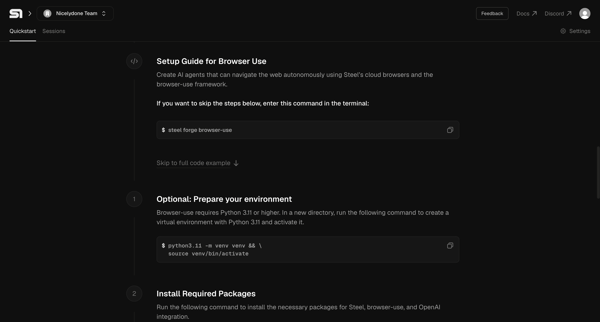
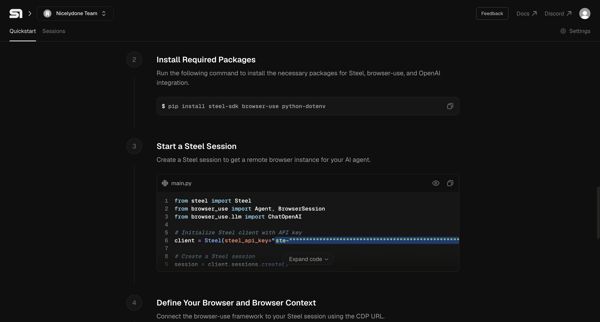
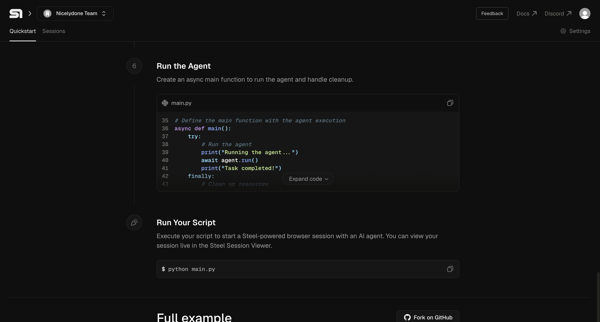
Developer follows 10-screen vertical quickstart guide in Steel app to install packages, configure environment variables, view code snippets, and run a Python AI agent script

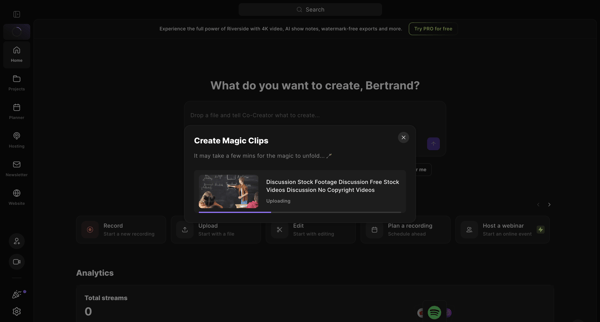
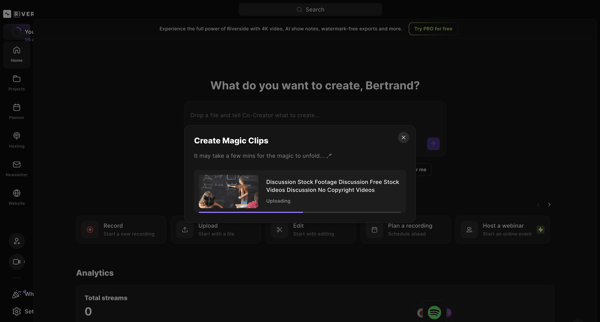
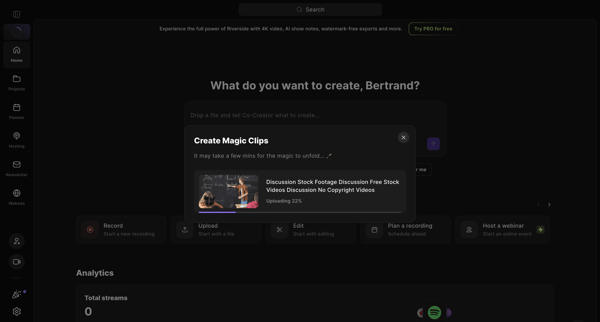
Uploading a video file via modal on the home dashboard and waiting for AI to generate magic clips

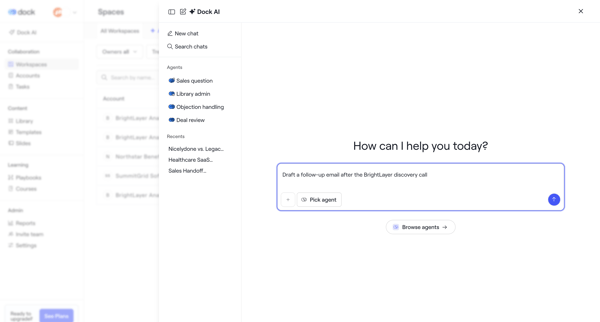
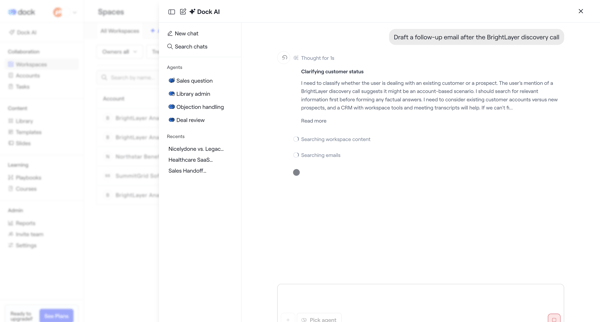
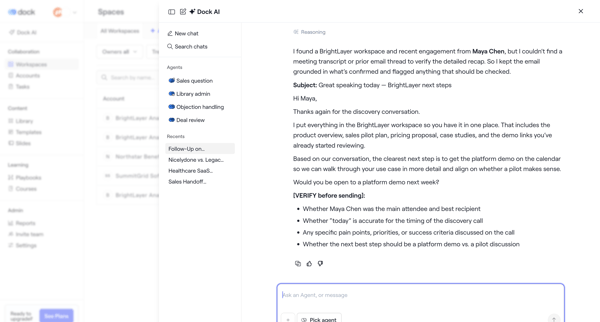
User opens AI assistant drawer or modal, selects sales agent, prompts for follow-up email draft, watches agent search workspace content and reasoning steps, then reviews and edits the generated email
Explore the full SaaS flow library
Browse the full SaaS flow library.
Trusted by the best teams







