Completing account setup
User flow from Found.
Preview these flows

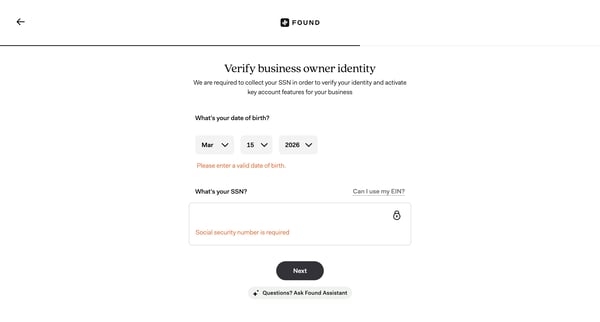
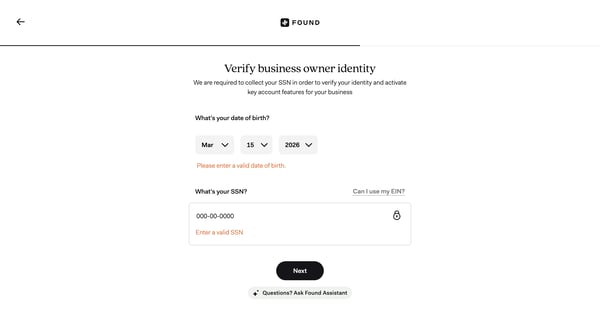
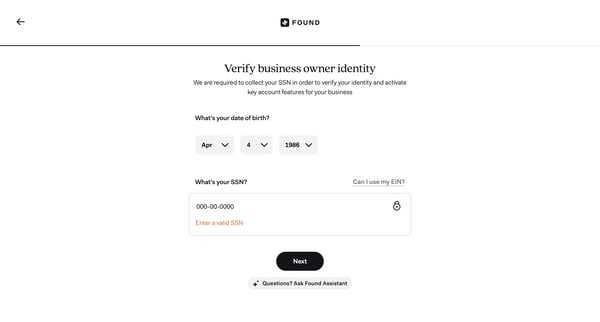
Related user flows

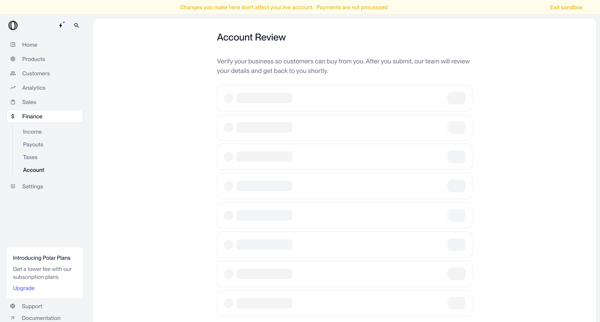
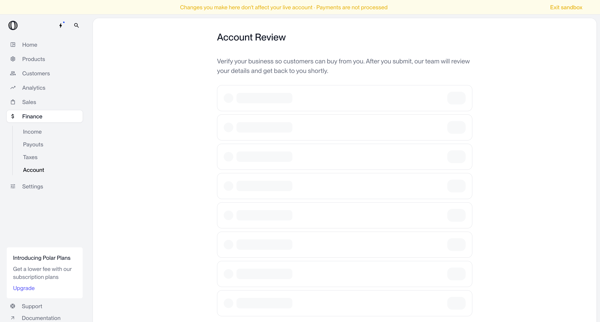
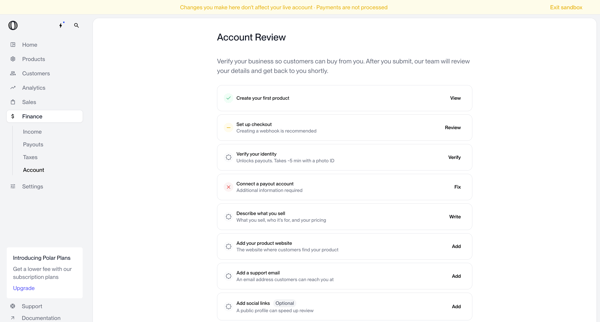
Merchant completes business verification form and onboarding checklist in Polar settings and dashboard to submit account for review and enable customer payments

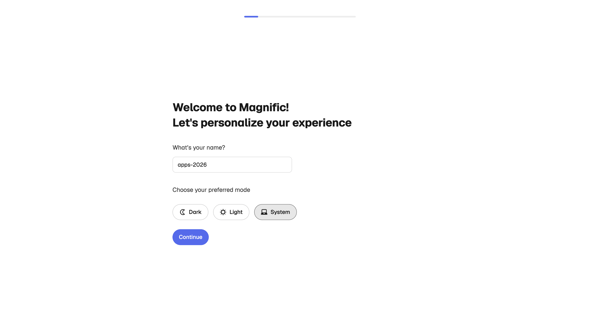
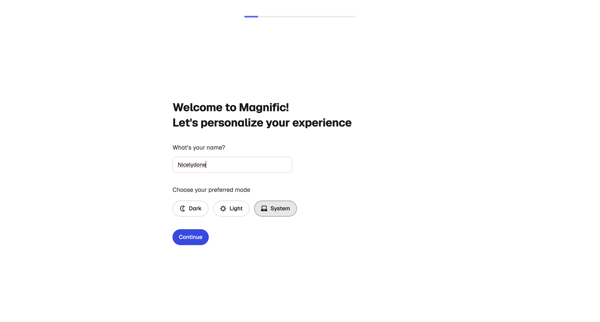
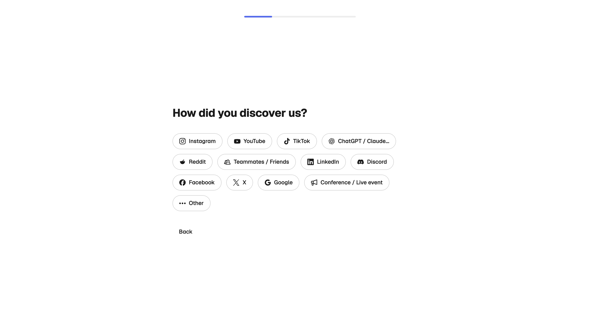
User completes multi-step onboarding in Magnific by personalizing profile, profiling creative needs and experience, selecting use cases, and initializing workspace

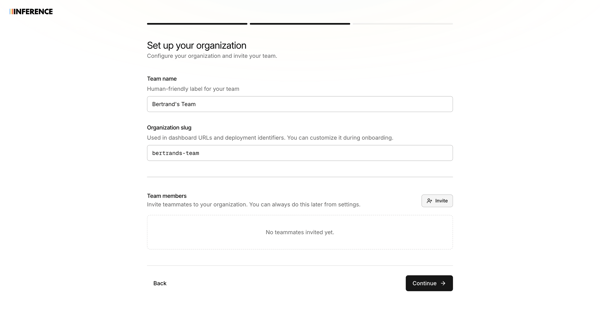
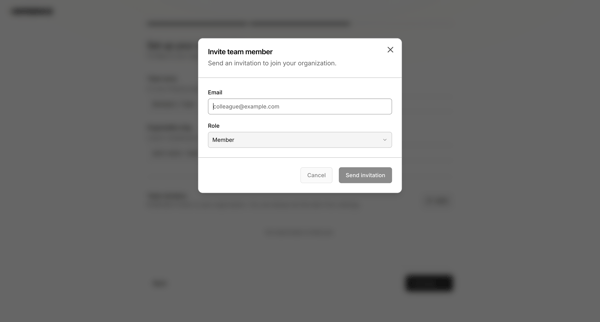
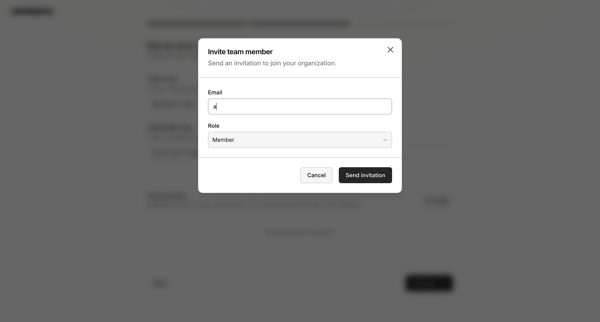
Onboarding flow to name organization, configure custom slug, and invite initial team members via modal with role assignment and validation

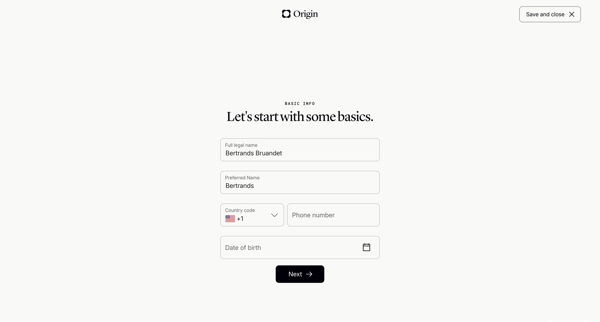
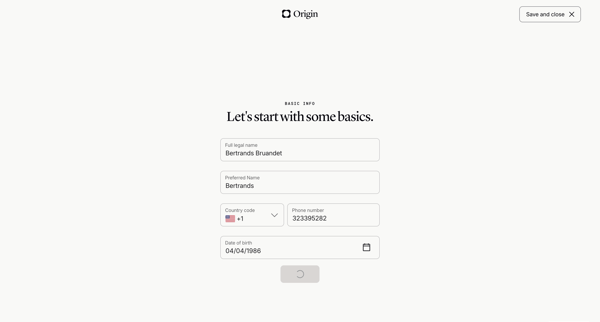
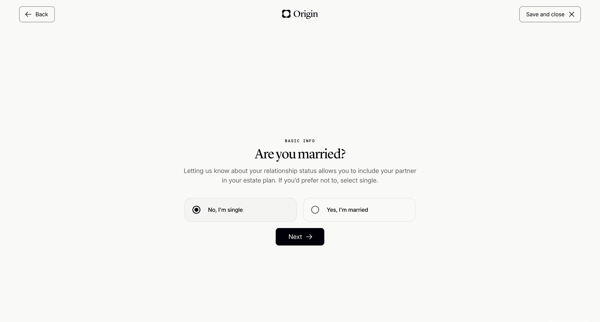
Onboarding wizard collecting personal details, relationship status, children info, state of residence, and executor names to generate a basic will

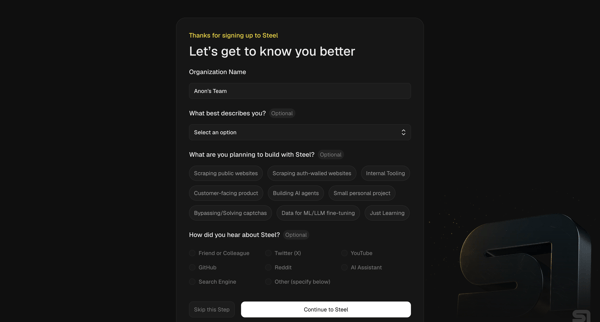
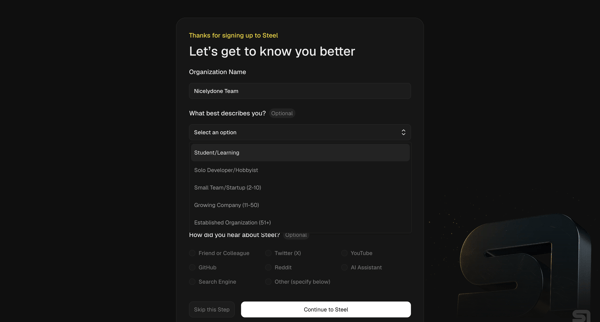
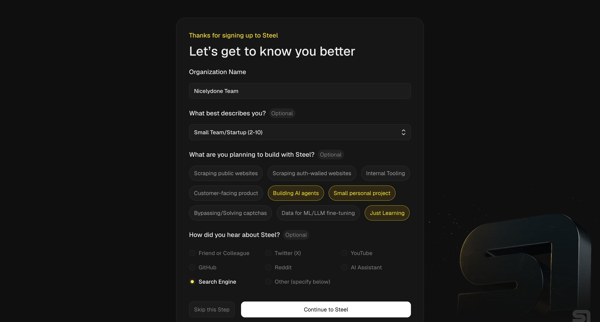
User completes organization questionnaire then developer quickstart to generate API key, install SDK, and pick starter templates for browser automation agents

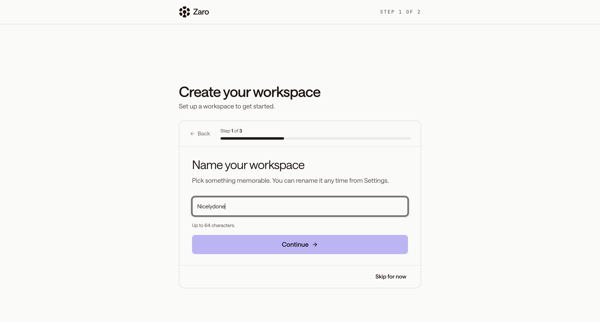
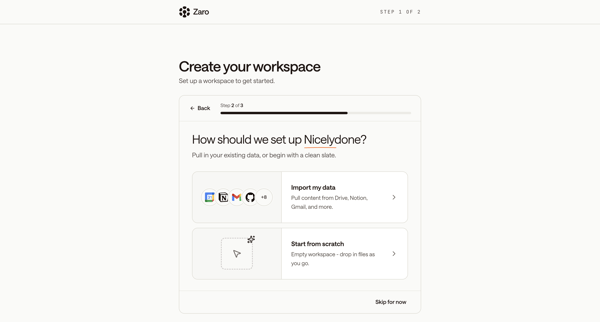
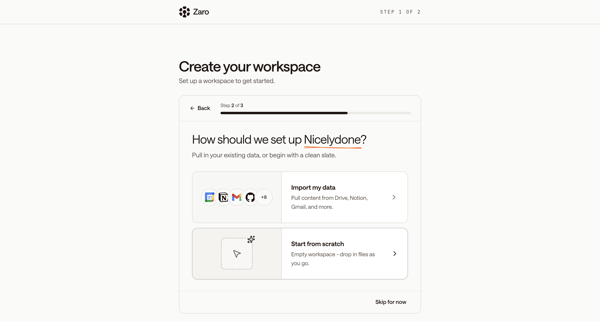
New user names workspace, chooses data import or integrations, connects tools, then follows multi-step product tour across modals and AI chat interface

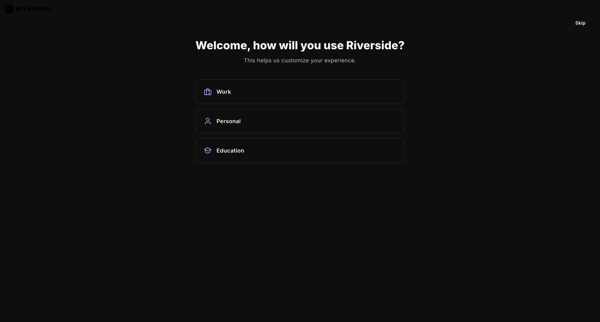
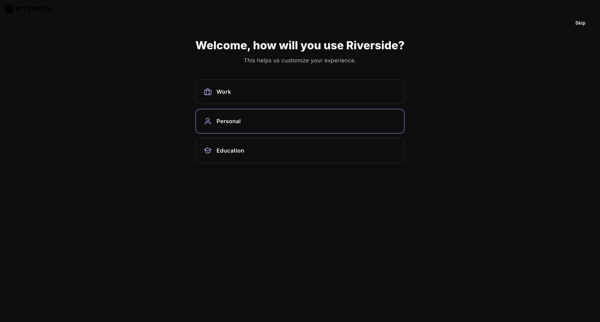
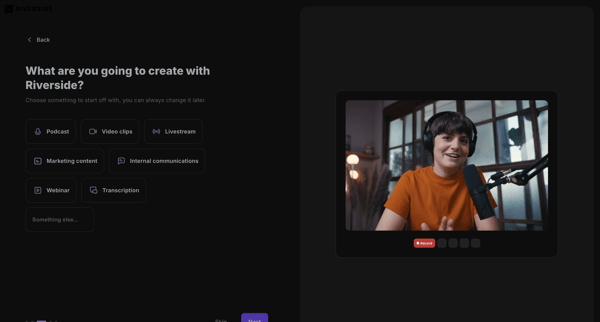
User selects primary use case, content goals, discovery source, and starting tools to personalize workspace in Riverside

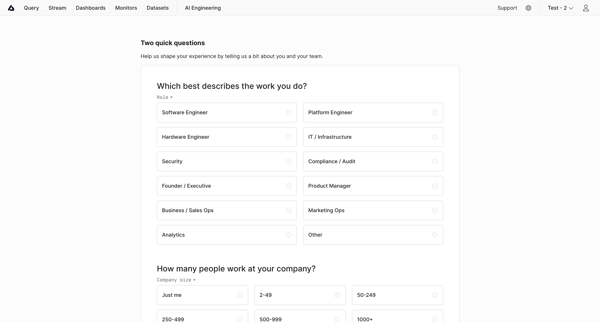
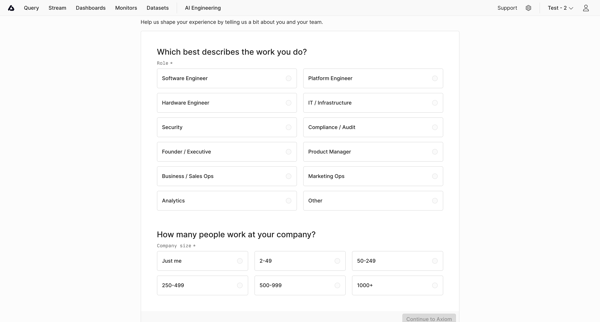
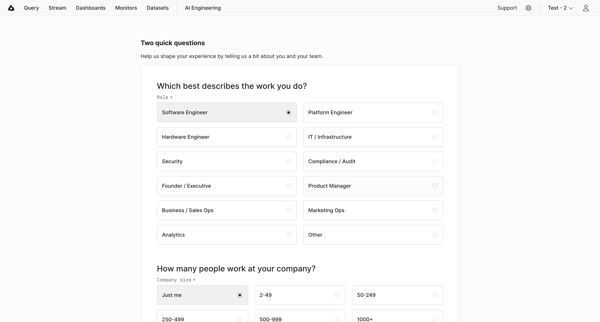
User selects role and company size then completes workspace checklist including data send, dataset creation, and teammate invites in Axiom

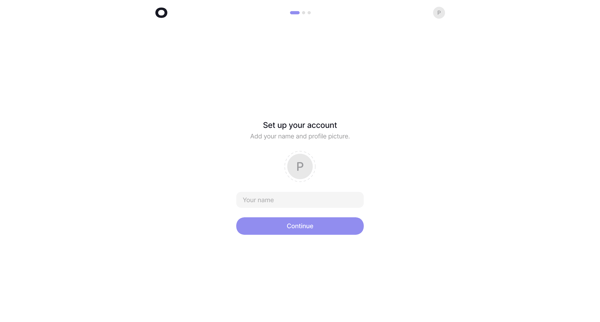
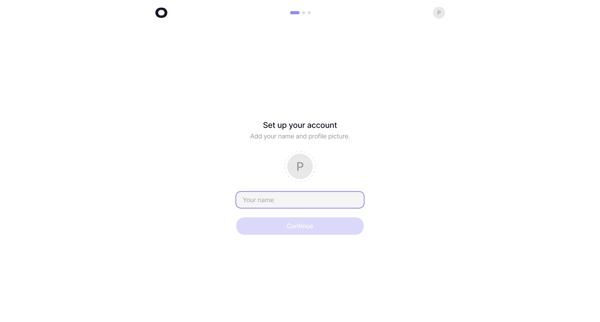
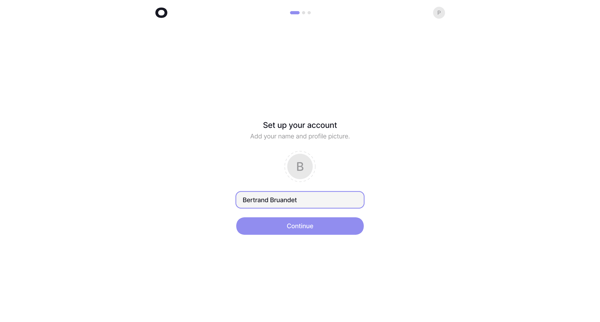
Multi-phase onboarding that sets up account profile, first analytics project, revenue provider integration, and tracking script installation for Visitors web analytics

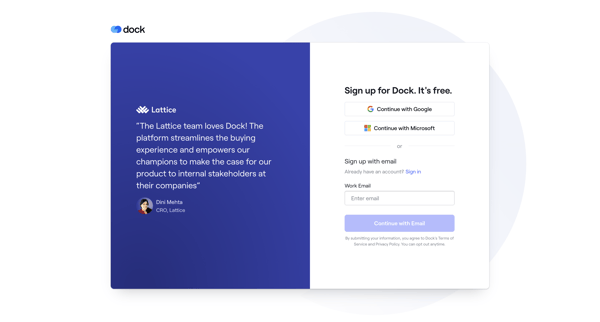
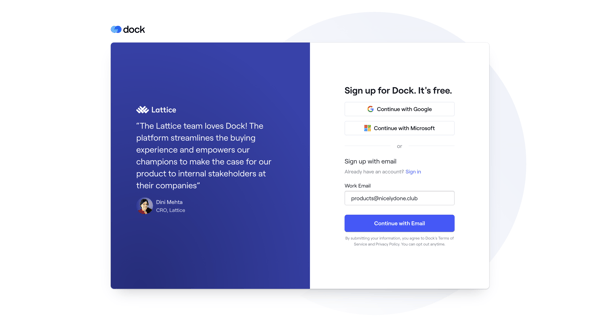
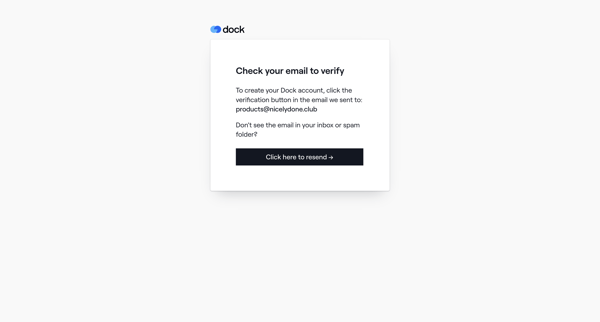
New user signs up via social or email, verifies, creates profile, sets up organization workspace with branding and integrations, then selects a template before entering the app

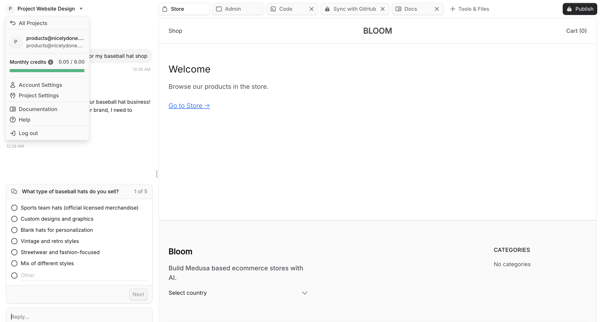
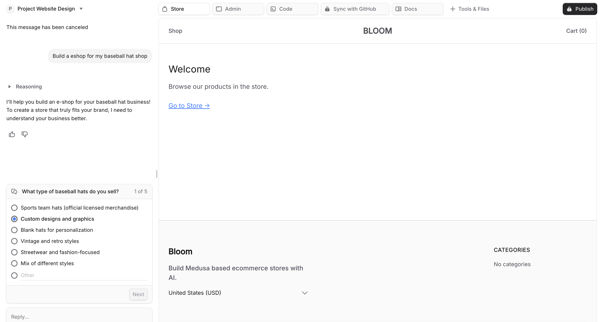
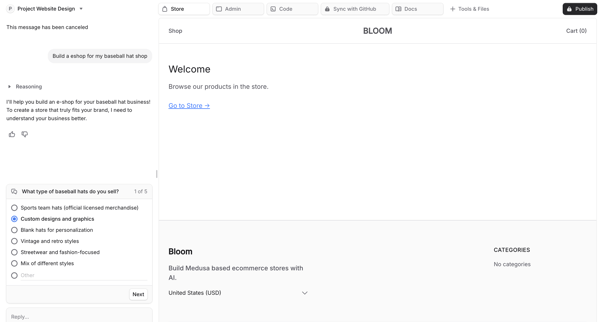
AI chat-driven onboarding that generates a custom ecommerce store via questionnaire, live preview, and agent trace


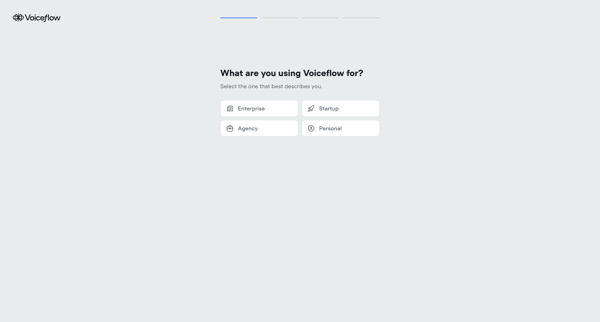
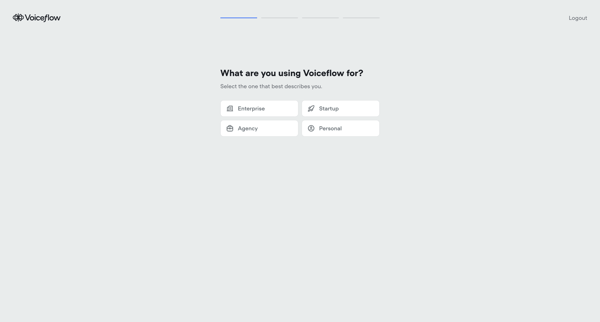
User advances through loading states, use case and persona selections, channel choices, volume estimation, and AI agent configuration to initialize a Voiceflow workspace
Explore the full SaaS flow library
Browse the full SaaS flow library.
Trusted by the best teams







