Voiceflow user flows examples
Explore Voiceflow user flow examples. Preview the opening screens and steps for each task. Build amazing conversational assistants
Preview these flows

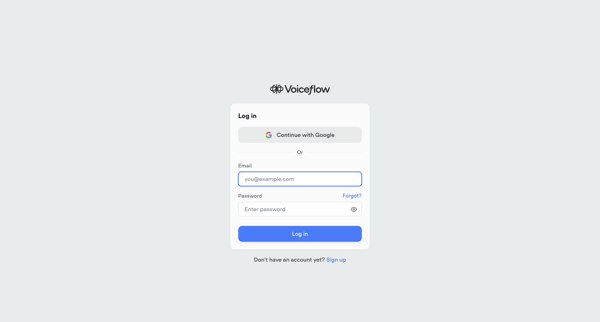
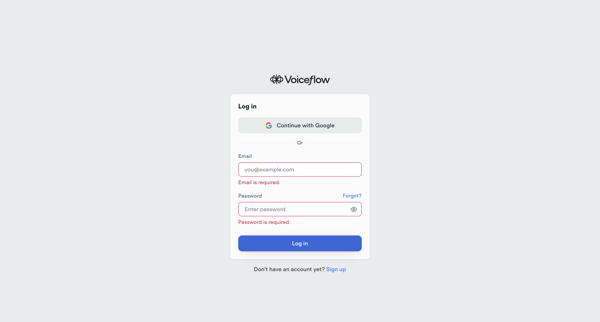
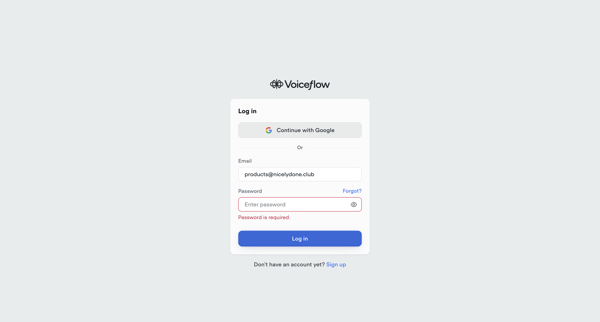
Authenticate into Voiceflow via Google SSO or email and password across default, error, and loading states
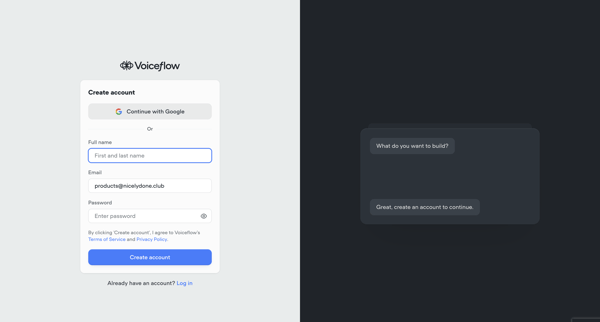
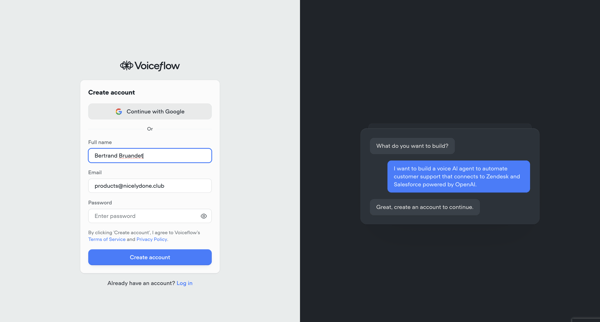
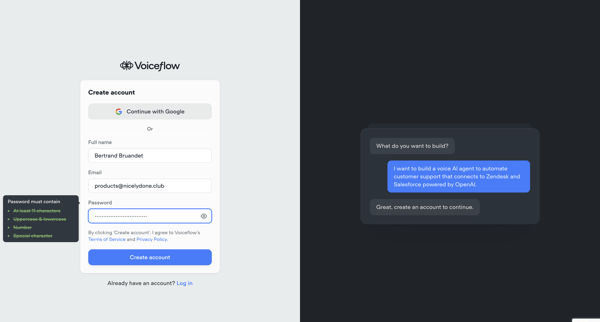
Creating a Voiceflow account via email and password or Google OAuth on a split-screen signup form with conversational AI preview

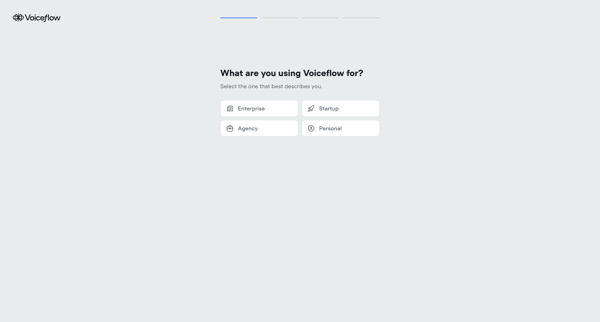
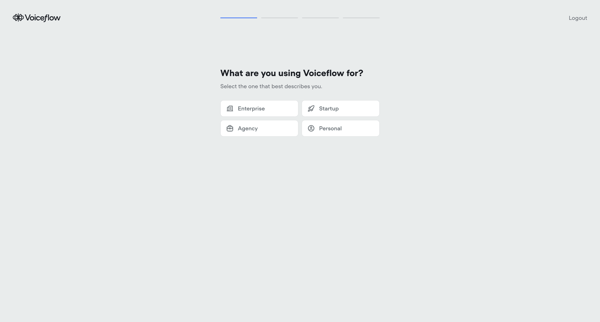
User advances through loading states, use case and persona selections, channel choices, volume estimation, and AI agent configuration to initialize a Voiceflow workspace
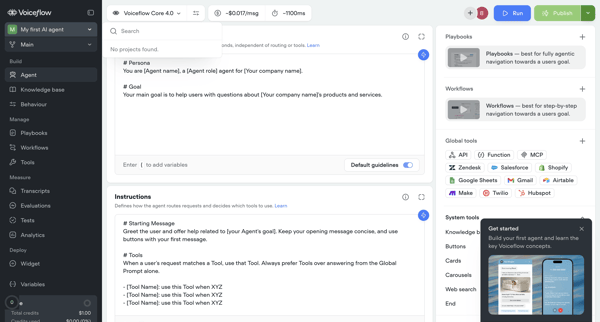
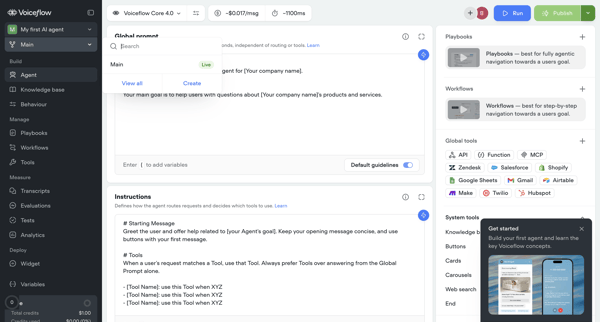
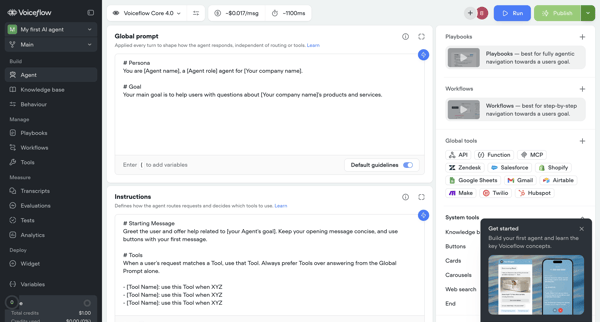
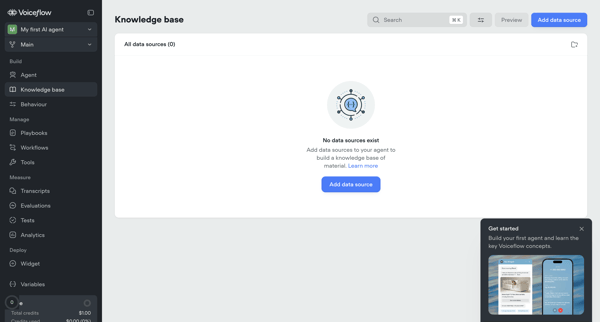
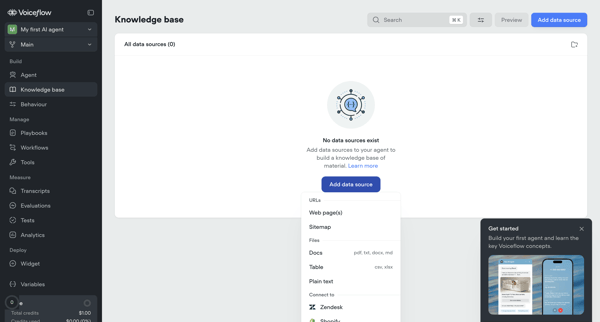
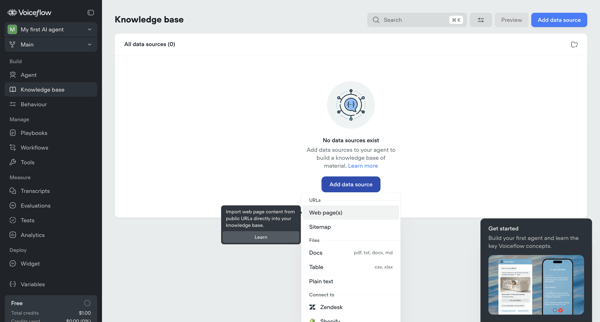
User starts from empty knowledge base state and adds/configures data sources via import modals for URLs and sitemaps, setting sync, chunking, and system prompt options before managing sources in list and settings views
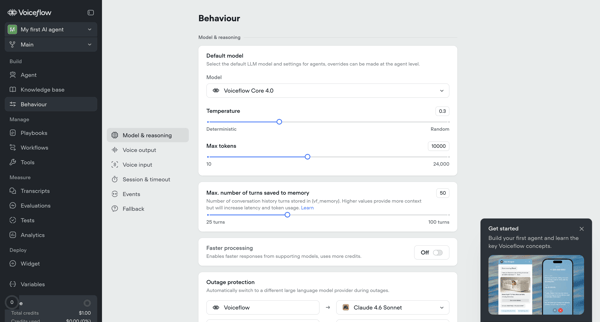
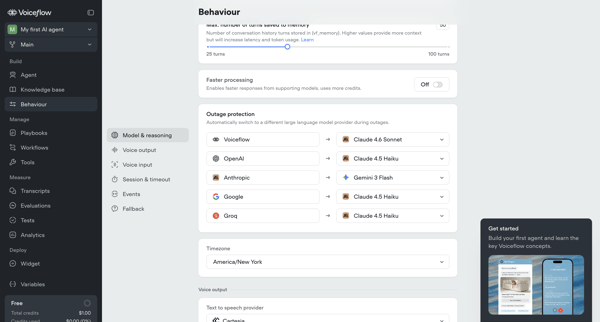
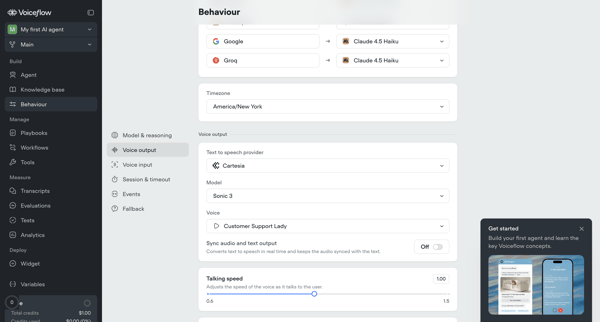
Multi-screen settings flow to configure LLM models, temperature, voice output, timeouts, memory, and fallback behavior for an AI agent in Voiceflow
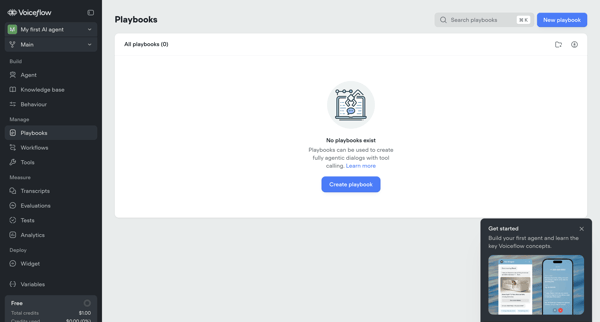
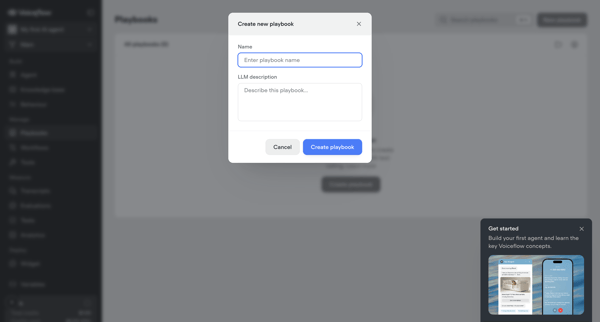
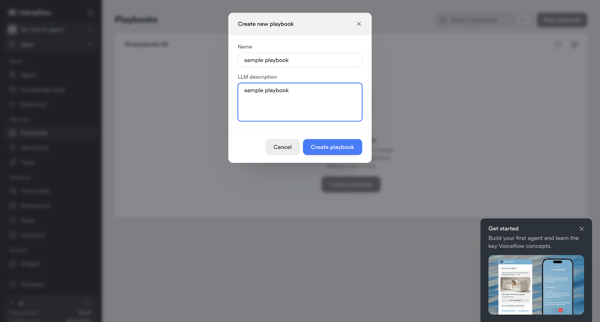
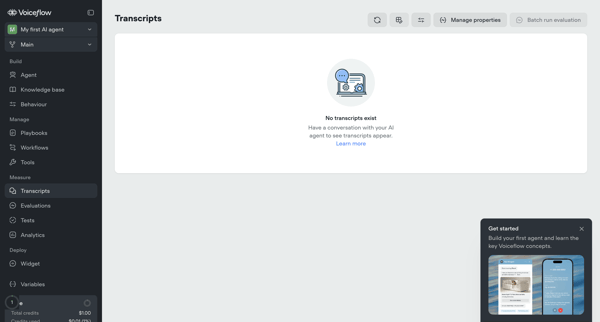
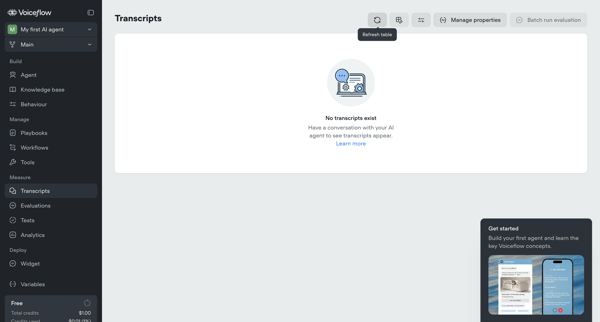
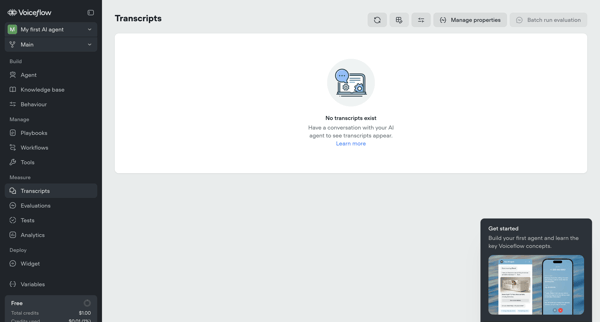
Exploring empty transcripts list views with onboarding prompts, settings modals, and upgrade nudges in Voiceflow
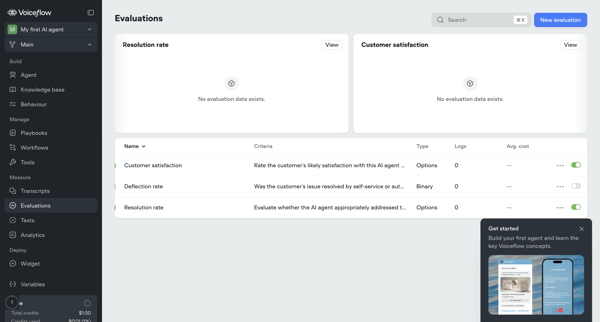
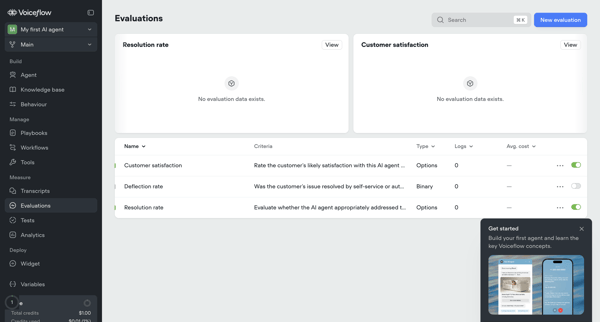
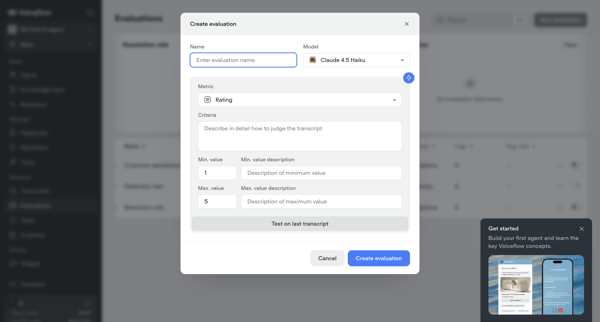
Viewing resolution and satisfaction metrics while creating and configuring AI evaluation criteria from the evaluations dashboard in Voiceflow
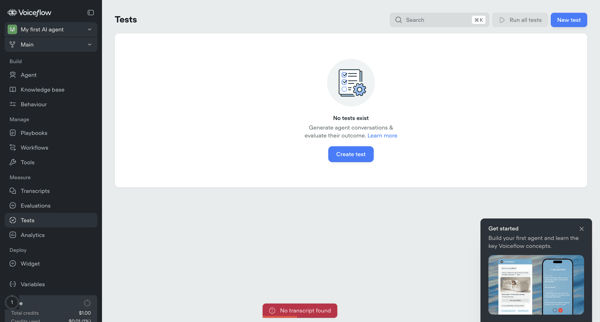
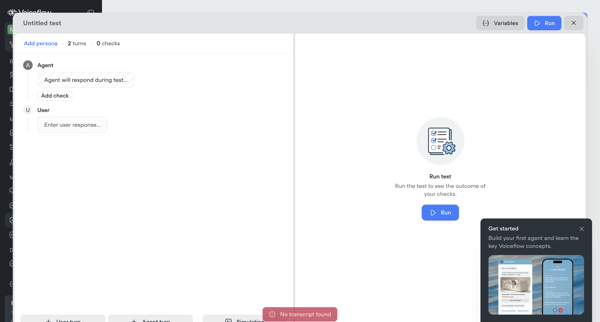
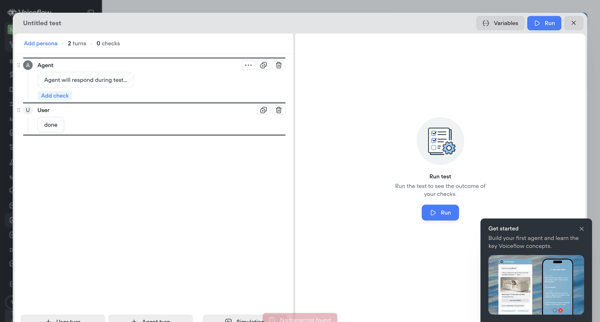
Creator starts from empty tests list, builds turn-based test scenarios in modals, configures LLM judges, runs live simulations, and reviews pass/fail traces for Voiceflow agents
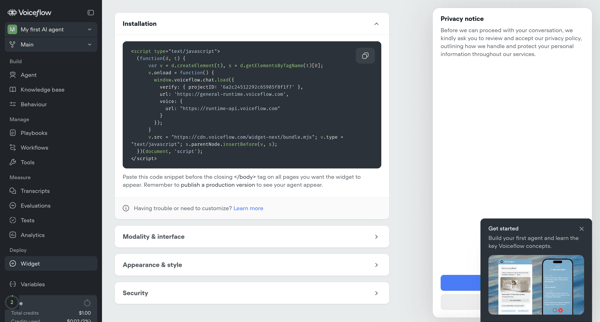
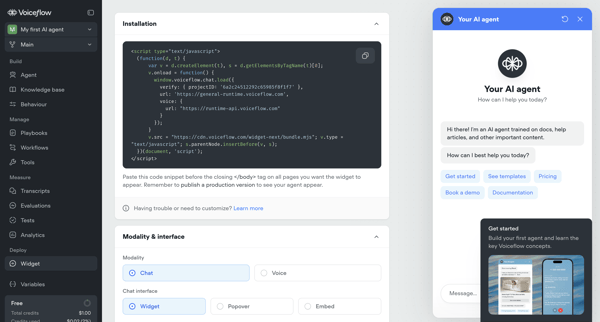
User configures installation snippet, appearance, security, and deployment options for Voiceflow AI agent's webchat widget across multiple settings screens, with upgrade prompts for advanced features
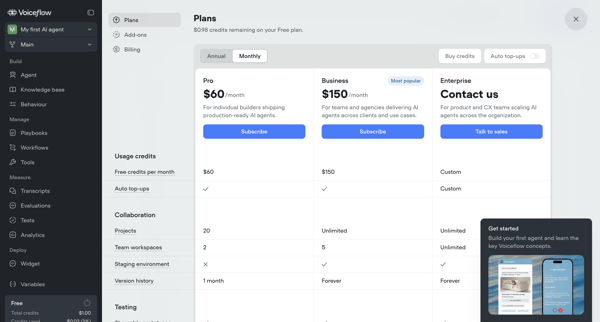
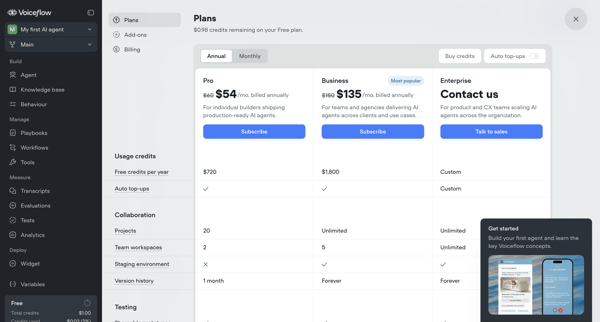
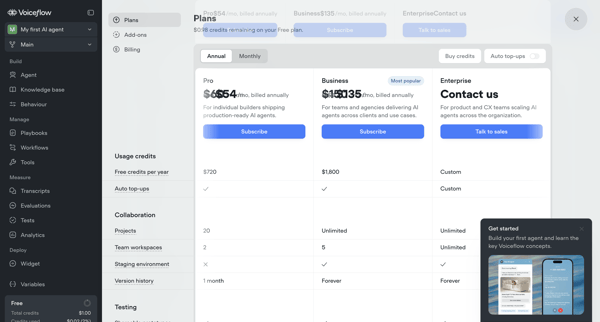
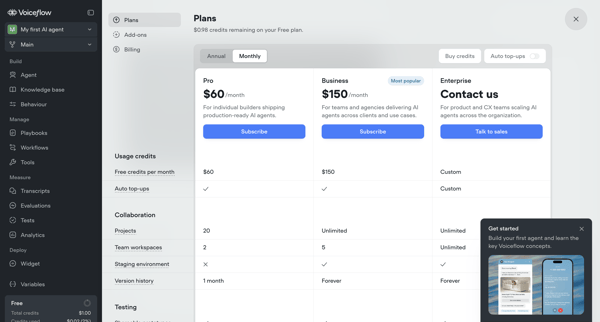
User compares Pro, Business, and Enterprise tiers across billing overlays, modals, and settings pages, toggles annual vs monthly billing, configures add-ons like seats, and manages payment details to complete an upgrade from Free tier.
Explore the full SaaS flow library
Browse the full SaaS flow library.
Trusted by the best teams







