Town user flows examples
Explore Town user flow examples. Preview the opening screens and steps for each task. The AI assistant that manages your inbox, schedules meetings, and handles busywork.
Preview these flows

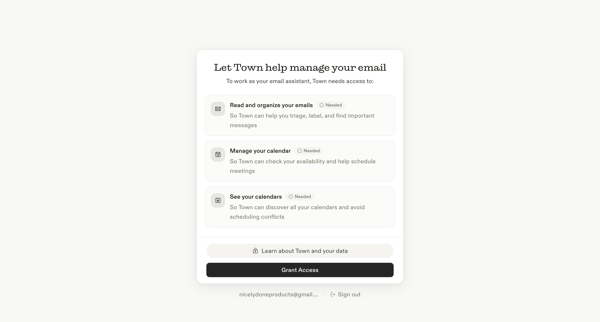
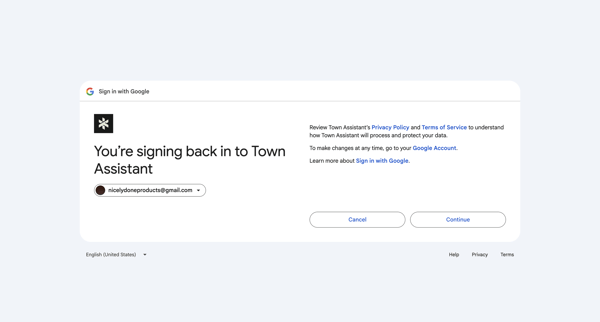
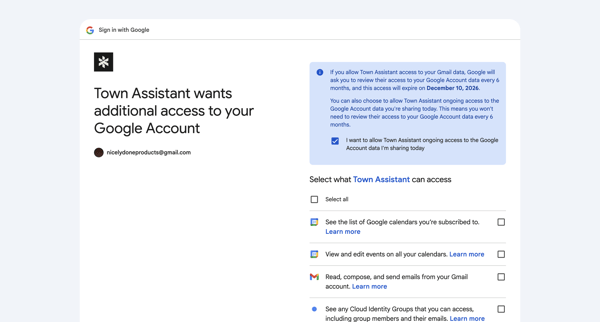
User completes Google OAuth consent to grant Town Assistant access to Gmail, Calendar, and Cloud Identity Groups after an initial permission denied gate
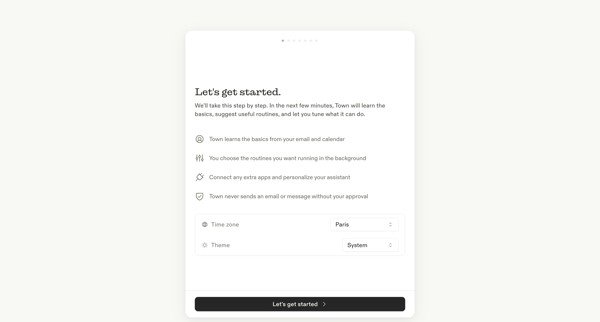
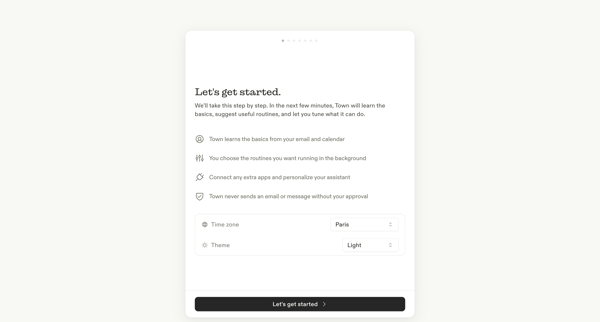
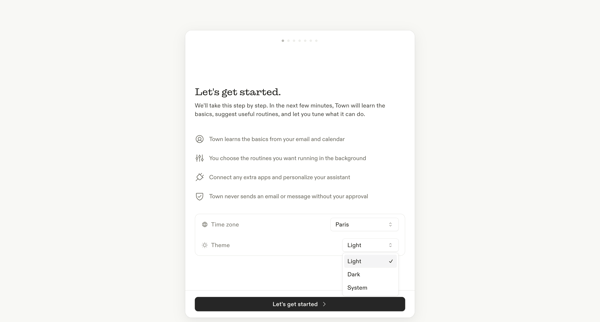
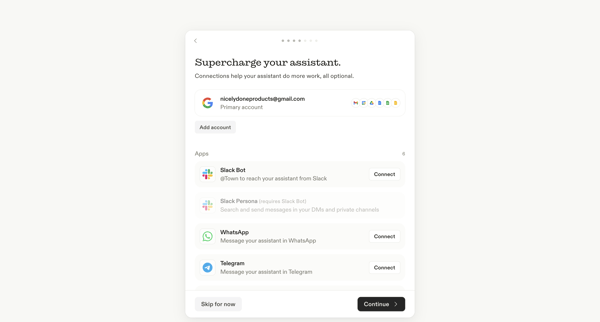
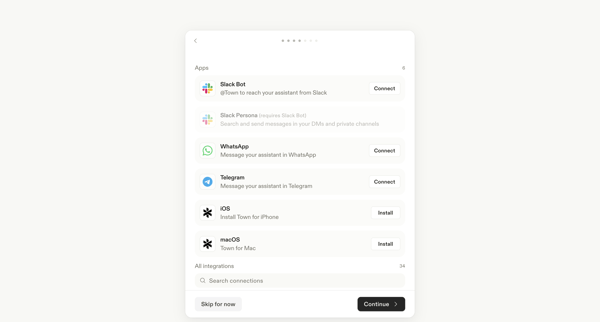
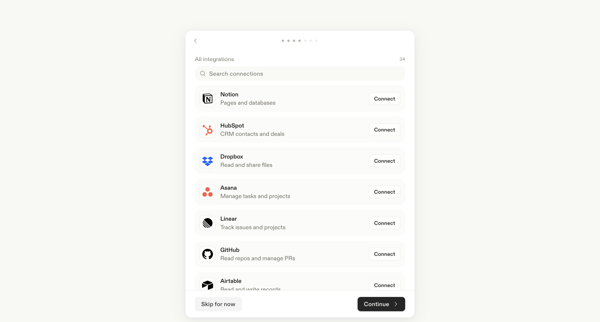
Multi-step onboarding wizard connecting Google, Slack, WhatsApp, Telegram, Notion, HubSpot, and other third-party apps to the Town AI assistant
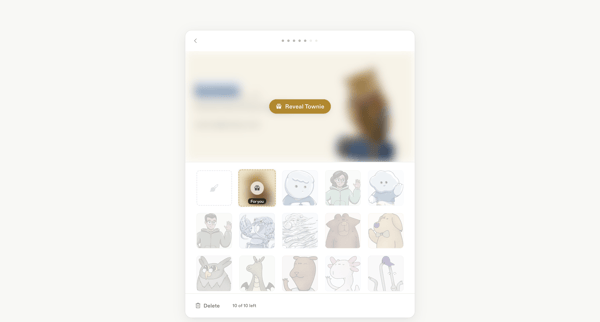
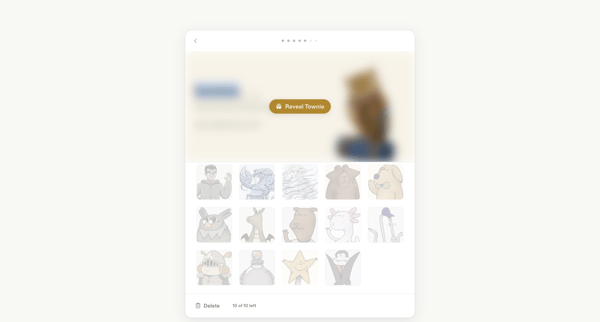
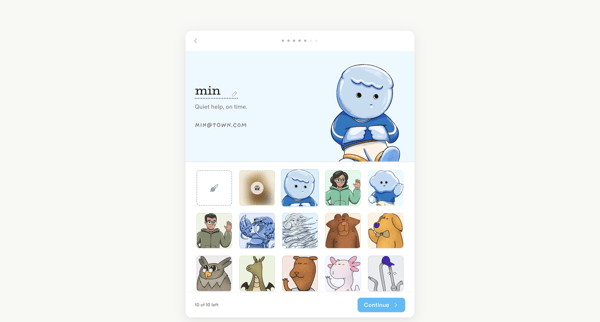
Onboarding flow for selecting or generating a custom illustrated avatar character during account setup
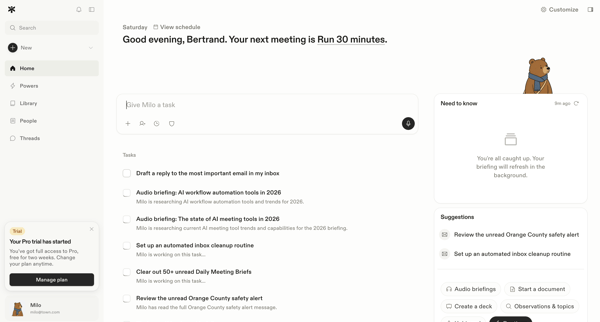
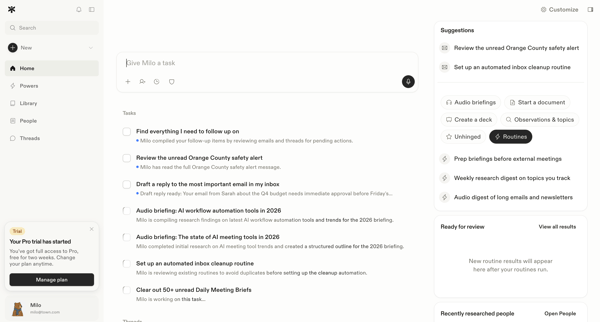
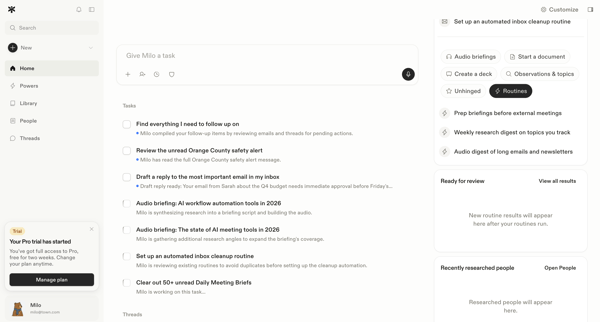
Exploring AI assistant home dashboard variations to view tasks, schedule, briefings, and interact with agent
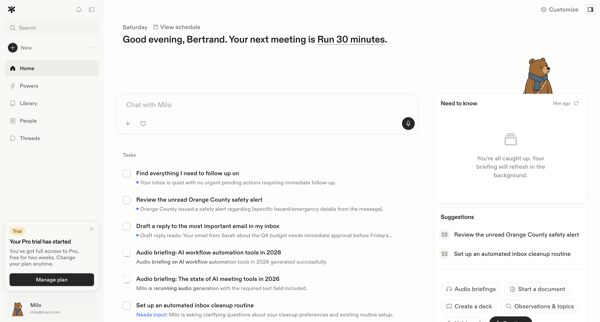
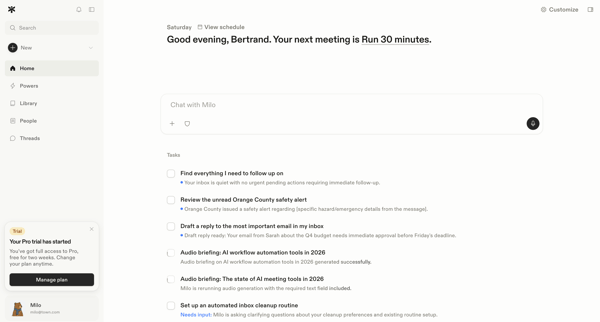
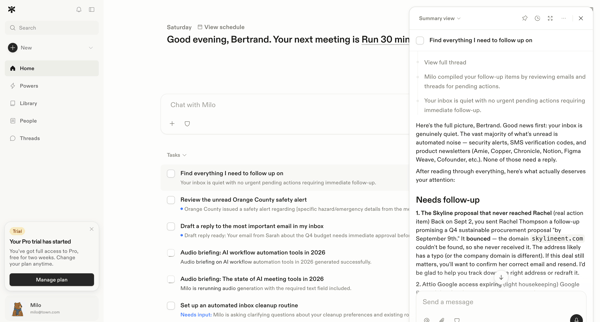
Accessing and using the AI chat interface from the personal home dashboard to review tasks, briefings, and schedule
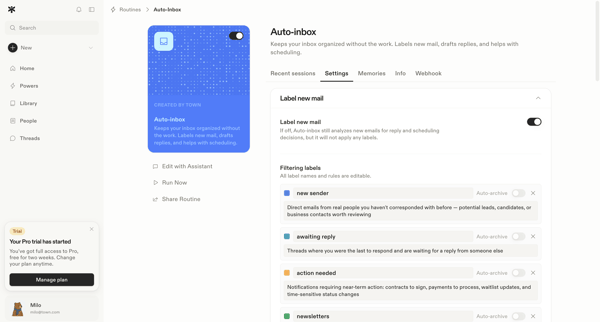
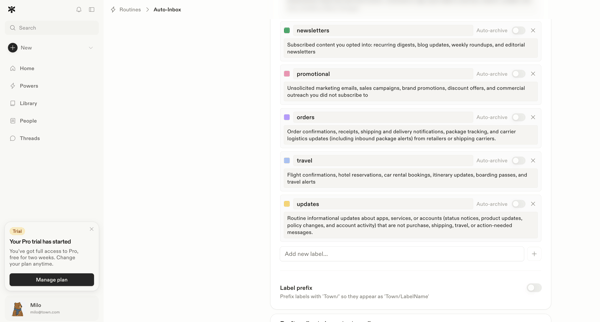
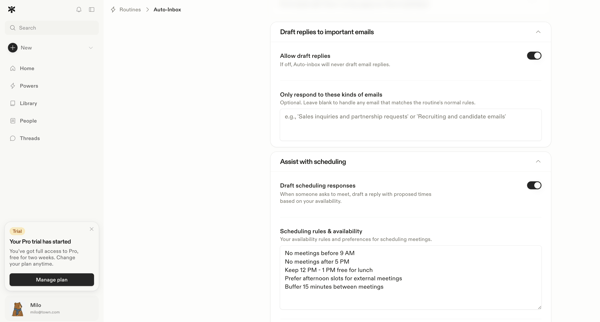
User configures AI-powered Auto-Inbox routine across multiple settings screens covering email labeling, auto-archive rules, reply drafting, meeting scheduling, tool permissions, MCP server integrations, and account triggers
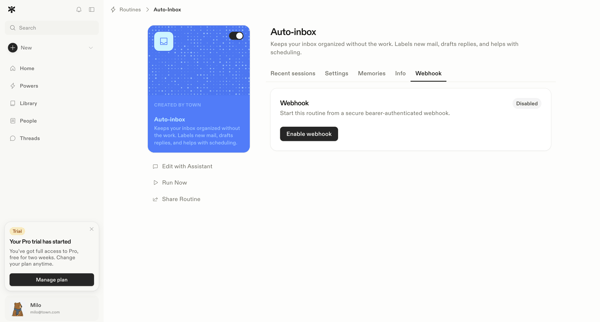
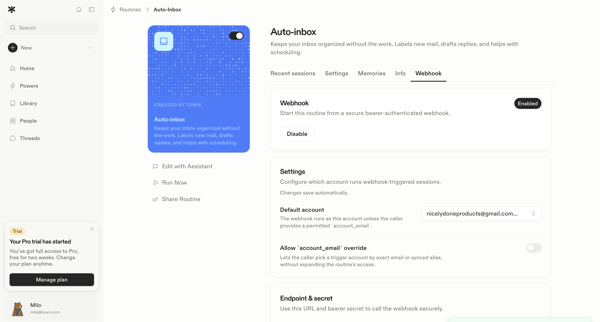
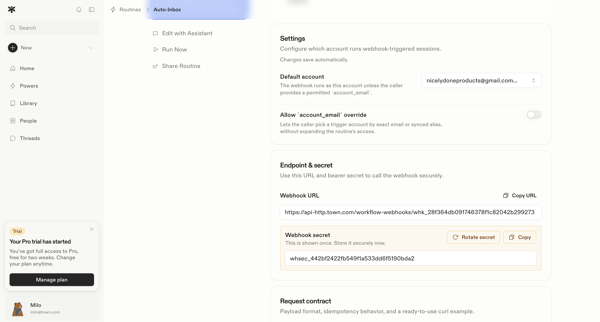
Journey through detail and settings pages to enable and configure bearer-authenticated webhooks for automation routines including endpoint URL, secret, and default account
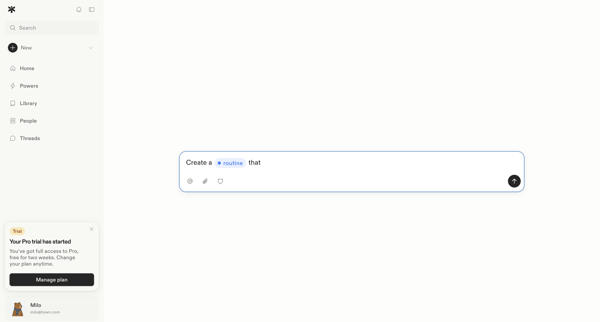
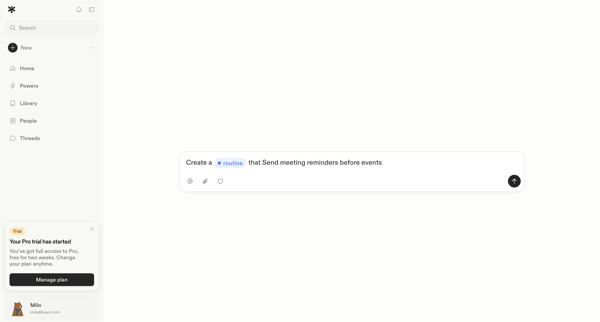
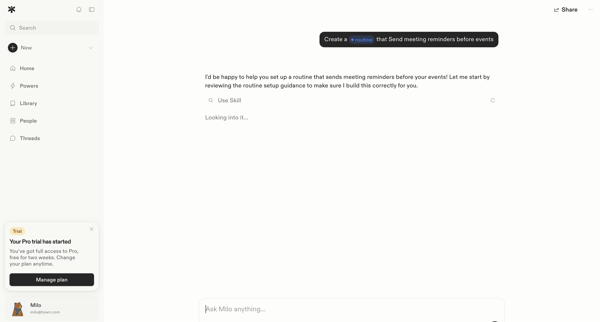
User prompts AI assistant in Town to generate, configure, review, and test an autonomous meeting reminder automation routine via conversational chat with embedded forms and side panels
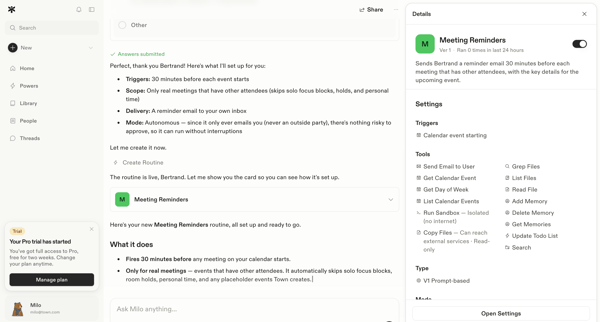
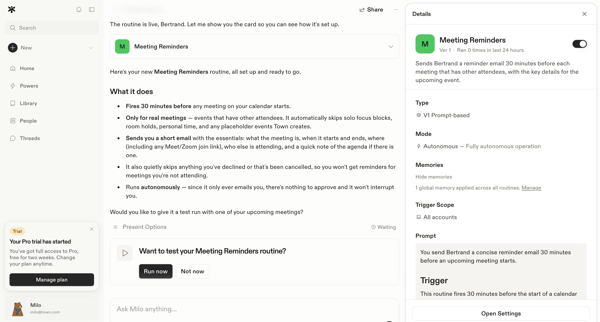
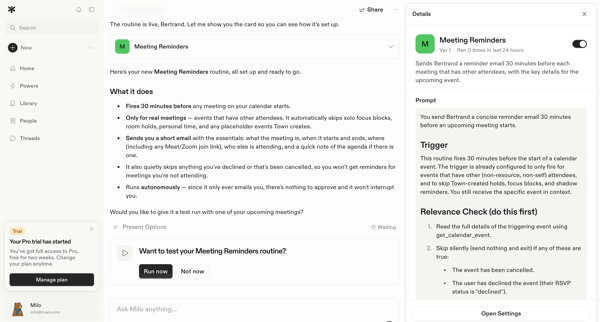
User reviews, tests, and configures an AI-generated Meeting Reminders routine via conversational chat with side configuration panel
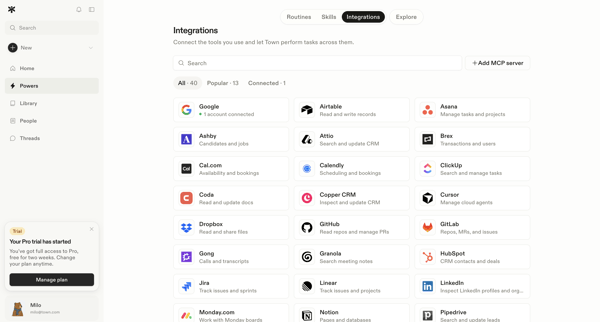
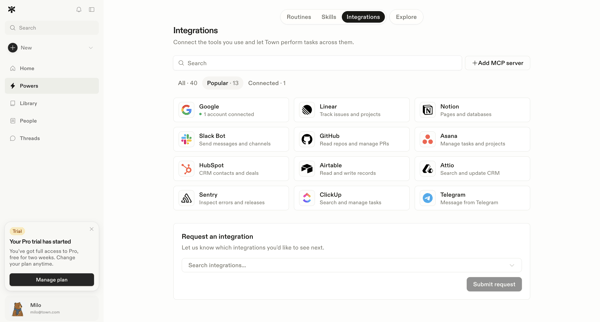
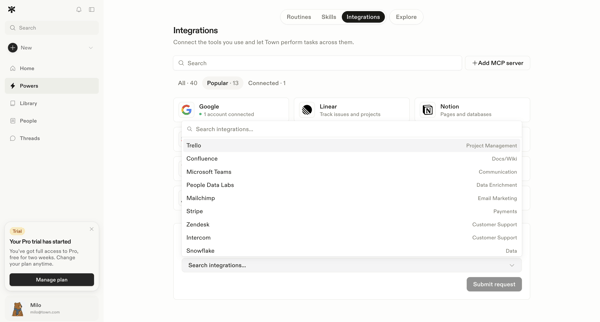
User browses the integrations directory in settings, filters and searches available tools, views connected accounts, opens a request modal for missing integrations, and submits a request for an unsupported tool.
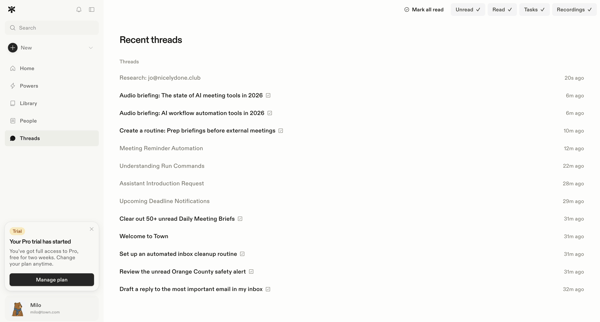
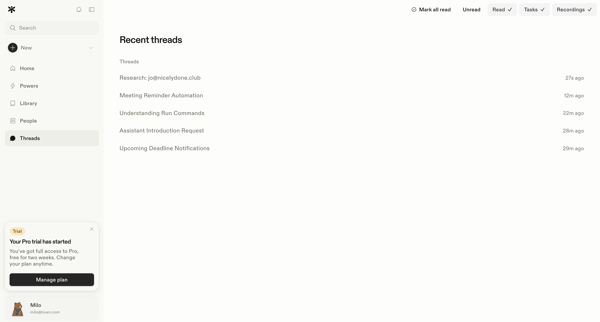
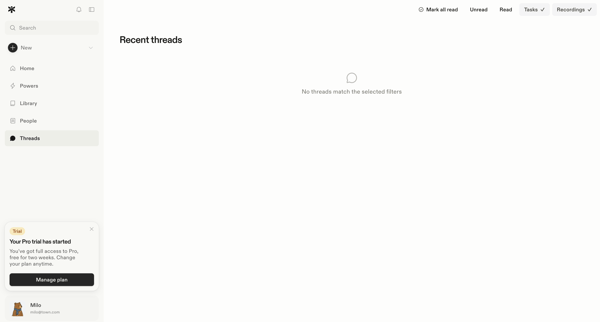
User applies read status, task, and recording filters to the inbox thread list, encounters empty states when no matches exist, and marks threads read
Explore the full SaaS flow library
Browse the full SaaS flow library.
Trusted by the best teams







